
Electronics
Discover the best electronics for everyday life, from smart home devices and accessories to gadgets that make daily tasks easier. Our curated selection spans budgets and use cases, including picks that pair well with our Televisions and Headsets categories.
We review performance, reliability, and value to help you make the right choice. Compare options and upgrade your setup with confidence.

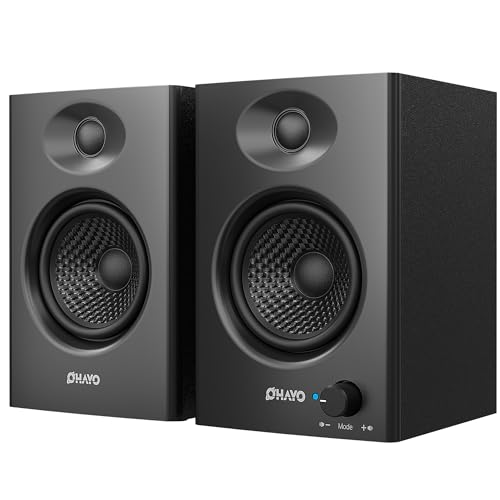
Best Computer Speakers for Music under 100 of 2026: Complete Buying Guide

Best Modems and Routers for Comcast at Every Price: What Your Money Really Gets You (2026)

Best Gaming Laptops 1500 for Every Need: How to Pick the Right One (2026)

Best Computer Speakers for Surround Sound: What Actually Matters in 2026
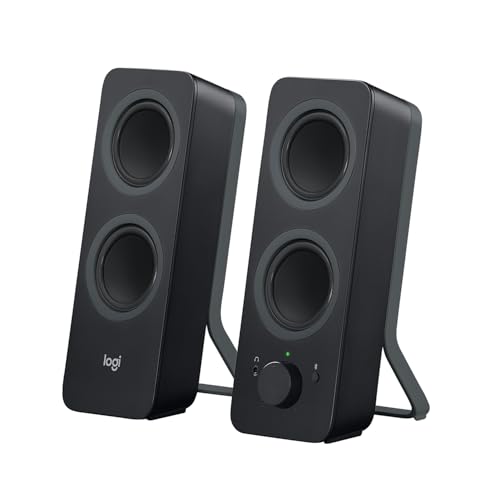
Best Computer Monitor Speakers: What Actually Matters Before You Buy in 2026
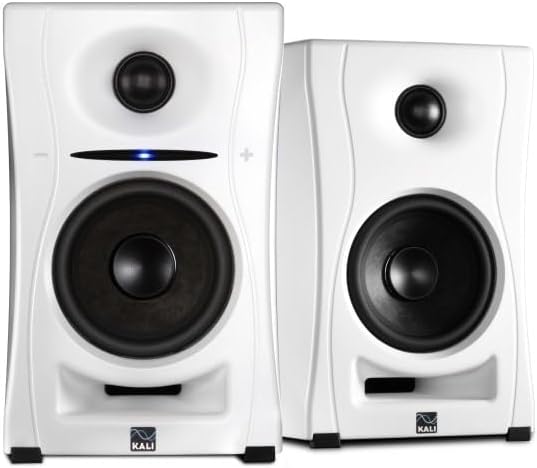
Best Computer Audio Monitors of 2026: Buying Guide

Best Computer Speakers for Mixing: Matching the Right Model to Your Routine for 2026

Best Laptops and Tablets: What Actually Matters Before You Buy (2026)
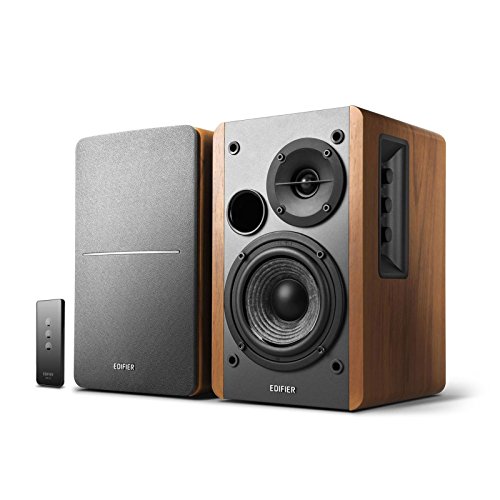
Best Computer Speakers for Music 2026: Buying Guide

Best NVMe SSD: Budget, Midrange, and Premium Picks for 2026

Best Computer Makers of 2026: Complete Buying Guide
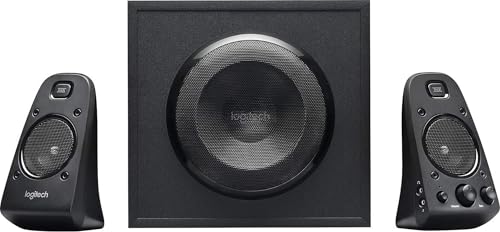
Best Computer Speakers and Subwoofer 2026: Buying Guide
Best Computer Mini Speakers 2026: A Practical Buying Guide
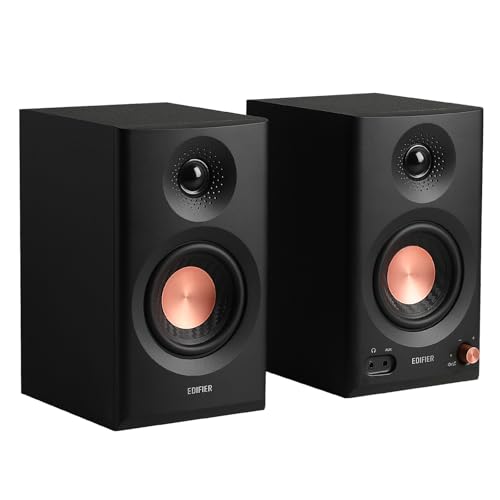
Best Computer Speakers for Home Studio: A First Time Buyer's Guide for 2026

Best Dell Laptops for Business: Budget, Midrange, and Premium Picks for 2026

Best WiFi Adapter for PC Gaming: PCIe and USB Types Compared (2026)

Best Cameras WiFi: A First Time Buyer's Guide for 2026

Best Laptops 13 Inch: Which One Fits the Way You Work? (2026)

Best Gaming PC for the Money: What Actually Matters Before You Buy (2026)

Best MacBook Pro Cases in 2026: Which Type Is Right for You?

Best Fitness and Smart Watches: Our 2026 Checklist and Top 3 Picks

Best Cameras for Travel Photography: Our 2026 Checklist and Top 3 Picks
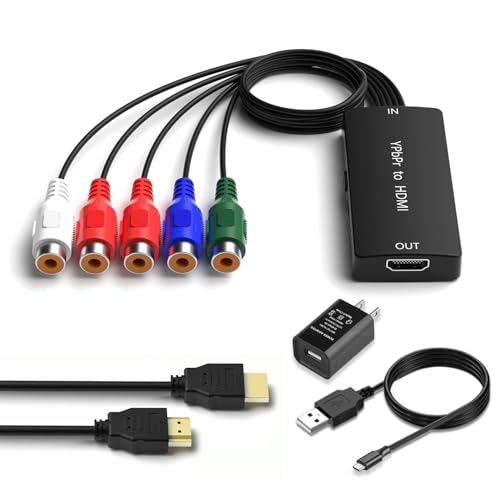
Best Component to HDMI Converter: A Buyer Checklist for 2026

Best Component Speakers: Sizing, Power and Installation for 2026

Best Component Speakers without Amp: Efficient Sets for Head Unit Power for 2026

Best Component Speakers under 500: Tuning, Power and Fit for 2026

Best Component Speakers under 300: Amplified Builds and Tuning for 2026

Best Component Speakers under 200: What the Extra Money Buys for 2026

Best Component Speakers under 100: Fit, Power and Install Tips for 2026

Best Component Speakers for Sound Quality: Tweeters, Crossovers and Fit for 2026
Think in Systems, Not Single Gadgets
Electronics work best when they fit together. A new soundbar should connect cleanly to your TV, smart cameras should work with the app or voice assistant you already use, and a strong home network supports everything else. Before buying, list the devices you own and check which ecosystems and connections they share.
Home Network and Smart Devices
Slow WiFi undermines streaming, security cameras, and video calls. Mesh systems spread coverage across larger or multi level homes. Our guide to mesh WiFi systems for smart homes explains how many nodes you need and which standards matter. For security, consider these points:
- Storage: local storage avoids monthly fees, while cloud plans add remote backup.
- Power: wired cameras run continuously; battery units are easier to place but need recharging.
- Privacy: look for two factor authentication and encrypted video.
- Field of view and night vision: both affect how much detail you actually capture.
TV and Audio
Choose TV size based on seating distance and room light. OLED panels deliver deep blacks for dark rooms, while bright LED and QLED models handle sunny living rooms well. Our televisions section compares sizes and panel types. TV speakers are often thin, so a soundbar is a common upgrade. A model with a separate subwoofer adds bass for movies, and HDMI eARC simplifies setup by letting one remote control both devices. Small soundbars start around $100, while larger systems can run from $300 to $800.
Photos and Everyday Gadgets
Mini photo printers and WiFi picture frames make sharing family photos easy. Check app support, paper or storage costs, and whether relatives can send photos remotely.
Common Mistakes
- Overlooking subscription costs on cameras and doorbells.
- Buying a large TV without measuring the wall or stand.
- Mixing smart devices from ecosystems that do not talk to each other.
- Ignoring router placement, which can matter as much as the router itself.
Cables, chargers, and mounts also make a difference, and our accessories section covers those supporting pieces.
Firmware updates matter more than many shoppers realize. Brands that release regular security and feature updates keep devices useful longer, so check a product's support history before committing to an ecosystem.
Power protection is also worth a thought. A surge protector shields TVs, consoles, and routers from spikes, and a small battery backup keeps your network running during short outages.
Electronics FAQ
What size TV should I buy for my room?
A common guideline is a screen diagonal of about half to two thirds of your viewing distance for 4K TVs. Measure the wall or stand and consider room brightness when choosing a panel.
Do I need a mesh WiFi system?
Mesh systems help in larger homes, multi story layouts, or spaces with dead zones. A single good router is often enough for small apartments with few devices.
Is a soundbar with a subwoofer worth it?
A separate subwoofer adds deeper bass for movies and music, which most thin TV speakers lack. If you live in an apartment, a model with adjustable bass helps keep noise in check.
Do security cameras require a subscription?
Not always. Many cameras support local storage on a memory card or hub, while subscriptions usually add cloud backup and advanced alerts. Check plan costs before buying.
What is HDMI eARC?
HDMI eARC lets your TV send high quality audio to a soundbar or receiver over one cable. It also allows a single remote to control volume on both devices.