Best Computer Speakers for Mixing: Matching the Right Model to Your Routine for 2026
Disclosure: We may earn a commission when you buy through links on this page, at no extra cost to you. As an Amazon Associate I earn from qualifying purchases. Learn more

Match the best computer speakers for mixing to your work with clear guidance on flat tuning, nearfield placement, inputs, room size, and honest value.
There is no single speaker that suits every mixing routine. A bedroom producer checking balance at low volume needs something different from a video editor who only needs honest dialogue playback. This guide matches the best computer speakers for mixing to real routines, so you buy for the work you actually do.
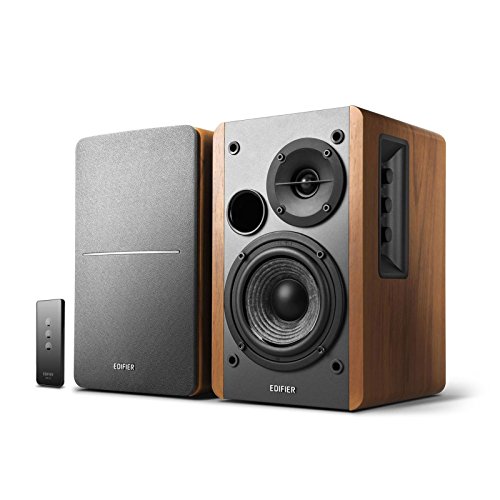
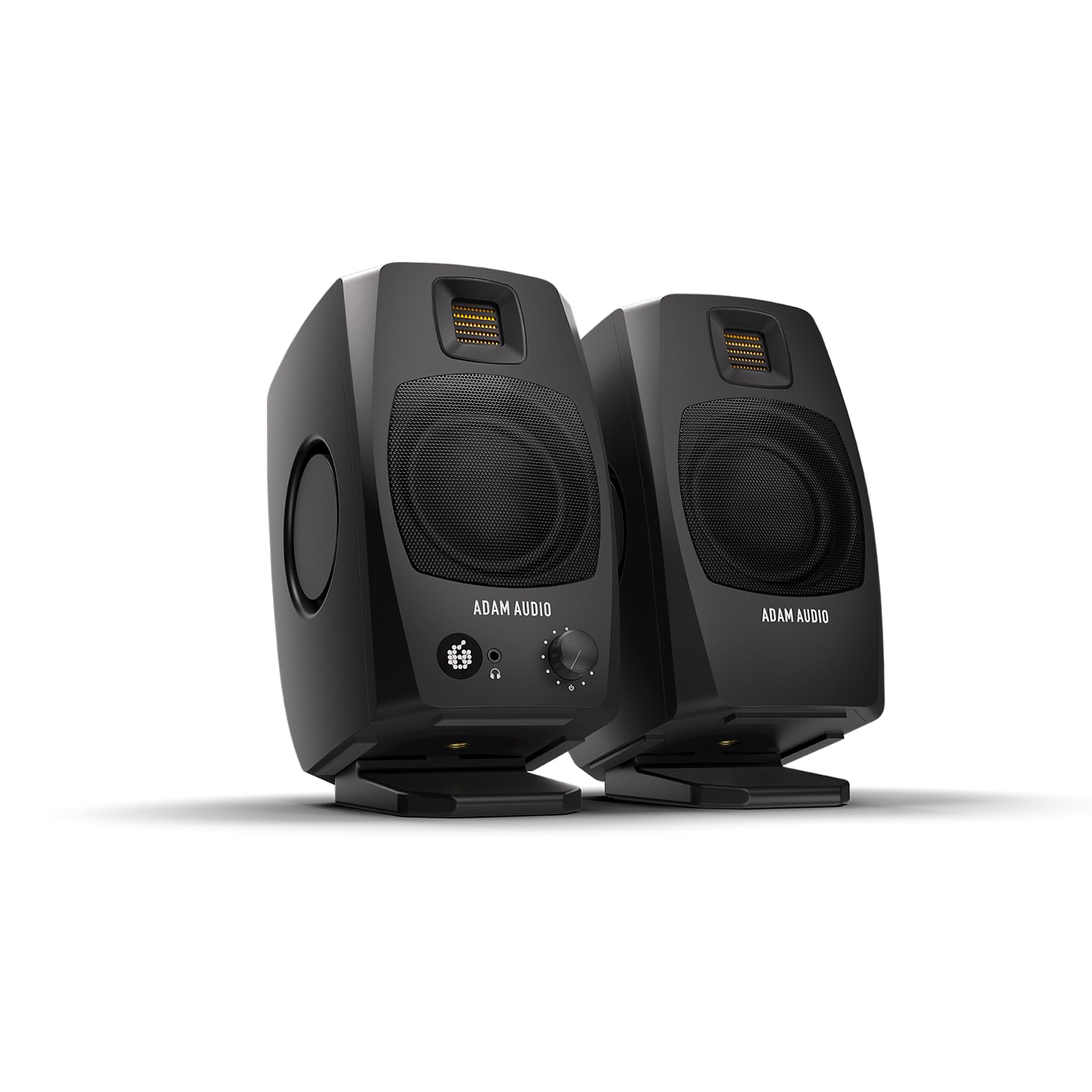
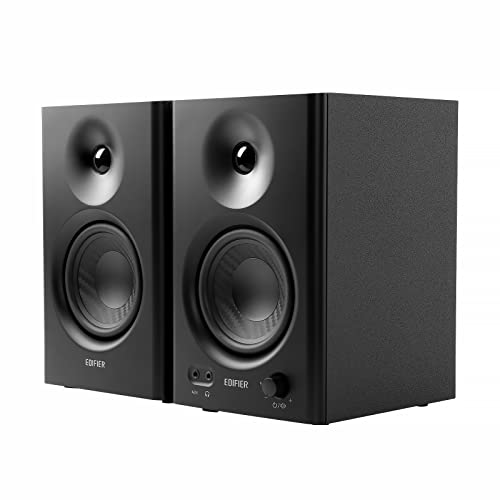
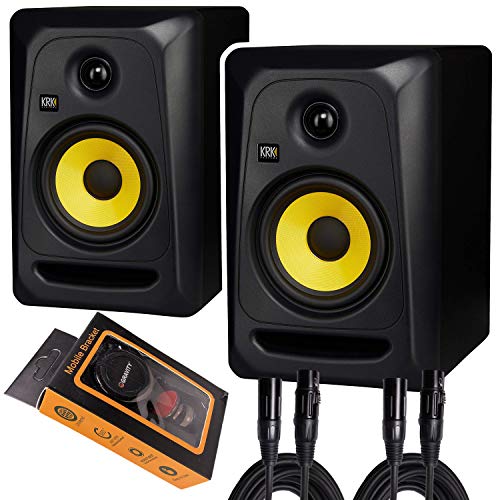
Start by naming your main task, your room, and how loudly you listen. Then use the comparison table below to check which styles fit that routine before you look at prices.


Who Should Buy Which Computer Speakers?
Mixing is a broad word. The three routines below cover most buyers, and each one points to a different balance of tuning, inputs, and budget.
For Students and Everyday Users
If you mix class projects, podcasts for fun, or social videos, you need consistency more than extremes. Choose speakers with a fairly flat tuning, modest size for a dorm desk, and a headphone jack for late night checks. Budget around $80 to $180 usually covers this level well. Skip deep bass add ons for now. Learning how your speakers translate to earbuds and car systems will improve your mixes more than extra low end in a small untreated room.
For Gamers and Power Users
You split time between play and production, so you need speakers that stay honest for work yet still feel lively for games. Look for a tuning that can switch between a flat mode and a warmer entertainment mode, plus low delay wired connections for play. Keep the flat mode as your default for any mixing decision. If you also shop for pure play, our guide to the best computer speakers for gaming covers that side in depth. For mixing, accuracy must win the tie.
For Remote Workers and Creators
Your speakers carry meetings all morning and mixes all afternoon, so reliability and clear voices matter most. Prioritize clean midrange, balanced inputs if you own an audio interface, and controls that sit on the front where you can reach them. A front volume knob and a mute shortcut save small frustrations every day. Creators publishing client work should also budget for basic room treatment, because even excellent speakers mislead in a bare echoing room.
Key Features to Compare
Judge each feature by what it does for your routine. The points below translate spec sheet terms into mixing decisions.
One practical habit ties all of these features together: keep a small set of reference tracks you know deeply, in several styles, and play them through any speaker you are judging or learning. Note where the vocal sits, how the bass feels at your usual volume, and whether small details stay clear. That personal baseline tells you more about a speaker than any single specification, and it costs nothing to build before you buy or after your new system arrives.
Noise Cancellation and Isolation
Speakers do not offer ANC, so manage noise another way. Mixing at moderate volume in a quiet room gives you the clearest picture of balance, and soft furnishings reduce reflections that blur detail. Closed back headphones can serve as a second reference when the house is loud, letting you check edits without raising speaker volume. What you want from speakers is an honest picture, and a calm room delivers more of that than any electronic feature. For monitoring focused options beyond computer models, see our guide to the best speakers for mixing.
Connectivity (Bluetooth Version, Codecs, Wired)
Wired connections should be your default for mixing. Analog RCA or TRS inputs from an interface, or a direct USB input, avoid compression and delay entirely. Bluetooth 5.3 with multipoint is handy for checking a mix on a phone stream or taking a call, but treat it as a convenience input only. Codec names such as LDAC or aptX matter far less than the wired path. Latency over Bluetooth can also nudge edits out of sync when you work to video.
Features That Matter for Mixing
Flat frequency response is the core requirement, ideally stated with a tolerance such as plus or minus 3 dB across the range. Nearfield design matters too, because you will sit about three to four feet away and need a coherent image at that distance. Drivers around 4 to 5 inches suit most desks, with a tweeter that reveals harshness without inventing it. Room controls that trim bass near walls are genuinely useful, since desks against walls inflate low end.
Sound Quality and Tuning
For mixing, neutral beats exciting. Bass boosted speakers make your mixes sound thin everywhere else, because you will cut lows that were never really there. Clear midrange is where vocals, guitars, and dialogue live, so try speech and acoustic tracks you know well. Stereo imaging should place a centered voice firmly in the middle. If a voice wanders or smears, placement or cabinet quality is off, and no equalizer preset will fully fix it.
Common Mistakes to Avoid When Buying Computer Speakers
- Buying by maximum watt claims instead of tuning and stated frequency response.
- Choosing bass heavy entertainment speakers, then wondering why mixes sound weak elsewhere.
- Placing speakers on the desk surface with no isolation, which adds buzz and boom.
- Mixing at high volume for long sessions, which tires your ears and skews judgment.
- Skipping the return window check, even though your room shapes the sound you hear.
- Ignoring input types, then needing adapters between your interface and the speakers.
Budget shoppers can still mix well with care. Our guide to the best inexpensive computer speakers shows where lower priced models cut corners and where they do not.
How to Make Your Computer Speaker Last Longer
Keep volume moderate, because most driver damage happens during loud peaks and distortion. Raise the speakers to ear level on stands or foam pads, which improves accuracy and keeps desk vibrations away from the cabinets. Dust the grilles and cones gently with a soft brush, and never push dust into the tweeter. Keep cables relaxed rather than sharply bent, and switch the system off during electrical storms if it lacks surge protection. A surge protector is cheap insurance for any powered speaker.
Best Computer Speakers for Mixing: Your Questions Answered
What features matter most in computer speakers for mixing?
Flat tuning, nearfield design, and honest inputs matter most. A stated frequency response with a tight tolerance tells you the maker aimed for accuracy rather than excitement. Bass trim controls for wall placement come next. Together these features let you trust what you hear, which is the entire point of a mixing speaker.
How long does the battery last in computer speakers for mixing?
Mixing speakers almost always run on wall power, so battery life is not part of the decision. Stable power is actually an advantage, since output stays consistent all session. Portable Bluetooth models with batteries exist, but their tuning favors entertainment and their delay complicates editing. Keep a portable speaker as a translation check, not your main reference.
Wired or wireless: which sounds better for mixing?
Wired sounds better and is the right choice for mixing. It avoids codec compression, keeps timing locked to your screen, and never drops out mid session. Wireless earns a place only for casual reference checks from a phone. If a speaker offers both, do your real work on the wired input and treat Bluetooth as a bonus.
Is ANC worth the extra cost for mixing work?
ANC is not a speaker feature, so there is nothing to pay for here. Your money works harder as basic room treatment, such as a rug, curtains, or a few panels at reflection points. Those changes improve every speaker you will ever own in that room. Quiet surroundings plus moderate volume will reveal more detail than any noise feature claim.
What IP rating do I need for outdoor use of mixing speakers?
You do not need one, because mixing speakers belong indoors where their tuning and placement can do their job. Most carry no IP rating and should stay dry and dust controlled. If you need sound outside, use a separate portable speaker for that task. Moving your reference speakers outdoors risks damage and tells you nothing useful about your mix.
Do I need a special codec for mixing on computer speakers?
No codec is needed when you connect by wire, which is how mixing should be done. Codecs only enter the picture over Bluetooth, where even the best options compress the signal. If you must check a bounce wirelessly, standard support is fine for a rough listen. Make final decisions on the wired path every time. Readers chasing maximum fidelity in general listening may enjoy our guide to the best sounding computer speakers.
The Bottom Line
Match the speaker to your routine: flat tuning and nearfield placement for serious work, flexibility for mixed use, and clear midrange for voice heavy days. Check your finalists in the product table above, and choose the best computer speakers for mixing that your room and routine can actually support. If low end extension is your one gap, our guide to the best computer speakers with subwoofer explains when adding a sub helps and when it hurts accuracy.