
Home Office Desks
Find the best home office desks for every workspace, from compact writing desks to spacious L shaped and standing desks. Our curated selection highlights sturdy builds and smart storage options for a productive setup.
We review stability, size, materials, and ease of assembly to help you make the right choice. Compare options and build a home office that supports focus and comfort all day.

Best Budget Standing Desks (2026): Types That Fit Real Homes

Best Bike Desks: What Actually Matters Before You Buy in 2026

Best Big Desks: Budget, Midrange, and Premium Options for 2026

Best Bedroom Desks 2026: A Clear Buying Guide for Small Rooms
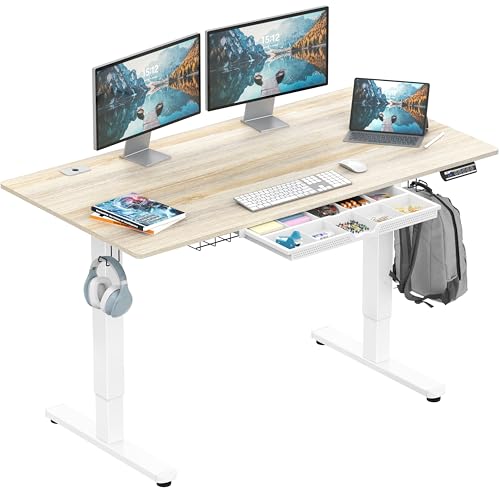
Best At Home Standing Desks 2026: A Practical Buying Guide
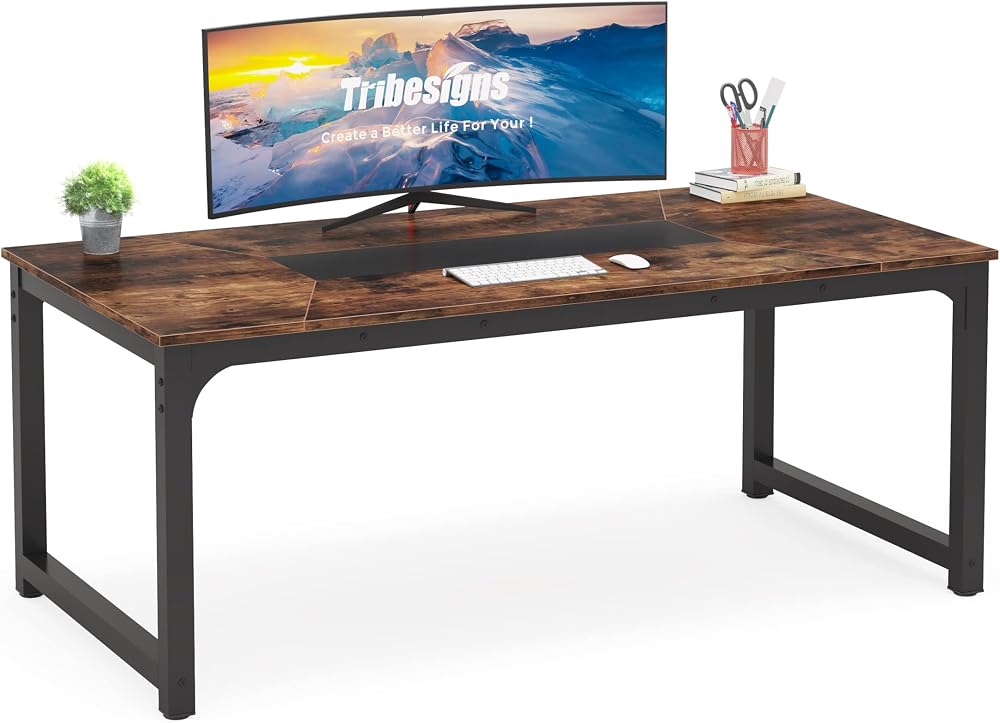
Best At Home Office Desks 2026: Fit Work Into Home Life

Best At Home Desks 2026: A Home Office Guide

Best Assembled Desks: Size, Frame and Delivery Buying Guide

Best Artist Desks 2026: A Buying Guide

Best Art Desks in 2026: Tilt, Size and Stability Guide

Best Antique Writing Desks of 2026: Complete Buying Guide
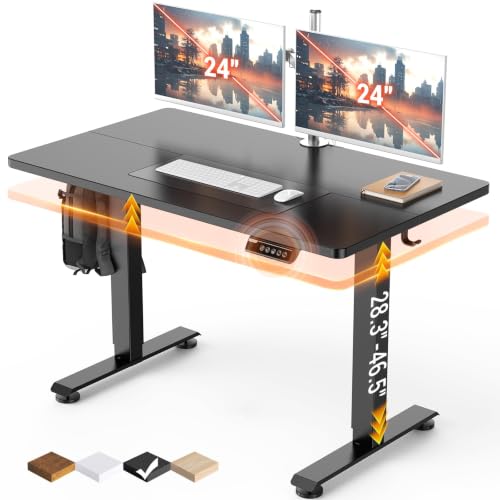
Best Affordable Standing Desks 2026 Guide
Size the Desk Around Your Work, Not the Room
Start by listing what will live on the desk every day: one laptop, two monitors, a printer, paperwork, drawing tablets, or a gaming setup. That list decides the surface area you need. A single laptop user can work comfortably on a 40 inch wide desk, while dual monitors usually need 55 inches or more and around 24 to 30 inches of depth so screens sit at a comfortable distance.
Then measure the room. Leave space to push your chair back and stand up, and check door swing, outlets, and window glare before choosing a spot.
Main Desk Types
- Writing desks: slim and light, good for laptops and small rooms, with little or no storage.
- Computer desks: add keyboard trays, cable holes, or monitor shelves. Our guide to computer desks for home offices and gaming compares common layouts.
- L shaped desks: turn a corner into a large workspace, ideal for separating computer work from paperwork.
- Standing desks: electric or manual height adjustment for switching positions during the day.
- Executive desks: heavy, storage rich, and best for larger dedicated offices.
What to Check Before Buying
Height and Stability
A standard fixed desk is about 29 to 30 inches tall, which suits many people but not everyone. If you are shorter or taller than average, an adjustable model or keyboard tray helps keep your elbows near 90 degrees. For standing desks, look at the height range, motor count, weight capacity, and wobble at full height. Dual motor frames generally feel steadier.
Materials and Assembly
Solid wood and thick laminated tops resist sagging better than thin particleboard. Steel frames add stability. Read the assembly details: some large desks take a couple of hours and two people.
Common Mistakes
- Choosing a shallow desk and placing monitors too close to your eyes.
- Ignoring cable management, which turns a clean desk cluttered quickly.
- Pairing a desk with a chair that cannot adjust low or high enough. Browse our home office chairs to find a good match.
Simple desks often cost under $150, while sturdy electric standing desks typically range from around $300 to $800.
Home Office Desks FAQ
What size desk do I need for two monitors?
Most dual monitor setups need a desk at least 55 inches wide, and wider if you use large screens or keep paperwork beside them. A depth of around 24 to 30 inches helps keep monitors at a comfortable viewing distance.
Is a standing desk worth it for a home office?
A standing desk makes it easy to change positions during the day, which many people find more comfortable. The benefit comes from moving and alternating, not from standing all day, so use it alongside regular breaks.
What is a standard desk height?
Most fixed desks are about 29 to 30 inches tall. That works for many adults, but shorter or taller people may need an adjustable desk, a keyboard tray, or a chair with a wider height range.
Are L shaped desks good for small rooms?
They can be, since they make use of an empty corner. Choose a compact or reversible model, and measure both walls carefully so the desk does not block doors, windows, or outlets.
How do I keep a standing desk from wobbling?
Choose a frame with dual motors, crossbars, and a high weight capacity, and tighten all bolts after assembly. Placing it on a level floor and keeping heavy items centered also reduces wobble at full height.