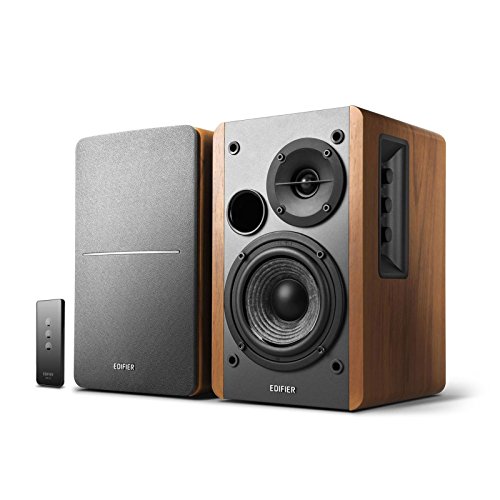
Best Computer Audio Monitors of 2026: Buying Guide
Disclosure: We may earn a commission when you buy through links on this page, at no extra cost to you. As an Amazon Associate I earn from qualifying purchases. Learn more
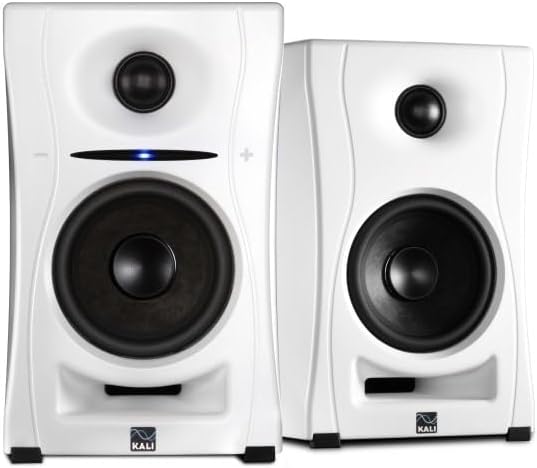
Compare the best computer audio monitors by woofer size, inputs, power and placement for a clean, honest sound at your desk.
Laptop speakers and cheap desktop sets color the sound, which is why people who edit audio, make music or just want honest sound look for powered studio monitors. This guide explains how to choose the best computer audio monitors: how big the woofer should be, which connections to look for, and how placement changes what you hear. Use the product table to compare real pairs as you read.
A computer audio monitor is a powered speaker built for accurate, flat sound at close range. It has its own amplifier, so you connect it straight to a computer, interface or mixer. That makes it a different tool from the multimedia speakers sold for casual listening, and the checklist below reflects that.


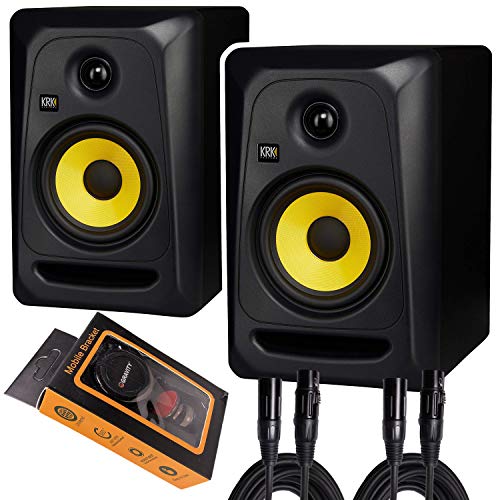

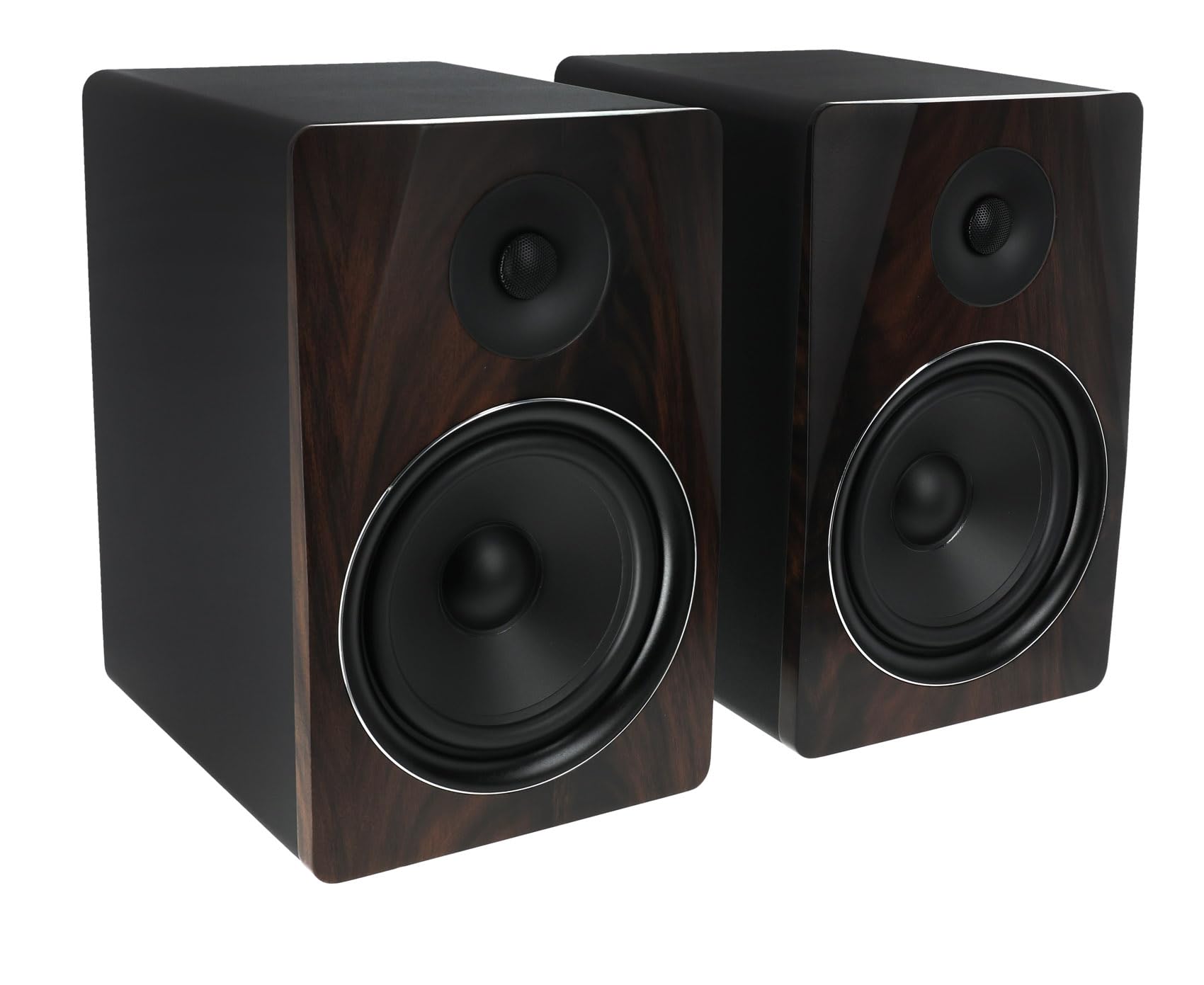
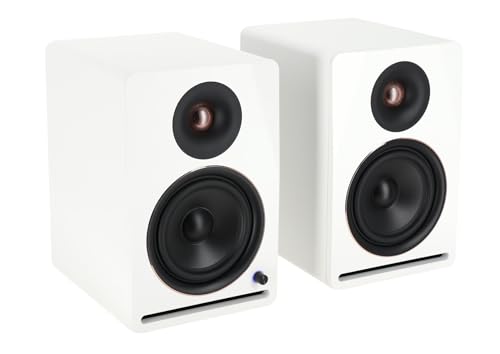
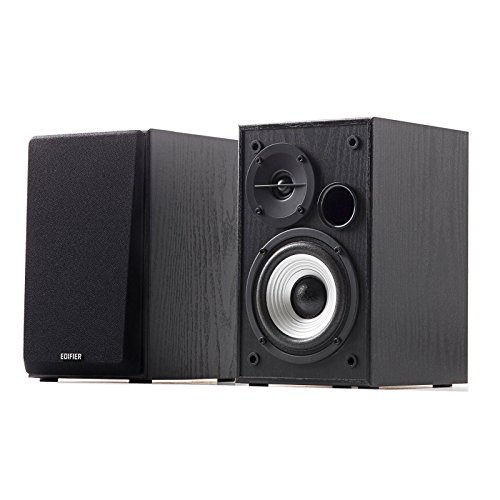
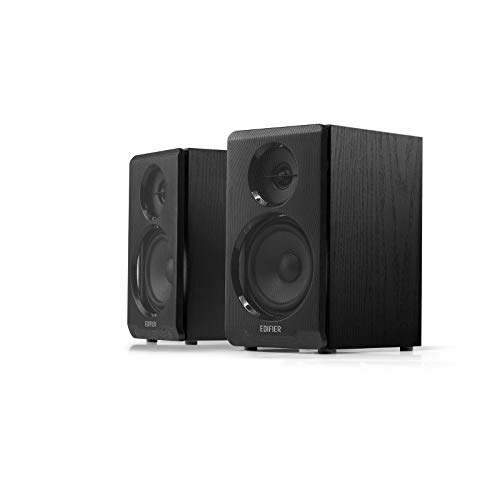


What Computer Audio Monitors Do Differently
Ordinary desk speakers are tuned to sound exciting, with extra bass and bright treble. Monitors aim for a flat response, so a mix that sounds right on them tends to sound right on other systems too. That flatness can sound plain at first, but it makes small problems easier to hear, which is the point for editing, recording and mixing.
They also suit people who simply like a clean, balanced sound for music and video at a desk. If that describes you, a compact pair with Bluetooth or USB can do both jobs. For simpler multimedia sets, read our guide to the best computer audio speakers, and see the best audio monitors guide for the wider category.
How to Choose the Best Computer Audio Monitors
Woofer Size and Room Size
Woofer size sets how low a monitor can play and how loud it gets cleanly. A 3 to 4 inch woofer suits a small desk and a nearfield seat about an arm length away. Five inch models are the usual choice for a bedroom studio, and 6 to 8 inch models give deeper bass in larger rooms but need more space and a better room. Bigger is not better in a small room, because strong bass in a bare room sounds boomy.
Connections and Inputs
Check what your computer or audio interface can send. Balanced inputs (XLR or TRS) give the cleanest signal from an interface and reject hum over long cables. A 3.5 mm or RCA input works with a computer sound output or a phone. Some compact models add USB or Bluetooth, which is handy if you want one pair for music production and casual listening. A front headphone jack is a bonus.
Amplifier Power and Headroom
Power is listed in watts for the pair or per speaker, and it matters mostly for headroom, meaning how cleanly the monitor plays a loud peak. For nearfield desk listening, modest power is enough. Judge power together with woofer size and check whether the figure is continuous or peak.
Controls and Tuning Options
Look for a volume knob you can reach, and for small switches that adjust the low end or high end to suit your desk and room. A monitor placed close to a wall gains bass, so a low cut or room switch is a useful way to correct that.
Cabinet Build and Ports
A solid cabinet reduces rattles at volume. Rear ports add bass but need space behind the speaker, while front ported models are easier to place near a wall. Heavier cabinets usually mean better build.
Placement and Setup for Clean Sound
Place the monitors at ear height, with the tweeters aimed at your head, so that you and the two speakers form a rough triangle. Keep them a few inches from the wall behind. Isolation pads or stands stop the desk from vibrating and muddying the bass. Even a basic pair sounds clearer when placed well, and good placement often matters more than a higher price.
Budget Tiers
Compact Pairs of Roughly $80 to $200
This tier covers 3 to 5 inch monitors with simple controls, plenty for a small desk, a first home studio or a media setup. Many include Bluetooth.
Mid Range Pairs of Roughly $200 to $400
Expect better drivers, flatter response, balanced inputs and room correction switches. This tier suits regular mixing and long listening sessions.
Premium Pairs Above $400
You pay for lower distortion, larger cabinets, built in room correction and more precise stereo imaging. It makes sense for anyone who mixes audio often or has a well treated room.
Quick Buyer Checklist
- Does the woofer size suit your desk and the size of your room?
- Do the inputs match your computer or audio interface?
- Is there a volume knob and a headphone jack within reach?
- Do you have space for rear ports, or do you need a front ported pair?
- Do you want Bluetooth for casual listening as well?
- Is there a warranty of at least a year and a clear return window?
Common Mistakes to Avoid
Buying monitors that are too large for the room is the most common error, since the extra bass turns muddy. Putting the speakers inside a shelf or against a wall, plugging a computer headphone output into the balanced input without the right cable, and judging a monitor by showroom loudness are other frequent mistakes.
Care and Lifespan
Dust the cabinet and grille with a dry cloth, and keep drinks away from ports and drivers. Switch the pair off when you are not listening, and turn the volume down before you power up. Well cared for monitors can last many years.
Computer Audio Monitors: Your Questions Answered
Are studio monitors good for ordinary music listening?
Yes. They sound flatter and cleaner than many multimedia speakers, which some people find plain at first. Most listeners adjust within a few days.
Do I need an audio interface?
Not for casual listening, since many monitors accept a 3.5 mm or Bluetooth signal. For recording or mixing, an interface gives you balanced outputs and cleaner sound.
What size should I buy for a small desk?
A 3 to 5 inch pair suits most desks. Larger woofers need more room and can sound boomy in a small space.
Do I need a subwoofer?
Not usually. A pair of 5 inch monitors covers most music production. Add a subwoofer later only if you want more low end for films or games.
How should I place them?
Set them at ear height, angled toward you, a few inches away from the wall, and on isolation pads if your desk vibrates.
Final Thoughts
Choose woofer size for your room first, then match the inputs to your gear and place the pair well. Compare real models in the product table above, and you will find the best computer audio monitors for your desk, your music and your budget.