
Accessories
Browse a wide range of accessories to complement your home, tech, and everyday essentials, all chosen for quality and everyday usefulness. Our curated selection covers practical add ons that make daily life easier.
We review materials, durability, and real customer feedback to help you make the right choice. Compare options and find the accessories that best round out your setup.

Best Commuter Laptop Backpacks: Fit, Weather Protection and Comfort for 2026
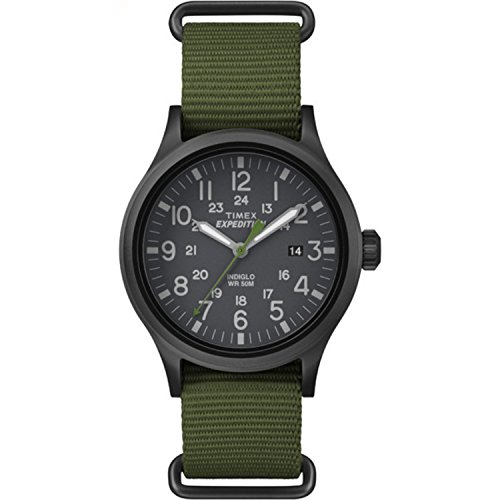
Best Combat Watches for 2026: Budget, Midrange, and Premium Tiers

Best Coffee Knock Box for 2026: How to Choose Guide
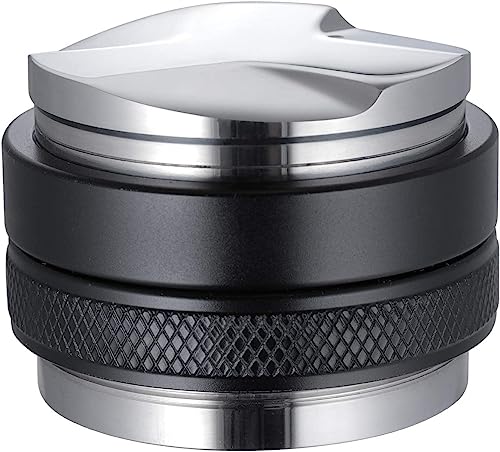
Best Coffee Distributor and Tamper for 2026

Best Circular Knitting Needles for Blankets: Every Type Explained Side by Side for 2026

Best Circular Knitting Needle Sets 2026: Buying Guide

Best Chunky Yarn For Blankets 2026: How to Choose the Right One
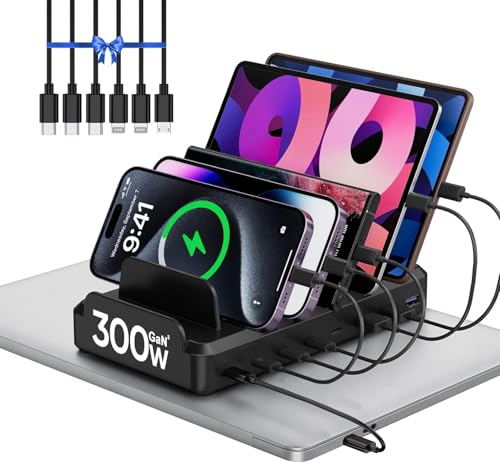
Best Charging Station for Android Phones: A Practical Buying Guide for 2026
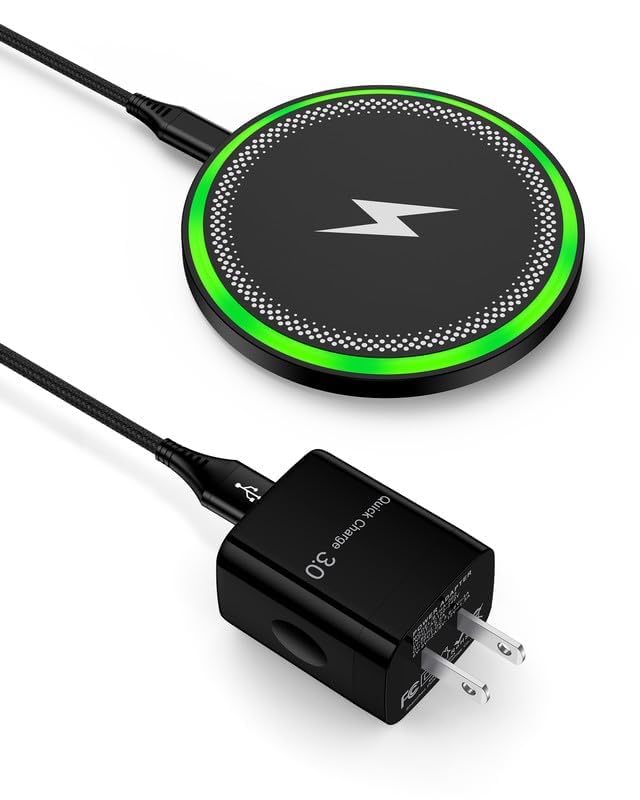
Best Charging Pad for Android Phones: Matching the Right Model to Your Routine for 2026
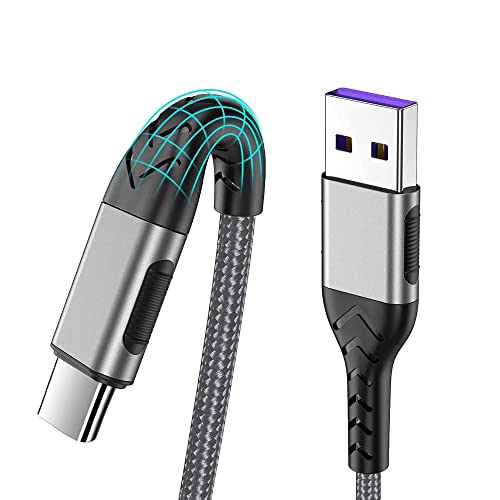
Best Charging Cables for Android Phones: Reviews and Buying Guide for 2026
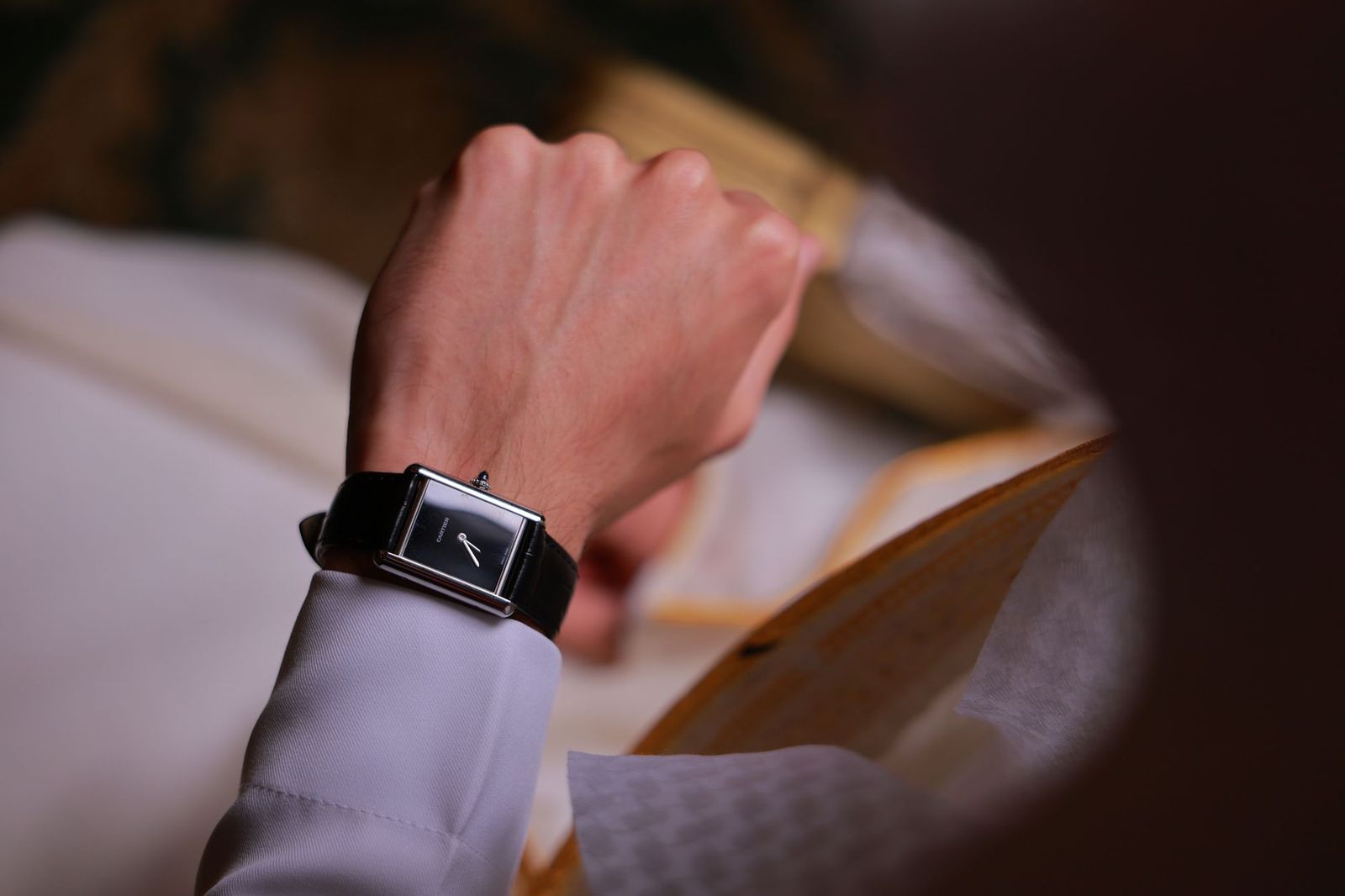
Best Cartier Watches: Collections Compared and How to Choose in 2026
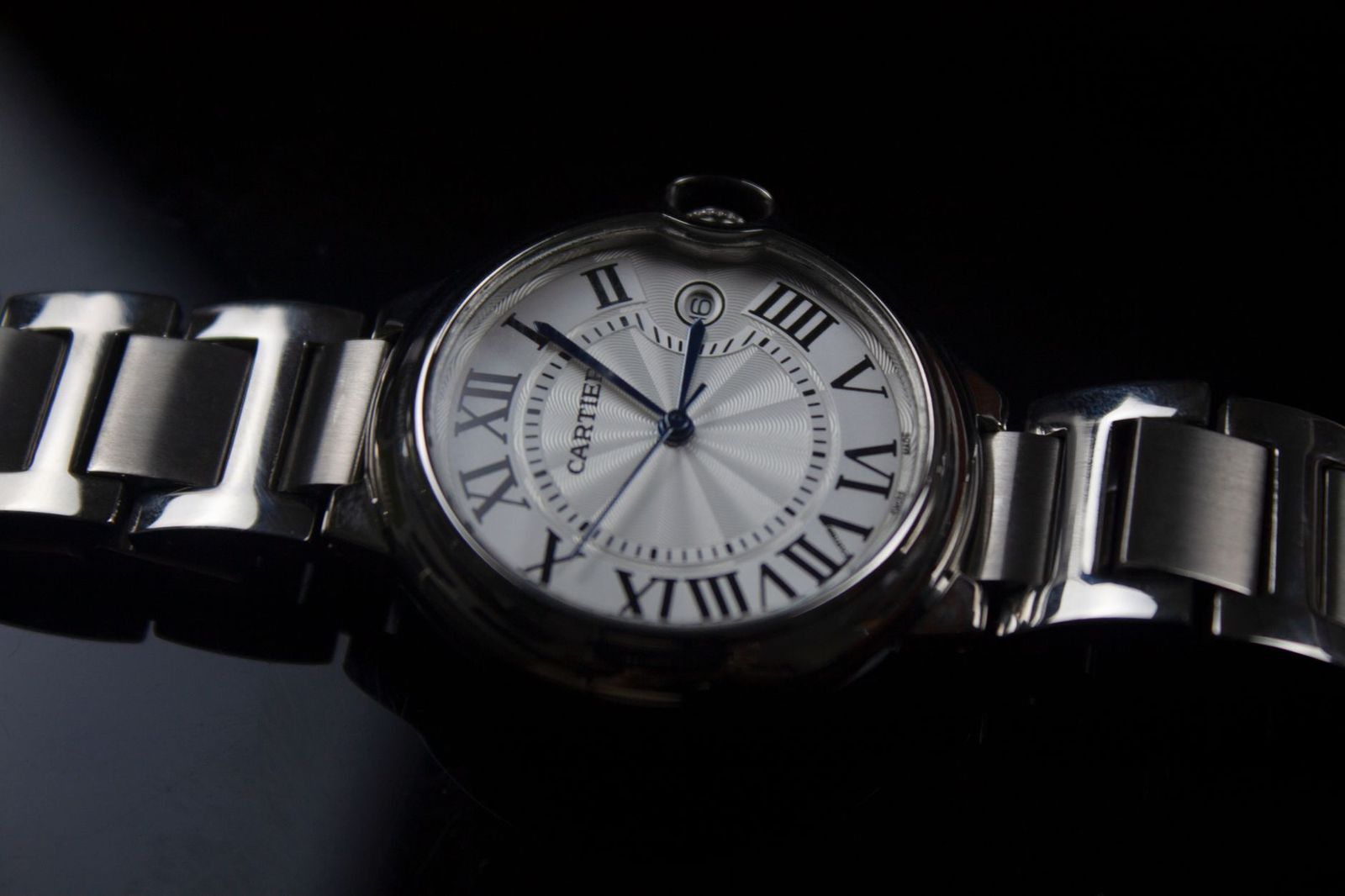
Best Cartier Watches of All Time: A 2026 Checklist for Choosing Well
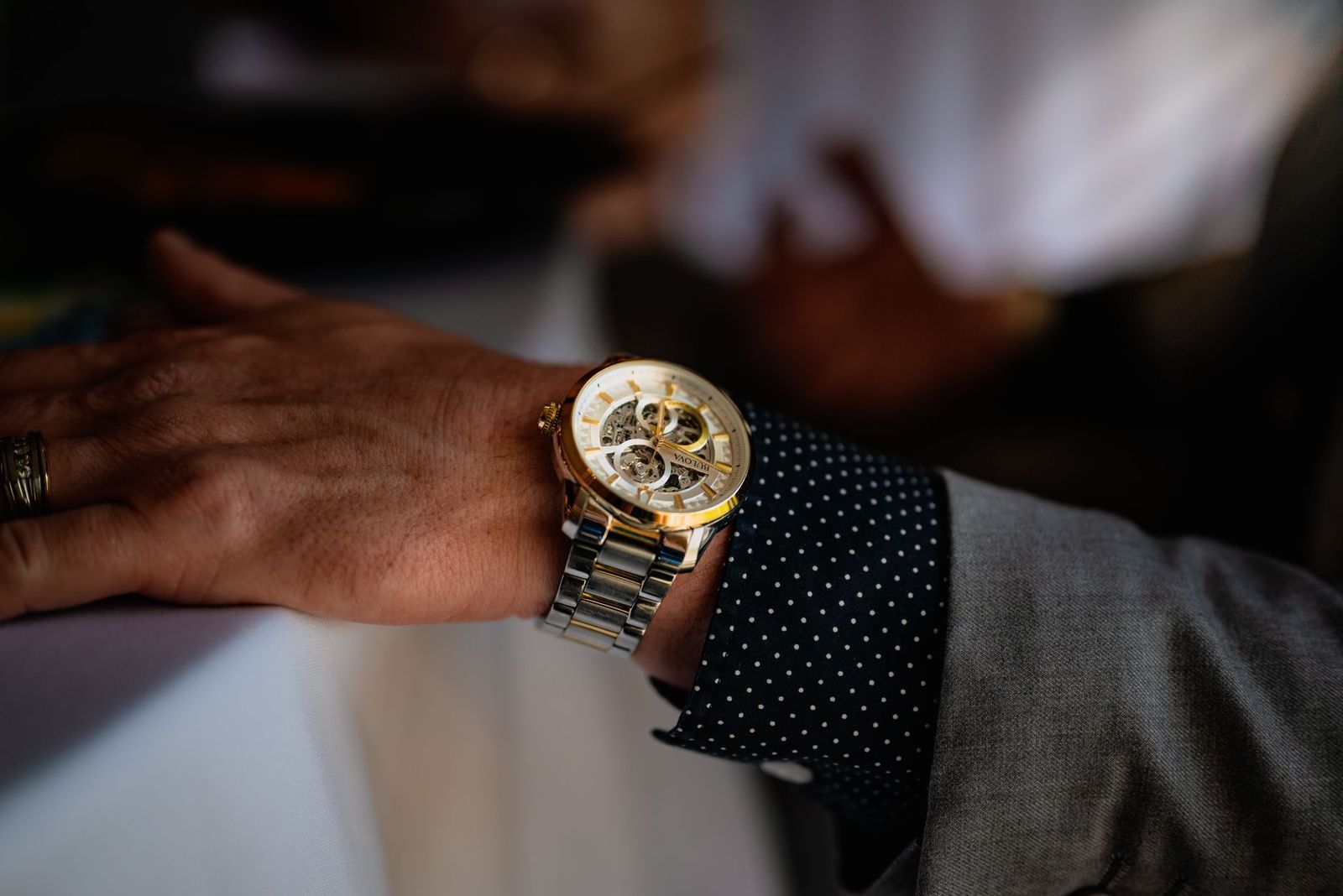
Best Cartier Watches for Men: A 2026 Buyer Checklist
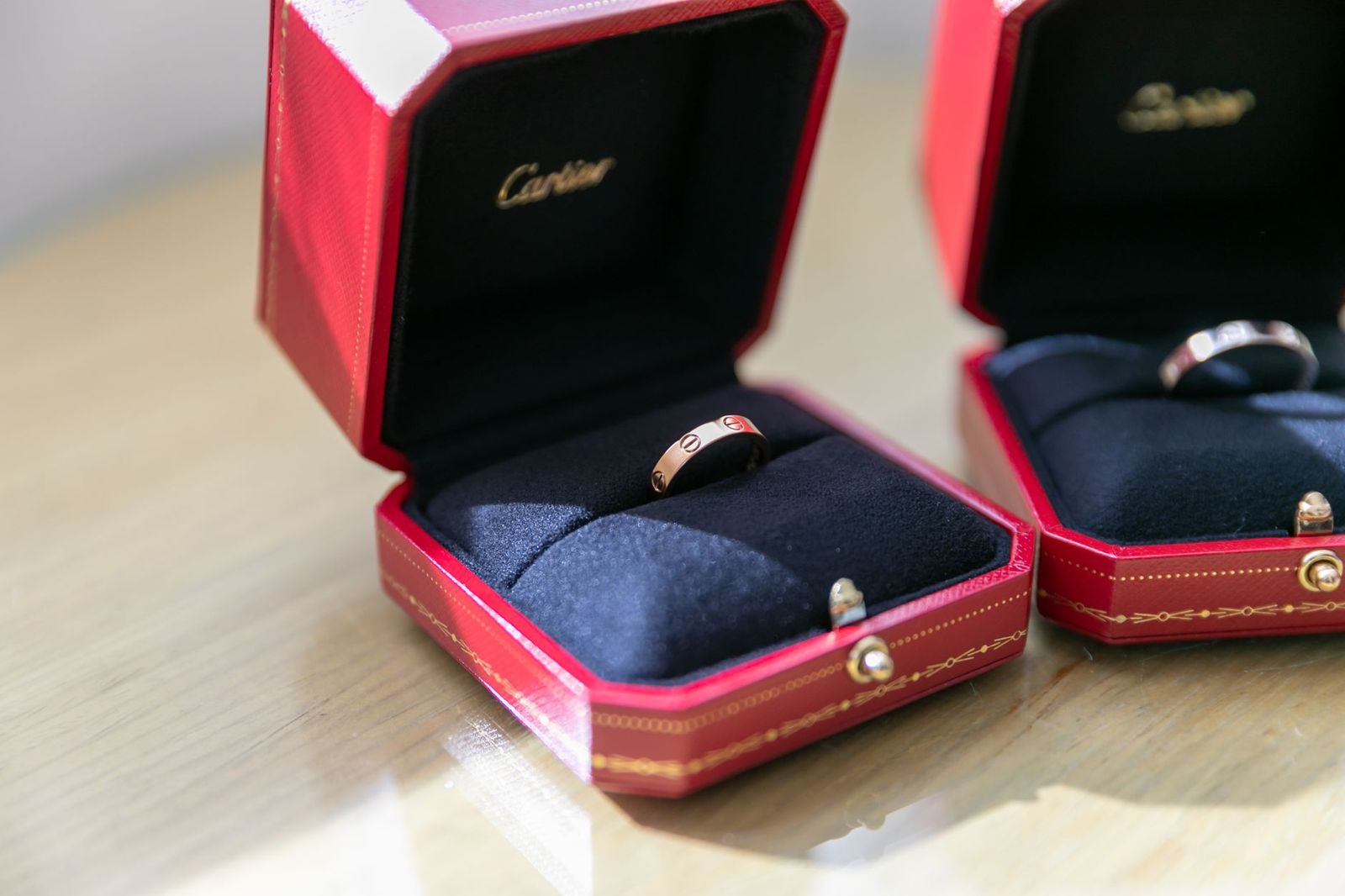
Best Cartier Watches for Ladies in 2026: Collections, Sizing and Buying Safely

Best Carry on Shoulder Bag for 2026: Types Compared Side by Side

Best Carry On Luggage Sets: Buying Guide for 2026

Best Car Keychain for 2026: Types Compared and How to Choose

Best Canvas Watches for Every Need: How to Pick the Right One for 2026

Best Canvas Strap Watches 2026: Buying Guide
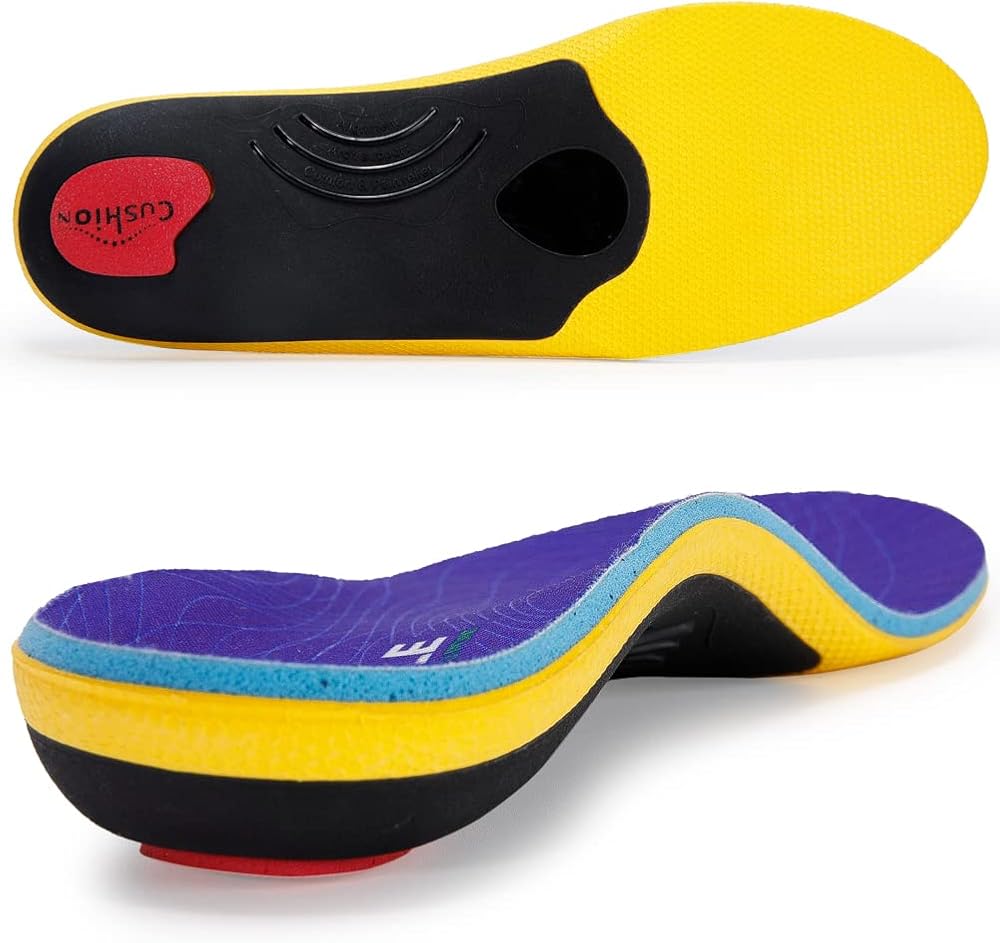
Best Boot Insoles for Work Boots at Every Price: What Your Money Really Gets You for 2026

Best Camera Straps for Heavy Cameras: 2026 Checklist for Safer Carry
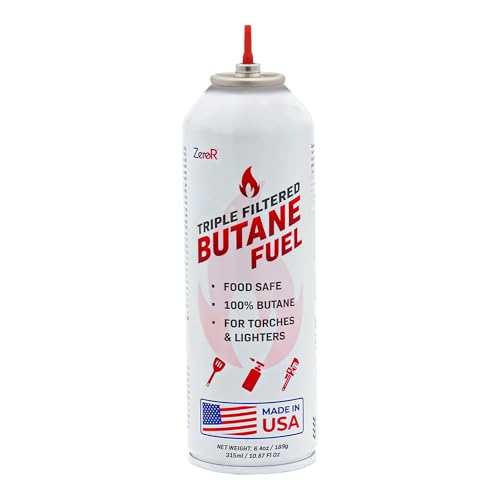
Best Butane Refill for Lighters: Buying Guide for 2026
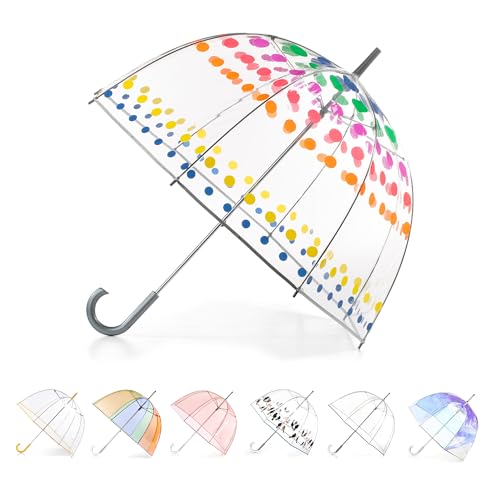
Best Bubble Umbrella: Types Compared and How to Choose for 2026

Best Braille Watches: Everything to Know Before Your First Purchase for 2026

Best Boot Trees for Cowboy Boots: Cedar, Plastic, and Fit
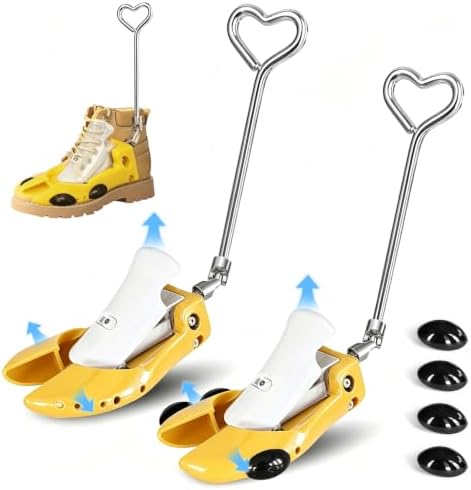
Best Boot Stretcher for Cowboy Boots: Types, Use, and Tips
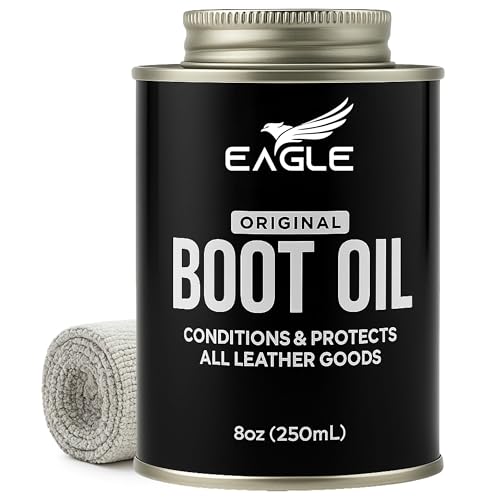
Best Boot Oil for Work Boots: Types, Use, and Care

Best Boot Jack for Cowboy Boots: How to Choose One That Fits

Best Boot Insoles for Combat Boots: Support, Cushioning, and Fit

Best Boot Inserts for Work Boots in 2026: Which Type Is Right for You?
Accessories That Earn Their Place
The most useful electronics accessories solve a specific everyday annoyance: tangled cables, dead batteries, cluttered counters, or a device that is awkward to use. Before buying, list the devices you own and the friction points you notice most. That keeps you from collecting gadgets that end up unused.
Charging Gear: What to Look For
Charging stations are among the most popular accessories because one dock can replace a tangle of cables. A few specs separate good chargers from frustrating ones:
- Total wattage: make sure the station can power every connected device at once. Shared ports often split power, slowing everything down.
- Port mix: count USB-C, USB-A, and wireless pads against the devices you actually use.
- Wireless standards: Qi2 and MagSafe compatible pads align magnetically with recent iPhones for more reliable charging.
- Safety certification: look for UL or similar listings and protections against overheating, overcurrent, and short circuits.
Our guide to the best charging stations for multiple devices covers family docks, and Apple users can compare options in the 3 in 1 Apple charging station guide.
Other Accessories Worth Considering
Cables and Adapters
Not all USB-C cables are equal. Some support fast charging and high speed data, while others only handle basic charging. Check the cable's rated wattage and data speed, and keep a few spares in reliable lengths.
Protection and Mounting
Screen protectors, cases, surge protectors, and TV or monitor mounts protect expensive gear. For mounts, confirm VESA pattern and weight ratings before ordering. A pairing with the right display from our televisions category keeps a living room setup tidy.
Mistakes to Avoid
Very cheap, uncertified chargers can overheat or damage batteries, so the savings rarely make sense. Watch for compatibility gaps: an Apple Watch puck, a specific phone size, or a thick case can block wireless charging. Finally, buy for the devices you have now, since chasing every new feature leads to drawers full of accessories you never use.
Accessories FAQ
Is it safe to leave devices on a charging station overnight?
Generally yes with certified chargers and modern phones, which manage battery charging automatically. Choose stations with overheating protection, keep them in a ventilated spot, and avoid covering them with fabric.
Will a wireless charger work through my phone case?
Most thin plastic or silicone cases work fine. Thick, rugged, or metal cases, and cases with cards or magnets inside, can slow or block charging. MagSafe or Qi2 compatible cases align best with magnetic chargers.
How many watts does a charging station need?
Add up the charging needs of every device you will connect at once. A phone, watch, and earbuds often need around 30W total, while adding a laptop may require 65W to 100W or more.
Are third party chargers safe for Apple devices?
Yes, if they come from reputable brands and carry certifications such as MFi for Lightning cables or official MagSafe or Qi2 compatibility. Avoid unbranded chargers with no safety listings.
What makes a good USB-C cable?
Look for clear wattage ratings, such as 60W or 100W, and the data speed you need. A braided jacket and a reputable brand usually mean better durability over time.