
Best Cameras WiFi: A First Time Buyer's Guide for 2026
Disclosure: We may earn a commission when you buy through links on this page, at no extra cost to you. As an Amazon Associate I earn from qualifying purchases. Learn more

A first time buyer guide to WiFi cameras: indoor, outdoor, battery and solar options, key specs and privacy setup.
WiFi cameras let you check on your front porch, pets, kids or backyard from your phone, without running cables through walls. They range from $30 indoor pan and tilt cameras to solar powered outdoor cameras with spotlights and sirens. If you are setting up your first one, terms like 2K, PIR, local storage, subscription and 2.4 GHz can make every listing look alike. This guide to the best cameras wifi shoppers can choose from explains the basics so you can pick the right camera for your home.
We cover how WiFi cameras work, explain the key specs in plain English, list rookie mistakes and walk through setup. Protect your privacy and your neighbors': use a strong, unique password and two factor authentication on your camera account, keep firmware updated, avoid pointing cameras into neighbors' windows or private spaces and check local laws about recording audio, since some states require consent from everyone being recorded.




WiFi Cameras 101: The Basics
A WiFi camera connects to your home wireless network and streams video to an app on your phone. Most record when they detect motion, send alerts and let you watch live. Some record continuously to a microSD card or to the cloud.
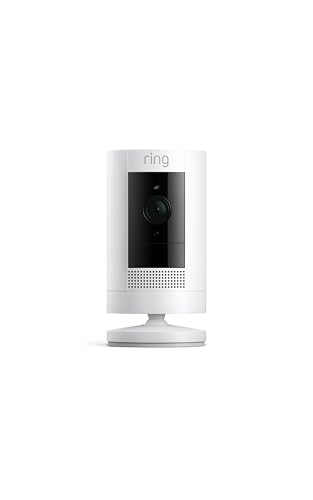
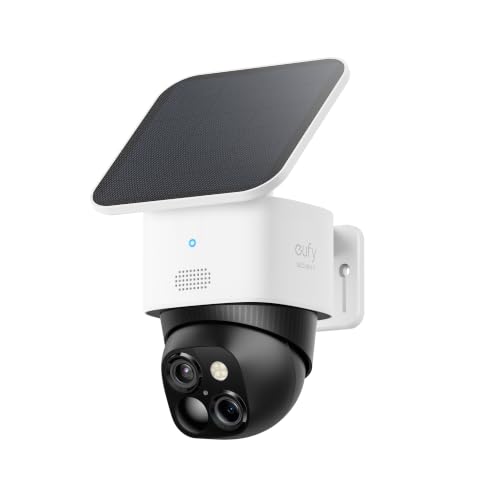
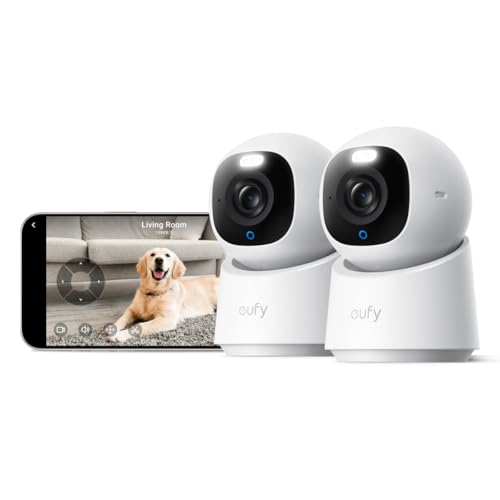
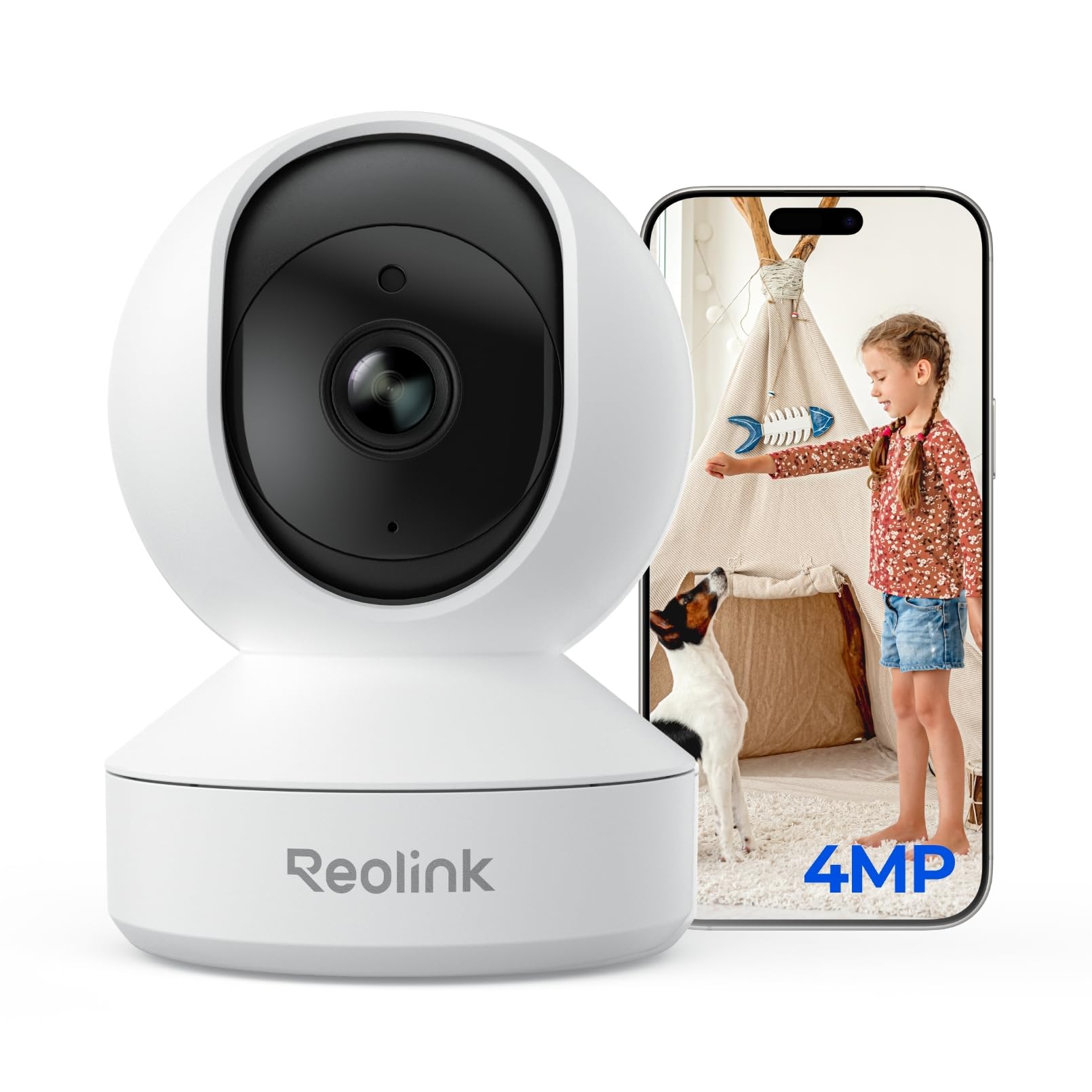
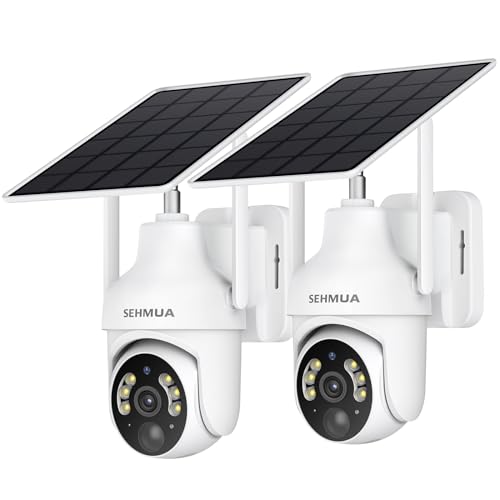
There are four main types. Indoor plug in cameras, like the aosu 2K indoor camera, Reolink E1 and eufy E30, plug into an outlet and often pan and tilt to cover a room. Indoor and outdoor wired cameras, like the Wyze Cam v4 and Tapo C120, are weather resistant but need power from an outlet. Battery powered outdoor cameras, like the Blink Outdoor 4 and Ring Outdoor Cam, mount anywhere without wiring. Solar cameras, like the eufy SoloCam S340 and SEHMUA 2K solar camera, recharge from sunlight.
A few terms show up often. Resolution such as 1080p, 2K, 2.5K or 3K describes image detail. Field of view describes how wide an area the camera sees. PIR sensors detect body heat for motion alerts. Local storage means recording to a microSD card or hub instead of paid cloud storage.
How to Choose the Best Cameras WiFi: Key Specs in Plain English
Six factors decide which WiFi camera fits you: power and placement, image quality, night vision, smart detection, storage and subscriptions and connectivity.
Power Source and Placement
Start with where the camera will go. Indoor cameras near outlets can be plug in models that record continuously.
Outdoor spots near an outlet, like a porch or garage, suit wired weatherproof cameras like the Wyze Cam v4, rated IP65 for dust and water jets and operating from minus 4 to 113 degrees Fahrenheit. Spots far from outlets suit battery cameras; Blink says the Outdoor 4 runs up to two years on included AA lithium batteries. Sunny spots suit solar cameras that rarely need charging.
Image Quality and Field of View
Higher resolution helps you see faces and license plates. The Wyze Cam v4 records 2.5K at 2560 by 1440 with a 120 degree view, the eufy SoloCam S340 offers 3K with dual lenses, the eufy E30 indoor camera records 4K and the Blink Outdoor 4 offers 1080p. For a front door or driveway, 2K or higher is worth it. Pan and tilt cameras, like the aosu indoor camera with 360 degree horizontal rotation and 155 degree tilt, cover a whole room from one spot.
Night Vision
Night vision matters for outdoor and nighttime monitoring. Infrared night vision shows black and white images in darkness; the Blink Outdoor 4 uses infrared. Color night vision with a spotlight, like the Wyze Cam v4's Starlight sensor and 72 lumen spotlight or the SEHMUA camera's white spotlight, shows color details. Spotlights also deter intruders, and the Wyze v4 adds a 100 decibel siren.
Smart Detection and Alerts
Smart alerts cut down on false notifications. The Wyze Cam v4 uses on device AI to tell people, packages, pets and vehicles apart, and the eufy E30 uses on device AI with auto tracking.
The aosu camera tracks moving objects automatically. Some features need a subscription; Blink notes person detection is part of an optional Blink Subscription Plan. PIR sensors, like SEHMUA's, reduce false alerts from shadows and moving leaves.
Storage and Subscriptions
Storage affects your long term cost. Cameras with microSD slots, like the Wyze Cam v4 with support up to 512 GB and SEHMUA's up to 128 GB, record locally with no monthly fee. eufy advertises local storage with no monthly fees on the S340 and E30.
Blink's Sync Module Core does not include local storage, so you rely on a subscription or add a Sync Module XR. Ring cameras need a Ring Protect subscription to scroll back through recordings. Factor monthly fees into your total cost.
WiFi Connectivity and Smart Home Support
Check that your network supports the camera. Many cameras use 2.4 GHz WiFi for range; the aosu camera supports both 5 GHz and 2.4 GHz, and the Reolink E1 uses WiFi 6. Place your router or a range extender within good range of outdoor cameras. Smart home support matters if you use voice assistants: Blink and Ring work with Alexa, aosu works with Alexa and the eufy E30 works with HomeKit, Alexa and Google Assistant.
Two Way Audio and Extras
Two way audio lets you talk to visitors, delivery drivers or pets. Blink, Ring, Wyze, aosu and SEHMUA cameras include it. The aosu indoor camera adds a one touch call button so kids or older relatives can call your phone. Sirens, spotlights and activity zones add security features.
Price vs Value
Indoor cameras cost around $30 to $46, including the aosu 2K indoor camera around $30, the Tapo C120 around $36, the Reolink E1 around $36 and a GNCC 4 pack around $45. The Wyze Cam v4 costs around $45. Outdoor battery and solar options cost around $80 to $200, such as the Ring Outdoor Cam around $80, the SEHMUA 2 pack solar cameras around $80, the Blink Outdoor 4 two camera system around $130 and the eufy SoloCam S340 around $160 to $200. The eufy E30 4K indoor camera costs around $130.
Building a Multi Camera System
Most homes need more than one camera to cover the front door, back door, driveway and main living area. Staying with one brand keeps every camera in a single app and makes sharing access with family easier.
Multi packs, like the Blink Outdoor 4 two camera system with a Sync Module Core, the SEHMUA solar 2 pack and the GNCC indoor 4 pack, lower the cost per camera. Plan coverage on a simple sketch of your home, prioritizing entry points, and check that your WiFi reaches each location. If you add a video doorbell later, choose one from the same brand so alerts and recordings live together.
Weather Resistance and Durability
Outdoor cameras need weather protection. Look for an IP rating, such as the Wyze Cam v4's IP65, which means dust tight and protected against water jets. Check operating temperature ranges if you live somewhere very hot or cold, since batteries drain faster in freezing weather. Mount cameras under eaves when possible to reduce rain and sun exposure, and keep solar panels clear of snow and leaves.
Rookie Mistakes to Avoid
- Ignoring WiFi range. Outdoor cameras far from the router disconnect often. Check signal strength before mounting.
- Forgetting subscription costs. Some cameras need monthly plans for recording history or smart alerts.
- Using weak passwords. Reused passwords put your cameras and privacy at risk. Turn on two factor authentication.
- Pointing cameras at neighbors. Respect privacy and local laws; aim at your own property.
- Mounting in direct sun or too high. Glare and steep angles hide faces. Mount about 7 to 10 feet high, angled slightly down.
Getting Started: Setup and First Use
Download the camera's app, create an account with a strong password and enable two factor authentication. Charge batteries or plug in the camera, then follow the app to connect to your WiFi network, often by scanning a QR code. Check the live view from the exact spot where you plan to mount the camera to confirm a strong signal.
Mount the camera securely, angle it to cover entry points and adjust motion zones to ignore busy streets or trees. Insert a microSD card if your camera supports local storage, and set notification preferences so you only get alerts that matter. Update firmware right away and enable automatic updates. Review recordings for a few days and fine tune sensitivity.
Choosing for Your Situation
Renters and apartment dwellers should start with indoor plug in cameras like the aosu, Reolink E1 or Tapo C120, which need no drilling. Pet owners and parents benefit from pan and tilt cameras with two way audio and tracking.
Homeowners covering a porch or driveway should choose a wired Wyze Cam v4 near an outlet or a battery Ring or Blink camera elsewhere. Large yards and sunny spots suit solar cameras like the eufy S340 or SEHMUA 2 pack. Anyone who wants to avoid monthly fees should focus on cameras with microSD or local hub storage.
Frequently Asked Questions
Do WiFi cameras need a subscription?
Not always; many cameras record locally to a microSD card without a subscription. The Wyze Cam v4, eufy cameras and SEHMUA solar cameras support local storage. Blink and Ring cameras rely more on subscriptions for recording history and some smart features.
How far can a WiFi camera be from the router?
It depends on walls and interference, but many cameras work best within about 30 to 100 feet of the router. Check signal strength in the app before mounting. A mesh system or range extender helps for distant outdoor spots.
Are WiFi cameras safe from hackers?
They are reasonably safe when you use strong passwords, two factor authentication and updated firmware. Buy from established brands that release security updates, avoid reusing passwords and check account activity regularly.
Do WiFi cameras work when the internet is down?
Cameras with local microSD storage often keep recording, but you cannot view them remotely until the internet returns. Cloud only cameras may stop recording. Battery or solar power keeps cameras running during power outages only if your router also has power.
How long do WiFi camera batteries last?
Battery life ranges from a few weeks to about two years depending on the model and activity. Blink lists up to two years for the Outdoor 4 on AA lithium batteries. Busy areas with many motion events drain batteries faster, and solar panels can extend life.
Can I share camera access with family members?
Yes, most camera apps let you invite family members with their own logins. Shared access is safer than sharing your password, since you can remove a user anytime. Check the app's sharing settings and limit what each person can control.
Our Verdict
When choosing a WiFi camera, focus on three things: a power source that fits the spot, image quality and night vision that suit what you need to see and storage that matches your budget for subscriptions. The Wyze Cam v4 is a strong all rounder, aosu and Reolink suit indoor use on a budget, Blink and Ring suit battery powered outdoor coverage and eufy and SEHMUA suit solar setups. The best cameras wifi users can buy give peace of mind while respecting privacy.
For more home security guides, see the best indoor security cameras, the best outdoor solar powered security camera, the best home surveillance cameras and the best camera doorbells. Then compare current prices in the product table above.


