Best Mesh WiFi Systems for Smart Homes With Many Devices
Disclosure: We may earn a commission when you buy through links on this page, at no extra cost to you. As an Amazon Associate we earn from qualifying purchases. Learn more

A guide to mesh WiFi systems for smart homes with many connected devices, covering capacity, band steering, and segmentation.
A network that handles a laptop and a couple of phones fine can buckle once smart bulbs, cameras, thermostats, speakers, and a dozen other connected gadgets all compete for bandwidth and a stable connection. Mesh WiFi systems built to handle a high device count need more than just wide coverage, since the real challenge is managing dozens of simultaneous connections without slowdowns or dropped devices. Choosing the right system means looking past coverage square footage toward specs that actually matter for a heavily connected household.
This guide focuses on what changes once device count becomes the main challenge: simultaneous connection handling, band management, network segmentation, and the practical features that keep a smart home running smoothly.

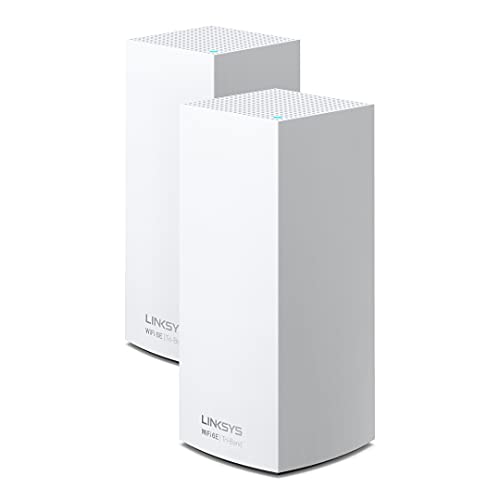


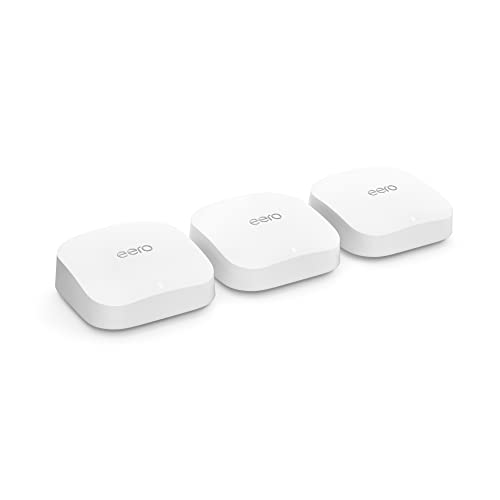
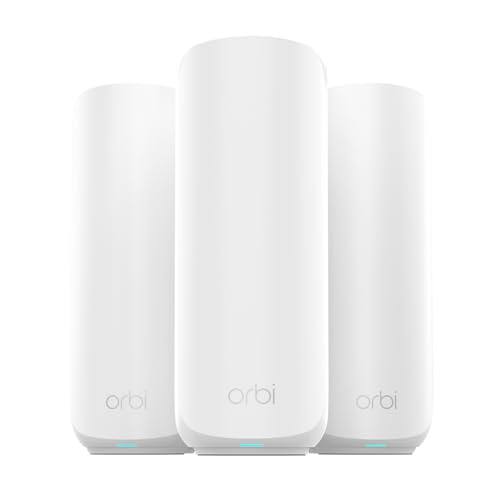

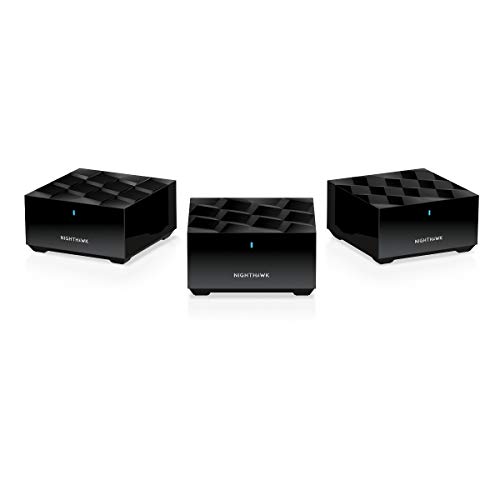


Simultaneous Connection Limits and Real Capacity
Every router and mesh node has a practical limit on how many devices it can maintain stable connections with at once, even if the advertised maximum sounds generous on paper. Checking a system's realistic simultaneous connection capacity, ideally from independent reviews rather than marketing specs alone, gives a more accurate sense of whether it can handle 30, 50, or upwards of 100 connected devices without degrading performance.
Processor and memory specs inside each mesh node affect this capacity more than most shoppers realize, since managing many simultaneous connections requires real computing power, not just radio strength. Systems built with more capable internal hardware tend to maintain stable performance as device count climbs, while budget systems can start dropping or slowing connections well before reaching their advertised device limits.
Band Steering and Traffic Management
Modern mesh systems typically operate across two or three frequency bands, and smart band steering, which automatically routes each device to the best available band based on its needs and current network load, becomes increasingly important as device count grows. A dedicated backhaul band, used exclusively for communication between mesh nodes rather than shared with client devices, keeps overall network capacity higher in busy smart homes.
Quality of service controls that let you prioritize bandwidth for specific devices or activities also matter more in a heavily connected household, where a video call or a security camera stream shouldn't slow to a crawl just because a dozen smart plugs are also connected. Checking whether a system offers meaningful QoS customization, rather than a basic on-off toggle, is worth the extra research for anyone managing a large device count.
Network Segmentation for Smart Home Devices
Many smart home devices, particularly budget smart plugs, bulbs, and sensors, have historically had weaker security practices than phones and computers, making network segmentation a genuinely useful feature rather than just a nice-to-have. A separate IoT network or guest network specifically for smart home devices keeps a compromised smart bulb from having direct access to computers, phones, and personal files on the main network.
Some mesh systems make this segmentation simple through the app, automatically suggesting or creating a separate network for newly connected smart devices, while others require more manual configuration to achieve the same separation. This is worth testing or researching specifically if your household runs a large number of third-party smart home brands rather than devices from a single ecosystem.
Node Placement for Consistent Device Connections
A mesh WiFi system with plenty of nodes still needs thoughtful placement to keep dozens of stationary smart home devices connected reliably, since devices like smart locks, doorbell cameras, and thermostats can't simply be moved closer to a router the way a laptop can. Mapping out where your fixed smart home devices sit before finalizing node placement helps avoid persistent weak-signal spots that cause frequent disconnects.
Signal strength requirements vary by device type, and low-power smart home devices sometimes need a stronger, more consistent signal than their simple function would suggest, since weak connections cause more frequent reconnection attempts that add unnecessary network overhead. Placing a node within reasonable range of device clusters, like a cluster of smart bulbs in one room, rather than relying on distant coverage, tends to produce more reliable performance.
App Management and Device Visibility
With a large number of connected devices, having clear visibility into what's actually on your network becomes practically important rather than just convenient. Apps that clearly list connected devices, show bandwidth usage per device, and allow easy renaming and grouping make ongoing management far less tedious than digging through a generic device list with unhelpful default names.
Automatic firmware updates across all mesh nodes, along with device-level notifications when something new joins the network, add both convenience and a layer of security awareness that matters more as the number of connected smart devices grows. Checking how actively a manufacturer pushes updates, based on release history rather than just promises, gives a sense of long-term reliability for a system you'll depend on daily.
Cost and Value for Larger Device Counts
Entry-level mesh kits often work fine for a modest number of devices but can show their limits once a household adds a couple dozen smart home gadgets on top of normal phones and computers, sometimes revealing slower internal processors that weren't obvious from the marketing copy. For households planning to expand their smart home setup significantly over time, it's worth choosing a system with some performance headroom rather than one sized exactly to current needs.
Higher-tier systems generally justify their added cost through stronger internal hardware, more capable band steering, and better simultaneous connection handling rather than just a bigger box or a longer node count on the specification sheet. A well-chosen mesh WiFi system at a slightly higher price point often ends up cheaper in the long run than replacing an undersized budget system once it starts struggling under a growing device count.
Frequently Asked Questions
How many devices can a typical mesh WiFi system handle?
This varies significantly by model and internal hardware, but many modern systems handle 50 to 100 or more connected devices, though checking independent testing rather than marketing claims gives a more realistic figure.
Do smart home devices need a separate network from computers and phones?
It's not strictly required, but segmenting less-secure smart home devices onto a separate network adds a meaningful layer of protection for your primary devices and personal data.
Does adding more mesh nodes always improve device capacity?
Additional nodes primarily extend coverage area, but capacity for simultaneous connections also depends heavily on each node's internal processing power, not just the number of nodes.
Can too many smart home devices slow down a whole network?
Yes, particularly on systems with weaker internal hardware or poor band management, since managing many simultaneous low-bandwidth connections still consumes processing resources and network overhead.
Is a dedicated backhaul band necessary for a smart home network?
It's not strictly necessary for smaller households, but it becomes increasingly valuable as device count and node count grow, since it keeps inter-node communication from competing with client device traffic.
How often should mesh system firmware be updated?
Most quality systems handle this automatically, but checking that automatic updates are enabled and confirming the manufacturer has a consistent update history is worth doing after initial setup.
Building a Network That Scales With Your Devices
Choosing a mesh system for a heavily connected smart home comes down to prioritizing real simultaneous connection capacity, smart band and traffic management, and meaningful network segmentation over simple coverage area alone. Thoughtful node placement around your actual device clusters, combined with clear app-based visibility into what's connected, keeps a large smart home network running smoothly as you continue adding devices over time.
Related reading: best smart home security systems and best digital wifi picture frame.