Best Gaming Laptops 1500 for Every Need: How to Pick the Right One (2026)
Disclosure: We may earn a commission when you buy through links on this page, at no extra cost to you. As an Amazon Associate I earn from qualifying purchases. Learn more
Gaming laptops around $1,500 matched to students, commuters, power gamers and creators, with feature and care tips.
There is no single model that wins for everyone at this price. A student who games on weekends, a commuter who plays on the train and a streamer who edits video at night all need different things from a laptop that costs around $1,500. This guide to the best gaming laptops 1500 buyers can choose from matches features to real use cases so you spend on what matters to you and skip what does not.
Around $1,500 is the sweet spot of the gaming laptop market. It buys a current midrange graphics chip such as an RTX 5060 or RTX 4070, a fast high refresh screen, 16GB or more of DDR5 memory and a 1TB SSD, which covers nearly every modern game at 1080p or 1200p with high settings. The comparison table above lists the current options; the sections below explain which kind of machine suits which kind of player.


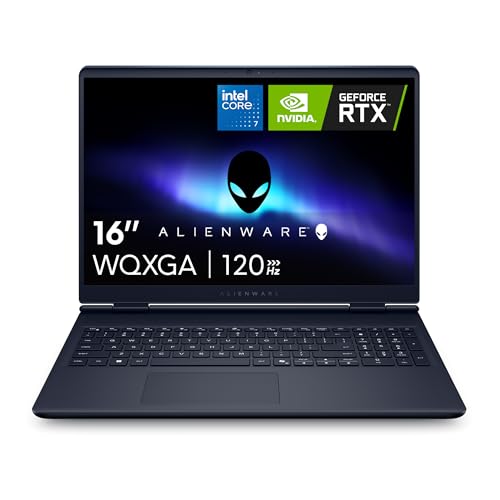
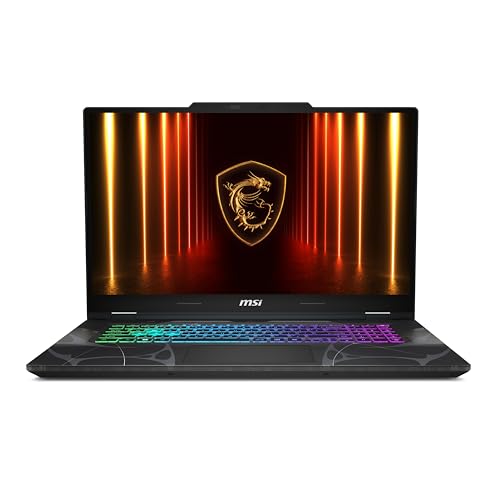

Who Should Buy Which Gaming Laptops 1500s?
The right laptop depends less on brand and more on how and where you will use it. Start with the profile below that sounds most like you, then use the feature section to narrow the shortlist.
For Students and Everyday Users
Students need a machine that works for lectures, papers and group calls during the week and games well on the weekend. Prioritize stable performance, a comfortable keyboard and a price that leaves room for a mouse and headset.
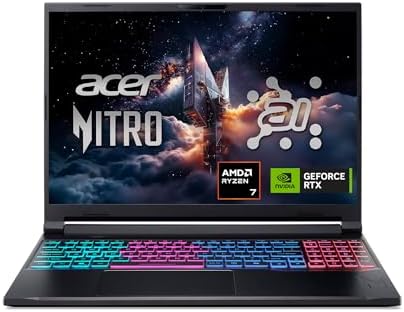
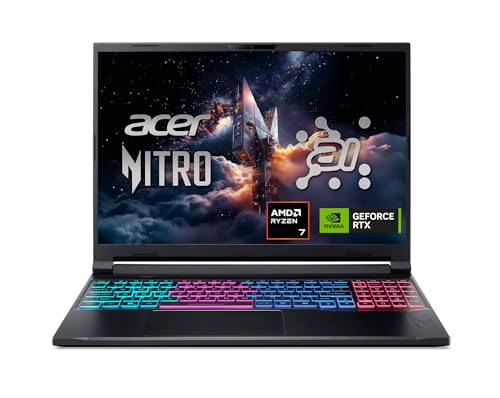
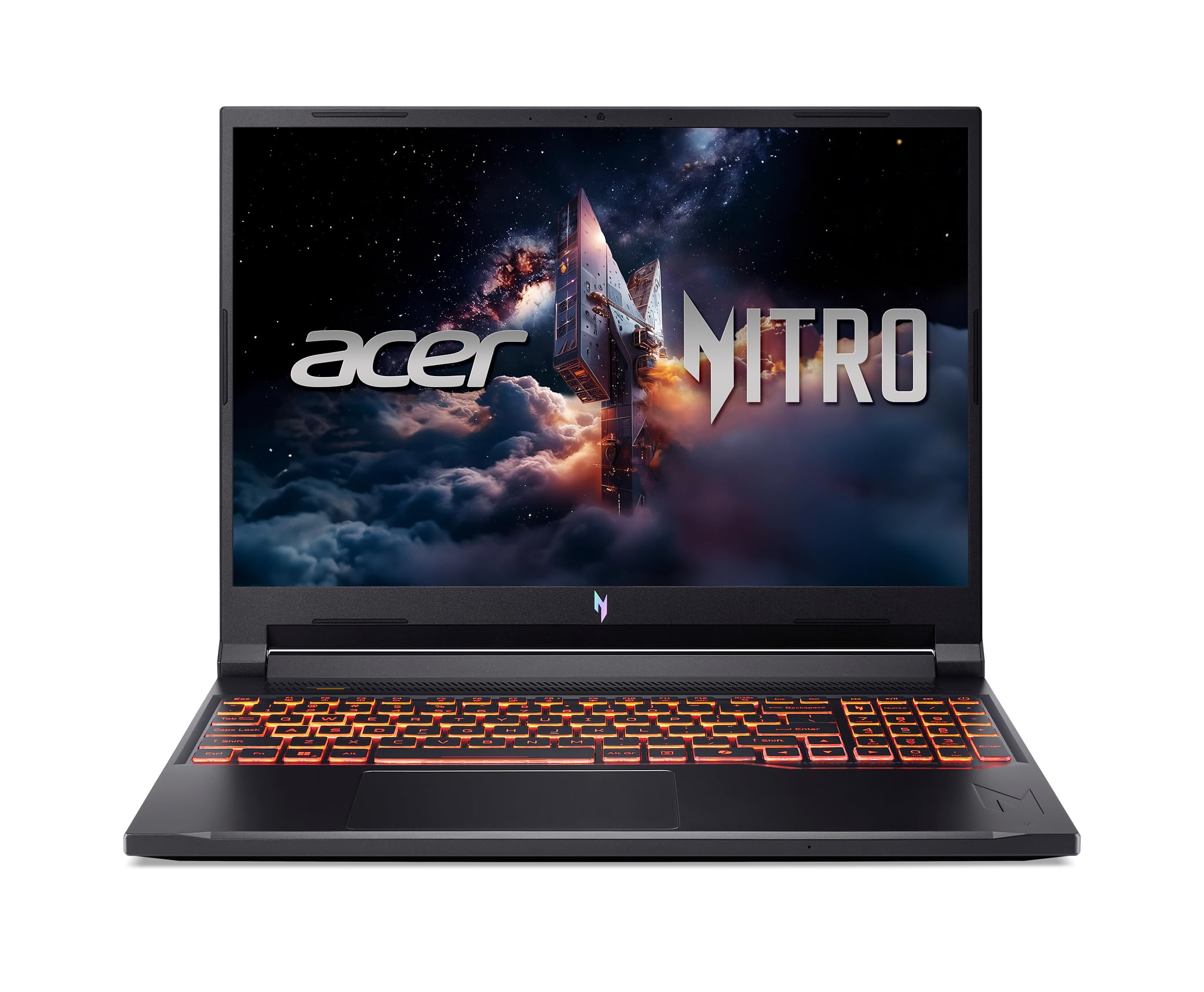
A 16 inch model with an RTX 5050 or RTX 5060, 16GB of DDR5 and a 1TB SSD is the practical choice. The Acer Nitro V line fits this profile well: the RTX 5050 version sits around $1,246, and the Nitro V 16S with an RTX 5060 and 32GB of memory sits near the top of the budget. Expect modest battery life on any gaming laptop, so plan to sit near an outlet for long study sessions.
For Travelers and Commuters
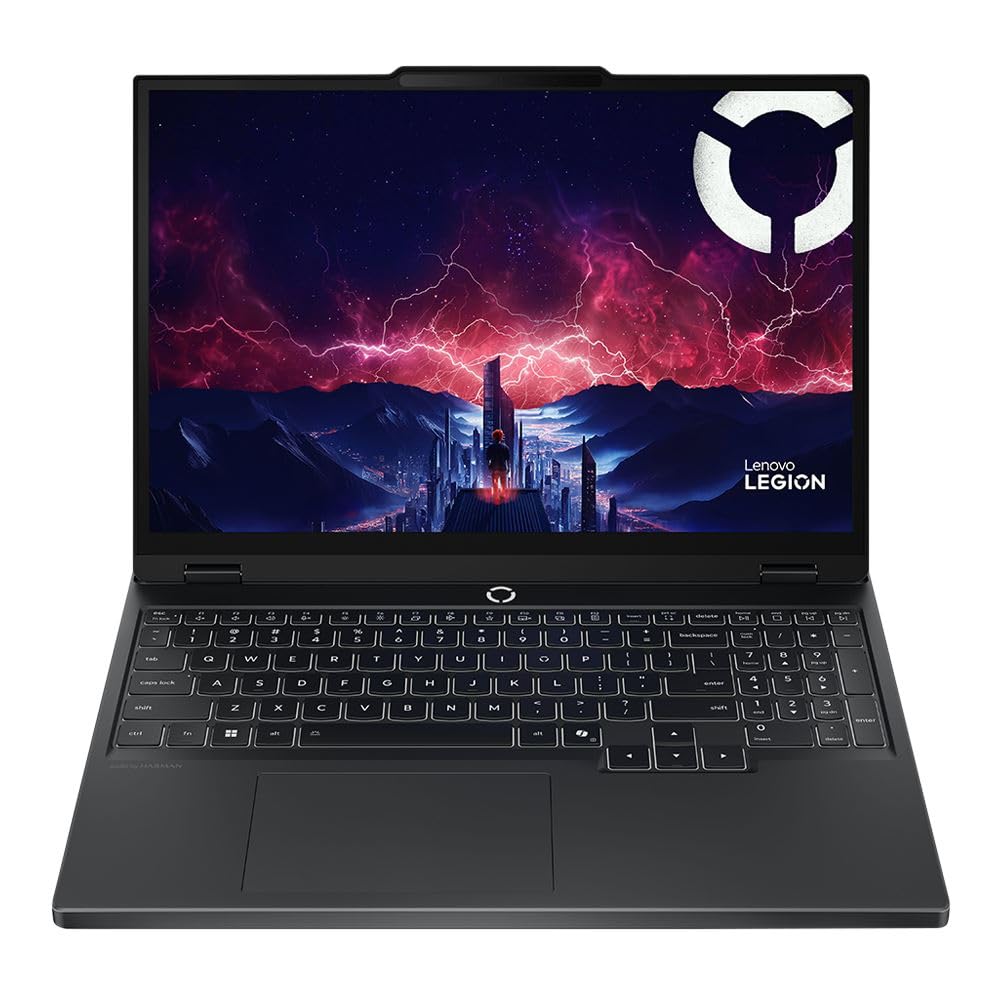
If the laptop rides in a backpack every day, size and weight matter more than raw frame rates. Look at 14 to 15.3 inch models, which are noticeably easier to carry than 16 or 17 inch machines. The Acer Predator Helios Neo 14 pairs an Intel Core Ultra 7 155H and RTX 4060 with a sharp 14.5 inch WQXGA screen in a compact body, and the Lenovo Legion 5 Gen 10 squeezes an RTX 5060 into a 15.3 inch chassis. A padded sleeve and a sturdy charger bag protect the investment, because hinges and screens are the parts that suffer most from daily travel.
For Gamers and Power Users
Players who care most about frame rates and responsiveness should spend nearly the whole budget on the graphics chip, cooling and screen. An RTX 5060 or RTX 4070 paired with an HX class processor gives the most headroom.
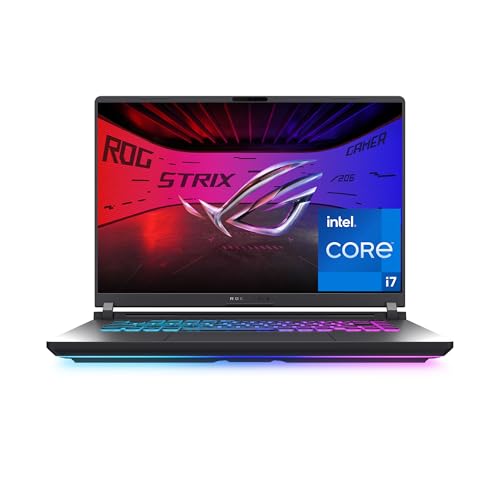
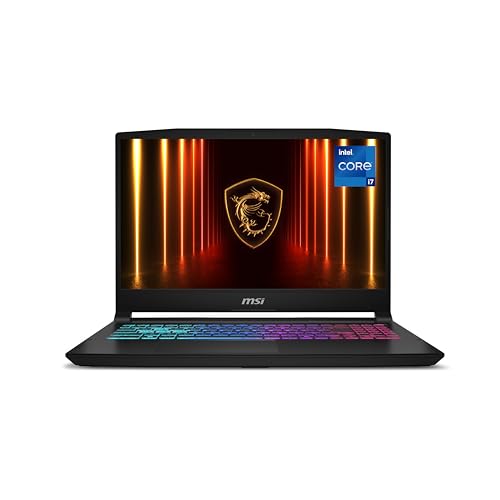
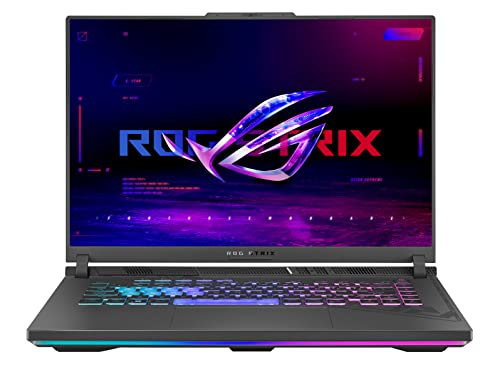
The ASUS ROG Strix G16 combines an Intel Core i7 14650HX, RTX 5060, a 165Hz panel with a 3ms response time, a vapor chamber and three fans. The MSI Katana 15 HX adds a QHD 165Hz screen with full DCI P3 color, and the older MSI Katana 15 with an RTX 4070 offers more graphics power around $1,500. Competitive players should also pair the laptop with a good gaming mouse.
For Remote Workers and Creators
If the laptop doubles as a work machine for calls, streaming or video editing, reliability, screen color and connectivity matter as much as gaming speed. Look for a wide color screen, USB C with DisplayPort and charging support, Wi-Fi 6E or Wi-Fi 7 and at least 32GB of memory if you edit video. The MSI Katana 15 HX covers 100% of DCI P3 color and offers USB C with DisplayPort and Power Delivery, and the Acer Nitro V 16S ships with 32GB of DDR5. Built in microphones on gaming laptops are usually basic, so a headset or a USB mic improves call quality more than any laptop upgrade.
Key Features to Compare on the Best Gaming Laptops 1500
Once you know your profile, compare the four areas below. They separate a laptop that feels great for years from one that disappoints after a few months.
Ports and Connectivity
Count the ports you will really use before you buy. Gamers who connect an external monitor want HDMI 2.1 or USB C with DisplayPort output, and anyone who travels benefits from USB C charging.
An RJ45 Ethernet port gives the lowest and most stable latency for online play, and most models in this range include one. For wireless, Wi-Fi 6E is common, and the ROG Strix G16 steps up to Wi-Fi 7, which helps on newer routers. If your desk sits far from the router, a wifi adapter for PC gaming guide covers ways to strengthen the signal at home.
Graphics (Integrated vs Dedicated GPU)
Every serious gaming laptop needs a dedicated graphics chip, and at this price the choice is mostly between the RTX 5050, RTX 5060, RTX 4060 and RTX 4070. The RTX 50 series adds DLSS 4 with Multi Frame Generation, which raises frame rates in supported games. The RTX 4070 has more raw power than an RTX 5060 in many older titles but lacks the newest frame generation features.
The RTX 5050 suits esports and lighter titles at 1080p. Integrated graphics alone are fine for office work but cannot run modern games well. Video editors also benefit from a dedicated chip, which speeds up exports and effects.
Processor and Performance Tier
The processor matters less than the graphics chip for most games, but it still affects frame rates in strategy and simulation titles and in streaming. HX class Intel chips such as the Core i7 14650HX are built for high sustained power and suit players who also stream or edit.
The AMD Ryzen 7 260 balances speed and efficiency and appears in the Acer Nitro V 16S and Lenovo Legion 5. Intel Core 7 240H and Core Ultra 7 155H chips are solid midrange choices. Apple M series laptops are excellent for creative work but run far fewer games, so Windows remains the safer platform for gaming.
Keyboard, Trackpad, and Build
You touch the keyboard more than any other part, so it deserves attention. Gaming keyboards in this range use moderate key travel, RGB backlighting and highlighted WASD keys, and most add a number pad on 15.6 inch and larger models.
The MSI Katana 15 HX uses a 4 zone RGB keyboard with a full number pad. Chassis materials are mostly plastic with metal lids on some models, so check how much the keyboard deck flexes under pressure in photos and reviews. A large, smooth trackpad helps for daily use, though nearly every gamer still plugs in a mouse for play.
Display and Refresh Rate
The screen shapes the whole experience. A refresh rate of 144Hz to 180Hz makes motion look smooth in fast games, and every pick in this range clears that bar. Resolution is the next decision: 1920 x 1200 panels are easy for an RTX 5060 to drive at high frame rates, while QHD panels like the one on the Katana 15 HX look sharper but ask more of the graphics chip. Color coverage matters for creators; 100% sRGB is good and 100% DCI P3 is better for photo and video work.
Memory, Storage and Upgrades
16GB of DDR5 is the comfortable minimum for gaming, and 32GB helps with streaming, editing and heavy multitasking. A 1TB SSD holds a handful of large modern games, since many titles now take 100GB or more. Check upgrade options before you buy: the Acer Nitro V 16S has two memory slots and a free M.2 slot for a second SSD, which makes adding storage simple later. Laptops with a 512GB SSD, such as the Lenovo Legion 5 configuration in the table, are worth budgeting an extra drive for.
Cooling, Noise and Battery Life
Gaming laptops turn a lot of power into heat, so cooling design decides how well performance holds over a long session. Vapor chambers, extra fans and full width vents, as on the ROG Strix G16, keep clock speeds stable.
MSI uses Cooler Boost 5 with shared heat pipes on the Katana line. Expect audible fan noise under load on every model, so a good pair of gaming headphones makes long sessions more pleasant. Battery life while gaming is usually short, often an hour or two, while light browsing can stretch much longer depending on the model.
Common Mistakes to Avoid When Buying Gaming Laptops 1500s
- Judging by price alone. Two laptops at the same price can carry very different graphics chips. Compare the GPU model first, then the screen and cooling.
- Ignoring ports and connectivity. A missing HDMI 2.1 or USB C video port can block the monitor setup you planned.
- Buying the wrong size. A 17 inch laptop like the MSI Cyborg 17 is great on a desk but tiring to carry daily, while a 14 inch model may feel cramped for long sessions at home.
- Overlooking storage. A 512GB SSD fills quickly with modern games, so check for a free M.2 slot.
- Skipping the warranty check. Read the warranty length and whether it covers accidental damage, because screens and hinges are costly to repair.
Setup and Care Tips
A few habits keep a gaming laptop fast and healthy for years:
- Keep the OS and firmware updated. Install Windows updates, graphics drivers and BIOS updates from the maker, since they often improve stability and performance.
- Avoid running at 100% charge all the time. Many brands include a battery care mode that caps charge around 80% when the laptop stays plugged in, which slows battery wear.
- Use a padded sleeve when commuting. It protects the lid and hinge from pressure inside a backpack.
- Keep vents clear. Play on a hard surface or a stand, not a bed or blanket, and blow dust out of the vents every few months.
- Pick the right power mode. Use the performance mode for games and a quiet or balanced mode for schoolwork to cut noise and heat.
FAQs
Is a dedicated GPU worth it?
Yes, for anyone who plans to play modern games. A dedicated chip such as an RTX 5060 runs current titles at high settings, while integrated graphics struggle with anything beyond light esports games. A dedicated GPU also speeds up video editing, 3D work and AI tools. If you only browse, stream and write, a regular laptop without one costs less and runs longer on battery.
How long should a gaming laptops 1500 last?
A well cared for gaming laptop in this price range typically stays useful for four to six years. Newer games will slowly need lower settings, but an RTX 5060 or RTX 4070 has room to spare at 1080p and 1200p. Upgrading memory or adding a second SSD extends its life, and keeping the vents clean prevents heat from wearing parts out early.
Should I buy a laptop or a tablet?
Buy a laptop if gaming is the goal. Tablets are great for reading, streaming and mobile games, but they cannot run PC games locally and offer far less cooling and storage. Cloud gaming services can stream games to a tablet, but they need a fast, stable connection. A gaming laptop also handles schoolwork, office apps and editing with ease.
How much RAM do I need?
16GB of DDR5 is enough for most games today. Choose 32GB if you stream while you play, edit video, keep many browser tabs open or want extra headroom for future titles. Check whether the laptop has two memory slots, because adding or replacing memory later is much cheaper than buying a new machine. Dual channel memory, with two matching modules, also performs better than a single stick.
Is a Chromebook enough for school?
For schoolwork alone, often yes. Chromebooks handle web apps, documents and video calls well and cost far less. They cannot run most PC games or demanding software, though, so a student who wants to game should buy a gaming laptop instead. Check the course list first, because some engineering, design and science programs require Windows software.
Is a 17 inch gaming laptop a good idea?
It is a good choice if the laptop mostly stays on a desk. A 17.3 inch screen like the one on the MSI Cyborg 17 is easier on the eyes and leaves room for a full keyboard. The tradeoff is weight and bag size, so commuters usually prefer 14 to 16 inch models.
Can I connect a gaming laptop to an external monitor?
Yes. Most models in this range include HDMI and a USB C port with DisplayPort output. Check the HDMI version and refresh rate support if you want to drive a 144Hz or faster monitor, and look for a MUX switch or Advanced Optimus, which lets the graphics chip drive the screen directly for higher frame rates.
Our Verdict
Three things matter most at this price: the graphics chip, the screen and the cooling. Students and everyday users get the best balance from a 16 inch RTX 5050 or RTX 5060 model like the Acer Nitro V.
Travelers should look at the Acer Predator Helios Neo 14 or Lenovo Legion 5 Gen 10. Gamers and power users get the most headroom from the ASUS ROG Strix G16 or MSI Katana 15 HX, and creators benefit from the Katana 15 HX color coverage or the 32GB of memory in the Nitro V 16S. Compare these against our affordable gaming laptops and gaming laptop brands guides, then check the product table above to choose from the best gaming laptops 1500 buyers can find today.