Best Computer Speakers for Surround Sound: What Actually Matters in 2026
Disclosure: We may earn a commission when you buy through links on this page, at no extra cost to you. As an Amazon Associate I earn from qualifying purchases. Learn more

The best computer speakers for surround sound depend on layout, room and connection; compare channels, placement and spending levels.
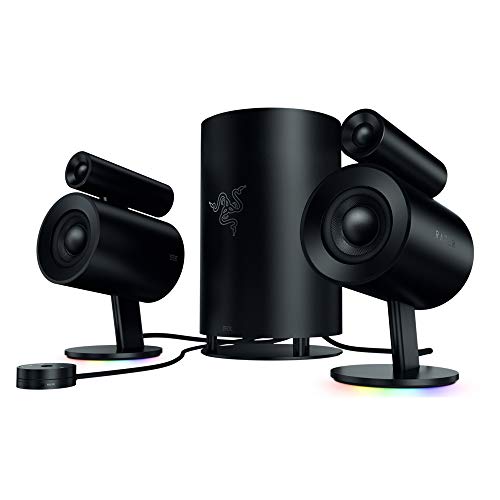
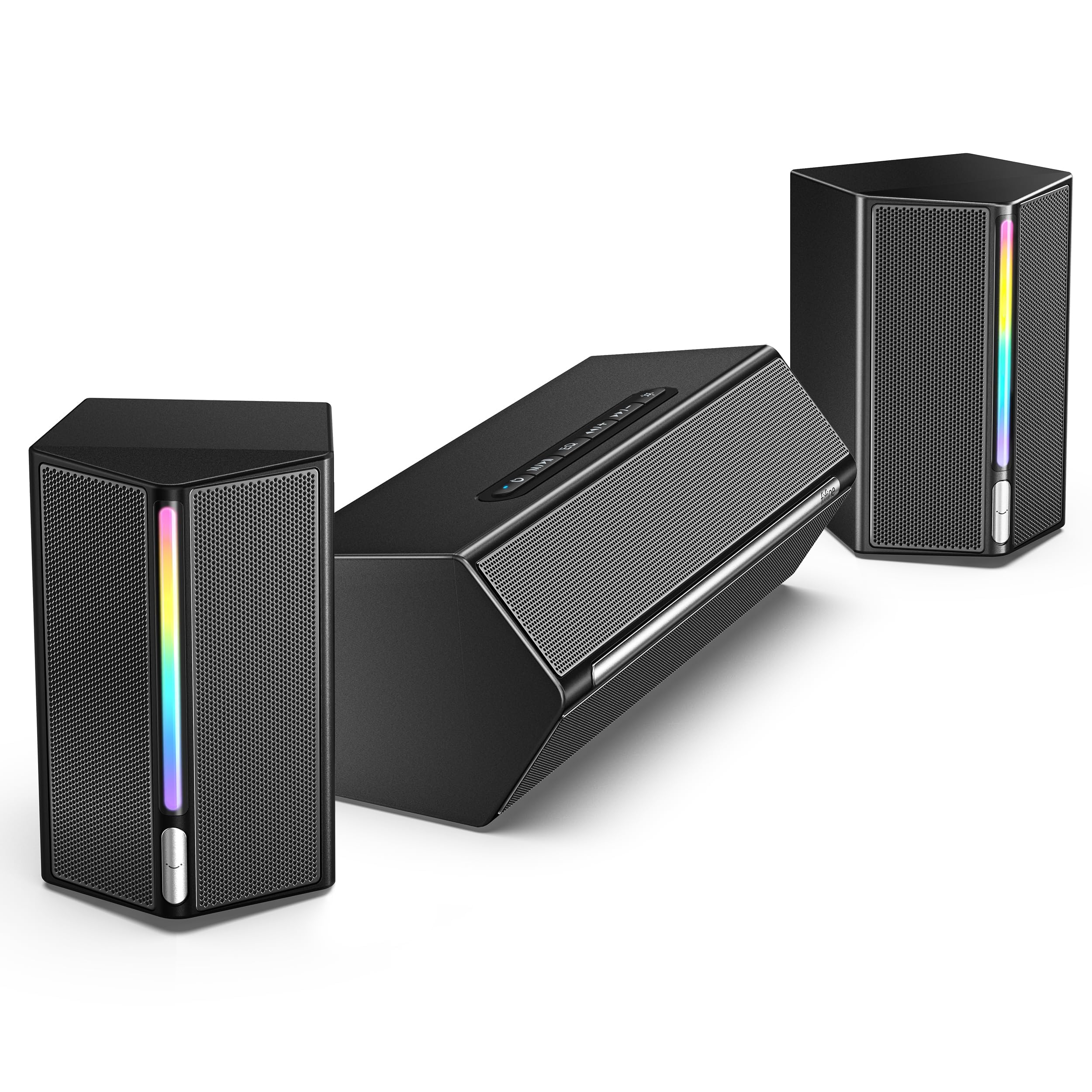
Shopping for best computer speakers for surround sound can feel confusing because the same words are used for very different setups, from a simple pair of desktop speakers with virtual effects to a full set of speakers placed around a room. The comparison table below can help you sort the options, but the layout, the room, and the way you connect the set matter at least as much as any single specification. A clear plan before you buy will save you from a set that sounds impressive in a store and disappointing at your own desk.
This guide walks through channel layout, speaker placement, connection types, room size, and spending levels. It does not rank individual products. Instead, it gives you a checklist for comparing any set and matching it to how you use your computer.



How to Judge Computer Speakers for Surround Sound
Surround sound is about direction as well as tone. A good set should let you tell whether a sound comes from the front, the side, or behind you, without making voices hard to follow. That result depends on speaker count, placement, and how your computer sends audio to them.
Features That Matter for Surround Sound
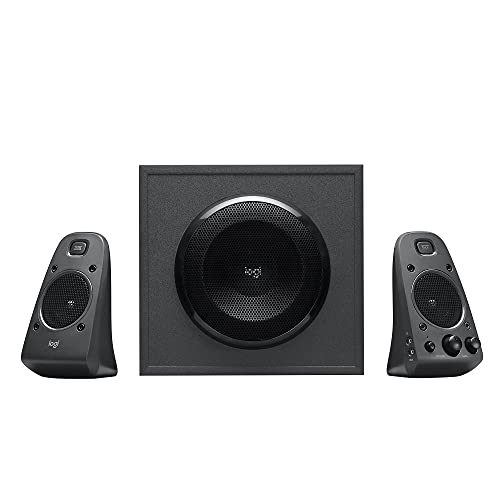
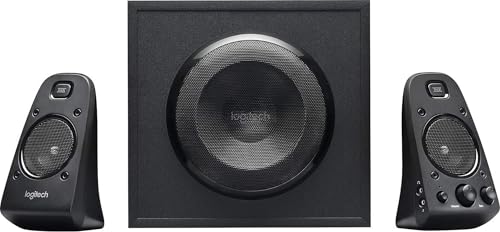
Start with channel layout. A 2.1 set uses two main speakers and a subwoofer, while a 5.1 set adds a center speaker and two rear speakers. True rear speakers give a stronger sense of space than virtual effects from a front pair, but they also need room behind or beside you. If your desk sits against a wall, a front heavy set with good virtual processing may suit you better than rear speakers squeezed into a corner.
Sound Quality and Tuning
Driver size and tuning shape how voices, music, and effects sound. Larger drivers usually handle bass more easily, while smaller drivers can still sound clear with a well tuned subwoofer. Look for balance or tone controls so you can tame harsh highs or boomy bass in your room.
Center Channel and Voice Clarity
The center speaker carries most dialogue in movies and much of the important detail in games. If voices sound muffled or buried under effects, the whole set feels less useful, even when music sounds good. Check whether the center level can be adjusted on its own, and whether voices stay clear at low volume late at night.
Controls and Everyday Use
Everyday controls decide how pleasant a set is to live with. A simple volume knob, a mute control, and an easy way to switch inputs reduce friction when you move between work calls, games, and films. Remote and on speaker controls both work well, as long as you can reach them without hunting behind a monitor.
Connectivity
Connection type affects both sound quality and delay. A wired analog or digital connection usually gives the most reliable timing for games and films. Wireless links add freedom of placement, but they can introduce delay that makes lips and sound drift apart. If you plan wireless rear speakers, check that the set is designed for low delay video use.
Room Size and Placement
Room size shapes what any set can do. A small room can make a powerful subwoofer sound boomy, while a large open room can swallow a small set. Measure the distance from your seat to each speaker position, and leave room for rear speakers at ear height or slightly above. If rear placement is not possible, focus on front sets with strong virtual surround.
Quick Buyer Checklist
Use these questions before you order. Any gap here often decides which layout fits you.
- Can you place rear speakers behind or beside your seat, at roughly ear height?
- Does your computer output surround audio through the connection you plan to use?
- Is there a separate control for center volume or dialogue?
- Where will the subwoofer sit, and will its bass disturb neighbors or housemates?
- Do you need wireless rear speakers, or can you run cables neatly?
- Is the total footprint, including stands or mounts, realistic for your desk and room?
Red Flags to Watch For
Watch for vague claims about channel counts that do not say how many physical speakers are included. A set described as surround may rely entirely on processing from two front speakers, which is fine, but it should be stated plainly.
Also be wary of power figures with no clear measurement basis, since wattage alone says little about clarity or balance. Short warranty terms are worth noting too, because speaker sets are meant to last for years. Finally, check that the set supports the audio formats your computer and media actually use.
Choosing Computer Speakers for Your Situation
Your main use should steer the layout. Film watchers gain most from a clear center channel and well placed rears. Music listeners may prefer a strong front pair with a restrained subwoofer.
Office users who mix calls and media need easy volume control and clean voices at low levels. Naming your main use first keeps you from paying for channels you will rarely notice.
Best Computer Speakers for Surround Sound Gaming
Gaming adds its own demands, since direction cues can affect how you react in a game. Low delay matters more here than in music listening, so a wired connection or a set built for low delay video use is safer. Rear speakers help you notice sounds behind your character, while a clear center keeps dialogue intelligible during busy scenes.
Spending Levels Without Product Picks
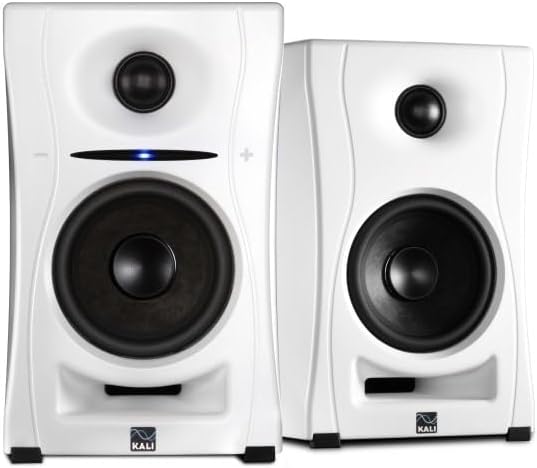
At a lower spending level, expect a compact front set with virtual surround and a small subwoofer. This level suits small rooms and listeners who mainly want wider sound than built in monitor speakers provide. At a middle spending level, look for a true multi speaker set with a separate center and rear speakers, plus better controls.
At a higher spending level, expect larger drivers, sturdier cabinets, more connection options, and finer tuning controls. In each tier, judge the set by layout and clarity, not by wattage alone.
For a broader view, see our guide to the best surround sound speakers. If pure tone matters most, compare with our guide to the best sound quality computer speakers. For rear placement, our guide to the best rear speakers for surround sound covers sizing in more detail.
Common Mistakes to Avoid
- Buying rear speakers with nowhere sensible to place them.
- Judging a set only by wattage instead of by clarity and balance.
- Ignoring whether your computer can output surround through your chosen connection.
- Placing the subwoofer in a corner without checking for boomy bass.
- Forgetting a separate control for dialogue or center volume.
How to Make Your Computer Speaker Last Longer
Keep speakers away from direct heat and damp, and dust the grilles gently so airflow and sound stay clear. Avoid driving a small set at maximum volume for long periods, since distortion can strain drivers over time.
Check cables now and then for loose plugs or fraying, and keep the subwoofer clear of clutter so it can breathe. When you move a set, protect the drivers and keep small parts away from children.
Best Computer Speakers for Surround Sound: Your Questions Answered
What features matter most in computer speakers for surround sound?
Channel layout matters most, because it decides whether sounds truly come from around you or only seem to. After that, look at center clarity, connection type, and placement options for your room. A set with a separate center control and a supported connection will usually serve you better than one with a higher wattage figure.
Wired or wireless: which sounds better?
Wired connections usually give more reliable timing and a steadier signal, which matters for films and games where lips and effects must stay in sync. Wireless links offer tidier placement, especially for rear speakers, but they can add delay. If you choose wireless rears, look for a set designed for low delay use and check it with video before you rely on it. For music only, the difference may be harder to notice.
Do I need a special codec?
You need a codec or format that both your computer and your speaker set support, but you do not need the most advanced option on the market. Standard surround formats cover most films and games well. Check what your computer outputs and what the set accepts, and avoid paying extra for a format none of your media uses. If you stream most content, confirm that your streaming apps pass surround audio through your chosen connection.
How many channels do I need?
Two channels with good virtual processing suit small rooms and listeners who mainly want wider sound. A 5.1 layout suits film watchers and gamers who can place rear speakers properly and want true direction cues. More channels add immersion only when each speaker has a sensible position. If rear placement is not possible, a strong front set is a better use of your budget than extra speakers crowded near your desk.
How should I place speakers for surround sound?
Place the front left and right speakers at equal distances from your seat, with the center directly in front of you. Put rear speakers behind or slightly beside your seat, at ear height or a little above, and aim them toward your listening position. Keep the subwoofer on the floor near the front, away from a tight corner if bass sounds boomy.
Final Thoughts
The right set is the one whose layout fits your room, whose center keeps voices clear, and whose connection works cleanly with your computer. Use the checklist above to compare options on those points, and let your main use guide how much you spend. With that approach, best computer speakers for surround sound becomes a practical choice rather than a guessing game, and the product table above is a good place to start comparing types side by side.