Best NVMe SSD: Budget, Midrange, and Premium Picks for 2026
Disclosure: We may earn a commission when you buy through links on this page, at no extra cost to you. As an Amazon Associate I earn from qualifying purchases. Learn more

NVMe SSDs by price tier, with Crucial P3 Plus, Samsung 990 PRO and WD_Black SN8100 picks plus speed and capacity advice.
NVMe SSD prices range from around $150 for a solid 1TB drive to around $500 for a 2TB PCIe 5.0 flagship, and the speed numbers on the box climb just as fast. For most people, the jump from a budget NVMe drive to a premium one is far less noticeable than the jump from a hard drive or SATA SSD to any NVMe drive. This guide to the best nvme ssd options explains where extra money pays off and where it is wasted.
Below you will find one pick from each budget tier, what each price range really delivers, the features worth paying for, a short section for laptops and handhelds and the long term costs to keep in mind.




Top 3 Picks by Budget
These three drives come from the product table above, chosen to balance speed, capacity and value at each price level.
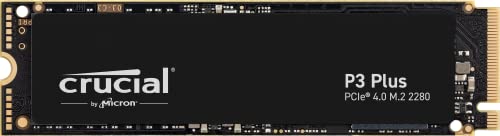
Best Budget Pick: Crucial P3 Plus 2TB
The Crucial P3 Plus is the right choice for everyday users and gamers who want lots of fast storage without paying for top speeds. It is a PCIe Gen4 NVMe drive with sequential reads up to 5,000 MB/s and random read and write performance up to 680K and 850K IOPS, which Crucial says is up to 43% faster than the fastest Gen3 drives.
It is backward compatible with Gen3 slots, so it works in older desktops and laptops, and it carries an MTTF rating above 1.5 million hours. The limitation is that it trails premium drives in sustained heavy writes, which matters mainly for large video projects. It sits around $180 for 2TB.
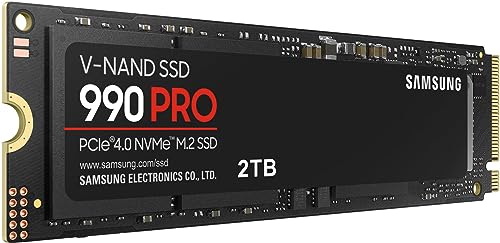
Best Midrange Pick: Samsung 990 PRO 2TB
The Samsung 990 PRO suits gamers, creators and power users who want near maximum PCIe 4.0 performance from a proven drive. It reaches sequential read and write speeds up to 7,450 and 6,900 MB/s, and Samsung says random performance improved more than 55% over the 980 PRO, with up to 50% better performance per watt. That efficiency helps in laptops and keeps temperatures in check.
Samsung's Magician software handles firmware updates and drive health monitoring. The limitation is that it costs noticeably more than budget Gen4 drives for gains most people will only feel in heavy workloads. It sits around $387 for 2TB.

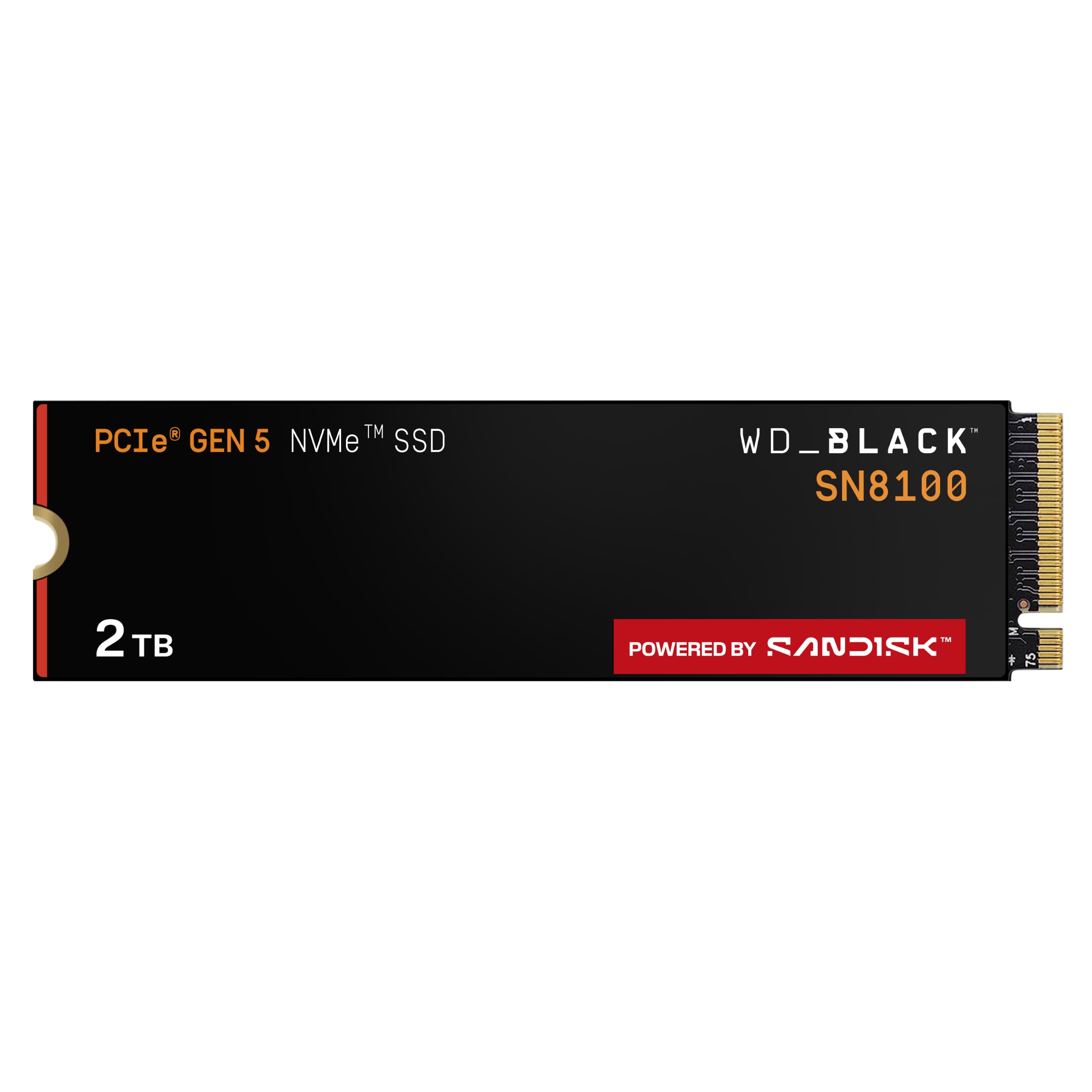
Best Premium Pick: WD_Black SN8100 2TB
The WD_Black SN8100 is for enthusiasts with a PCIe 5.0 motherboard who want the fastest consumer storage available. It is a PCIe 5.0 x4 drive with sequential reads up to 14,900 MB/s and writes up to 11,000 MB/s, aimed at AI applications, gaming and video editing.
That speed helps most when moving huge files, scrubbing high resolution video or loading large datasets. The limitation is that you need a Gen5 M.2 slot to reach those speeds, and in older Gen4 systems it performs closer to a midrange drive while costing more. It sits around $492 for 2TB.

What Your Money Gets You at Each Price Tier
NVMe prices track three things: the PCIe generation, the type of NAND flash and sustained performance under heavy loads.
Budget Tier: What to Expect
Drives around $150 to $200 for 1TB or around $180 to $310 for 2TB, such as the Kingston NV3, Crucial P3 Plus, WD Blue SN5000 and Corsair MP600 Core XT, deliver PCIe 4.0 speeds around 5,000 to 6,000 MB/s. Many use QLC flash or skip a DRAM cache to cut cost, which can slow long, sustained writes. For booting, apps and games, they feel nearly as fast as premium drives. They suit everyday PCs, budget gaming builds, upgrades for older laptops and secondary game storage.
Midrange Tier: The Sweet Spot for Most Buyers
Drives around $200 for 1TB or around $370 to $460 for 2TB, including the Samsung 990 PRO and 990 EVO Plus, Crucial T500 and Lexar NM790, reach roughly 7,000 to 7,450 MB/s on PCIe 4.0. Most use TLC flash, which handles sustained writes and endurance better than QLC. These are the best choice for gamers, creators and anyone who edits photos or video, since they stay fast during long transfers. They also work in PS5 consoles when fitted with a heatsink.
Premium Tier: When Spending More Pays Off
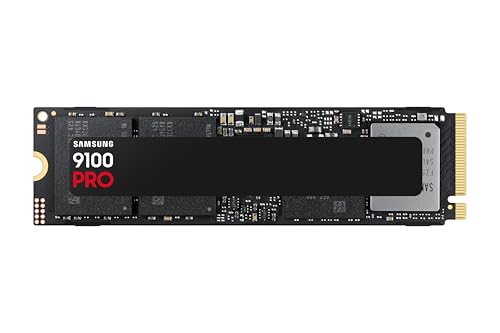
PCIe 5.0 drives around $400 to $500 for 2TB, such as the Samsung 9100 PRO and WD_Black SN8100, roughly double Gen4 sequential speeds to around 14,700 to 14,900 MB/s. The 9100 PRO uses a 5nm controller that Samsung says is up to 49% more power efficient than the 990 PRO. Spending this much pays off for professional video editing, large datasets, AI workloads and enthusiasts building new Gen5 systems. For gaming alone, load times improve only slightly over a good Gen4 drive.
Features Worth Paying For (and Ones to Skip) in the Best NVMe SSD
Some specs change how the drive feels day to day, while others look impressive on paper but rarely matter.
PCIe Generation and Speed
PCIe 4.0 is worth paying for today: it is affordable and widely supported. PCIe 5.0 is worth it only if your motherboard has a Gen5 M.2 slot and you move very large files regularly.
Sequential speed figures measure large file transfers, while random performance, measured in IOPS, affects how quickly apps and games respond. For everyday use, the difference between 5,000 and 7,450 MB/s is small. Check your motherboard or laptop manual before buying, since a Gen5 drive in a Gen4 slot runs at Gen4 speeds.
NAND Type and DRAM Cache
TLC flash, used in drives like the Crucial T500 and Samsung 990 PRO, offers better endurance and sustained write speed than QLC flash, found in drives like the Corsair MP600 Core XT. QLC drives cost less per terabyte and work well for game libraries and general storage. A DRAM cache helps keep performance steady during heavy multitasking. Pay for TLC if you edit video, write large files often or want the longest lifespan.
Capacity
Capacity is often a better place to spend than raw speed. Modern games can take 100GB or more each, and 4K video fills drives fast. 1TB suits a basic system drive, 2TB is the sweet spot for gamers and creators and 4TB makes sense for large libraries.
SSDs also perform best when not completely full, so leave some free space. Buying the right capacity up front avoids a second upgrade later.
Form Factor and Heatsinks
Most desktops and many laptops use the M.2 2280 size. Handhelds and some ultrabooks need the shorter M.2 2230, like the Crucial P310 2230, and a few laptops use 2242.
Heatsinks help keep fast drives from slowing down under heavy loads, and a heatsink is required for PS5 expansion. Many motherboards include M.2 heatsinks, so check before paying extra for a heatsink version. Laptops usually need drives without heatsinks because space is tight.
Endurance, Warranty and Software
Endurance is measured in terabytes written (TBW), and most quality drives carry a 5 year limited warranty, though terms vary. Higher TBW ratings matter for heavy writers such as video editors. Management software like Samsung Magician adds firmware updates, encryption and health monitoring. These are worth having but not worth paying a big premium for, since most home users never come close to endurance limits.
Features to Skip
RGB lighting on SSDs, extreme marketing speed claims from unknown brands and PCIe 5.0 drives for systems without Gen5 slots add cost without real benefit. For most gaming builds, a good Gen4 TLC drive is the smart choice; our gaming SSD guide goes deeper on gaming specific options.
Best NVMe SSDs for Specific Needs
Best NVMe SSD for Laptops
The best nvme ssd for laptops balances size, power efficiency and heat. Check your laptop's slot size first, since many ultrabooks and handhelds need M.2 2230 drives like the Crucial P310 2230, while larger laptops take 2280 drives. Choose efficient drives such as the Samsung 990 PRO, which helps battery life, and skip heatsinks that will not fit. A 1TB or 2TB drive gives plenty of room for most laptop users.
Best for Gaming PCs and Consoles
Gamers do best with a 2TB PCIe 4.0 TLC drive, which loads games quickly and holds a large library. For PS5 expansion, choose a Gen4 drive with a heatsink. Pair a fast drive with a balanced build from our gaming PC for the money guide.
Long Term Costs to Factor In
NVMe drives have low running costs, but a few extras add up. Laptops and some small PCs need a screwdriver kit, and moving your system to a new drive may need cloning software or an M.2 to USB enclosure, around $20 to $40. Desktop users may want a heatsink if the motherboard lacks one.
Power use is small, though PCIe 5.0 drives run hotter and draw more power than Gen4 drives. Most quality drives carry multi year warranties, so register your drive and keep the receipt. Budget for backups too: an external drive or cloud plan protects your data, since even reliable SSDs can fail without warning. Upgrading capacity later costs more than buying the right size now.
FAQs
Is NVMe faster than SATA SSD?
Yes. NVMe drives connect through PCIe lanes and reach around 5,000 to 7,450 MB/s on Gen4, compared with roughly 550 MB/s for SATA SSDs. In daily use, that means faster file copies, quicker game installs and snappier large app loads. For basic web browsing and office work, the difference feels smaller, but NVMe is usually the better buy for any computer with a compatible M.2 slot.
Is PCIe 5.0 worth it for gaming?
Not for most gamers. Game load times improve only slightly over a fast PCIe 4.0 drive, because games rarely use the full bandwidth. PCIe 5.0 drives cost more, run hotter and need a Gen5 motherboard slot. They make more sense for professional video editing, AI workloads and very large file transfers.
How much storage do I need?
For most people, 1TB is the minimum for a main drive and 2TB is the sweet spot. Gamers with large libraries and creators who work with video should consider 2TB to 4TB. If you keep most files in the cloud and use a few apps, 1TB is usually plenty.
Will an NVMe SSD work in my computer?
It will if your computer has an M.2 slot that supports NVMe. Check the motherboard or laptop manual for the slot's PCIe generation and supported lengths, such as 2230, 2242 or 2280. Some older M.2 slots support only SATA drives. Newer drives are backward compatible with older PCIe generations, but run at the slower slot speed.
How long does an NVMe SSD last?
Most NVMe drives last many years in normal use, often well beyond their warranty period. Endurance ratings measure how much data can be written over the drive's life, and typical home users write far less than those limits. Keeping firmware updated and avoiding constant full capacity helps maintain performance.
Wrapping Up
Three things matter most: a PCIe generation your system supports, enough capacity for your games and files and TLC flash if you write large files often. Most buyers get great value from a budget drive like the Crucial P3 Plus, gamers and creators benefit from the Samsung 990 PRO, and enthusiasts with Gen5 systems can step up to the WD_Black SN8100. Pair a new drive with a fast system such as those in our gaming laptops 1500 guide, then check the product table above to choose the best nvme ssd for your build.