Best Computer Speakers and Subwoofer 2026: Buying Guide
Disclosure: We may earn a commission when you buy through links on this page, at no extra cost to you. As an Amazon Associate I earn from qualifying purchases. Learn more
The best computer speakers and subwoofer set adds deep bass to your desk; compare sound, size, connections and room fit before you buy.
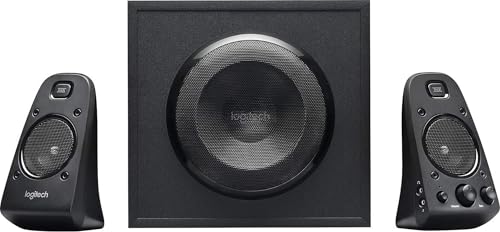
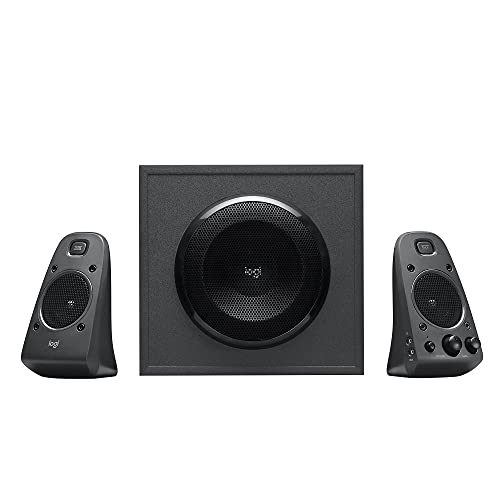
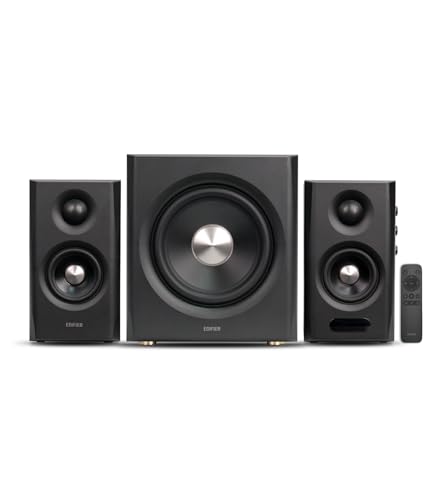
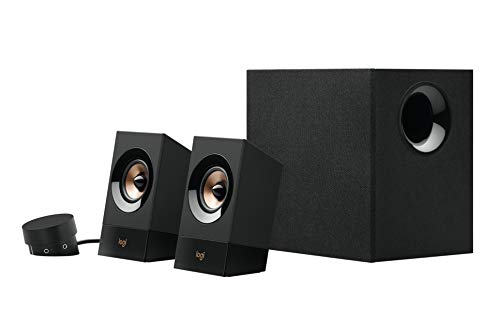
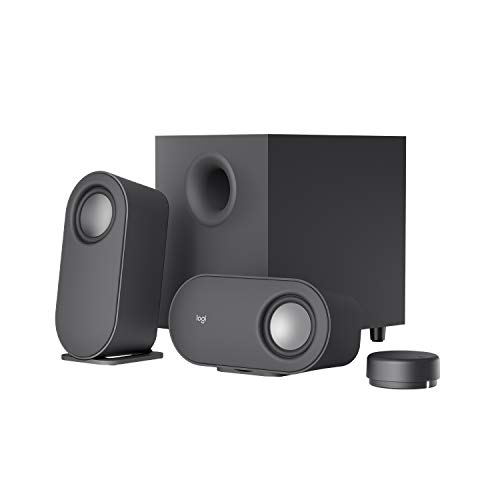
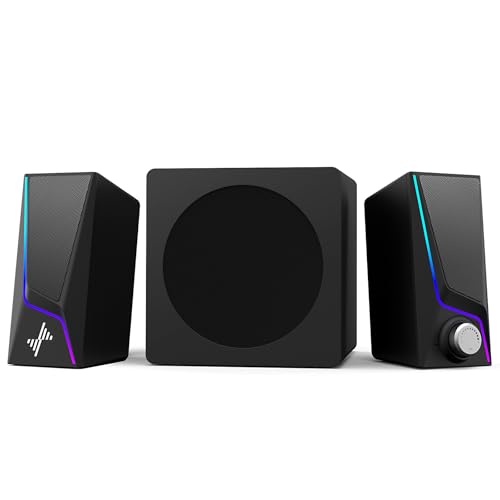
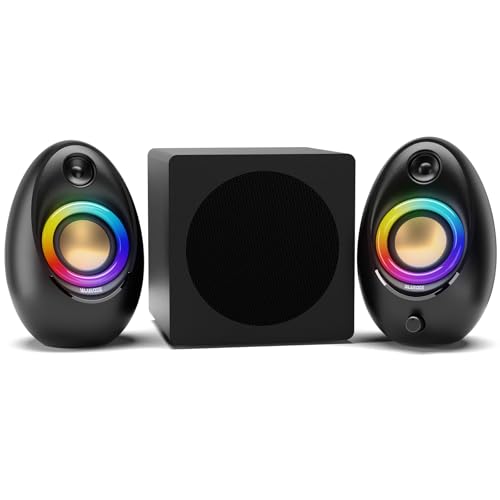
A desk pair on its own can sound clear and still feel flat, because small cabinets cannot move enough air for the lowest notes. The best computer speakers and subwoofer combination adds that missing weight, so film scores, game explosions and bass lines sound the way they were mixed. The product table below shows the main 2.1 setups side by side, and the sections after it explain how to match one to your desk and room.
Before you choose, think about floor space, room size, whether you prefer a wired or wireless link and how much bass you actually enjoy. A large subwoofer in a small room can drown speech, while a tiny one in a big room sounds thin for films.


Who Benefits From a Subwoofer Set
Speakers with a subwoofer suit music lovers, film fans, gamers and home workers who want a fuller sound at a desk. They also suit small living rooms where a full home cinema system would be too large or too costly.
They suit less well in shared rooms where bass may disturb housemates or neighbors, or on very small desks with no floor space for the extra box. In those cases a compact stereo pair or good headphones may work better.
How a 2.1 Set Works
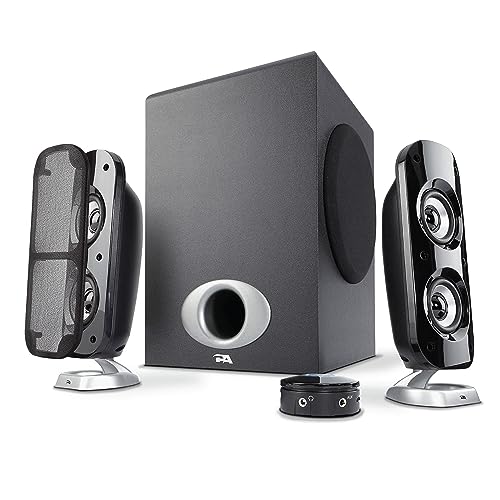
The name describes the layout: two satellite speakers carry voices and treble, and one subwoofer handles the deep bass. Splitting the job lets the satellites stay small enough for a desk while the subwoofer sits on the floor, where it can move more air.
The subwoofer is usually wired to one satellite or to the computer, and a level control on the satellite or the sub itself sets how strong the bass feels. That control matters more than most buyers expect, because the right bass level changes between daytime music and late night films.
Key Features to Compare
Bass Balance and Voice Clarity
A good set balances clear voices and detailed highs with bass that supports the music without overwhelming it. Look for a subwoofer volume control so you can tune the bass to your room and the time of day. If dialogue sounds boomy, lower the sub level before blaming the satellites.
Satellite Size and Desk Fit
Satellites should fit beside your monitor without blocking it, and the subwoofer needs floor or under desk space. Measure your desk and floor area, including the cable length between the sub and the satellites. A setup that crowds your desk will annoy you daily, even if it sounds good.
Connections and Controls
Wired connections give reliable sound with low delay for games and films, while Bluetooth adds easy phone and tablet playback. A front volume knob, a headphone jack and a clear mute button help every day. Check which inputs your computer offers, whether USB, a 3.5 mm jack or optical, before you commit.
Power and Room Size
Power should match your room, not just the number on the box. A small room needs far less than an open living space, and an oversized system can sound harsh or boomy at low volume. Choose a set that stays clean at your usual listening level, not only at maximum.
Types of Subwoofer Setups
2.1 Desktop Sets
A 2.1 set pairs two satellites with one subwoofer, which suits most desks and medium rooms. It offers a good balance of size, price and bass, and it is easy to set up. It works well for music, films and games.
Soundbar With Subwoofer
A soundbar setup places a long bar under or above the monitor with a separate subwoofer, which keeps the desk tidy and helps film dialogue. It saves space and often includes a remote control. The trade off is a narrower stereo image than two separate satellites provide.
Studio Style Sets
Studio style sets aim for flatter, more detailed sound for music production and critical listening. They cost more and need careful placement, but they reveal detail that casual sets can hide. They suit creators and serious music listeners.
Budget and Value
Basic 2.1 sets cost about $50 to $120 and cover everyday listening well. Mid range sets at about $120 to $250 offer clearer satellites, a tunable subwoofer and sturdier build. Premium sets above that focus on refined sound, larger drivers and better materials.
Pay for bass control and voice clarity first, because those decide daily enjoyment. A mid range set with a sub level control often sounds better in a real room than a powerful set without one. Add cable length and floor space to your plan before you order.
Setup and Everyday Use
Place the satellites at ear height where possible, keep the subwoofer on the floor and try it a little away from the wall if the bass booms. Start with the sub volume low, then raise it until the bass supports music without hiding voices. Route cables away from walkways and leave some slack so you can move the sub while tuning.
If a speaker buzzes, crackles or loses sound, check the cables, the volume and the input setting before assuming a fault. Switch the set off before you move cables, and keep it away from water and heat. For your hearing, keep volume moderate during long sessions and take breaks.
Related Setups Worth Comparing
If you want to cut the cables, our guide to the best wireless computer speakers with subwoofer explains the trade offs. If you doubt that you need a sub at all, see the best computer speakers without subwoofer. Buyers on a firm budget can start with the best computer speakers with subwoofer under 200.
Best Computer Speakers and Subwoofer: Your Questions Answered
Do I need a subwoofer for computer speakers?
A subwoofer adds deep bass that small satellites cannot produce, which helps music, films and games feel fuller. If you mainly listen to speech or work calls, a good stereo pair may be enough. Choose a subwoofer if you enjoy bass heavy music or cinematic sound.
Where should I place a computer subwoofer?
Put the subwoofer on the floor near your desk, and try moving it a little if the bass sounds boomy. A corner boosts the bass, while a more open spot gives tighter bass. Keep the cables tidy and leave space around the vents.
Are wireless computer speakers good for gaming?
Wireless speakers suit music and casual use, but a wired connection usually has lower delay for games and films. If you play fast games or watch closely synced video, choose a wired link or a low delay wireless option. Check the delay with your own setup before you commit.
Can computer speakers work with a TV?
Many sets work with a TV through a 3.5 mm, optical or Bluetooth connection, depending on the model. Check the outputs on your TV and the inputs on the speakers before you buy. A soundbar setup often suits TV use better than small desk satellites.
How loud should computer speakers be?
Choose a setup that sounds clean at your usual volume, not just loud at maximum. A good set plays clearly without distortion at comfortable levels. For long sessions, keep the volume moderate and take breaks to protect your hearing.
Can I use computer speakers for video calls?
Yes, speakers work well for video calls, but a separate microphone usually sounds clearer than a laptop mic. Keep the volume moderate to avoid echo, and use headphones for sensitive calls or shared rooms. Check call audio before an important meeting, not during it.
Final Thoughts
Choose bass control and voice clarity first, then a size that fits your desk and floor space. The best computer speakers and subwoofer setup for your room balances bass, clarity and fit for the way you listen every day. Compare the options in the product table above and tune the sub level slowly once the set is in place.