
Best Gaming PC for the Money: What Actually Matters Before You Buy (2026)
Disclosure: We may earn a commission when you buy through links on this page, at no extra cost to you. As an Amazon Associate I earn from qualifying purchases. Learn more

Prebuilt gaming PCs judged on value: Skytech, CyberPowerPC and iBUYPOWER picks plus a checklist and red flags.
Getting the most gaming performance per dollar is harder than it looks. Prebuilt gaming PCs range from around $740 entry machines to $3,000 enthusiast rigs, and two systems with the same graphics card can differ wildly in memory, storage, cooling and power supply quality. This guide to the best gaming pc for the money lays out the checklist we use to judge value, then names three systems that pass it.
We explain how we evaluate gaming PCs, share three picks, give a quick buyer checklist and red flags and finish with care tips and common questions. Prices for PC components shift often, so compare current listings in the table above before you buy.



How We Evaluate the Best Gaming PC for the Money
We score prebuilt gaming PCs on seven criteria using published specifications and owner feedback. A system that pairs a strong graphics card with too little memory or a weak power supply loses points, no matter how good the headline spec looks.
What You Can Realistically Get on a Budget
Set expectations by price tier. Around $740 buys an entry system like CyberPowerPC's Ryzen 5 5500 with a Radeon RX 6500 XT 4GB, 8GB of DDR4 and a 500GB SSD, which suits esports titles at 1080p.
Around $1,285 to $1,650 buys a solid 1080p and entry 1440p machine with an RTX 5060 or RTX 5060 Ti. Around $2,000 to $2,300 buys RTX 5070 class systems for high settings at 1440p. Above that, systems with RTX 5070 Ti and newer X3D processors target high refresh 1440p and 4K.
CPU and GPU Pairing
Value comes from balance. The graphics card drives most gaming performance, so the best value systems spend there first, then pair a capable 6 to 8 core processor. Good pairings include an Intel Core i5-13400F with an RTX 5060, a Ryzen 7 7700 with an RTX 5060 Ti or a Ryzen 7 8700F with an RTX 5070. A very expensive CPU with an entry GPU wastes money for gaming, while a high end GPU with a weak CPU can hold back frame rates in CPU heavy games.
Case Size, Airflow, and Aesthetics
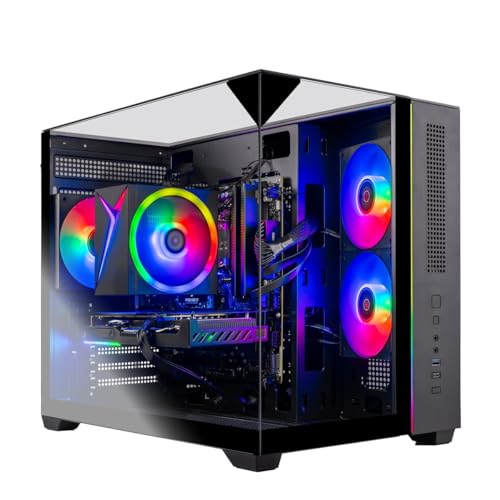
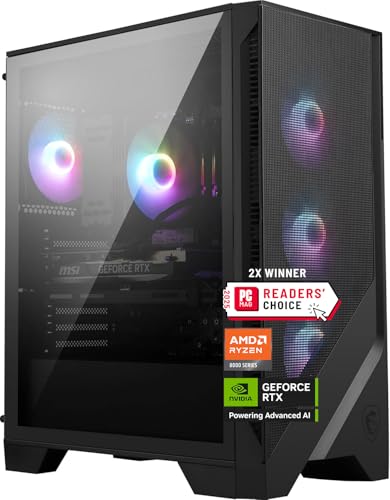
Airflow keeps components cool and boost clocks high. Look for front mesh or multiple intake fans. MSI's Codex Z2 lists three front fans and one rear fan with an ARGB air cooler, and Skytech's systems list a high performance air cooler with ARGB fans in a triple tempered glass case. Glass panels and RGB look great but do not add performance, so we favor cases that pair style with real airflow.
Noise Levels
A good value PC should not sound like a hair dryer. Larger air coolers and more case fans running at lower speeds are usually quieter than one small fan spinning fast. Makers rarely publish noise figures, so we look for quality air coolers, adequate fan counts and owner feedback about noise under load. Liquid cooling can be quieter but adds cost and pump noise on some units.
RAM and Storage (DDR5, NVMe SSD)
For modern games, 16GB of RAM is the minimum and 32GB is the comfortable target. Skytech's Ryzen 7 7700 system includes 32GB of DDR5 5600, while CyberPowerPC's Gamer Xtreme includes 16GB of DDR5. Storage should be an NVMe SSD of at least 1TB, since game installs are large; MSI's Codex Z2 includes 2TB. Systems with 8GB of RAM or 500GB drives save money now but need upgrades soon.
Upgradability and Standard Parts
Standard ATX or micro ATX motherboards, standard power supplies and open drive bays make future upgrades easy. Systems from builders like Skytech, CyberPowerPC and iBUYPOWER generally use standard parts. Some brand name towers use proprietary motherboards or power supplies that limit upgrades. We score higher when a system lists its chipset, such as the Intel B760 in CyberPowerPC's Gamer Xtreme, and leaves room to add RAM and storage.
Power Supply Quality
The power supply is the part prebuilt makers most often skimp on. A quality unit from a known brand with an 80 Plus rating protects your components and leaves headroom for a future GPU upgrade. Many listings do not name the power supply brand, so check the full specifications or ask the seller. A system with an unnamed, low wattage supply loses points even if the rest looks strong.
Warranty and Support
Prebuilt systems usually include a 1 year parts and labor warranty. CyberPowerPC lists a 1 year parts and labor warranty with free lifetime tech support, and Skytech lists a 1 year warranty on parts and labor with free technical support and assembly in the USA. Longer optional warranties can be worth it for expensive systems.
3 Picks That Pass Our Checklist
These three systems offer strong performance for their price.
Best Overall: Skytech Gaming PC, Ryzen 7 7700 and RTX 5060 Ti
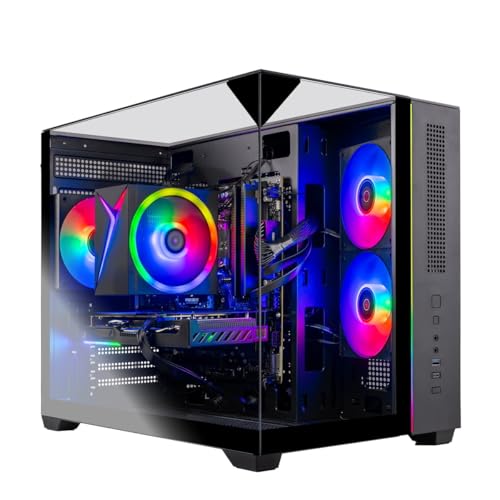
This Skytech system suits gamers who want strong 1080p and capable 1440p performance with room to grow, at around $1,650. Skytech lists an AMD Ryzen 7 7700 with up to 5.3GHz boost, an NVIDIA GeForce RTX 5060 Ti 8GB GDDR7, 32GB of DDR5 5600, a 1TB NVMe SSD, a high performance air cooler with ARGB fans, Windows 11 Home, no bloatware and a free keyboard and mouse.
Its strengths are a balanced CPU and GPU pairing and 32GB of fast memory at this price.
The limitation is an 8GB graphics card, which can limit texture settings in some newer games at 1440p.
Best Value: CyberPowerPC Gamer Xtreme VR, Core i5-13400F and RTX 5060
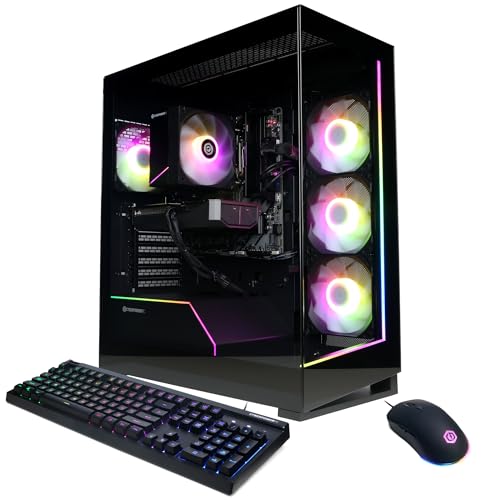
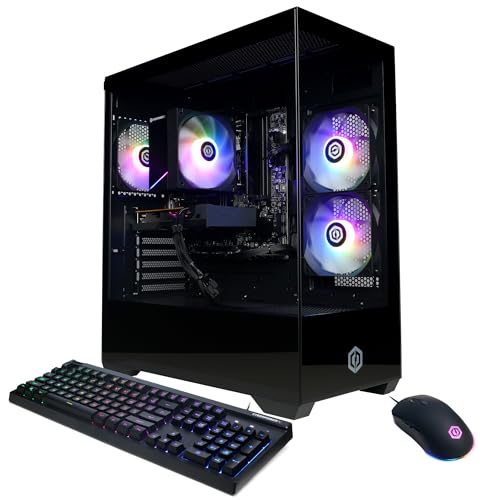
The CyberPowerPC Gamer Xtreme suits budget gamers who want a modern 1080p machine with current features, at around $1,285. CyberPowerPC lists an Intel Core i5-13400F with 10 cores, an Intel B760 chipset, an NVIDIA GeForce RTX 5060 8GB, 16GB of DDR5, a 1TB PCIe 4.0 NVMe SSD, WiFi 6, Bluetooth 5.3, a USB-C port, a tempered glass side panel and a keyboard and mouse.
The appeal is the lowest price on this list for a current generation RTX graphics card and DDR5 platform.
The trade off is 16GB of RAM, so plan to add another 16GB later.

Best for Heavy Use: iBUYPOWER Element, Ryzen 9 7900X and RTX 5070
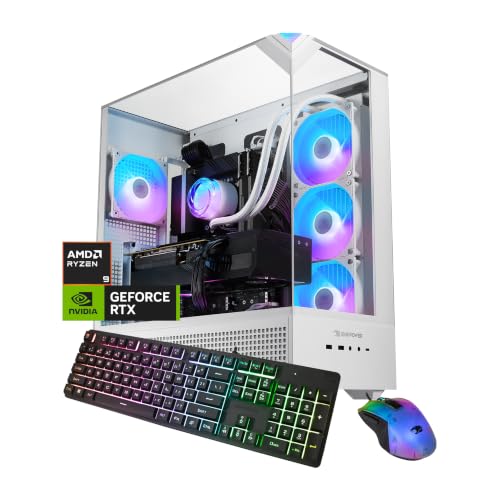
The iBUYPOWER Element suits gamers who also stream, edit video or run demanding creative apps, at around $2,300. iBUYPOWER lists an AMD Ryzen 9 7900X, an NVIDIA GeForce RTX 5070 12GB, 32GB of DDR5, a 1TB NVMe SSD, a tempered glass RGB case, Wi-Fi, Windows 11 Home, no bloatware and a free gaming keyboard and RGB mouse.
The appeal is a 12 core processor and 12GB graphics card that handle gaming plus heavy multitasking.
The limitation is 1TB of storage, which fills quickly with large game libraries and video projects.

Quick Buyer Checklist
- GPU first: Spend most of your budget on the graphics card that matches your monitor resolution.
- Balanced CPU: A modern 6 to 8 core processor is enough for most gaming.
- RAM: 16GB minimum, 32GB preferred, DDR5 on new platforms.
- Storage: At least a 1TB NVMe SSD.
- Cooling: Multiple case fans and a real tower air cooler or liquid cooler.
- Power supply: A named brand with an 80 Plus rating and upgrade headroom.
- Warranty: At least 1 year parts and labor plus tech support.
Red Flags to Watch For
- Unnamed power supplies. A missing brand or wattage often means a low quality unit.
- "Brand may vary" GPUs without specs. Make sure the GPU model and memory size are clearly listed.
- 8GB of RAM in a gaming PC. Expect stutters in modern games until you upgrade.
- Old platforms at new prices. Compare chipset and memory type; DDR4 systems should cost noticeably less.
- Renewed or refurbished listings mixed into results. Confirm you are buying new with a full warranty.
Care and Maintenance Tips
Place the PC where air can flow freely, not inside a closed cabinet or on carpet. Clean dust filters monthly and blow dust out of fans and heatsinks with compressed air every few months. Keep graphics drivers and Windows updated, and use a surge protector. Check temperatures with free monitoring software if games start to stutter.
Other Gaming PCs Worth Considering
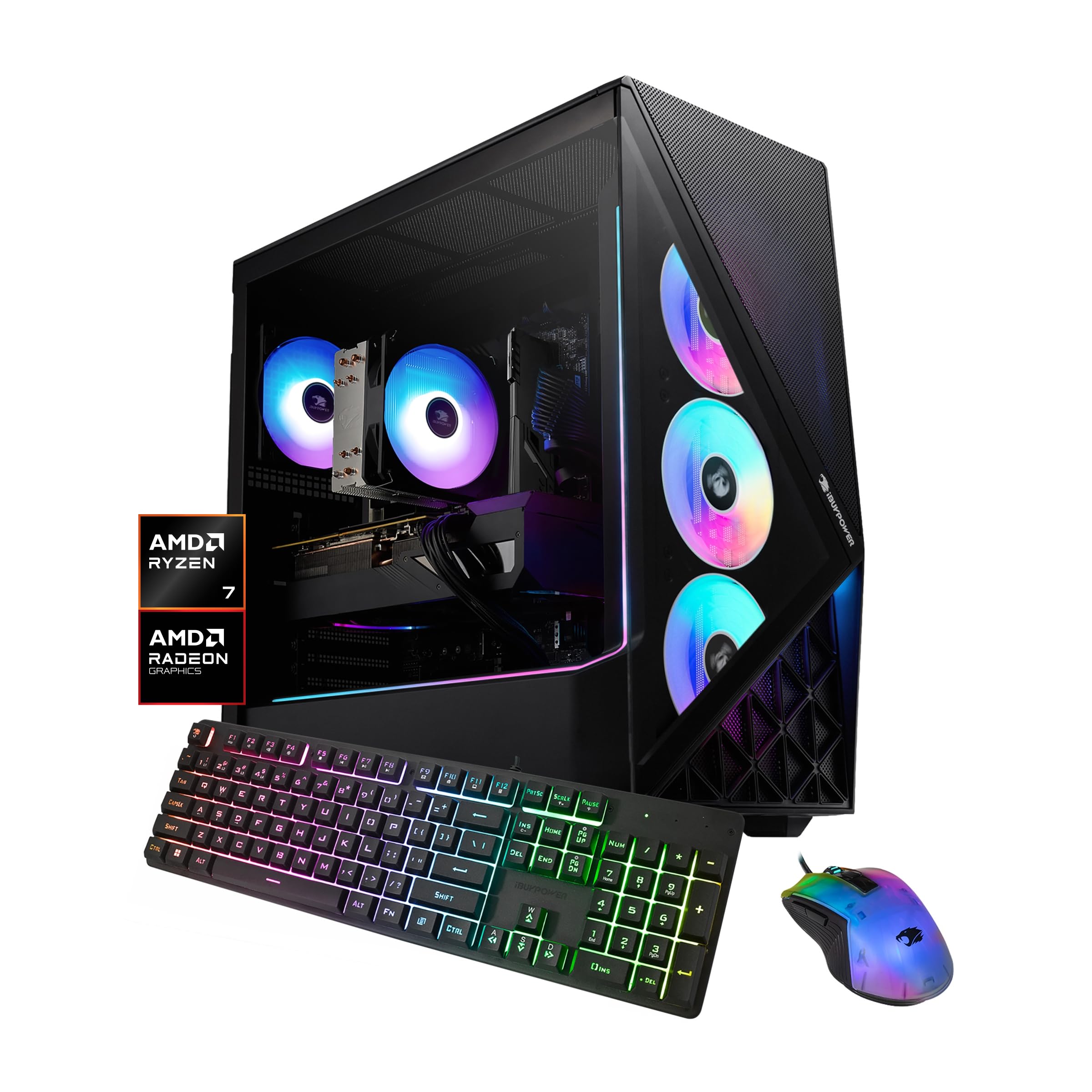
Several other systems suit different budgets. CyberPowerPC's Gamer Master with a Ryzen 7 8700F and RTX 5060 Ti, around $1,499, is a strong mid range choice. iBUYPOWER's Slate with a Ryzen 7 9700F and Radeon RX 9060 8GB, around $1,400, is an AMD graphics alternative.
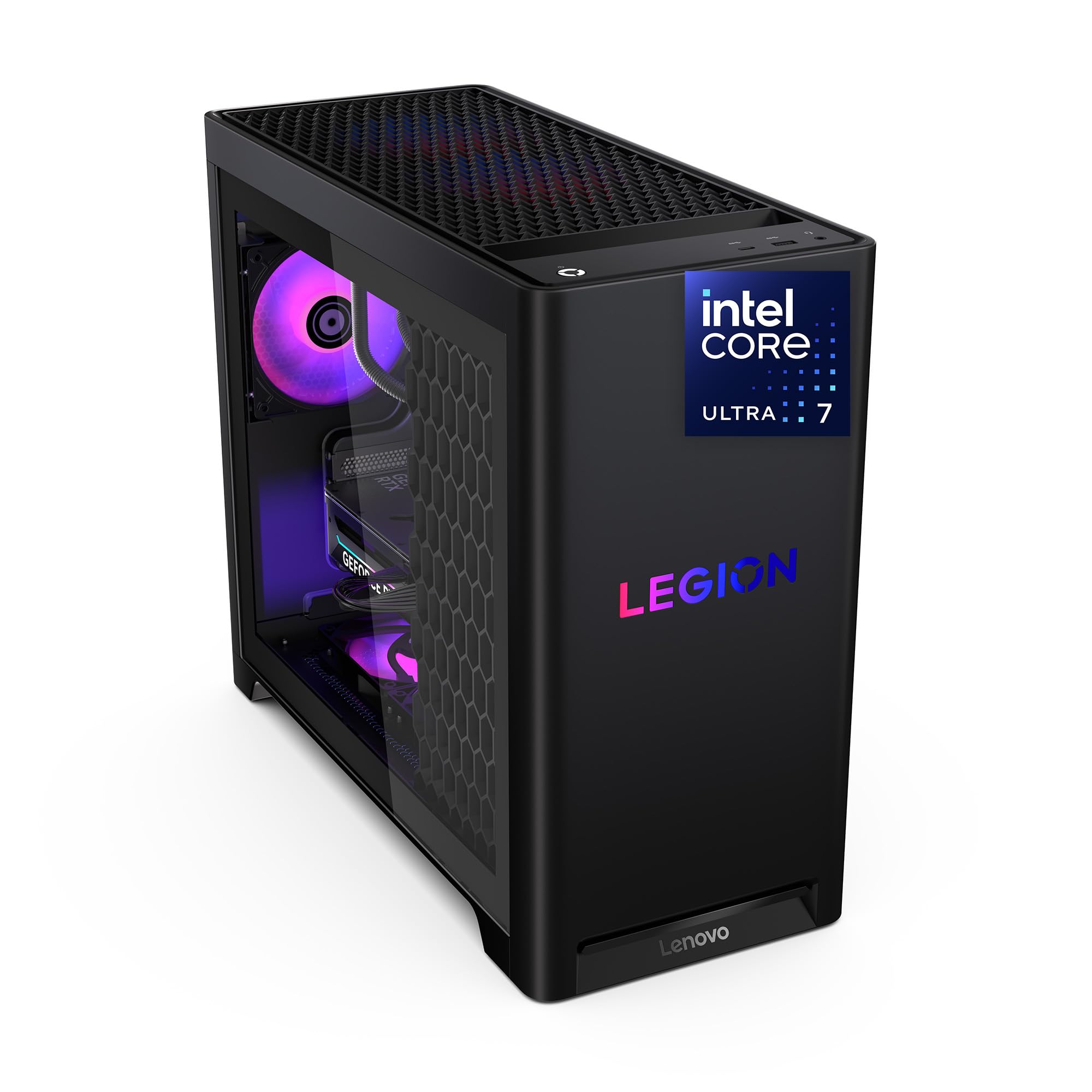
MSI's Codex Z2 with a Ryzen 7 8700F, RTX 5070, 32GB of DDR5 and a 2TB SSD, around $2,079, adds more storage. Lenovo's Legion Tower 5i and Alienware's Aurora with an RTX 5070 offer brand name support at higher prices, and Skytech's Ryzen 7 9850X3D with Radeon RX 9070 XT, around $2,900, targets high refresh 1440p and 4K.
FAQs
What GPU do I need for 1440p?
For high settings at 1440p, aim for an RTX 5070 class card or AMD equivalent with at least 12GB of video memory. An RTX 5060 Ti handles 1440p at medium to high settings in many games, while an RTX 5070 Ti or Radeon RX 9070 XT suits high refresh 1440p gaming.
Is it cheaper to build or buy a prebuilt PC?
Building is often slightly cheaper and lets you choose every part, but prebuilts can match or beat DIY prices during sales. Prebuilts include assembly, Windows and a single warranty. If you are new to PCs, a prebuilt from a builder that uses standard parts is a safe choice.
How much RAM do I need for gaming?
16GB is the minimum for modern gaming, and 32GB is the comfortable target. 32GB helps if you stream, run browsers and chat apps while gaming or play memory heavy titles. Adding RAM later is usually easy on standard motherboards.
How long will a gaming PC stay relevant?
A well balanced mid range gaming PC typically stays useful for 4 to 6 years. Upgrading the graphics card after a few years extends its life further, which is why a quality power supply and standard parts matter.
Air or liquid cooling: which is better?
A good tower air cooler is enough for most gaming CPUs and is simpler and more reliable. Liquid cooling can run quieter and cooler with high end processors, but it costs more and adds a pump that can eventually fail.
Wrapping Up
When shopping for value, focus on three things: a balanced CPU and GPU pairing for your monitor, at least 16GB of RAM and a 1TB SSD, and quality cooling and power. Skytech's Ryzen 7 7700 and RTX 5060 Ti system is the best overall, CyberPowerPC's Gamer Xtreme is the best value and iBUYPOWER's Element is best for heavy use. The best gaming pc for the money delivers smooth gameplay today and room to upgrade tomorrow.
For more gaming guides, see the best gaming pc prebuilt, the best gaming monitors 1440p, the best power supply for gaming pc and the best gaming ssd. Then compare current prices in the product table above.


