
Best Laptops 13 Inch: Which One Fits the Way You Work? (2026)
Disclosure: We may earn a commission when you buy through links on this page, at no extra cost to you. As an Amazon Associate I earn from qualifying purchases. Learn more

13 inch laptops matched to real users: MacBook Neo, MacBook Air, Dell XPS 13, Surface and ROG Flow Z13 compared.
No single 13 inch laptop is right for everyone. A college student taking notes in lecture halls needs something very different from a frequent flyer editing slides on a tray table, and both need something different from a gamer who wants real graphics power in a small bag. The best laptops 13 inch are the ones that match how and where you work.
Thirteen inch laptops sit in the sweet spot between portability and usability, with prices from around $690 to more than $3,000. This guide sorts options by type of user first, then covers specific situations like school and travel, explains the features worth comparing, flags common mistakes and shares care tips.


Who Should Buy Which Laptops 13 Inch?
Start with how you will use the laptop. Each user type below points to the kind of 13 inch machine that fits best.
For Gamers and Power Users
Gamers and power users need strong graphics, fast memory and good cooling, which is hard to fit into a 13 inch body. The ASUS ROG Flow Z13 is the rare exception, around $3,300, with an AMD Ryzen AI MAX+ 395 processor, RDNA 3.5 graphics, 128GB of LPDDR5X memory, a 13 inch 2.5K 180Hz touchscreen covering 100 percent of the DCI-P3 color space and a vapor chamber with liquid metal cooling. It doubles as a tablet with a 170 degree kickstand and offers USB4, HDMI 2.1 and up to 10 hours of battery life.
Prioritize a high refresh display, plenty of memory and real cooling. Expect to pay far more than for a standard ultraportable, and accept shorter battery life under load.
For Travelers and Commuters
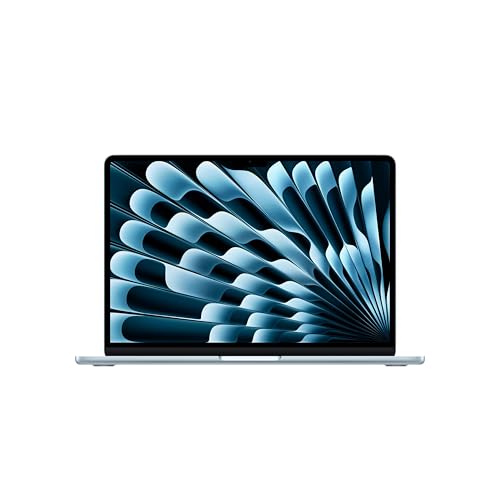
Travelers need light weight, long battery life and a sturdy build. Apple's MacBook Air 13 inch with the M5 chip, around $1,256 with 16GB of memory and a 512GB SSD, lists up to 18 hours of battery life, two Thunderbolt 4 ports, MagSafe charging, Wi-Fi 7 and support for two external displays. The MacBook Air with M4, around $986, offers a similar fanless design for less.
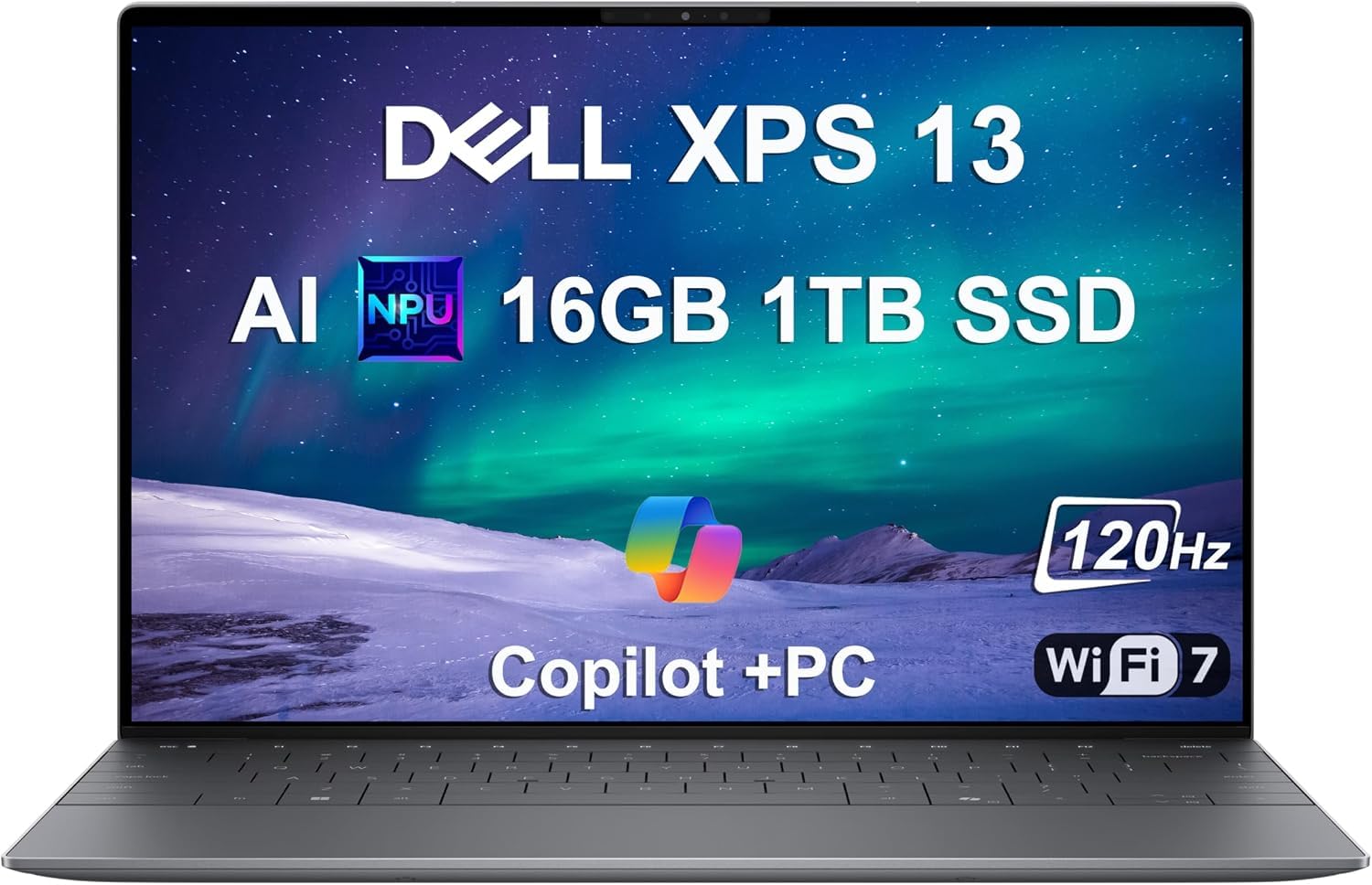
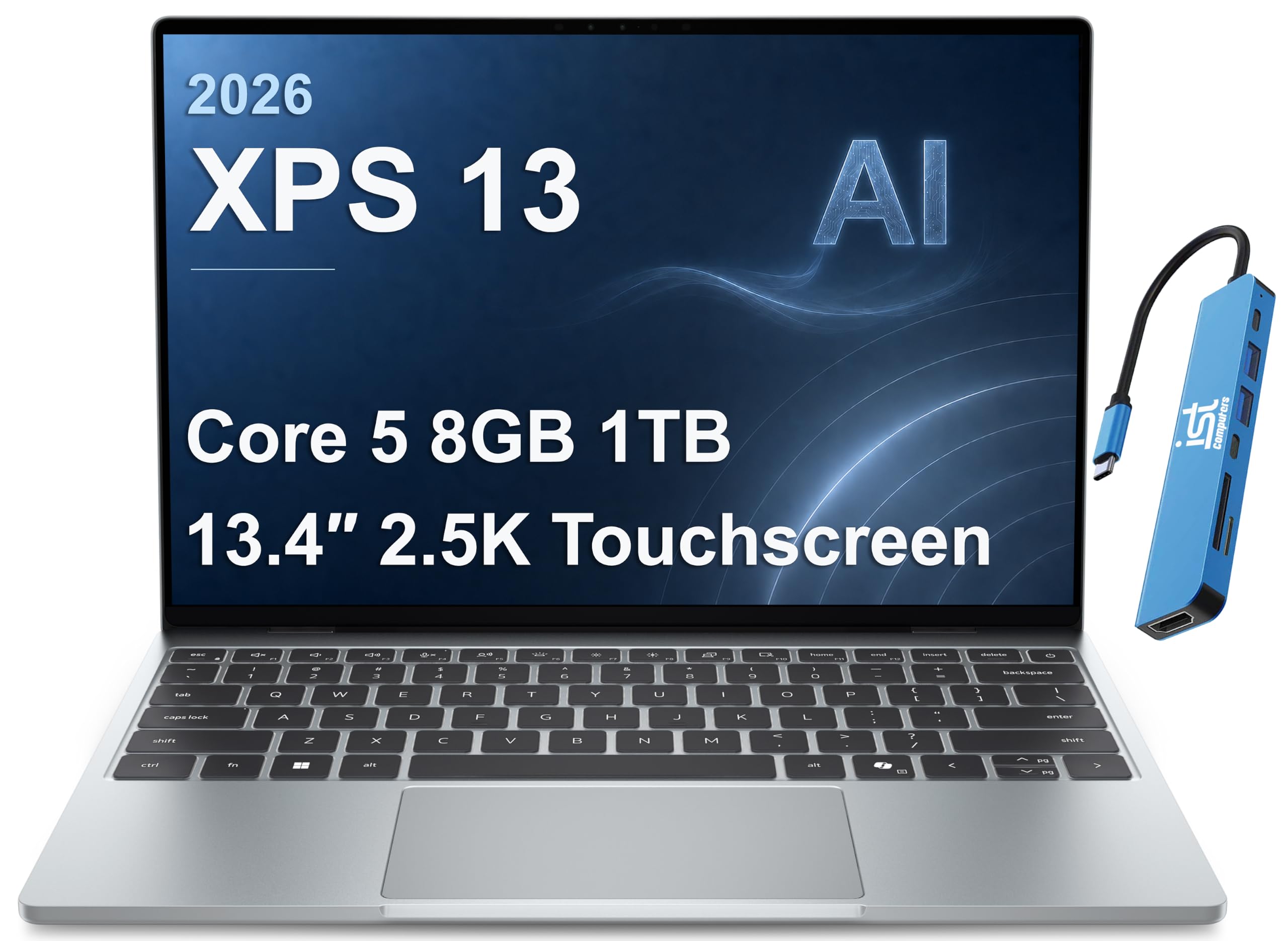
Windows users can choose the Microsoft Surface Laptop 13 inch with Snapdragon X Plus, around $1,081, or the Dell XPS 13 with Snapdragon X Elite, around $1,350, both built around efficient ARM processors that stretch battery life. Prioritize battery life, weight and a reliable charger you can pack easily.
For Remote Workers and Creators
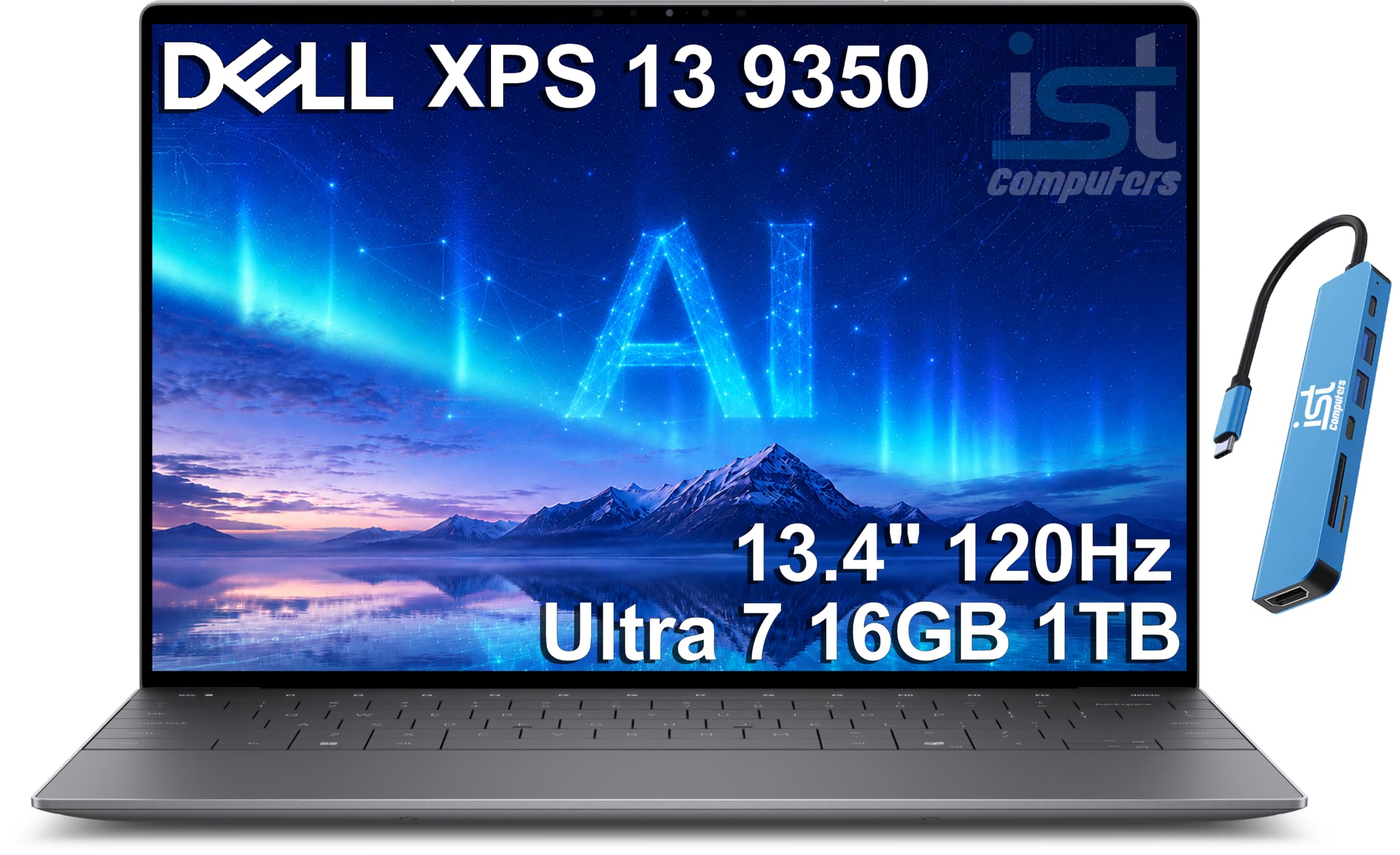
Remote workers need a sharp webcam, good microphones, a comfortable keyboard and enough ports for a home desk setup. The MacBook Air M5's 12MP Center Stage camera keeps you in frame on video calls, and its three mic array and four speaker system help meetings sound clear. The Dell XPS 13 9350, around $1,500 with an Intel Core Ultra 7 256V, 16GB of DDR5 and a 1TB SSD, suits Windows based offices.
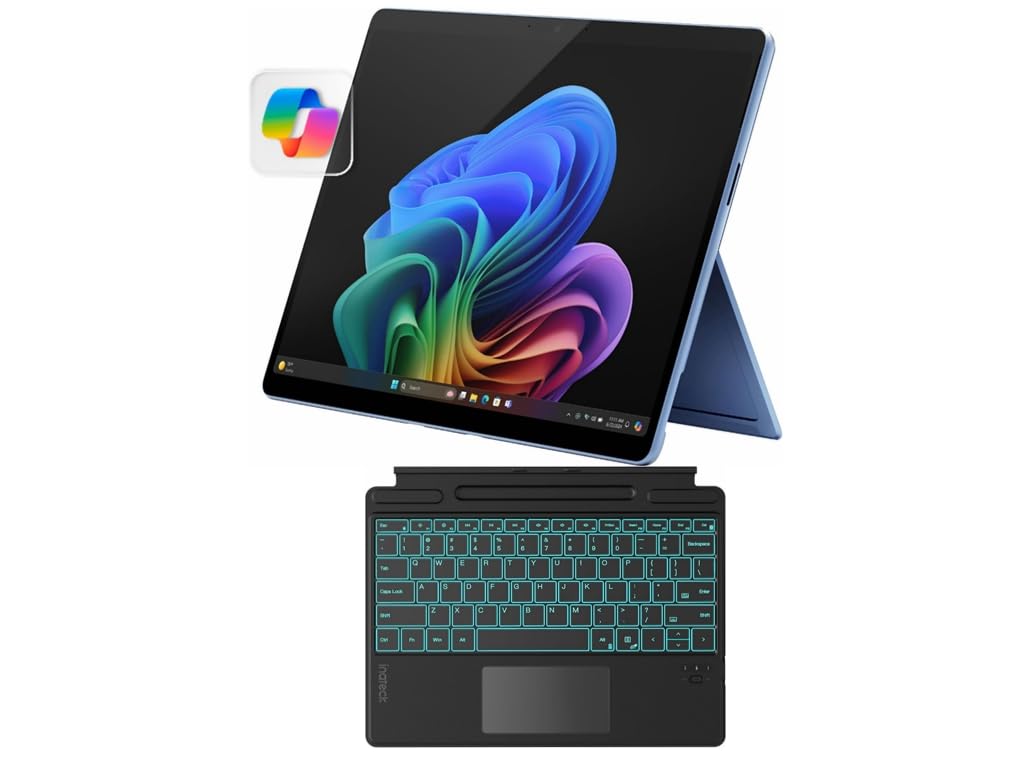
Creators who sketch or edit photos may prefer a touchscreen 2 in 1 like the Surface Pro 11, around $1,249 with a keyboard bundle, or the Dell XPS 13 with a 2.5K touchscreen and Intel Core 5, around $950. Prioritize a color accurate display, at least 16GB of memory and a docking plan for external monitors.
For Budget Buyers
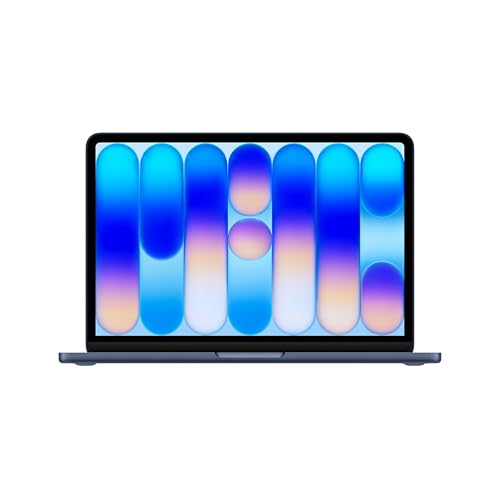
Budget buyers who want a dependable 13 inch laptop for browsing, streaming, schoolwork and office apps should look at Apple's MacBook Neo, around $689. Apple lists an A18 Pro chip, 8GB of unified memory, a 256GB SSD, a 13 inch Liquid Retina display, a 1080p FaceTime HD camera and up to 16 hours of battery life in a durable aluminum body. Prioritize battery life and build quality over raw specs at this price, and remember that 8GB of memory limits heavy multitasking.
Choosing Laptops 13 Inch for Your Situation
Two situations come up more than any others.
Best Student Laptops 13 Inch: What to Prioritize
The best student laptops 13 inch balance battery life, weight and price. Look for at least 10 hours of real battery life, 8GB to 16GB of memory, a keyboard you enjoy typing on and a sturdy chassis that survives a backpack. The MacBook Neo suits budget students, the MacBook Air M4 suits students who want more memory and the Surface Laptop suits Windows users. Check what software your school requires before buying.
Best Thin Laptops 13 Inch
The best thin laptops 13 inch keep weight low without sacrificing performance. Fanless designs like the MacBook Air run silently and stay cool for everyday work. The Dell XPS 13 uses a slim aluminum chassis with a 13.4 inch display, and the Surface Pro 11 is thin enough to use as a tablet. Thin laptops usually have fewer ports, so budget for a USB-C hub or dock.
Key Features to Compare in the Best Laptops 13 Inch
Build, ports, display and processor decide whether a 13 inch laptop fits you.
Keyboard, Trackpad, and Build
A small laptop lives or dies by its keyboard and trackpad. Look for consistent key travel, backlighting and a large, smooth trackpad.
Aluminum bodies, like those on the MacBook Neo, MacBook Air and Dell XPS 13, resist flexing better than plastic. Detachable keyboards on 2 in 1s like the Surface Pro add versatility but can feel less solid on your lap. Try typing on a model in a store if possible, since keyboard feel is personal.
Ports and Connectivity
Thirteen inch laptops usually trade ports for thinness. The MacBook Air M5 offers two Thunderbolt 4 ports, MagSafe and a headphone jack. The ROG Flow Z13 adds USB4, HDMI 2.1 and a microSD reader.
Many Windows ultraportables offer two USB-C ports. Count the devices you plug in daily, such as monitors, drives and wired headsets, and plan for a hub. Wi-Fi 7, listed on the MacBook Air M5 and ROG Flow Z13, helps on fast networks.
Display Size, Resolution, and Brightness
Display sizes in this class range from 13 to 13.6 inches. Higher resolutions, like the ROG Flow Z13's 2.5K panel or the XPS 13's 2.5K touchscreen, look sharper for photos and text.
High refresh rates, like the Flow Z13's 180Hz and the XPS 13 9345's 120Hz, make scrolling and games smoother. Brightness matters if you work near windows or outdoors; look for around 400 nits or more. Touchscreens help with note taking and drawing but can add glare.
Processor and Performance Tier
Processors fall into tiers. Apple's A18 Pro handles everyday tasks, while the M4 and M5 chips handle photo editing, coding and light video work.
On Windows, Snapdragon X Plus and X Elite chips focus on battery life and efficiency, while Intel Core Ultra 7 chips offer broad app compatibility. AMD's Ryzen AI MAX+ 395 in the ROG Flow Z13 targets gaming and creative workloads. Check that your must have apps run natively, especially on ARM based Windows laptops.
Memory, Storage, and Battery
Memory and storage are often soldered and cannot be upgraded later. Choose 16GB of memory for multitasking and long term use; 8GB, as on the MacBook Neo, is fine for lighter work. Storage of 512GB or more avoids running out of space; the Dell XPS 13 9350 and 9345 include 1TB SSDs. For battery life, Apple lists up to 16 hours on the Neo and up to 18 hours on the MacBook Air M5, while gaming focused machines like the ROG Flow Z13 list up to 10 hours.
Common Mistakes to Avoid When Buying Laptops 13 Inch
- Buying too little memory. Memory is often not upgradeable. Choose 16GB if you plan to keep the laptop several years.
- Ignoring ports. A thin laptop with two USB-C ports may need a dock for monitors, drives and older accessories.
- Assuming every app runs on ARM Windows. Most do, but check specialty software and games before buying a Snapdragon laptop.
- Expecting gaming performance from an ultraportable. Integrated graphics handle light games, not demanding titles at high settings.
- Skipping warranty and protection. Small laptops travel more and get dropped more. Consider an extended warranty and a padded sleeve.
Care and Maintenance Tips
Use a padded sleeve or backpack compartment to protect your laptop in transit. Keep vents clear and avoid using it on soft surfaces like beds, which can block airflow on models with fans. Clean the screen with a soft microfiber cloth and a little screen safe cleaner, never household glass cleaner.
Wipe the keyboard and trackpad regularly. Keep the operating system and drivers updated, and avoid leaving the battery at 100 percent while plugged in all day if your laptop offers a battery health or charge limit setting. Back up important files to cloud storage or an external drive.
FAQs
Is a dedicated GPU worth it in a 13 inch laptop?
A dedicated or high end GPU is worth it only for gaming, 3D work or heavy video editing. Most 13 inch laptops use integrated graphics, which handle everyday tasks, streaming and light games well. If gaming is a priority, a machine like the ROG Flow Z13 offers far stronger graphics, but at a much higher price and with shorter battery life.
How much RAM do I need?
16GB of RAM is the best target for most people, and 8GB is enough for light use. Students and casual users can get by with 8GB, like the MacBook Neo. Remote workers, creators and anyone who keeps many browser tabs and apps open should choose 16GB or more, since memory is usually soldered.
Should I buy a laptop or a tablet?
Buy a laptop if you type a lot or need full desktop apps, and a tablet if you mainly read, stream and take handwritten notes. A 2 in 1 like the Surface Pro 11 combines both, with a detachable keyboard and touchscreen, but it costs more once you add the keyboard and pen.
How long should a 13 inch laptop last?
A quality 13 inch laptop typically lasts 4 to 6 years. Battery capacity declines over time, and software requirements grow. Buying enough memory and storage at the start, plus regular updates and care, extends its useful life.
Is a Chromebook enough for school?
A Chromebook is enough for many schools that use web based tools like Google Docs, but not for every course. Students in engineering, design or programming may need software that only runs on Windows or macOS. Check your school's requirements first, and consider a budget macOS or Windows laptop if you need broader app support.
Wrapping Up
When choosing a 13 inch laptop, focus on three things: a processor and memory tier that fit your workload, battery life and weight that suit your travel and enough ports or a dock plan for your desk. The MacBook Neo suits budget buyers and students, the MacBook Air M4 and M5 suit travelers and remote workers, the Dell XPS 13 and Surface Laptop suit Windows users and the ROG Flow Z13 suits gamers who need power in a small package. The best laptops 13 inch keep you productive anywhere without weighing you down.
For more laptop guides, see the best gaming laptops affordable, the best gaming laptop brands, the best laptop backpack and the best macbook pro docking station. Then compare current prices in the product table above.


