Best Charging Cables for Android Phones: Reviews and Buying Guide for 2026
Disclosure: We may earn a commission when you buy through links on this page, at no extra cost to you. As an Amazon Associate I earn from qualifying purchases. Learn more
Pick the best charging cables for android phones by checking connector, wattage rating, length and build, so your phone charges fast and the cord lasts.
A cable that frays at the plug, charges slowly, or slips out of the port turns a simple daily task into a frustration. Choosing the best charging cables for android phones means matching the connector, wattage rating, and length to your phone and charger, rather than grabbing the cheapest cord in the drawer.
Start by checking the port on your phone and the port on your charger, then use the comparison table below to compare ratings side by side. The sections that follow explain who needs which cable, what the listing numbers mean, and how to avoid short lived cables.

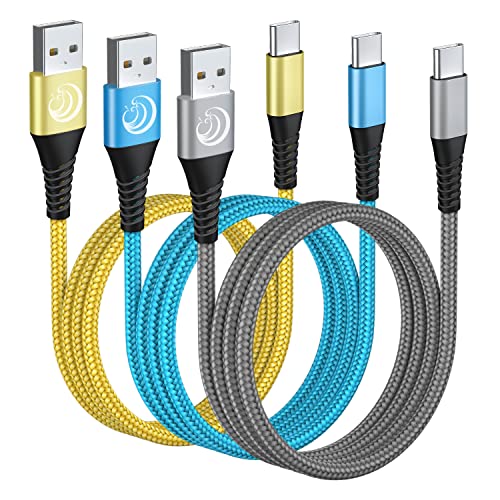
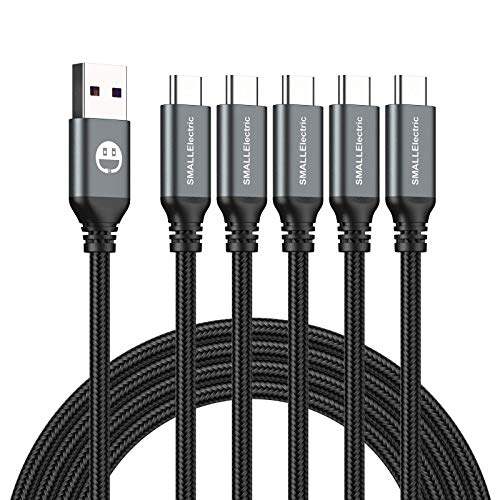
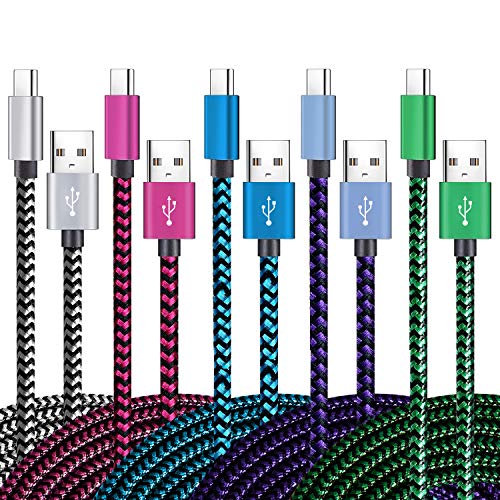


Who Should Buy Which Charging Cable for Android Phones?
Most Android owners fall into one of three groups based on the age of their phone, how fast it can charge, and where they charge most often. Finding your group first makes the feature comparisons much simpler.
Owners of Newer Fast Charging Phones
If your phone arrived in the last few years, it almost certainly uses a USB C port and supports fast charging through USB Power Delivery or a brand specific system. You need a USB C to USB C cable rated at or above what your phone accepts, often 25 watts, 45 watts, or more. A cable rated too low will cap your speed no matter how powerful your charger is.
Buyers of the fastest models may also want to see our guide to the best performing android phones to understand how much wattage their phone can actually use.
Owners of Older Phones and Mixed Households
Many households still run a mix of ports, with newer phones on USB C and older phones, tablets, and accessories still using Micro USB. Shop by port first and keep each type separated, perhaps by color or by room, so nobody forces the wrong plug into a port. A USB A to USB C cable also helps, because it lets a newer phone charge from older wall chargers, car ports, and laptop ports.
If your household includes phones from several brands, see our guide to the best cell phone charging cables for broader household planning.
Travelers, Commuters, and Car Users
If you charge in a car, on a train, or from a power bank, your priorities shift toward length, toughness, and tidy storage. A short cable of about 1 to 3 feet stays neat in a car console and puts less strain on the port. A braided jacket and reinforced ends cope better with being coiled, dropped into a bag, and pulled out several times a day.
Car chargers and power banks have their own output limits, so check the wattage printed on them before blaming a cable for slow charging. A cable rated at 60 watts or above covers nearly every phone and power bank pairing you are likely to carry.
Key Features to Compare
When you shop for the best charging cables for android phones, the product table above gives you the headline ratings, and the details below explain what each rating means in daily use. Work through these five factors in order to rule out most poor choices.
Connector Type and Port Fit
Connector type is the first thing to get right, because a cable with the wrong end simply will not plug in. Most current Android phones use USB C, an oval connector that plugs in either way up, while older phones use the flatter Micro USB plug that fits only one way. The other end matters too, since newer chargers use USB C while older chargers, cars, and computers often provide USB A. A good connector slides in smoothly and stays seated, while a loose plug wobbles and drops the connection when the phone moves.
Wattage Rating and Fast Charging Support
Wattage is the ceiling on how much power a cable is built to carry, and it is the most misunderstood number on listings. Common ratings are 60 watts, 100 watts, and 240 watts, and your phone only draws what it and the charger agree on, so a higher rated cable never harms a phone. For cables rated above 60 watts, look for an electronic marker chip inside the connector, because that chip tells the charger higher power is safe. Without it, many chargers limit output even if the cable looks sturdy.
Cable Length for Each Charging Spot
Length decides whether a cable feels convenient or constantly in the way. Short cables of about 1 to 3 feet suit desks, close nightstand outlets, cars, and power banks, and they coil neatly without tangling. Medium cables of about 6 feet are the most versatile for most homes, reaching from a wall outlet to a sofa or bed without pulling tight. Long cables of about 10 feet help when outlets sit behind heavy furniture, but they tangle more and can charge slightly slower. Measure your distance first, then add a little slack.
Build Quality, Jacket Material, and Strain Relief
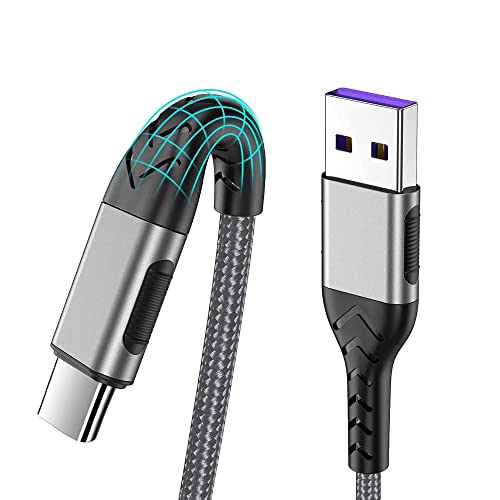
Most cables fail where the flexible cord meets the rigid connector, so build quality deserves close attention. A braided nylon jacket resists abrasion from desk edges, bag zippers, and car consoles far better than thin smooth plastic, and it tangles less. Strain relief is the tapered section behind each connector, and longer flexible relief that bends gradually protects the wires inside far better than a short stiff collar. Avoid any cable that shows exposed wire, a cracked housing, or a bent plug, and replace it at once.
Data Transfer Speed and Certification
Charging cables also move data when you connect a phone to a computer. Many charging focused cables use USB 2.0 and move files at up to 480 Mbps, which is fine for photos but slow for large video files, while cables built to newer standards move data many times faster. Certification is your shortcut to honest ratings, because a USB IF certified cable has been checked against the USB standard.
Matching Cables to Motorola Phones and Multi Device Setups
A few situations deserve their own attention, because brand fast charge systems and shared charging spots change what you should buy.
Best Charging Cables for Android Motorola Phones
Motorola phones use USB C ports like most Android models, so standard USB C cables fit them well, but fast charging details deserve a closer look. Many Motorola models support TurboPower fast charging, and reaching top speeds depends on a suitable charger plus a cable rated for the wattage that charger delivers. Choose a cable rated at or above the wattage printed on the charger that came with your phone. Some older Motorola models still use Micro USB, so confirm the port shape first.
Shared Desks, Nightstands, and Charging Stations
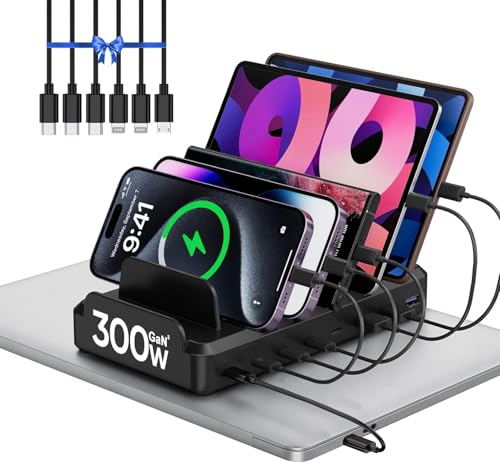
When several people charge in one spot, cable choice becomes an organization problem as much as a power problem. Give each spot a fixed setup, such as one 6 foot cable for the bed and one short cable for the desk, and label the charger end so everyone returns the right cable. If your household charges phones, a watch, and earbuds in one place, see our guide to the best charging station for android phones for layout ideas that keep cables short and tidy.
When a Charging Pad Makes More Sense Than a Cable
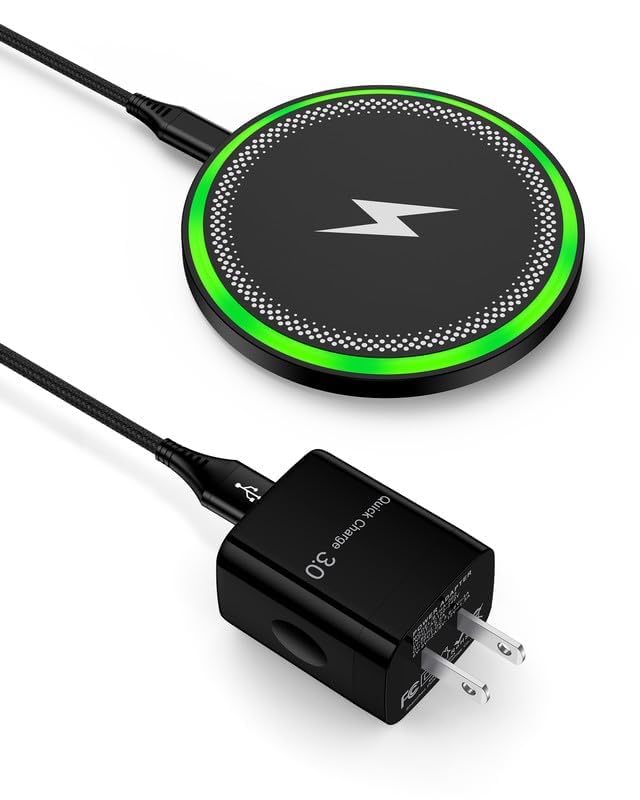
Some Android phones also support wireless charging, which swaps plug in speed for drop and go convenience on a desk or nightstand. A pad is handy overnight and for topping up during the workday, though it is usually slower than a good cable, and thick cases can weaken it. If that tidier style suits you, see our guide to the best charging pad for android phones for what to look for. To check which phones support the feature, see our guide to the best wireless charging android phones before buying new gear.
Common Mistakes to Avoid
Most cable disappointments come from avoidable errors at the buying stage rather than bad luck later. Read these before you order.
- Buying by price alone, because the cheapest unrated cables often carry exaggerated wattage claims and fail at the connector within months.
- Ordering the wrong connector for your phone port, because a Micro USB cable cannot charge a USB C phone no matter how good its ratings are.
- Pairing a fast charger with a low rated cable, because the cable caps the power and your phone charges at the slower speed.
- Choosing one very long cable for every room, because excess length tangles, trips people, and pulls sideways on the phone port.
- Ignoring damage such as fraying or a bent plug, because a damaged cable can overheat and can harm the phone port or charger.
- Leaving cables sharply bent behind furniture, because a constant tight bend breaks the inner wires over time.
How to Make Your Charging Cable Last Longer
Simple habits can stretch the life of a good cable from months to years. Unplug by gripping the connector housing and pulling straight out, never by yanking the cord, since pulling strains the joint where most cables fail. Coil loosely in large circles rather than wrapping tightly around your hand or charger. Keep cables away from heat, sun in a parked car, and sharp desk edges.
Route bedside cables with a gentle curve instead of a sharp bend at the plug, and avoid trapping them under chair legs or doors. Clean the connector gently with a dry soft cloth if lint builds up, and never insert metal objects into the plug or port. Check both ends every few weeks for fraying, looseness, or heat during charging, and retire any cable that shows those signs.
Frequently Asked Questions
How fast can a charging cable for an Android phone charge?
Charging speed depends on the lowest rated part of the chain, so the phone, charger, and cable all have to support the same fast charging level. Many current Android phones accept about 25 to 45 watts, and some accept more, so a 60 watt or 100 watt cable will not hold them back.
Does a charging cable for an Android phone need an electronic marker chip?
Only cables built to carry more than 60 watts need an electronic marker chip, because the chip confirms to the charger that higher power is safe to send. If your phone charges at 45 watts or below, a quality cable without that chip still delivers full speed.
Can one charging cable for an Android phone also transfer large video files quickly?
Yes, but only if the cable is built to a newer USB data standard, because many charging cables use USB 2.0 and top out at 480 Mbps. If you move video often, look for a cable that states a data speed of 10 Gbps or higher, and accept that it may feel slightly thicker.
How long should a charging cable for an Android phone last?
A well built cable used gently at a desk or nightstand can last several years, while a cable that travels daily in a bag may wear out much sooner. Lifespan depends more on bending, pulling, and storage than on the brand name. Listings that describe strain relief and jacket material in detail are a useful sign of quality.
Is a USB A to USB C charging cable for an Android phone still worth buying?
Yes, because cars, older laptops, airplanes, and many hotel rooms still offer USB A ports. It will usually charge more slowly than a USB C to USB C pairing, since USB A ports supply less power, so treat it as a backup rather than your main fast charging cable.
Final Thoughts
Getting this purchase right comes down to three checks. Confirm the connector matches your phone port, choose a wattage rating at or above what your charger delivers, and pick the length that fits the outlet where you actually charge. Use the product table above to compare those ratings before you order.
With those basics covered, the best charging cables for android phones for your home are simply the ones that fit your ports, keep up with your charger, and survive daily handling without fraying. Buy a spare for the spot where you charge most, and you should get fast, reliable charging every day.