
Best Charging Station for Multiple Devices: Complete Buying Guide for 2026
Disclosure: We may earn a commission when you buy through links on this page, at no extra cost to you. As an Amazon Associate we earn from qualifying purchases. Learn more

If your nightstand, desk, or kitchen counter looks like a tangle of cables every night, you are not alone. As households now juggle phones, tablets, smartwatches, earbuds, and laptops, finding the best charging station for multiple devices has become one of the most practical upgrades you can make to your home or office. A well-chosen multi-device charging station consolidates several chargers into a single hub, eliminating clutter while keeping every gadget powered and ready to go.
This guide walks through the different types of charging stations for multiple devices, the key specifications that actually matter, and how to choose the right station based on how many devices you own and where you plan to use them.
What Counts as a Charging Station for Multiple Devices
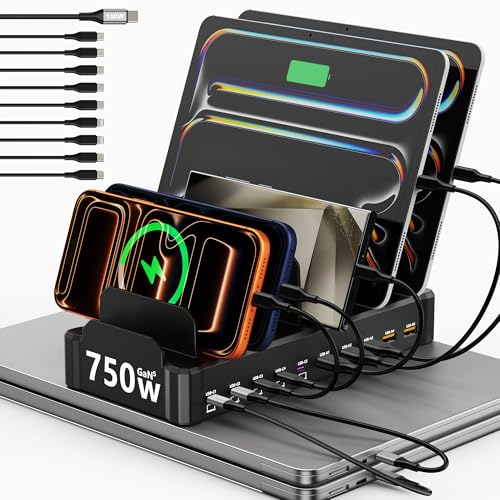
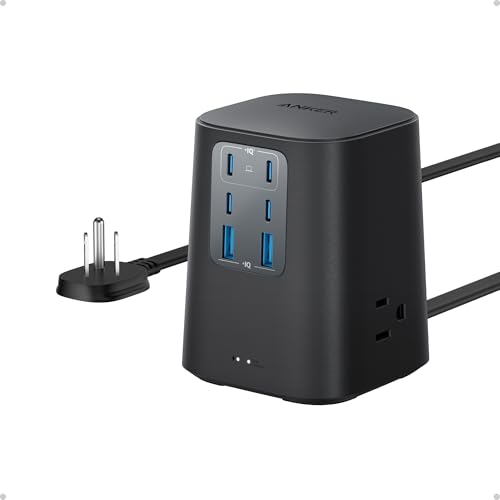
A charging station for multiple devices is any single unit designed to power more than one gadget at the same time, typically through a combination of USB-C ports, USB-A ports, and wireless charging pads. These stations range from simple wall-mounted hubs with several USB ports to more elaborate desktop docks that include wireless charging surfaces, device slots, and built-in organizers for cables.
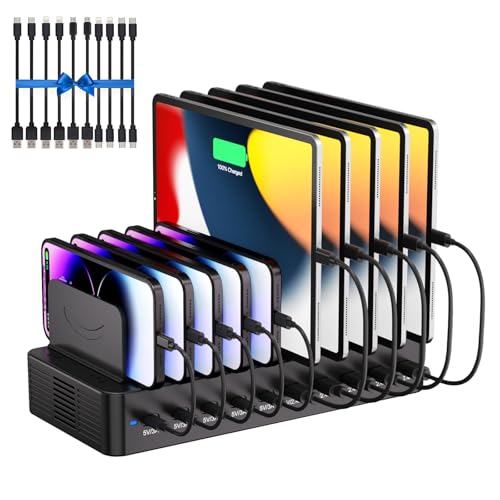
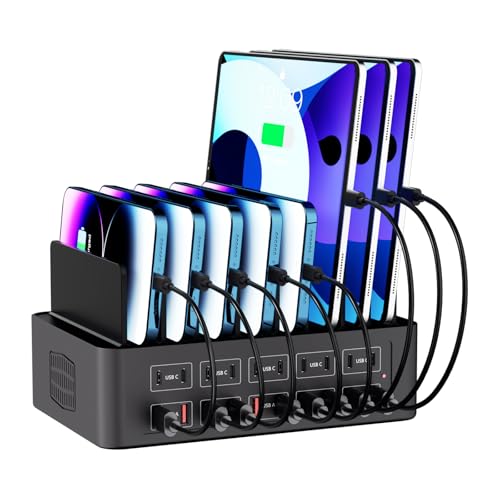
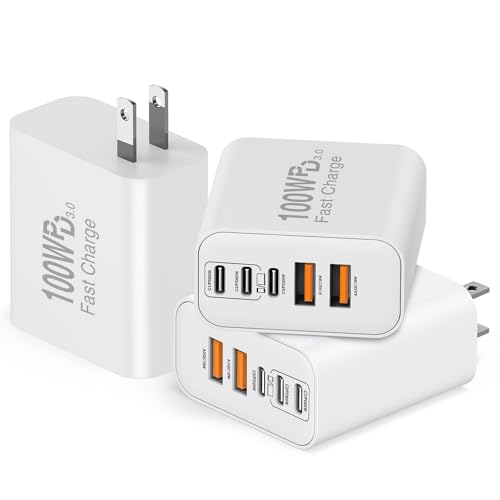
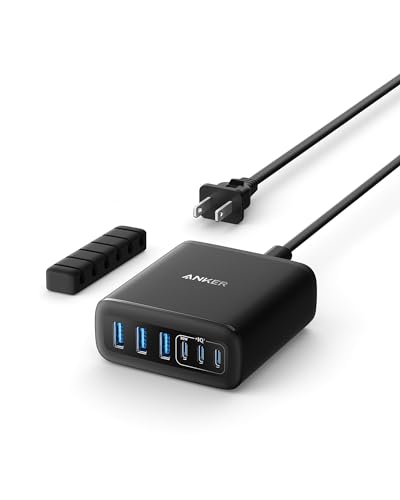
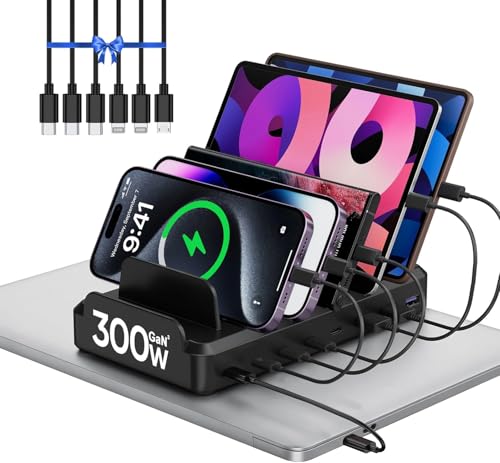
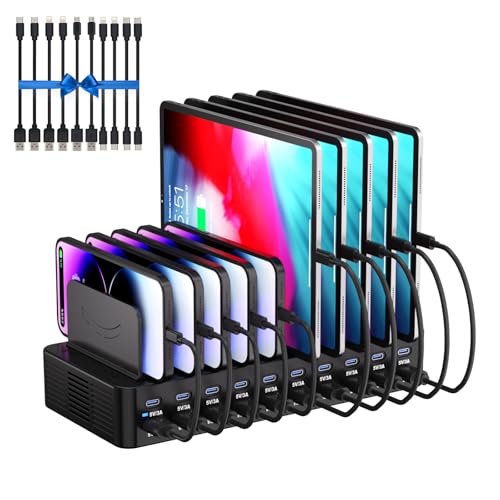
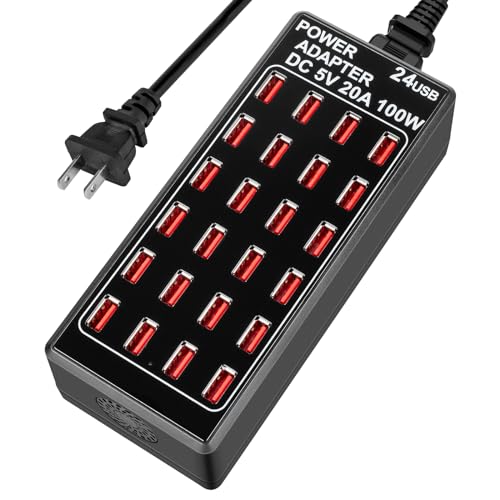
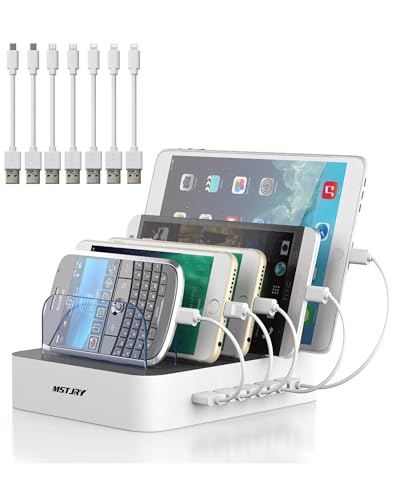
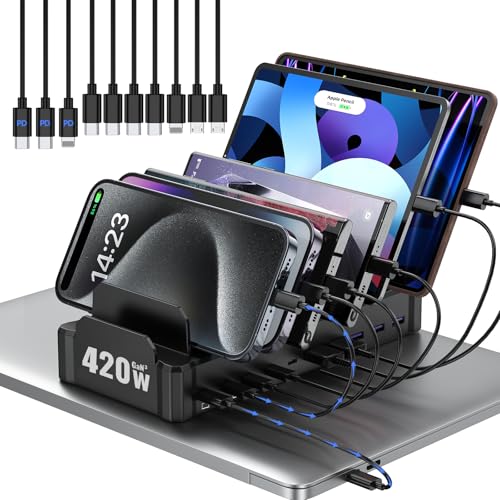
The two broad categories you will encounter while shopping are desktop docks and USB charging hubs. A desktop dock typically includes individual slots or dividers for each device, making it easy to keep phones, tablets, and watches separated and organized. A USB charging hub, on the other hand, focuses purely on maximizing the number of charging ports in a compact footprint, prioritizing raw charging capacity over organization.
Key Specifications to Compare
Total Wattage and Power Output
The total wattage of a charging station determines how much power it can deliver across all connected devices at once. A basic multi device charging station built for phones and earbuds may offer a combined output in the range of 18 to 45 watts, which is sufficient for smartphones, tablets, and wireless earbuds. If you plan to charge a laptop alongside smaller devices, look for higher-capacity GaN-based charging stations that offer 100 watts or more, since laptops generally require significantly more power than phones or tablets.
Number and Type of Ports
Match the number of ports to the number of devices you actually charge on a daily basis. A typical household setup benefits from a station with at least four to six ports, combining USB-C and USB-A connections to support both newer and older devices. USB-C ports with Power Delivery support are particularly important if you want fast charging for phones and tablets, while USB-A ports remain useful for older accessories and cables you may already own.
Wireless Charging Compatibility
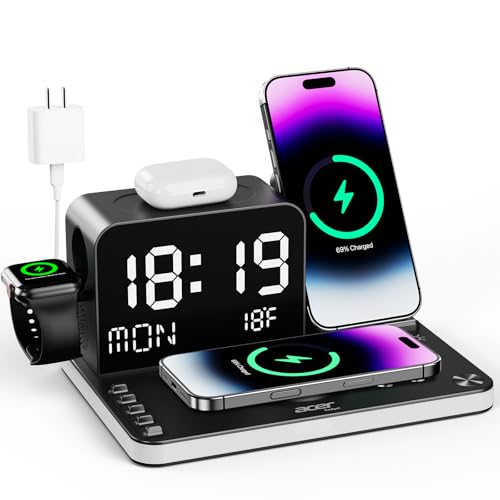
Many modern charging stations for multiple devices now include a wireless charging pad alongside traditional ports. If your phone supports Qi or Qi2 wireless charging, a station with an integrated wireless pad lets you simply place your phone down without plugging in a cable, while other devices charge through the wired ports simultaneously.
Smart Charging and Safety Features
Look for charging stations with built-in safety certifications such as UL or FCC, along with smart charging technology that automatically detects each connected device and delivers the appropriate voltage and current. This feature, sometimes marketed as intelligent power distribution, protects your devices from overcharging and helps preserve long-term battery health across phones, tablets, and wearables.
Choosing the Right Station Based on Your Devices
For Phones, Earbuds, and Smartwatches
If your daily charging needs are limited to a phone, a pair of wireless earbuds, and a smartwatch, a compact wireless charging station for multiple devices with two or three dedicated charging spots is typically the most efficient choice. These compact stations are designed specifically for bedside or desk use, where space is limited but daily charging routines are consistent.
For Tablets and E-Readers
If you regularly charge tablets or e-readers in addition to your phone, look for a station with deeper device slots or dividers that can comfortably hold larger devices upright. Many desktop docks include adjustable or wider slots specifically for this purpose, since tablets are bulkier than phones and do not fit standard wireless charging pads as easily.
For Laptops and Professional Setups
Professionals who need to charge a laptop alongside a phone and other accessories should prioritize a high-wattage GaN charging station, since laptops require substantially more power than smaller devices. These higher capacity stations typically range from 100 to 250 watts and include multiple USB-C ports capable of delivering enough power to charge a laptop to a significant percentage in a short amount of time, while still supplying power to phones and accessories connected to the remaining ports.
For Families and Shared Spaces
Households with multiple family members and devices benefit most from a higher capacity hub with six to ten ports, often paired with physical dividers or slots to keep each person's devices separated and organized. These larger stations work well in a kitchen, entryway, or home office where everyone can charge their devices in one central, easy-to-find location.
Desktop Docks Versus USB Hubs: Which Should You Choose
Choosing between a desktop dock and a USB hub mainly comes down to whether organization or raw charging capacity matters more for your situation. A desktop dock works like a small parking garage for your devices, offering dedicated, organized spots for each item along with a tidy, presentable design suitable for a living room or office. A USB hub functions more like a power strip, stripping away dividers and organizational features in favor of packing as many charging ports as possible into a small, often portable form factor.
If your main goal is to keep your phone, tablet, and a few accessories charged while maintaining a clean look on your desk, a dock is generally the better fit. If space is tight or you simply need more outlets for a wide variety of gadgets, a compact USB hub tends to be the more practical and flexible solution.
Build Quality and Long-Term Durability
Since a charging station for multiple devices is often left plugged in and visible every day, build quality matters both for appearance and longevity. Stations built with sturdy plastic, bamboo, or metal housings tend to outlast cheaper alternatives, particularly when used daily in a household with multiple devices being placed and removed frequently. Pay attention as well to the included cables, since low-quality cables are one of the most common points of failure in any charging setup, regardless of how capable the charging station itself may be.
Safe Charging Habits for Multiple Devices
Beyond choosing the right hardware, a few simple habits help protect your devices over the long term. Avoid leaving devices on a charging station for extended periods after they reach full charge whenever possible, since some battery chemistries benefit from avoiding constant trickle charging.
Use only certified cables that match the wattage capabilities of your charging station, since underpowered or damaged cables can bottleneck charging speed even on a high-capacity hub. Finally, keep your charging station in a well-ventilated area, since heat buildup from multiple simultaneously charging devices can affect both charging speed and long-term battery health.
Final Thoughts
The best charging station for multiple devices is the one that matches your specific combination of phones, tablets, wearables, and laptops, while fitting comfortably into the space where you plan to use it. Before purchasing, take stock of exactly how many devices you charge on a typical day, whether any of them require high-wattage charging, and whether a wireless pad would simplify your daily routine. With the right combination of wattage, port variety, and build quality, a single well-chosen charging station can replace an entire drawer of mismatched chargers and tangled cables, keeping your home or office both organized and fully powered every day.

