
Best Gaming Monitors 1440p in 2026: Which Type Is Right for You?
Disclosure: We may earn a commission when you buy through links on this page, at no extra cost to you. As an Amazon Associate I earn from qualifying purchases. Learn more

The best gaming monitors 1440p by type: budget IPS, esports, OLED and ultrawide monitors compared.
1440p, also called QHD or 2560 by 1440, is the sweet spot for PC gaming. It looks noticeably sharper than 1080p, especially on 27 inch screens, while asking far less of your graphics card than 4K, so you can enjoy high refresh rates without a top tier GPU. Gaming monitors at this resolution now range from affordable 180 to 200Hz IPS panels to 300Hz esports displays, OLED screens with perfect blacks and wide 34 inch ultrawides. This guide to the best gaming monitors 1440p options compares each type's pros, cons, ideal players and price range, so you can choose the right style for your desk and games.
We cover the main monitor types, how ultrawide and standard monitors compare, how to choose, picks for specific needs, care tips and common questions. Every monitor in the table above is sold new on Amazon US.



Types of 1440p Gaming Monitors Compared
The main types of 1440p gaming monitors are budget high refresh IPS monitors, esports monitors with 240Hz and above, OLED monitors and ultrawide monitors. Budget IPS suits most players, esports monitors suit competitive shooters, OLED suits players who want the best picture and ultrawides suit immersive games and productivity.
| Type | Best For | Pros | Cons | Typical Price |
|---|---|---|---|---|
| Budget high refresh IPS | Most PC gamers | Sharp, fast, affordable | Basic HDR | around $150 to $250 |
| Esports (240Hz to 300Hz) | Competitive shooters | Very smooth motion | Needs high frame rates | around $200 to $270 |
| OLED | Best picture, dark rooms | Perfect blacks, 0.03ms | Price, burn in care | around $380 to $700 |
| Ultrawide 3440 x 1440 | Immersion, productivity | Wide view, multitasking | Deeper desk, more GPU load | around $290 to $700 |
Start with your graphics card. A mid range card comfortably drives 1440p at 144 to 180Hz in many games, while reaching 240Hz to 300Hz takes a powerful card or less demanding esports titles. Matching monitor refresh rate to your realistic frame rates gets the most value from your budget.
Budget Displays: High Refresh IPS Monitors
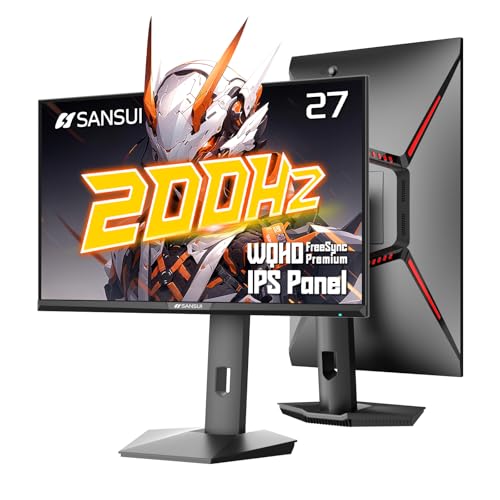
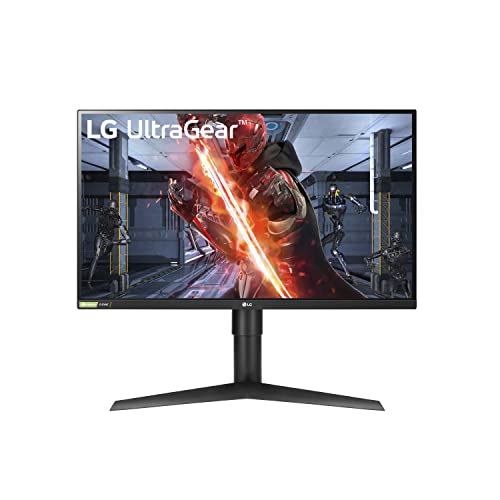
Budget 1440p IPS monitors are the best fit for most PC gamers. The SANSUI 27 inch 1440p monitor, at around $150, offers a Fast IPS panel at up to 200Hz over DisplayPort, 1ms MPRT, FreeSync Premium, 400 nits brightness, 95 percent DCI-P3 color and a stand with height, tilt, swivel and pivot adjustment, according to SANSUI. The LG 27GL83A, at around $245, offers a 144Hz IPS panel with 1ms response and G-SYNC and FreeSync support.
These monitors deliver a big step up from 1080p in sharpness and smoothness for a modest price. A mid range graphics card can push high frame rates at 1440p in many games.
The trade off is basic HDR and contrast compared with OLED. In dark rooms, IPS panels show some glow in black scenes.
SANSUI also lists an AI crosshair, FPS sniper scope and game assistant modes, plus a 10 bit panel and anti flicker and low blue light settings for long sessions. Use the included DisplayPort cable to reach the full 200Hz refresh rate.
Gaming Displays: 240Hz to 300Hz Esports Monitors
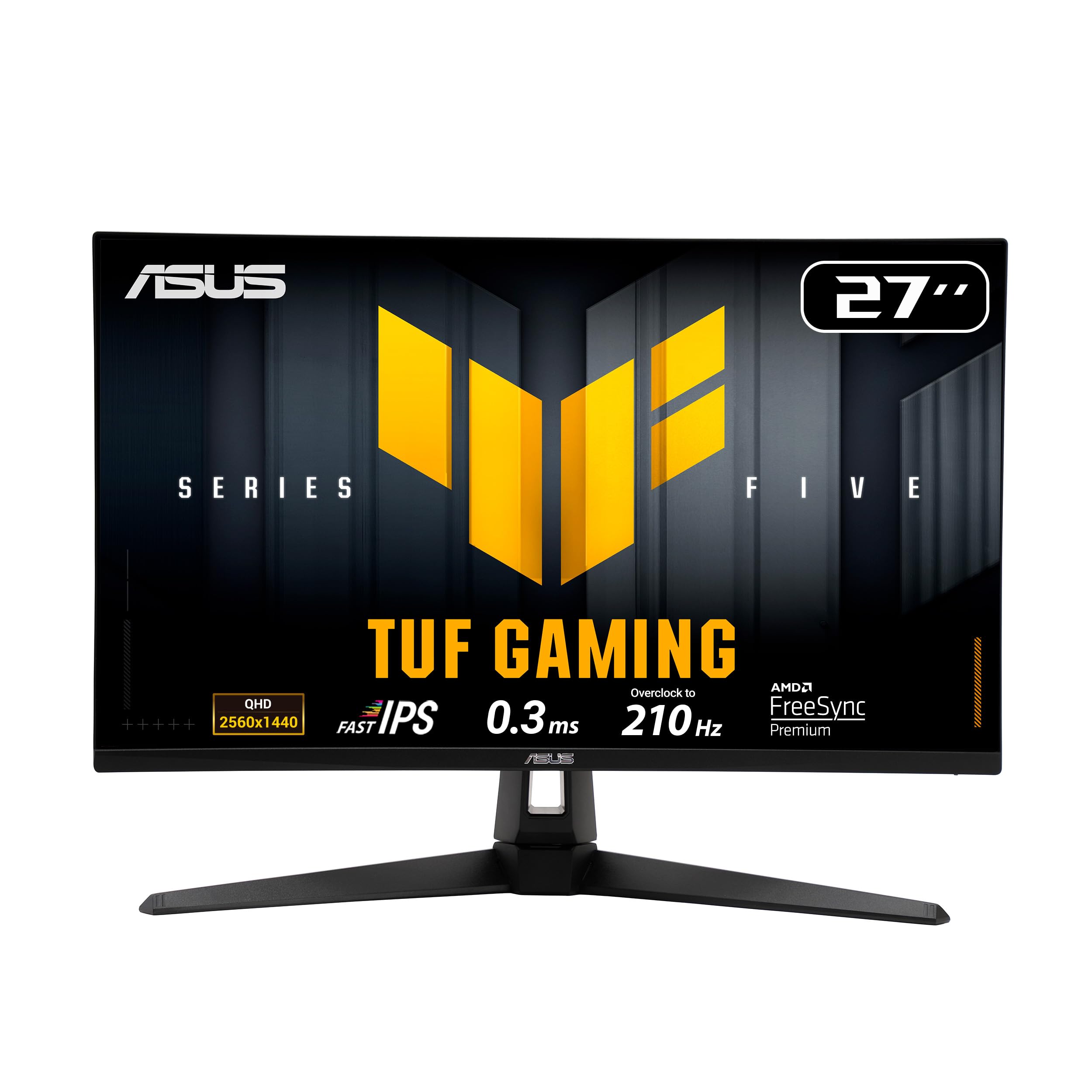
Esports monitors suit competitive players in shooters and fast games. The ASUS TUF Gaming VG27AQM5A, at around $199, offers a 27 inch 1440p Fast IPS panel at 300Hz with 0.3ms GTG response, ELMB Sync motion blur reduction, 95 percent DCI-P3 color, built in speakers and a 3 year warranty, according to ASUS. The ASUS TUF VG27AQL5A, at around $219, offers 210Hz.
Higher refresh rates make motion clearer and inputs feel more responsive, but only if your PC produces matching frame rates. Esports titles reach these frame rates more easily than demanding single player games.
Choose 240Hz or more if you play competitively; 144 to 180Hz feels smooth for most other players.
ASUS's Shadow Boost brightens dark areas without washing out bright scenes, which helps spot enemies in shadows. ELMB Sync combines motion blur reduction with variable refresh rate, a combination many monitors cannot run at the same time.
OLED Displays: Best Picture Quality
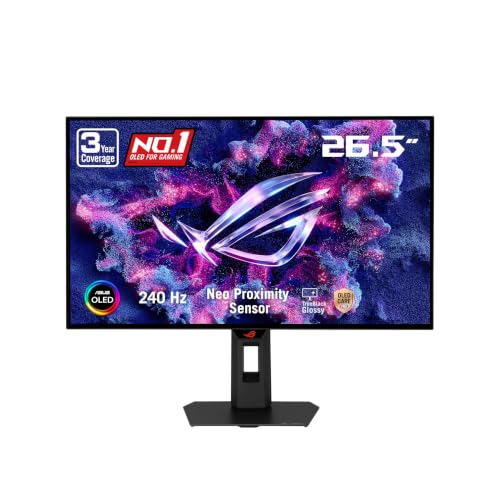
OLED monitors suit players who want perfect blacks, vibrant HDR and near instant response. The LG UltraGear 27GS95QE, at around $679, offers a 27 inch 1440p OLED at 240Hz with 0.03ms response, DisplayHDR True Black 400 and HDMI 2.1, and the ASUS ROG XG27AQDMGR, at around $384, offers a glossy 1440p OLED at 240Hz.
OLED gives the best contrast for dark, cinematic games and the fastest pixel response. Glossy finishes show richer blacks but reflect lamps and windows.
The trade offs are price and the need to use care features to reduce burn in risk with static HUDs and taskbars.
OLED's near instant pixel response also makes motion look exceptionally clear at 240Hz, often clearer than LCDs with higher listed refresh rates. That makes OLED a strong choice for both cinematic and competitive gaming if the budget allows.
Productivity/Ultrawide Displays
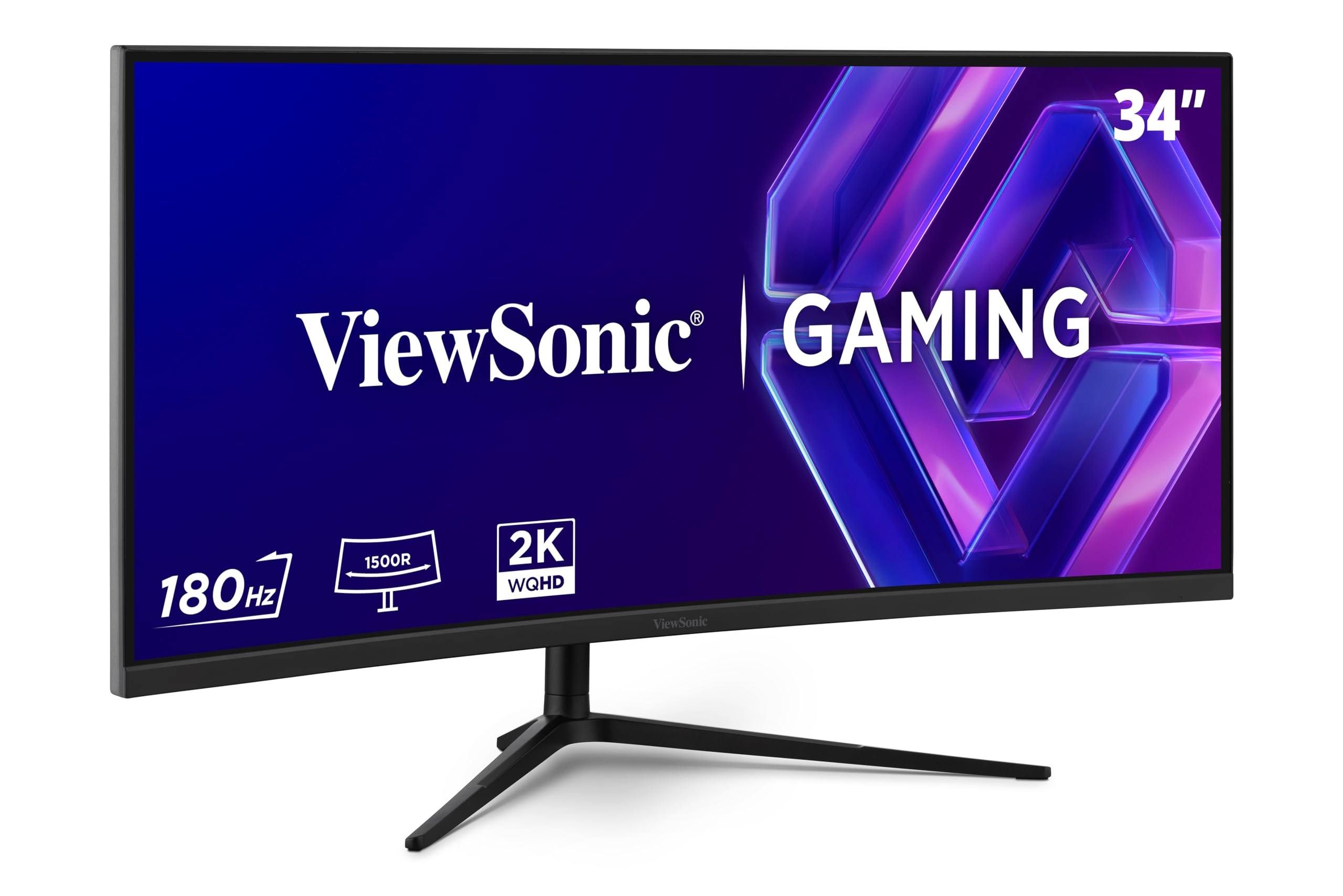
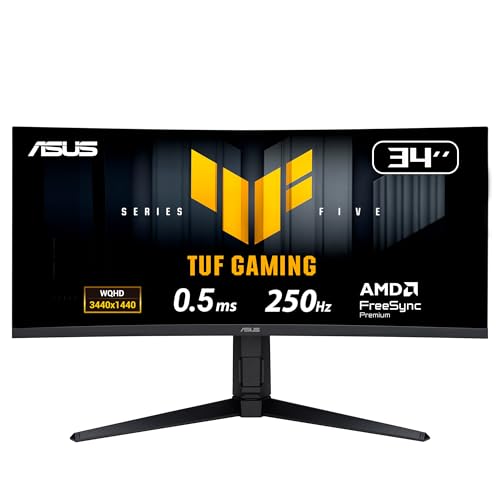
Ultrawide monitors suit immersive games like racing, flight and open world titles, and people who multitask. The ViewSonic VX3418C-2K, at around $290, offers a 34 inch 1440p ultrawide curved display at 180Hz, and the ASUS TUF VG34WQML5A, at around $289, offers a 3440 by 1440 1500R curved panel overclockable to 250Hz with DisplayHDR 400 and FreeSync Premium Pro, according to ASUS. The LG 34GS95QE OLED ultrawide, at around $700, offers 240Hz OLED with an 800R curve.
Ultrawides show about a third more horizontal space than standard 16:9 monitors, which helps with spreadsheets, editing timelines and side by side windows.
Not every game supports 21:9, and ultrawides need more GPU power and desk depth.
Curvature matters on ultrawides: 1500R and 1800R curves suit most desks, while tighter curves like LG's 800R wrap the screen around you more for immersion but can distort straight lines in productivity apps.
Ultrawide Displays vs Budget 27 Inch Displays: Which Should You Choose?
Choose a 27 inch 1440p monitor if you want the best value, play competitive games or have a mid range graphics card. A 27 inch 16:9 screen is easy to fit on any desk and every game supports it.
Choose an ultrawide if you play immersive single player, racing or flight games, want extra screen space for work and have a capable graphics card. The wider field of view adds immersion that many players love.
Budget matters too: a good 27 inch IPS monitor costs around $150 to $250, while ultrawides start around $290 and OLED ultrawides around $700.
If you split time between work and play, an ultrawide can replace two monitors with one seamless screen.
How to Choose the Best Gaming Monitors 1440p
To choose among the best gaming monitors 1440p, compare panel type, refresh rate, ports, stand and extras against your PC and games.
Panel Technology (IPS, VA, OLED)
IPS panels offer accurate color and wide viewing angles, and Fast IPS panels respond quickly. VA panels offer higher contrast and are common in curved and ultrawide monitors. OLED panels offer perfect blacks and the fastest response.
Glossy versus matte coatings also matter. Matte coatings diffuse reflections in bright rooms, while glossy coatings, like ASUS's glossy OLED, show richer blacks and sharper text in controlled lighting.
Refresh Rate and Response Time
144Hz to 180Hz feels smooth for most players, while 240Hz to 300Hz benefits competitive gamers. Response times of 1ms or less reduce ghosting. Adaptive sync, like G-SYNC and FreeSync, prevents tearing when frame rates vary.
Overdrive settings speed up pixel response but can cause overshoot artifacts at the highest setting. Most monitors look best on a medium overdrive setting; ASUS's Variable Overdrive adjusts automatically with frame rate.
Connectivity and Ports
DisplayPort usually supports the highest refresh rates on PC. SANSUI notes its DisplayPort inputs reach 200Hz while HDMI 2.0 reaches 144Hz. HDMI 2.1, like on LG's 27GS95QE, adds console support at high refresh rates. USB-C with power delivery helps laptop users.
Check your graphics card's outputs: most have more DisplayPort than HDMI ports. If you plan to connect a console too, choose a monitor with HDMI 2.1 for 120Hz console play.
Stand, Mounting, and Ergonomics
Height, tilt, swivel and pivot adjustment, like SANSUI's stand, help you position the screen at eye level. VESA mounting lets you use monitor arms for more desk space.
Set the top of the screen at or slightly below eye level and about an arm's length away. Pivot to portrait mode, offered by the SANSUI and LG 27GL83A stands, helps with reading documents and code on a second monitor.
Smart Features and Sound
Most gaming monitors have basic or no speakers, so plan on a headset or speakers. ASUS includes built in speakers on the VG27AQM5A. Software like ASUS DisplayWidget Center makes settings easy to adjust with a mouse.
A monitor light bar or bias lighting behind the screen reduces eye strain in dark rooms during long sessions.
Best Gaming Monitors 1440p for Specific Needs
Some needs point to specific features.
Best IPS Gaming Monitors 1440p: Which Type Works Best
The best IPS gaming monitors 1440p for most players are Fast IPS models at 165Hz to 300Hz, like the ASUS TUF VG27AQM5A and SANSUI 27 inch. IPS delivers accurate color and wide viewing angles for gaming and creative work.
Fast IPS panels with 95 percent DCI-P3 coverage, like ASUS's and SANSUI's, also suit photo editing and creative work between gaming sessions, which adds value for students and creators.
Care and Maintenance Tips
Clean the screen with a dry microfiber cloth; avoid harsh cleaners and paper towels. Enable OLED care features and use a dark theme or auto hide taskbar on OLED monitors. Update monitor firmware where available, use the cable included or one rated for your refresh rate and keep vents clear.
Calibrate brightness and color in the monitor menu or with your graphics card software after setup. Many monitors ship with very bright, cool settings that look harsh in dim rooms.
Frequently Asked Questions
Is 1440p worth it over 1080p?
Yes, 1440p looks much sharper than 1080p on 27 inch screens and is the best balance of clarity and performance for most gamers. It needs more GPU power than 1080p but far less than 4K.
What GPU do I need for 1440p gaming?
Mid range graphics cards handle 1440p at high settings in many games, and upscaling helps reach high refresh rates. Competitive esports titles run well at 1440p on modest GPUs.
Cards with 10GB or more of video memory handle high texture settings at 1440p more comfortably in new games.
Is 4K worth it instead?
4K is sharper but demands much more GPU power for high frame rates. For most gamers, 1440p at high refresh offers a better balance of sharpness and smoothness.
For mixed use, some players choose a 27 inch 1440p high refresh monitor for gaming and a separate 4K screen for work and media.
What size should I get for my desk?
27 inches is the most popular size for 1440p, offering sharp detail at typical desk distances. 34 inch ultrawides suit deeper desks and immersive setups.
A 27 inch 16:9 monitor needs about 24 inches of desk width, while a 34 inch ultrawide needs about 32 inches.
How long do gaming monitors last?
LCD gaming monitors often last five to ten years. OLED monitors last many years with care features enabled. Warranties, like ASUS's 3 years on the VG27AQM5A, add peace of mind.
Do I need G-SYNC or FreeSync?
Adaptive sync is worth having, since it prevents tearing and stutter when frame rates vary. Most gaming monitors support FreeSync and work as G-SYNC Compatible with NVIDIA cards, so check the listing for your GPU brand.
Enable adaptive sync in both the monitor menu and your graphics driver settings after setup.
Is a curved monitor better for gaming?
Curves help most on wide screens like 34 inch ultrawides, where they keep the edges at a comfortable viewing angle. On 27 inch 16:9 monitors, flat and curved designs both work well, so choose based on preference.
The Bottom Line
The best gaming monitors 1440p balance sharpness, speed and price. Budget IPS monitors like the SANSUI 27 inch suit most players, esports monitors like the ASUS TUF VG27AQM5A suit competitive gamers, OLED monitors like the LG 27GS95QE deliver the best picture and ultrawides like the ViewSonic VX3418C-2K and ASUS TUF VG34WQML5A add immersion. Match the monitor to your GPU and games.
For more display guides, see the best gaming monitors for ps5, the best 240hz monitors, the best 4k monitors and the best budget graphics card. Then compare current prices in the product table above.


