Best Gaming Monitors for PS5 in 2026: Which Type Is Right for You?
Disclosure: We may earn a commission when you buy through links on this page, at no extra cost to you. As an Amazon Associate I earn from qualifying purchases. Learn more

The best gaming monitors for ps5 by type: 4K IPS, OLED, large screen and 1440p monitors compared.
A PS5 looks its best on a display that can keep up with it. The console outputs up to 4K at 120Hz over HDMI 2.1, supports variable refresh rate and HDR and also outputs 1440p, but many monitors cannot take full advantage of those features. Gaming monitors for PS5 now include 4K IPS models, QD-OLED and OLED panels, large 37 to 43 inch screens and budget 1440p displays. This guide to the best gaming monitors for ps5 compares each type's pros, cons, ideal players and price range, so you can choose the right style for your desk and budget.
We cover the main monitor types, how OLED and large screens compare, how to choose, setup and care and common questions. Every monitor in the table above is sold new on Amazon US.








Types of Gaming Monitors Compared
The main types of PS5 gaming monitors are 4K IPS monitors, OLED and QD-OLED monitors, large screen monitors and budget 1440p monitors. 4K IPS monitors suit most PS5 owners, OLED monitors suit players who want the best contrast and HDR, large screens suit couch and desk setups that want a TV like view and 1440p monitors suit tight budgets.
| Type | Best For | Pros | Cons | Typical Price |
|---|---|---|---|---|
| 4K IPS (HDMI 2.1) | Most PS5 players | 4K 120Hz, sharp, good value | Weaker contrast and HDR | around $260 to $350 |
| OLED / QD-OLED | Best picture, HDR, dark rooms | Perfect blacks, 0.03ms response | Price, burn in care | around $700 to $1,200 |
| Large screen (37 to 43 inch) | TV like view, sharing | Big, immersive | Needs deep desk | around $500 to $590 |
| Budget 1440p | Tight budgets, small desks | Low price, fast | No 4K | around $245 |
Before choosing, decide where you will play. A desk setup suits 27 to 32 inch monitors, while a couch setup a few feet away suits a large monitor or a TV. Also consider whether the monitor will double for PC gaming or work, which can favor higher refresh rates and DisplayPort inputs the PS5 does not use.
4K IPS Monitors: The Best Value for Most PS5 Players
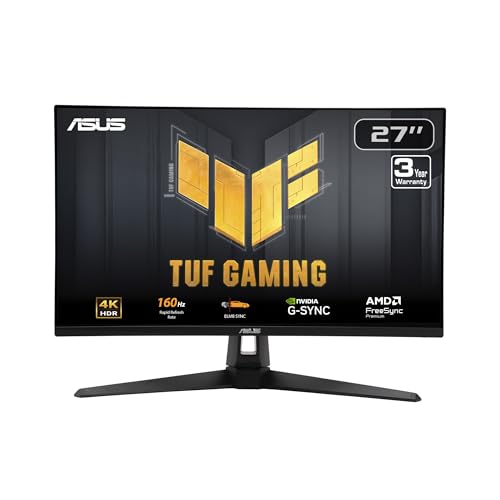
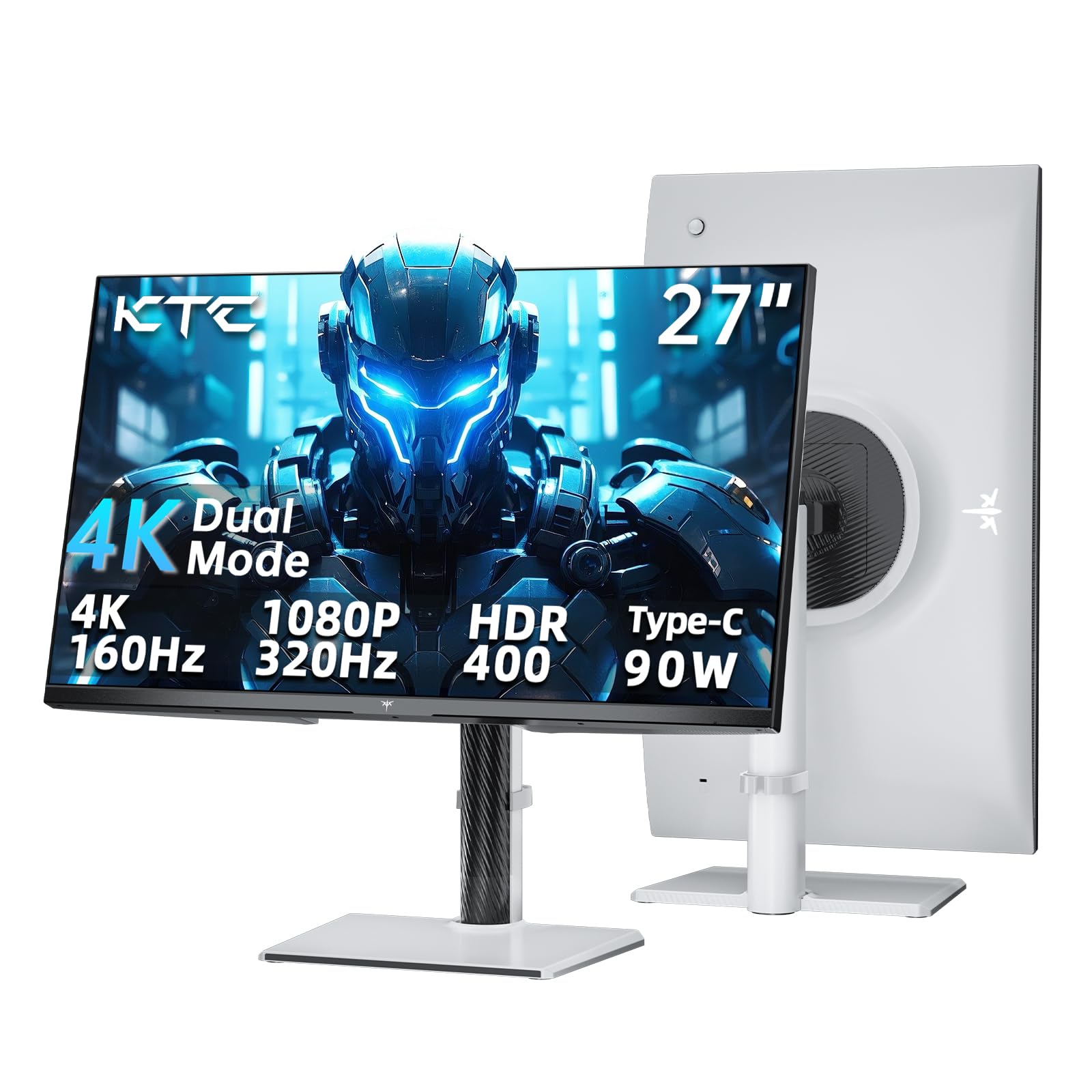
4K IPS monitors with HDMI 2.1 are the best fit for most PS5 owners. The ASUS TUF Gaming VG27UQ1A, at around $259, offers a 27 inch 4K Fast IPS panel at 160Hz with 1ms response and supports up to 4K 120Hz via HDMI 2.1 without chroma subsampling for consoles, according to ASUS. The Acer Nitro VG270K V4 and KTC H27P6, at around $270 to $306, offer similar 4K 160Hz panels.
LG's 27G810A, at around $350, adds dual mode 4K 180Hz or Full HD 360Hz, DisplayHDR 400 and HDMI 2.1. At 27 inches, 4K looks very sharp from a desk.
The trade off is HDR. IPS panels show grayer blacks in dark scenes, and DisplayHDR 400 offers limited HDR impact compared with OLED.
Many of these monitors also offer DisplayPort and USB-C for a PC or laptop, so one screen can serve both a PS5 and a work computer. KTC lists 90W USB-C power delivery on its H27P6, which can charge a laptop over the same cable.
OLED Displays: Best Picture Quality
OLED and QD-OLED monitors suit players who want the best picture for cinematic games and dark rooms. Each pixel lights itself, giving perfect blacks and near instant 0.03ms response times. The msi MPG 321URX QD-OLED, at around $860, offers a 32 inch 4K 240Hz panel with DisplayHDR True Black 400, and the Samsung Odyssey QD-OLED G8, at around $700, packs 4K 240Hz into 27 inches.
LG's 32GX850A, at around $705, uses a glossy 4K OLED with dual mode 165Hz or 330Hz, while the ASUS ROG PG32UCDM, at around $1,195, adds a custom heatsink and a three year warranty that covers burn in, according to ASUS, and lists PS5 compatibility.
The downsides are price, lower full screen brightness than the brightest LCDs and the need to follow OLED care features to reduce burn in risk with static HUDs.
OLED care features include pixel refresh cycles, logo dimming and screen shifting. Leave these turned on, use a dark system theme and let the monitor run its refresh cycle when it turns off. ASUS says the PG32UCDM uses graphene film and a custom heatsink to manage heat and reduce burn in risk.
Large Screen Options: 37 to 43 Inch Monitors
Large monitors suit players who want a TV like experience at a desk or who game from farther back. LG's 37G800A, at around $590, is a 37 inch curved 4K monitor with 165Hz, DisplayHDR 600 and HDMI 2.1. Samsung's 43 inch M7 Smart Monitor, at around $500, adds built in speakers, streaming apps and Samsung Gaming Hub, so it doubles as a TV.
Large screens are great for split screen and sharing with friends. They also suit small apartments where one screen serves for gaming, streaming and work.
The downside is desk depth: you need to sit farther back from 40 inch plus screens, and some large monitors run at 60Hz, so check refresh rate if you want 120Hz on PS5.
Budget 1440p Monitors
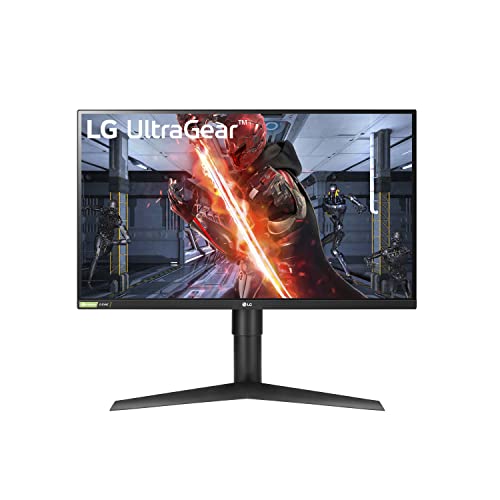
Budget 1440p monitors suit players on tight budgets. The LG 27GL83A, at around $245, offers a 27 inch QHD IPS panel at 144Hz with 1ms response and HDR10 support. The PS5 outputs 1440p, so you get a sharper image than 1080p at a low price.
The trade off is no 4K. If you plan to upgrade later, a 4K 160Hz IPS monitor now costs only a little more.
LG says the 27GL83A covers 99 percent of sRGB with 178 degree viewing angles and includes a height and pivot adjustable stand, features that make it a solid all round monitor for both PS5 and PC.
OLED Monitors vs Large Screen Monitors: Which Should You Choose?
Choose an OLED monitor if picture quality matters most, you play cinematic and HDR games and you sit at a desk about two to three feet from the screen. OLED gives the deepest blacks, the best contrast and the fastest response.
Choose a large screen monitor if you want a bigger, more immersive view, play with friends, use the screen for streaming and work or sit farther back. Large screens like the LG 37G800A and Samsung M7 offer more screen area per dollar.
Room lighting matters too. OLED excels in dim rooms, while bright LCD monitors handle sunny rooms better. If your desk faces a window, choose a monitor with strong brightness or an anti glare finish.
For most players who want both, a 32 inch 4K OLED is a sweet spot: large enough to feel immersive at a desk with the best picture quality.
Budget is the final factor. A 4K IPS monitor costs about a third of a premium OLED, and the money saved can buy a headset, a game library or extra PS5 storage.
How to Choose the Best Gaming Monitors for PS5
To choose among the best gaming monitors for PS5, start with HDMI 2.1 support and 4K 120Hz, then compare panel type, HDR, size and ergonomics.
Features That Matter for PS5
HDMI 2.1 is essential for 4K at 120Hz on PS5; HDMI 2.0 monitors limit 4K to 60Hz. The PS5 does not use DisplayPort, so check HDMI specs carefully. Variable refresh rate over HDMI smooths frame rate dips in supported games, and a 1440p capable monitor gives a sharp image on lower cost models.
Look for monitors that list console support, like ASUS's VG27UQ1A with 4K 120Hz via HDMI 2.1.
Check how many HDMI 2.1 ports a monitor has if you own more than one console. Some monitors include only one full bandwidth HDMI 2.1 port and others at lower speeds.
Panel Technology (IPS, VA, OLED, Mini LED)
IPS panels offer accurate color and wide viewing angles. VA panels offer better contrast but slower response. OLED and QD-OLED offer perfect blacks and the fastest response. Mini LED monitors offer high brightness with local dimming for HDR.
For most players, IPS gives the best value and OLED gives the best picture.
Glossy OLED screens, like LG's 32GX850A, show richer blacks in dim rooms but reflect lamps and windows, while matte screens diffuse reflections in bright rooms.
HDR and Brightness
HDR makes highlights brighter and colors richer, but entry level DisplayHDR 400 monitors offer only modest HDR. DisplayHDR True Black 400 on OLED delivers more impactful HDR through perfect blacks, and DisplayHDR 600, like on LG's 37G800A, offers brighter highlights.
Run the PS5 HDR calibration after connecting your monitor.
Size and Resolution
27 inch 4K monitors look very sharp at a desk, while 32 inch 4K monitors offer a more immersive view. 1440p suits 27 inch budget monitors. 37 to 43 inch screens suit deeper desks and farther seating.
At 27 inches, 4K packs about 163 pixels per inch, which looks crisp from a desk, while 1440p at 27 inches offers about 109 pixels per inch. The extra sharpness of 4K is easy to see in text, menus and fine game detail.
Smart Platform and Sound
Most gaming monitors have weak or no speakers, so plan on a headset or soundbar. The PS5 controller has a headphone jack, and many monitors include a headphone output. Smart monitors like Samsung's M7 add speakers and streaming apps, which suits small spaces.
Stand, Mounting, and Ergonomics
Height adjustable stands with tilt and swivel, like on the LG 32GX850A, KTC H27P6 and LG 27GL83A, help you set the screen at eye level. VESA mounting lets you use monitor arms to free up desk space.
Set the top of the screen at or slightly below eye level and about an arm's length away to reduce neck strain during long sessions. Larger screens need more distance.
Setup and Care Tips
Use a certified Ultra High Speed HDMI cable for 4K 120Hz. In PS5 settings, enable 120Hz output, VRR and HDR, then run HDR calibration.
Turn on game mode in the monitor menu to reduce input lag. For OLED monitors, let pixel refresh cycles run, use screen savers and avoid leaving static menus on screen for hours. Clean screens with a dry microfiber cloth.
FAQs
What features matter most in gaming monitors for ps5?
HDMI 2.1 for 4K 120Hz, VRR support, a good panel and solid HDR matter most. Choose 4K IPS for value, OLED for picture quality and a large screen for immersion.
How long do they last?
LCD gaming monitors often last five to ten years. OLED monitors can last many years with care features enabled, and some makers, like ASUS on the PG32UCDM, include burn in coverage in their warranties.
Is 4K worth it?
Yes, 4K is worth it on PS5 for sharper detail, especially on 27 to 32 inch monitors. Many games offer performance modes at lower resolutions with higher frame rates, which 4K 120Hz monitors also support.
IPS vs OLED: which is better?
OLED is better for contrast, HDR and response time, while IPS is better for price and full screen brightness with no burn in risk. Most players get great results from 4K IPS, and enthusiasts prefer OLED.
What size should I get for my room or desk?
A 27 inch monitor suits most desks with a viewing distance of about two feet. Choose 32 inches for a more immersive view at slightly greater distance, and 37 to 43 inches for deep desks or farther seating.
Does refresh rate matter for console gaming?
Yes, 120Hz makes supported PS5 games look smoother and feel more responsive than 60Hz. Monitors above 120Hz still work with PS5, but the console caps output at 120Hz.
Can I use a TV instead of a monitor for PS5?
Yes, many TVs make excellent PS5 displays, especially for couch gaming, and large OLED and Mini LED TVs offer HDMI 2.1 with 4K 120Hz. Monitors suit desks better, with smaller sizes, lower input lag in many cases and adjustable stands.
Do I need speakers in a PS5 monitor?
No, most players use a headset plugged into the DualSense controller or a soundbar. Built in monitor speakers are usually weak, though smart monitors like Samsung's M7 include better speakers.
The Bottom Line
The best gaming monitors for ps5 support HDMI 2.1 and 4K 120Hz. 4K IPS monitors like the ASUS TUF VG27UQ1A and LG 27G810A offer great value, OLED monitors like the msi MPG 321URX, Samsung Odyssey G8 and LG 32GX850A deliver the best picture, large screens like the LG 37G800A suit immersive setups and 1440p monitors like the LG 27GL83A suit tight budgets.
For more display guides, see the best 4k monitors, the best 240hz monitors, the best gaming monitors and the best 55 inch smart tv. Then compare current prices in the product table above.