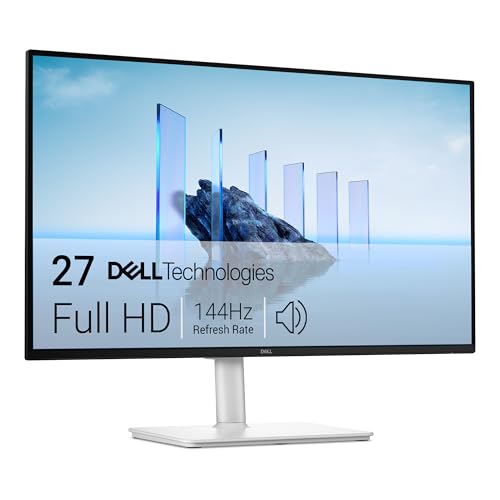
Best 1440p IPS Gaming Monitors for 2026: A First Purchase Guide
Disclosure: We may earn a commission when you buy through links on this page, at no extra cost to you. As an Amazon Associate I earn from qualifying purchases. Learn more

Shopping for the best 1440p ips gaming monitors for the first time? Learn the terms, compare options, and avoid rookie mistakes with this easy guide.
Buying your first gaming monitor can feel confusing because every box lists a wall of numbers and abbreviations. This guide explains the terms in plain English and shows you how the best 1440p ips gaming monitors balance sharp detail, smooth motion, and accurate color. You do not need prior knowledge to follow along.
Start with the size and speed your desk and graphics card can handle, then compare panels, ports, and HDR using the product table. By the end, you will know which specs matter for your games and how to set up a new screen with confidence.
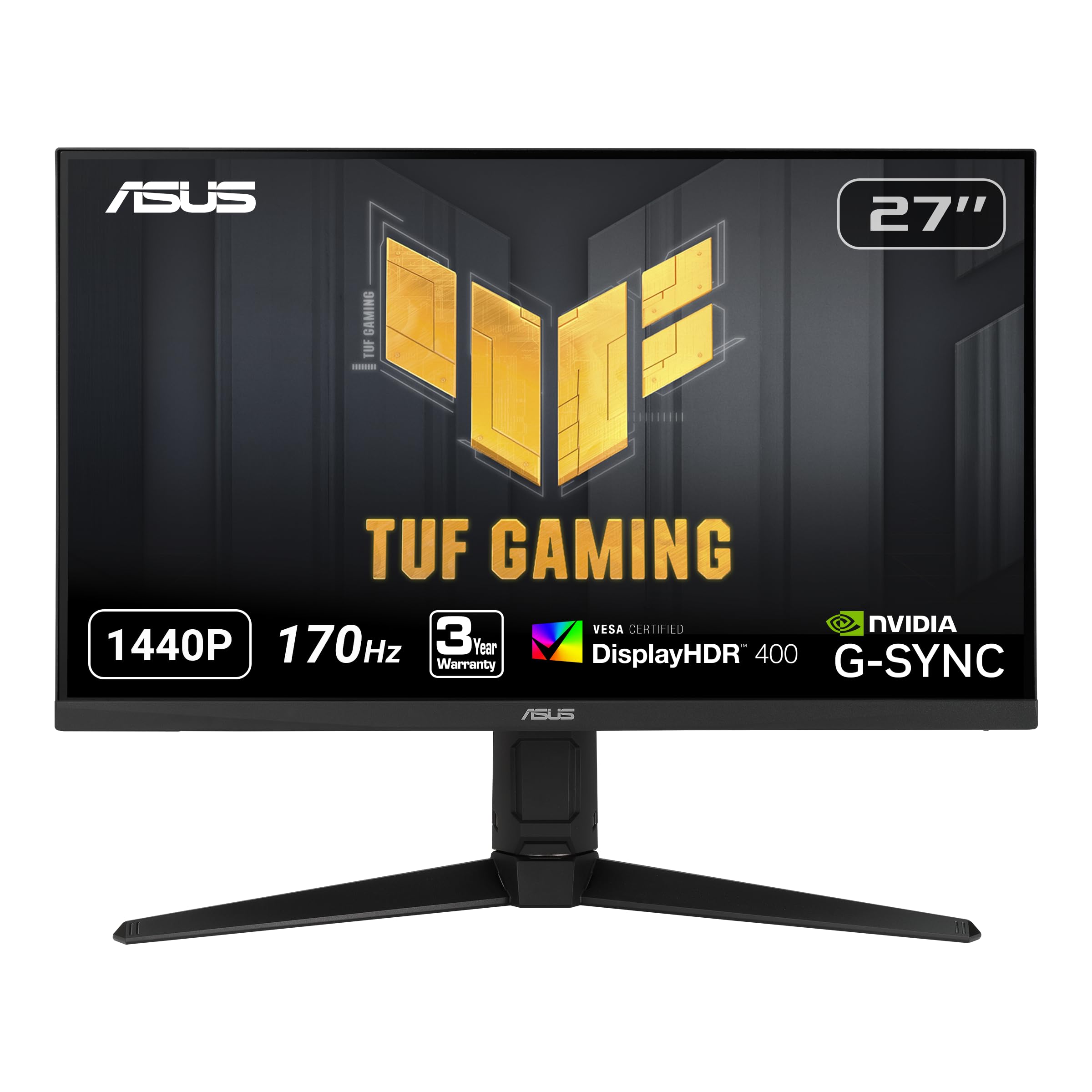

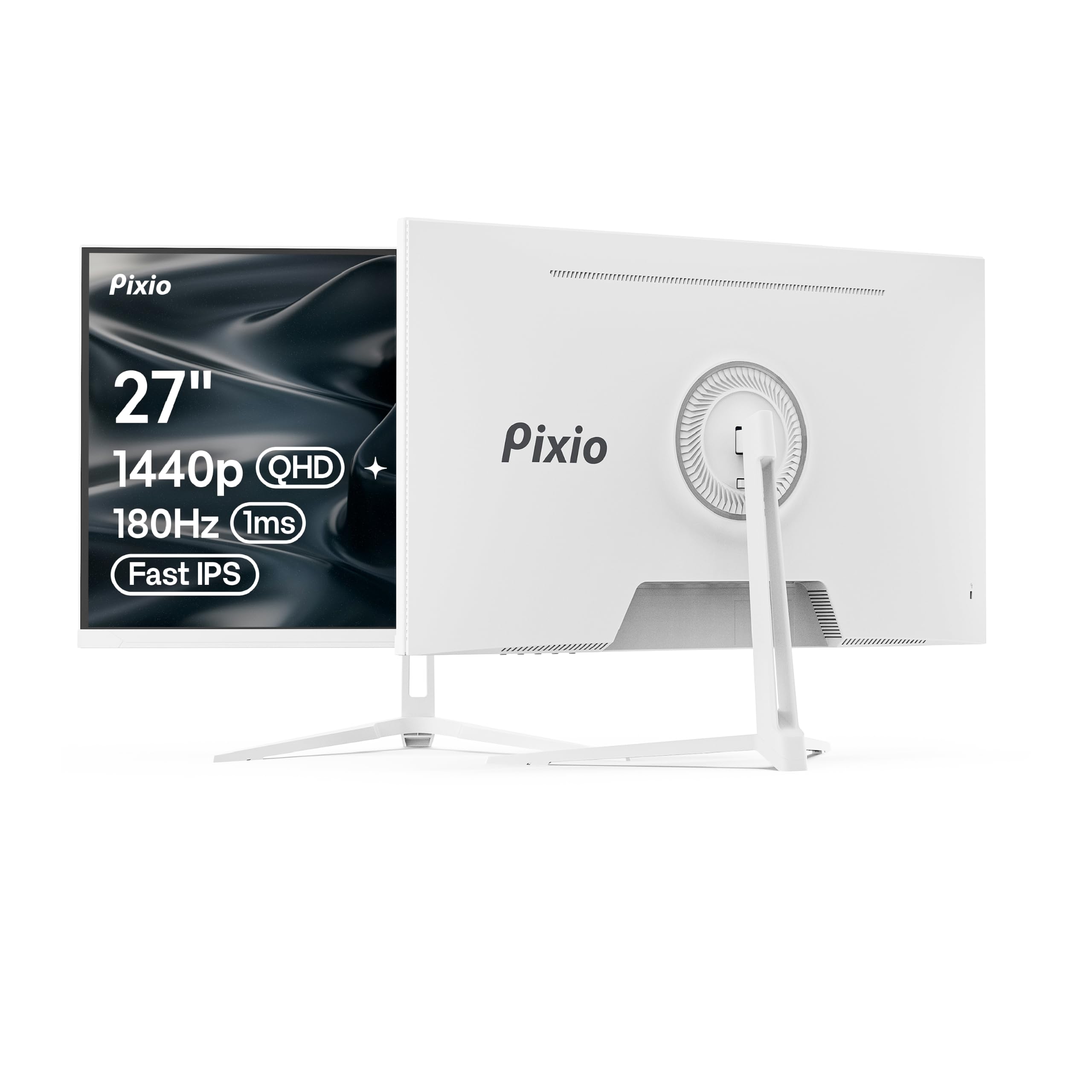

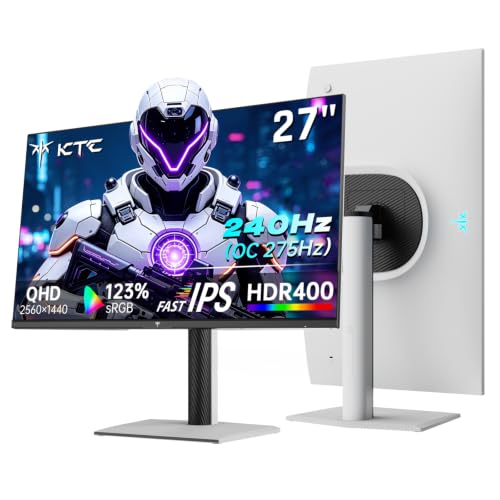




1440p IPS Gaming Monitors 101: The Basics for New Buyers
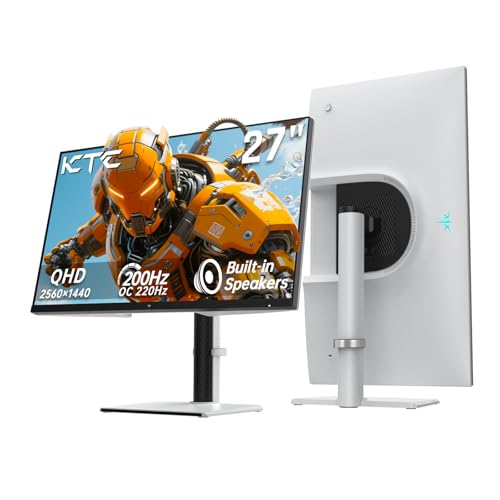
A 1440p screen shows 2560 by 1440 pixels, a clear step up in sharpness from 1080p without the heavy demand that 4K places on a graphics card. Text looks crisper, game worlds show finer detail, and you gain more room for windows when you work between sessions. That middle ground is exactly the appeal of this category.
IPS is the panel technology behind the image. An IPS panel holds color and brightness steady when you view the screen from an angle, and it renders color more faithfully than older panel types built mainly for low cost.
Who Should Buy a 1440p IPS Gaming Monitor?
The best 1440p ips gaming monitors suit three groups especially well. Think about which description sounds most like you before you weigh individual specs, since matching the monitor to your habits prevents paying for speed you never use.
PC Players Moving Up From 1080p
If your graphics card already runs your favorite games well above 60 frames per second at 1080p, a 1440p screen turns that spare power into visible detail. Players with older cards should be more cautious, since the extra pixels lower frame rates in demanding titles.
Console Players Who Want 120Hz Play
Current consoles can output 120 frames per second in supported games, and a monitor that accepts that signal over HDMI gives smoother play than a basic 60Hz television mode. Check that the monitor supports 1440p at 120Hz on its HDMI ports, because some models limit full speed to DisplayPort only.
Creators Who Game on the Same Desk
If you edit photos, draw, or cut video on the screen you game on, IPS color consistency earns its place in your budget. Colors stay closer to accurate when you shift in your chair, and wide color coverage helps creative software show rich shades correctly.
The Specs That Shape a 1440p IPS Gaming Display
Panel Technology and What IPS Does Best
Panel type shapes color, contrast, and viewing angles more than any other single choice. IPS panels lead on color accuracy and stable images at an angle, while VA panels usually offer deeper contrast in a dim room. OLED panels produce perfect blacks and very fast pixel changes, but they cost more and carry a risk of burn in from static elements.
Refresh Rate and Response Time for Smooth Motion
Refresh rate, measured in hertz, is how many times the screen redraws each second, and 144Hz or 165Hz feels visibly smoother than 60Hz in moving scenes. Response time describes how quickly pixels change color, and lower figures near 1 millisecond reduce ghosting behind moving objects. Treat maker response claims with care, because measurement methods differ between brands. A screen can only show frames your hardware actually produces.
Resolution, Screen Size, and Pixel Density
Resolution and size work together as pixel density, which decides how sharp the image looks at your sitting distance. At 27 inches, 1440p gives a fine balance of detail and readable text, and most players sit about 60 to 90 centimeters away. A 32 inch screen at the same resolution looks less dense up close but feels more immersive from farther back. For more on this tradeoff, see our guide to the best gaming monitors 1440p.
Adaptive Sync and Gaming Features That Prevent Tearing
Adaptive sync lets the monitor match its refresh rate to the frame rate your game is producing, which removes screen tearing and reduces stutter. FreeSync works with a wide range of graphics cards, while G Sync is built for NVIDIA hardware and also appears in certified compatible models. Variable refresh rate over HDMI helps console play stay smooth. Turn the feature on in both the monitor menu and your graphics settings, because enabling it in only one place leaves it inactive.
Connectivity, Ports, and VESA Mounting
DisplayPort is the most reliable connection for full refresh rate gaming on a PC, while HDMI 2.1 matters most for consoles and high frame rate play. HDMI 2.0 ports can still handle 1440p at 144Hz in many cases, so read the port specification rather than assuming. USB C with video input suits laptops that use one cable for picture and charging. Also check for a VESA mount pattern, usually 100 by 100 millimeters, if you plan a monitor arm.
HDR and Brightness for Your Room Lighting
Brightness is measured in nits, and about 300 to 400 nits suits most indoor rooms while giving highlights some punch. HDR labels describe how much extra brightness and color range a screen can show in supported content, and entry level HDR on a gaming monitor is often modest rather than dramatic. Compare peak brightness figures instead of trusting the label alone, and pick a matte surface in bright rooms.
Getting Started: Setup and First Use of a 1440p IPS Monitor
Unbox the monitor over a soft surface, attach the stand before lifting the panel, and hold the screen by its edges rather than pressing on the display. Connect DisplayPort for a gaming PC or HDMI for a console, then set the resolution to 2560 by 1440 and select the highest refresh rate in your system settings. Many new monitors arrive running at 60Hz by default, so this check unlocks the speed you paid for.
Next, open the monitor menu and choose a standard or sRGB picture mode instead of a vivid mode, which often oversaturates color. Set brightness so white areas feel comfortable in your room lighting, and enable adaptive sync. For a wider look at panel choices, see our guide to the best 1440p ips monitors. Finally, view plain color screens to spot dead pixels while returns are still simple.
Common Mistakes to Avoid With a First Gaming Monitor
- Buying a 240Hz monitor for a PC that rarely passes 80 frames per second, so the extra speed never appears on screen.
- Leaving the display set to 60Hz after setup, so games feel no smoother than on your old screen.
- Choosing a 32 inch screen for a shallow desk, so you sit too close and turn your head constantly.
- Plugging a console into an HDMI input with a lower speed limit, so 120Hz play never becomes available.
- Judging HDR by its label alone, so a dim panel disappoints in bright scenes despite bold box claims.
- Skipping the stand and mount check, so a wobbly base or missing VESA pattern limits positioning.
Care and Maintenance for a 1440p IPS Gaming Monitor
Clean the screen only when it is off and cool, using a soft microfiber cloth barely damp with water, and never spray liquid directly onto the panel. Press lightly, because hard pressure can damage pixels and leave lasting marks. Keep drinks beside the desk rather than in front of the screen, and dust the vents on the back so heat can escape.
Small habits extend backlight life. Lower brightness in a dark room instead of running full brightness all day, and let a sleep timer blank the display when you step away. Tighten a monitor arm clamp once after the first week, since fittings can settle. For related buying context, see our guide to the best ips gaming monitors.
Frequently Asked Questions
Does a higher refresh rate matter for non gaming use on a 1440p IPS monitor?
Yes, a higher refresh rate makes everyday use feel smoother even outside games. Scrolling text stays easier to read, window dragging looks steadier, and the pointer moves with less visible stepping at 144Hz than at 60Hz. The gain is about comfort rather than accuracy, so office users on a tight budget can skip it.
How long does a 1440p IPS gaming monitor usually last?
A 1440p IPS gaming monitor usually lasts about five to eight years of regular use before the backlight dims noticeably. Lifespan depends more on daily hours and brightness than on gaming itself, because the backlight ages whenever the screen is on. Moderate brightness and sleep timers slow that wear. A fading or uneven picture is the most common sign that replacement time is near.
Is 4K worth choosing over 1440p for gaming?
For most first time buyers, 1440p is the wiser spend because 4K demands a far stronger graphics card to hold high frame rates. The sharpness gain of 4K shows most on screens of 32 inches and larger viewed up close. At 27 inches, the difference is subtle in fast games where motion hides fine detail.
Which is better for gaming, an IPS monitor or an OLED monitor?
IPS is better for most mixed desks because it costs less, shows no risk of burn in from static taskbars or game interfaces, and stays bright in lit rooms. OLED answers with perfect blacks and near instant pixel response, which suits dark rooms and cinematic games. Your lighting and budget decide more than any spec sheet. For all day work use, IPS is safer.
What size 1440p IPS gaming monitor should I get for my desk?
Choose 27 inches if your desk is about 60 to 80 centimeters deep, because that size fills your view at a normal distance without forcing head movement. Deeper desks can support 32 inches comfortably. Measure the stand footprint as well as the screen, since wide feet can crowd a keyboard tray. If space is tight, a VESA arm lets a larger panel float above the desk.
Final Thoughts
For a first purchase, focus on three things: a 27 inch IPS panel, a refresh rate your hardware can truly feed, and ports that match your PC or console. Those choices shape every session more than headline HDR labels. When you are ready to compare models, revisit the product table and shortlist the best 1440p ips gaming monitors that fit your desk, your room, and your budget.