Best Aspect Ratio for Computer Monitors: 16:9, 21:9 and 16:10 Compared
Disclosure: We may earn a commission when you buy through links on this page, at no extra cost to you. As an Amazon Associate I earn from qualifying purchases. Learn more

Compare 16:9, 21:9 ultrawide, and 16:10 by desk space, apps, and eye comfort to find the best aspect ratio for computer monitors.
Choosing the best aspect ratio for computer monitors shapes how you work, play, and watch, since screen shape decides how many windows fit side by side and how immersive games feel. The familiar 16:9 widescreen suits most uses, ultrawide 21:9 adds room for multitasking, and taller 16:10 gives extra vertical space for documents. This guide explains each shape by use, so you can match ratio to routine.
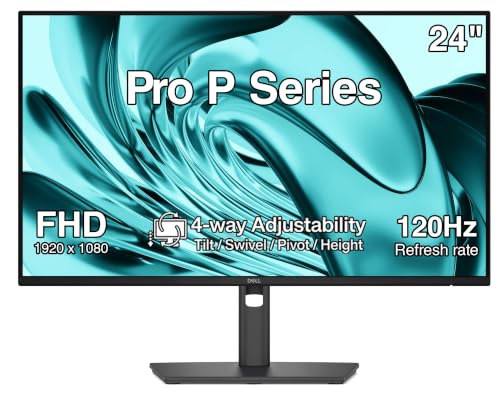
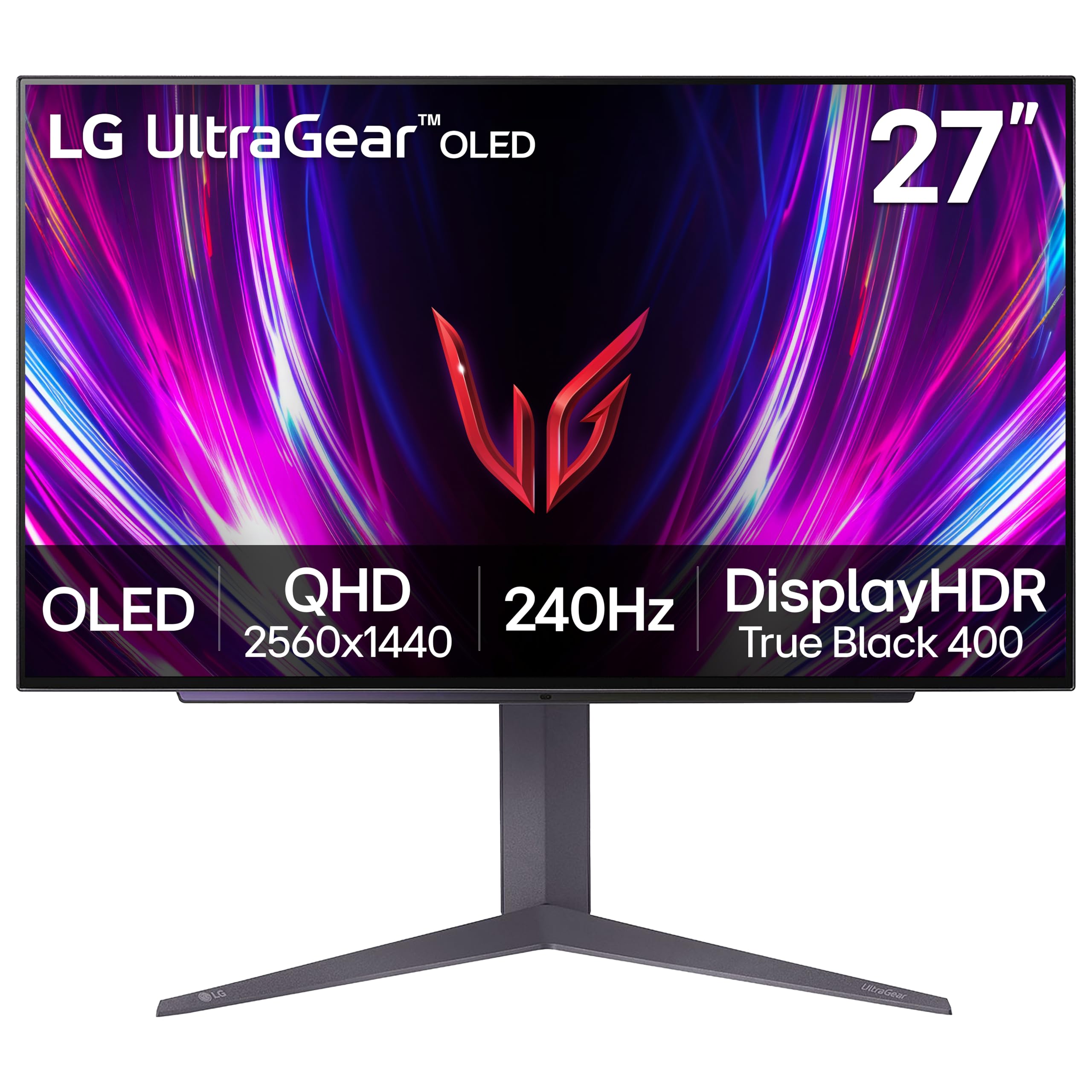
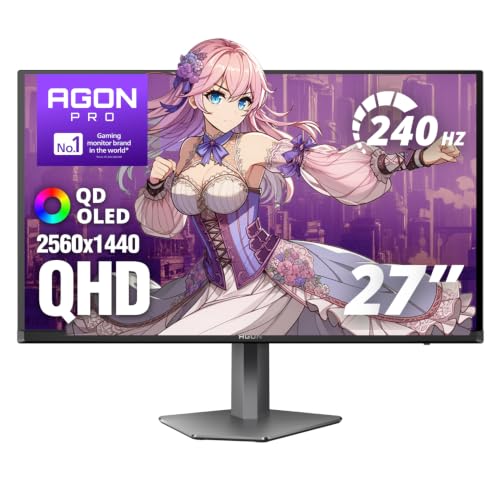
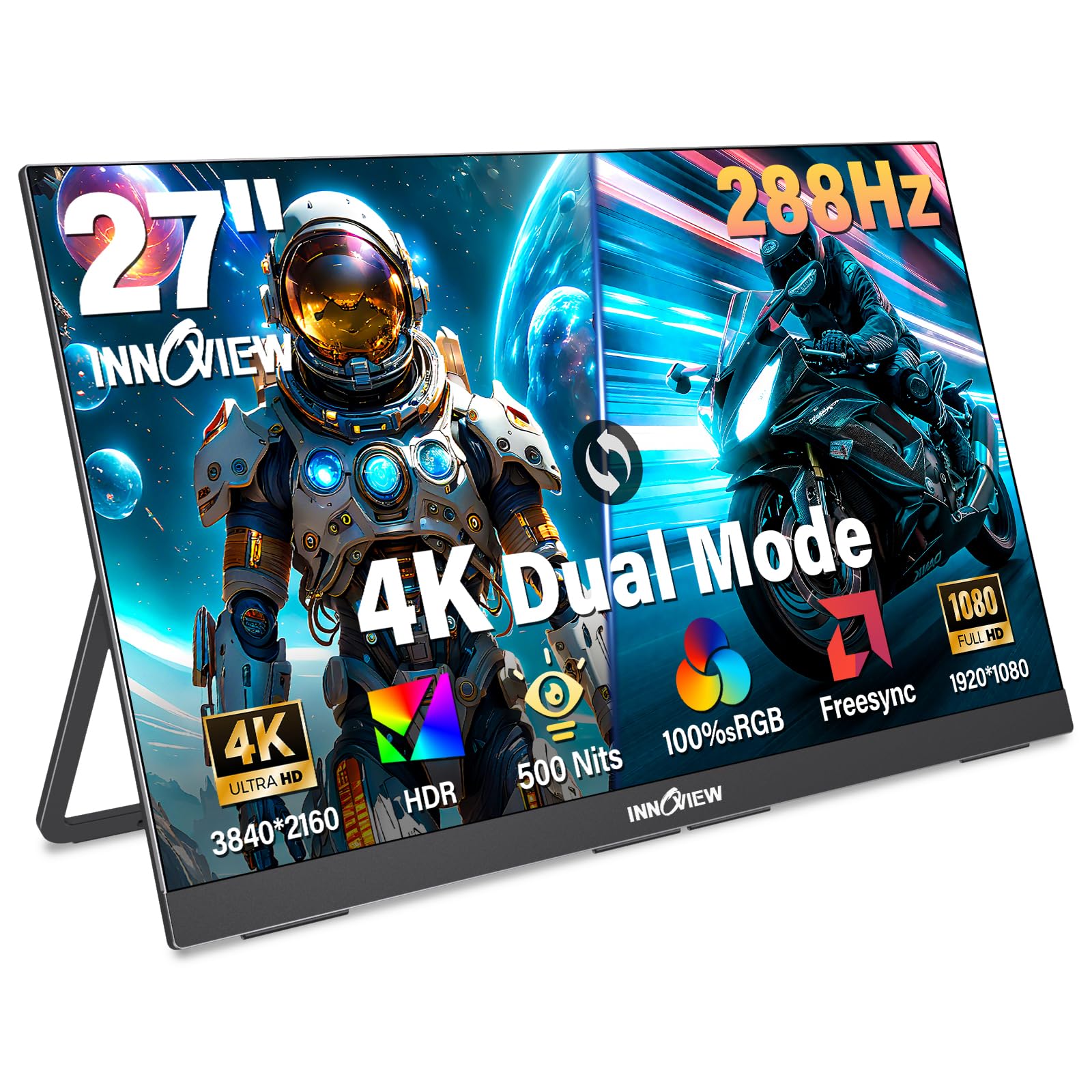
The product table helps you compare screen shapes and sizes side by side. Use it alongside desk space, since a wider screen needs a wider desk and a comfortable viewing distance. Resolution matters too, since a wide screen with low resolution looks soft, while a high resolution screen stays sharp across its width.


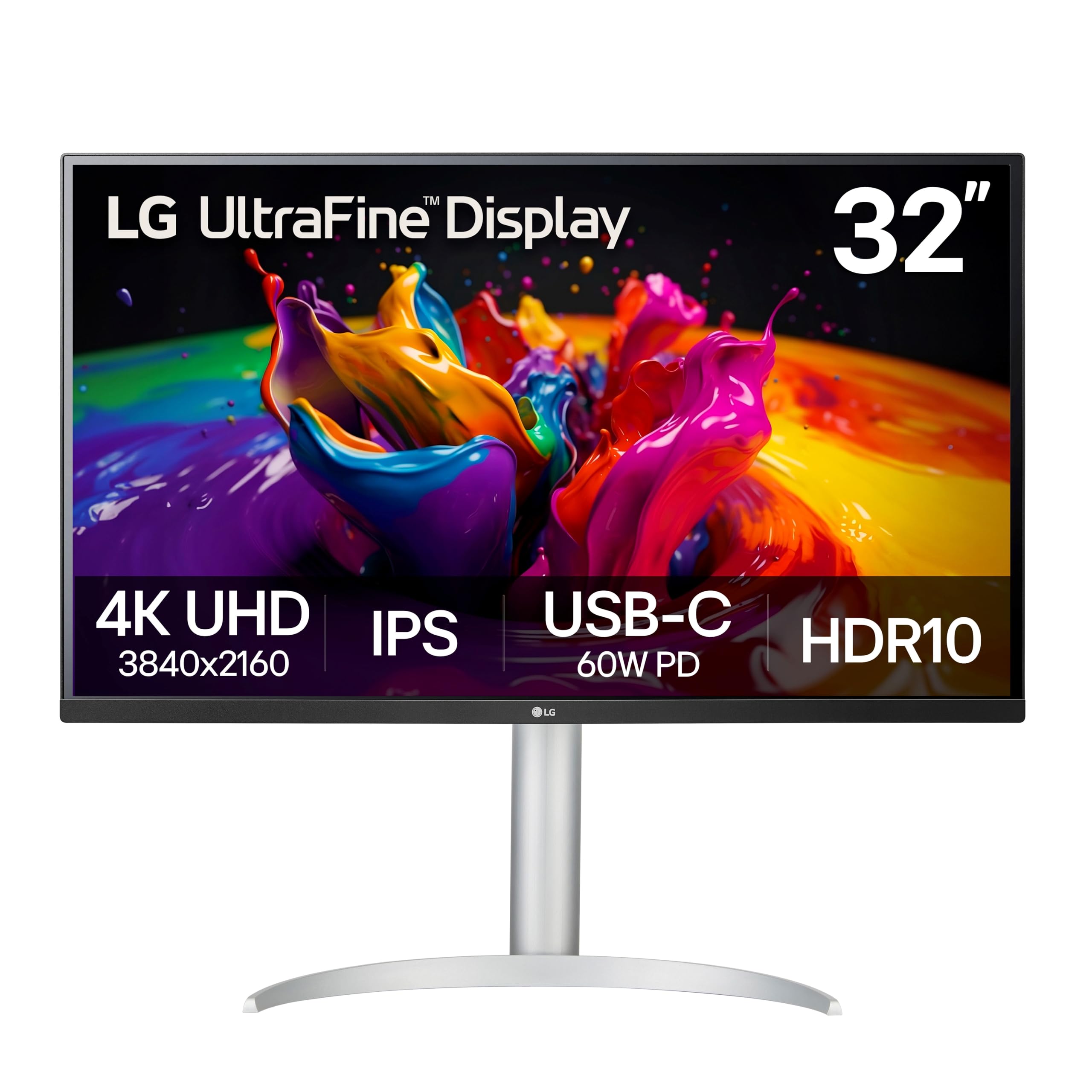
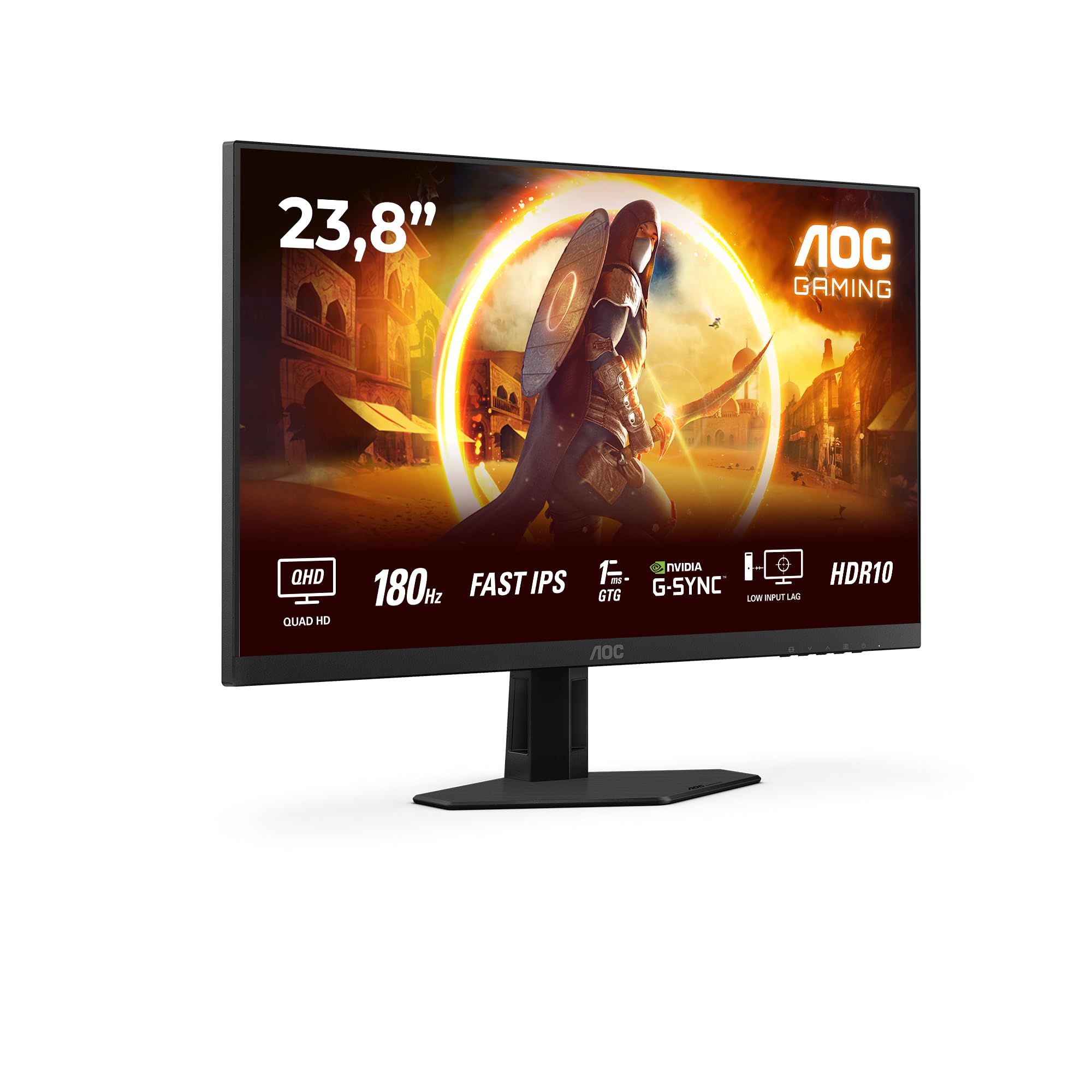
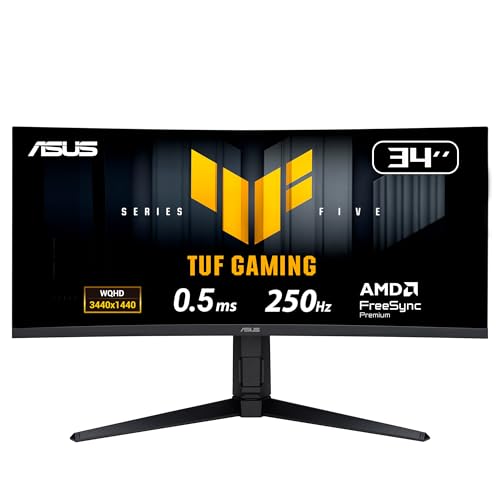

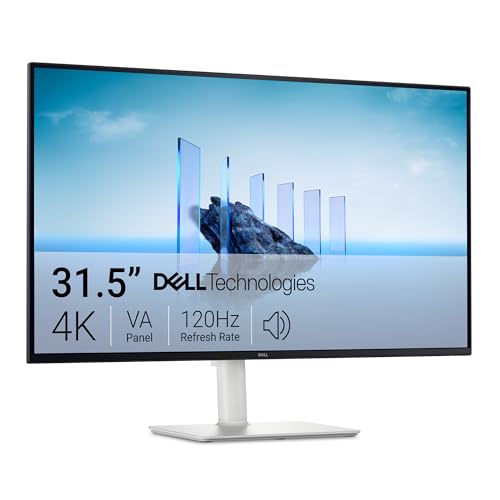
What Is the Best Aspect Ratio for Computer Monitors?
Aspect ratio describes screen width relative to height. A 16:9 screen is 16 units wide for every 9 tall, which matches most video and games. A 21:9 ultrawide stretches wider for the same height, giving extra horizontal room without extra height. A 16:10 screen sits slightly taller than 16:9, which helps documents and code, while older 4:3 screens look nearly square and suit only niche uses today.
Screen size alone does not tell the full story, since a 34 inch ultrawide and a 32 inch 16:9 screen differ in shape and usable area. Compare width, height, and pixel count together, and check your desk depth, since wider screens need more viewing distance to avoid constant head turning. Measure your desk before falling in love with a shape.
16:9 for Everyday Use
16:9 remains the standard for good reasons: video, games, and most software target it, prices stay competitive, and sizes from compact to large cover every desk. A 24 to 27 inch 16:9 screen suits most desks, giving comfortable text and video without dominating the room. Larger 32 inch models suit spacious desks and shared viewing, though text may look large at close range.
For general use, 16:9 offers the widest choice of panels, refresh rates, and prices, which makes finding a good match easier. If you mainly browse, stream, and handle documents one at a time, 16:9 gives everything you need without the cost and desk demands of wider shapes. It also pairs easily with a second monitor later, since matching 16:9 screens align neatly.
Ultrawide 21:9 for Multitasking
Ultrawide 21:9 screens suit people who keep several windows open, such as traders, editors, coders, and project managers. Two full documents or a timeline plus preview fit side by side without a bezel in the middle, which beats dual monitors for some workflows. Video editing timelines stretch beautifully, and immersive games fill peripheral vision in supported titles.
Ultrawide screens need desk width and a graphics card that handles the extra pixels smoothly, especially for gaming. Some older games and videos show black bars or stretch, since not all content targets 21:9, so check your favorite games and apps for ultrawide support. Viewing distance matters too, since a very wide screen at close range forces head turning that tires the neck.
16:10 and Taller Shapes for Work
16:10 screens add vertical room compared with 16:9 at the same width, which helps documents, spreadsheets, code, and web pages that scroll vertically. Writers and coders often prefer taller screens, since more lines fit without scrolling, and the extra height suits portrait style reading. Sizes run slightly smaller in the market, so choice is narrower than 16:9, but quality options exist.
Consider a vertical second monitor as an alternative, since rotating a standard screen to portrait gives even more vertical room for documents and chat. That setup suits desks where width is limited but height is free, though portrait screens suit reading more than video. Match shape to your most frequent task, whether horizontal multitasking or vertical reading.
Gaming, Video, and Immersion
Gamers should weigh ratio against game support and graphics power. Most games support 16:9 fully, while ultrawide support varies by title, with some games cropping or stretching the image. High refresh rates matter for competitive play, and ultrawide high refresh screens cost more and demand stronger graphics cards, so budget for the whole system, not just the screen.
Video watchers should note that most films and shows target 16:9, so ultrawide screens show black bars for standard video, while ultrawide films fill the screen beautifully. If you mainly stream shows, 16:9 avoids bars and costs less. If you watch many ultrawide films or play supported games, 21:9 immersion may justify the trade off.
Desk Space, Ergonomics, and Budget
Measure desk width, depth, and monitor arm support before choosing. A 34 inch ultrawide needs a wide, sturdy desk and a viewing distance that lets you see the whole screen without turning your head constantly. Place the screen with the top at or slightly below eye level, and sit at arm's length or further for larger screens to reduce eye and neck strain.
Budget shapes choice too, since ultrawide and high resolution screens cost more per inch than standard 16:9. Compare total cost including a monitor arm if needed, since large screens benefit from sturdy arms that free desk space. Take regular screen breaks, adjust brightness to room light, and use text scaling rather than leaning closer, since ergonomics matter more than ratio alone for comfort.
Multiple Monitors and Mixed Ratios
Mixed monitor setups suit many desks, such as a wide main screen for work plus a smaller portrait screen for chat, documents, or reference material. Mixed ratios work well when the main screen handles the dominant task and the secondary screen supports it, rather than competing for attention. Align screen heights and text scaling so moving between screens feels natural rather than jarring.
Check graphics outputs before buying a second screen, since laptops and older desktops may limit resolution or refresh rate on extra outputs. Monitor arms help mixed setups by freeing desk space and aligning screens precisely, though they add cost and need a sturdy desk. Start with one good main screen, then add a secondary screen only when a real workflow need appears.
Related Guides
For specific needs, see the best computer monitors for gaming, best computer monitors for work, best affordable computer monitors, best portable computer monitors, and best looking computer monitors guides.
Frequently Asked Questions
Is ultrawide better than two monitors?
Ultrawide suits workflows that benefit from one continuous space, such as video timelines and wide spreadsheets, since no bezel splits the middle. Two monitors suit workflows that separate tasks cleanly, such as video calls on one screen and documents on the other, and they cost less for the same total area. Consider your window habits: continuous work favors ultrawide, while distinct tasks favor dual screens.
What aspect ratio is best for office work?
For general office work, 16:9 offers strong value and compatibility, with wide model choice and easy pairing. Ultrawide 21:9 suits heavy multitaskers who keep several windows open all day, while 16:10 suits writers and coders who value vertical lines. Match ratio to your dominant task, and remember that screen height, resolution, and ergonomics matter as much as width for daily comfort.
Do all games support ultrawide monitors?
No, ultrawide support varies by game, with many modern titles supporting 21:9 well and some older or competitive titles cropping, stretching, or limiting the field of view. Check your favorite games for ultrawide support before buying, and note that competitive games sometimes restrict wider views for fairness. A 16:9 screen avoids these issues entirely and suits competitive play more simply.
What resolution should an ultrawide monitor have?
A 34 inch ultrawide should offer at least 3440 by 1440 pixels for sharp text, since lower resolutions look soft at that size. Larger 38 inch and 49 inch ultrawides benefit from higher resolutions to maintain pixel density. Check pixel density alongside resolution, since a large screen with modest resolution shows visible pixels at close range. Match resolution to screen size and viewing distance.
How far should I sit from a wide monitor?
Sit at arm's length or further for standard screens, and further still for large ultrawide screens, so you can see the whole screen without constant head turning. A 34 inch ultrawide usually suits a viewing distance of about 70 to 90 cm, depending on eyesight and desk depth. Place the screen top at or slightly below eye level, and take regular breaks to reduce eye strain during long sessions.
Final Thoughts
The best aspect ratio follows from your desk, your tasks, and your content. 16:9 suits most people with strong value and compatibility, 21:9 suits heavy multitaskers and immersive gamers with wide desks, and 16:10 suits readers and coders who value vertical space.
Use the product table to compare shapes and sizes, then measure your desk and check game and app support before buying. A screen shape that fits your room and routine will serve you better than the widest screen your budget allows.
When you weigh the best aspect ratio for computer monitors, let your desk, tasks, and content guide the final call.