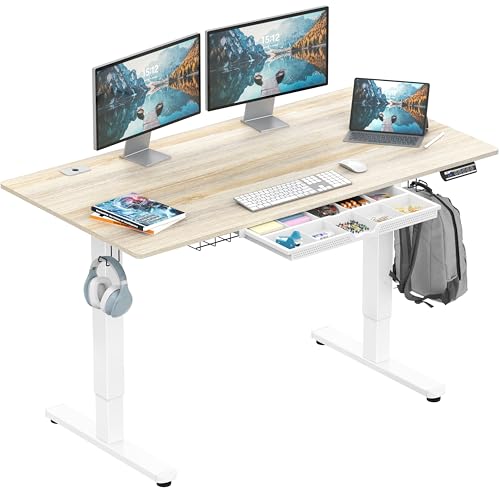
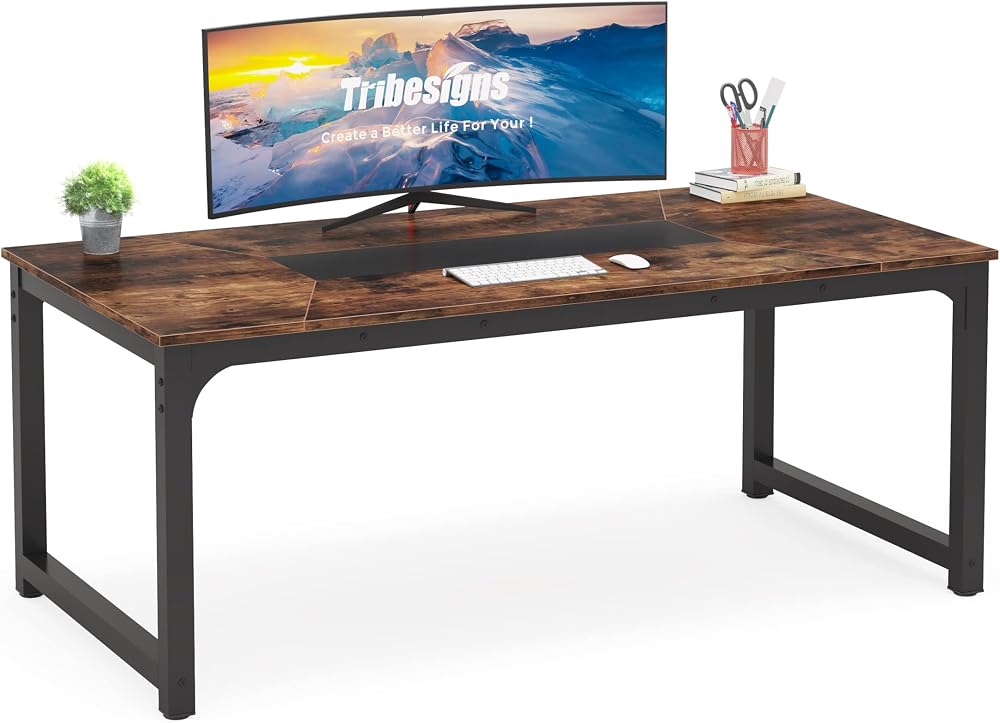
Best At Home Desks 2026: A Home Office Guide
Disclosure: We may earn a commission when you buy through links on this page, at no extra cost to you. As an Amazon Associate I earn from qualifying purchases. Learn more

The best at home desks fit your room and posture. Compare sizes, stability, storage, and sit stand options for a comfortable home office.
Working from home turns a spare corner into an office, and the wrong desk makes every workday less comfortable. The best at home desks fit your room, your monitor setup, and your posture, so you can focus on work instead of aches and clutter.
This guide explains the key choices in plain language, compares size, height options, and storage, and helps you avoid common mistakes. The product table below lets you match a desk to your space before you buy.


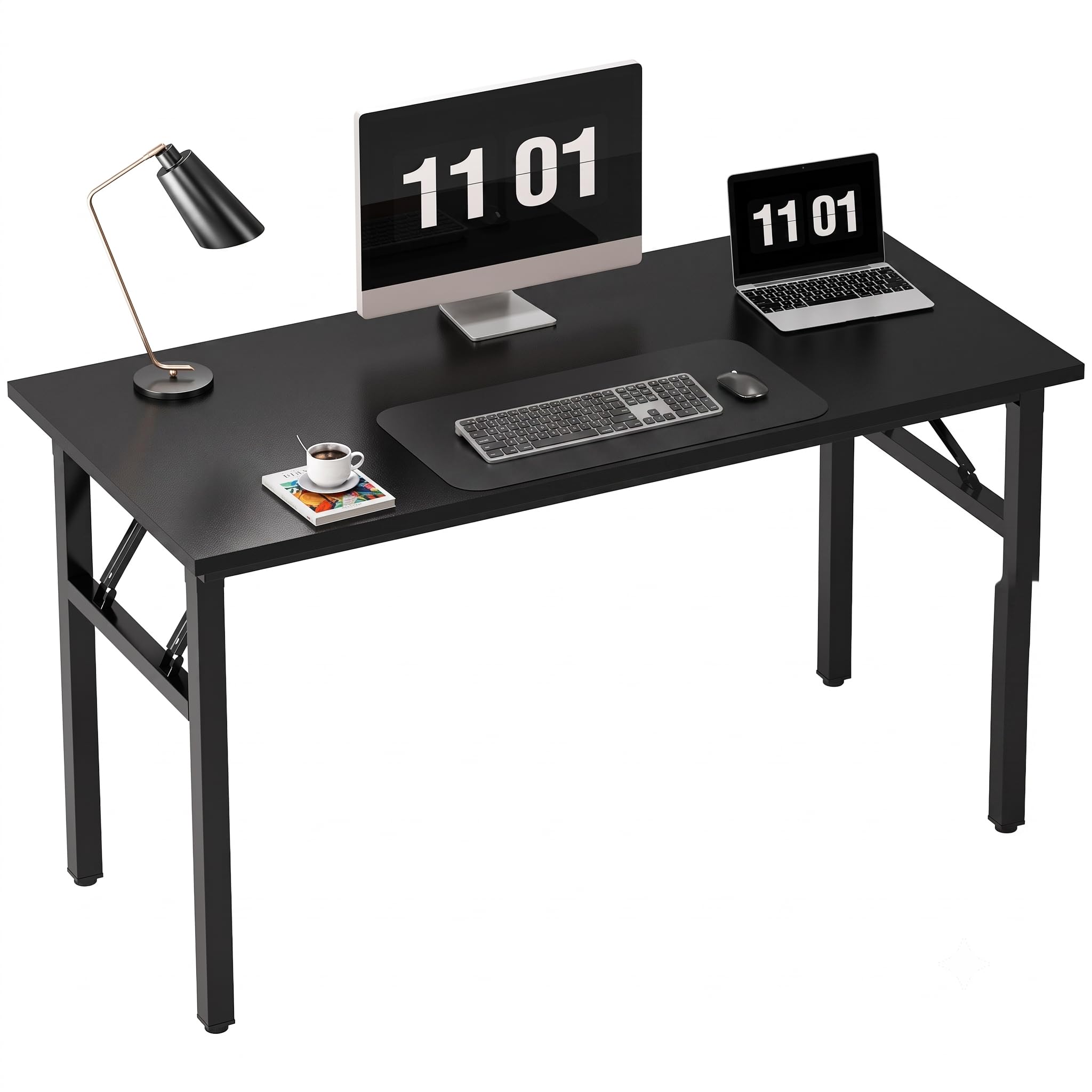
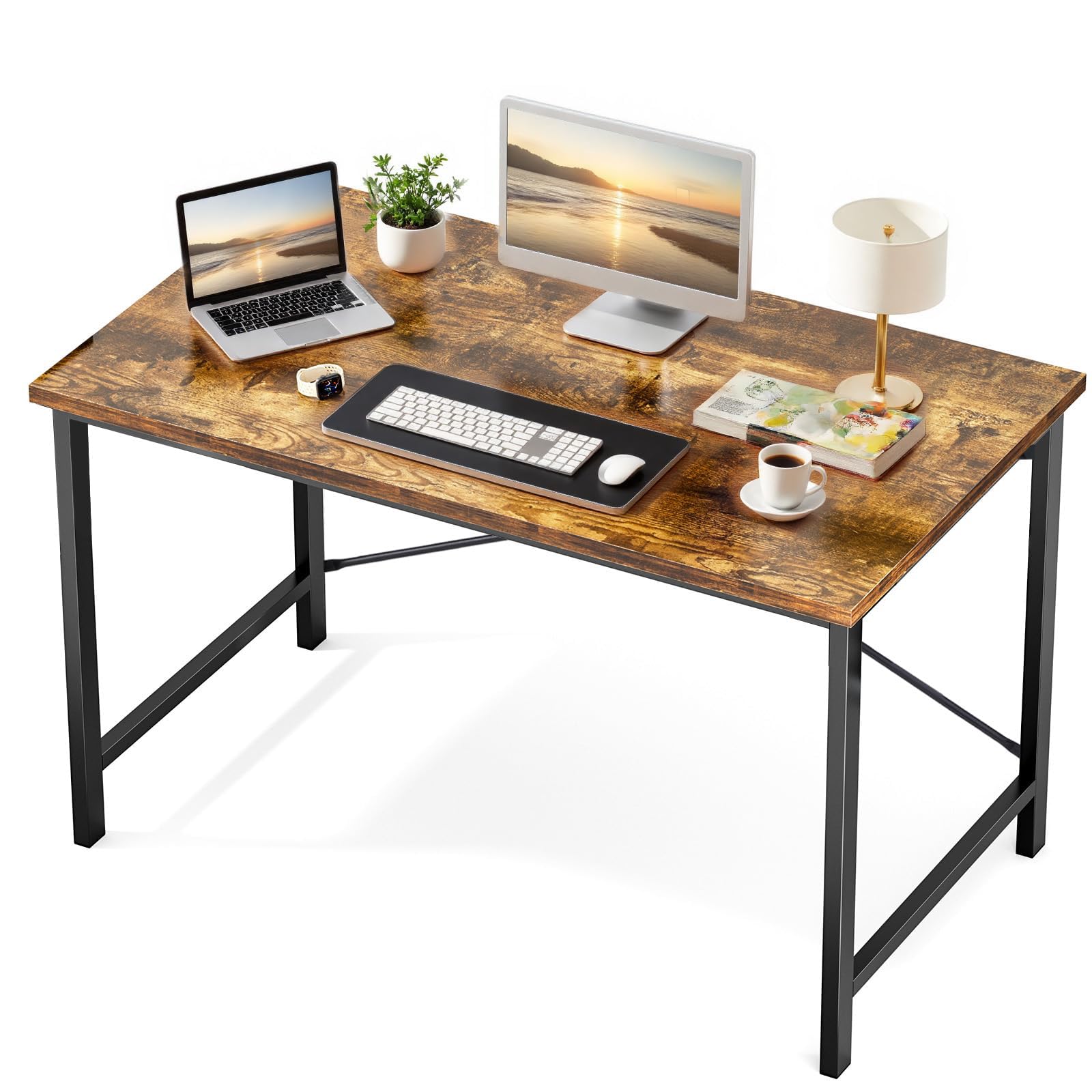
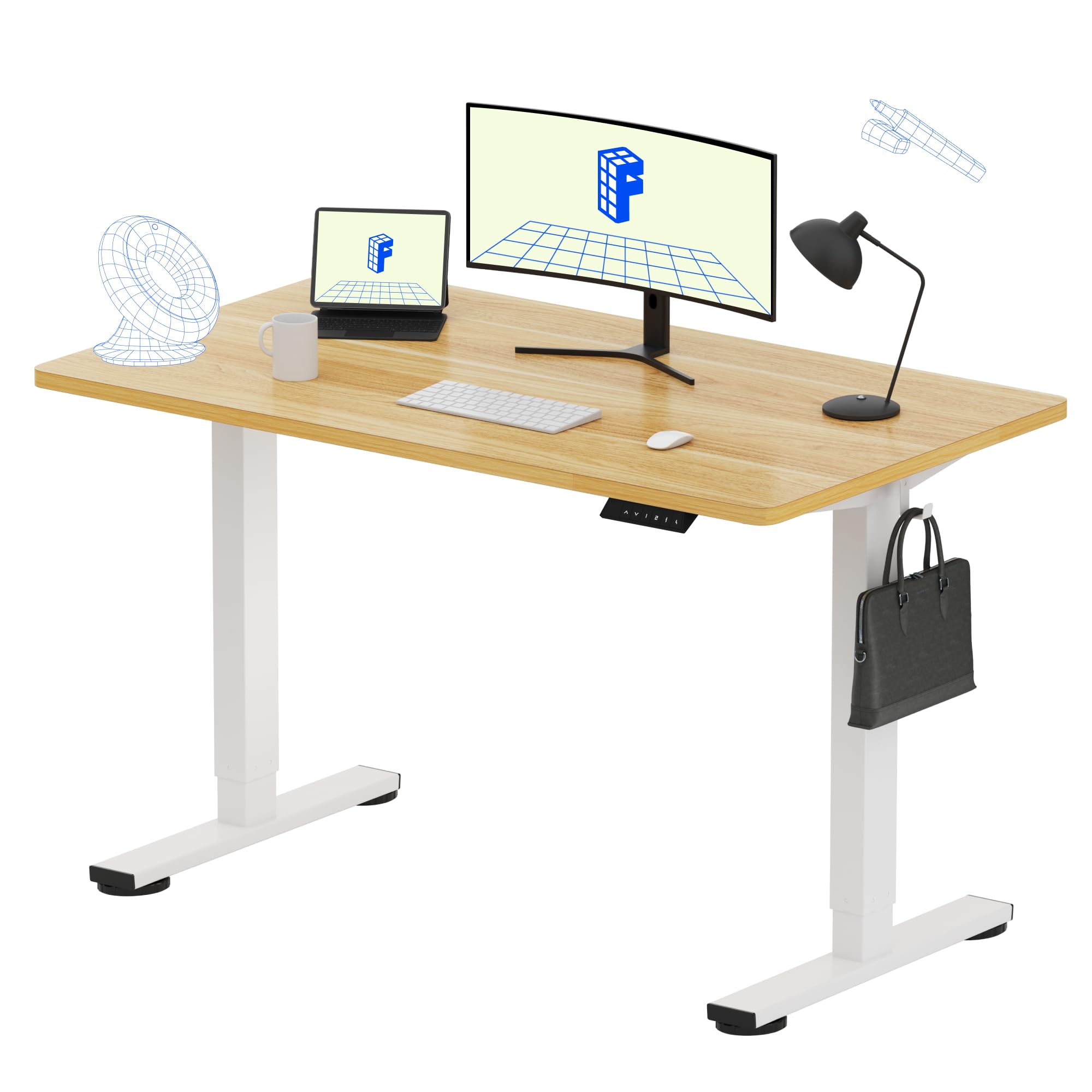


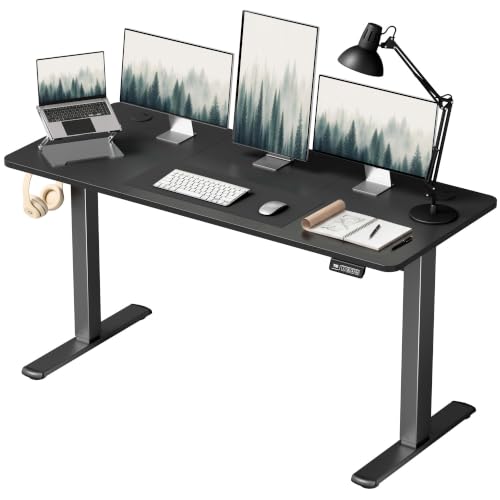
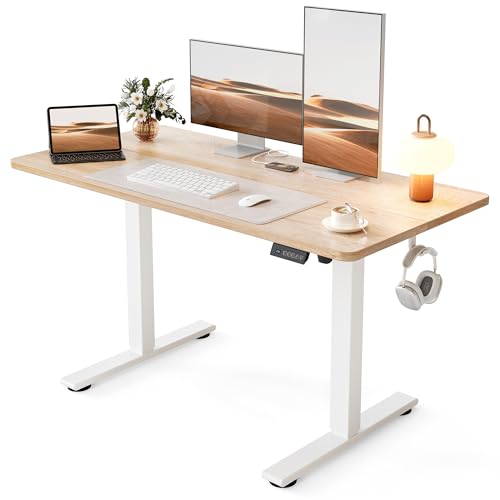

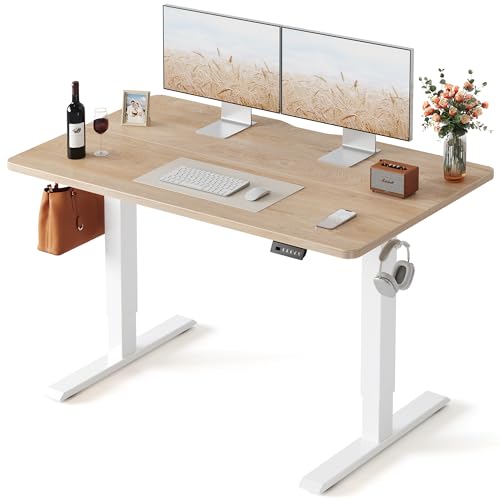
The Basics of Choosing a Home Desk
A home desk must serve real work, not just look good in a photo. Think about how many monitors you use, whether you write by hand, and how much storage you need within reach. A desk that is too small forces awkward postures, while a desk that is too large overwhelms a small room. Measure your space, your chair, and your equipment before choosing.
The sections below explain each feature in plain language, with practical levels to look for and trade offs to weigh. Use them as a checklist while you compare options, and note which features matter most for your own routine.
Key Features of the Best At Home Desks
Size and Room Fit
Measure wall length, depth, and clearance for your chair to move freely. A depth of about 24 to 30 inches suits most monitor setups, while narrower desks suit laptops and small rooms. Leave room for cables, a lamp, and documents without crowding the keyboard area. If the desk sits in a shared room, consider how it looks from other angles and whether it needs a finished back.
Height and Ergonomics
Desk height should let your elbows rest near a right angle with shoulders relaxed and feet flat on the floor. Fixed height desks suit most adults if paired with an adjustable chair, while sit stand desks let you alternate postures through the day. Check height range against your stature, especially if you are very tall or short. A keyboard tray can help when desk height and chair height do not align perfectly.
Stability and Build Quality
A wobbly desk distracts and can damage monitors over time. Check leg design, frame material, and weight capacity, especially for sit stand models that move up and down daily. Solid tops resist scratches and stains better than thin laminates, while sturdy frames stay level on uneven floors. Check stability by pressing the desk corners and imagining a monitor arm or heavy printer on top.
Storage and Organization
Drawers, shelves, and cable trays keep a home office tidy, but too much built in storage can crowd legroom. Decide what must live on the desk versus in a separate cabinet. A cable management tray or channel hides power strips and prevents tangles. If you share the room, closed storage keeps work supplies out of sight after hours.
Monitor Setup and Accessories
Monitor arms free desk space and improve ergonomics, but need a sturdy top and a compatible mount. Check desk thickness and edge design before buying an arm. Leave room for speakers, a notebook, and a lamp without pushing monitors too close. A monitor riser can help a fixed desk reach eye level, but it also reduces usable surface, so weigh the trade off.
Style, Material, and Long Term Use
Home desks live in living spaces, so style matters alongside function. Wood tops feel warm and suit traditional rooms, while metal and laminate suit modern spaces and heavy use. Consider how the finish handles coffee rings, scratches, and sunlight. A desk you like looking at encourages you to use the space, while a purely practical desk in a bedroom corner may go unused.
Who Should Buy This Type
At home desks suit remote workers, students, and anyone who needs a dedicated work corner. They suit households that want work separated from living areas, even within one room. They are less suited to people who work only occasionally from a laptop, who may do better with a portable table. If you work from home daily, a proper desk repays its cost in comfort and focus.
Mistakes to Avoid
- Buying without measuring room, chair clearance, and monitor depth.
- Choosing a desk too high or low for comfortable typing posture.
- Ignoring stability, then living with wobble under monitors and typing.
- Overloading a small desk with storage that steals legroom.
- Skipping cable management and letting cords tangle and clutter the space.
Care and Upkeep Over Time
Keep cables routed through trays or channels and dust the desk and equipment regularly. Adjust chair and monitor height when you change posture or seating, and check sit stand mechanisms for smooth movement. Protect the surface with coasters and mats under heavy items. Reorganize storage seasonally so the desk holds current work, not accumulated clutter from months ago.
Related Buying Guides
For related comparisons, see our guides to the best at home standing desks, best at home office desks, and best desks for working at home.
Frequently Asked Questions
What size desk do I need for working from home?
Size depends on monitors, equipment, and room space. A single monitor setup fits a desk about 48 inches wide, while dual monitors need about 60 inches or more. Depth of 24 to 30 inches suits most monitor distances. Measure your room, chair clearance, and equipment before buying, and leave space for documents and a lamp.
Is a sit stand desk worth it?
A sit stand desk helps if you want to alternate sitting and standing through the day, which can ease stiffness for some people. It costs more and needs a stable frame to avoid wobble at standing height. If you rarely stand to work, a fixed desk with a good chair offers better value. Try standing work before investing if possible.
How high should my desk be?
Desk height should let elbows rest near a right angle with shoulders relaxed. Standard desks run about 28 to 30 inches high, which suits many adults with an adjustable chair. Taller or shorter users may need an adjustable desk or a keyboard tray. Feet should rest flat on the floor or on a footrest, not dangle.
Do I need a monitor arm for a home desk?
A monitor arm frees desk space, improves viewing angle, and helps dual monitor setups. It needs a sturdy desk top and a compatible mount, so check thickness and edge design first. If you use one laptop screen, an arm matters less. For dual monitors or a small desk, an arm often transforms usability.
How do I keep a home desk tidy?
Use cable trays, a small set of drawers or shelves, and a daily clear desk habit. Keep only current work on the surface and store the rest nearby. A tray for charging cables and a bin for paper waste prevent clutter from spreading. Review storage monthly so the desk serves current projects, not old ones.
Final Thoughts
Measure your room, match height to your chair, and choose stability over looks alone. The product table above narrows the options, but your daily work pattern should decide size and features. A desk that supports good posture and stays tidy will improve every workday. the best at home desks succeed when the workspace disappears and the work itself takes center stage.