
Best Budget Standing Desks (2026): Types That Fit Real Homes
Disclosure: We may earn a commission when you buy through links on this page, at no extra cost to you. As an Amazon Associate I earn from qualifying purchases. Learn more

Single motor, dual motor or manual? Compare size, stability and cost to find the best budget standing desk for your home.
A spare corner in the living room, a bedroom wall, or a shared family workspace can all work for standing, but each space asks something different from a desk. If you are shopping for the best budget standing desk for a real home, start with room size, who will use the desk, and how often heights will change. The comparison table below sums up the main types.
Budget desks vary more in stability, motor setup, and desktop size than in basic height change. The sections below help you match the frame and surface to your routine.
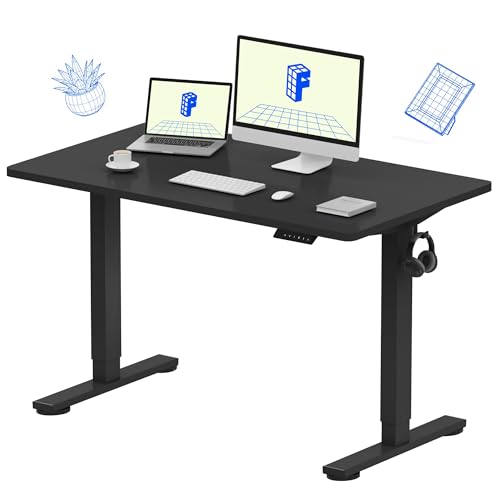
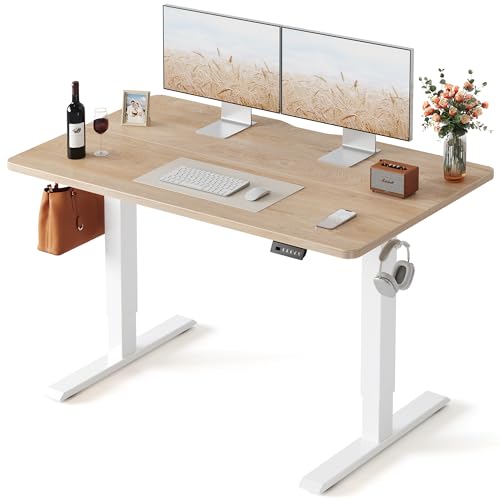
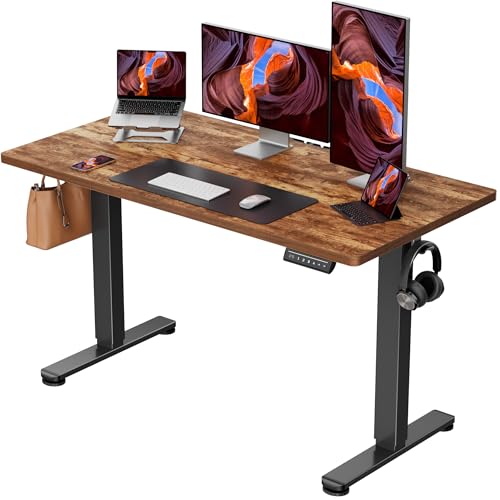
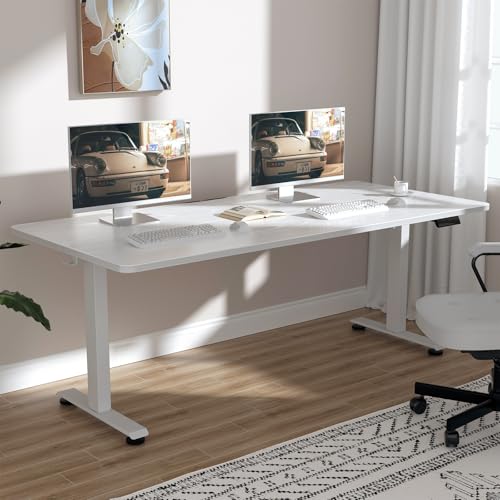

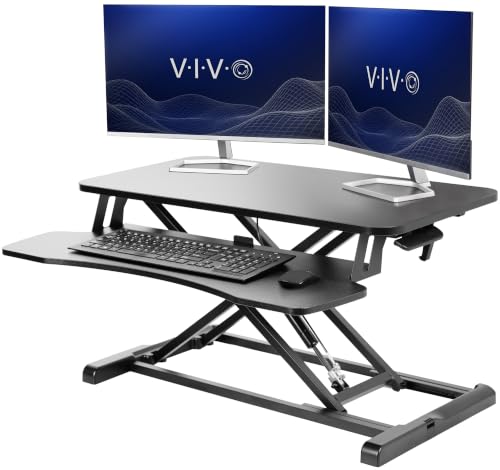
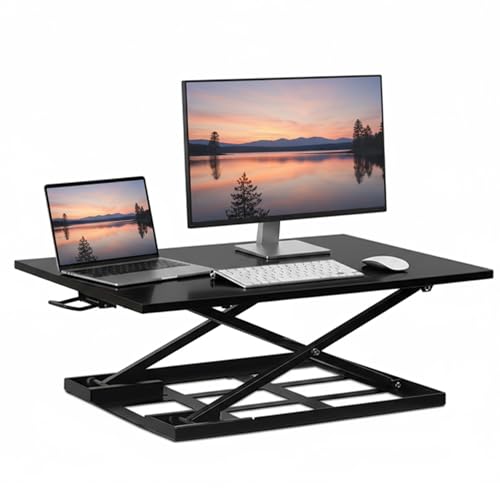
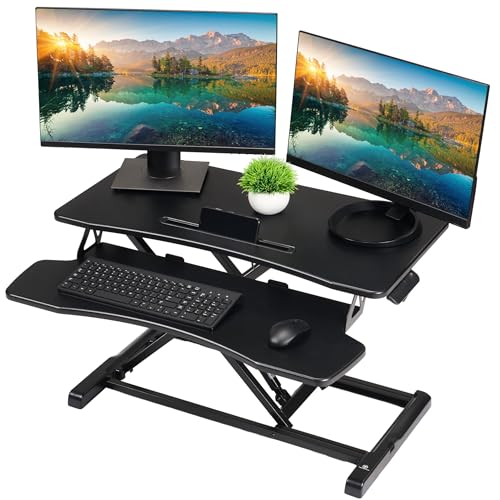

Quick Answer: The Three Budget Routes Worth Considering
Most homes do well with one of three routes. An electric single motor desk suits one person with a light setup. An electric dual motor desk suits shared use, larger desktops, and heavier monitor setups, and it usually feels steadier at full height. A manual crank desk or a desktop converter suits renters and spare rooms, and anyone who changes position only a few times a day and wants the lowest cost.
Once you know your route, the checklist below narrows the size, height range, and features that fit your home.
Before You Buy: A Quick Checklist for Choosing a Standing Desk
Size: Match It to Your Space
Measure the wall or corner first, then leave room for your chair, a floor mat, and walking past the desk. A 48 inch desktop fits a laptop and one monitor in a compact bedroom corner. A 55 inch or 60 inch surface gives most home workers room for two monitors and a notebook. Surfaces at 72 inch and above need a genuinely open wall, while a corner layout can use dead space well, which is why our guide to the best l shaped standing desk helps if a normal rectangle feels cramped.
Which Type Fits Your Routine
Electric desks raise and lower at the touch of a controller, so they suit people who switch positions many times a day. Dual motor frames lift more weight and move more evenly on wide desktops. Manual crank desks cost less and need no outlet, but each change takes effort. Converters sit on an existing table and save money and floor space, yet they offer a smaller work area and less leg room.
Features Worth Paying For, and Ones to Skip
Memory presets earn their cost in shared homes, since each person can return to a saved height without guesswork. Anti collision sensors matter when a chair or drawer unit can sit under the desk while it moves. A cable tray keeps cords from pulling as the desk rises. Built in drawers and power outlets add price and weight, and a separate drawer unit or power strip often does the same job for less. A keyboard tray only helps if your elbows stay at a comfortable angle.
Body Size and Weight Capacity
Add up everything that will live on the desktop, including monitors, arms, a laptop, and speakers, then compare that total with the stated capacity and leave a clear margin. Shoppers focused on a work from home setup can also see our guide to the best standing desk for home office for layout ideas.
Adjustability and Getting Your Height Right
Your elbows should rest near a right angle with your shoulders relaxed, whether you sit or stand, and your screen top should sit near eye level. A frame that lowers enough matters as much as one that rises high, since a desk that cannot go low enough forces shorter users to shrug their shoulders while seated. The standing desk height calculator turns your body height into a useful starting range before you order.
Materials and Durability
Most budget desktops use a laminate surface over an engineered wood core, which keeps cost down and resists daily stains when the edge banding is sealed. Bamboo surfaces feel warmer in living spaces and hold up well, though they usually cost more. For the frame, steel legs with wide feet give the steadiest base. Check that replacement controllers are available, since one small part can decide how long the desk stays in service.
Assembly and Warranty
Plan on two people for assembly, because desktops are awkward to flip and a frame can tip while you attach the feet. Desks with the frame partly assembled and clear cable routing save the most time. Warranty terms differ by part, so read the frame, motor, and electronics coverage separately. A long frame warranty with short electronics coverage tells a different story than the headline number suggests.
Realistic Budget Ranges
Spending levels buy clear steps in comfort and stability.
- Under about $150: mostly manual crank desks and desktop converters, with basic surfaces and modest capacity.
- About $150 to $300: entry electric frames, often single motor, with smaller desktops and simple controllers.
- About $300 to $500: dual motor frames, wider desktops, memory presets, and better stability at standing height.
- About $500 to $1000: larger surfaces, quieter motors, longer warranties, and finishes that blend better with living room furniture.
If your total must stay at the lowest level, our guide to the best cheap standing desk covers what to check before choosing the least costly route.
Three Budget Desk Types Compared
Electric Single Motor Desks for One Person
This type suits a single user with a laptop or one monitor and a room where the desk stays in one place. The motor does the lifting, so changing position stays effortless. The limits show up with wide desktops and heavy loads, where movement can feel slower and the frame can sway more at full height. Choose this type when your setup is light and your budget matters more than top speed or maximum capacity.
Electric Dual Motor Desks for Shared and Heavier Setups
With a motor in each leg, this type lifts larger desktops more evenly and handles two monitors, arms, and daily shared use with less strain. It is the sensible step up for couples who share one workspace and for taller users who work at full height. In return you get steadier movement and higher capacity.
Manual Crank Desks and Desktop Converters for the Lowest Cost
These options remove the motor entirely, which cuts price, removes cord needs, and leaves very little to fail. A crank desk gives you a full surface and works well in a spare room or a rental. A converter turns a sturdy existing table into a standing spot for very little money, though its platform limits space. Choose either one to try the standing habit before spending more.
How to Evaluate Budget Standing Desks
Judge each type on the same points you can check before ordering. Height range and capacity come first, since a desk that does not fit your body or your gear fails no matter how it looks. Next come stability at full height, desktop size, controller features, assembly effort, and warranty coverage by part. Readers comparing the wider market can start with our overview of the best standing desk options.
Strengths and Trade Offs of Budget Desks
Budget desks now offer smooth electric lifting, memory presets, and tidy cable options that once cost far more, and that is their main appeal for home buyers. A compact model can share a bedroom with a dresser, and a converter can leave a dining table free by evening.
The trade offs are real, though. Lower priced frames tend to sway more at standing height, especially on carpet, and smaller desktops fill up fast once a second monitor arrives. Controllers are simpler, and laminate edges can chip after daily knocks from chair arms. If you are still weighing the idea itself, the discussion at are standing desks worth it lays out the comfort case and the limits in plain terms.
Common Buying Mistakes to Avoid
- Measuring the wall but not the floor: a desk that fits the wall can still block a door swing or leave no room for your chair.
- Counting only the monitors: arms, speakers, and books add real load, and a frame near its limit moves slowly and strains the motor.
- Ignoring the lowest height: a desk that cannot lower enough makes seated work uncomfortable for shorter users every day.
- Paying for features twice: built in outlets and drawers add cost when a power strip and a small drawer unit already do the job.
- Skipping the outlet check: electric desks need power where the desk will stand, and a cord across a walkway is a trip risk.
Cost of Ownership and Care
Running costs stay small, since an electric desk draws meaningful power only while it moves and very little while idle. The bigger costs are extras you add over time, such as a monitor arm, an anti fatigue mat, a cable tray, or a replacement controller after the warranty ends.
Care is simple. Wipe the surface with a soft damp cloth and dry it, and keep drinks on a coaster to protect laminate edges. Check the leg bolts and desktop screws a few times a year and snug any that have worked loose. If movement sounds strained, stop and contact the maker before forcing the frame further.
FAQ
How long should you stand at a standing desk each day?
Start with short sessions of about 20 to 30 minutes, then sit again, and build up slowly over a few weeks as your legs and feet adapt. Most people feel best when they change position through the day rather than standing for one long stretch. Stop and sit if your feet ache or your lower back feels tired, since discomfort is a sign to change position.
How do you assemble a budget standing desk without mistakes?
Build the frame on a soft flat surface, attach the feet loosely first, and tighten everything only once the desktop sits square on the frame. Route the motor and controller cables before you stand the desk upright, and leave gentle slack for the full height range. Check the movement with nothing on the surface and check that both legs rise together. Only then add your monitors and gear.
Can a budget standing desk work for two people of different heights?
Yes, if the height range covers both of you seated and standing, and if the controller offers enough memory presets for each person. Measure the taller user standing and the shorter user seated, because those two ends of the range decide whether sharing feels easy. Keep a small tray for each person so personal items move on and off the surface in seconds.
Will a budget standing desk wobble on carpet?
Some sway is normal on thick carpet, because the pile lets the feet shift slightly as you type or lean. A dual motor frame with wide feet reduces the movement, and placing the desk on a firm low pile rug or a hard mat helps further. Wobble that grows over time usually means loose bolts, so check the leg and desktop fixings first before blaming the frame.
Do budget standing desks use a lot of electricity?
No, the power draw is brief and small, since the motor runs only for the seconds it takes to change height. Idle draw on many models is minimal, and unplugging is unnecessary for most homes. Put the desk near an outlet so the cord never crosses a walkway, and use a cable tray so cords move with the desk instead of pulling against plugs.
Final Thoughts
The right choice comes down to your room, your load, and how often you will change height each day. Pick the single motor route for a light solo setup, the dual motor route for shared or heavier use, and the manual route when cost matters most. Use the product table above to compare height ranges and capacities against your own measurements before you order. For most households, the best budget standing desk is the one that fits the space, stays steady at your height, and leaves money for a good mat and chair.


