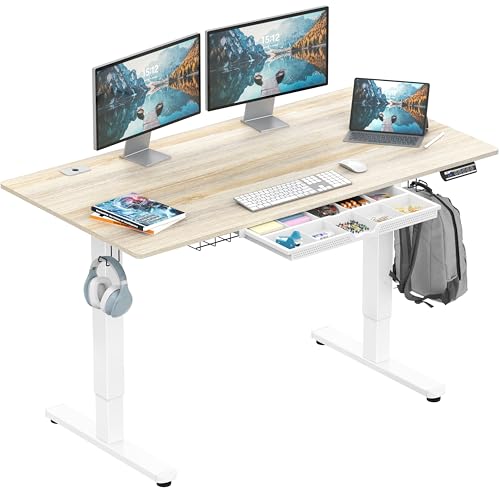
Best At Home Office Desks 2026: Fit Work Into Home Life
Disclosure: We may earn a commission when you buy through links on this page, at no extra cost to you. As an Amazon Associate I earn from qualifying purchases. Learn more
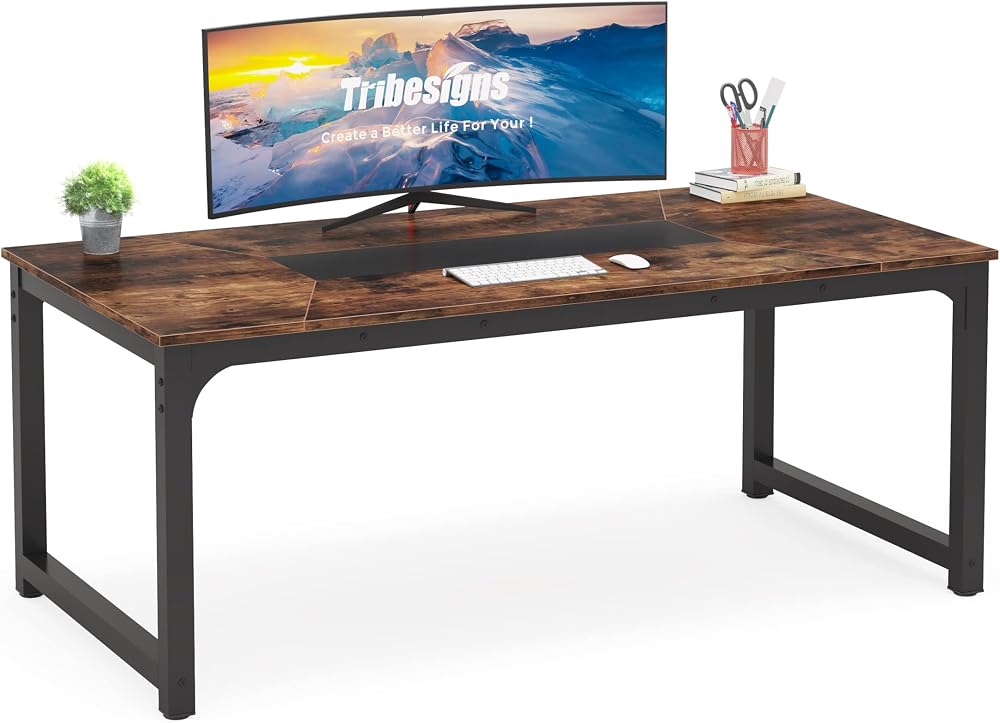
The best at home office desks fit your room and routine. Compare sizes, shapes, sit stand options, storage, and ergonomics for comfortable home work.
Choosing the best at home office desks means fitting real work into a home that also hosts living, sleeping, and family life. A desk that suits a spare room may overwhelm a bedroom corner, while a tiny desk that fits a nook may leave no room for a monitor, keyboard, and papers. This guide explains sizes, shapes, and ergonomics, so your home workspace supports good work without taking over the house.
The comparison table below lists desk types, sizes, and features side by side. Use it to match a desk to your room, your equipment, and your work style, whether that means focused writing, video calls, or creative projects. Measure your space and your equipment before buying, since desk regret usually comes from size mistakes, not color mistakes.

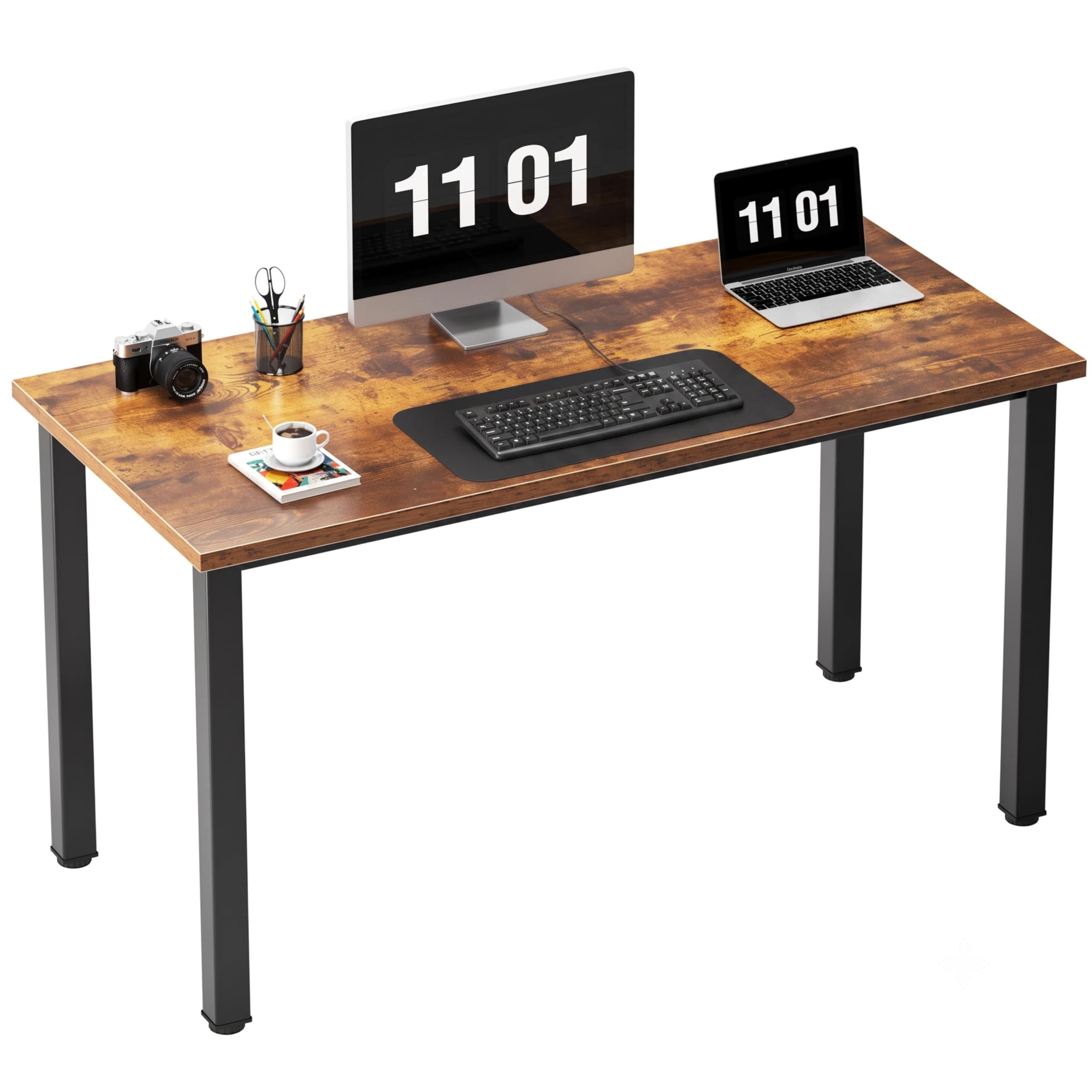


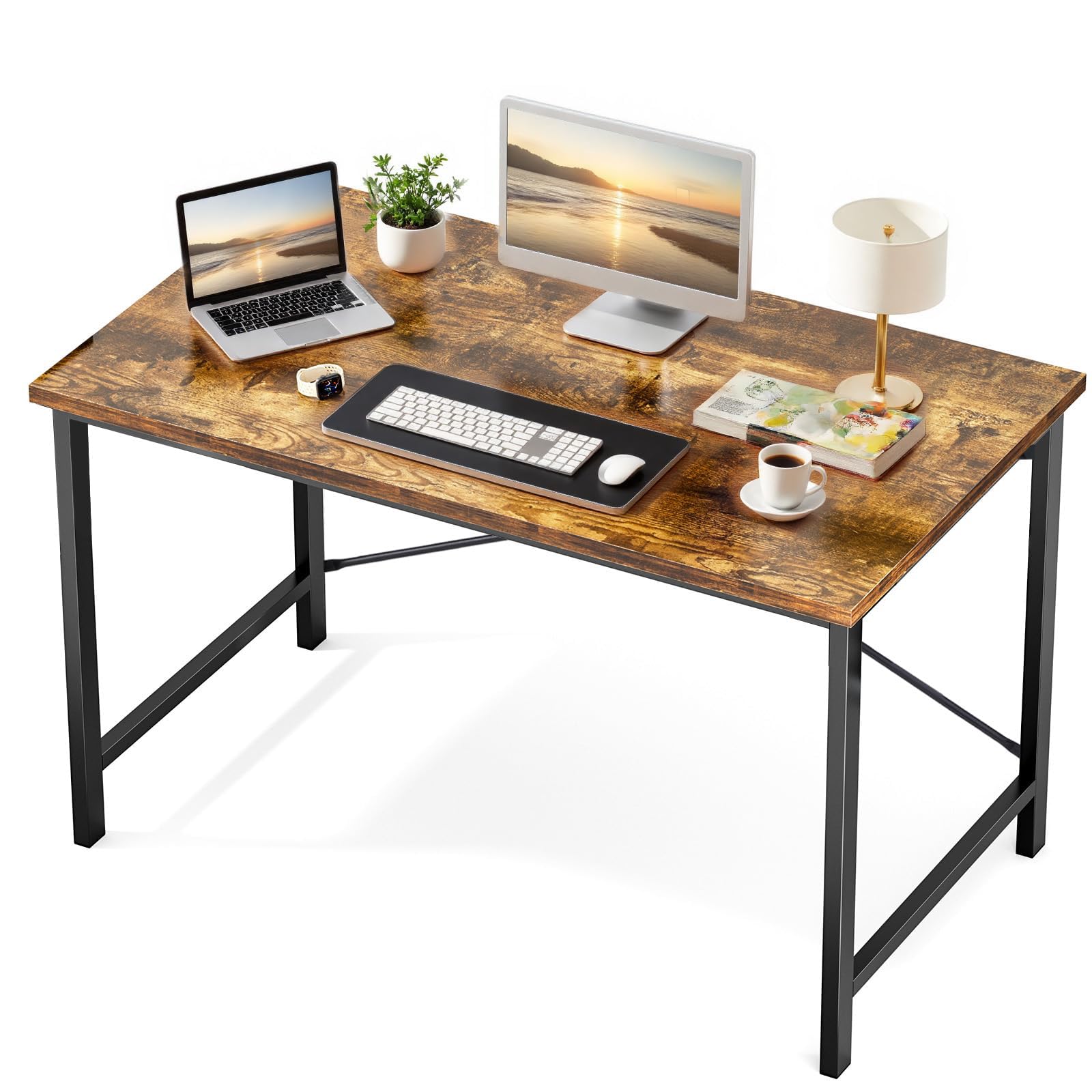
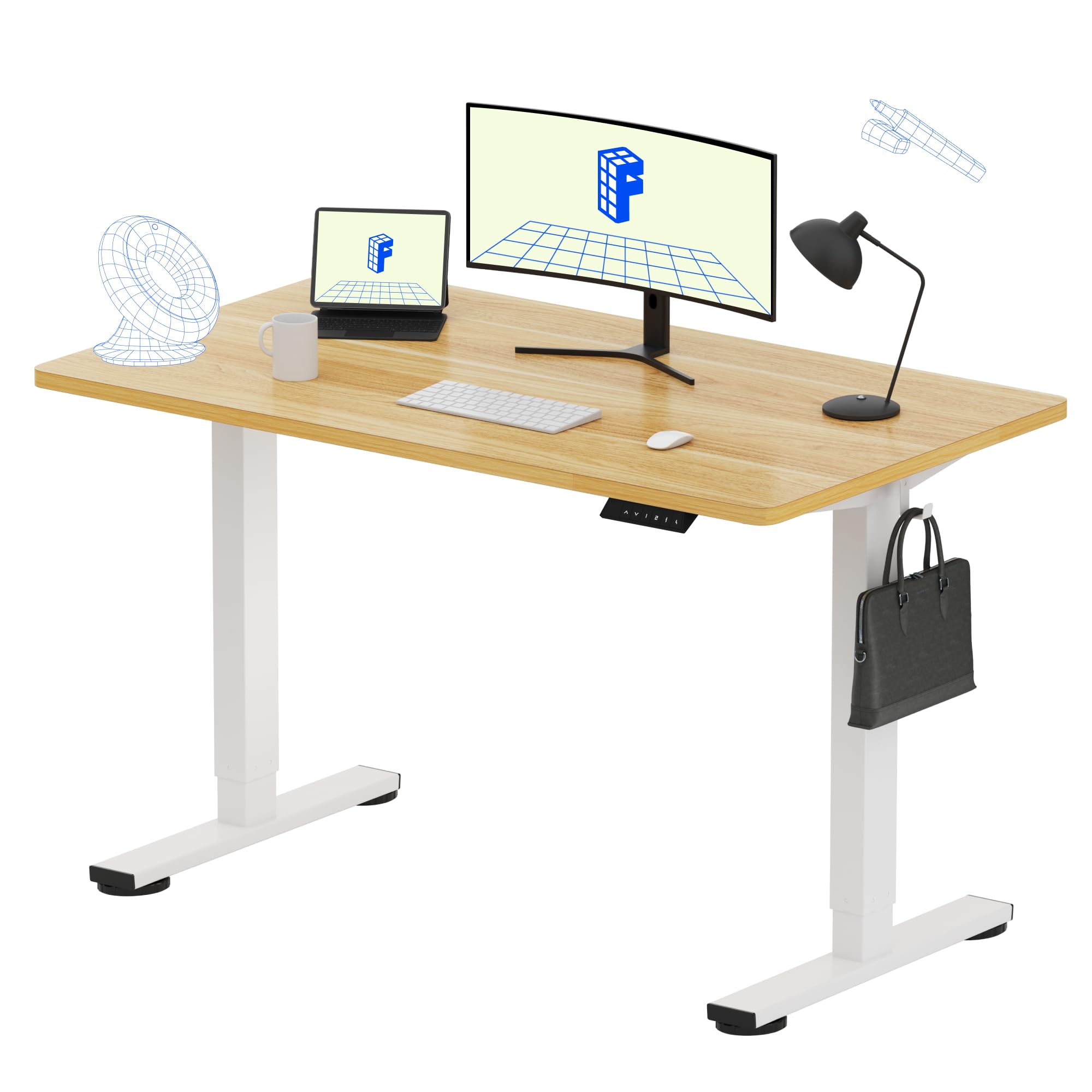

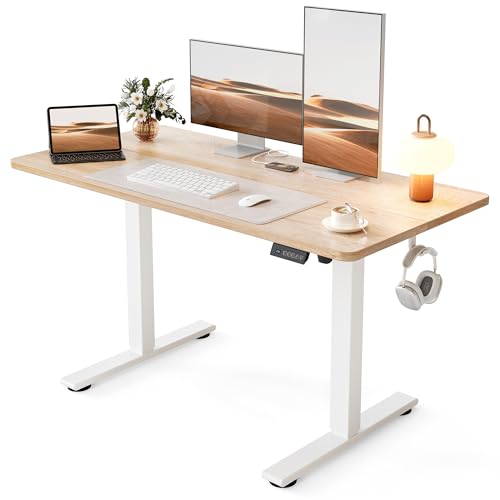
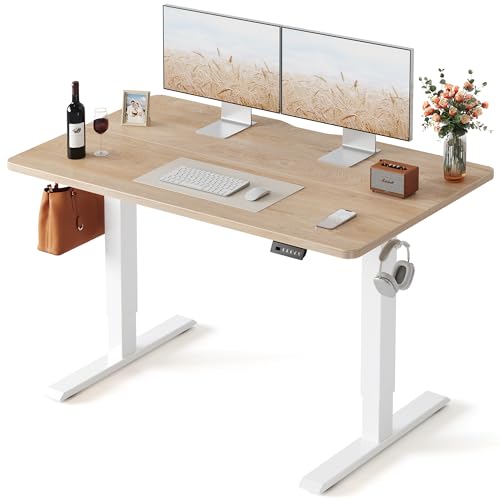
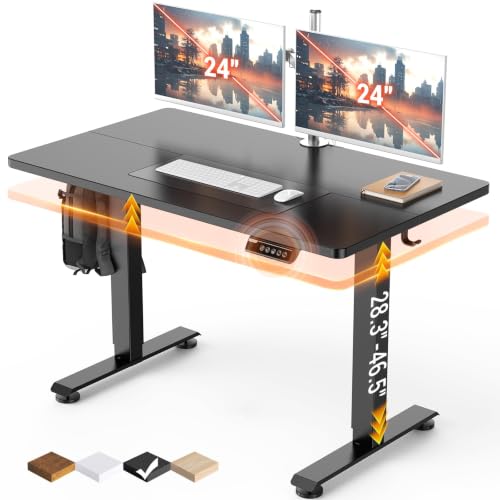
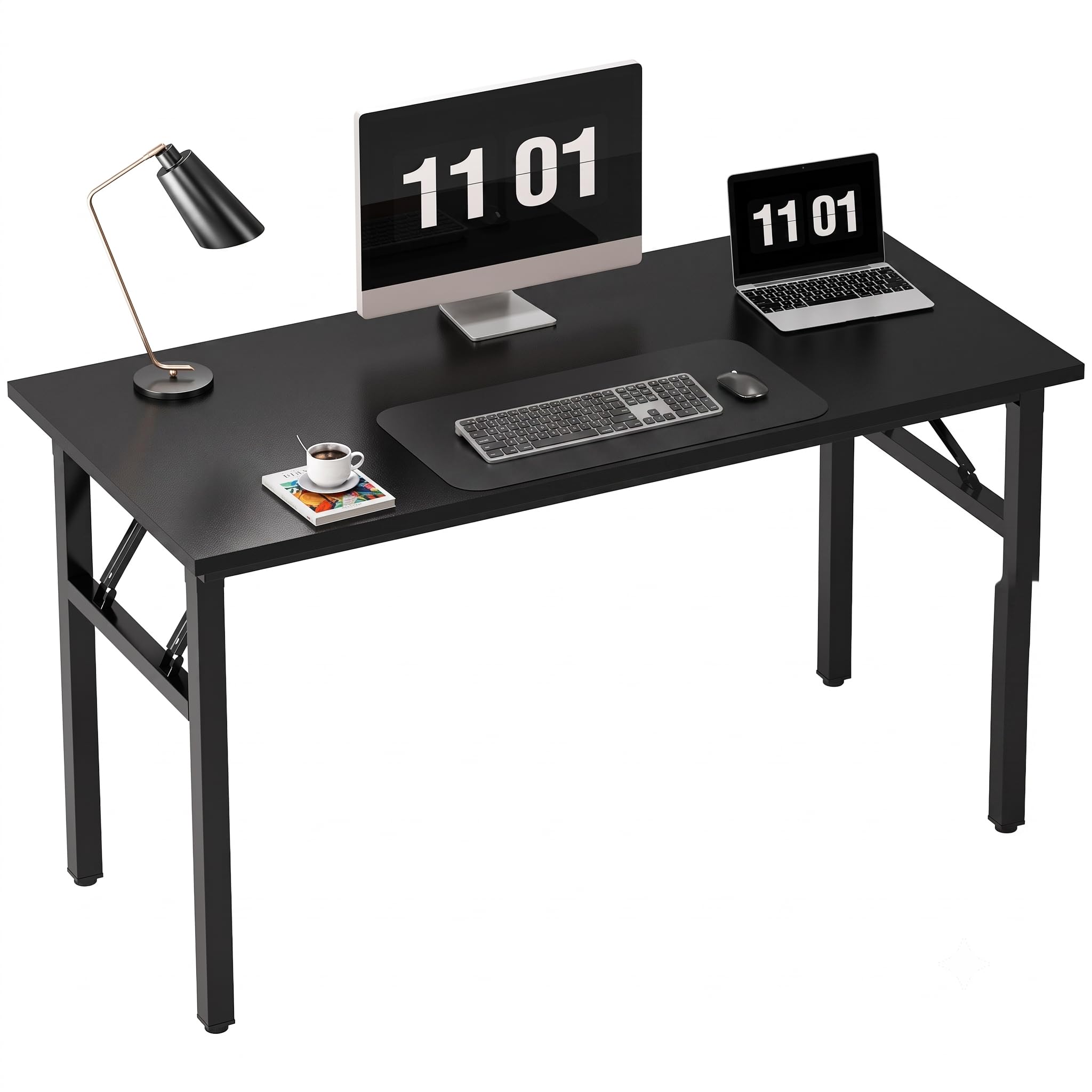
Measuring Space for the Best At Home Office Desks
Measure the wall or corner, the door swing, and the walking path around the desk before shopping. A desk needs clearance for a chair to pull out and for you to sit comfortably, not just the footprint of the desktop itself. Note power outlet locations too, since a desk far from outlets needs cable runs that trip feet and clutter the room.
List your equipment honestly: monitor size and count, laptop or desktop, keyboard, papers, and any printer or reference books. A single laptop needs far less depth than dual monitors on arms, which need depth for comfortable viewing distance. Measure monitor width and depth, and allow room for a keyboard, mouse, and a notebook without crowding.
Desk Shapes for Home Rooms
Straight desks suit walls and spare rooms, giving a simple, generous surface for most work. Corner desks use awkward corners well and give more surface without dominating a room, though they can trap cables and make reaching the back difficult. L shaped desks suit larger rooms and multitaskers who want a main work zone plus a side zone for papers or a second screen.
Compact and folding desks suit small apartments and shared rooms, since they tuck away when work ends. Wall mounted desks save floor space but limit weight and depth, so they suit laptop work better than heavy dual monitor setups. Choose shape by room first, since a desk that fights the room will annoy you daily, however good its surface looks.
Sit Stand Desks and Movement
Sit stand desks let you alternate sitting and standing, which helps comfort during long workdays. Electric models adjust smoothly at the touch of a button, while manual models cost less but need more effort to change height. Check height range, since very tall or short users need a range that fits both sitting and standing postures with proper monitor and keyboard heights.
Standing all day is not the goal, since prolonged standing strains legs and back just as prolonged sitting does. Alternate every hour or so, use a supportive mat for standing periods, and wear comfortable shoes. A sit stand desk works best as part of a movement routine that includes breaks, walks, and stretching, not as a cure for a sedentary day on its own.
Storage, Cables, and Surface Care
Storage needs vary by work style. Writers and paper heavy workers need drawers or shelves nearby, while digital workers may need only a small drawer for chargers and notebooks. Built in drawers add cost and weight, while separate storage units offer flexibility and can move when the room changes. Avoid a desk with no storage if papers pile quickly in your work.
Cable management keeps a home workspace tidy and safe. Look for cable trays, grommets, or a simple under desk tray, and route cables away from feet and chair wheels. A tidy cable run also makes cleaning easier and protects equipment from accidental pulls. Surface material matters too, since laminate resists coffee rings and scratches better than raw wood, which needs coasters and care.
Ergonomics for Comfortable Days
Ergonomics start with desk height, chair height, and monitor position together. Your elbows should rest near a right angle when typing, your feet should rest flat on the floor or a footrest, and your monitor top should sit at or slightly below eye level. A desk that is too high forces shoulders up, while a desk that is too low rounds the back, so adjustable chairs and monitor arms help fine tune the setup.
Lighting matters as much as furniture. Place the desk to avoid glare on the screen from windows, and add a task lamp for evening work that lights papers without washing out the screen. Take regular breaks, stretch, and look away from the screen often, since no desk alone prevents strain from unbroken sitting. If pain persists, talk with a clinician or physiotherapist about your setup.
Budget, Quality, and Longevity
Home desks range from budget flat pack models to solid wood and electric sit stand designs. Budget desks suit short term or light use, while daily full time work deserves sturdier construction, since wobble and sagging drawers annoy quickly. Check weight ratings, especially for sit stand desks and desks holding multiple monitors, since overloaded desks wear and tilt.
Consider longevity and room changes too. A desk that disassembles and moves well suits renters, while a solid desk suits a settled home office. Keep assembly tools and instructions, since future moves and repairs need them. A desk that stays stable, holds your equipment, and fits your room will serve home work far longer than a fashionable desk that wobbles.
For related comparisons, see our guides to the best home office desks, best at home desks, best desk chairs for home office, best home office standing desks, and best computer desks for home office.
Frequently Asked Questions
What size desk do I need for home office work?
A single laptop setup fits a desk about 40 inches wide, while dual monitors need about 55 inches or more for comfortable spacing and viewing distance. Depth matters too, with 24 to 30 inches suiting most monitor setups and allowing room for a keyboard. Measure your equipment and room, including chair clearance, before choosing. When in doubt, choose the larger desk your room allows without blocking walkways.
Are sit stand desks worth it for home use?
Sit stand desks suit people who work long hours and want to alternate postures, since changing position reduces stiffness. Electric models adjust easily, while manual models cost less but need more effort. Standing all day is not healthier than sitting all day, so alternate hourly and pair the desk with breaks and movement. For short or occasional home work, a fixed desk with good ergonomics may suffice.
How can I hide cables on a home office desk?
Use a cable tray or basket under the desk, route cables through grommets, and bundle them with reusable ties. Keep power strips off the floor where possible, and label cables for monitors, chargers, and accessories. A tidy cable run improves safety, cleaning, and appearance, and it prevents accidental pulls that damage equipment. Plan cable routes before final desk placement for the neatest result.
Where should I place a desk in a bedroom?
Place a desk near natural light but angled to avoid screen glare, and keep it away from the bed if possible to separate work and rest mentally. A corner or wall spot preserves floor space and walking paths, while a room divider or shelf can mark the work zone visually. Keep work items contained to the desk area, so the bedroom still feels restful after hours. Good lighting and a comfortable chair matter more than a perfect view.
What desk material is best for home offices?
Laminate suits most home offices, since it resists stains, scratches, and coffee rings at a reasonable price. Solid wood looks warm and lasts well but needs care against rings and scratches, while glass looks modern but shows dust and fingerprints quickly. Metal frames add stability for sit stand desks and heavy monitors. Choose by durability, maintenance, and room style rather than looks alone.
Final Thoughts
The best at home office desks fit your room, hold your equipment comfortably, and support healthy posture through the workday. Measure space and gear first, choose shape by room, and consider sit stand options if long hours demand movement. Storage and cable care keep the workspace tidy, while ergonomics protect comfort.
Use the product table above to compare desk types and features, then check your shortlist against real measurements before buying. A desk that fits your home and your routine will make home work calmer, more comfortable, and more productive.
Let fit, features, and honest needs guide the final call.