
Best 4K Monitors Gaming: A Practical Buying Guide for 2026
Disclosure: We may earn a commission when you buy through links on this page, at no extra cost to you. As an Amazon Associate I earn from qualifying purchases. Learn more
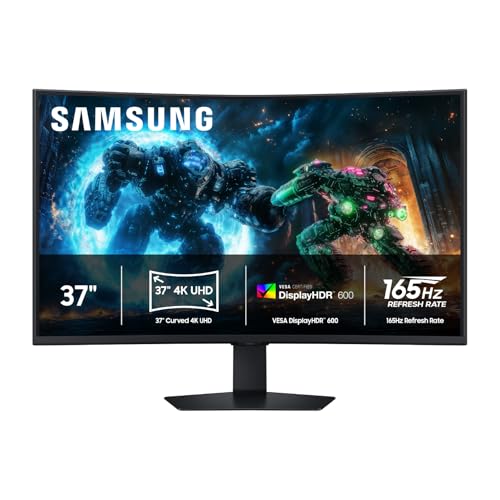
Compare the best 4k monitors gaming for PC and console play by refresh rate, response time, ports, panel type and size, with simple advice for any budget.
The best 4k monitors gaming fans buy are the ones that match their graphics card, their games and their desk, not simply the ones with the biggest numbers on the box. A 4K screen packs four times the pixels of a 1080p screen, so it looks sharp, but it also asks far more of your hardware. This guide explains which specs change how games feel so you can read the product table with confidence.
Start with what you play and what you play it on. A shooter fan with a fast graphics card and a story game fan with a console have very different needs, and the right screen follows from that choice.
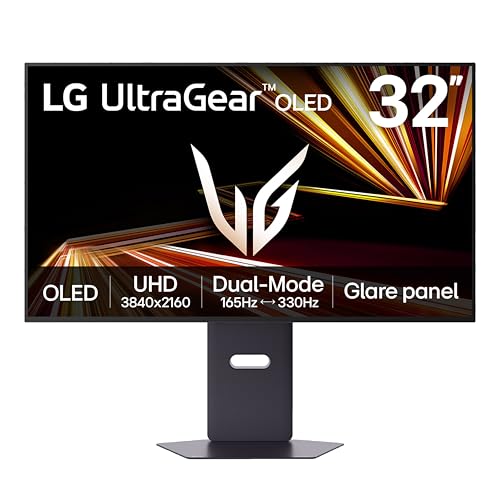
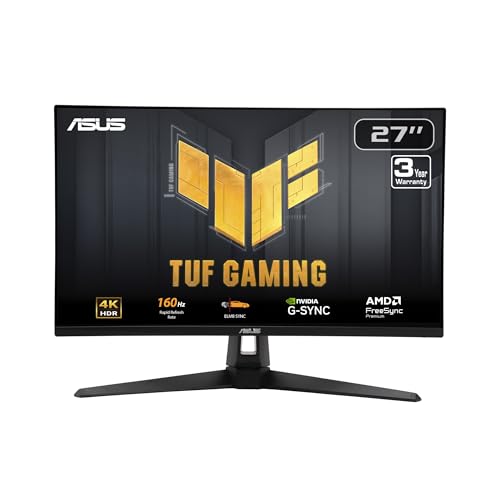

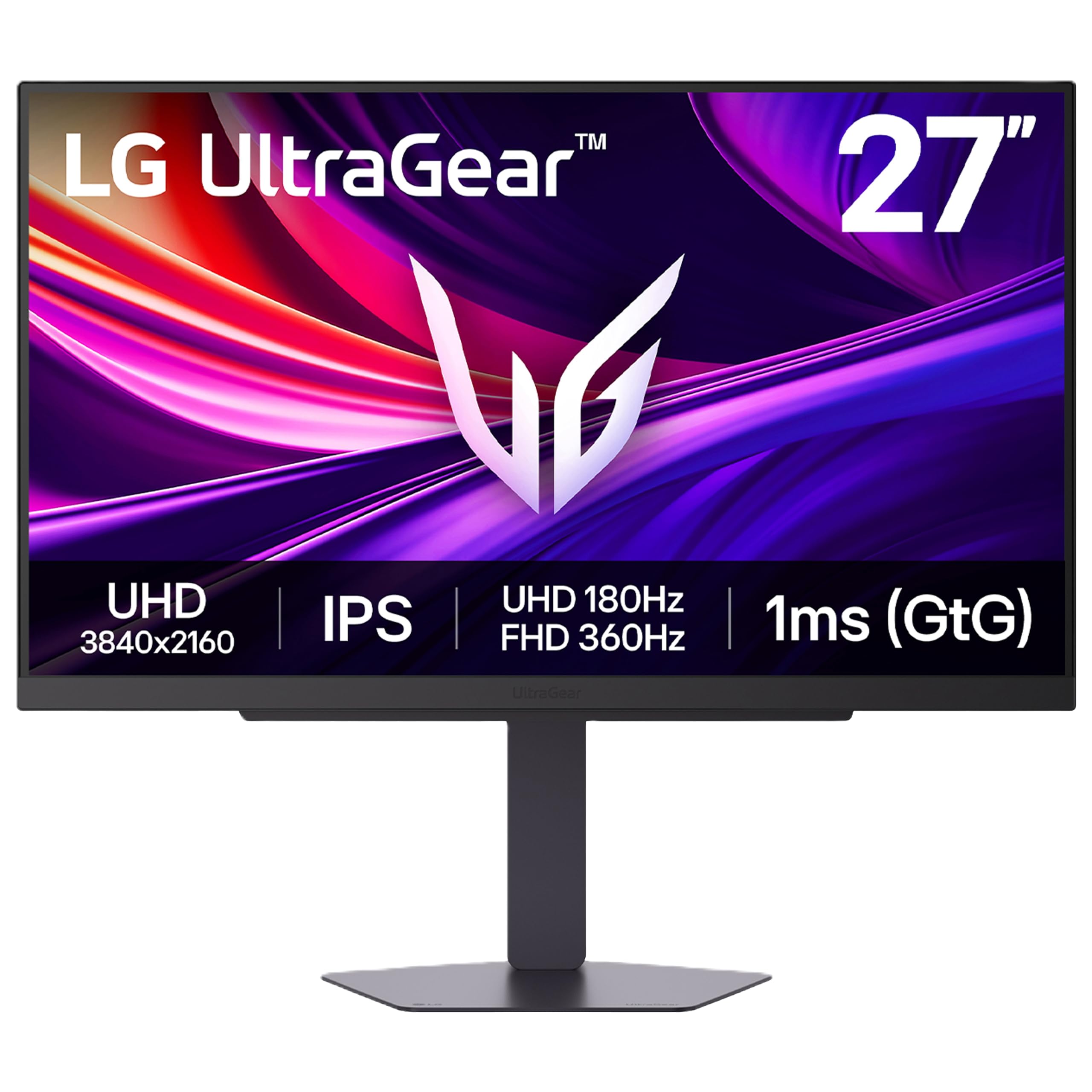

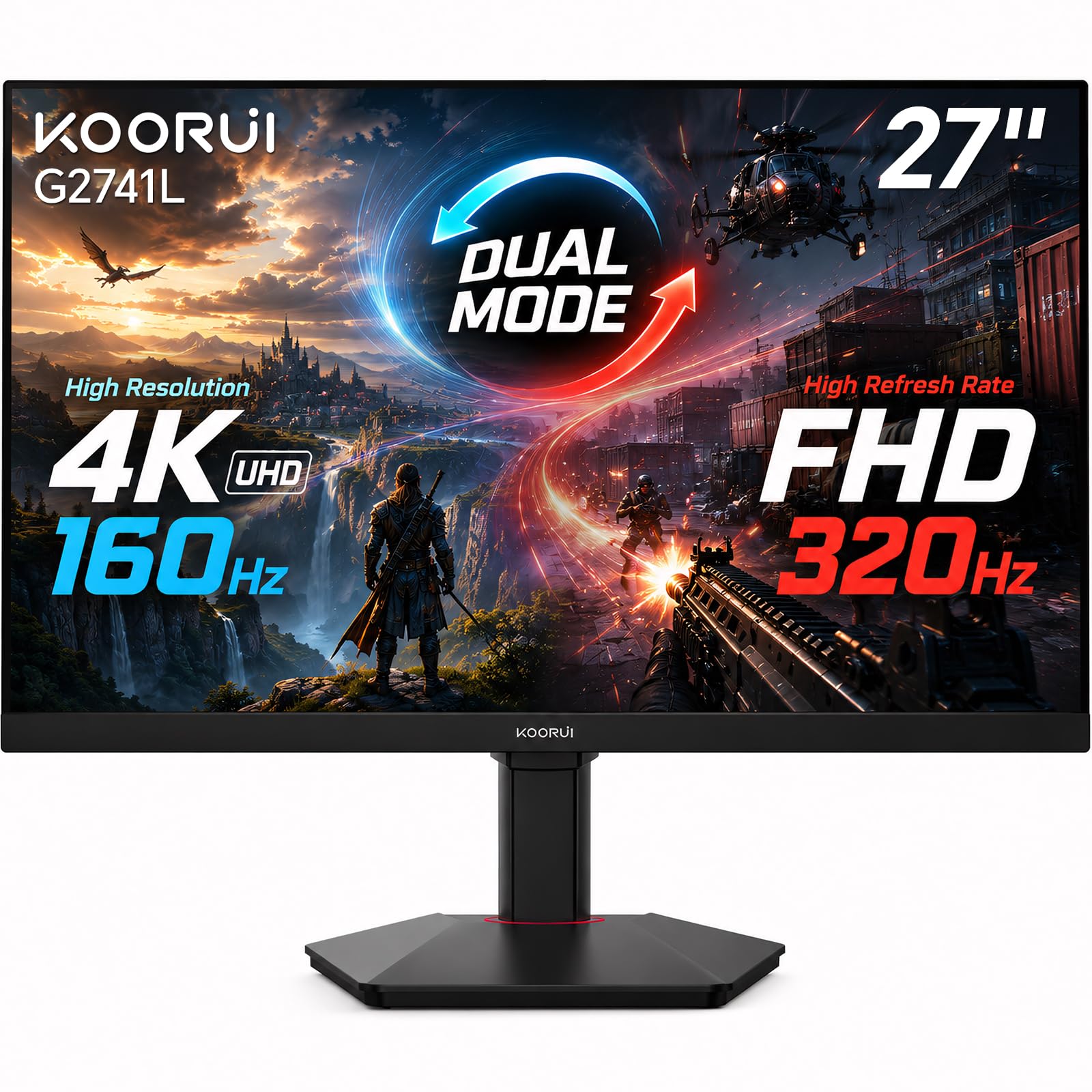
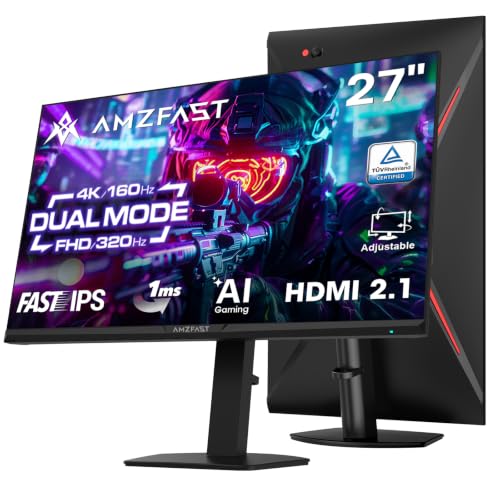

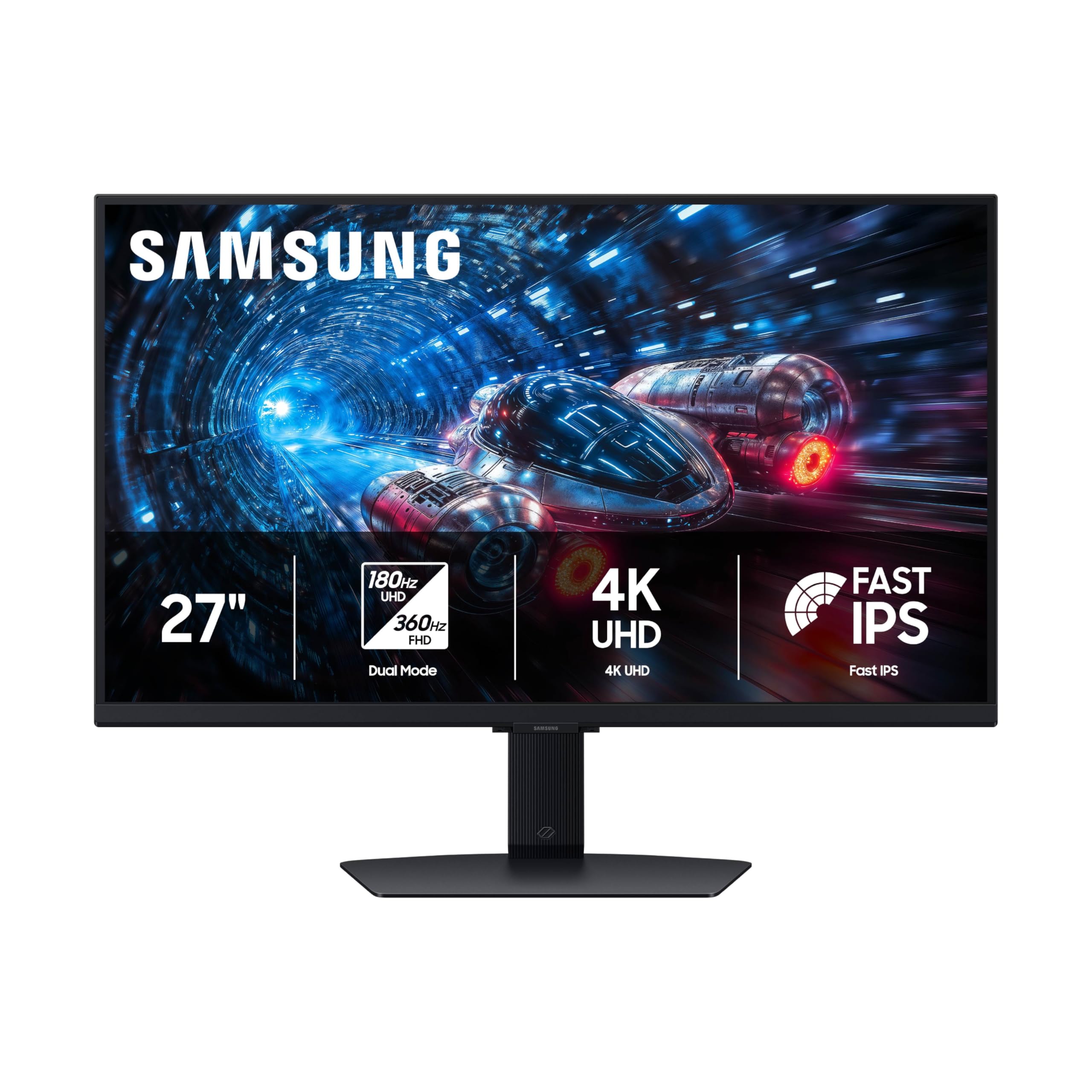
Who Should Buy a 4K Gaming Monitor?
A 4K gaming monitor suits players who want detail as much as speed, and who have hardware that can deliver it. Pick the group below that sounds most like you.
PC Players With a Strong Graphics Card
PC players get the widest choice, since every refresh rate and panel type is open to them. If your graphics card can hold 80 to 120 frames per second at 4K in the games you play, a 4K screen with a 144Hz or higher refresh rate shows off that power. If it cannot, lower the game resolution or details, or choose a 1440p screen and enjoy higher frame rates instead.
Console Players Who Want a Desk Setup
Current consoles output 4K at up to 120Hz, but only through an HDMI 2.1 port. Check the port list before you buy, because many monitors carry HDMI 2.1 on only one input. Console buyers should also read our guide to the best 4k monitors for console gaming.
Players Who Also Work at the Same Desk
One screen can cover games in the evening and documents by day. Sharp text, a stand that adjusts in height, and a USB C port for a work laptop all matter more to you than the last bit of response speed.
Key Features of the Best 4K Gaming Monitors
Compare these points in order, because the first ones decide whether the screen works with your hardware at all.
Resolution and Screen Size
At 27 inches, 4K gives a very sharp image at normal desk distance. At 32 inches the picture feels larger and more immersive, and text still looks clean. Below 27 inches, many people struggle to see the gain over a lower resolution during fast play.
Refresh Rate and Response Time
Refresh rate is how many times the screen redraws each second, and a higher rate makes fast motion look smoother. A 144Hz screen suits most players, and 240Hz mainly helps if your computer can truly reach those frame rates at 4K.
Response time describes how fast pixels change color, and lower values reduce blur behind moving objects. Treat 1 millisecond claims as a rough guide.
Ports and Console Compatibility
Confirm that the HDMI and DisplayPort versions can carry 4K at your target refresh rate. HDMI 2.1 matters for consoles, and DisplayPort 1.4 or newer matters for 4K at 144Hz on a PC. Variable refresh rate keeps motion smooth when your frame rate dips, so look for FreeSync or G-Sync compatibility.
Panel Type: IPS, VA and OLED
IPS panels give accurate color and wide viewing angles. VA panels give deeper contrast at lower prices but can smear dark motion. OLED panels give true blacks and very fast response at higher prices, with a small risk of burn in if static elements stay on screen for many hours a day.
HDR and Brightness
HDR can add punch to supported games, but a label alone proves little. Look for peak brightness of 600 nits or more and real local dimming, because a screen without them mostly raises overall brightness. OLED handles HDR with per pixel control instead.
What Your Money Gets You
Price tiers among the best 4k monitors gaming players choose are easy to read. Budget 4K gaming monitors, often around $250 to $400, usually pair a 4K IPS or VA panel with 120Hz to 160Hz and decent ports. Midrange models, often around $400 to $700, add faster response, better HDR and more complete stands. Premium models above that add OLED or mini LED panels and the fastest refresh rates. The gains narrow quickly for casual players, so spend on the features you will notice in your own games.
Common Mistakes to Avoid
- Buying a 4K screen without checking that your graphics card can drive it at the frame rates you want.
- Assuming every HDMI port is HDMI 2.1, then finding that the console input runs at only 60Hz.
- Trusting an HDR label with no local dimming and expecting a big change in dark scenes.
- Choosing an oversized screen for a shallow desk, which forces constant head turning.
- Using an old or cheap cable that cannot carry 4K at a high refresh rate.
Setup and Care
Place the screen at arm's length with the top edge near eye level. Connect the cable that came in the box, then open your graphics settings or console video settings and select 4K at the highest refresh rate available. Turn on variable refresh rate, and use the monitor game mode with extra image processing switched off.
Dust the screen with a dry microfiber cloth, and never spray cleaner directly on the panel. Keep the vents clear, and on an OLED screen let the pixel refresh cycle run when the monitor asks for it. Keep the box and cables during the return period so you can check every port you plan to use.
Related Guides
For other angles on the same choice, read our guides to the best gaming monitors, the best computer monitors for gaming, the best 4k gaming monitors for ps5, and the best 4k 144hz gaming monitors.
Frequently Asked Questions
Do I need a powerful graphics card for 4K gaming?
Yes, native 4K at a high frame rate needs a strong graphics card. Older hardware can still use a 4K screen if you lower game settings or use upscaling, but the experience is smoother when the card matches the screen.
Is a high refresh rate worth it at 4K?
It is worth it for fast games such as shooters and racers, as long as your hardware reaches those frame rates. For slower story games, image quality matters more than speed, so a 60Hz or 120Hz screen may be plenty.
What size suits a 4K gaming monitor?
Most players choose 27 or 32 inches. Larger screens show 4K detail well, but desk depth and viewing distance set practical limits, so sit where text stays sharp and the corners stay in view.
Does HDR matter for gaming monitors?
HDR improves contrast and color in supported games, but quality varies a great deal. Check brightness and dimming design, not only the HDR label, and remember that some games use HDR better than others.
Can one monitor serve gaming and work?
Yes, many 4K monitors do both well, with sharp text for work and smooth motion for games. Check stand adjustment, color settings and port choice for your desk setup.
Final Thoughts
Put your hardware first, the ports second, and the panel type third. A screen that accepts the signal your graphics card or console sends, shows it on a panel you like, and fits your desk will serve every genre well. The product table makes it easy to compare sizes, ports and prices once you have decided what matters most.
For most players, the best 4k monitors gaming choice is the one that balances speed, sharpness and price for the games they actually play, so build a short list, check return terms and buy with confidence.


