
Best 4K Gaming Monitors for PS5 in 2026: A Buying Guide
Disclosure: We may earn a commission when you buy through links on this page, at no extra cost to you. As an Amazon Associate I earn from qualifying purchases. Learn more

Compare the best 4k gaming monitors for ps5 by HDMI 2.1, HDR, panel type, size and refresh support, with a clear checklist for PS5 play at a desk or sofa.
Your PS5 can send a sharp 4K picture and, in supported games, up to 120 frames per second, but only if the screen can accept that signal. Choosing among the best 4k gaming monitors for ps5 means matching port, panel and size to how you play. This guide explains each factor so you can read the product table below with confidence.
Start with your setup rather than a spec list. A desk player sits close and values speed, while a sofa player sits farther back and values scale and contrast.
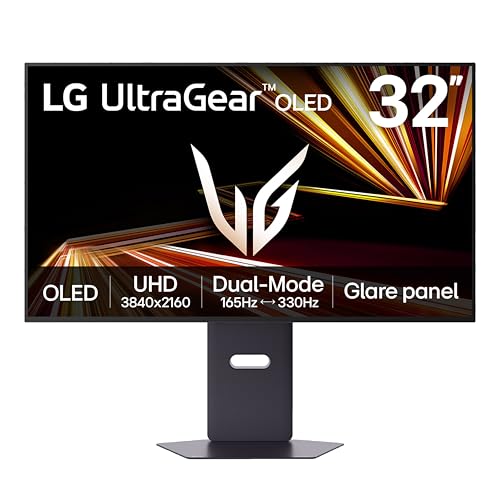
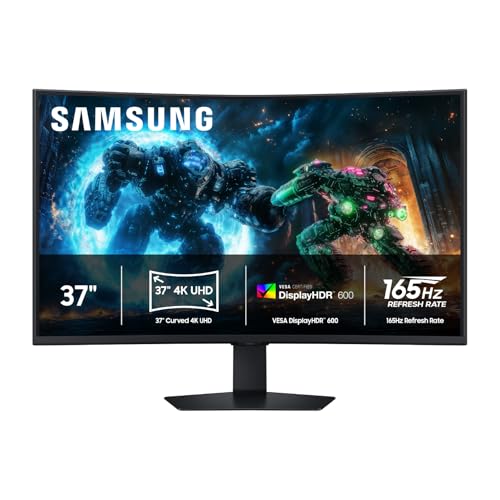
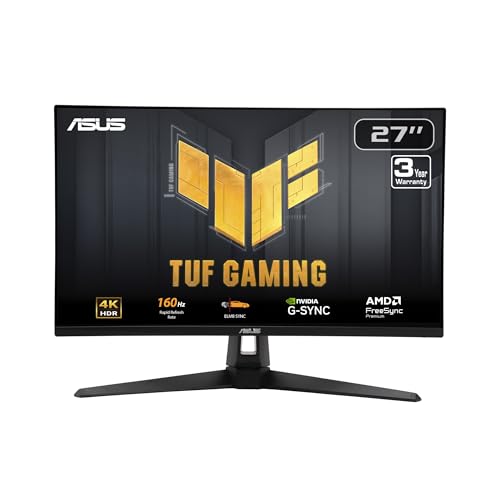

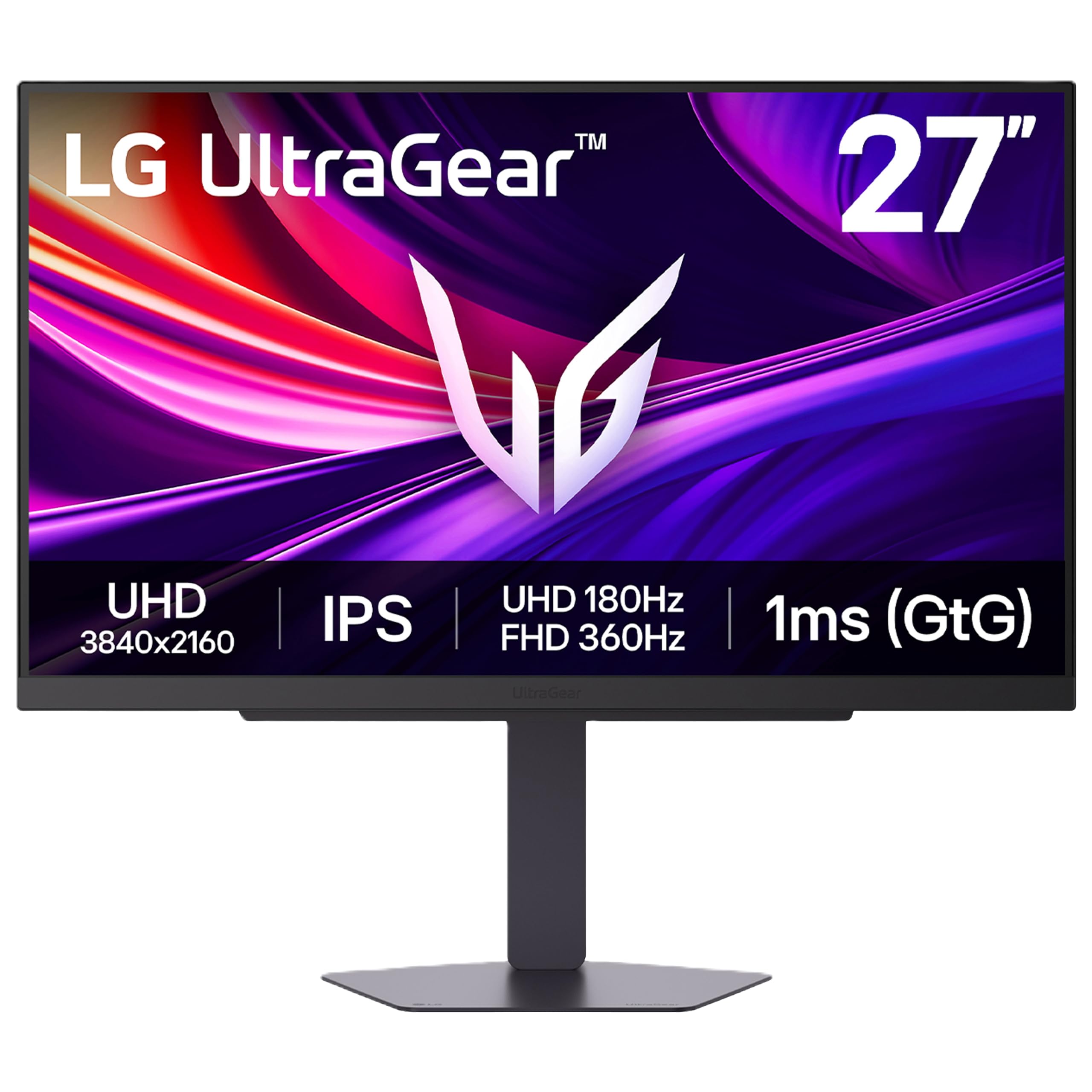

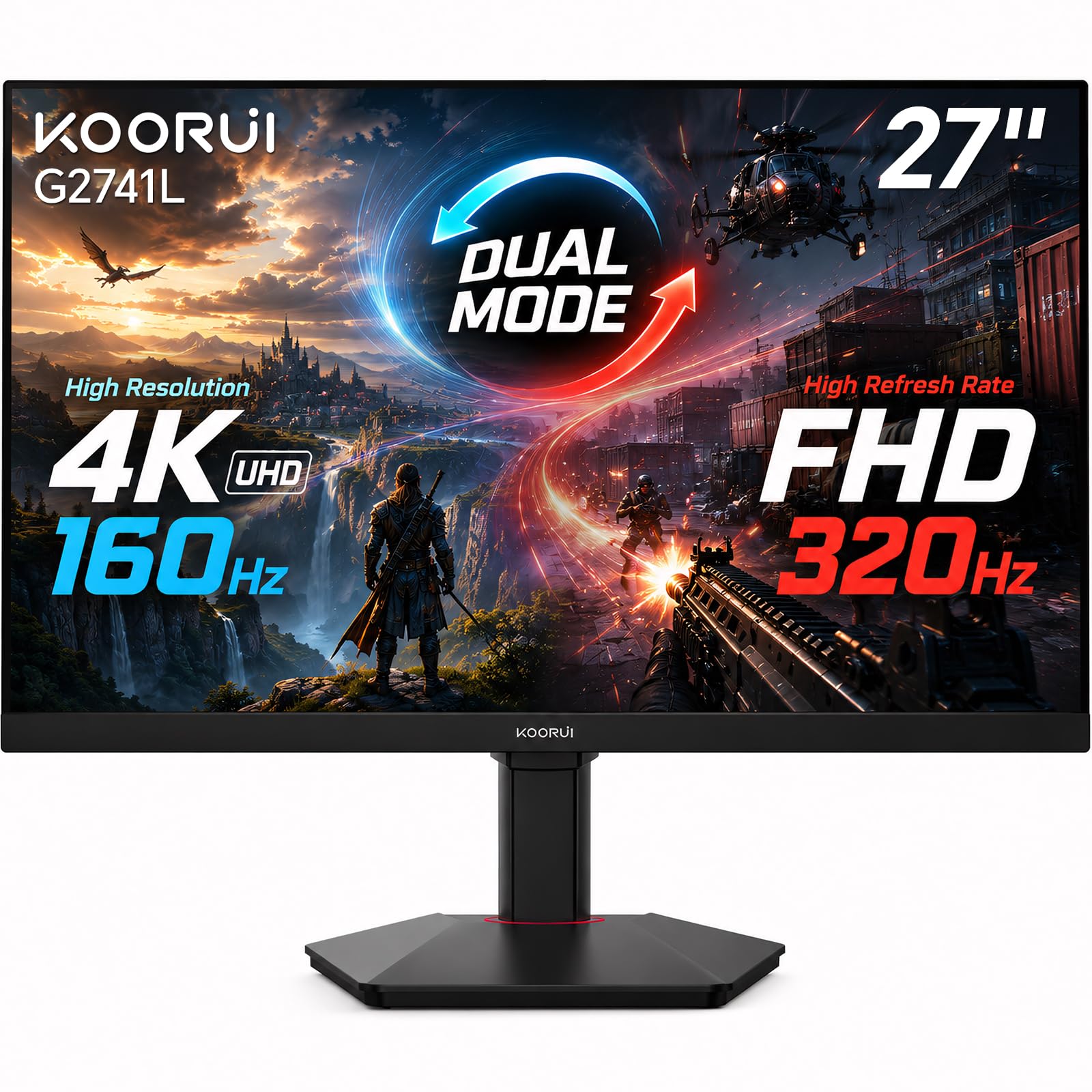
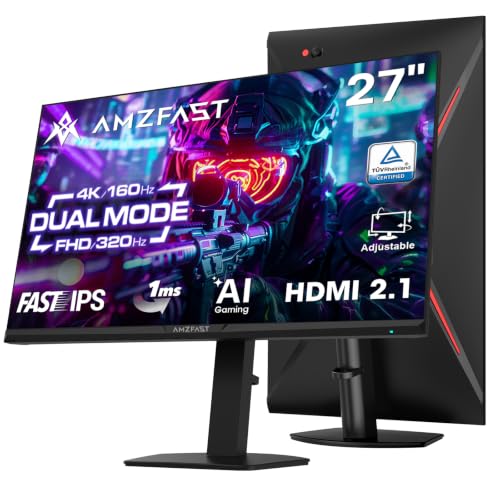

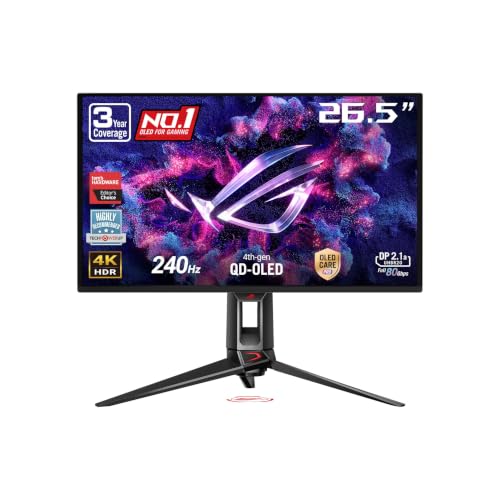
Who Should Buy Which 4K Gaming Monitor for PS5 Play?
Your room and game mix decide more than any single headline spec. Pick the group closest to your routine and use its priorities as you compare.
Desk Players Who Chase 120 Frames in Fast Games
You play shooters, racers and sports titles where motion clarity decides close moments. Choose a 27 inch or 32 inch screen with full HDMI 2.1 bandwidth, a 120Hz or higher panel and VRR support. At desk distance, 4K detail stays crisp and the whole scene stays in view.
Sofa Players Who Want a Large Screen Feel
You play story games and co op titles from a couch, often with another person watching. Choose a 42 inch to 48 inch screen so detail survives the longer distance, and favor strong contrast for dark scenes. Check that the stand fits your media unit, because a wide foot can crowd a shallow shelf.
PS5 Players Who Also Use the Screen for Work and Video
You share one screen between console play, a laptop and streaming video, so it must switch roles without friction. Look for at least two HDMI ports, a headphone jack and a USB hub if your desk stays busy. If your search includes PC use, see our guide to the best 4k monitors gaming for models that serve both kinds of play.
Key Features to Compare
Compare these factors in order, because the first ones decide whether the PS5 can use the screen fully. When you shop for the best 4k gaming monitors for ps5, a missing port feature cannot be fixed by a better panel.
HDMI 2.1 Ports and Console Signal Features
The PS5 needs an HDMI 2.1 port with full 48 Gbps bandwidth to send 4K at 120Hz, so confirm the bandwidth figure, not only the port label. Variable refresh rate, often called VRR, smooths frame pacing when game output dips, and auto low latency mode switches the screen to its game mode at console start. Adaptive sync branding aimed at PC cards does not replace HDMI VRR, so check that the monitor lists VRR over HDMI.
Refresh and Response on PS5
Refresh rate is how often the panel draws a new image, and the PS5 tops out at 120Hz, so a 144Hz monitor runs at 120Hz with the console. Response time describes how fast pixels change, and values of about 1 to 5 milliseconds in the maker game mode suggest cleaner motion in fast pans. Input lag matters too, so use the low lag game mode and turn off extra processing.
Panel Technology in IPS, VA, OLED and Mini LED
IPS panels keep color steady at wide angles and suit shared desks, though blacks can look gray in a dark room. VA panels show deeper contrast for story games but can smear dark motion. OLED gives near perfect blacks and very fast response, with a small risk of burn in from fixed game bars shown for hours daily. Mini LED backlights reach high brightness and control dark scenes well.
HDR and Brightness for PS5 Games
The PS5 outputs HDR10, and a label alone does not guarantee a strong effect, because real HDR needs brightness plus local dimming that darkens parts of the backlight scene by scene. Peak brightness of about 600 to 1000 nits in a small window gives highlights real punch, while a screen with no dimming zones mostly raises overall brightness. Set the console HDR calibration screens carefully, since those values tell each game how bright your panel can go.
Screen Size and Viewing Distance
At a desk, most players sit about 2 to 3 feet from a 27 inch or 32 inch screen, where 4K density keeps small map icons sharp. From a sofa at about 6 to 8 feet, a 42 inch to 48 inch screen fills more of your view and keeps subtitles easy to read. Bigger is not always better close up, because a large panel can push corner menus outside your comfortable field of view. For console only options, see our guide to the best 4k monitors for ps5 before you fix a size.
Sound, Extra Ports and Stand Adjustment
Most monitor speakers sound thin, so plan on a headset through the controller or a headphone jack, or a soundbar for sofa play. A second HDMI port lets a laptop or second console stay connected, and USB C with video input helps work laptops share the screen. Height and tilt adjustment keep the panel at eye level, and a VESA pattern of 100 by 100 mm fits most monitor arms.
Types of 4K Gaming Monitors for Console Play
Most PS5 ready screens fall into a few broad types, and the type predicts its strengths before you study individual specs.
OLED Displays for Contrast First Players
OLED models lead on contrast and pixel response, so night scenes and fast motion both look clean. Prices start higher, often about $700 to $1300, and burn in care matters if your games show fixed bars for hours. Choose OLED if picture depth is your top priority.
Large Screen Options for Sofa Setups
Screens of 42 inches and above combine fast panels and console friendly ports in a TV sized frame. They suit shared rooms and split screen play, but need a deep surface and can feel oversized on a desk. If you are weighing this route, see our guide to the best gaming monitors for ps5 for the console focused picture.
Ultrawide and Productivity Displays
Ultrawide panels serve PC work well, with extra width for timelines and spreadsheets, but the PS5 outputs a 16 to 9 picture only. An ultrawide therefore shows black bars at the sides or a stretched image, wasting the width you paid for in console play. Choose one only if PC work is the main use. For a dual purpose desk, check the best gaming monitors for broader context.
Budget Displays With 4K at 60Hz
Budget models, often about $250 to $450, pair a 4K IPS or VA panel with a 60Hz refresh rate and basic HDR labels. They suit turn based games, story titles and video, where sharpness matters more than motion. Skip them for competitive play, because the 60Hz ceiling limits what the PS5 can send.
Common Mistakes to Avoid
These errors are common because listings mix PC and console specs.
- Buying a 144Hz monitor with HDMI 2.0 ports limits the PS5 to 4K at 60Hz.
- Trusting an HDR label with no local dimming gives washed out dark scenes.
- Choosing an ultrawide panel for console only play leaves black bars in every game.
- Using an old cable can block 4K at 120Hz if it lacks the needed bandwidth.
- Sitting close to a 48 inch screen forces constant head turning and neck strain.
- Leaving a fixed game bar on an OLED screen all day raises burn in risk.
Setup and Care for a PS5 Gaming Monitor
Begin setup on the console. In the PS5 screen and video settings, set resolution to automatic or 4K, confirm 120Hz output is on, and run the HDR adjustment screens in a dim room. On the monitor, select game mode for the HDMI input the console uses.
Use a certified ultra high speed HDMI cable, routed without tight bends. Keep vents clear, dust the screen with a dry microfiber cloth only, and never spray cleaner onto the panel. On OLED models, leave the screen plugged in after play so its pixel refresh cycle can run.
FAQ
What features matter most in a 4K gaming monitor for PS5 play?
HDMI 2.1 bandwidth, 120Hz support and VRR matter most, because they decide what signal the console can deliver. Next check which port carries the full spec, since some models give full bandwidth to only one HDMI input. Plug the PS5 into that port rather than giving it to a streaming stick.
Is 4K worth it for PS5 games on a 27 inch screen?
Yes, 4K is worth it at 27 inches at a normal desk distance, where dense pixels make fine detail and small text cleaner. The gain shrinks as you move back, so a distant player may value size more. Many games offer a performance mode that lowers internal resolution, and on a small screen that trade is hard to spot in motion.
Do all PS5 games support 120 frames per second at 4K?
No, only PS5 games with a built in 120Hz mode can run at 120 frames per second, and many titles cap output at 60. Some fast modes render below 4K internally and scale the image up, so the screen reports 4K while detail sits lower. Check the display settings inside each game, because the option often lives there.
How long does a 4K gaming monitor for PS5 usually last?
A 4K gaming monitor for PS5 use usually lasts about five to eight years of regular play before brightness wear shows. Heat shortens that span, so keep rear vents open and avoid a tight cabinet. Before you buy, check the dead pixel terms in the warranty, since makers differ on how many faulty pixels justify a replacement.
What size 4K gaming monitor should a PS5 player choose for a desk?
Most PS5 players should choose 27 inches or 32 inches for a desk, since both keep the full picture in view at arm length. Measure desk depth before ordering, and leave room for the stand foot plus a keyboard. If your desk is under about 24 inches deep, a 27 inch model or a monitor arm keeps the panel at a comfortable distance.
Final Thoughts
Put the signal first, the panel second and the size third. A monitor that accepts 4K at 120Hz over HDMI 2.1, handles HDR with real dimming and fits your viewing distance will serve every genre well. Use the product table above to confirm ports, panel and price.
When the best 4k gaming monitors for ps5 on your short list all meet those three checks, let sound, stand adjustment and extra ports break the tie. That order keeps your money on what you will notice every session.


