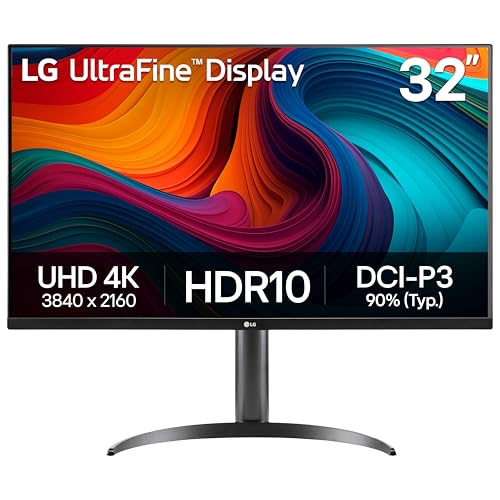
Best Affordable Monitors for Xbox Series X of 2026: Complete Buying Guide
Disclosure: We may earn a commission when you buy through links on this page, at no extra cost to you. As an Amazon Associate I earn from qualifying purchases. Learn more

Compare affordable monitors for Xbox Series X by resolution, refresh rate, HDR and ports, with a practical checklist to choose the right size for your desk.
Your Xbox Series X can output sharp 4K images and frame rates up to 120 frames per second, but a basic office screen hides much of that strength. The best affordable monitors for xbox series x close that gap for far less than a large television, as long as you spend on features the console can actually use and skip extras it cannot. This guide shows what a sensible budget buys.
You will learn how to judge resolution, refresh support, ports and HDR claims. Start with the comparison table below, then confirm that a promising price rests on the right panel, the right inputs and a stand that fits your space.

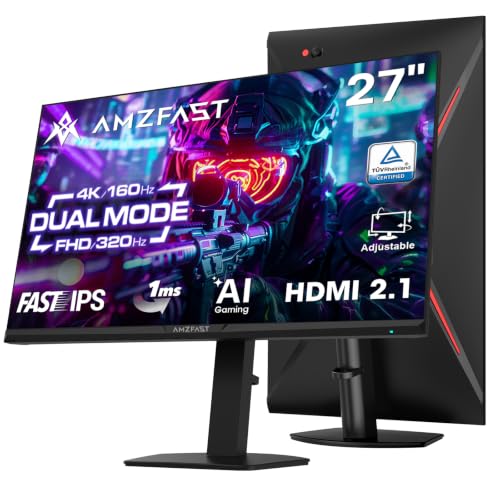
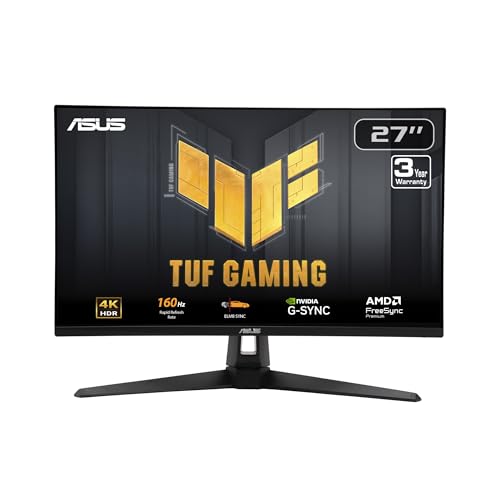

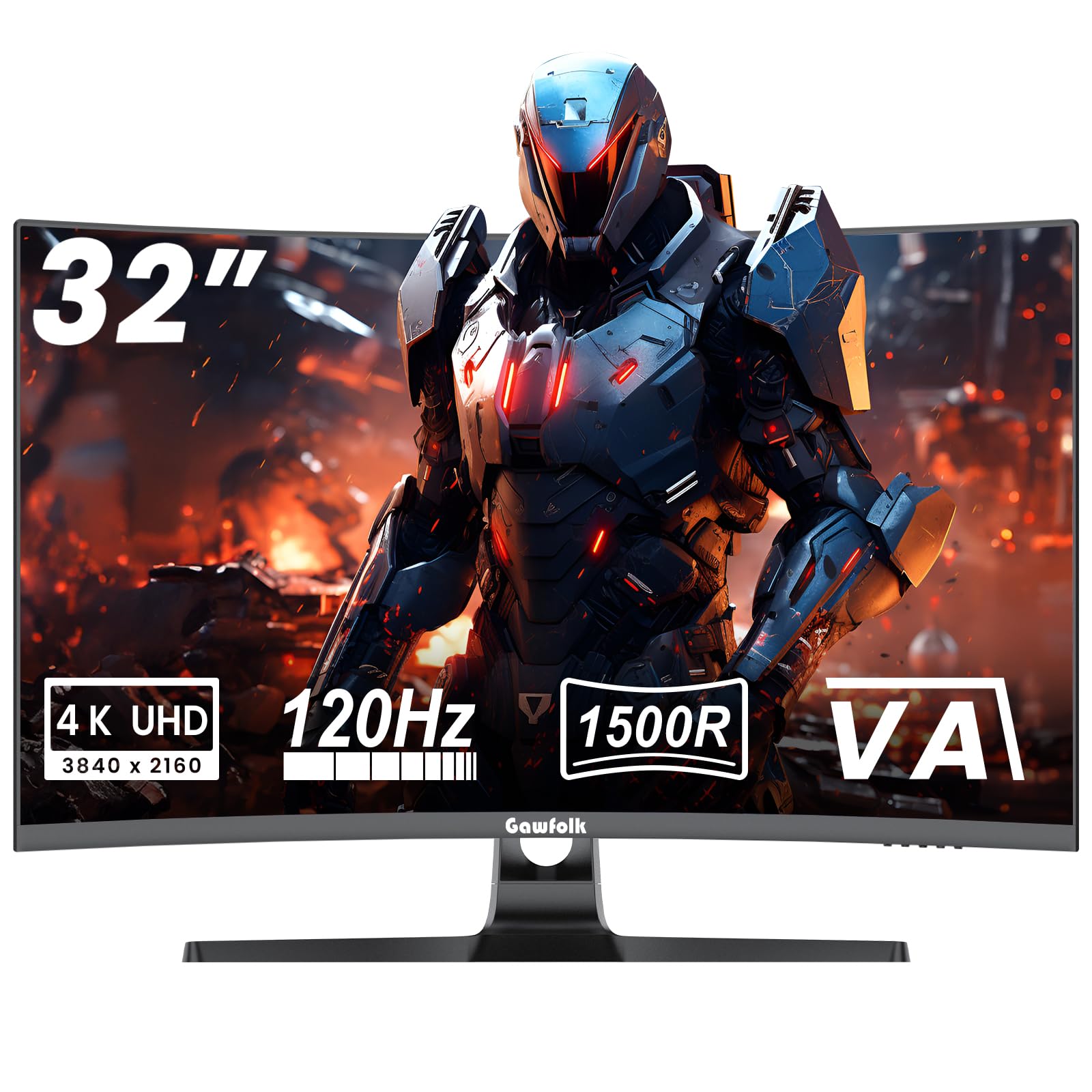
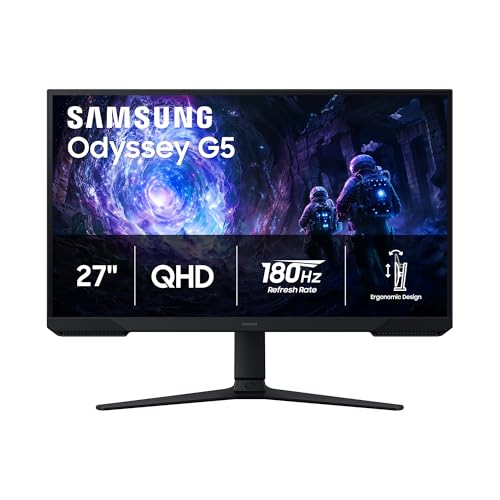
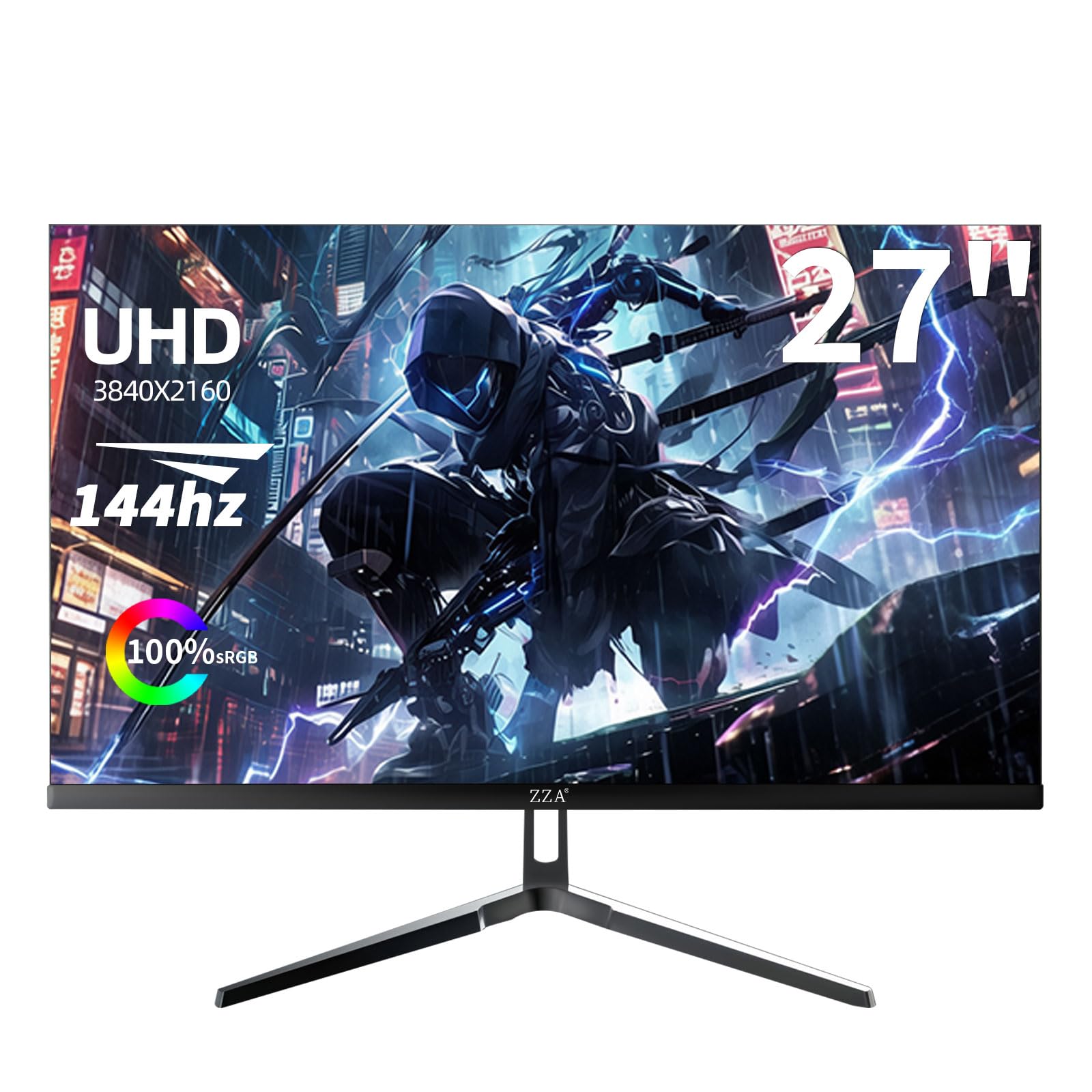
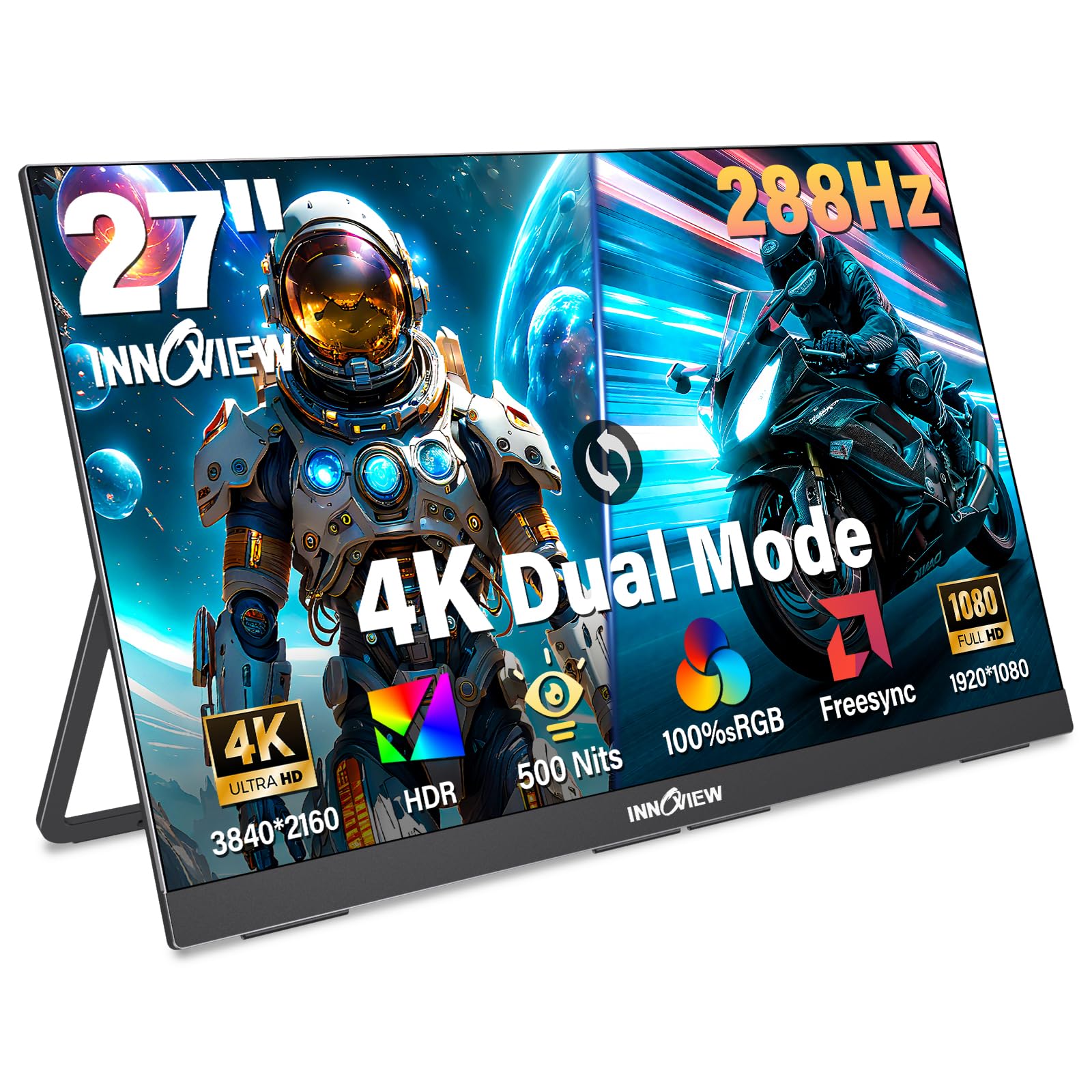
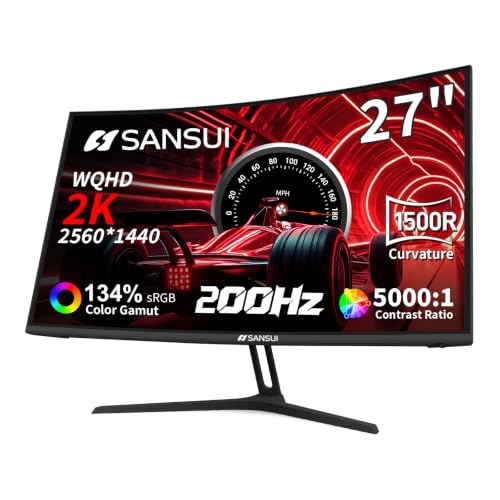

Who Should Buy an Affordable Monitor for Xbox Series X
Affordable does not mean the same screen for everyone, because seating distance, game style and desk space change what value looks like.
Desk Players Who Sit Close and Play Daily
If you play at a desk about two to three feet from the screen, a 27 inch 1440p monitor is often the value sweet spot. Text stays crisp, games look sharp at that distance, and prices sit well below comparable 4K models. You give up some fine detail in large open world scenes, but you gain money back for a headset, extra storage or a second controller.
Competitive Players Who Chase High Frame Rates
Shooters, racing games and sports titles feel most responsive when a monitor accepts a 120Hz signal and keeps input lag low. If ranked play matters more to you than cinematic contrast, choose a 24 to 27 inch screen with a fast IPS panel and put refresh support ahead of HDR extras. You trade away deep blacks and screen size, but aiming and camera turns register with less delay.
Shared Desk Players Who Also Work and Study
A monitor that serves the console at night and a laptop by day earns its price faster. Look for a 27 to 32 inch 1440p or 4K panel with accurate colors, a headphone jack and at least two HDMI inputs so both machines stay connected.
Key Features to Compare
Specifications decide whether a low price is a genuine saving, so compare the best affordable monitors for xbox series x against the five checks below before judging styling. If your budget can stretch beyond this tier later, see our guide to the best xbox series x monitors for the wider field.
Resolution and Screen Size for Your Seating Distance
Resolution only pays off when your eyes can see the extra detail. At desk distance, 1440p on a 27 inch screen looks sharp and usually costs about $180 to $280, while 4K costs more and suits players who also edit photos or read small text all day. Stay with 1080p only on 24 inch models, where the lower pixel count is less obvious and prices often sit under $150.
Refresh Rate, Response Time and Input Lag
The console tops out at 120 frames per second, so a 120Hz or 144Hz monitor uses its full output and a 240Hz panel adds cost you cannot reach on Xbox. Response time figures near 1 millisecond describe pixel changes under ideal settings, and the middle overdrive setting usually gives the cleanest motion without bright halos. Pick a game mode that bypasses picture processing to keep input lag low. Players who rank speed above all else can narrow the search with our guide to the best gaming monitors xbox series x.
HDMI 2.1 Ports and Console Picture Modes
Full bandwidth HDMI 2.1 is what carries a 4K signal at 120Hz from the console, and one such port is enough if only the Xbox connects at full quality. The same connection supports variable refresh rate, which is the console form of adaptive sync, smoothing frame pacing and reducing screen tearing when a game dips below its target. Auto low latency mode switches the screen into its fast game picture preset when the console starts.
Panel Type, Contrast and HDR Brightness
IPS panels hold color well from side angles and suit shared viewing and desk work, while VA panels deliver deeper blacks for dim rooms at the cost of slower dark transitions. HDR labels need care, because entry level HDR with around 300 to 400 nits of brightness and no local dimming adds little beyond standard picture. A standard dynamic range image with strong contrast usually looks better than weak HDR, so treat HDR as a bonus rather than a reason to buy.
Sound, Stand Adjustment and VESA Mounting
Budget monitors often include small speakers that handle dialogue but lack bass for music and explosions, so a headphone jack on the monitor or the controller matters for late night play. Many low cost stands offer tilt only, which can leave the screen too low for good posture during long sessions. A VESA mount pattern, commonly 100 by 100 mm, lets you add an arm later and reclaim desk depth.
Types of Affordable Monitors to Compare
Panel construction shapes price more than any feature, and each type below suits a different room and play style.
Flat IPS and VA Panels for Everyday Value
Flat panels make up most of the affordable range, with IPS versions favored for color and viewing angles and VA versions favored for contrast in darker rooms. They pair well with mixed use and fit standard arms and stands, so start here if one screen must serve games, work and video.
Curved Panels for Solo Immersion
A gentle curve wraps the edges of a wide screen slightly toward you, which can make racing and open world games feel more enclosing when you sit centered. The benefit fades for viewers seated to the side, and curved models cost a little more than flat equivalents. Solo desk players who like that wrapped view can browse our guide to the best curved monitors for xbox series x for the dedicated options.
OLED Panels as a Careful Stretch Purchase
OLED sits at the top of this market rather than inside the true budget tier, with prices commonly about $450 and up. Each pixel lights itself, so night scenes show real black and motion stays exceptionally clear. The trade offs are price, lower full screen brightness and the pixel care habits described below. Choose OLED only when picture quality is your main goal.
Common Mistakes to Avoid
Most regrets come from chasing a headline number instead of the combination the console can use.
- Paying extra for a 240Hz panel leaves money spent on speed the console cannot output beyond 120 frames per second.
- Choosing 4K without a full bandwidth HDMI 2.1 port can limit you to 60Hz at that resolution.
- Trusting an HDR logo on a dim panel leads to washed out highlights that look worse than standard picture.
- Placing a 32 inch screen on a shallow desk puts the display too close and causes neck strain during long sessions.
- Ignoring stand height and VESA support can force an extra arm purchase you did not budget for.
- Assuming every game runs at 120 frames per second sets expectations the game performance mode, not the monitor, controls.
Care and Maintenance for Your Monitor
A few habits keep the picture accurate and the panel safe for years of daily play.
- Set the picture once in game mode and turn off the vivid preset, since oversaturated color hides detail in dark scenes.
- Clean the screen with a dry microfiber cloth only, because paper towels and window sprays can scratch the coating.
- Use the cable supplied with the console or a certified Ultra High Speed HDMI cable, and avoid sharp bends that loosen the connector.
- Run the built in pixel refresh on OLED models when the screen prompts you, and let it finish without unplugging the power.
- Keep rear vents clear and the stand on a stable surface, since trapped heat and small knocks shorten the life of backlights and ports.
FAQ
Should you choose IPS or OLED for an affordable Xbox Series X monitor?
Choose IPS if your room has windows or lamps near the screen, because its steady brightness handles glare better and prices stay far lower. OLED wins in a controlled dark room where its perfect blacks show fully. IPS screens also need no pixel care routine, which suits shared family use and long daily hours.
Is 4K worth paying for on an affordable monitor for Xbox Series X?
4K is worth paying for when you also use the monitor for work, because crisp text rewards you daily beyond gaming. For play alone at 27 inches, the jump over 1440p is modest from a normal desk distance. Readers set on native 4K can compare the best 4k monitors for xbox series x to see what the step up costs.
How long do affordable monitors for Xbox Series X usually last?
Most LED backlit monitors last about five to eight years of daily use before brightness fades noticeably. Warranty length and the dead pixel policy differ widely between brands at this price, so read those terms before you buy rather than after a fault appears. Keeping brightness below maximum also slows that fade.
Do all Xbox Series X games run at 120 frames per second on a 120Hz monitor?
No, only games with a dedicated performance mode reach 120 frames per second, and many titles cap at 60 or even 30 in their quality mode. The monitor simply displays what the game sends. Check the graphics settings inside each game after setup, because several titles default to quality mode.
What monitor size suits a desk setup for Xbox Series X play?
A 27 inch screen suits most desks because it fills your view at arm length without forcing head turns during fast games. Before ordering, measure your desk depth and leave space behind the screen for console ventilation and cable bends. If the monitor will sit closer than about 20 inches from your chair, step down to 24 inches.
Wrapping Up
Value in this tier comes from matching the panel to the console rather than chasing the longest feature list. Settle your size and resolution first, confirm 120Hz support through the right port, and treat HDR and curve claims as secondary. Chosen that way, the best affordable monitors for xbox series x deliver sharp, responsive play without television money, so compare your finalists against the product table above before you order.