
Best 4K 144Hz Gaming Monitors in 2026: What Each Budget Tier Gets You
Disclosure: We may earn a commission when you buy through links on this page, at no extra cost to you. As an Amazon Associate I earn from qualifying purchases. Learn more

Compare the best 4k 144hz gaming monitors at every price point. Learn what you get at budget, midrange, and premium levels and where spending more pays off.
A 4K screen at 144 Hz asks a lot of your graphics card and your budget, and prices stretch from about $400 to well past $1,500. The best 4k 144hz gaming monitors are not simply the most expensive ones. They are the models where panel quality, motion clarity and port bandwidth match your games and hardware. The comparison table below shows how the tradeoffs line up.
Start by deciding what this screen must do besides gaming. A console only screen needs different ports and HDR strength than one that also handles photo editing on weekdays. Your graphics card decides whether 144 frames per second is realistic at native 4K or only with upscaling on.

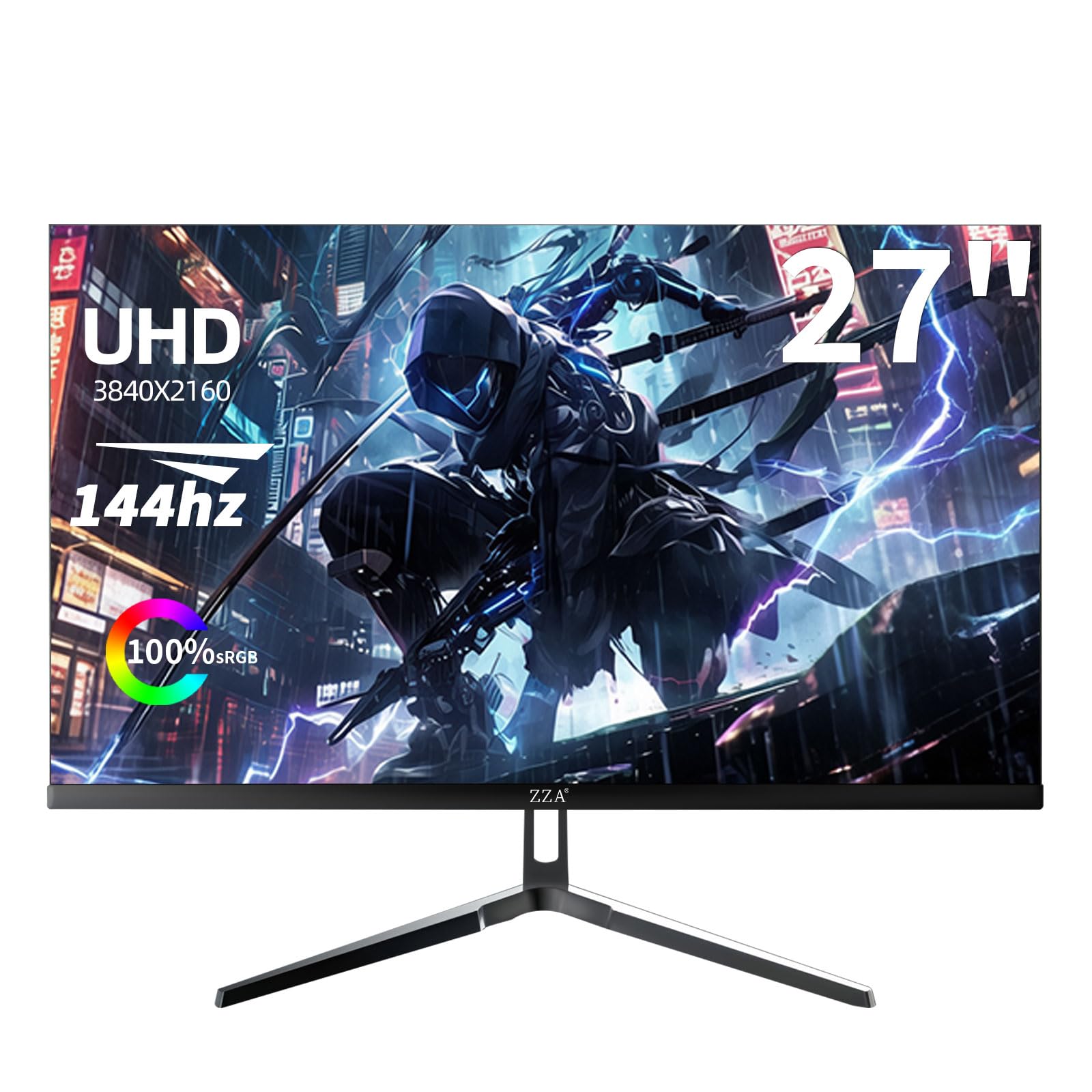
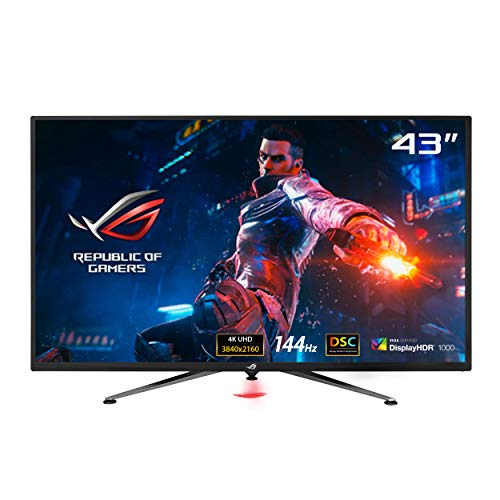



Who Should Buy a 4K 144 Hz Gaming Monitor?
Match your group below first, then use the tiers and feature checks to set a firm budget. Buyers still weighing slower 4K screens can see our guide to the best 4k monitors gaming before they decide.
Competitive Players Who Also Play Big Story Games
You split time between ranked matches and large open world titles, so you need speed and detail in one screen. Prioritize a fast IPS panel or OLED, a wide adaptive sync range and low input lag, because ranked play punishes smeared motion. A 27 inch or 32 inch screen keeps the whole scene in view.
Console Players on a Desk or in a Small Room
You play on a PlayStation 5 or Xbox Series X and want one screen for console and PC. Insist on full bandwidth HDMI 2.1 ports, because consoles use that connection for 4K at 120 Hz with variable refresh. A 32 inch screen suits a normal desk depth, while a 42 inch OLED suits a deeper setup and rewards stronger HDR.
Mixed Gaming and Desk Work Creators
You game at night and edit photos, cut video or write code by day on the same screen. Text at 4K stays crisp on a 27 inch or 32 inch panel, and wide color coverage helps editing. Look for USB C with power delivery and a KVM switch so one keyboard serves two machines. For a second screen, see our guide to the best gaming monitors.
Three Price Bands and the Backlight Control in Each
Prices cluster into three bands, and each band buys a clear step in backlight control and HDR strength. If game focused extras matter less than resolution and speed alone, see our guide to the best 4k 144hz monitors, then return here for the gaming checks.
Budget Tier: Honest 4K Speed With Basic HDR
Expect to pay about $400 to $600. Most models use an IPS panel with a basic edge lit backlight, one or two HDMI 2.1 ports and adaptive sync for casual play. Brightness sits around 350 to 400 nits, so HDR looks modest and dark scenes can look gray in a bright room. Stands often tilt only, so budget for a VESA arm for height control.
Midrange Tier: Stronger Backlights and Real HDR
Expect to pay about $600 to $900, and this is where the best 4k 144hz gaming monitors for most buyers sit. Panels add full array local dimming or brighter Mini LED backlights, peak HDR brightness around 600 to 1000 nits and color coverage around 95 percent of the DCI P3 space. Stands gain height and pivot control. Choose this tier if one screen must serve fast games, films and work.
Premium Tier: OLED Contrast and Mini LED Brightness
Expect to pay about $900 to $1,500, with large OLED models above that band. OLED panels give per pixel light control, near instant response and true black levels, while flagship Mini LED models push peak brightness higher for bright rooms. Pay this much only for dim room play or color critical work, because everyday sharpness barely improves over midrange.
Key Features to Compare
Headline numbers hide the differences that decide daily use. Work through these six checks in order, and never pay extra for weak built in speakers or decorative lighting.
Panel Type and Backlight in a 4K 144 Hz Gaming Monitor
IPS panels offer accurate color and wide viewing angles. VA panels give deeper native contrast but can smear dark motion. OLED controls each pixel, so blacks stay true and response feels instant, though static screens carry a small burn in risk over years. Mini LED backlights raise brightness and add many dimming zones for stronger HDR.
Screen Size and Pixel Density for 4K Gaming
At 27 inches, 4K looks very sharp and suits a shallow desk where you sit about 24 to 30 inches away. At 32 inches, targets and text grow easier to read at a slightly longer distance. If frame rate matters more than pixel count, see our guide to the best 144hz gaming monitors.
Response Time, Input Lag and Motion Clarity
Makers quote gray to gray response around 1 ms, but that figure uses aggressive overdrive that can add bright trails behind moving objects. A well tuned mid setting usually looks cleaner than the fastest setting. Input lag should feel near instant at 144 Hz. Favor panels with several overdrive levels for different frame rates.
Adaptive Sync and the Variable Refresh Range
Adaptive sync matches the panel refresh to the frame rate your card delivers, which removes tearing without the stutter of fixed sync. Check the full range, often about 48 to 144 Hz, and confirm low frame rate compensation below the floor so dips stay smooth. FreeSync works over HDMI and DisplayPort, and G Sync compatible models pass NVIDIA validation.
HDR Brightness and Local Dimming Zones
HDR impact comes from brightness range and dimming control, not from the HDR label alone. Edge lit screens can raise overall brightness, but halos bloom around bright objects on dark scenes. Full array backlights divide the screen into zones, from dozens to more than a thousand, and more zones keep halos tighter.
Ports, Bandwidth and Cable Needs
A 4K 144 Hz signal needs real bandwidth. DisplayPort 1.4 with Display Stream Compression carries it from a PC, and full 48 Gbps HDMI 2.1 carries 4K at 120 Hz from consoles and up to 144 Hz from PCs. Check that two ports offer full speed, because some models limit the second HDMI port. A short certified cable beats a long cheap one.
Common Mistakes to Avoid
Each error below costs money or picture quality a short check would have saved.
- Buying a 4K 144 Hz monitor for a weak graphics card leaves games stuck near 40 frames per second at native resolution.
- Trusting the fastest overdrive setting adds bright trails that make motion look worse than the default setting.
- Choosing an edge lit panel for HDR movie nights leaves bright highlights blooming across dark scenes.
- Mounting a 42 inch screen on a shallow desk puts the edges outside comfortable view and strains your neck.
- Using an old HDMI cable rated for lower bandwidth caps the screen at 60 Hz and disables variable refresh.
Upkeep, Graphics Card Costs and Extras Over Time
The purchase price is only part of ownership. A stronger graphics card is the largest added cost for most buyers, and a VESA arm, a certified cable and a bias light add smaller amounts. A 32 inch LCD draws around 40 to 70 watts in play, while large OLED models draw more.
Clean the screen with a dry microfiber cloth and plain water only if needed, because harsh sprays can damage the surface coating. Run the built in pixel refresh on OLED models when the screen prompts you, and vary static content during long work days to lower burn in risk. Keep vents clear so heat escapes.
Your Questions Answered About 4K 144 Hz Gaming Monitors
Is 4K resolution worth it on a 144 Hz gaming monitor?
Yes, 4K resolution is worth it on a 144 Hz gaming monitor if your card holds high frame rates and you sit within about 30 inches of the screen. One gain buyers overlook is interface clarity. Small map icons, inventory text and subtitles stay crisp, so strategy and role playing games feel easier to read.
Does 144 Hz matter for work and video on a 4K gaming monitor?
A 144 Hz refresh rate matters less for work and video than for games, but scrolling and window movement still look smoother on screen. Films and shows run at 24 or 30 frames per second, so the panel repeats frames rather than adding detail. Long documents feel easier to scan when text stays stable in motion.
What screen size should you pick for a 4K 144 Hz gaming monitor?
Choose 27 inches for a desk under about 47 inches wide, and 32 inches when you can sit farther back. A point the size charts miss is side space. A 32 inch screen plus speakers and a console can crowd a small desk fast, so measure the full layout, stands included, before you order.
How long does a 4K 144 Hz gaming monitor usually last?
A 4K 144 Hz gaming monitor usually lasts about five to eight years of daily use before brightness fades or a newer port standard tempts an upgrade. LCD backlights dim slowly rather than failing at once. Keep the box and foam for the first year, because returns and house moves are when screens crack in transit.
Is IPS or OLED better for a 4K 144 Hz gaming monitor?
OLED is better for a 4K 144 Hz gaming monitor in a dim room, while IPS is better for bright rooms and heavy static work. One difference spec sheets hide is text rendering. Some OLED pixel layouts add slight color fringes on small fonts, which matters on a screen that doubles as your main work display.
The Bottom Line on 4K 144Hz Gaming Monitors
Set your budget band first, then judge panels on backlight control, sync range and full speed ports. Protect HDMI 2.1 bandwidth for consoles and motion tuning for PCs. Use the product table above to confirm size, ports and price before you order.
Chosen with those checks, the best 4k 144hz gaming monitors give you sharp detail at speed on one screen for years of play. Buy the tier your room and card can support, and skip paying for extras your games will never use.


