Best Affordable Curved Monitors Made Simple: A Clear Buying Guide 2026
Disclosure: We may earn a commission when you buy through links on this page, at no extra cost to you. As an Amazon Associate I earn from qualifying purchases. Learn more

Shopping for the best affordable curved monitors for the first time? Learn the terms, compare sizes, panels and prices, and skip the rookie mistakes.
A curved screen sounds like a luxury, but the budget end of the market now has plenty of honest options. This guide walks you through best affordable curved monitors in plain terms, from how the curve is measured to which specs actually change what you see. By the end you will know what to check first and what you can safely ignore.
Prices start around $130 for small models and reach about $350 for large ultrawide screens, so the comparison table below is a good place to begin. We will explain each spec as it comes up, then finish with the mistakes new buyers make most often.




Affordable Curved Monitors 101: The Basics
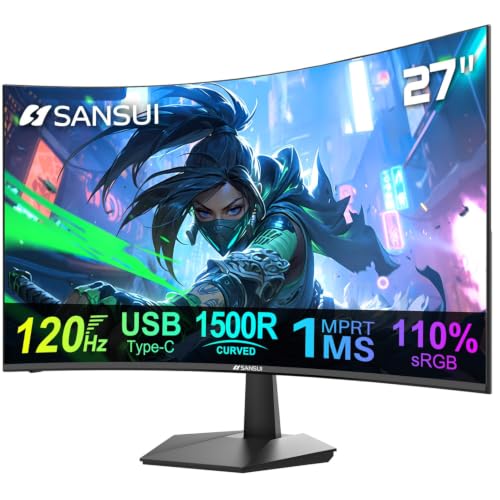
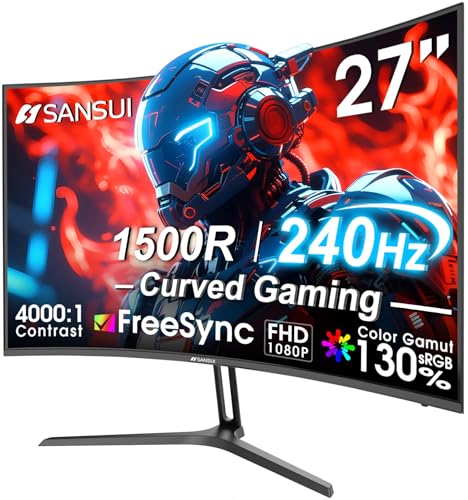
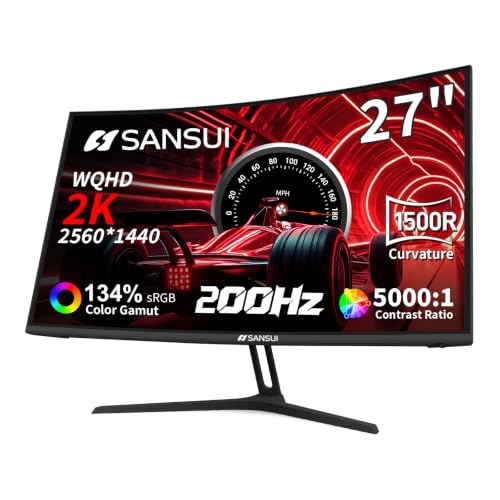
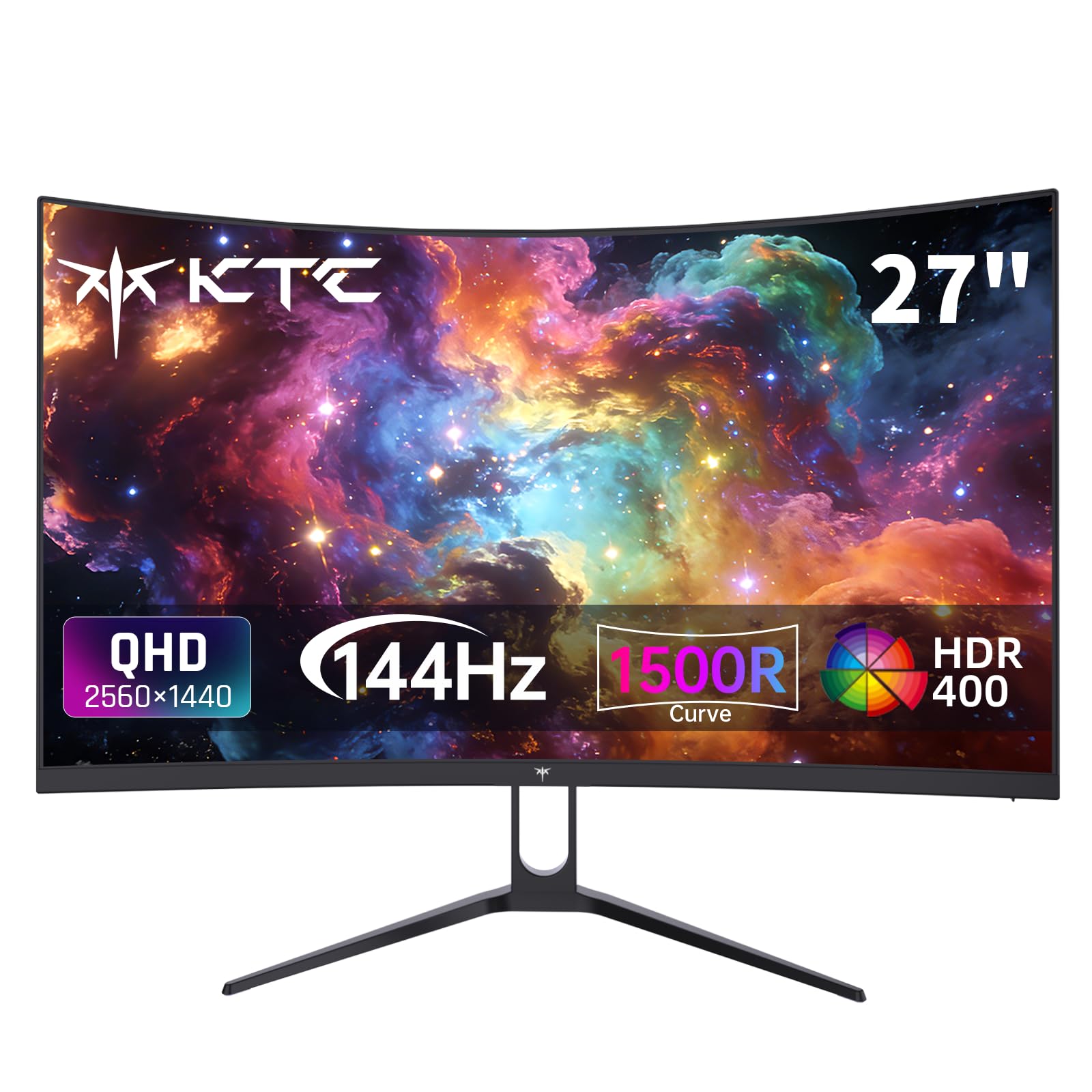
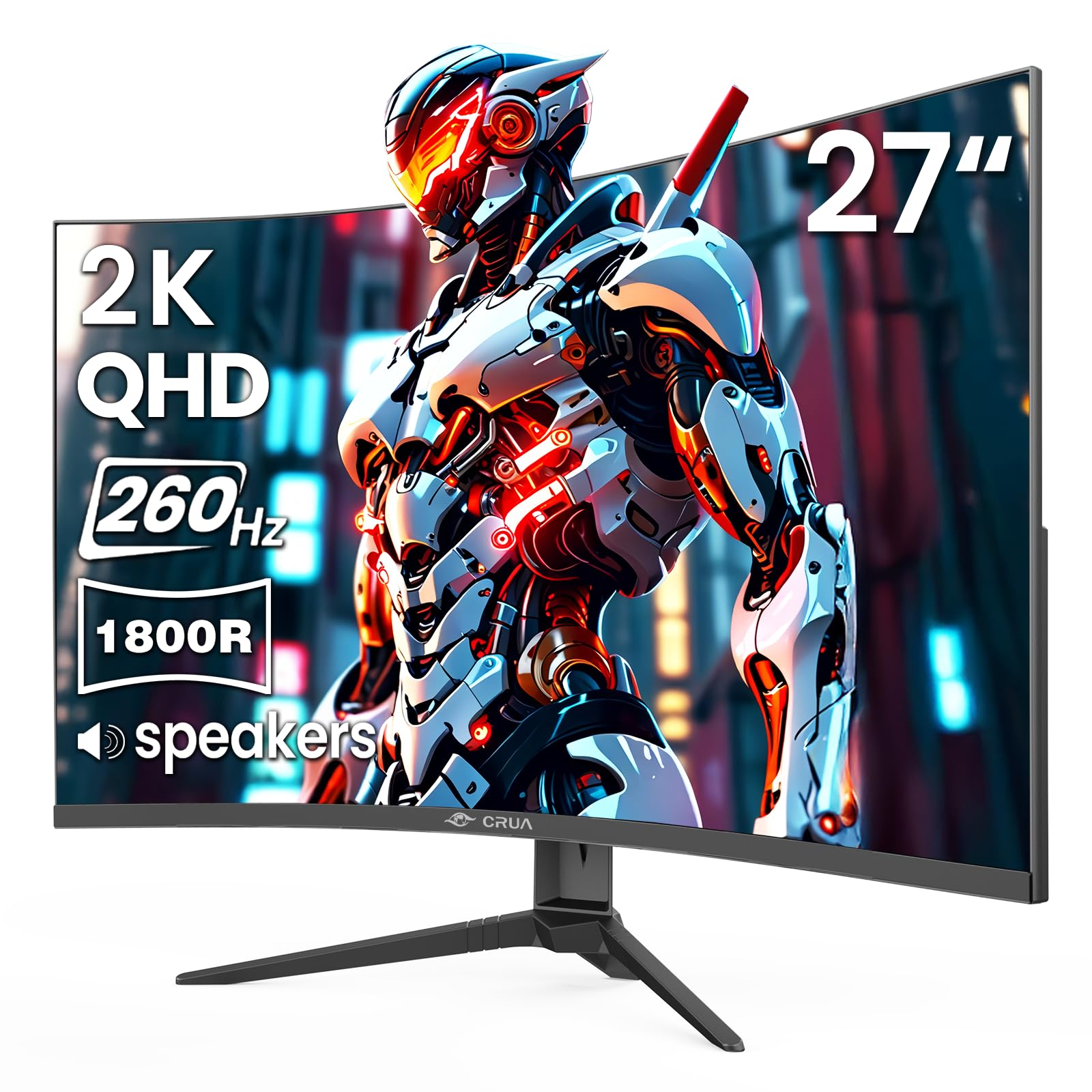
A curved monitor bends the panel gently toward you so the edges sit closer to your eyes than on a flat screen. The bend is described by a radius figure such as 1800R or 1500R, where a smaller number means a tighter curve. Stated plainly, the curve radius governs how strong the wrap around, immersive feel is, and it matters most on wide screens.
On a small screen the curve is subtle, and a small screen gains little from a curve at all. The same checks apply as you shortlist the best affordable curved monitors.
Sharpness comes from pixel density rather than size alone. A 27 inch screen at 1440p sits at about 109 ppi, which looks crisp for text and games at a normal desk distance, while the same resolution on a 34 inch ultrawide lands lower and softer. If you want the wider view without giving up clarity, compare best curved monitors across both sizes before you settle on one.
One claim to treat with care is eye comfort. No monitor treats eye strain, curved or flat, and long sessions still call for breaks, sensible brightness, and a screen set at a comfortable height. A curve can make the edges of a wide screen feel easier to take in, but it is a comfort preference rather than a medical feature.
Key Specs Explained in Plain English
What You Can Realistically Get on a Budget
For about $150 to $300 you can expect a 27 to 34 inch VA panel, 1440p resolution on the larger sizes, and a refresh rate of 100Hz or more. What usually gets cut is brightness, stand adjustment, and USB C charging, not the curve itself. Do not save money by accepting a dim panel or a stand that only tilts, because you live with those two things every day. Shoppers comparing flat alternatives in the same price band can also look at best affordable monitors to see what the curve costs you.
Panel Technology (IPS, VA, OLED, Mini LED)
Most budget curved models use VA panels, which give deep contrast and strong blacks at the cost of some smearing in fast dark scenes. IPS panels keep colours accurate at wide angles but cost more and rarely curve at this price. OLED delivers the best contrast and response, yet true OLED curves sit well above a budget range, and Mini LED is mostly a backlight upgrade on higher priced screens. For a first purchase, a good VA panel is the sensible default.
Adaptive Sync and Gaming Features
Adaptive sync matches the screen refresh rate to the frame rate your graphics card produces, which removes tearing and stutter in games. At this price, look for a range that starts at 48Hz or lower so sync still works when frame rates dip. A 144Hz or 165Hz panel with adaptive sync is the sweet spot for smooth play without paying for esports features you may never use. If gaming is your main use, best affordable gaming monitors covers the same ground with a gaming first focus.
Connectivity and Ports
Two HDMI ports and one DisplayPort cover most desks, letting you keep a PC and a console plugged in at once. USB C with video input is worth having if you use a laptop, since one cable can carry the picture and charge the battery on supported models. A headphone jack and a VESA mount pattern of 75 or 100 mm round out the basics. When you compare best affordable pc monitors, the port list is often where the cheaper model quietly loses.
HDR and Brightness
HDR labels on budget screens promise more than the hardware can give. Real HDR needs high peak brightness and local dimming, and most models under $300 offer neither, so treat HDR here as a bonus rather than a reason to buy. What matters daily is plain brightness of about 300 nits or more, which keeps the picture readable in a bright room. Check the brightness figure before you believe any HDR badge on the box.
Rookie Mistakes to Avoid
- Buying a 1080p screen at 34 inches, where the low pixel density makes text look fuzzy all day.
- Choosing the tightest curve for a small desk screen, where the bend adds cost and little benefit.
- Ignoring the stand and finding the screen sits too low, with no height adjustment to fix it.
- Believing the HDR badge on a budget model and expecting movie night contrast it cannot produce.
- Forgetting to measure desk depth, so a deep curved screen and its stand crowd out the keyboard.
Getting Started: Setup and First Use
Unbox the monitor on a soft surface, attach the stand before you lift the screen, and connect the DisplayPort cable first if your PC has one, since it usually unlocks the full refresh rate. In the picture menu, turn off the vivid or dynamic mode and pick the standard or sRGB mode for colours that look natural. Then set brightness so a white page looks like paper rather than a lamp.
If your screen is OLED, run the pixel refresh cycle the menu offers after the first long session, and let it repeat on the schedule the maker sets. Turn on adaptive sync in both the monitor menu and your graphics settings, or it stays off. Finally, sit so your eyes are level with the top third of the screen and about an arm length away.
Frequently Asked Questions
Is IPS or OLED better for a curved monitor?
Neither is better for every buyer, because they solve different problems. OLED wins on contrast and response time, so films and fast games look cleaner, but it costs far more and needs care with static images. IPS wins on colour accuracy at an angle and steady pricing. At a budget level, most curved screens are VA, which sits between the two and is the practical choice for most desks.
How long does a curved monitor usually last?
A curved monitor usually lasts about five to eight years of daily use before the backlight dims or a fault appears. The panel itself rarely wears out first; power supplies and backlights are the usual failure points. Keeping brightness below the maximum and letting the screen sleep when you step away both slow that wear. A warranty of three years is a good sign the maker expects the screen to last.
What size curved monitor should I get for my desk?
For most desks, 27 inches is the size that balances curve, clarity, and cost. Go to 34 inches only if your desk is at least 60 cm deep and you want the wide view for work or games, because the stand and the curve together take real space. At 24 inches the curve is barely visible, so a flat screen at that size usually gives better value for the same money.
Does refresh rate matter if I do not play games?
Yes, refresh rate still matters a little for everyday use, mostly in how smooth scrolling and window movement feel. A 100Hz screen feels calmer than a 60Hz one when you read long pages or flip between documents, though the jump is smaller than in games. It will not change film quality, since films are shot at low frame rates. Players chasing faster screens can compare best gaming monitors for the higher end of the range.
Is 4K worth it on an affordable curved monitor?
On a curved screen at this budget, 4K is rarely worth it. A 4K panel pushes the price up and demands a stronger graphics card, while 1440p at 27 inches already looks sharp at a normal sitting distance. The honest exception is text heavy work on a 32 inch or larger screen, where the extra pixels keep small fonts clean. For everyone else, 1440p leaves money for a better stand and panel.
Final Thoughts
Choosing among the best affordable curved monitors comes down to three checks: a curve and size that suit your desk, 1440p sharpness at that size, and a stand you can set at a comfortable height. The product table above pulls those details together so you can compare candidates side by side. Pick the screen that passes all three checks at your price, and the curve will feel like a tool rather than a gimmick.