
Best 4K Gaming Monitors Under 500 by Budget for 2026
Disclosure: We may earn a commission when you buy through links on this page, at no extra cost to you. As an Amazon Associate I earn from qualifying purchases. Learn more

Compare the best 4k gaming monitors under $500 by refresh rate, panel type, HDR, ports and screen size, with clear price tiers and a simple checklist.
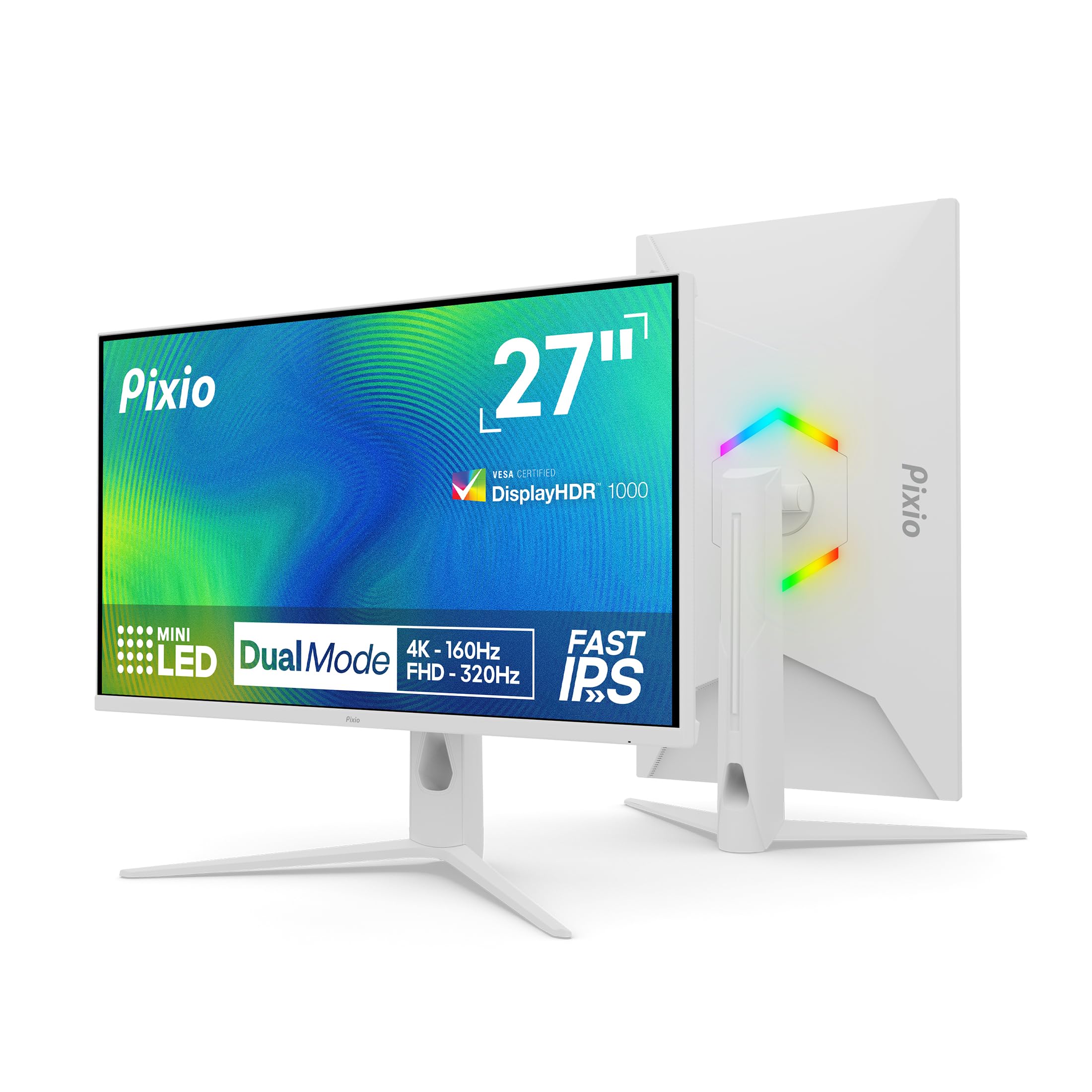
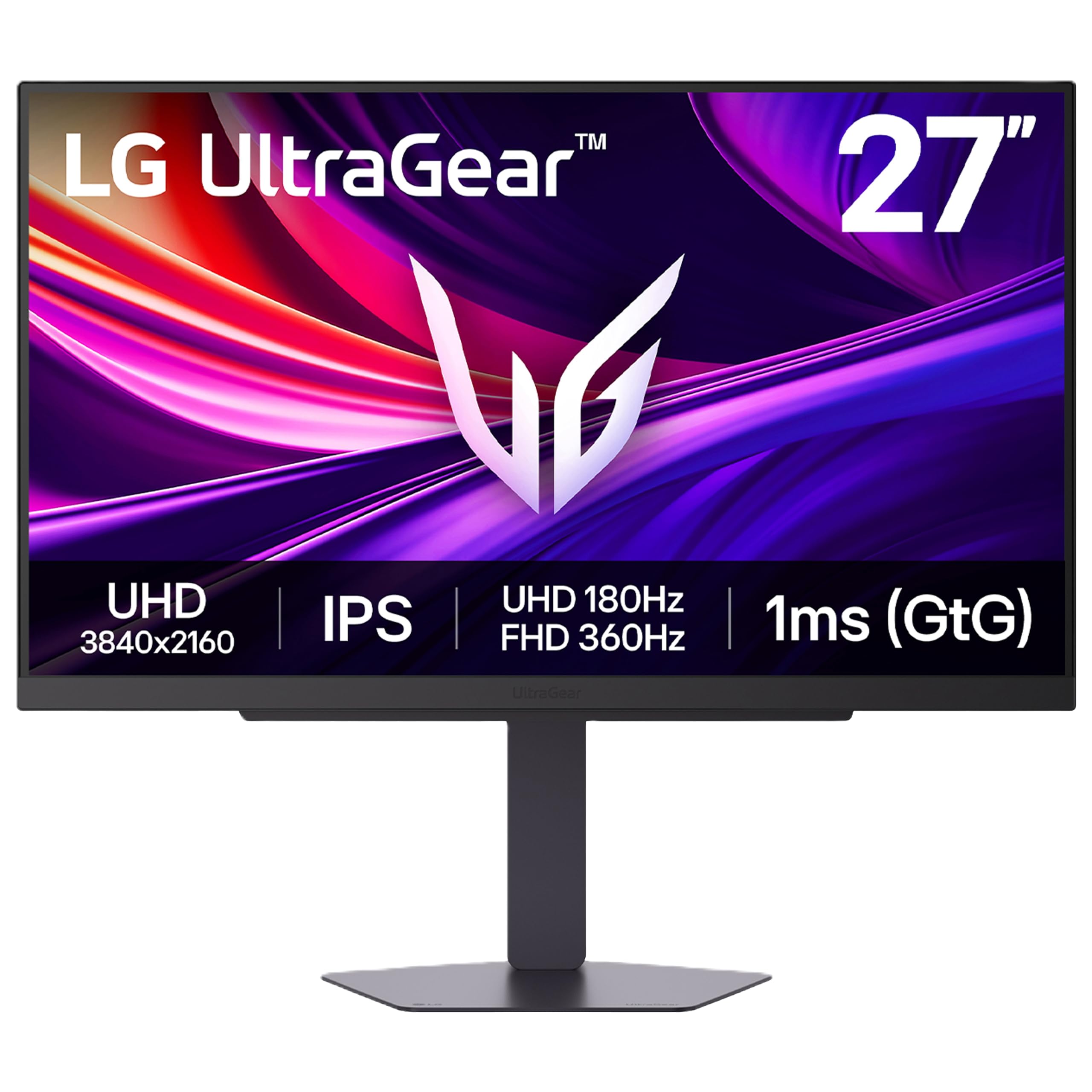
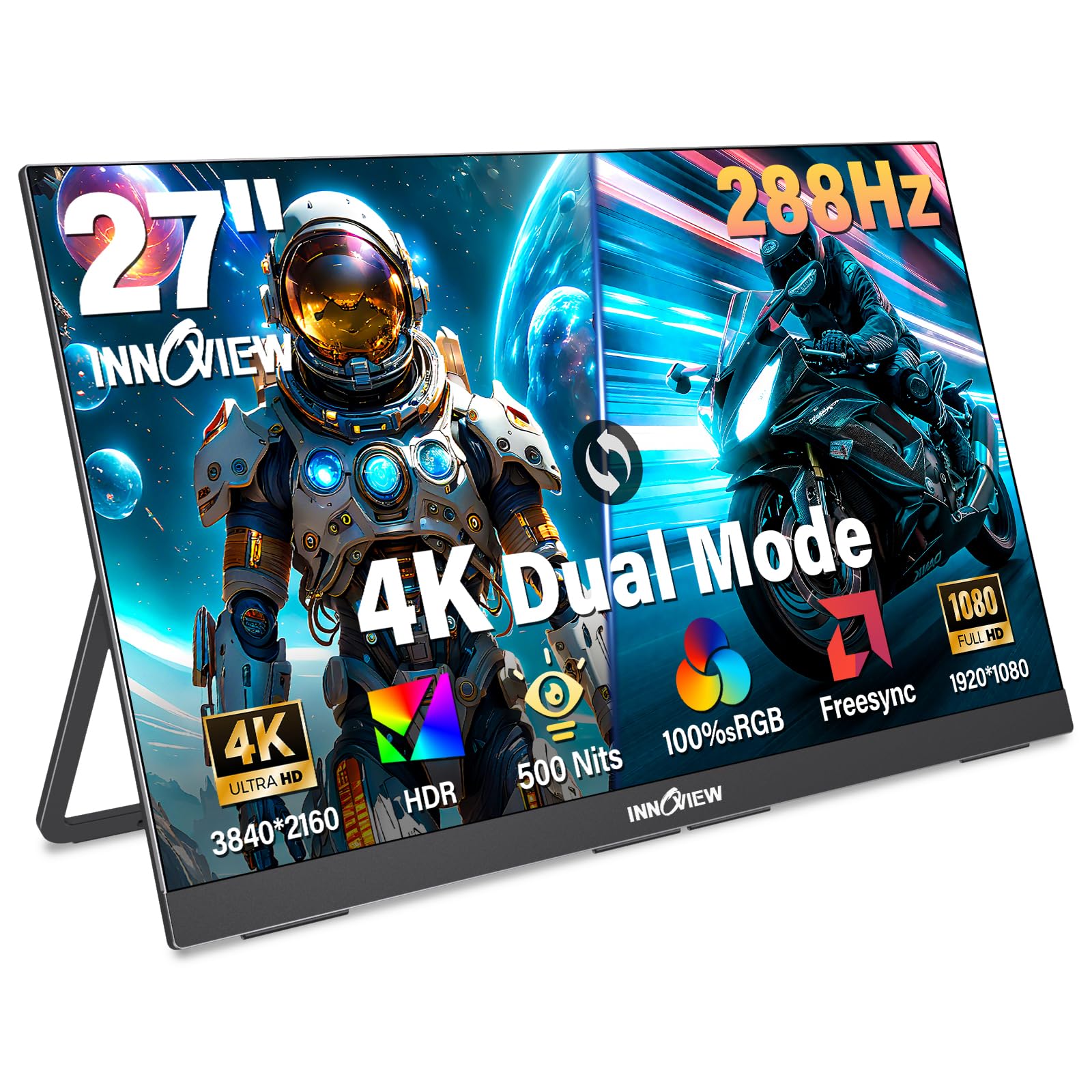
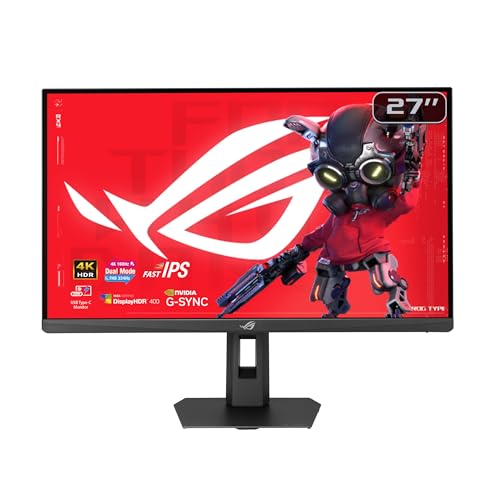
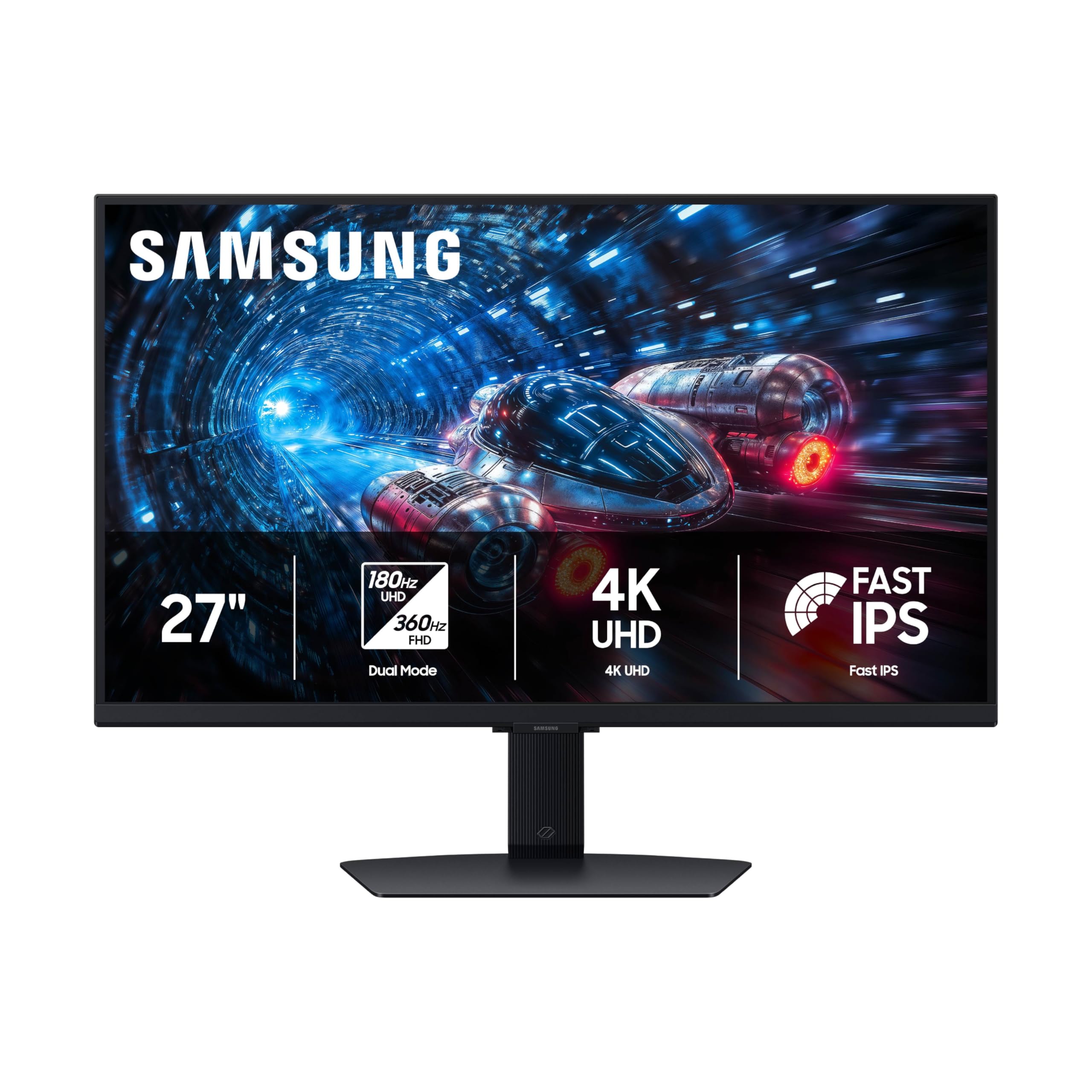
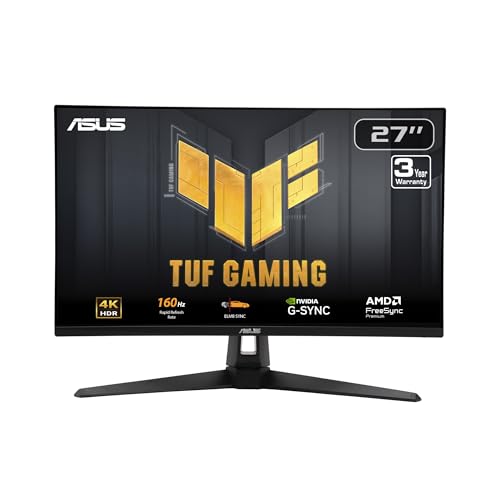
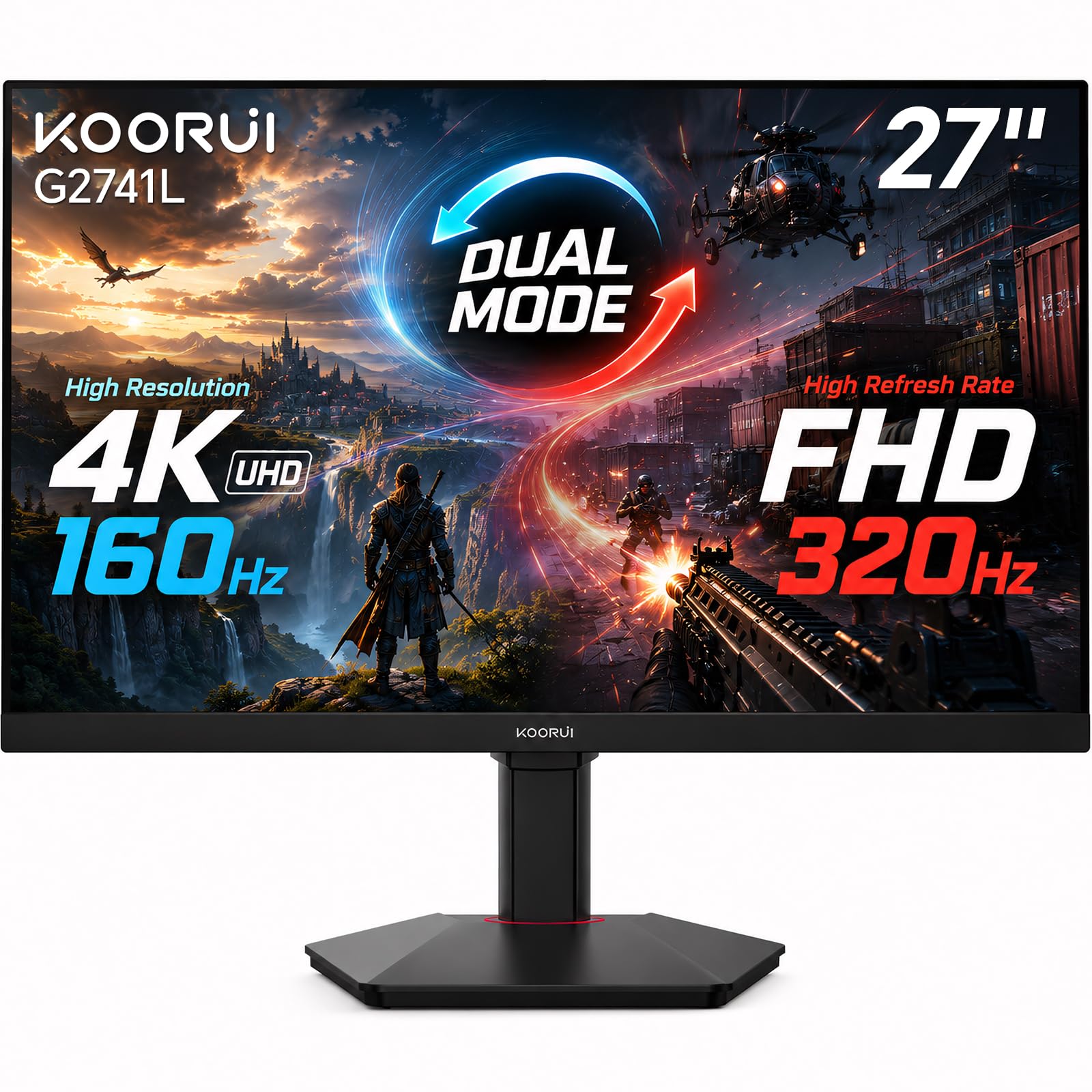
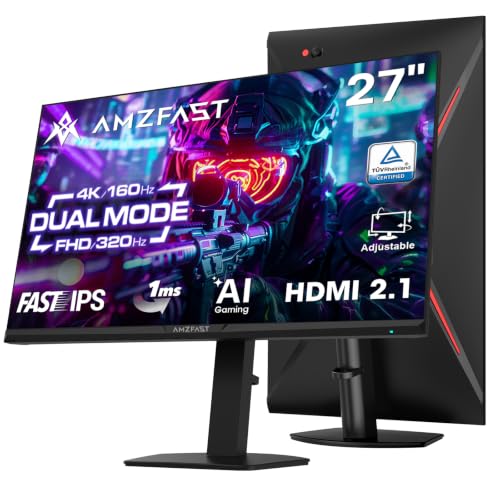
Spending under $500 on a 4K gaming monitor used to mean choosing between sharp detail and smooth motion. That trade is smaller now, but it has not vanished. The best 4k gaming monitors under 500 pair a 4K panel with a refresh rate your device can actually use, and the product table below shows how options divide your money.
Your budget decides which extras survive the cut. Strong IPS color, adaptive sync and one fast port are realistic, while OLED contrast and cinema grade HDR usually are not. Start with your device, desk depth and the frame rates you reach, because those facts rule out more models than brand preference.


Who Should Buy a 4K Gaming Monitor Under $500?
Match the monitor to the machine feeding it and the desk holding it, because a screen that suits a console corner can frustrate a PC player.
Console Players Who Want 120 Hz Play at a Desk
You play consoles at a desk where a TV feels too large. Choose a 27 or 28 inch screen and put HDMI 2.1 first, because that port carries 4K at 120 Hz from a console. Variable refresh support smooths the dips many console games show, and a headphone jack matters since desk speakers are rare.
PC Players With a Graphics Card Ready for 4K
You own a PC that runs demanding games well at high settings. A 4K panel asks your card to draw about 8.3 million pixels per frame, so a strong card earns the faster models while a modest card leaves their speed unused. For wider choices, see our guide to the best gaming monitors before narrowing back to this budget.
Buyers Who Mix Daytime Work With Evening Play
You want one screen for documents, spreadsheets and games after hours. Text at 4K stays crisp at small sizes, and a 32 inch panel leaves room for two windows. Look for USB C input if a laptop joins your desk. Accurate color out of the box saves calibration time.
Price Bands Under $500 and the Gains Each One Buys
The hunt for the best 4k gaming monitors under 500 splits into three clear bands, and each step up buys a specific gain. Spend only when that gain matches the games and devices you actually use.
About $300 to $380: Sharp Detail, Basic Speed
Entry models usually offer a 60 Hz panel, IPS color and basic adaptive sync, a mix that suits slower adventure and strategy games where detail matters more than split second motion. HDR support is mostly a label. If this band stretches your budget, see our guide to the best 4k gaming monitors under 300 for what lies below it.
About $380 to $450: Faster Panels for Most Players
This band is where 120 Hz and 144 Hz panels become common at 4K, and adaptive sync ranges widen so frame dips stay smooth. Brightness and color coverage usually improve a step, and full speed HDMI appears more often. Most buyers should shop here first, because the jump in motion clarity over the entry band is large while the price stays inside the cap.
About $450 to $500: Stronger HDR and Extra Ports
Near the cap, expect brighter backlights, wider color gamuts, USB hubs and stands with height, swivel and pivot adjustment. Some models add local dimming zones that give dark scenes more depth than a plain edge lit panel can manage. OLED and Mini LED panels remain rare here, so judge HDR claims by brightness and dimming hardware, not the badge.
Key Features to Compare
Compare the factors below in order. They shape how a 4K gaming monitor feels in play far more than the marketing lines on the box.
Refresh Rate and Adaptive Sync
Refresh rate states how often the screen redraws each second, and 144 Hz shows far smoother motion than 60 Hz when your device feeds it that many frames. Adaptive sync matches the redraw to the frame rate moment by moment, which removes tearing. Check the sync range, because support that starts only at higher frame rates helps less in demanding scenes. If you would rather trade resolution for speed, see our guide to the best gaming monitors under 500 for faster 1080p and 1440p models.
Panel Type, Color and HDR Brightness
Most models under $500 use IPS panels, which hold color well at an angle and suit viewing and desk work. VA panels give deeper contrast for dark rooms but can smear dark motion. Typical brightness sits at about 300 to 400 nits, enough for a shaded room, while an HDR label alone promises little without that hardware behind it. Choose IPS for color work, VA only when dark room contrast matters most.
Screen Size and Viewing Distance
At 27 or 28 inches, 4K pixels sit so dense that dots nearly vanish at a desk distance of about 24 to 30 inches. A 32 inch screen fills more of your view and suits a deeper desk, but it asks you to turn your head if you sit too close. Screen scaling at about 125 to 150 percent keeps text readable on smaller sizes. Measure desk depth before you choose.
Ports for PC and Console Use
HDMI 2.1 is the port to confirm for console play at 4K and 120 Hz, while DisplayPort usually carries the highest refresh rates from a PC. Count ports against your devices before ordering. USB C input with power delivery can charge a laptop over the same cable that sends video, but wattage varies. If gaming is only part of your plan, see our guide to the best 4k monitors under 500 for screens chosen with work first.
Response Time and Input Lag
The response time on a box is measured under ideal test settings, so treat 1 ms claims as a ceiling rather than a promise. In practice, your overdrive setting shapes motion clarity, and pushing it too far adds pale halos around moving objects. Input lag on gaming panels is low at native refresh rate, which keeps inputs feeling direct. Start with the middle overdrive option.
Stand Adjustment, VESA Mounting and Desk Fit
A stand with height adjustment places the screen near eye level, which reduces neck strain during long sessions. Tilt only stands are common at lower prices, so check closely. Most models accept a VESA mount at 100 by 100 mm, and an arm frees desk space for speakers or a console. Confirm monitor weight against the arm rating, and leave slack in cables for movement.
Ownership Costs Beyond the Under $500 Price Tag
The purchase price is not the whole cost of ownership. A longer HDMI 2.1 cable costs extra, and a monitor arm adds to the bill when the stand lacks height adjustment. Power draw for this class usually sits at about 30 to 60 watts in use, and longer warranty coverage has value because panel replacement is costly.
Common Mistakes to Avoid
These errors waste money on gains you never see.
- Paying for a 144 Hz panel your device cannot feed wastes money on unseen speed.
- Trusting an HDR badge alone leaves dark scenes looking washed out.
- Putting a 32 inch screen on a shallow desk forces constant head turning.
- Ignoring the HDMI version can lock console play to 60 Hz.
- Skipping the VESA weight check can leave an arm unable to hold your screen.
Care and Maintenance for a 4K Gaming Monitor
Clean the screen with a dry microfiber cloth, then dampen the cloth with water if marks remain. Press gently and never spray liquid onto the panel. Keep vents clear of dust so the backlight and electronics shed heat as designed.
Update firmware only from the maker support page for your model, and keep power connected during the process. Loop cables gently behind the desk rather than bending them sharply at the plug. If a pixel fault appears early, photograph it at once, because return windows are easier to use than later warranty claims.
FAQ
Can you get a good 4K gaming monitor for under $500?
Yes, a good 4K gaming monitor for under $500 is realistic, and the main cuts fall on HDR depth and panel type rather than sharpness. Use the first weeks well, because that is when the return window is open. Check uniformity on plain gray screens and photograph any fault before the window closes.
Is HDMI 2.1 required on a 4K gaming monitor under $500?
HDMI 2.1 is required only if you want 4K output at 120 Hz from a current console, while 60 Hz play works through older ports. PC players can reach top refresh rates through DisplayPort instead. Buy a certified cable of the length you need, because long cables are a common cause of flicker and dropped signals.
How long does a 4K gaming monitor under $500 usually last?
A 4K gaming monitor under $500 usually lasts about five to seven years before the backlight dims enough to notice. Brightness and uniformity fade gradually rather than failing at once. Read the dead pixel policy before ordering, since makers set counts for a warranty swap, and use a surge protector to guard the power board.
Does a 4K gaming monitor under $500 work well for office tasks?
Yes, a 4K gaming monitor under $500 works well for office tasks, and sharp text is the main gain over a 1080p screen. Set scaling per display if you pair it with a laptop panel. A few older programs render blurry at custom scaling, so test your daily tools during the return window.
What should you check first after setting up a 4K gaming monitor?
First, confirm the refresh rate in your PC or console display settings, because many systems start at 60 Hz until you raise it. Then enable adaptive sync in both the monitor menu and the graphics settings, since each side can be off by default. Last, set the color format to full range so blacks and whites are not crushed.
Final Thoughts
Keep three checks ahead of every claim: refresh rate matched to your device, honest panel brightness for your room, and the right ports for your machines. Set against those checks, the best 4k gaming monitors under 500 stop looking alike. Use the product table above to confirm size, ports and price, then buy the tier that fits your games rather than the longest feature list.


