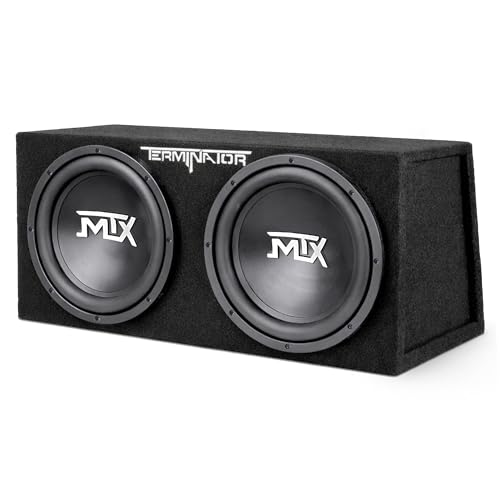
Best Soundbar With Subwoofer: A Complete Buying Guide
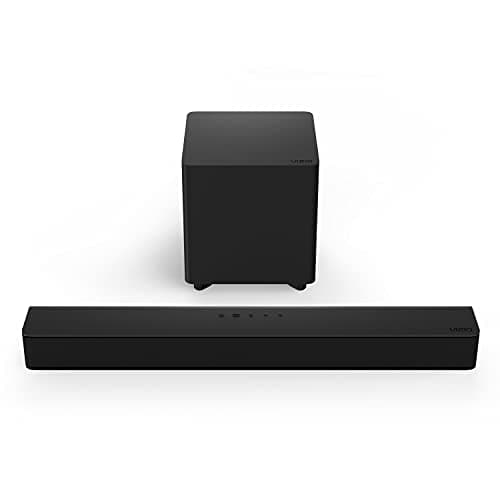

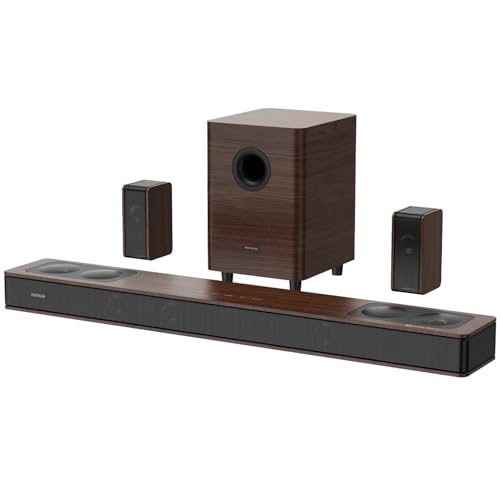
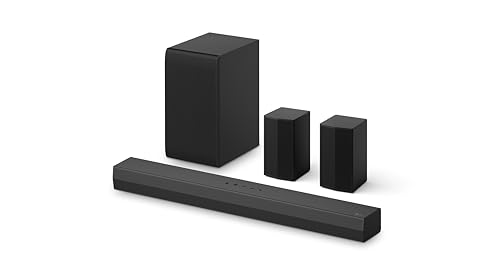
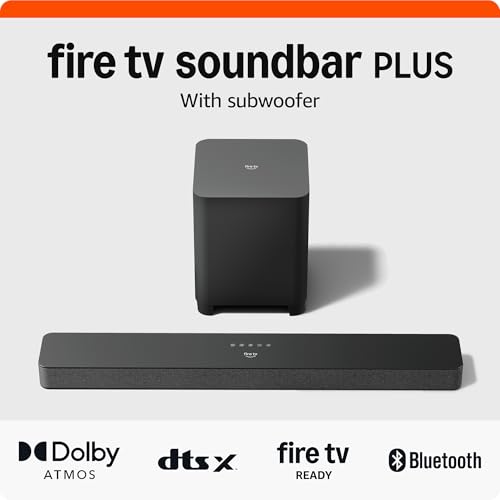
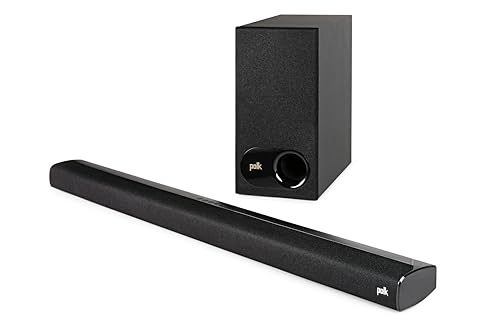

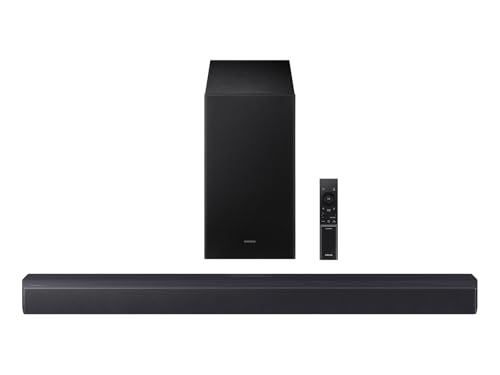
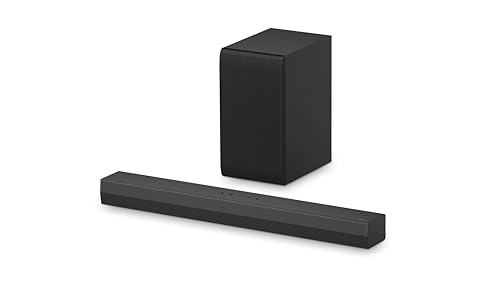

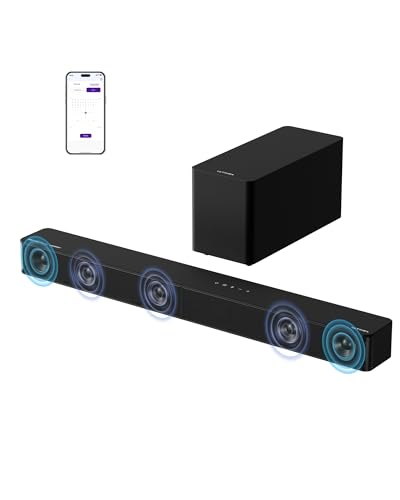
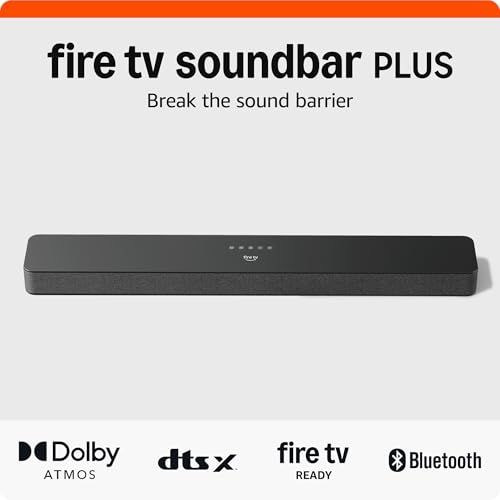
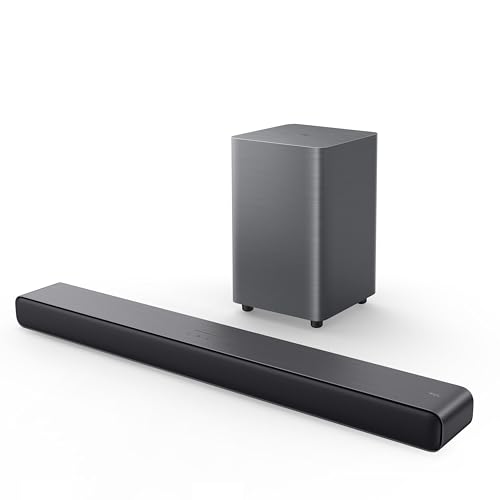

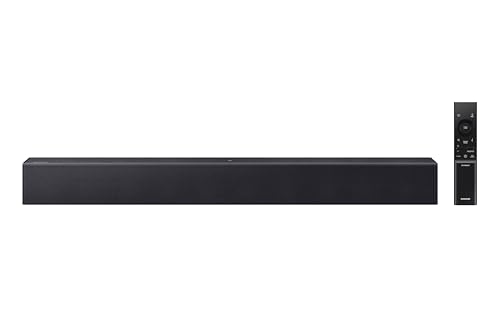
Why the Subwoofer Does More Work Than the Bar Itself
A soundbar with subwoofer splits audio duty between two boxes instead of cramming everything into one slim enclosure. The bar handles dialogue, midrange, and stereo separation, while the subwoofer takes on everything below roughly 80-120 Hz: explosions, engine rumble, bass lines, footsteps in a horror scene. That split matters because small drivers physically cannot move enough air to produce deep, controlled low end, no matter how much digital processing a manufacturer bolts on.
This is the core reason a paired system consistently sounds fuller than an all-in-one bar, even when the all-in-one costs more. A dedicated enclosure with a larger driver and its own amplifier can push real bass pressure into a room, not just a simulated impression of it. If home theater flexibility matters to you long-term, it's worth comparing this setup against a multi-speaker surround system to see which fits your space better.
Where people get tripped up is assuming any subwoofer bundled with any bar performs the same way. Output, tuning, and how well the two units talk to each other vary a lot between systems, and a mismatched pairing can produce boomy, unfocused bass that's worse than no subwoofer at all.
Wired or Wireless Subwoofer: Which Connection Actually Holds Up
Most modern wireless subwoofer setups pair with the bar out of the box, and for the vast majority of living rooms this works fine day to day. The subwoofer plugs into power, syncs automatically, and you never touch a cable. The tradeoff is that wireless links use radio signals that can occasionally suffer interference from routers, microwaves, or a cluttered mix of other wireless devices nearby.
A wired subwoofer connection, usually a direct cable run from bar to subwoofer, avoids that interference entirely and delivers a marginally tighter, more consistent signal. Few consumer subwoofers offer this as the primary option anymore, since wireless convenience wins for most households, but it's worth checking if a model supports a wired fallback in case the wireless link ever gets flaky.
- Wireless: easier placement, no cable to hide, small risk of occasional dropouts or interference
- Wired: more consistent signal, requires running a cable, less flexible on placement
- Hybrid setups: some models let you switch to wired if wireless pairing becomes unreliable
If your subwoofer starts cutting in and out after months of reliable use, the fix is usually as simple as re-pairing it or moving it away from other 2.4GHz devices, not a hardware failure.
2.1 Setups vs. Multi-Channel Bundles: Picking the Right Channel Count
The number before the decimal point tells you how many discrete audio channels a system has, and the number after it always refers to the subwoofer. A 2.1 configuration means two speaker channels plus one subwoofer, a compact and budget-friendly setup that noticeably improves on a TV's built-in speakers without adding rear units to manage.
Step up to a 5.1 or larger bundle and you're adding dedicated surround channels, usually rear satellite speakers, on top of the same subwoofer concept. That configuration creates a genuine sense of sound moving around the room, which matters more for action movies and gaming than for everyday TV watching, especially when paired with a display suited for fast-paced titles like the options in a 4K gaming TV guide. The bass duties from the subwoofer stay essentially the same across both setups; what changes is how many directions sound comes from.
For most single-room setups where the priority is simply richer bass without a wiring project, a 2.1 pairing is the more practical starting point. Those planning a dedicated media room, or comparing options against a standard soundbar without a sub, will usually get more long-term satisfaction from budgeting toward a multi-channel bundle from the start rather than upgrading piecemeal later.
Matching Subwoofer Output to Your Room Size
Bass behaves differently than midrange and treble because low frequencies are omnidirectional and interact heavily with a room's dimensions, walls, and furniture. A subwoofer that sounds tight and controlled in a small apartment living room can sound muddy and overwhelming in the same spot inside an open-plan space, and the reverse is just as true.
As a rough guide, smaller rooms under roughly 150 square feet rarely need a large driver or high wattage rating to feel full, and pushing too much power in that space often just creates boomy, unfocused bass. Larger or open-concept rooms need more raw output and often benefit from a bit more distance between the subwoofer and any hard walls to avoid excessive buildup.
Concrete or hardwood floors also carry bass differently than carpeted rooms, so two identical setups can sound noticeably different depending on flooring alone. If you're unsure, it's more forgiving to slightly undershoot power for your room size than to overshoot it, since most systems let you turn bass up but distortion from an underpowered unit pushed too hard is harder to fix.
Getting Subwoofer Placement Right Without a Test Lab
Subwoofer placement changes how a subwoofer sounds more than almost any other setting, and it costs nothing to get right. Corners tend to reinforce bass output, making a subwoofer sound louder and deeper, but that reinforcement can also introduce boominess if the room is small or the corner is enclosed on multiple sides.
A practical approach used by many home theater enthusiasts is the "crawl test": place the subwoofer at your main listening position, play bass-heavy content, then physically move around the room's perimeter listening for the spot where bass sounds tightest and most even. Wherever that spot is, put the subwoofer there instead.
- Keep at least six inches of clearance from walls to reduce unwanted vibration and rattling
- Avoid enclosed cabinets or shelving that can muffle or box in the sound
- Test a few different spots before settling, since even a couple feet of difference can change the result
- Avoid placing it directly behind furniture that can absorb or muffle low frequencies
Because wireless subwoofers aren't tethered to the bar by a cable, they're genuinely easier to experiment with than a wired setup, so take advantage of that flexibility during initial setup rather than settling for the first spot that seemed convenient.
What Bass Actually Costs You in Power, Space, and Price
A separate subwoofer draws its own power, so budget for an extra outlet near wherever it ends up living, plus roughly the footprint of a small side table. That physical commitment is the main tradeoff against an all-in-one bar, which needs nothing more than a single power connection and a shelf.
On price, bundles that include a subwoofer generally cost more than bar-only systems at a similar tier, since you're paying for a second enclosure, driver, and amplifier. That premium tends to be worthwhile for anyone who regularly watches movies, plays games, or listens to bass-forward music, since the difference in low-end presence is immediately noticeable compared with a bar-only setup, even a well-reviewed one.
Anyone shopping strictly by price point rather than features will find that budget-tier options with a subwoofer included, like those covered in a lower-cost soundbar roundup, still deliver a meaningful upgrade over TV speakers, even if output and channel count are more limited than premium bundles.
Questions People Ask Before Buying
Do I actually need a subwoofer with my soundbar?
Not strictly, but most bars without one struggle to reproduce deep bass convincingly. If movies, gaming, or bass-heavy music matter to you, a paired subwoofer makes a noticeable difference in overall impact and immersion.
Can I use a different brand of subwoofer with my soundbar?
Generally no for wireless pairing, since manufacturers use proprietary syncing protocols. Wired connections via a standard cable have more flexibility, but compatibility should always be confirmed before buying separately.
Why does my wireless subwoofer keep disconnecting?
Interference from other wireless devices, distance from the bar, or a firmware glitch are the usual causes. Re-pairing the units and relocating either device away from routers or other electronics typically resolves it.
Is a bigger subwoofer always better?
No. A subwoofer sized for a room larger than yours often produces boomy, unfocused bass rather than better bass. Matching output to actual room size matters more than raw driver size or wattage.
Does subwoofer placement really make a noticeable difference?
Yes, more than almost any other setting in the system. Moving a subwoofer even a few feet can shift bass from muddy and overwhelming to tight and controlled.
Is a 2.1 setup enough, or should I get a multi-channel bundle?
A 2.1 setup covers most everyday TV and movie watching well. Multi-channel bundles add directional surround sound on top, which benefits action-heavy content and gaming more than casual viewing.
Will a subwoofer make dialogue harder to understand?
Not if it's set up correctly, since the subwoofer only handles frequencies below what dialogue occupies. Overlap issues usually come from crossover settings being too high rather than the subwoofer itself.
Bringing the Bass Decision Together
Choosing a soundbar with subwoofer comes down to fewer variables than the spec sheets suggest: how your room is sized, whether you want wired reliability or wireless convenience, and whether a 2.1 setup or a fuller multi-channel bundle matches how you actually use the room. Get those three right and placement becomes the main lever left to pull for better sound.
None of this requires expert-level audio knowledge, just a willingness to test placement once the system is home and adjust from there. A subwoofer that's matched to your space and set up in the right spot will consistently outperform a more expensive unit dropped into the wrong corner.