Best 4K TV for Gaming: Refresh Rate, HDMI 2.1 & VRR Guide
Disclosure: We may earn a commission when you buy through links on this page, at no extra cost to you. As an Amazon Associate we earn from qualifying purchases. Learn more
Picking the best 4k tv for gaming comes down to a short list of specs that have little to do with how impressive a TV looks on a showroom wall. Refresh rate, input lag, VRR, and how many HDMI ports actually support full bandwidth 4K at 120Hz will decide whether your console or gaming PC feels sharp and responsive or sluggish and laggy. Screen size and panel type matter too, mostly because they change how those gaming specs hold up in daily use. This guide walks through what to check before you buy, how to spot an HDMI 2.1 port that only looks fast on paper, and how to match a TV to the way you actually play, whether that means couch co-op with friends or fast, competitive matches.
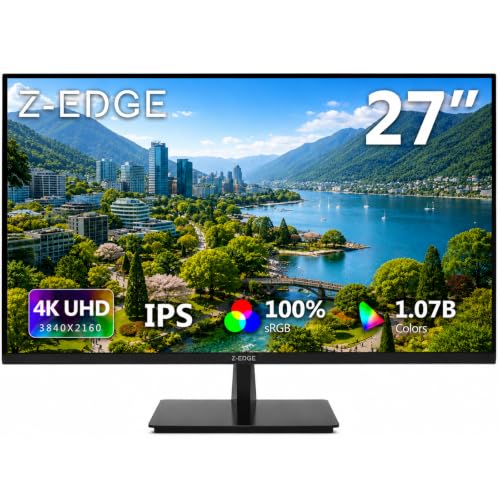
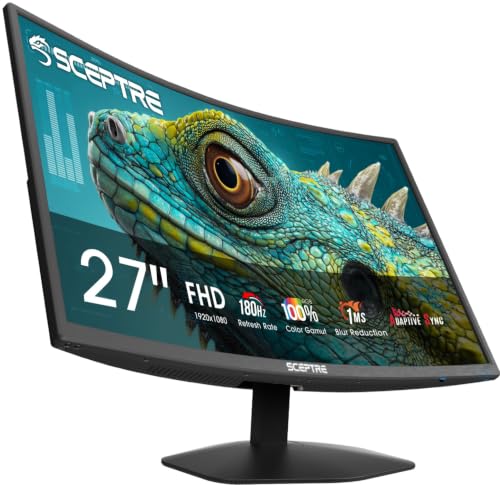
Refresh Rate, Input Lag, and VRR: The Specs That Actually Matter
These three specs work together, and understanding each one separately makes the spec sheet on any TV much easier to read.
Refresh Rate
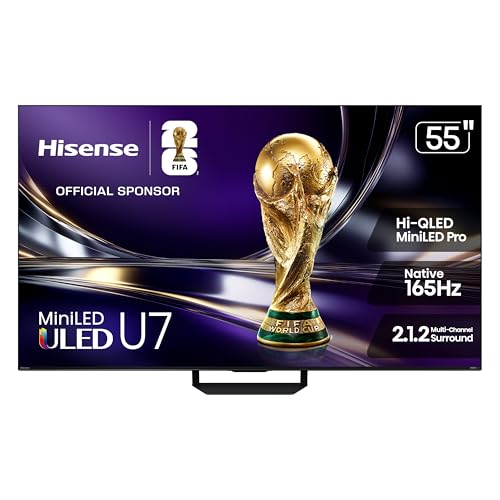
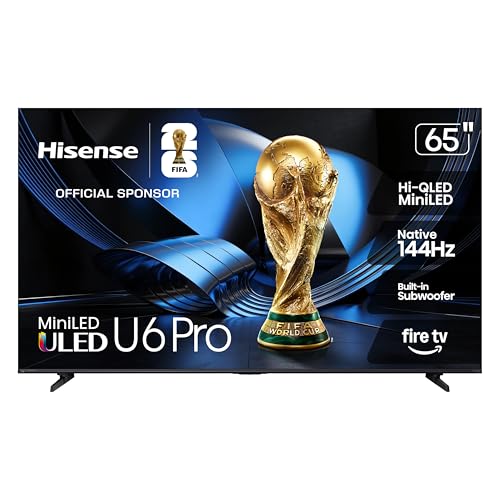
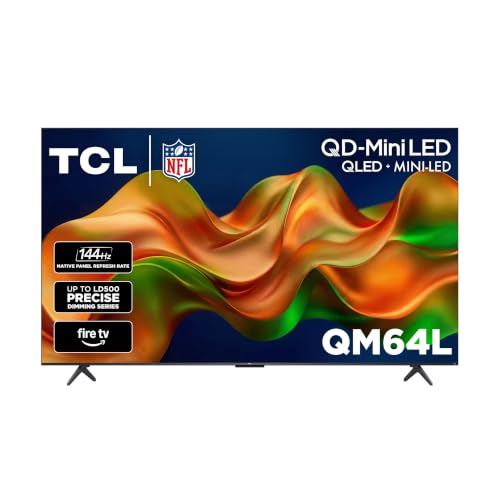
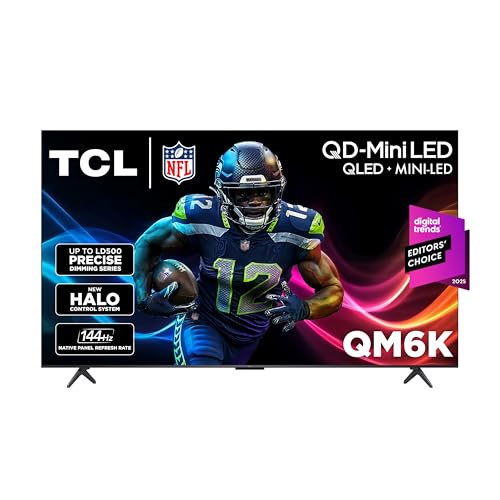
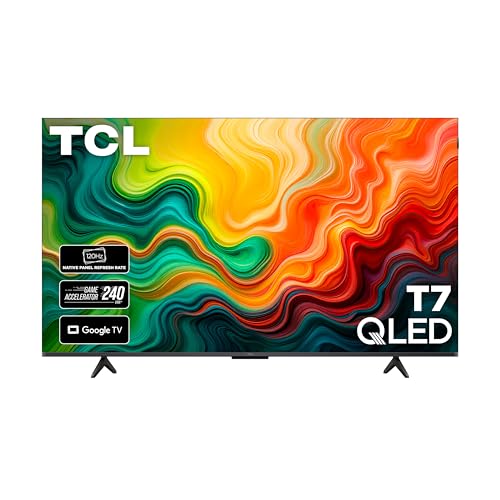
Current-generation consoles are built around 4K at 120Hz, and that is the number worth prioritizing. Some TVs advertise 144Hz or even 165Hz, but those figures are borrowed from gaming monitor marketing and rarely translate into a visible gaming benefit on a TV panel at 4K resolution. Confirm the TV supports a genuine refresh rate of 120Hz at native 4K rather than only at a lower resolution, since some budget models quietly drop to 1440p or 1080p to hit their advertised number.
Input Lag
Input lag measures the delay between pressing a button and seeing it happen on screen, and it is usually listed in milliseconds for a TV's dedicated game mode. Casual players will not notice much difference above roughly 20ms, but competitive shooters and fighting games reward getting that number into the single digits or low teens. Always check the lag figure for game mode specifically, since the same TV can measure far higher in its standard picture settings.
VRR and ALLM
Variable refresh rate, or VRR, syncs the TV's refresh rate to the frame rate your console or PC is actually producing, which eliminates the screen tearing that shows up during fast camera movement. Auto low latency mode, or ALLM, automatically switches the TV into game mode the moment it detects a console or gaming PC, so you are not digging through menus every time you sit down to play. Earlier OLED generations had some reported flickering in dark scenes with VRR enabled, so if you are buying a display specifically for HDR gaming, it is worth reading recent owner feedback on that particular model line before deciding.
Why "HDMI 2.1" on the Box Doesn't Guarantee Full-Bandwidth Gaming
Not every HDMI 2.1 port is built the same. Full-bandwidth HDMI 2.1 supports 48Gbps, which is what allows uncompressed 4K at 120Hz with full color. Some TVs list HDMI 2.1 on the spec sheet but cap the actual bandwidth lower, which forces the TV to either drop the refresh rate or apply chroma subsampling that visibly softens on-screen text, something PC gamers connecting a TV as a monitor will notice far more than console players.
When shopping for the best 4k tv for gaming, check how many HDMI ports on the TV support full-bandwidth 2.1, not just how many are labeled that way. A single game console rarely needs more than one, but anyone running a console and a gaming PC on the same TV, or planning to add a next-gen system later, should look for at least two full-spec ports.
Picking a Panel Type Based on How You Actually Game
OLED
OLED panels respond to changes almost instantly, which produces the cleanest motion clarity of any consumer display and makes fast panning or scrolling look noticeably smoother. The tradeoff is a real, if often overstated, risk of burn-in from static elements like health bars, minimaps, or scoreboards left on screen for extended stretches. Modern OLED sets include pixel-shifting and brightness-limiting safeguards that make this a minor concern for most people, but marathon sessions in the same game every day are the scenario where it matters most. For a deeper look at how these panels perform outside of gaming specifically, our OLED TV buying guide covers the tradeoffs in more detail.
QLED and Mini-LED
These panels get noticeably brighter than most OLED sets, which helps in rooms with big windows or overhead lighting that would otherwise wash out a darker screen. They carry no burn-in risk, so leaving a game paused on a static loading screen is a non-issue. Response times used to lag behind OLED, but higher-end Mini-LED models with fast panels have closed much of that gap for anyone who is not chasing frame-perfect competitive timing.
Sizing Your Gaming TV to Your Setup, Not Just Your Room
Gaming sizing works a little differently than sizing a TV for movie night. Desk setups, where the screen sits two to three feet away, generally call for something smaller and sharper, often in the 32 to 43 inch range, so text and UI elements stay comfortable to read up close. Living room setups, where seating is six feet or more from the screen, can comfortably support a much larger panel, since that extra size adds immersion without the pixel structure becoming distracting.
- Desk or near-field gaming: smaller screens keep UI elements and small text readable without turning your head.
- Couch or shared-room gaming: larger screens add impact for split-screen and party games without hurting clarity at typical seating distance.
- Mixed use with movies and shows: lean toward the larger end of your comfortable range, since film and TV content is typically viewed from farther back.
If you already know your seating distance, browsing size-specific guides like our 75-inch TV picks for larger living rooms or a more compact option like 32-inch TVs for a desk setup can narrow things down faster than scrolling through every size at once.
TV or Gaming Monitor: When a Big Screen Works Against You
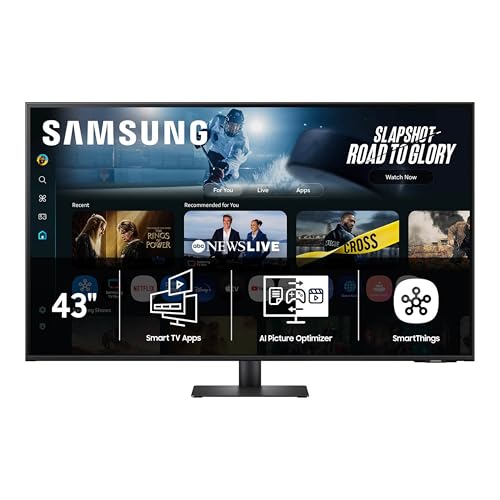
A dedicated gaming monitor still edges out most TVs on raw responsiveness, particularly at native refresh rates above 120Hz, and it does so at a smaller size that suits close-range desk gaming. A TV wins when the priority is a shared screen for co-op or party games, a hybrid setup that also handles movies and streaming, or simply more screen real estate for open-world and story-driven titles where split-second reaction time matters less. Neither option is universally better here; the right pick depends on whether you are gaming alone at a desk or with other people from a couch.
Frequently Asked Questions
Do I really need HDMI 2.1 for console gaming?
Yes, if you want 4K at 120Hz with VRR on a current-generation console. Older HDMI 2.0 ports cap out at 4K/60Hz, which limits how much benefit you get from a console capable of higher frame rates.
Is 120Hz enough, or should I look for a higher number?
120Hz is the practical ceiling for current consoles, so a higher advertised figure on a TV rarely translates into a visible gaming benefit. It is more useful for PC gamers running a TV as a monitor at lower resolutions.
What does VRR actually fix?
VRR removes the screen tearing that happens when the frame rate output by your console or PC does not match the TV's fixed refresh rate. It is most noticeable in fast-paced or open-world games with variable frame rates.
Does OLED burn-in matter if I play the same game for hours?
It is a legitimate consideration for people who play one title with a static HUD for many hours daily, but for most mixed gaming habits, modern OLED safeguards make it a low practical risk.
What input lag number should I look for?
Under roughly 15ms in game mode is a safe target for most players, while competitive gamers often look for single-digit figures. Always check the number for game mode specifically, not the TV's default picture setting.
Is a 4K TV better than a gaming monitor for console gaming?
It depends on your setup. A monitor generally offers lower lag and a sharper image at close range, while a TV makes more sense for shared or living room gaming where screen size and viewing distance matter more.
Does screen size affect input lag or performance?
No, screen size itself does not change input lag or refresh rate performance. Those specs come from the panel and processing hardware, so a smaller and larger model from the same product line typically perform identically.
Building a Setup That Keeps Up With Your Games
Finding the best 4k tv for gaming comes down to matching a handful of specs, refresh rate, input lag, VRR, and real HDMI 2.1 bandwidth, to how you actually play, rather than chasing the biggest screen or the flashiest number on the box. Get those fundamentals right first, then let panel type and size follow from your room and your habits.