
Best Color Printers for Home Use 2026: A Practical Guide
Disclosure: We may earn a commission when you buy through links on this page, at no extra cost to you. As an Amazon Associate I earn from qualifying purchases. Learn more

The best color printers for home use match how your family prints, keep ink costs low at modest volume and work with every device.
Family printing arrives in uneven bursts: a science poster, a boarding pass, a birthday banner, then nothing for two weeks. That pattern decides which of the best color printers for home use will actually suit your house, because the technology that handles long runs well can be wasteful for a few pages a month. This guide sorts the choice by how your family prints, then explains the features and costs that matter.
You will learn how inkjet, laser, and tank printers behave in a house, what each budget buys, how to keep ink from drying out, and which mistakes lead to a printer nobody wants to use. The product table lets you compare current models once you know your type.
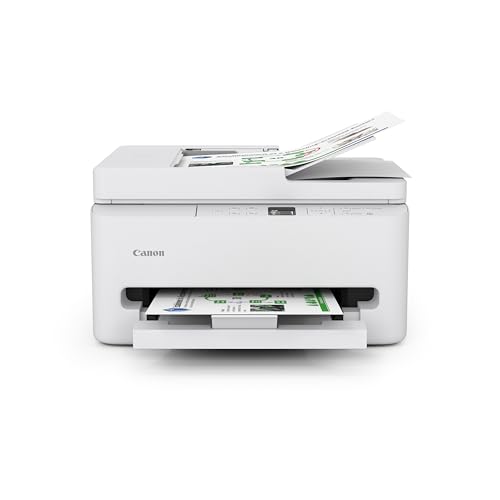
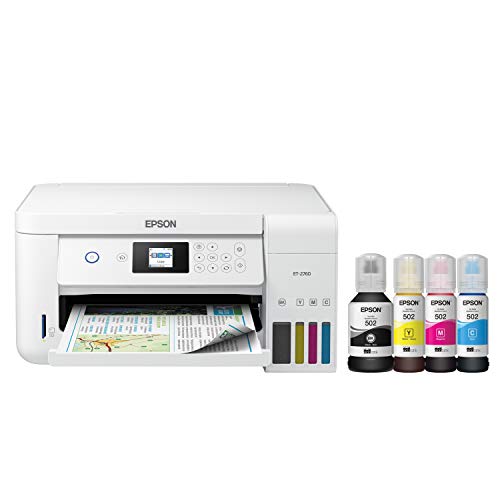
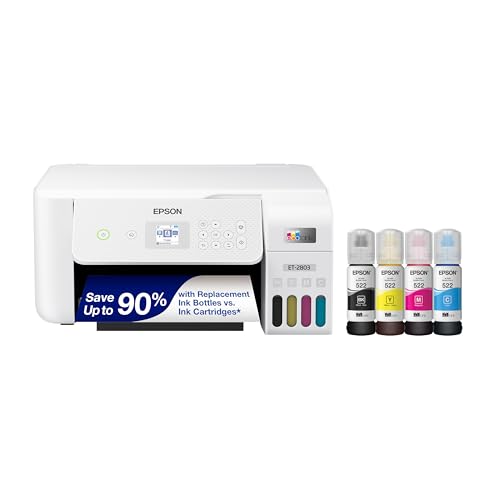
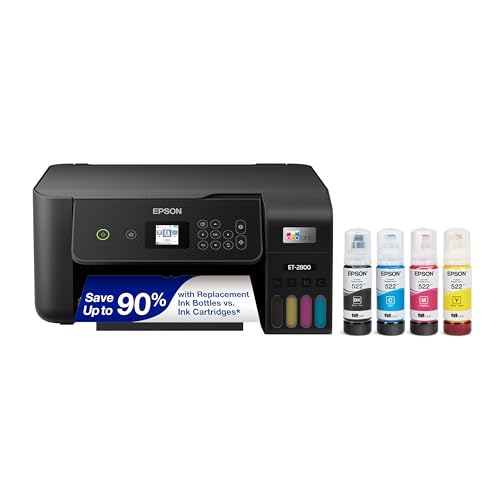
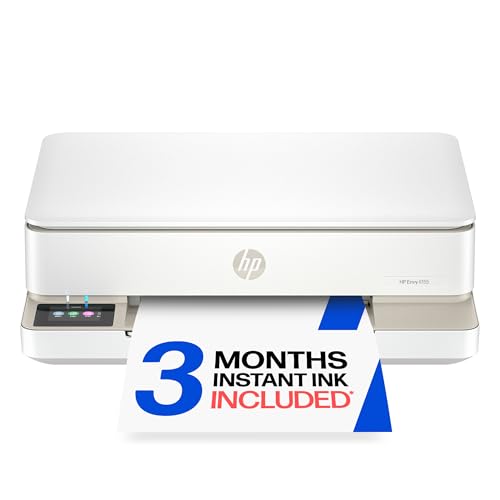
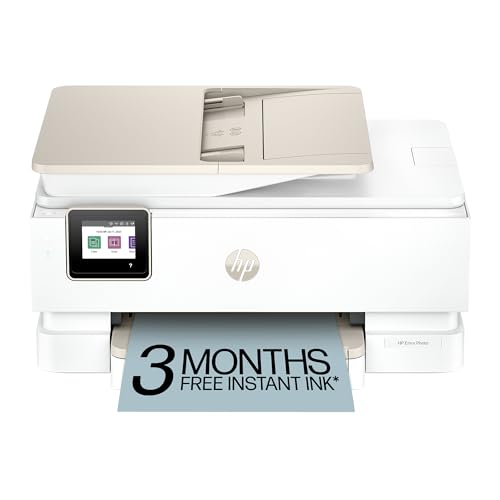
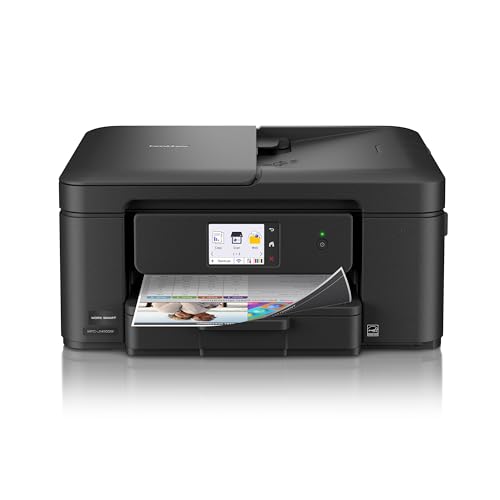

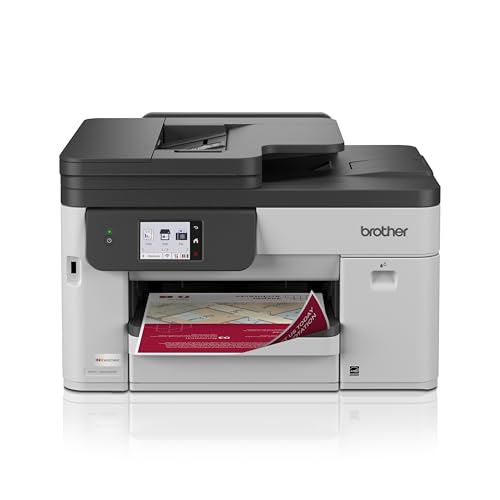
Inkjet, Laser, or Tank at Home
Inkjet Printers
Inkjets handle the widest mix: homework, photos on glossy paper, labels, and craft prints. They cost less to buy and fit shelves and spare rooms. Their weakness is irregular use, since heads can clog after weeks idle and cleaning cycles consume ink. They suit families that print something small every week.
Color Laser Printers
A laser prints sharp text fast and sits ready for weeks without drying out, which suits document-heavy homes and students. It is bigger and heavier, and its photo output is flatter than an inkjet. If your family prints mostly forms, worksheets, and recipes, a laser is a calm choice.
Ink Tank Printers
Tank printers refill from bottles and cut cost per color page, which pays off for families that print projects, posters, and photos often. The upfront price is higher, and light users may never recover it. Choose a tank printer if your family prints color pages every week.
Features That Matter for Family Use
What You Print Most
List your top three print jobs before comparing models. A printer that handles homework, tickets, and photos reasonably well beats one that is perfect for a single job. If photos matter, look for printers with extra ink colors; if documents dominate, favor speed and duplex.
Ink Cost at Low Volume
Low volume homes often pay more per page, because cartridges age and heads clean between jobs. Tank printers and high yield cartridges help only if you print enough color to justify them. For occasional use, standard cartridges bought as needed are often cheaper overall.
Phone and Tablet Printing
Most pages now start on a phone or tablet. Check that the printer supports your devices through built-in system printing or a maker app, and that setup is guided. A printer every family member can use gets used; one that confuses everyone sits idle.
Size and Noise
Home printers live near living space. Compact inkjets fit a shelf; lasers need a sturdy surface and more clearance for paper and cartridges. A quiet mode matters if the printer sits near a bedroom or a work area.
What Different Budgets Buy
Printers around $50 to $120 handle light family printing, though small starter cartridges raise the cost per page. Around $120 to $300 you usually gain duplex, better connectivity, larger trays, and sometimes tank ink systems. Above that, you are paying for laser machines, wide format photo printers, or office features a household rarely uses. Count your monthly pages and match the tier to them.
Choosing by Household Type
A family with young children usually wants a durable, simple machine with automatic duplex, a clear screen, and cartridges that are easy to find, because projects and worksheets drive most pages. A household with teenagers tends to print in bigger bursts around deadlines, so a larger paper tray and a faster first page help. Couples who print only travel documents, recipes, and the occasional card can get by with a compact inkjet and should spend the saved money on a spare set of cartridges. Homes with a hobby that needs color, such as scrapbooking or party decorations, should look hard at tank printers or high yield cartridges, since color pages are where costs climb.
Keeping Ink Healthy Between Jobs
Print a small color page every week or two, keep the printer covered and away from heat, and switch it off with its own power button rather than at the wall, so the heads park properly. Use the maker guidance for storage during long trips. Store paper flat in a dry place, because curled sheets cause jams and smears, and keep spare cartridges sealed and upright.
Mistakes to Avoid
- Buying a photo printer for mostly text, or a laser for frequent photo prints.
- Ignoring ink prices until the first refill, when cartridges can cost nearly as much as the printer.
- Letting the printer sit unused for months, which leads to clogs and wasted ink.
- Choosing a large machine for a small shelf without measuring first.
For nearby comparisons, see the best color laser printers for home use, the best wireless color printers for home use, the best printers for home use, the best HP color laser printer for home use, and the best computer printers for home use.
At the end of the day, the best color printers for home use are the ones whose ink still works after a two week holiday and whose setup your whole family can manage.
Frequently Asked Questions
Which printer is best for occasional home use?
A basic inkjet suits occasional mixed use because it handles photos and documents at a low purchase price. Print a small page every few weeks to keep ink flowing. A laser suits occasional text if photos are rare.
Do tank printers save money for families?
They can, when color printing is frequent, because ink per page is low. Light users may not print enough to recover the higher purchase price, so count a year of color pages first.
Can home printers print good photos?
Inkjets with photo paper print pleasing home photos, though they rarely match a photo lab. Use the right paper and settings for best results. For large batches, a print service may cost less per print.
How do I stop ink drying out?
Print a small color page every week or two, keep the printer away from heat, and follow the maker guide for storage. Steady light use keeps ink healthier than long idle gaps.
What paper should a family keep at home?
Standard copy paper suits documents and school work, while photo paper suits pictures. Keep small amounts of both, stored flat and dry, since the right paper improves color and sharpness more than settings alone.
Final Thoughts
Match the type to your family routine, check ink cost at your real volume, and make sure setup works with every device in the house. Use the product table to compare current models, and the best color printers for home use will be the ones your whole family can use without a manual.
