Best Color Laser Printers for Home Use: A Buyer's Guide for 2026
Disclosure: We may earn a commission when you buy through links on this page, at no extra cost to you. As an Amazon Associate I earn from qualifying purchases. Learn more
The best color laser printers for home use stay ready after idle weeks, print sharp pages and keep toner costs predictable for families.
A household printer lives a strange life: nothing for two weeks, then a rush of school forms, shipping labels, and a color poster due tomorrow. That pattern is exactly why shoppers look at the best color laser printers for home use. Toner is a dry powder, so it does not clog or dry out the way liquid ink can, and the first page after a long idle spell comes out clean.
The trade-off is size and upfront price, and that is where most home buyers go wrong. This guide explains what a color laser really does well in a house, which features pay off for family use, what to expect at each price level, and how to avoid mistakes that make toner more expensive than the machine. Use the product table to compare models once you know your routine.


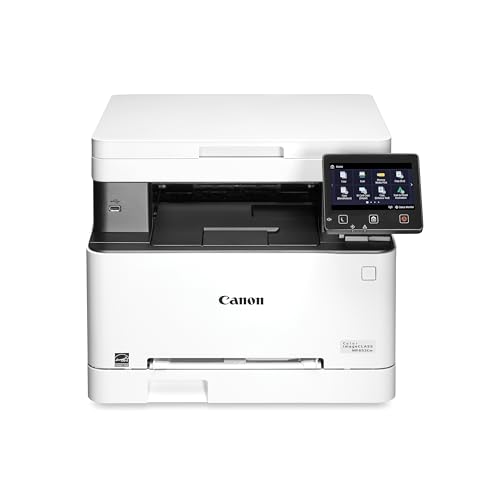
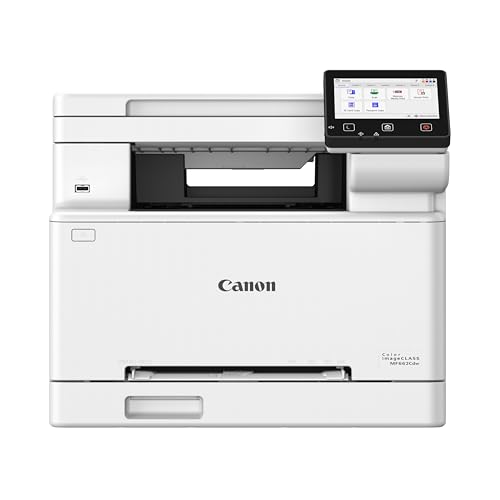

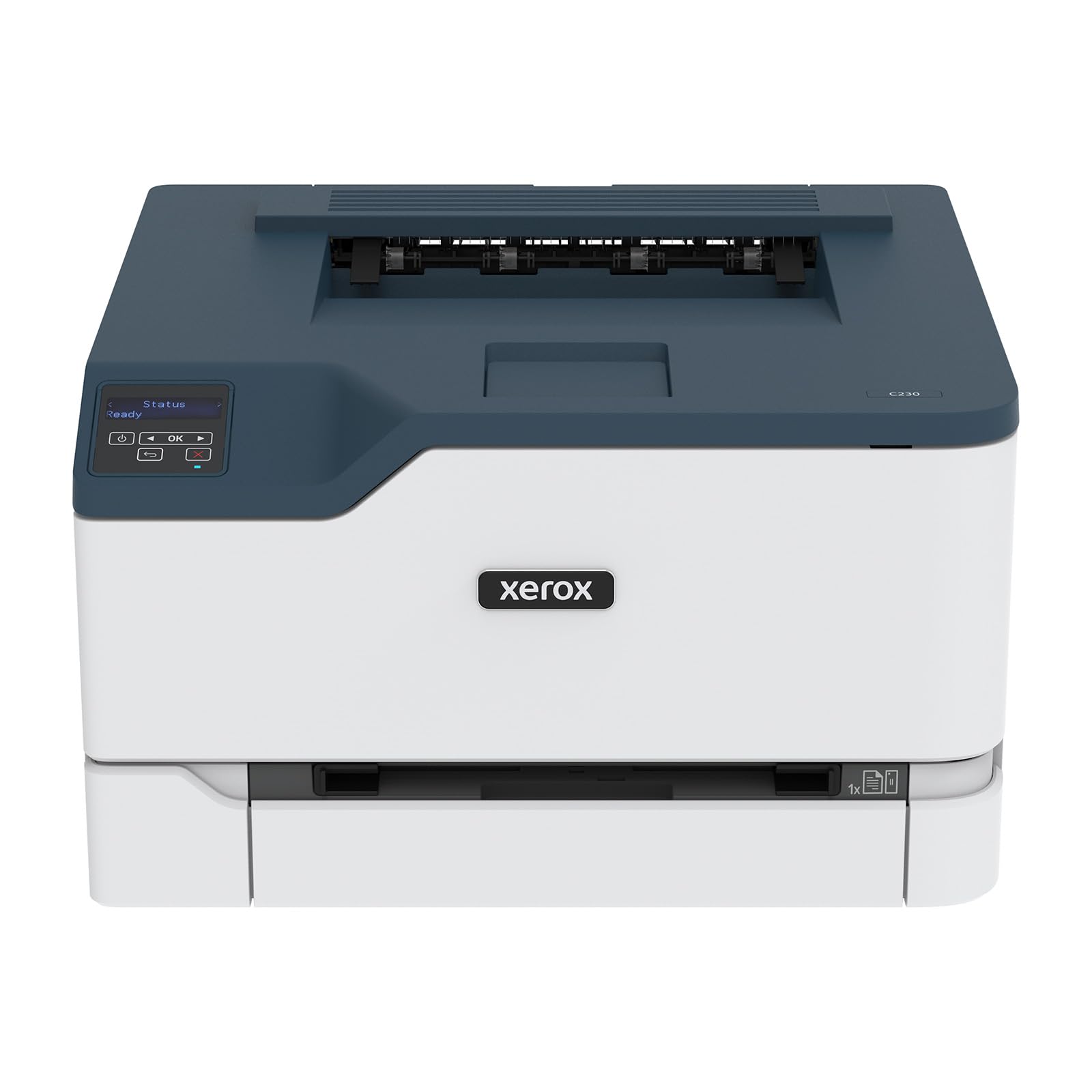

Why a Color Laser Suits Bursty Home Printing
Inkjet printers punish irregular use. Print heads dry, cleaning cycles burn ink, and a printer that sat through a summer trip may need several attempts before pages look right. A color laser has none of that. It fuses toner to the page with heat, so text stays sharp, pages come out dry, and a highlighter will not smear a printed worksheet.
Where a laser falls short is photographs. Skin tones and sky gradients look flatter than on a good photo inkjet, so a household that prints framed pictures every week should look at a photo printer instead. For homework, forms, recipes, travel documents, and color charts, a laser is hard to beat.
Who Should Buy One at Home
Families With School-Age Children
Homework tends to arrive at 9 pm. A laser that wakes quickly, prints on both sides, and connects to a tablet or Chromebook without drivers saves real evenings. Look for a machine that accepts a phone print from any room, and keep a spare black toner on the shelf, because black runs out first when children print essays.
Home Workers and Side Businesses
Invoices, contracts, shipping labels, and the occasional color proposal call for sharp text and dependable duplex. A multifunction model that scans signed pages and copies receipts earns its extra desk space within a month. If you print more than a few hundred pages a month, favor high yield toner, since it lowers cost per page noticeably.
Crafters and Small Creative Projects
Flyers, gift tags, party invitations, and classroom materials all print well on a color laser, with solid color fills and crisp type. Heavy card stock and labels need a manual feed slot, so check that before buying. Glossy photo paper made for inkjets should never go through a laser, because the fuser heat can damage the coating.
Features That Matter Most in a House
Print Speed and First Page Time
Pages per minute sounds important, but at home the wait for the first page matters more. A printer that needs half a minute to warm up feels slow for a single recipe card, even if its long-job speed is fast. Compact home models usually print fewer pages per minute than office machines, and that is perfectly fine for a family.
Toner Cost and Yield
Check the page yield and price of black and each color cartridge before you buy. Starter cartridges that ship in the box are often partial, so the first replacement can arrive sooner than expected. Divide cartridge price by stated yield to estimate cost per page, and remember that a page full of color uses far more toner than a text page.
Wireless, Mobile, and Duplex
Reliable Wi-Fi and phone printing are worth more than extra speed in a home setting. Automatic two-sided printing halves paper use and makes school reports look finished. A wired Ethernet port is a useful backup if your router sits near the printer.
Size, Weight, and Noise
Color lasers are bigger and heavier than inkjets, and they release warm air while printing. Measure the shelf or desk with the paper tray extended, leave space around the vents, and avoid closed cabinets. Warm-up and fuser noise is brief but noticeable in a small apartment, so place the machine away from a bedroom.
What Different Budgets Usually Buy
Entry level color lasers usually start around $200 and suit light family printing. They are often print-only, with a single paper tray and smaller starter toner. Mid-priced models, roughly $300 to $500, tend to add scanning and copying, automatic duplex, and sturdier trays, which makes them the sweet spot for most homes. Above that, machines are built for offices: bigger trays, faster output, and security features a family will rarely use.
Spend more only for a feature that solves a real problem, such as a document feeder for a home business or high yield toner for heavy use. Paying for office speed that a household never needs adds cost without adding comfort.
Mistakes First-Time Buyers Make
- Buying on machine price alone and ignoring toner cost per page, which can pass the printer price within a year.
- Expecting lab-quality photos from toner, then blaming the printer for a limitation of the technology.
- Skipping a measurement of the desk, then discovering the printer will not fit with the tray open.
- Using the wrong paper, such as inkjet photo paper or heavily curled sheets, which causes jams and fuser damage.
- Ignoring the driver situation for your computer or phone, so setup becomes an afternoon project.
Keeping a Home Laser Printer Running Well
Store paper flat and dry, because damp or curled sheets cause most jams. Keep the printer on a stable surface with clear vents, and replace toner when pages visibly fade rather than at the first low warning. Update firmware occasionally, since updates fix network and security problems on shared home networks. Keep small parts, toner dust, and packaging away from children and pets, and follow the maker guidance for recycling used cartridges.
For related comparisons, see our guides to the best HP color laser printer for home use, the best color printers for home use, and the best wireless laser printers for home use. If you also want a monochrome option, the best laser jet printers for home use covers print-only machines, and the best color laser printers for home use guide uses the alternate spelling many shoppers search for.
Frequently Asked Questions
Is a laser printer better than an inkjet for home use?
It depends on what you print. A laser wins for documents, forms, and bursty use because toner never dries out. An inkjet wins for photographs and costs less to buy. Count your last month of pages and sort them into documents and photos to decide.
How long does toner last?
Yield is stated in pages at a standard coverage, often a few hundred for starter cartridges and a couple thousand for high yield ones. Real life varies with coverage: a page of text uses little toner, while a color flyer uses much more. Unopened toner stored in a cool, dry place keeps for a long time.
Can a color laser printer print photos well?
It can print acceptable everyday photos on plain or coated laser paper, but gradients and skin tones are less smooth than on a photo inkjet. Use laser-rated paper only, and keep inkjet photo paper out of the tray.
Do I need duplex printing at home?
If your family prints reports, recipes, or travel documents, automatic duplex saves paper and makes pages easier to file. For mostly single-sided labels and forms, manual duplex is enough.
How do I set up wireless printing?
Join the printer to your home network from its screen or the maker app, then add it on each computer and phone. Place the printer within good range of the router, and give it a fixed address or a permanent name so devices keep finding it after a power cut.
Final Thoughts
Pick a machine by routine, not by headline speed: confirm toner cost per page, automatic duplex, reliable wireless, and a footprint that fits your room. Compare your shortlist in the product table, and the best color laser printers for home use will be the ones that stay ready, print sharp pages, and keep running costs predictable for years.