
Best Color Printers for Small Office 2026: A Practical Guide
Disclosure: We may earn a commission when you buy through links on this page, at no extra cost to you. As an Amazon Associate I earn from qualifying purchases. Learn more

The best color printers for small office survive deadline bursts, keep color costs under control and are easy for anyone to maintain.
A small office has no IT department and often no spare printer, so a failure costs a morning. The best color printers for small office use are therefore the ones that survive deadline bursts, keep color pages affordable, and let anyone on the team fix a jam or change a cartridge. This guide covers the three printer types small teams choose between, the features that matter for shared use, what each budget buys, and the mistakes that lead to downtime.
Use it to decide which type fits your team, then compare current models in the product table.

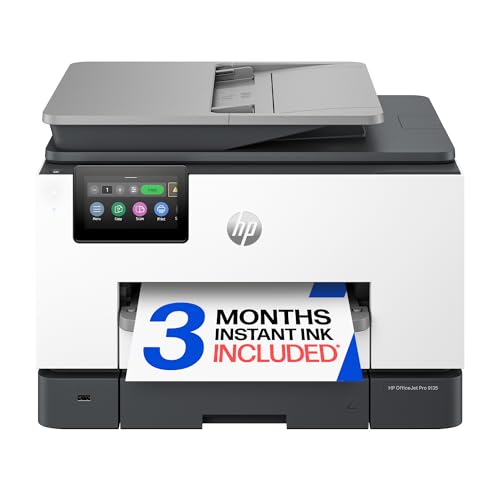
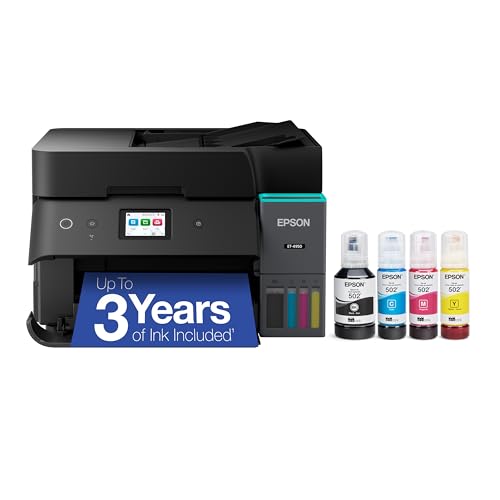

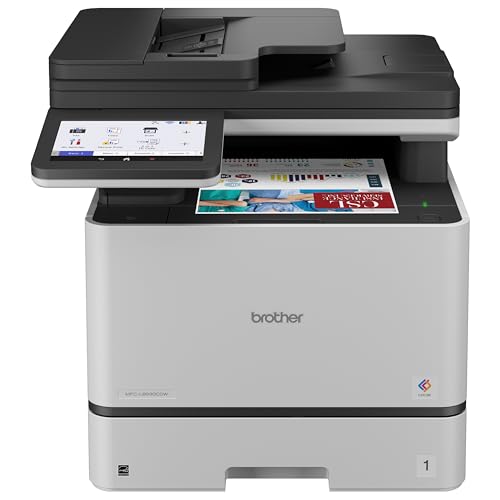

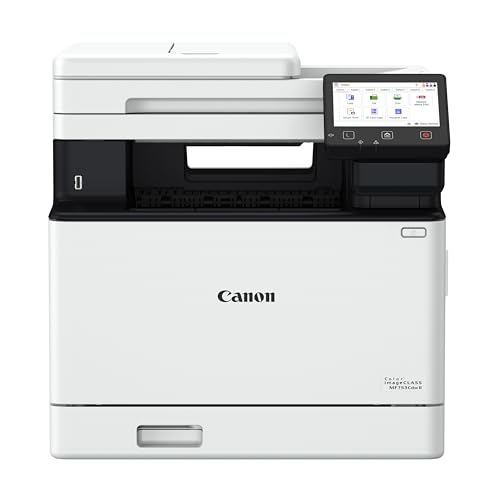

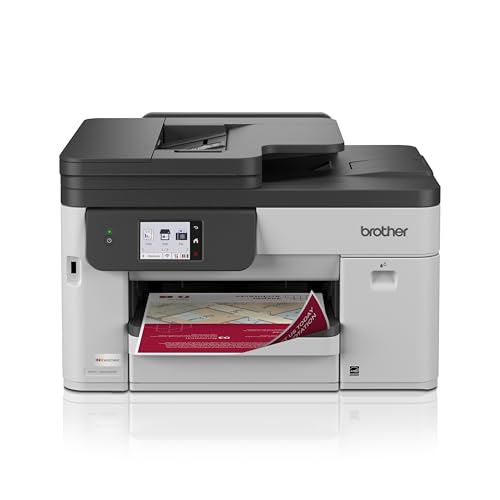
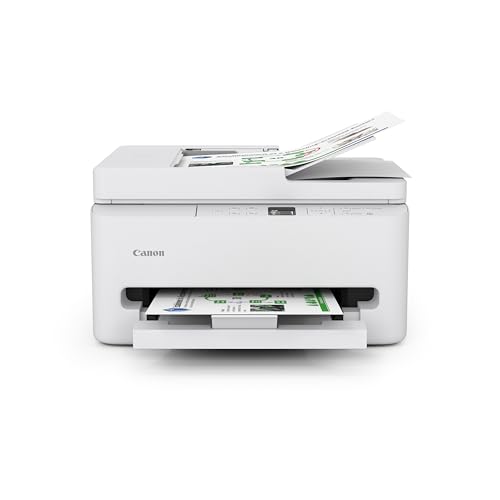
Laser, Inkjet, or Tank for a Shared Office
Color Laser Printers
Color lasers print sharp text and charts quickly, handle shared queues well, and never dry out over a quiet week. They suit offices that print invoices, reports, and proposals daily. They cost more upfront and print photos less smoothly, and the machines are bigger and heavier than inkjets.
Business Inkjet Printers
Business inkjets cost less to buy, use less power, and handle mixed work such as marketing pieces, photos, and documents. They are slower on large jobs, and cartridge ink can cost more per page at higher volumes. They suit teams with moderate printing and visual output.
Ink Tank Printers
Tank printers cut color page costs sharply, which suits offices with heavy color printing and tight ink budgets. They need a higher upfront spend and regular use to keep nozzles clear, and they are usually slower than workgroup lasers.
Features That Matter for Shared Use
Monthly Volume and Duty Cycle
Small offices print in bursts around deadlines and quiet weeks in between. Size the printer for your busiest realistic month, not your average, and compare the recommended monthly volume, not just the maximum duty cycle. A machine running at its ceiling wears faster and jams more.
Easy Network Setup
A printer that every laptop and phone can find saves support calls. Look for Ethernet and Wi-Fi, guided setup on the screen, and phone printing. Name the printer clearly on the network and keep a short setup note taped inside the paper tray.
Paper Handling and Duplex
A larger main tray cuts refills during busy days, and a second tray separates letterhead from plain paper. Automatic duplex saves paper and makes reports look professional. Check envelope and label handling if you mail clients.
Reliability and Service
Downtime hurts a small office more than a large one. Prefer simple paper paths, cartridges that any employee can change, and widely available supplies. Check warranty length and whether on-site or advance replacement service is offered, especially for a less common model.
Cost per Color Page
Calculate toner or ink cost per page using your actual color share, not full color on every page. Compare high yield cartridges, and add paper and the occasional service part to estimate yearly cost.
What Different Budgets Buy
Printers around $150 to $300 fit light small-office use, usually with smaller trays and shorter service plans. Between $300 and $600 you typically gain duplex, an automatic document feeder, bigger trays, and security features such as PIN release. Above that, machines are built for workgroups: faster output, large capacity, and remote management. Match the tier to your monthly pages and user count, and spend extra for reliability before speed.
Matching the Printer to Your Team Size
A solo office with an occasional client visit can run a compact inkjet or a small color laser comfortably, because few jobs queue at once. A team of three to six people usually needs a multifunction machine with a document feeder, automatic duplex, and a tray large enough to survive a busy afternoon without refilling. Teams above that, or offices that print marketing pieces in quantity, should look at workgroup class machines or a tank printer with large ink reserves. Wherever you land, plan for the person who prints the least: if setup, paper loading, and cartridge changes are not obvious to them, the printer will depend on one expert and fail the day that person is away.
Habits That Keep a Shared Printer Reliable
Agree on defaults: duplex on, draft quality for internal pages, color only when needed. Use the recommended paper, clear jams by following the on-screen steps, and keep one spare set of toner or ink before month end. Write a one page guide for loading paper and fixing common errors, so one person is not the only expert. Update firmware on a schedule, and change default admin passwords so a shared printer does not become an easy way into your network.
Mistakes to Avoid
- Sizing a printer for the quietest month, so deadline bursts jam or slow it.
- Skipping cost per page and buying on purchase price alone.
- Ignoring service options for a machine the whole team depends on.
- Leaving default passwords and open network access on a shared device.
For related comparisons, see the best small office printers, the best small office color laser printers, the best small color printers, the best office color printers, and the best laser printers for small office.
In a shared space, the best color printers for small office use survive deadline bursts and let any employee fix a jam without calling for help.
Frequently Asked Questions
How many users can share a small office printer?
Most small office printers handle a handful of users well over a network. Problems grow when everyone prints large color jobs at once. A larger paper tray and faster processing help with shared peaks.
Laser or tank for a small office?
Laser suits steady document volume and crisp text, while tank suits heavy color use with low ink costs. Compare a year of your color share for both; the cheaper total depends on volume more than on purchase price.
Do small offices need duplex printing?
Automatic double-sided printing saves paper and looks professional for reports. It is worth having for any office that prints multipage documents; light users can skip it.
What paper handling matters most?
A larger input tray cuts refills during busy days, and a straight paper path cuts jams. Check envelope and label handling if you print mailings, and choose simple loading so every team member can do it.
How do I keep a shared printer reliable?
Use the recommended paper, clear jams gently, and keep toner or ink stocked before deadlines. A short shared guide for loading and basic fixes saves many support calls.
Final Thoughts
Size the printer for your busiest month, check color cost per page, and choose simple service and supplies. Use the product table to compare current models, and the best color printers for small office will be the ones that keep working through deadline week.


