
Best Color Printers for Teachers 2026: Classroom Guide
Disclosure: We may earn a commission when you buy through links on this page, at no extra cost to you. As an Amazon Associate I earn from qualifying purchases. Learn more
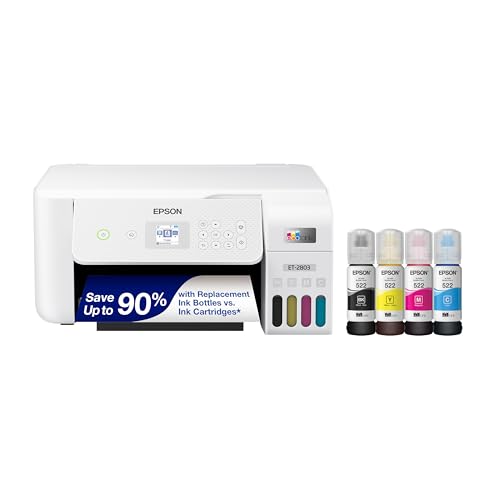
The best color printers for teachers keep ink cost per page low, print colors clearly and connect easily to classroom devices.
Classroom printing has its own demands, so best color printers for teachers must balance color quality, running cost, and reliability. Teachers print worksheets, posters, and photos in bursts, often the night before a lesson, so a slow or costly printer frustrates quickly. The comparison table below can help you compare printer types, ink costs, and classroom features before you buy.
Ink cost matters more than machine price over a school year, since classroom volumes add up fast. Tank printers cost more upfront but far less per page, while cartridge printers cost less to buy but more to run. Think about your weekly page count honestly, since that number decides the cheapest option over time.
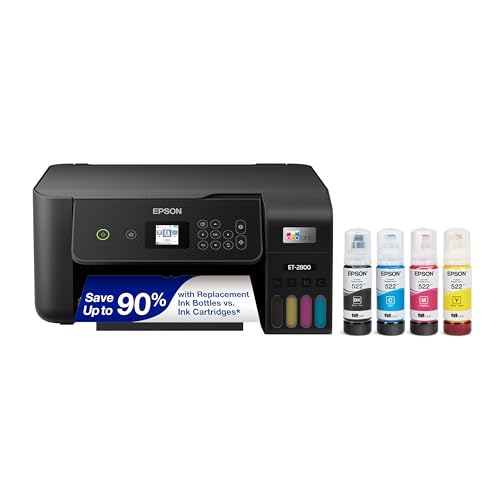
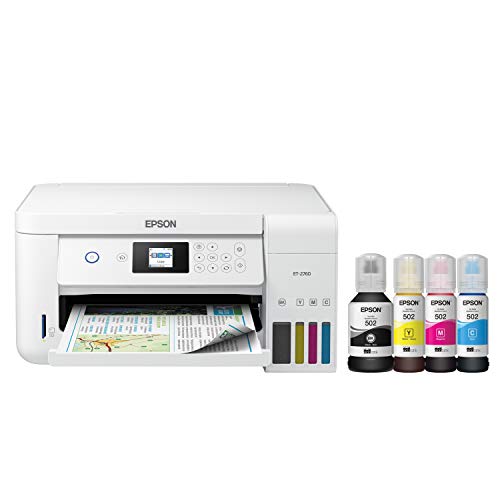
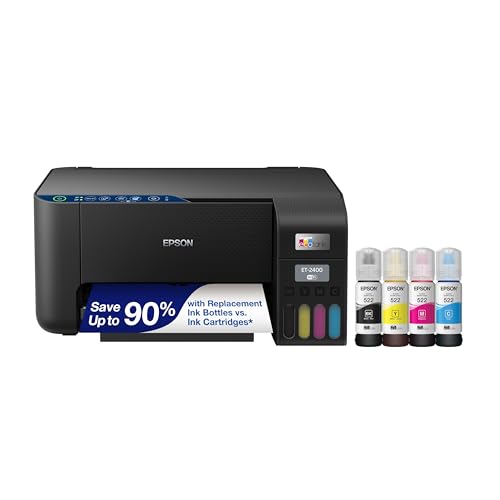

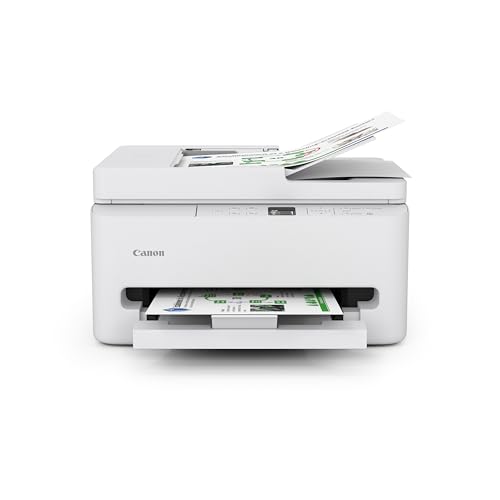
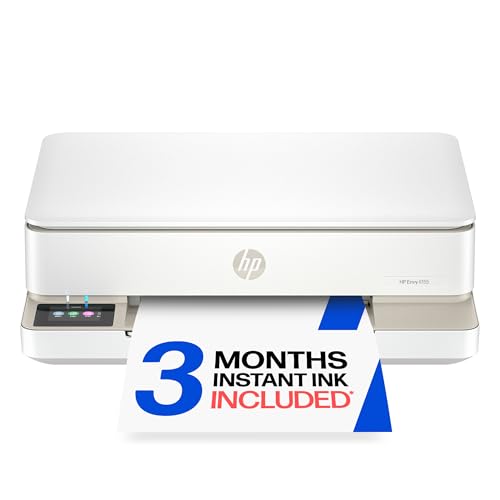
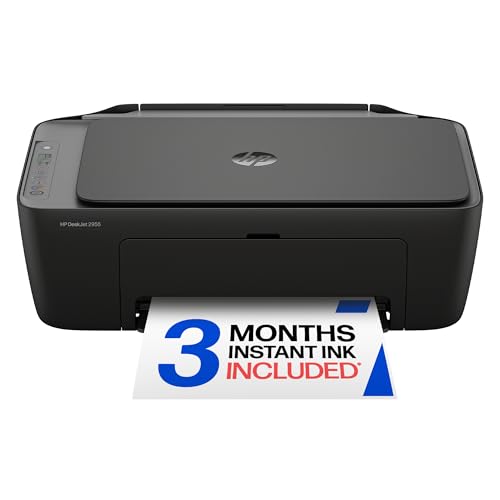
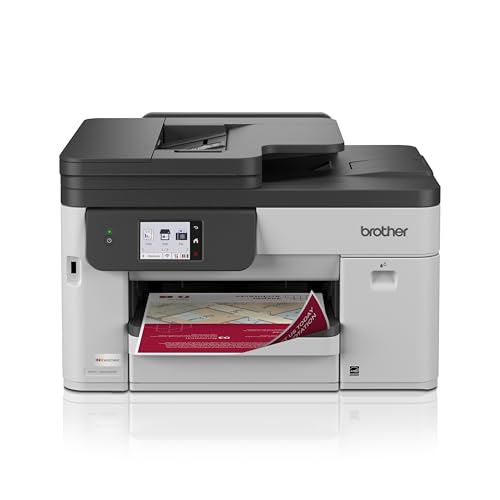
Who Should Buy a Classroom Printer
A classroom printer suits teachers who print regularly for lessons, displays, and student work. It also suits home offices where a teacher prepares materials in the evening. If your school provides printing, a home printer may still help for last minute changes and color work that school copiers handle poorly.
It is less ideal for teachers who print rarely or mostly in black and white, since a simple mono printer costs less to run. Schools with strict device policies may also restrict personal printers, so check rules before buying. Match the printer to your real weekly volume, not to an imagined worst week.
Key Features Worth Comparing
Ink Cost and Type
Tank printers hold large ink reservoirs that print thousands of pages cheaply, suiting heavy classroom use. Cartridge printers cost less upfront but need frequent cartridge changes at higher per page cost. Some cartridge models offer subscription ink plans that suit steady moderate use. Calculate cost per color page over a term, not just the box price, before you decide.
Print Quality and Speed
Worksheets need crisp text and clear color, while posters and photos need richer color and smooth gradients. Most modern inkjets handle both, but photo quality varies, so check sample prints if photos matter. Speed matters on busy mornings, since a slow printer delays a whole class set. Duplex printing saves paper and time, and borderless printing helps posters and displays.
Connectivity and Sharing
Wireless printing from laptops, tablets, and phones suits classrooms where devices vary. A printer that supports common mobile printing standards avoids app struggles during lessons. USB remains a reliable fallback when networks fail, so keep a cable handy. If several teachers share one printer, network setup and simple controls matter more than advanced features.
Getting the Most From a Classroom Printer
Print in draft mode for everyday worksheets to save ink, reserving best quality for displays and photos. Keep spare paper and ink on hand before busy terms, since running out the night before a lesson wastes time. Clean print heads when colors streak, and update firmware occasionally for reliability. Store paper flat and dry, since damp paper jams and wastes ink.
Mistakes to Avoid
The most common mistake is buying the cheapest printer and paying far more in ink over the year. Another mistake is ignoring wireless setup until the first lesson, when network problems cause delays. Finally, do not print everything in best quality, since draft mode suits most worksheets and saves a fortune. Reserve high quality for work that will be displayed or kept.
Related Buying Guides
Readers comparing options may also find our guides to the best color printers, the best printers for teachers, and the best printers for color printing useful. For picture-heavy classroom displays, see the best color printers for pictures and the best color printers for photos.
Living With a Classroom Printer
Daily classroom printing settles into a rhythm of evening preparation, morning class sets, and occasional display work. Teachers who batch print weekly save time versus daily printing, since setup and warm up happen once rather than repeatedly. Keep a small stock of paper and ink in the classroom or home office, so busy weeks never stall on supplies. A simple routine of checking supplies each Friday prevents Monday morning crises.
Student work adds variety to classroom printing, from worksheets and readings to photos and project displays. Color quality matters most for displays and younger learners, who engage more with bright, clear materials. Draft mode suits everyday worksheets, while best quality reserves for work that will be displayed or kept. Balancing quality and cost across these uses keeps printing sustainable all term.
End of term routines deserve attention, since printers left idle over holidays can clog or dry out. Run a sample page before long breaks and after returning, and clean print heads if colors streak. Store paper flat and dry over holidays, since damp paper jams and wastes ink. A little holiday care keeps the printer ready for the next term without fuss.
A Final Check Before You Order
Before ordering, estimate weekly pages honestly across a normal term, since volume decides ink type and total cost. Check wireless compatibility with your school and home devices, and confirm that mobile printing works without fiddly apps. Look at paper handling for card and labels if displays matter, and check duplex support for paper saving. Practical classroom needs beat spec sheet excitement every time.
Compare total yearly cost, including ink, paper, and occasional parts, rather than machine price alone. Tank printers cost more upfront but far less per page, while cartridge models suit lighter use. Check subscription ink options if your use is steady, since they smooth costs and prevent stockouts. A full year estimate reveals the true cheapest option for your volume.
Keep the box and receipt for a trial month, printing your real classroom mix and tracking ink use. Try wireless printing from every device type you use, since failures hide until lesson time. If ink costs or reliability disappoint in the trial, return promptly rather than hoping improvement comes. An honest trial protects both budget and teaching time.
Printing Smarter Across the Term
Smarter printing across a term starts with planning materials in batches, so you print class sets together rather than in daily dribbles. Batching saves warm up time, reduces ink waste from cleaning cycles, and lets you spot errors before printing thirty copies. Keep master copies digital and organized by topic, so reprints take minutes rather than a fresh design session. Organization turns printing from a chore into a smooth weekly habit.
Sharing resources with colleagues multiplies savings, since one good worksheet printed for several classes beats each teacher printing separately. Agree on shared folders or drives for proven materials, and split printing duties across a department where possible. Colleagues often hold the perfect resource you were about to create from scratch, so ask before designing. Collaboration saves ink, paper, and precious preparation time alike.
Classroom budgets are tight, so the best color printers for teachers keep ink cost per page low and stay ready after a holiday break.
Frequently Asked Questions
Are tank printers better for teachers?
Tank printers usually suit teachers better when weekly printing is heavy, since ink costs far less per page than cartridges. They cost more upfront, but the savings grow with every class set printed. Light users who print rarely may find cartridges simpler, since tank ink can dry if unused for months. Estimate your weekly pages honestly, since volume decides which type costs less over a school year.
How much does classroom printing cost per page?
Cost per page varies widely, with tank printers often costing a few cents per color page and cartridge printers costing several times more. Paper, electricity, and replacement parts add a little more, but ink dominates the total. Subscription ink plans can lower cartridge costs for steady users. Calculate your own cost by dividing ink spend by pages printed over a term for a realistic figure.
Can students print wirelessly to a teacher printer?
Many modern printers support wireless printing from phones, tablets, and laptops, which lets students print with permission. Network setup and access controls matter, since open printers invite misuse and waste. Schools often restrict student printing to supervised devices or shared queues. Check your school policy before enabling student access, and set sensible limits on color and page counts.
What printer features help with posters?
Posters benefit from borderless printing, good color range, and paper handling for thicker stock. A printer that handles tabloid paper makes larger displays without tiling, while standard letter size printers can tile posters across sheets. Photo quality settings and glossy paper improve display prints, though they use more ink. Choose poster features only if you display work often, since they add cost otherwise.
How do I reduce classroom printing costs?
Print in draft mode for everyday worksheets, use duplex printing to halve paper use, and reserve color for work that needs it. Tank printers or subscription ink cut per page costs for heavy users, while careful proofing avoids reprints. Reuse single sided misprints for drafts, and share digital copies where paper adds nothing. Small habits across a term save a surprising amount of ink and paper.
Final Thoughts
The best classroom printer keeps ink costs low, prints color clearly, and connects easily to the devices teachers use. Tank printers suit heavy use, while cartridge models suit lighter, simpler needs. Use the product table above to compare ink type, speed, and connectivity.
Print smart with draft mode for everyday work and best quality for displays. With that routine, best color printers for teachers becomes a reliable classroom tool rather than a yearly expense surprise.


