
Best Home Printers: A Practical Buying Guide
Disclosure: We may earn a commission when you buy through links on this page, at no extra cost to you. As an Amazon Associate I earn from qualifying purchases. Learn more

A practical guide to choosing the best home printers, covering inkjet vs laser vs ink tank, real running costs, and everyday connectivity.
Your printer only seems to matter on the day you actually need it, and that's usually the worst time to be stuck with a clogged cartridge or a machine that won't connect to your phone. Finding the best home printers for your household starts with understanding a few basics that most shoppers skip past: what kind of printing you actually do, how much it will cost you over time, and how well the machine fits into your daily routine. In this guide, you'll learn how to weigh inkjet against laser and ink tank options, what drives the real cost of ownership, and what to check before you commit to a model.
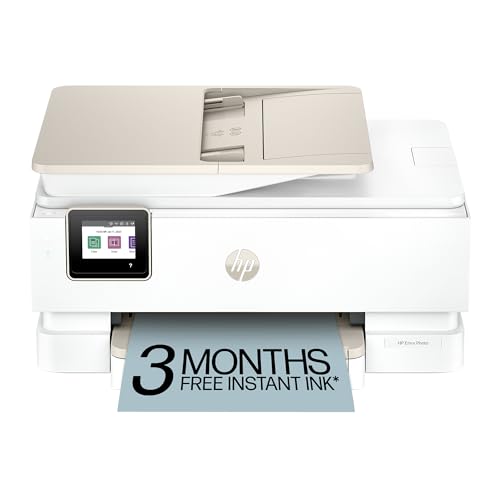
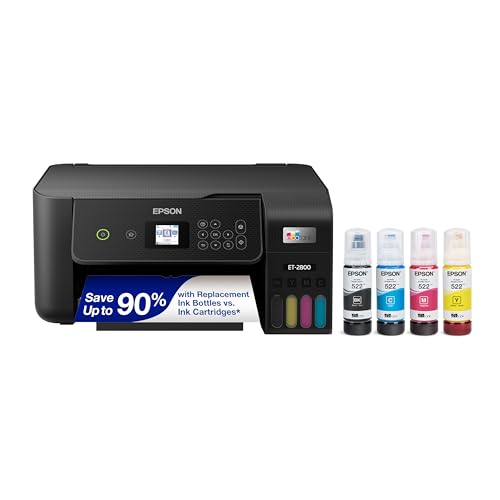
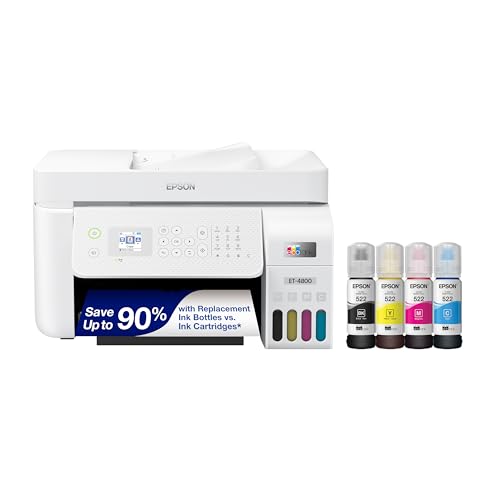
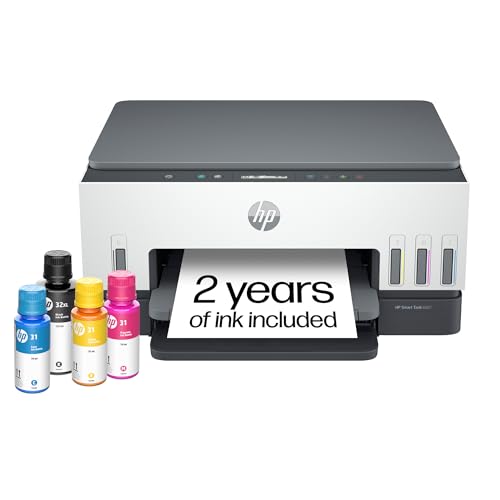
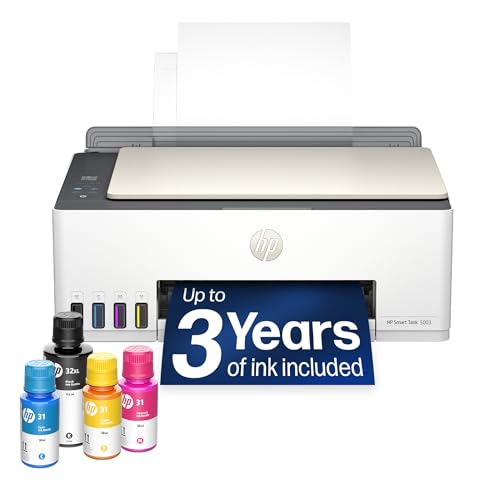
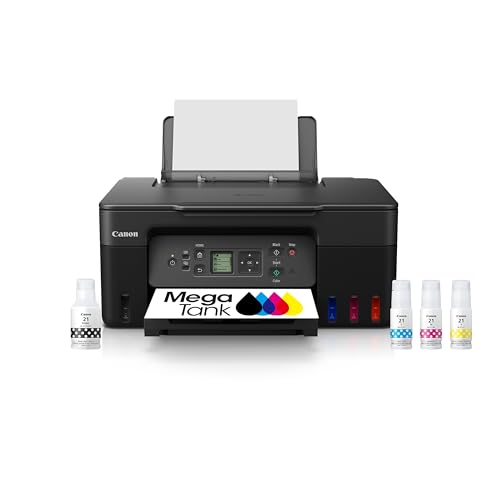
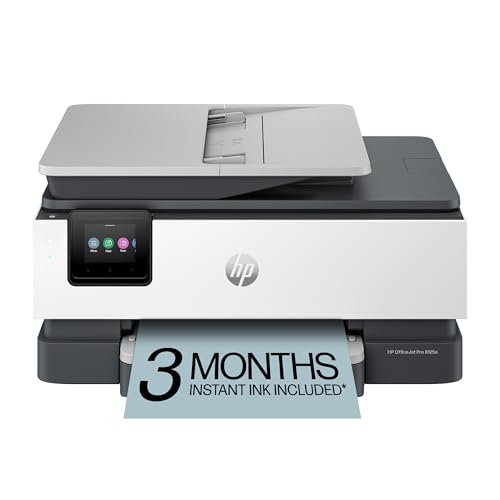
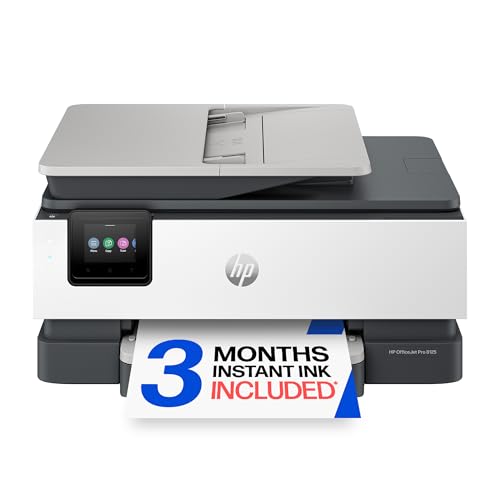
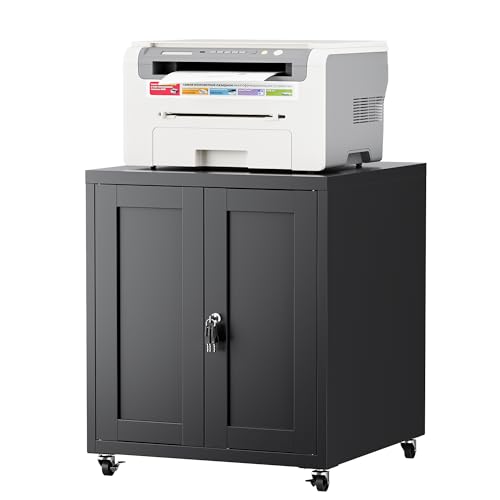
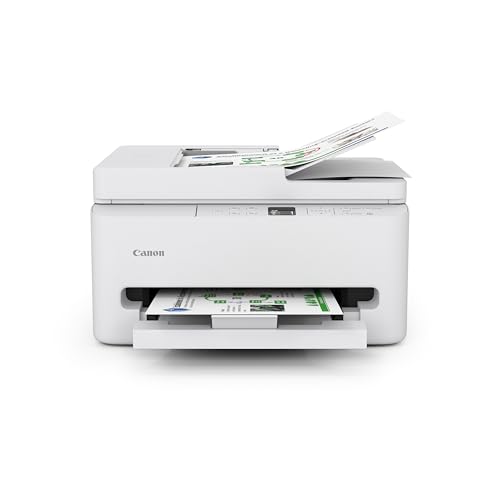
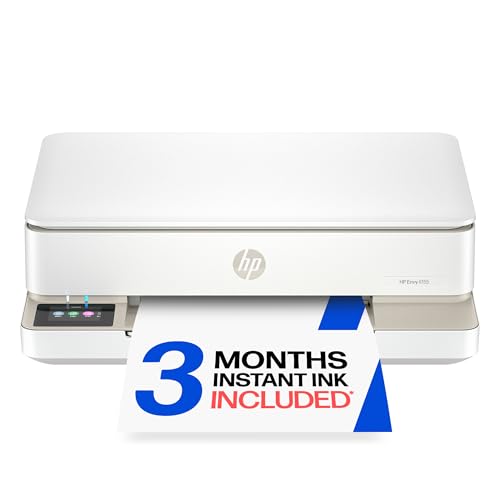
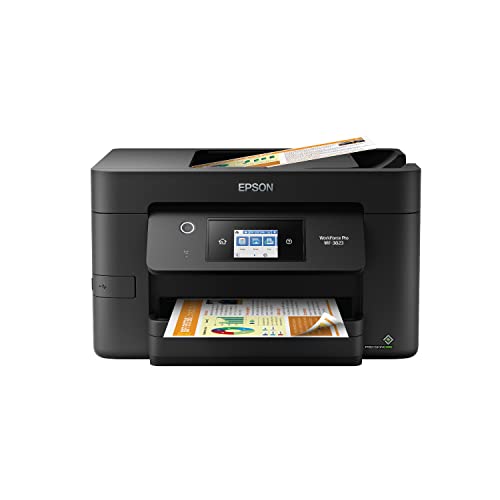
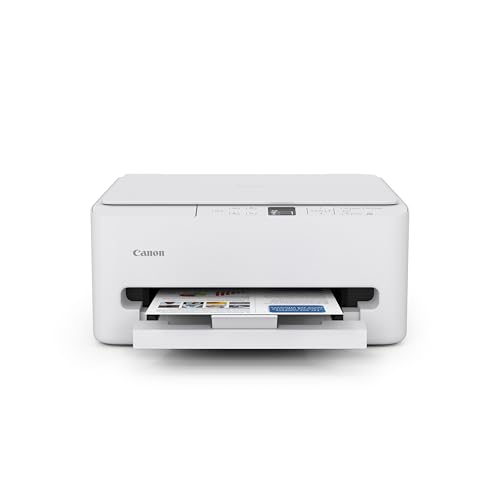
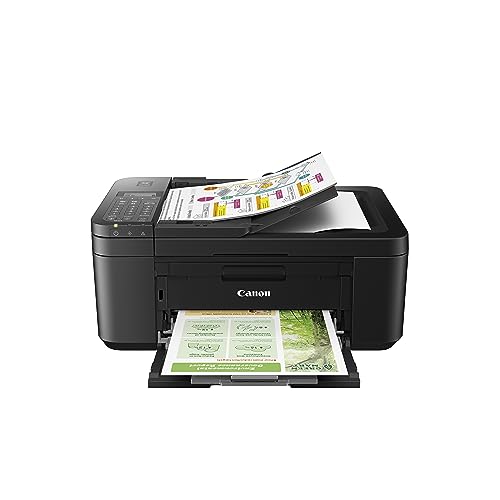
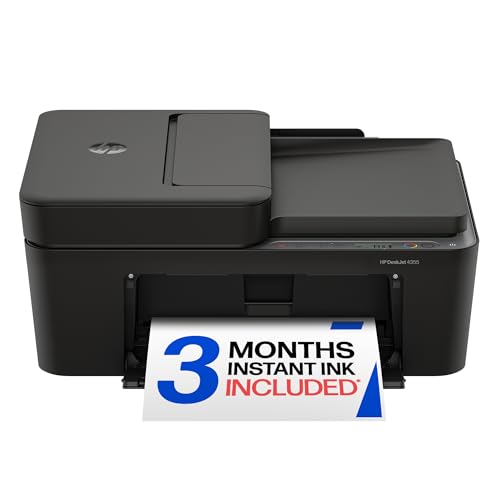
Inkjet, Laser, or Ink Tank: Which Fits How You Print
The single biggest decision you'll make isn't a brand, it's a printer type. Inkjet, laser, and ink tank machines use different technology, and each one rewards a different printing habit. Getting this choice right before you shop is really what separates the best home printers from the ones that end up disappointing their owners a few months in.
When an Inkjet Printer Makes Sense
Standard inkjet printers use liquid ink sprayed through tiny nozzles, which makes them versatile for both text and color images. They tend to have the lowest sticker price of the three types, so they're an easy entry point if you print occasionally and want to keep upfront cost low. The tradeoff shows up later: replacement cartridges add up quickly, and infrequent use can let the ink dry out inside the print head.
When a Laser Printer Makes Sense
Laser printers use toner and heat instead of liquid ink, which gives them an edge for crisp black-and-white text and steady output at higher volumes. If your household prints mostly documents, school forms, or work paperwork on a regular basis, a laser printer usually costs less per page over time, even though the machine itself often costs more upfront. Color laser models exist but tend to be pricier and less practical for photo-quality images.
When an Ink Tank Printer Makes Sense
Ink tank printers work like inkjets but replace small cartridges with refillable reservoirs you top off from bottles. The upfront price is higher than a basic inkjet, but the cost per page drops dramatically once you're refilling instead of buying cartridges. For a household that prints a mix of documents and photos regularly, this style often ends up the most economical choice over a couple of years.
What You'll Actually Print: Documents, Photos, or Both
Before comparing specs, be honest about what actually comes out of your printer in a typical month. This is usually the step that separates the best home printers for a given household from a machine that just looked good in a review. If it's mostly text, boarding passes, and the occasional form, you don't need a machine built around photo quality. A monochrome or basic color laser printer will handle that workload faster and cheaper per page than most inkjets.
If photos matter to you, whether it's family pictures, school projects, or craft prints, you'll want a printer with more ink channels and finer droplet control, which almost always means an inkjet or ink tank model rather than laser. Mixed households, who print schoolwork one day and photo prints the next, tend to be happiest with a general-purpose inkjet or ink tank all-in-one rather than trying to cover both needs with two separate machines.
The Real Cost of Owning a Home Printer
The price tag on the box is only part of the story, and it's the part most people focus on before regretting it later. Ink and toner are where a home office printer actually earns or loses its keep, and this running cost is often what separates the best home printers from models that look like a bargain on day one and cost far more over time.
Standard cartridge-based inkjets often carry the lowest purchase price but the highest long-term running cost, since cartridges are small and need frequent replacement. It's common for someone to spend as much on ink over a couple of years as the printer itself cost to buy. Laser toner cartridges last much longer per cartridge, which usually brings down the cost per page for anyone printing regularly. Ink tank printers front-load the expense into the machine itself, then dramatically cut the cost of every page after that, since bottled ink is far cheaper per milliliter than cartridge ink.
One more thing worth budgeting for: many inkjet printers use separate cartridges for each color, and running out of just one can block printing entirely, even for a plain black-and-white page. If cost per page matters to you, ask about this before you buy rather than after you're stuck mid-print job.
Connectivity and Everyday Convenience
Wireless printing has become the default expectation, and it's worth checking how a printer handles it before you bring it home. Most modern printers connect to your home Wi-Fi network directly, letting anyone on the same network print from a laptop, tablet, or phone without cables. A stable connection depends partly on the printer and partly on your own network, so if you already deal with weak signal in parts of your home, pairing a new printer with a stronger router built to handle multiple connected devices can save you a lot of frustration, since even the best home printers struggle to stay connected on a shaky network.
Beyond wireless, think about what else you actually need the machine to do. All-in-one models that scan and copy are worth the modest price bump if you handle paperwork regularly, while a print-only machine is lighter and takes up less desk space. If you're setting up or refreshing a home office printer station, and want to keep the space looking tidy rather than crowded with cables and paper trays, a room divider built for a home office corner can help separate your printing setup from the rest of the room. The printer's footprint matters too, a bulky all-in-one on a small desk gets old fast.
Keeping a Home Printer From Clogging Between Uses
Light, infrequent use is one of the most common reasons inkjet printers develop problems. Ink left sitting in narrow print head nozzles for weeks at a time can dry out and clog, leading to streaky or missing colors the next time you try to print. Most manufacturers recommend running at least a small print job every one to two weeks to keep the ink flowing and prevent this.
If your household only prints occasionally, this is worth factoring into your buying decision. Laser printers don't have this issue at all, since toner doesn't dry out the way liquid ink does, which makes them a low-maintenance option for anyone who prints in bursts rather than daily. Ink tank printers can also be more forgiving than small cartridges, simply because there's more ink volume in the system to begin with. Keeping this in mind while you shop is part of finding one of the best home printers for a household that doesn't print every single day.
Frequently Asked Questions
What is the best type of printer to buy for home use?
It depends on what you print most. Among the best home printers, laser models suit frequent text documents, while inkjet or ink tank options work better for photos and mixed use. Choose ink tank specifically if you print often enough that cartridge costs would add up.
Is inkjet or laser better for home use?
Inkjet handles color and photo printing better, while laser is faster and cheaper per page for text-heavy printing. Many households pick based on which type of printing they do more often rather than picking one as universally "better."
How do I set up a wireless printer at home?
Most printers walk you through connecting to your Wi-Fi network using the printer's built-in display or a companion app on your phone. You'll need your network name and password on hand, and once connected, any device on the same network can typically print to it.
How often should you use a printer to avoid clogging?
For inkjet printers, printing something small every one to two weeks helps keep ink flowing through the nozzles and prevents drying. Laser printers don't face this issue since toner doesn't dry out in storage.
Do I need a color printer, or is black-and-white enough for home use?
If you mostly print text documents, forms, or school papers, a monochrome laser printer is often cheaper to run. If you print photos, graphics, or colorful school projects with any regularity, you'll want a color-capable inkjet or ink tank model.
What is an ink tank printer, and is it worth it?
An ink tank printer refills from bottles instead of using disposable cartridges, which lowers the cost per page significantly. It costs more upfront than a basic inkjet, but it often pays for itself within a year or two for households that print regularly, which is why several of the best home printers on the market now use this design.
Can one printer handle both documents and photos well?
Yes, general-purpose inkjet and ink tank all-in-ones are built to handle both reasonably well. If photo quality is a top priority, though, a dedicated photo-focused inkjet will still outperform an all-purpose machine.
Making Your Decision
There's no single printer type that wins for every household, and that's the point of working through print type, cost, and convenience before you shop. Match the machine to how you actually print, not how you think you might print someday. If you're comparing the portable printer options for printing on the go against a standard desktop model, the same logic applies: buy for your actual habits, not a hypothetical one. Do that, and you'll end up with one of the best home printers for your own household instead of one gathering dust or draining your wallet on ink.