Best Color Printers for Home Office 2026: A Practical Guide
Disclosure: We may earn a commission when you buy through links on this page, at no extra cost to you. As an Amazon Associate I earn from qualifying purchases. Learn more

The best color printers for home office stay reliable, keep color pages affordable and handle scanning and duplex without fuss.
Working from home changes what you ask of a printer. It has to produce a clean contract on Monday, a color chart for a client call on Wednesday, and a stack of signed forms on Friday, all without a trip to a print shop. The best color printers for home office are not the fastest or cheapest on the shelf, but the ones that stay reliable, keep color pages affordable, and handle scanning and duplex without fuss.
This guide walks through the three printer types home workers actually choose between, the features that matter for a desk at home, what each budget level buys, and the mistakes that lead to expensive ink. Use the product table to compare models after you decide which type fits your week.

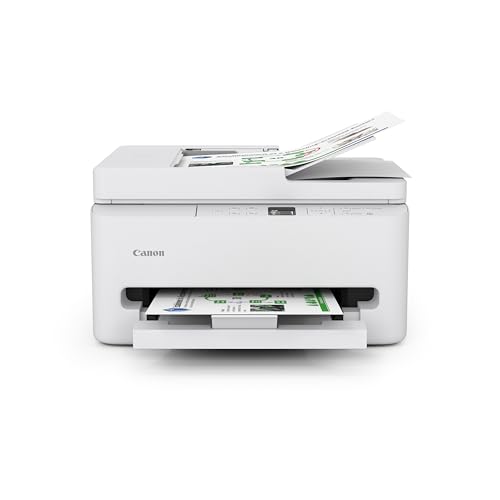
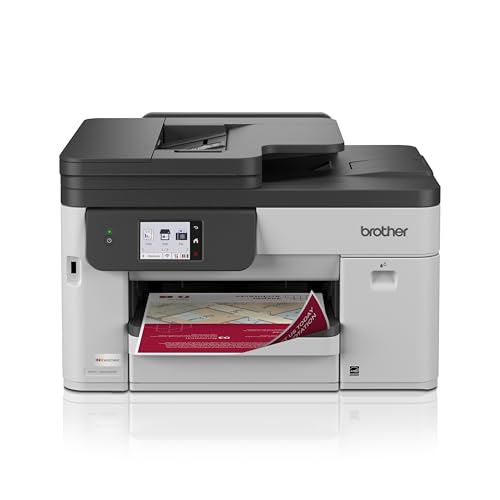
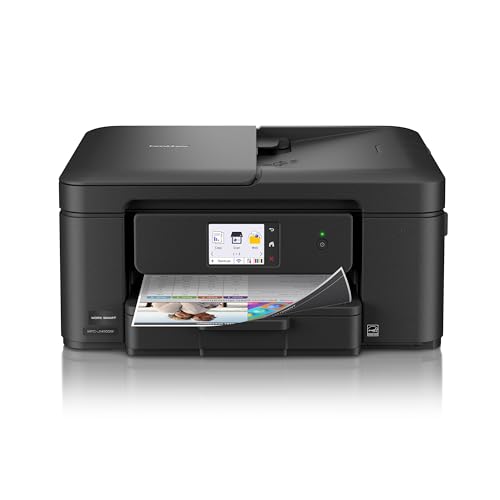
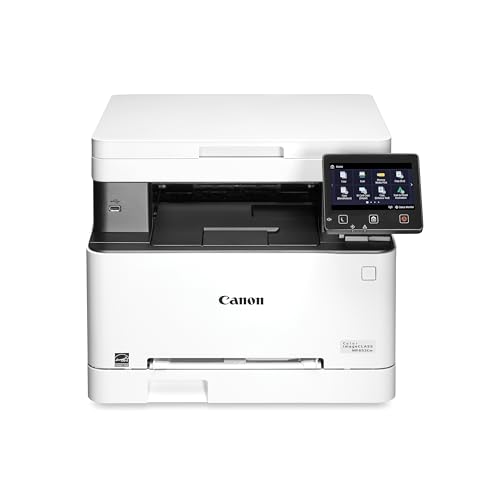


Laser, Inkjet, or Tank: Which Fits a Home Office
Color Laser Printers
A color laser prints sharp text and charts quickly and never dries out between busy weeks. It suits people who print documents daily and need pages that will not smear when handled. The costs are a higher purchase price, a larger footprint, and photo output that looks flatter than from an inkjet.
Color Inkjet Printers
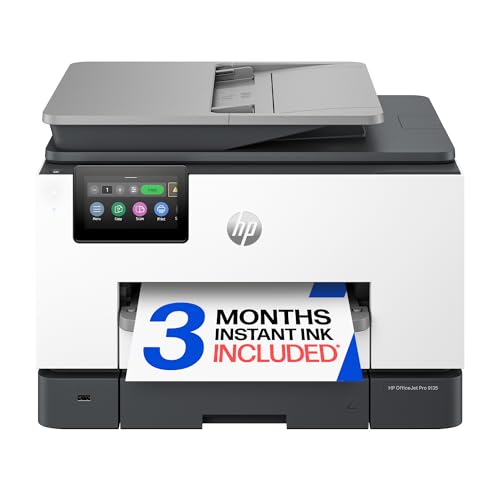
Inkjets cost less to buy, fit smaller desks, and handle mixed work, from invoices to photos on glossy paper. They are slower on long documents, and cartridge ink can be expensive per page if you print a lot. Heads can clog if the printer sits unused for weeks, so an inkjet suits steady, moderate printing.
Ink Tank Printers
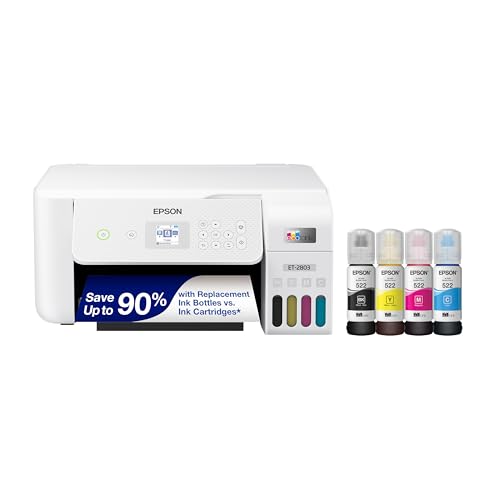
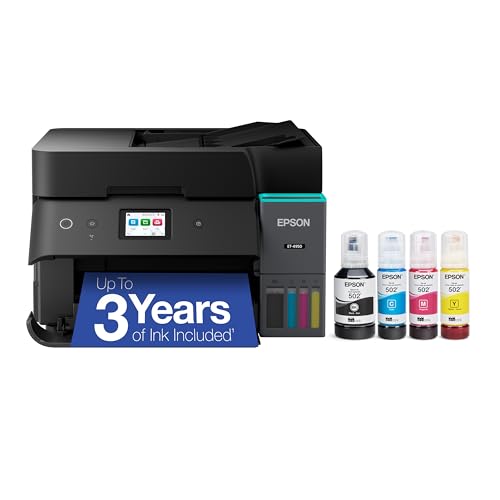
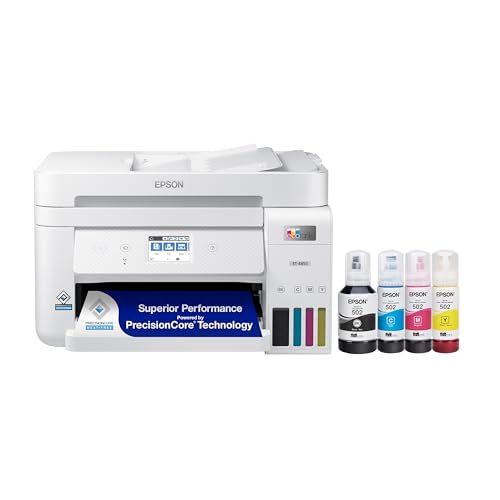
Tank models refill from bottles and cut cost per color page sharply, which suits home workers who print marketing material, reports, or school projects in volume. The purchase price is higher, and they still need regular use to keep nozzles clear. If your color printing is weekly or heavier, a tank printer often wins on total cost.
Features That Matter at a Home Desk
Print Volume and Duty Cycle
Estimate your weekly pages honestly, including the end-of-month spike when invoices and reports pile up. Choose a printer whose recommended monthly volume sits comfortably above your busiest month. Running a home machine at its limit shortens its life and increases jams.
Scanning and Copying
Most home offices need to scan receipts, signed contracts, and ID documents. A multifunction model with an automatic document feeder saves time on multipage files, while a flatbed alone is fine for single sheets. If you rarely scan, a print-only machine costs less and uses less space.
Duplex and Paper Handling
Automatic two-sided printing saves paper and gives reports a finished look. A main tray holding a couple hundred sheets means refilling every few weeks instead of every few days. Check for a manual feed slot if you print envelopes or labels for a small business.
Connections and Security
Wi-Fi, Ethernet, and phone printing make a shared home network easier to use. Keep the printer near your router, install firmware updates, and change default admin passwords, especially if client documents pass through the machine.
Noise and Placement
If you take calls at your desk, printer noise matters. Lasers hum and release warm air; inkjets are quieter but their carriage clatters during long jobs. Place the printer off your desk if you can, so video calls stay clean.
What Different Budgets Buy
Printers around $100 to $200 usually cover light home office printing with small cartridges and fewer paper features. Around $200 to $400 you typically gain duplex, an automatic document feeder, larger trays, and better connections. Above $400 you are paying for color lasers or tank systems built for heavy daily use. Spend toward whichever feature removes your biggest daily annoyance rather than toward headline speed.
Common Mistakes
- Buying on price alone, then discovering that cartridges cost more than the printer within a year.
- Choosing an inkjet for heavy document printing, or a laser for frequent glossy photos.
- Skipping the scan and copy features that a home office uses more than expected.
- Forgetting paper costs and storage, which add up quietly across a year.
Running a Home Office Printer Efficiently
Set duplex and draft mode as defaults for internal documents, and keep best quality for client-facing pages. Print a color page every week or two on inkjets to keep nozzles clear. Store paper flat and dry, keep a spare black cartridge or toner before month end, and keep firmware current. Treat the printer as part of your work setup: label trays, keep the manual nearby, and know where to find supplies before a deadline.
If you are comparing nearby options, see the best home office color laser printers, the best color inkjet printers for home office, the best office printers for home, the best computer printers for home, and the best home office printers and scanners.
In a spare room or at the kitchen table, the best color printers for home office use stay quiet enough for calls and simple enough that nobody needs a manual.
Frequently Asked Questions
Laser or inkjet for a home office?
Laser suits steady document printing with low cost per page, while inkjet suits mixed work and photos at a lower purchase price. Heavy document users usually save with laser or tank models; light mixed users often do fine with an inkjet.
How do I estimate running costs?
Multiply your monthly color and black pages by the cost per page from cartridge or tank yields, then add paper. Use a full year of real use rather than the box price alone.
Do home office printers need scanning?
Most benefit from scan and copy for forms, receipts, and signed pages. A combined unit saves desk space and setup time. If you rarely scan, a print-only model keeps costs lower.
Is wireless printing reliable for work?
It works well on a stable home network, especially with the printer near the router. A wired connection suits a fixed desk with heavy jobs. Check phone printing before relying on it for a deadline.
How much space does a home office printer need?
Allow room for paper trays, output, and access to cartridges or tanks. Color lasers run larger than inkjets. Measure the desk and the clearance for loading paper before you order.
Final Thoughts
Match the type to your weekly pages, confirm scanning and duplex, and compare running cost before price. Use the product table to compare models, and the best color printers for home office will be the ones you stop thinking about because they simply work.