Best Color Printers 2026: Every Type Explained Side by Side
Disclosure: We may earn a commission when you buy through links on this page, at no extra cost to you. As an Amazon Associate I earn from qualifying purchases. Learn more

The best color printers depend on your page volume and job type; compare inkjet, laser and tank models side by side before you buy.
If you are shopping for best color printers, the main confusion is not brand, it is type. Inkjet, laser and tank printers all print in color, but they suit different jobs, volumes and budgets. This guide compares each type side by side so you can choose with confidence.
The comparison table below gives you a quick overview, and the sections that follow explain how each type works. You do not need the fastest or most expensive printer. You need one whose running costs, print quality and size fit the pages you actually print.


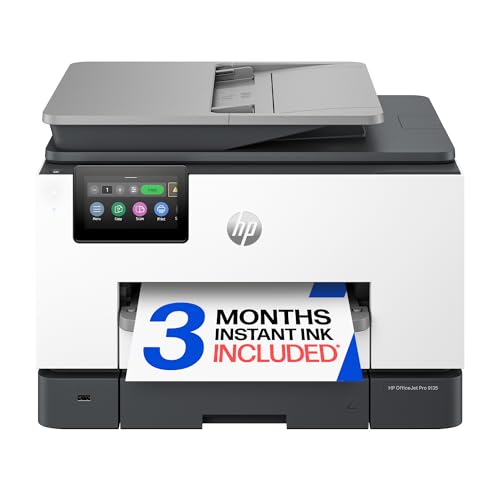
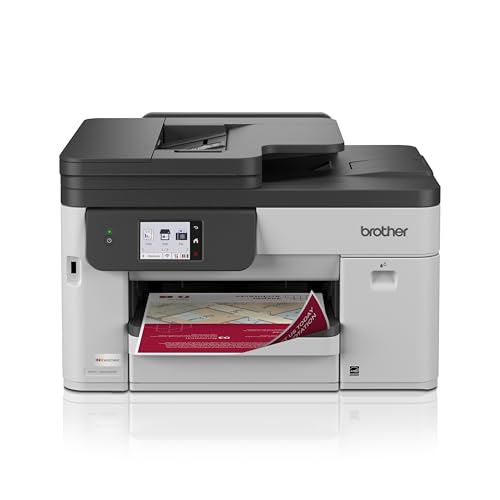
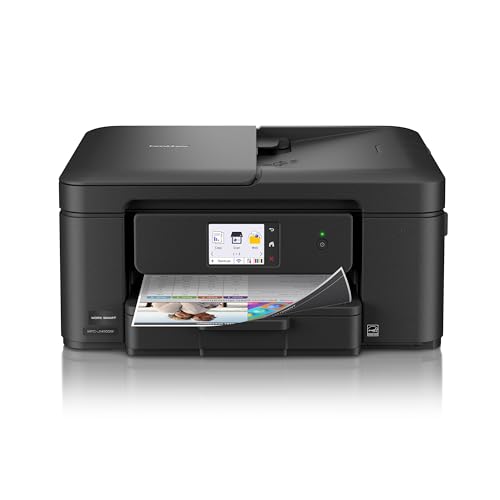
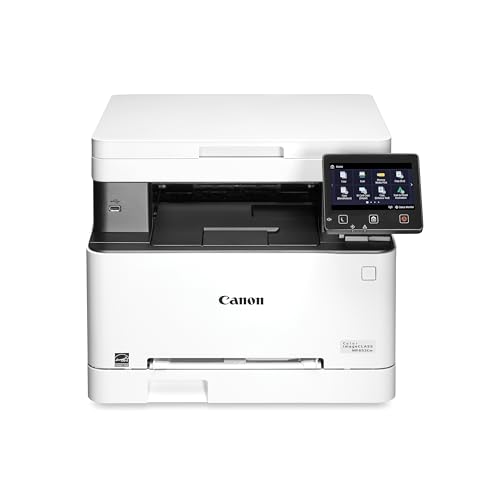
Start by counting your pages. A household that prints a few school sheets each week has very different needs from a home office that prints color documents daily. Volume, photo quality and paper type should guide your choice more than any single headline feature.
Color Printers Basics Explained
A color printer creates color by laying down cyan, magenta, yellow and black in precise patterns. Inkjet printers spray tiny ink drops onto paper, which suits photos and varied paper types. Laser printers use toner powder fused by heat, which suits fast text and crisp documents. Tank printers use large refillable ink reservoirs, which can lower the cost per page for heavy users.
Key terms include pages per minute, resolution, duplex printing and ink or toner yield. Speed matters for busy offices, resolution matters for photos, duplex printing saves paper by printing both sides, and yield tells you how many pages a cartridge or tank should cover. Read yield figures as estimates, since photos and dense color use more ink than plain text.
Key Features to Compare
Inkjet Printers for Photos and Home Use
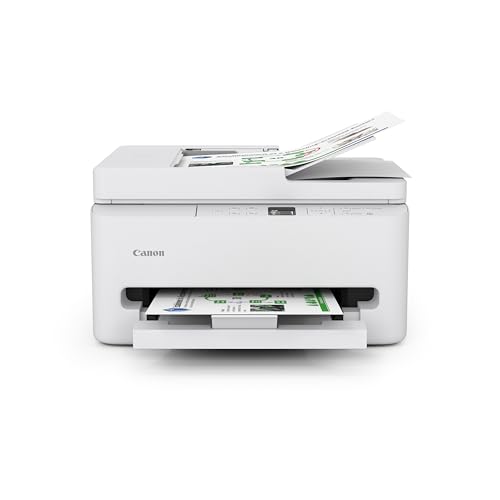
Inkjet printers handle photos, school projects and mixed documents well, and they usually cost less upfront than laser models. They print on glossy photo paper, labels and envelopes with good color range. The trade off is slower speed and higher ink cost per page for heavy text printing. They suit households that print photos and varied pages in modest amounts.
Laser Printers for Fast Documents
Laser printers print text and charts quickly and sharply, and toner does not dry out the way ink can. They suit offices and students who print many pages of text, forms and reports. Color laser printers handle charts and presentations well, but photo quality on plain paper rarely matches a good inkjet. They also tend to be larger and heavier than inkjet models.
Tank Printers for High Volume Color
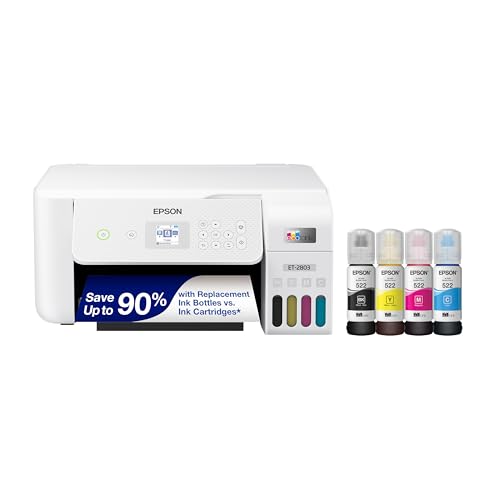
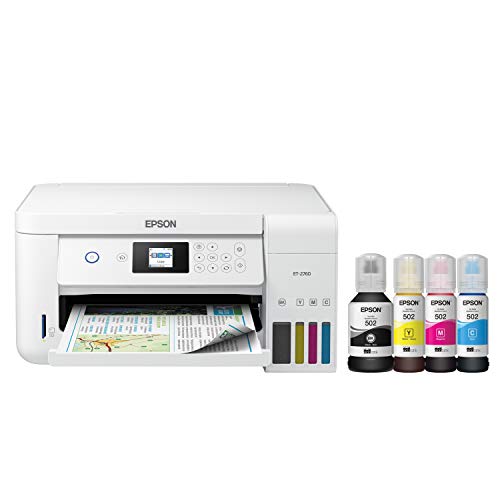
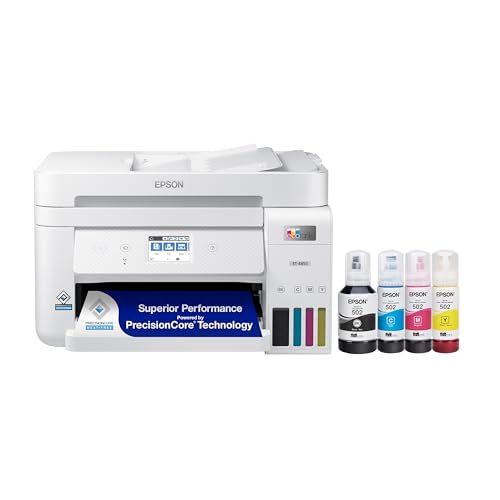
Tank printers use bottles to refill large ink reservoirs, which can cut the cost per page sharply for heavy color printing. They suit families, teachers and small offices that print color often. The upfront price is higher, and the printer needs regular use to keep ink flowing well. If you print only a few pages a month, a standard inkjet may be simpler and cheaper overall.
Print Quality, Paper and Connectivity
Photo quality depends on ink type, paper and resolution, not on speed alone. Check whether the printer supports the paper sizes you use, including photo sizes and envelopes. Wireless printing, mobile apps and automatic duplex printing make daily use easier. A printer that connects cleanly to your devices will get used more than a powerful model that frustrates you.
Matching the Choice to Your Routine
Home users should prioritize photo quality, compact size and simple setup. Home office users should prioritize speed, duplex printing and a paper tray that does not need constant refilling. Students should prioritize low running costs and reliable wireless printing for laptops and phones.
Creative users who print photos need good color range and suitable paper support. Office users who print reports need sharp text and fast output. Match the printer to your most common page type, and let occasional jobs, like a rare photo, matter less in the decision.
Budget Tiers and What Changes
Budget printers often print well but carry higher ink or toner costs per page. Midrange printers usually add duplex printing, larger trays and better connectivity. Premium printers add faster speeds, larger paper handling and lower running costs for heavy users.
Look beyond the purchase price and estimate a year of ink or toner for your volume. A cheap printer that drinks ink can cost more than a pricier tank model within a year of heavy use. For light use, the opposite is true, so volume should set your budget tier.
Care, Fit and Common Mistakes
Use the printer regularly, keep paper dry and flat, and run cleaning cycles only when print quality drops, since cleaning uses ink. Store spare cartridges sealed and away from heat. Check for firmware updates and keep the paper path free of dust and curled sheets.
A common mistake is buying a photo printer for heavy text work, or a laser printer for frequent photo printing. Another is ignoring ink costs until the first refill. Count your pages, compare running costs and choose the type that fits your real print mix.
Related Options to Compare
For a closer look at specific jobs, see the best printers for color printing, the best color printers for pictures, the best color printers for photos, the best multifunction color printers, and the best color laser printers.
Before You Buy Checklist
Start by ruling out printers that clearly fail your main need. If you print mostly black text, skip photo-focused models; if you print photos weekly, skip a plain office laser. Then compare cost per page for black and color using the stated cartridge or tank yields, and estimate a full year of ink at your real page count. A cheap printer with small starter cartridges often costs more than a pricier tank model within twelve months.
Next, check the practical details: paper sizes you use, automatic duplex, wireless and phone printing, and whether the maker still publishes drivers for your computer. Measure the space with the paper tray extended and the lid open, and check that cartridges or ink bottles are available from more than one seller.
Finally, think about how the printer will be used in its second year. Inkjets need regular use to keep heads clear, lasers need clear vents and dry paper, and tank printers need careful refilling. A printer that is easy to maintain keeps its value far better than one that needs frequent fixes.
Frequently Asked Questions
Are inkjet or laser printers better for color?
Inkjet printers usually give richer photo color and handle varied paper better. Laser printers give faster, crisper text and charts with stable toner costs. Choose inkjet for photos and mixed home pages, and laser for heavy document printing where speed and sharp text matter most.
Do tank printers save money?
They can save a lot for heavy color printing, because bottled ink costs less per page than small cartridges. The saving depends on volume, so light users may not recover the higher upfront price. Estimate your monthly pages before you assume a tank printer will pay off.
What resolution do I need for photos?
Higher resolution helps with fine detail, but paper, ink and image quality matter just as much. A good photo printer on proper photo paper will beat a high resolution printer on plain paper. Use the paper type the printer maker recommends for photos.
Can one printer handle photos and documents?
Yes, many inkjet models handle both, though they may be slower than a laser printer for documents. Multifunction models add scanning and copying, which helps home offices. Decide which job you do most, and let that job set the priority.
Why do colors look different on paper than on screen?
Screens use light while paper uses ink, so exact matching is hard. Paper type, ink and printer settings all shift color. For important photos, print a sample page and adjust settings before printing a large batch.
Final Thoughts
The right color printer matches your page volume, your most common job and your running cost comfort, which is what makes the best color printers different for every household. Use the comparison table above to compare types, then check paper support and connectivity before you buy. A printer that fits your routine will serve you better than one with the longest feature list.
Count your pages, weigh ink or toner costs honestly and choose the type that makes your usual printing easy. That simple check prevents most buyer regret and keeps printing a tool, not a chore.