Best Cameras for Streaming Church Services by Budget: Smart Picks for 2026
Disclosure: We may earn a commission when you buy through links on this page, at no extra cost to you. As an Amazon Associate I earn from qualifying purchases. Learn more

Choose the best cameras for streaming church services with guidance on zoom, low light, clean HDMI output, audio inputs, and volunteers.
Prices for church streaming cameras stretch from a few hundred dollars to several thousand, and the gap is not always obvious from a listing. This guide to best cameras for streaming church services shows you where extra money actually improves the picture your congregation sees at home, and where it buys features a typical Sunday service will never use.
You will learn how price levels differ, which features deserve room in the budget, and what placement, audio, and power details decide whether a stream runs smoothly each week. Start with the comparison table below, then match a camera type to your room, your team, and your service style.

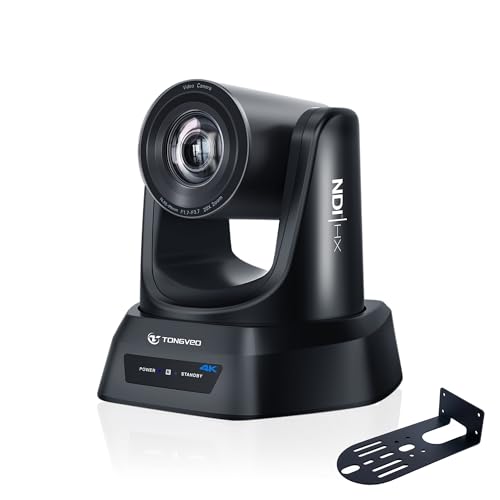
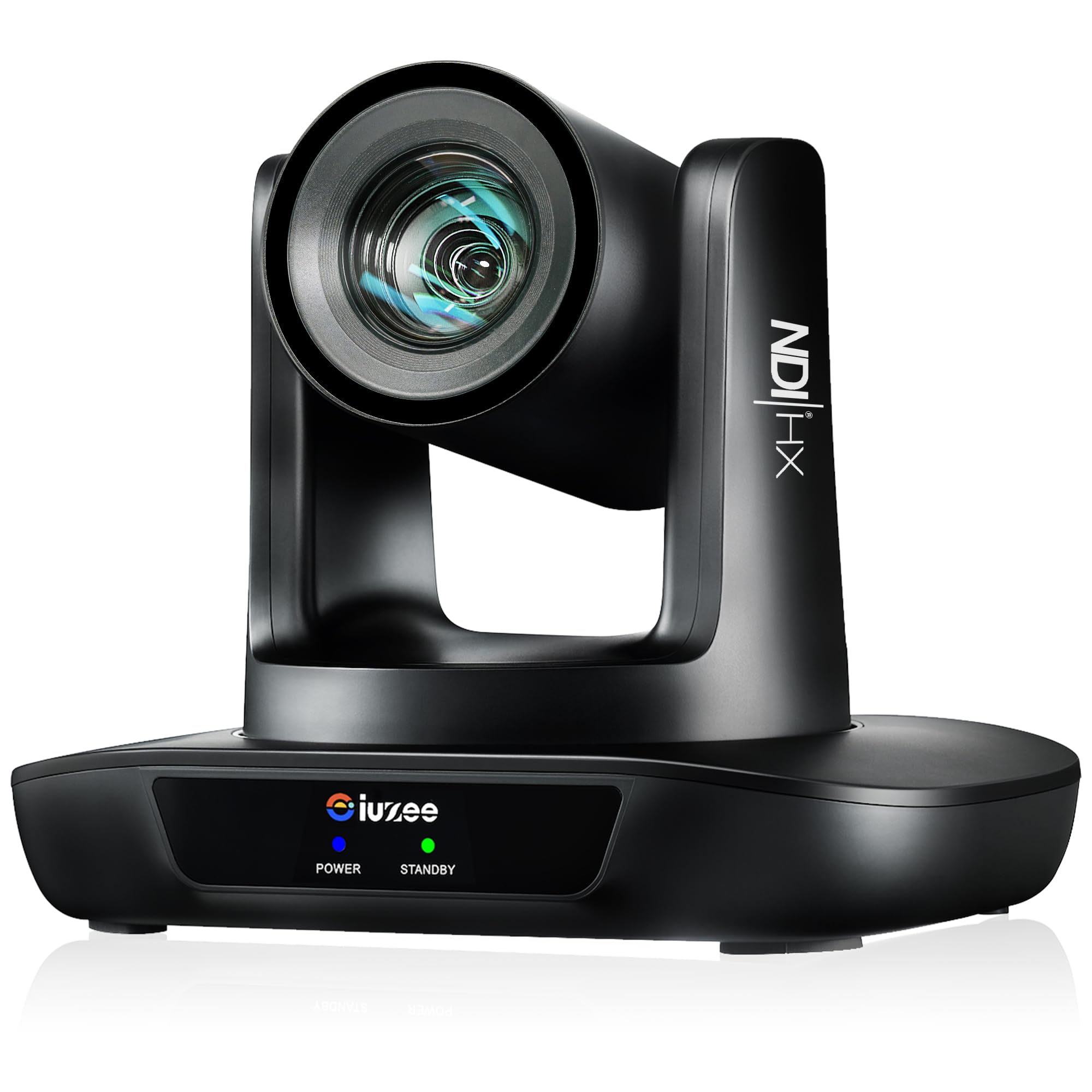


Start With Your Room, Your Team, and Your Service
Budget only makes sense after you know what the camera must do in your actual space. Three quick assessments, done before you look at prices, will steer every later decision.
Measure the Distance From Camera to Platform
Walk the room and note where a camera can realistically sit, then estimate the distance from that spot to the pulpit, the worship team, and the choir. A camera at the back of a long sanctuary may sit 60 to 100 feet from the platform, while a small chapel camera might be only 20 to 30 feet away. That measurement decides how much optical zoom you need, and zoom is one of the main things extra money buys. Note ceiling height and any balcony too, because a high mounting point changes the viewing angle and the mount you will need.
Count the Volunteers Who Will Run the Stream
A camera that needs constant manual adjustment is a poor fit for a team of rotating volunteers. If your operators change every week and have modest technical experience, simple controls, reliable autofocus, and saved position presets matter more than advanced manual settings. If you have a dedicated media team, you can take on a camera with deeper menus and more manual control. A camera your team understands will produce a steadier stream than a more capable camera nobody feels confident operating.
List What You Already Own
Inventory the gear the new camera must work with before you spend anything. Note your sound mixer and whether it can send a feed to the camera or the streaming computer, any tripod or mount you already have, and the computer or encoder that pushes the stream online. Churches that already own a solid mixer and a capable computer can put more of the budget into the camera itself. If you also need a capture device, cables, and a mount, reserve part of the budget for those items.
What Your Money Gets You at Each Price Level
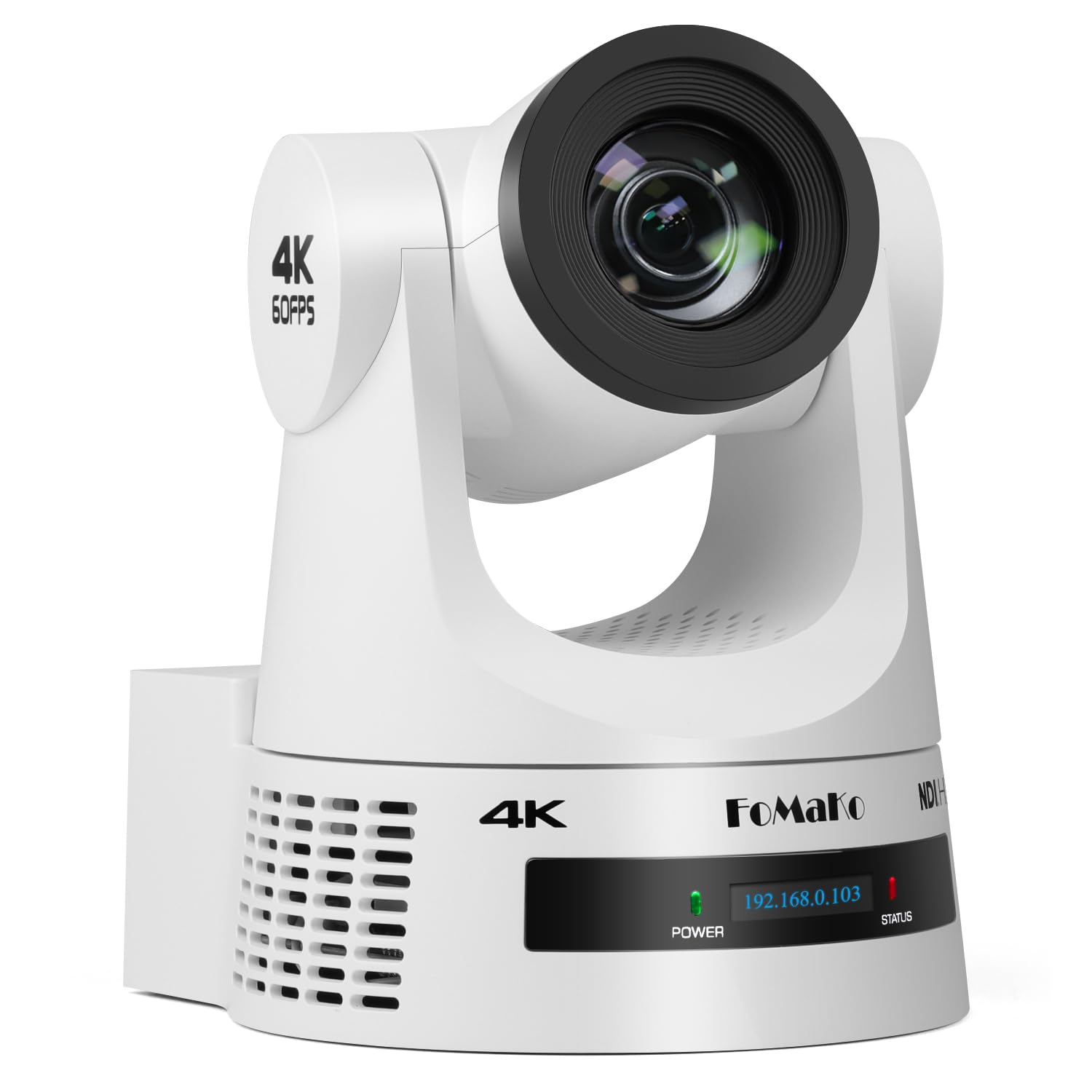
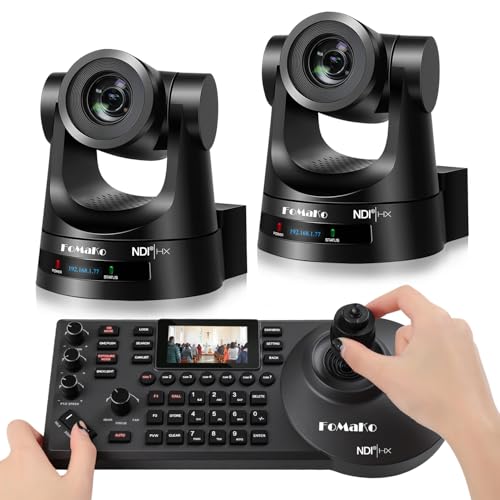
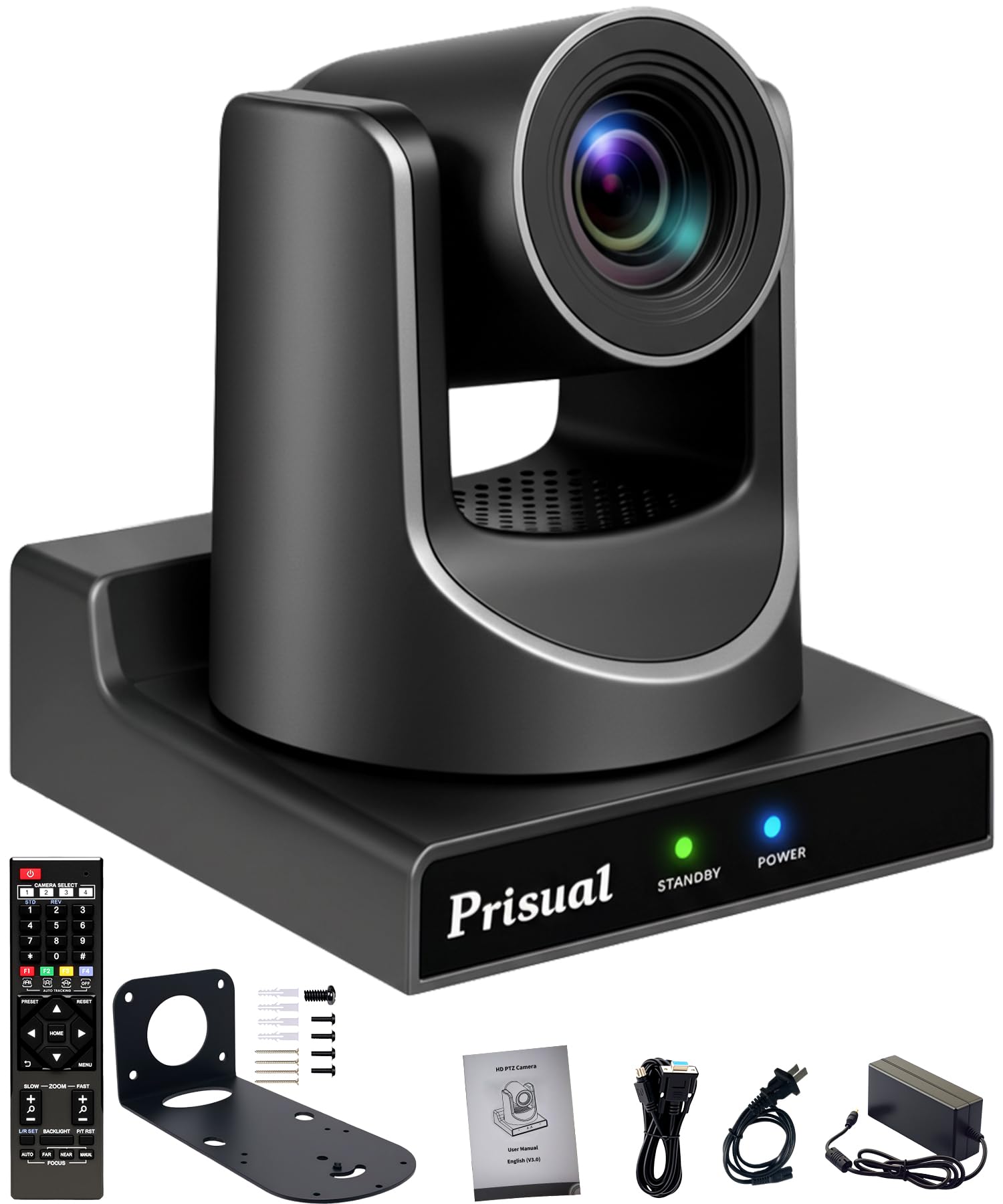
Church streaming cameras fall into three broad price bands, and each band reflects a real step in zoom reach, low light ability, and connection options. Anyone comparing the best cameras for streaming church services should use the product table above to see where current models sit, then read the bands below as a guide to typical value rather than a promise about any single camera.
The Entry Band: Capable Starting Points
For around $300 you will find compact camcorders and entry PTZ cameras with modest optical zoom, 1080p video, and basic streaming output over USB or HDMI. These cameras suit small rooms where the camera sits close to the platform and the lighting is reasonably bright. The trade offs are smaller sensors that struggle in dim sanctuaries, fewer audio input options, and plastic bodies that reward gentle handling.
The Middle Band: Where Most Churches Land
Cameras at around $700 typically add stronger optical zoom in the range of 20x to 30x, larger sensors that hold up in softer light, and proper mic inputs or XLR connections for a clean feed from the mixer. PTZ models in this band add smooth remote movement and dependable presets, so one volunteer can cover the pulpit, the musicians, and a wide shot from a single position. This is the band where image quality, ease of use, and price balance out for most midsize churches.
The Upper Band: Room to Grow
Spending around $1800 or more buys larger sensors with excellent low light performance, longer and sharper zoom lenses, SDI connections alongside HDMI, and more robust PTZ mechanics built for daily use. The extra money makes sense for large sanctuaries, dim historic buildings, and multi camera plans. Smaller churches often gain little here, because the limits on their stream are usually lighting, audio, and internet speed rather than the camera.
Features Worth Paying For, and Ones to Skip
Listings mix the features that shape your stream with features that only look impressive. The points below sort the two groups so your budget lands on what viewers will actually notice.
Clean Output and Connections That Feed Your Stream
The camera must send a clean video signal, with no menus or icons baked in, to your streaming setup. Look for clean HDMI output as the baseline, SDI if your cable run is long or you plan a multi camera switcher, and direct USB streaming for the simplest path into a computer. Network streaming from the camera itself can remove a capture device from the chain, which helps small teams. If you are comparing connection styles more broadly, see our guide to the best cameras for live streaming church service for how different setups handle this step.
Optical Zoom and Autofocus You Can Trust
Optical zoom uses the lens itself to magnify the scene, so a speaker stays sharp when framed tightly from the back of the room. Digital zoom simply enlarges pixels and softens the image, so treat headline numbers that combine the two with caution. A zoom range around 20x suits many midsize sanctuaries, while longer rooms may need more. Autofocus matters just as much, because a preacher who walks the platform will drift out of focus on a camera that hunts or locks onto a music stand. Look for face aware focusing and quiet zoom motors that will not be heard on the recording.
Sensor Size and Low Light Performance
Many sanctuaries are dimmer than they feel in person, with warm lighting, stained glass, and dark wood that soak up light. A larger sensor, such as a 1 inch type or larger, gathers more light and keeps skin tones natural without pushing gain so high that the picture turns grainy. Megapixel counts matter far less for streaming, because most streams go out at 1080p even when the camera can record 4K video. Judge low light ability by sensor size and lens brightness rather than by resolution numbers, and remember that a little added platform lighting often improves the picture more than a costlier camera would.
Image Stabilization and Mounting Options
Image stabilization smooths small vibrations, which helps when a camera sits on a riser that shakes as people walk past, or when an operator pans by hand. On a solid tripod or a fixed wall mount you can often turn stabilization off, because the mount does the work and the feature can add a slight drift during still shots. Check that the camera offers the mounting points you need, whether that is a standard tripod thread, a ceiling or wall bracket for a PTZ model, or a tall stand for the center aisle.
Power and Recording Limits for Long Services
Services run long, and holiday programs run longer, so plan power and recording around a two hour worst case rather than a typical Sunday. The best arrangement is continuous power from an AC adapter or a powered mount, with a battery only as backup. Some cameras, especially mirrorless models, have recording time limits or heat limits that can stop a stream mid service, so confirm the camera can run for the full length of your longest event. Memory cards should also be large enough for a full service recording if you keep a local copy.
Features You Can Safely Skip
Several headline features add cost without helping a church stream. Very high frame rates meant for slow motion sports, elaborate photo modes, and large collections of creative color filters do little for a Sunday service. Built in effects and novelty overlays are better handled in your streaming software, where they are easier to change. Weather sealing also matters little for a camera that will live indoors on a mount, so do not pay a premium for it unless you plan outdoor events. Spend the savings on audio and lighting instead.
Camera Placement and the Streaming Chain
A good camera in a bad spot still produces a bad stream. Place the camera near the center of the room, close to eye level with the platform, and far enough back to take in the full stage with a wide shot while still zooming tight on a single speaker. Avoid side angles that make viewers watch profiles all morning, and keep the camera out of walkways where bumps are likely.
Think of the stream as a chain with four links: the camera, the audio feed, the computer or encoder running your streaming software, and your internet upload connection. The weakest link sets the quality viewers get. Audio deserves special care, because a direct feed from the sound mixer sounds dramatically better than the camera microphone picking up room echo. If you are still weighing system layouts, see our guide to the best cameras for church streaming for how the pieces fit together. For churches that also keep recordings for later viewing, our guide to the best cameras for recording church services covers the recording side of the same setup.
Long Term Costs to Factor In
The camera price is only part of what a streaming ministry spends over the years. Budget for the mount or tripod, long HDMI or SDI cables, a capture device if your camera needs one, and memory cards. Streaming software and platform plans may carry monthly or yearly fees, and a wired internet upgrade is a common hidden cost in older buildings. Lenses add up quickly with mirrorless cameras, where one versatile zoom lens may cost as much as the camera body. Allow a small reserve for repairs and eventual replacement, and check warranty length before you buy.
Frequently Asked Questions
What features matter most in a camera for streaming church services?
The features that matter most are strong optical zoom, a clean HDMI or SDI output, reliable autofocus, and an input for audio from your sound mixer. Low light performance from a reasonably large sensor comes next, since sanctuaries are often dim. One practical point worth adding is a clear live indicator on the camera, because it helps volunteers confirm at a glance that the stream is running.
How much should a church spend on its first streaming camera?
Most churches do well starting at about $700, which buys dependable zoom, usable low light performance, and proper audio inputs, with many solid choices still under $1800. Smaller rooms with bright light can start lower, at around $300. Keep part of the budget aside for a mount, cables, and a capture device, and remember that a modest camera with good audio and lighting usually outperforms an expensive camera let down by echoing sound.
Can a church use a smartphone instead of a dedicated streaming camera?
A smartphone can work for a first stream or a temporary setup, and it is a sensible way to learn your workflow. Its limits appear quickly, though, because the zoom is mostly digital, the battery drains fast under continuous use, and calls or notifications can interrupt the stream. A dedicated camera adds real optical zoom and continuous power, which is why most churches move on from a phone once streaming becomes a weekly ministry.
Is 4K video necessary in a camera for streaming church services?
No, 4K video is not necessary for most church streams, because platforms commonly deliver 1080p to viewers and many home connections struggle with higher resolutions. A 4K capable camera still offers one real advantage, since you can crop the wider frame in your software to create a closer shot without moving the camera. If the price difference is small, that flexibility is nice to have, but a strong 1080p camera with better zoom is the smarter buy.
Should a church choose a PTZ camera or a camcorder for streaming services?
A PTZ camera suits churches where one volunteer runs the stream, because presets can move between the pulpit, the worship team, and a wide shot at the touch of a button. A camcorder suits teams with a dedicated operator who can ride the zoom and framing by hand, and it is easier to take down for events in other rooms. Churches comparing remote setups with handheld options can also see our guide to the best live streaming cameras for church for more on that choice.
Final Thoughts
Choosing well comes down to three things: enough optical zoom for your room, a sensor that handles your lighting, and a clean, simple path for video and mixer audio into your stream. Set your price band with the product table above in view, favor ease of use your volunteers can manage, and put any leftover budget toward sound and light. Do that, and the best cameras for streaming church services for your congregation will be the ones that serve quietly and reliably, Sunday after Sunday.