
Best Car Monitors: Headrest Screens and Camera Displays Compared (2026)
Disclosure: We may earn a commission when you buy through links on this page, at no extra cost to you. As an Amazon Associate I earn from qualifying purchases. Learn more

A plain guide to the best car monitors, from backseat headrest screens to rear view mirror and backup camera displays, with fit and wiring advice.
Car monitors cover two very different jobs. One is entertainment for the back seat, where a screen mounted in or on the headrest keeps passengers busy on long trips. The other is driver assistance, where a display shows the view from a backup camera or replaces the rear view mirror with a camera feed. The best car monitors for you depend on which job you need done, and the product table above includes both kinds so you can compare them.
This guide explains what to look for in each type, how the screens connect to the vehicle and which compatibility questions to settle before you buy.
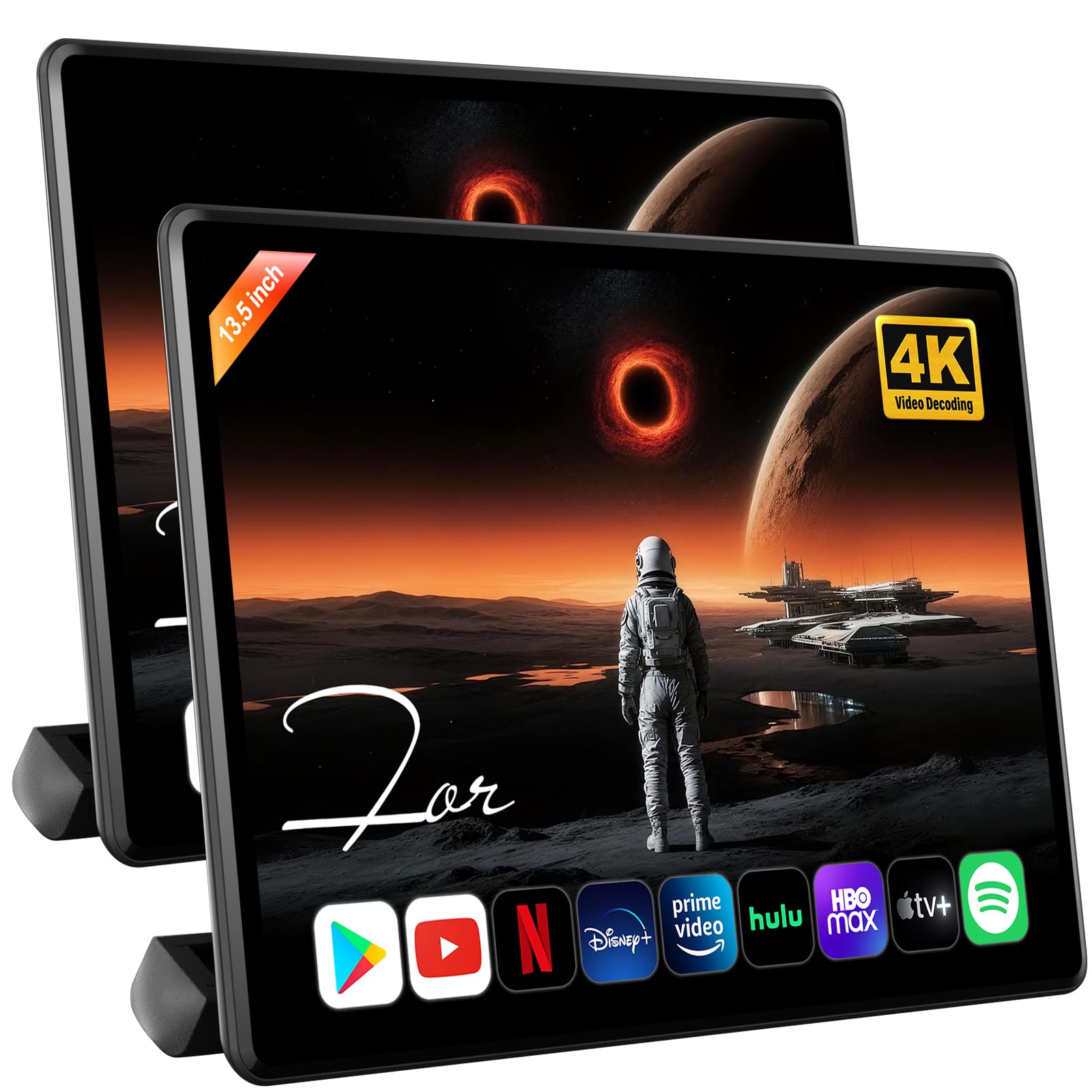

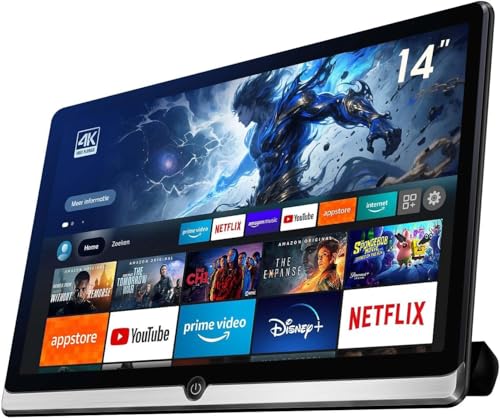


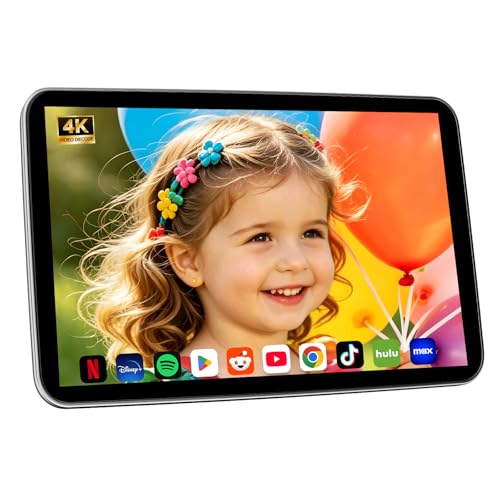


Headrest Monitors for Passengers
A headrest monitor sits behind the front seats. Some are standalone screens that strap to the existing headrest posts, while others are modern Android-based units that run apps, stream video and connect to a phone.
- Screen size: a larger display is easier to watch from a distance, but it needs a headrest wide enough to hold it. Check the mounting width.
- Touch and apps: Android units let you open streaming apps directly, but they need Wi-Fi or a hotspot. Plain DVD-style screens only play stored media.
- Phone mirroring: useful if you want to cast from a phone, so check the supported methods.
- Audio: look for wireless headphone support or a built-in transmitter so the driver is not stuck listening to a cartoon.
- Power: units can run from the cigarette lighter, a USB port or a hardwired feed. A rechargeable battery gives flexibility.
Since passengers are usually children, consider how easy the mounting is to adjust and how firmly the screen sits. A loose screen is a distraction and a hazard in a sudden stop.
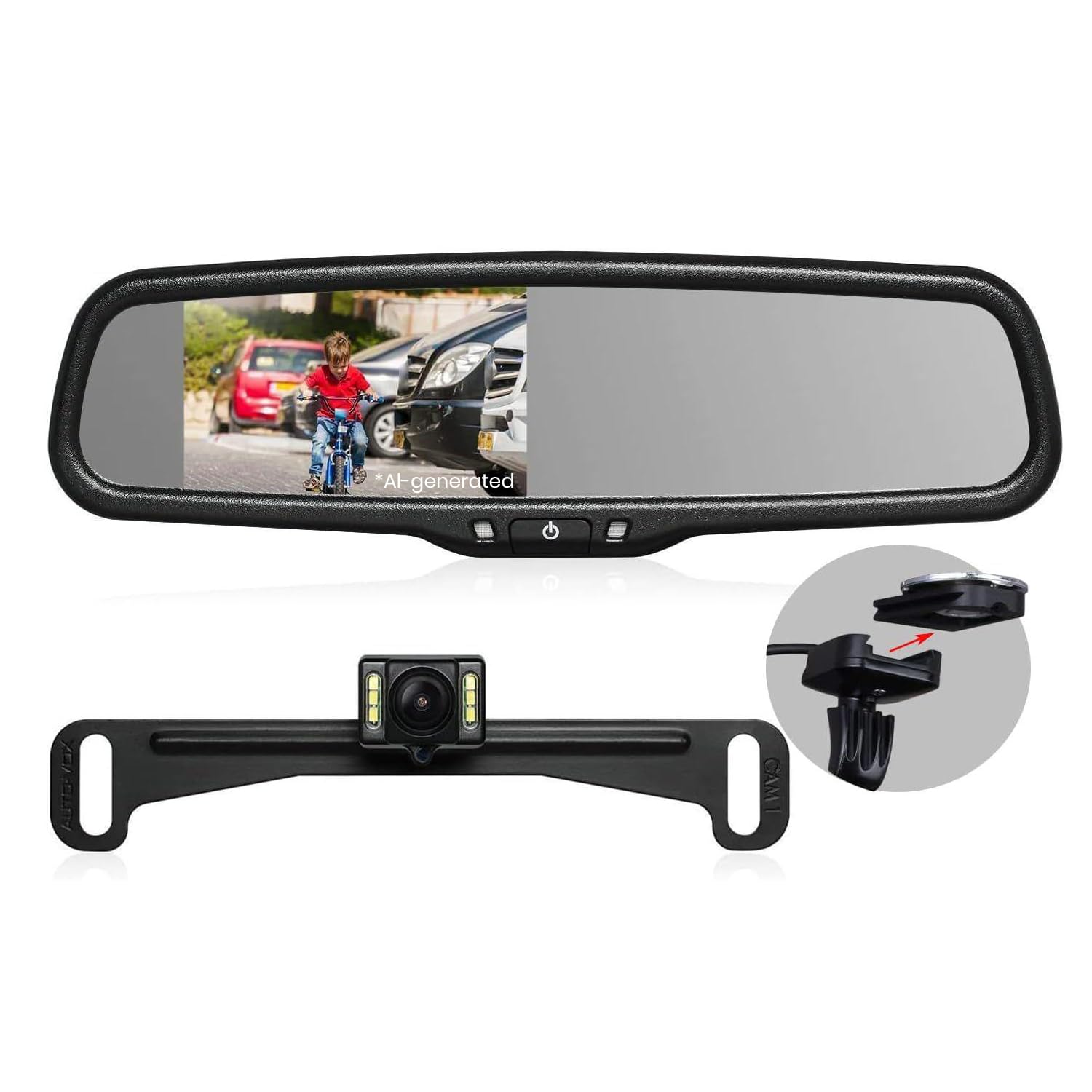
Rear View Mirror Monitors
Mirror monitors replace or clip over the interior mirror and display a camera feed from the rear of the vehicle. They help when a full cargo area, tall passengers or a rear window blocks the normal view. Check that the display is bright enough in daylight, whether it records video and how the camera is wired. A wireless camera is easier to install on a truck or trailer, while a wired camera usually gives a steadier picture.
Backup Camera Monitors
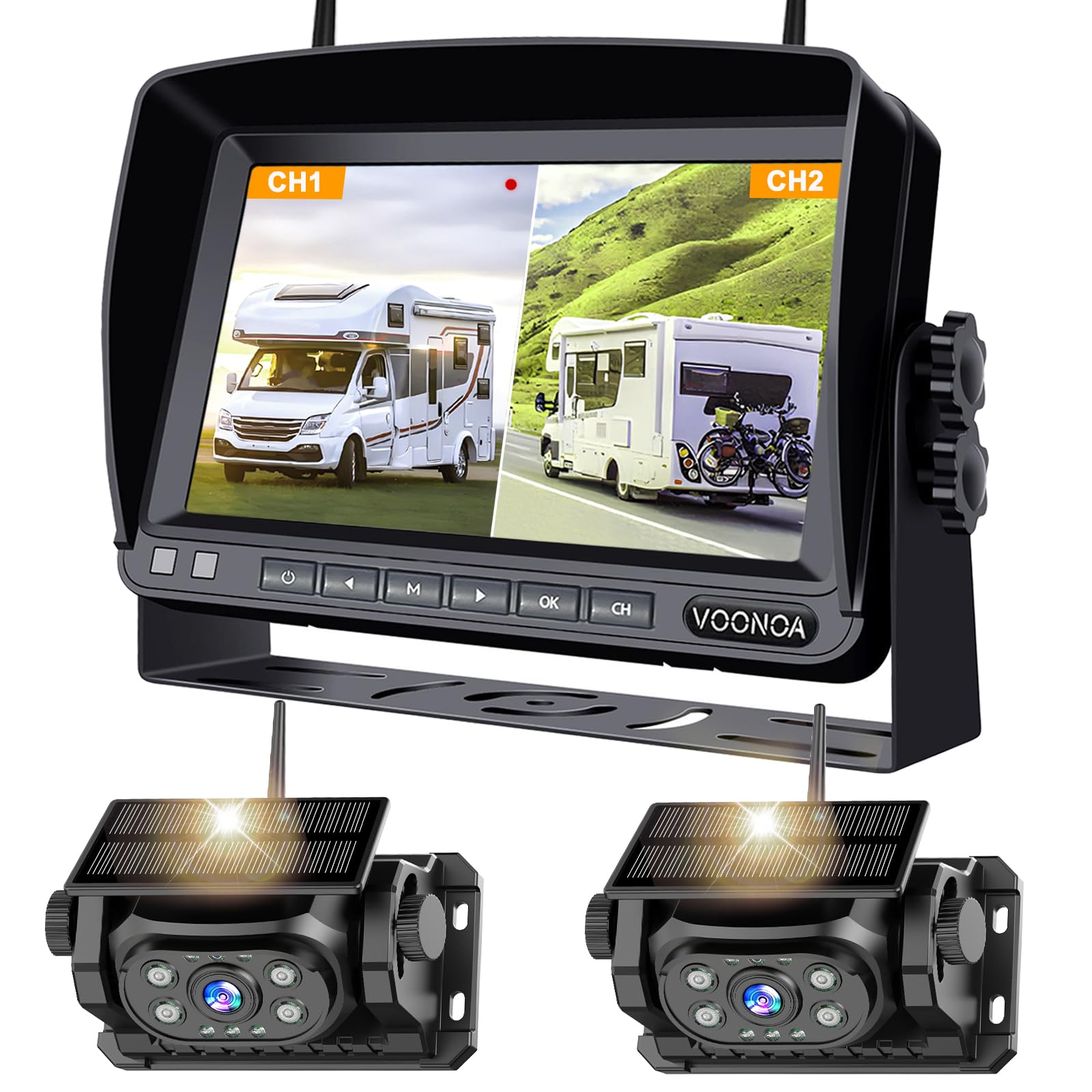
A standalone backup monitor suits vehicles without a built-in display. It usually mounts on the dashboard or windshield and connects to a camera on the rear bumper or license plate. Consider these points:
- Resolution and night view: a sharper image with some low-light ability is easier to read in a dark driveway.
- Guide lines: parking lines on screen help judge distance.
- Vehicle length: long vehicles and trailers may need a wireless unit with a strong signal or a long cable.
- Weather resistance: the camera lives outdoors, so look for water and dust protection.
Installation Considerations
Headrest units are easy to install, but cable routing takes some care. Hide wires so they do not hang in the passenger footwell. Mirror and backup monitors need a power source, usually the fuse box, reverse light wire or an accessory outlet. If you are not comfortable with vehicle wiring, an auto electronics shop can handle it.
Mounting location matters for the driver. Keep any screen out of the line of sight to the road, and follow your local rules on where displays can be placed. Never watch video on the front screen while driving.
Matching a Monitor to Your Situation
- Long family road trips: a pair of headrest screens, or one screen with a split view, keeps the back seat calm.
- Older vehicles without a camera: a backup monitor and camera kit adds real convenience.
- Work trucks and trailers: a wireless camera system with a clear display is practical.
- Occasional use: a portable screen with a battery can move between cars.
Choosing the Best Car Monitors
Decide the purpose first, then confirm physical fit: headrest width for entertainment screens, windshield or dashboard space for a standalone display. After that, compare inputs, power options and resolution. Pay attention to what the listing says about the return window, because an installation or compatibility problem is easier to solve if you can swap the unit.
Power, Wiring and Heat
A monitor that sits in a closed car all summer lives a hard life. Dashboards can get very hot, so choose a unit that tolerates heat and avoid leaving a battery-powered screen in direct sun. Look at the cable length and the type of plug as well: a short cord that barely reaches the outlet is a daily annoyance, while a long cord needs tidy routing along the door trim. Fuse taps and hardwiring kits give a clean look for a permanent unit, and a rechargeable screen can be carried indoors.
Common Mistakes to Avoid
- Ignoring headrest compatibility: wide or one-piece seats may not accept a screen that needs two posts.
- Choosing size over placement: a huge screen can touch the seat shell or sit too high for a child to watch.
- Forgetting audio: speakers in a screen are weak over road noise, so check for headphone support.
- Skipping a clear view check: a front display must not block mirrors, airbags or the road ahead.
Related Guides
Frequently Asked Questions
Do headrest monitors work in any car?
Most fit standard adjustable headrests, but wide or fixed headrests can cause problems. Check the strap or mounting range before ordering.
Can a monitor play streaming apps?
Android-based units can if they connect to Wi-Fi or a phone hotspot. Basic DVD-style monitors only play discs or files.
Is a wireless backup camera as good as a wired one?
Wired cameras are steadier, while wireless models are easier to install. Signal quality can vary with vehicle length.
Will a monitor drain the car battery?
A screen wired to a switched power source turns off with the ignition. Use an accessory outlet or a switched fuse to avoid draining the battery.
The Bottom Line
The best car monitors are the ones that suit a clear job: backseat entertainment or a better view behind the car. Pick the style first, measure the mounting space and check power and inputs, and the right display will make every trip easier.


