
Best Car Tvs 2026: What to Know Before You Buy
Disclosure: We may earn a commission when you buy through links on this page, at no extra cost to you. As an Amazon Associate I earn from qualifying purchases. Learn more
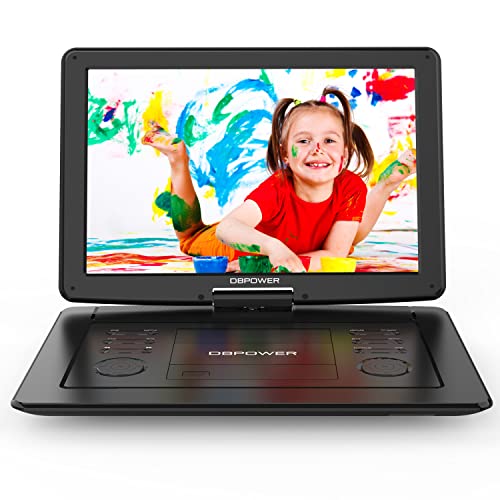
Learn how to choose car TVs for rear seat entertainment on family trips. Compare screen types, mounting safety, power, and viewing tips here.
Shopping for the best car tvs is really about rear seat entertainment, since drivers should never watch a screen while driving. A good car TV setup keeps passengers happy on long trips with clear screens, simple controls, and safe mounting. The right choice depends on your vehicle, your passengers ages, and whether you want built in screens or portable tablets on mounts. The comparison table below shows the main screen types side by side.
Car TVs come as headrest screens, roof mounted screens, and portable screens that clip to headrests. Each type suits different vehicles and budgets, and screen size alone does not decide viewing quality. This guide covers screen types, mounting, power, and safe use so you can choose a setup that survives real family trips. Check the product table below when you want a quick recap of the types.
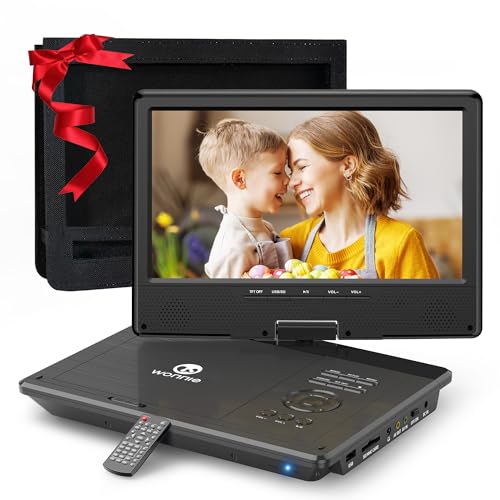
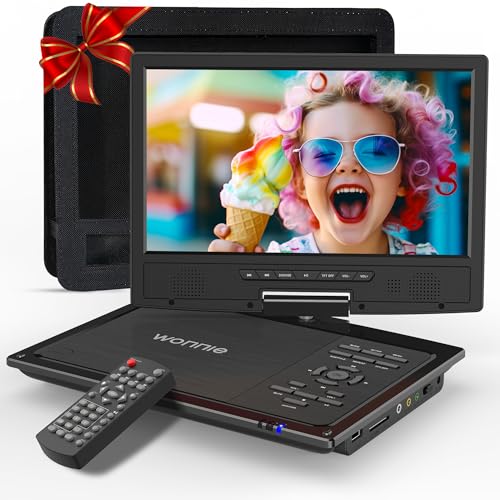
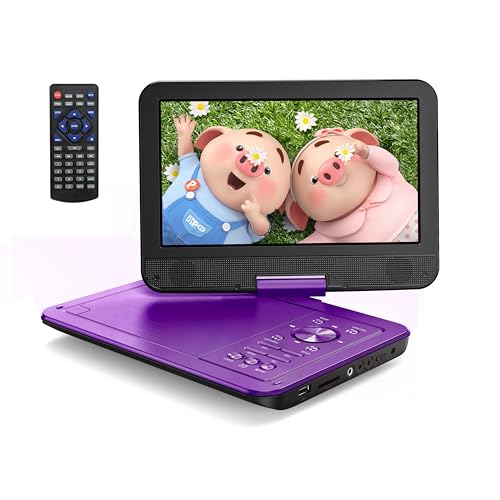


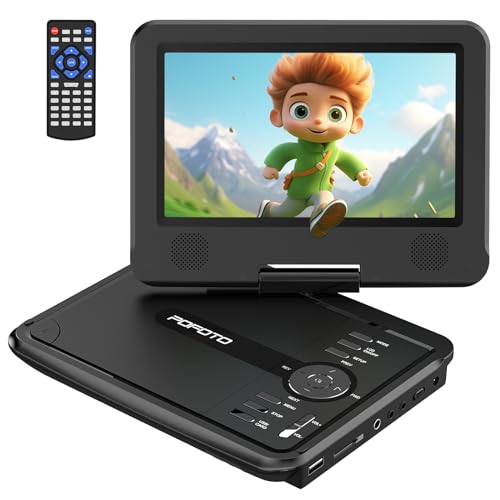
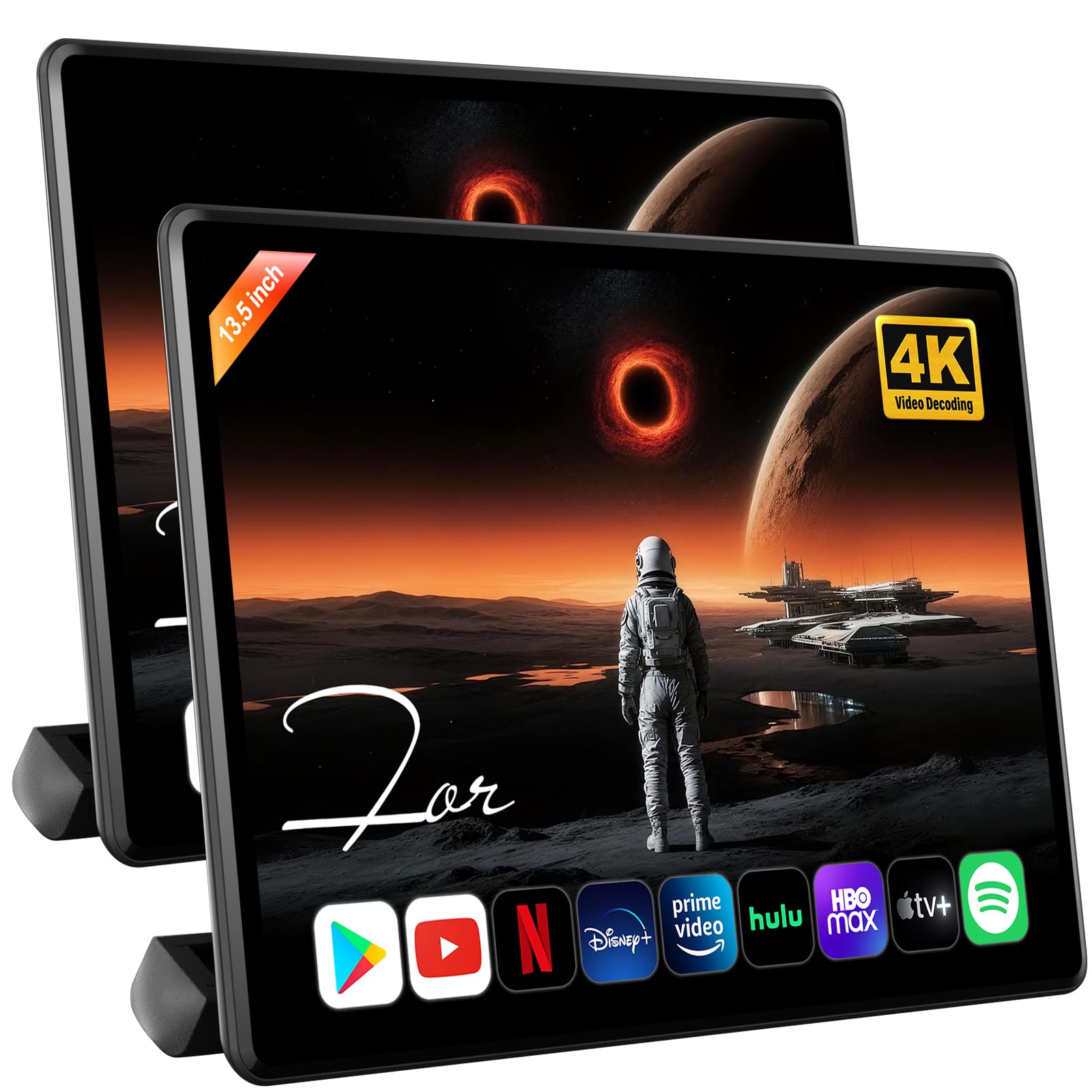
Screen Types for Cars
Headrest screens mount on or replace front headrests and give each rear passenger a personal screen. They suit families with two children who want different shows, and they keep screens close enough for clear viewing. Roof mounted screens fold down from the ceiling and suit larger vehicles where several passengers share one screen. They need headroom and professional fitting, and they can block the rear view mirror if placed poorly.
Portable screens clip to headrests or sit on laps, offering the lowest cost and easiest move between vehicles. They often run on batteries or car power and accept memory cards, USB drives, or streaming through a phone hotspot. Portable screens suit occasional trips and rental cars, but they need secure mounts to avoid becoming loose objects in a crash. Built in screens look neater and stay fixed, yet they cost more and stay with one vehicle.
Screen Size, Resolution, and Viewing Angles
Screen size should match viewing distance, since a very large screen close to a child face can feel overwhelming and show pixels. Headrest screens of about 9 to 11 inches suit most cars, while roof screens of 13 to 17 inches suit larger cabins with longer viewing distances. Resolution matters for sharpness, but a smaller high resolution screen often looks better than a larger low resolution one. Check viewing angles too, since passengers sit off center and a narrow angle screen fades at the edges.
Brightness matters in cars because sunlight through windows washes out dim screens. A brighter screen with an anti glare coating holds up better on sunny trips, though no car screen matches a living room TV in direct sun. Adjustable brightness helps at night, when a bright screen can distract the driver through reflections. Test screens, if possible, in daylight rather than only in a dim shop display.
Mounting, Safety, and Legal Notes
Mounting safety comes first, because any screen that can fly loose in a crash is a hazard. Use mounts made for your vehicle and screen weight, tighten all fittings, and route cables away from airbags and pedals. Headrest mounts should not weaken headrest posts or block head restraint adjustment. Roof screens need secure fixings into roof structure, which is why professional fitting is wise for that type.
Legal rules restrict driver viewing of video screens in most places, so screens must face rear passengers only. Front screens that play video while driving can attract fines and, more importantly, distract the driver. Keep remote controls with rear passengers, and set volume so the driver can still hear horns and sirens. If a screen can be seen by the driver, fit a cover or switch it off while the vehicle moves.
Power, Sources, and Sound
Power options include car 12 volt sockets, built in wiring, and batteries for portable screens. Built in wiring looks tidy and avoids trailing cables, but it adds install cost. Portable screens with batteries suit short trips, yet battery life drops with brightness and volume. Carry a car charger for long journeys, and check whether screens charge while playing, since some models pause playback while charging.
Video sources vary from built in DVD players to USB drives, memory cards, and phone streaming. Built in players suit families with disc collections, while USB and streaming suit newer habits. Sound can come from built in speakers, headphones, or the car audio system, and headphones usually suit mixed age passengers best. Wireless headphones avoid cable tangles, but check battery life and volume limits for children.
Choosing a Setup for Your Vehicle
Small cars suit portable headrest screens, since roof screens may crowd headroom and block views. Larger SUVs and people carriers suit twin headrest screens or a single roof screen for shared viewing. Consider passenger ages: young children need simple controls and robust mounts, while older passengers may prefer personal screens and headphone choice. Count power sockets too, since two screens plus phones can exceed available outlets without a splitter.
Prices range from about $80 for a portable screen to $500 or more for fitted twin headrest or roof systems. Spend first on secure mounting and screen brightness, since those factors affect safety and viewing on every trip. Add headphones and a simple media library before buying larger screens. The product table above can help you compare the main types once more before you choose.
A Final Check Before You Order
Before ordering, measure viewing distance in your vehicle and match screen size to it, favoring 9 to 11 inch headrest screens for most cars. Check headroom for roof screens, since a large screen can crowd passengers and block the rear view mirror. Confirm power sockets and cable routes, keeping cables away from airbags and pedals. A screen that fits its space safely beats a larger screen fitted awkwardly.
Plan sound before you buy, since headphones suit mixed age passengers better than shared speakers on long trips. Wireless headphones avoid cable tangles but need charging, so check battery life for your longest journey. Load media in advance too, since streaming depends on signal that fades on rural roads. A ready media library and charged headphones make the first trip smooth.
Check local rules on driver visible screens, and mount screens so only rear passengers can watch while driving. Keep remote controls with rear passengers and volume low enough for the driver to hear horns and sirens. Inspect mounts regularly, since vibration loosens fittings on rough roads. Safe mounting and sensible volume keep car entertainment enjoyable for everyone.
Frequently Asked Questions
Are car TVs legal?
Rear seat car TVs are legal in most places when they face passengers only and cannot distract the driver. Front screens that play video while driving are restricted in many regions and can attract fines. Keep screens out of the driver view, switch off any driver visible screen while moving, and keep volume low enough to hear horns and sirens. Check local rules before fitting, since details vary by region.
What size car TV screen is best?
Headrest screens of about 9 to 11 inches suit most cars, since passengers sit close to the screen. Roof screens of 13 to 17 inches suit larger cabins with longer viewing distances and shared viewing. A smaller high resolution screen often looks sharper than a larger low resolution screen at close range. Consider headroom, viewing angles, and brightness alongside size before choosing.
Should I choose built in or portable car screens?
Built in screens look neater, stay fixed, and suit families who use one vehicle for most trips. Portable screens cost less, move between vehicles, and suit occasional trips or rental cars. Portable screens need secure mounts to avoid becoming loose objects in a crash. Choose built in screens for daily family use and portable screens for flexibility and lower cost.
How do car TVs get power?
Car TVs run from 12 volt sockets, built in vehicle wiring, or batteries in portable models. Built in wiring looks tidy but adds install cost, while socket power is simple yet leaves cables visible. Portable batteries suit short trips, but brightness and volume reduce battery life. Carry a car charger for long journeys, and check whether a model charges while playing.
What is the safest way to mount a car TV?
Use mounts made for your vehicle and screen weight, tighten all fittings, and route cables away from airbags and pedals. Headrest mounts must not weaken headrest posts or block restraint adjustment. Roof screens need secure fixings into roof structure, so professional fitting is wise. Check mounts regularly, since vibration loosens fittings over time on rough roads.
Final Thoughts
Choose screens for rear passengers only, with secure mounting, suitable size for viewing distance, and brightness that copes with daylight. Portable screens suit occasional trips and tight budgets, while fitted headrest or roof screens suit regular family use. Keep controls simple, sound through headphones where possible, and volume low enough for the driver to hear the road.
The product table above sums up the main types, so compare them once more before ordering. With safe mounting and realistic screen expectations, the best car tvs can make long journeys calmer for everyone in the car.
Related Buying Guides
For a closely related choice, see our guide to best tvs for outside.


