Best Cameras for Church: Everything to Know Before Your First Purchase in 2026
Disclosure: We may earn a commission when you buy through links on this page, at no extra cost to you. As an Amazon Associate I earn from qualifying purchases. Learn more
Buying a church camera for the first time? Compare PTZ and fixed types, low light specs, streaming outputs, audio inputs, security options and price bands.
Buying a camera for a church for the first time can feel like a bigger job than it really is. The best cameras for church use are rarely the most expensive models on the shelf; they are the ones that fit your hall, your budget and the volunteers who will run them each week. This guide starts with the plain basics and builds up slowly, so you can make one sensible purchase instead of two rushed ones.
By the end, you will know which specs deserve your money, which types suit which jobs, and how to compare the options in the comparison table below with confidence.



Cameras 101: The Basics
A church camera has one of three jobs: recording a service, sending a live stream to people watching at home, or watching over the building when it is empty. Every camera does this the same basic way. Light passes through the lens and lands on a sensor, and the sensor turns that light into a picture the camera can record or send on.
A few terms cover most of what follows. Resolution describes how much detail the picture holds, and 1080p is the standard most streams still use. Zoom describes how close the camera can bring a subject, and optical zoom uses the lens itself, so the detail survives. A streaming output is simply the socket or signal the camera uses to hand its picture to a computer or streaming box.
Nothing in this guide assumes a media team or a technical background. If you can work a sound desk fader or set up a projector, you already have every skill a first church camera asks for.
Key Specs Explained in Plain English
Features That Matter for Church
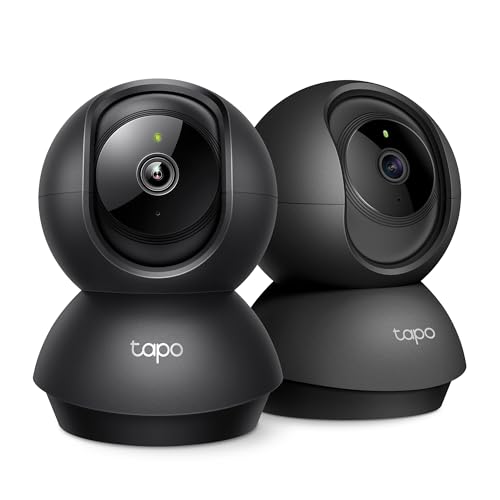
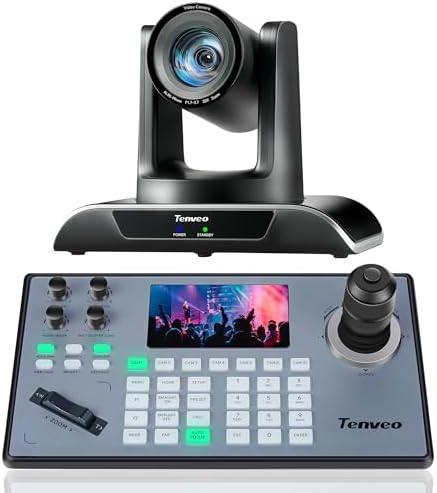
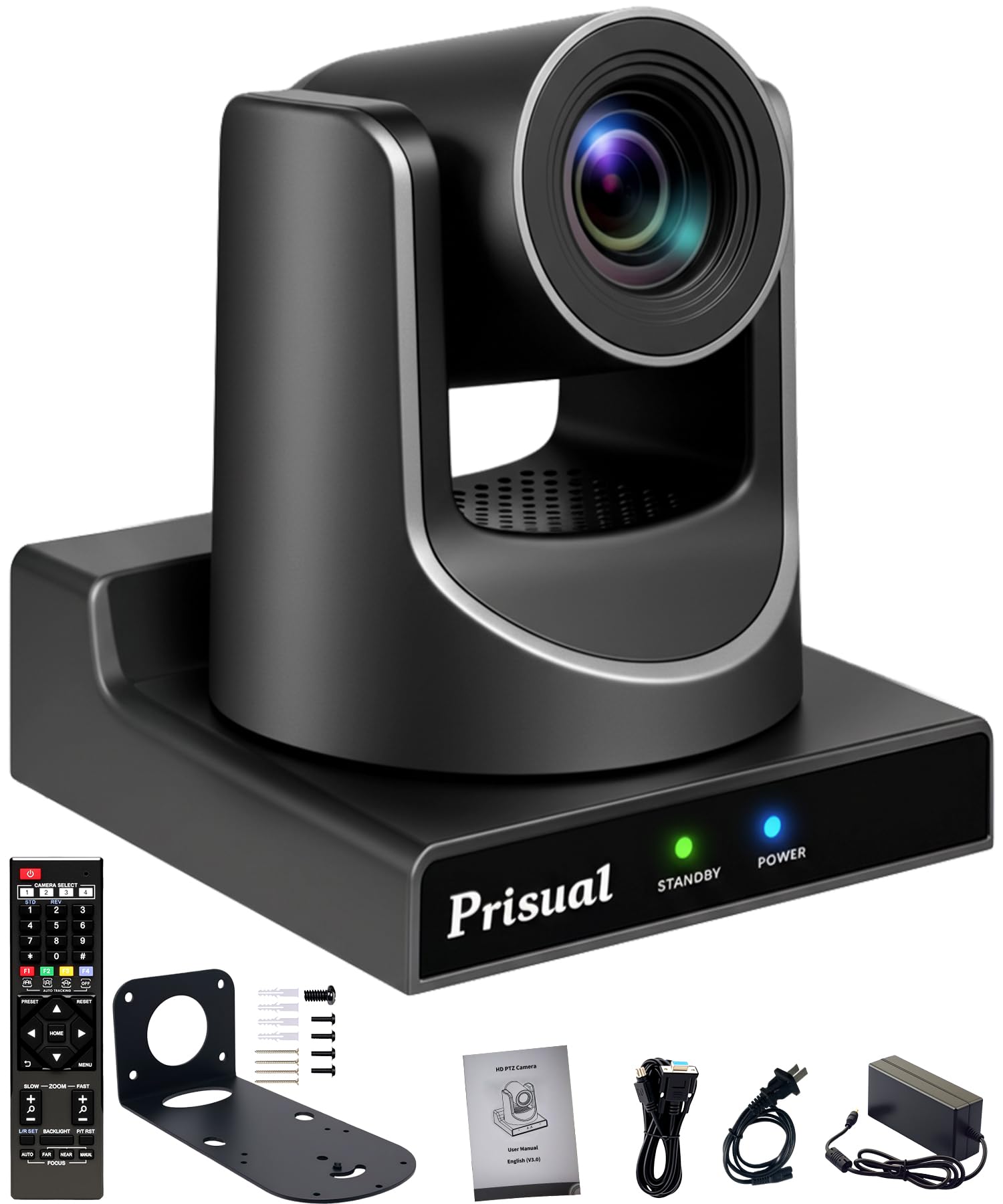
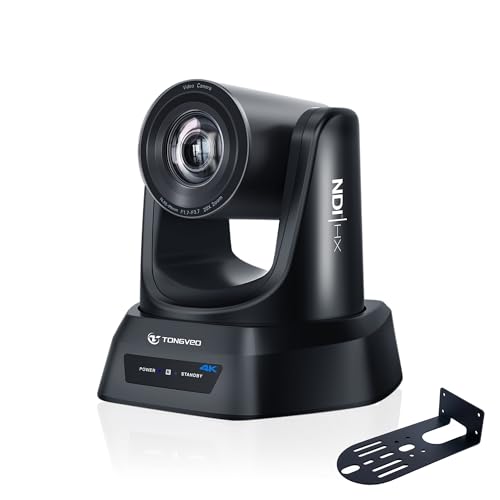
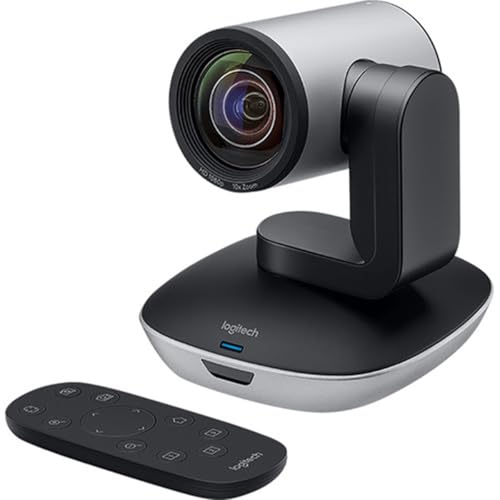
Church is a demanding setting because one camera often has to cover a wide platform, a speaker at a lectern and a congregation, all from a fixed spot at the back. A pan tilt zoom camera answers that problem directly: it turns, tilts and zooms under remote control, so one trained volunteer can follow the whole service from a single mounted unit. That is why so many first purchases land there.
Look for smooth, slow movement rather than fast movement, because slow pans look calm on a stream. Our guide to the best ptz cameras for church explains mounts and controllers in more depth.
Sensor Size and Image Quality
Sensor size decides how a camera copes with the soft, dim light most halls have during worship. A larger sensor gathers more light, so faces stay clean and colours stay natural when the room lights are low. Low light quality matters more than a high megapixel count, which mostly adds detail you may never display. A 1 inch sensor is a sensible floor for a main service camera, and larger sensors earn their price in candlelit or evening services.
Autofocus and Stabilization
Good autofocus quietly follows a speaker who walks, turns or steps down from the platform, so the picture stays sharp without a volunteer riding the focus ring. Face and eye detection modes are worth having because they lock onto people rather than banners or instruments. Stabilization matters less for a mounted camera, since the mount does that work, but it matters a great deal for a handheld camera recording baptisms or youth events. If one camera must do both jobs, put stabilization higher on your list.
Battery Life and Charging
Most fixed church cameras do not live on batteries at all. They run from a wall outlet or from power carried along the network cable, which means a service can never be lost to a flat battery. Portable cameras are the exception: a battery rated for a full morning of services, plus a charger that refills it between meetings, is the practical target. USB C charging is a welcome bonus because it lets one cable serve several devices in the media cupboard.
Video Capabilities
For most churches the output matters as much as the picture itself. The output decides whether the service reaches viewers at home, so check that the camera offers the connection your streaming computer or encoder expects, whether that is HDMI, SDI, USB or a direct network stream. Read the audio side apart from the video side: a clean picture with weak sound still fails the listener.
A separate audio input lets the sound desk feed speech and music straight into the recording, which lifts quality more than any resolution jump. Buyers comparing connection options can also read our guide to the best cameras for church streaming.
Choosing Cameras for Your Situation
Few churches buy everything at once. Most start with one service camera and add coverage later, so it helps to see how the common jobs differ before you spend.
Best Cameras for a Church
A single general purpose camera is the right first buy for most congregations. Mounted at the back of the hall, it needs enough optical zoom to frame the platform, simple controls a rotating volunteer team can learn, and an output that matches your streaming setup. A modest fixed camera or an entry level pan tilt zoom unit both fit this brief. Spend on reach and reliability before you spend on resolution.
Best Security Cameras for Church
Security cameras do a different job: they watch entrances, halls and the car park when the building is empty. Priorities shift to wide coverage, clear night pictures and motion alerts sent to a phone, so a caretaker can check an alarm without driving in. Recording should continue through a power cut where possible, and footage needs to be easy to search by time. See our guide to the best security cameras for churches for placement and storage advice.
Best Wireless Security Cameras for a Church
Wireless security cameras suit buildings where running cable is hard, expensive or forbidden, which covers many older and listed churches. Battery or solar power removes the cable problem, but it adds a charging routine and a dependence on strong wifi at the mounting point. Check the signal at the exact wall before you drill anything. These cameras work best as gap fillers at side doors and outbuildings rather than as the only coverage on a main entrance.
Best Live Cameras for Church
A live camera is judged on the stream it feeds, not the file it saves. Fast, reliable outputs, saved position presets and quiet movement matter most, because the congregation at home sees every wobble and delay. A camera that can stream directly, without a computer, simplifies life for small teams. Buyers weighing that route can compare options in our guide to the best video cameras for churches.
Best Cameras for Church Videos
Recording for later upload asks for different strengths from a live setup. Higher resolution, such as 4K, lets you crop a wide shot into a closer one during editing, and generous card storage means a long service never stops mid hymn. Good colour straight out of the camera saves editing time for volunteers. If your church posts sermons during the week, this is the class to study first.
Best 1080p Cameras for Church
A 1080p camera remains the sensible default for most services. Streams at this resolution look sharp on phones and televisions, ask far less of your upload speed, and cost less than 4K models with the same lens and sensor quality. The money saved is usually better spent on audio or lighting. Choose 1080p unless you plan to crop recordings heavily in editing.
Rookie Mistakes to Avoid
First time buyers tend to repeat the same handful of errors. Each one below is easy to avoid once you know it exists.
- Shopping by megapixels alone, when sensor size and lens quality decide how the picture actually looks in a dim hall.
- Choosing digital zoom for a long hall, then discovering the platform turns soft and grainy at the reach the service needs.
- Planning the picture and forgetting the sound, so viewers hear a distant room echo instead of the words and music.
- Mounting the camera high in a corner, which gives a steep, distant view of the tops of heads rather than faces.
- Ignoring the upload speed of the building internet connection, which caps stream quality no matter what the camera can do.
- Buying a camera with no spare cable, mount or memory card in the budget, then missing a service to a five dollar part.
Getting Started: Setup and First Use
Start by mounting the camera at the back of the hall, centred on the platform, and high enough to see over standing heads without looking down steeply. Run the cables neatly, connect the audio feed from the sound desk, and set the camera to the resolution your stream will actually use.
Before the first public service, run a private test stream and watch it on a phone, the way your viewers will. Check focus, framing and sound, then train at least two volunteers on the same simple routine. Keep a lens cloth in the media cupboard, not a shirt sleeve, and keep one spare cable where the operator sits.
Cameras: Your Questions Answered
What features matter most in cameras for church?
Reach, low light quality and a workable output matter most. Optical zoom frames the platform from the back wall, a sensor that stays clean in dim light keeps faces readable, and the right output gets the picture to your stream without adapters stacked on adapters. One point buyers miss: check the focus behaviour at full zoom during a rehearsal, because some cameras hunt for focus when the speaker moves slowly.
How many cameras does a church need to film a service?
One camera is enough to start, and many churches stream happily with a single well placed unit. A second camera adds a close view of speakers or musicians and covers you if the first fails, so treat it as a comfort upgrade rather than a requirement. A useful rule is to master one camera position fully, including presets and audio, before adding angles you cannot staff.
Which camera type is better for low light in a church hall?
A camera with a larger sensor is better for low light, because it gathers more light before the picture turns grainy. Between two otherwise equal models, choose the one with the larger sensor and the brighter lens rather than the higher resolution. Raising the hall lighting slightly during filming also helps every camera, and it is the cheapest image upgrade a church can buy.
What specs matter most for beginners buying a church camera?
Beginners should read three specs first: optical zoom range, sensor size and output type. Those decide whether the camera can see the platform, handle the light and join your streaming setup. Everything else is refinement. Ask the seller for the zoom figure in optical terms only, and ignore digital zoom numbers in the headline, because they describe cropping rather than real reach.
Is a smartphone enough instead of a church camera?
A smartphone can cover a single service in an emergency, and its picture in good light is respectable. It falls short as a permanent answer because it sits close to the platform, ties up a personal device every week and can overheat or ring at the worst moment. Treat it as a backup and a way to learn streaming, then move the weekly duty to a fixed camera.
How much should a church spend on its first camera?
A sensible first budget is about $300 to $800 for the camera itself, with a further share set aside for the mount, cables and audio connection. Spending below that range usually means weak zoom or poor low light results, while spending far above it buys features a volunteer team may never use. Get quotes for the whole setup, not the camera alone, before the finance meeting decides.
The Bottom Line
The right first purchase is the camera your team can run calmly every single week. Judge the options by reach, low light quality and outputs first, then by price, and let the best cameras for church for your building be the one that fits your hall rather than a showroom chart. Compare the finalists in the product table above, start with one position, and add coverage only when the routine is solid. That steady approach serves a congregation better than a rushed, expensive rig.