Best Cameras for Recording Church Services in 2026: Every Type Explained Side by Side
Disclosure: We may earn a commission when you buy through links on this page, at no extra cost to you. As an Amazon Associate I earn from qualifying purchases. Learn more

Compare the best cameras for recording church services by type, with guidance on zoom, low light, audio inputs, power and storage for weekly worship.
A sanctuary is a demanding place to film. The camera may sit 60 feet from the pulpit, the light over the choir may be dim, and the service runs far longer than a family video. The best cameras for recording church services handle that distance, that light and that length without a volunteer hovering over them. Use the comparison table below to see how the main types differ.
This guide compares camera types rather than named models. You will learn which type suits a small chapel with one operator, which suits a large hall with a media team, and which features matter most at the back of the room.


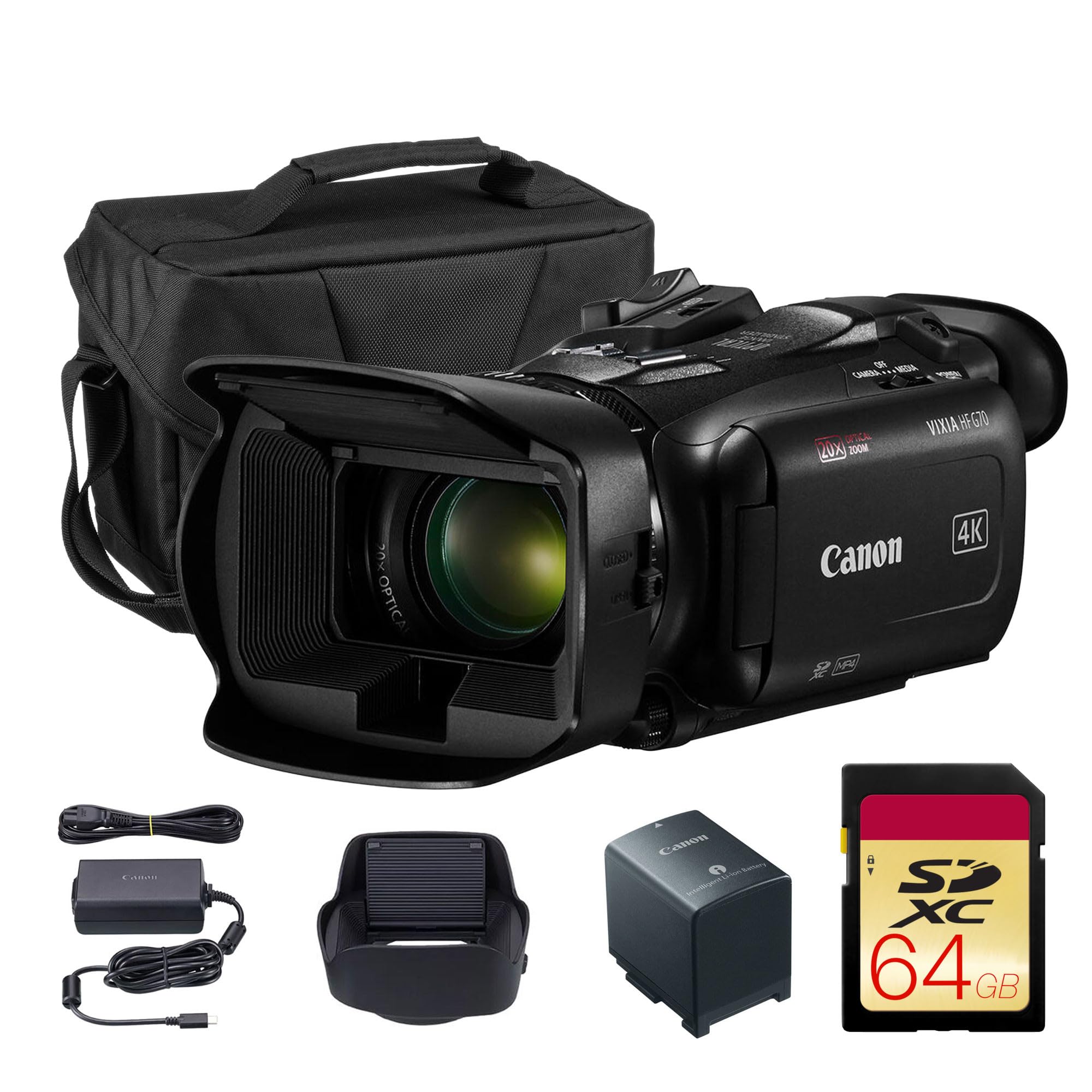
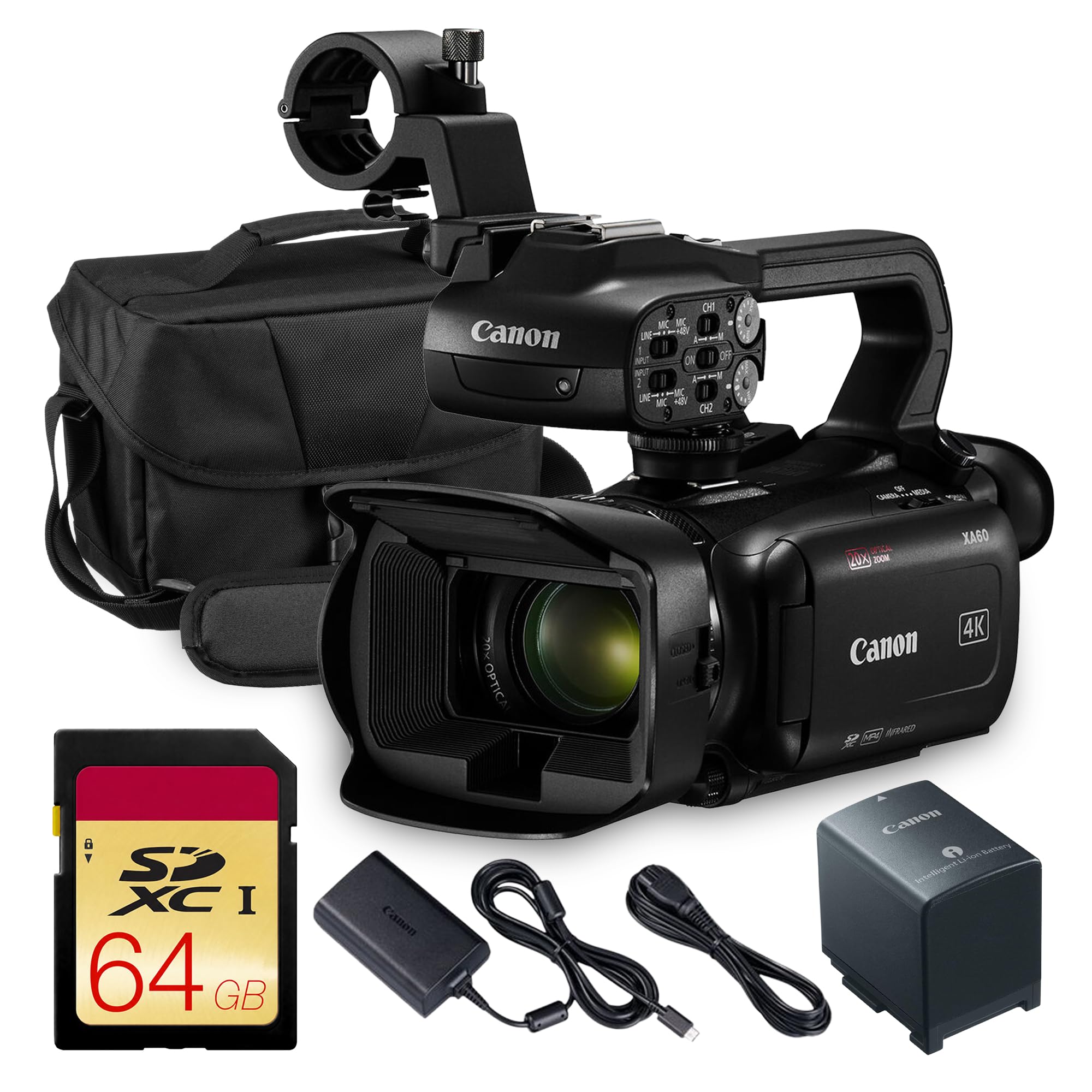
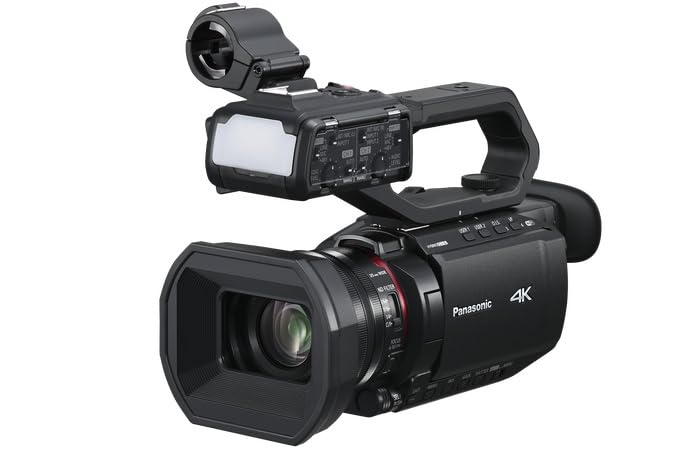


Types of Cameras Compared for Church Recording
Four types cover nearly every church setup. They differ in how they are controlled, how far they can see clearly, and how much attention they need during a service.
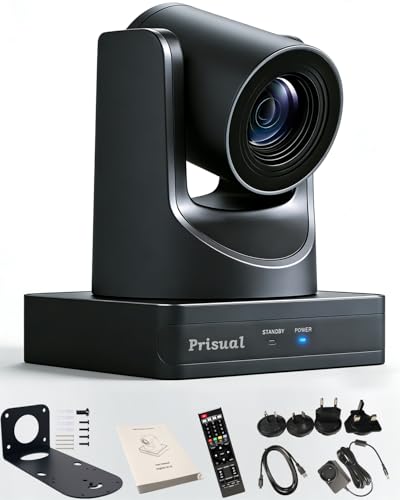
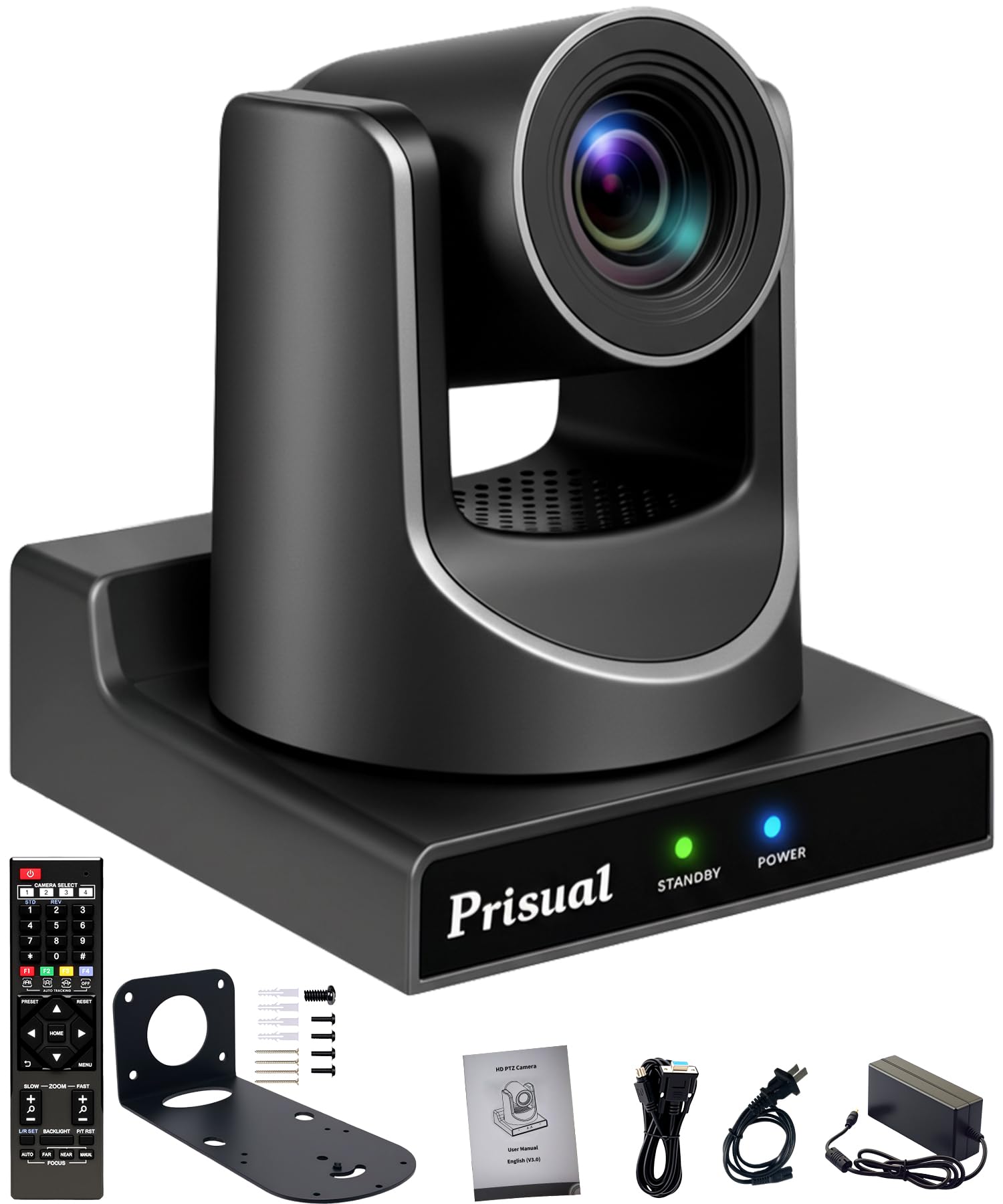
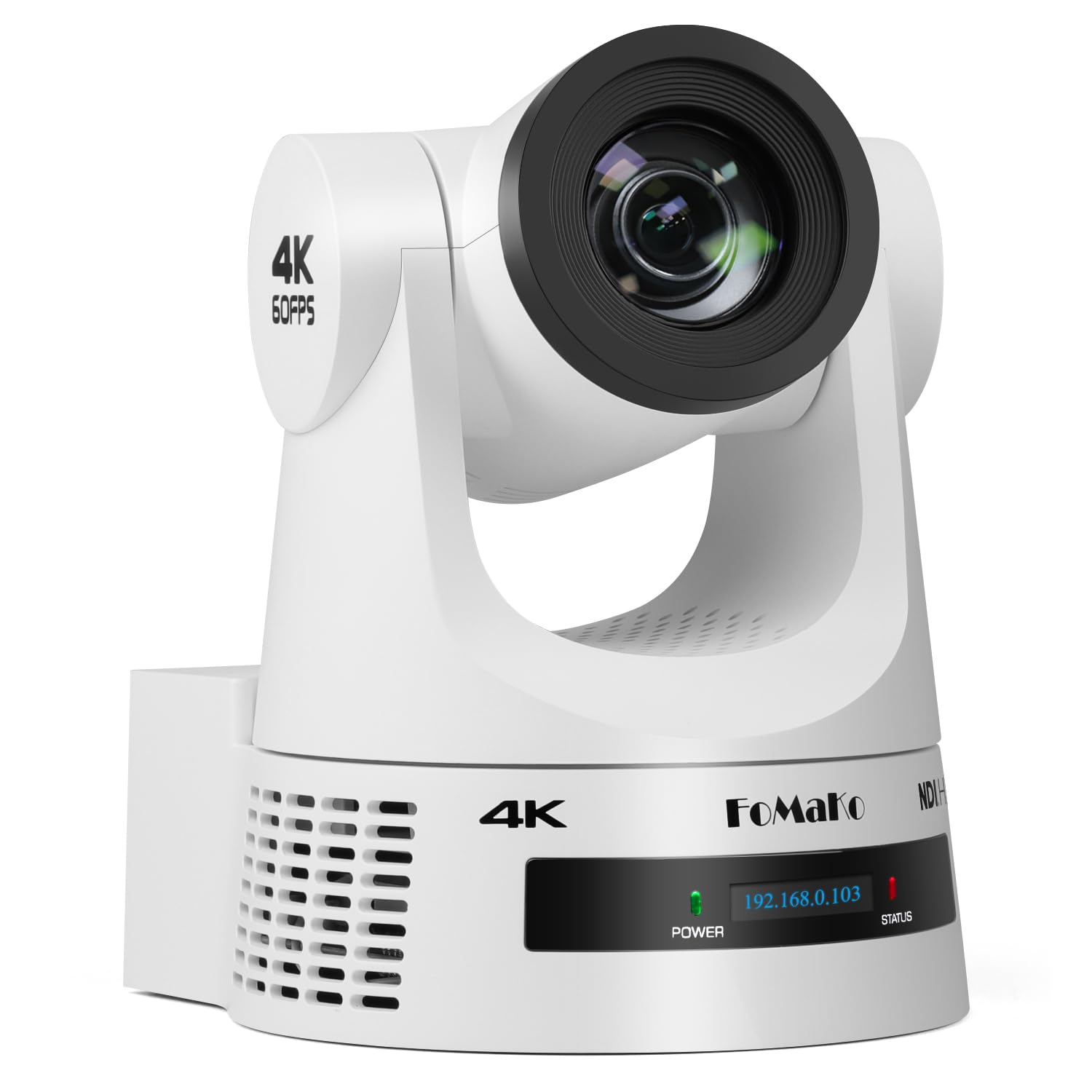
PTZ Cameras Controlled From a Booth
A PTZ camera pans, tilts and zooms by remote control, so one operator in a booth can follow a speaker, widen for the choir and tighten on a baptism without walking to the camera. This type suits churches that record every week with a small team.
Camcorders Built for Long Recordings
A camcorder is a single unit with a long optical zoom and recording controls made for events. It records to common memory cards and needs little setup each week. The long zoom reach is the main draw, since a camcorder at the back of a hall can still frame a speaker at head and shoulders size. This type suits most small and mid size churches that want simple, dependable recording.
Mirrorless Bodies for Dim Sanctuaries
A mirrorless camera uses a larger sensor and changeable lenses, so it gives the cleanest image in dim sanctuaries and a pleasing shallow focus on a speaker. Some models stop recording after about 30 minutes, many overheat during long 4K video sessions, and the lens for a distant stage may cost as much as the body. This type suits churches with a skilled operator who records shorter services or clips.
Point and Shoot Compacts and Vlogging Cameras
A compact camera with a fixed lens is the smallest and simplest option, and vlogging cameras in this group add a flip screen and strong autofocus for a single presenter. At the back of a large sanctuary, though, their zoom range and low light performance usually fall short. Treat this type as a starter option for a chapel or a second angle near the front.
PTZ, Camcorder or Mirrorless: Which Type Should Your Church Choose?
Choose by operator first. If one volunteer must run sound and video together, a PTZ camera or a camcorder on a tripod asks the least during the service. If a trained operator can stay with the camera, a mirrorless body gives the best picture in poor light.
Choose by room second. Measure the distance from the camera position to the pulpit before you shop. Under about 30 feet, any type can work. Beyond that, zoom reach and sensor size decide the result, and compacts drop out. Churches weighing a dual purpose setup can also see our guide to the best recording cameras for general event use.
How to Choose the Right Camera for Recording Church Services
The best cameras for recording church services share a short list of traits. Judge every candidate against your room, your service length and your sound system, in that order.
Sensor Size for Candlelit and Evening Services
Sensor size controls how clean the picture stays when sanctuary light is low. A larger sensor, such as APS C or full frame, gathers more light and keeps skin tones smooth during candlelit or evening services. A small sensor in a compact camera adds grain and loses detail in shadow areas. Megapixels matter less than sensor size for video. If your light is dim or warm, put sensor size near the top of your list.
Lens Reach and Optical Zoom Range
Optical zoom uses the lens itself and keeps full detail, while digital zoom crops the image and softens it, so compare optical figures only. A camcorder offering 20x to 30x optical zoom can frame one person from the back of most halls. A mirrorless camera needs a telephoto lens for the same reach, often 70 to 200 mm or longer.
Focus That Holds a Moving Speaker
Autofocus keeps a moving speaker sharp as they step away from the pulpit. Face and eye detection helps a camera hold focus on one person in a group, which suits an unattended setup. Image stabilization smooths small shakes from a tripod on a wooden floor or a balcony that vibrates when the congregation stands. It cannot fix a loose mount, so pair it with a firm tripod or a solid wall bracket.
Audio Inputs and the Soundboard Connection
Picture quality draws the eye, but sound quality decides whether people keep watching a recording. A camera that takes an external audio feed lets you record the output of your church mixer, so the sermon arrives clear and free of room echo. Look for a 3.5 mm microphone input at minimum, and XLR inputs if your mixer sends a balanced line level signal. Always record a test with headphones before a service. Churches planning to add live viewing later can also read our guide to the best cameras for streaming church services.
Recording Time, Power and Storage
A service can run 90 minutes or longer, so confirm that the camera records without an internal time limit and can run on wall power through an adapter or a dummy battery. Battery only operation risks a shutdown mid sermon. For storage, 4K video can use about 45 GB per hour depending on the bit rate, so carry cards with spare capacity and copy files to a computer each week.
Clean HDMI Output and Monitoring
A clean HDMI output sends the video picture without menu icons or focus boxes, which matters if you feed a lobby screen, an overflow room or a capture device. If your church may stream in the future, this output is the bridge to a streaming setup, a path covered in our guide to the best cameras for church services.
Setup and Care Tips for Church Cameras
Place the camera near the center line of the room at about head height of a standing speaker, so faces look natural. Run cables along a wall or under a cable cover, never loose across a walkway. Mark your tripod position with tape, so any volunteer can rebuild the setup in minutes.
- Use a lens cloth to clean the front glass, not a shirt or a tissue.
- Carry a spare battery and a spare memory card in the camera bag.
- Store the camera in a dry, padded bag away from candles and radiators.
- Format memory cards in the camera after files are safely copied.
Common Mistakes to Avoid
- Buying a camera with a short zoom for a long room leaves the speaker tiny in the frame with no way to fix it later.
- Relying on the built in microphone from the back of the hall records echo and coughs more clearly than the sermon.
- Ignoring a recording time limit means the camera stops during the longest and most important part of the service.
- Mounting the camera off to one side gives every recording a skewed view of the stage and the choir.
- Leaving files on one memory card for weeks risks losing a whole month of services if that card fails.
FAQ
What features matter most in a camera for recording a full church service?
Unlimited recording time, wall power operation and an external audio input matter most for a full church service. Together they guarantee the camera runs from the first song to the closing prayer and captures the mixer feed instead of room sound. Add headphone monitoring during recording, since a silent audio cable fault is invisible on screen but obvious in headphones within seconds.
Is a smartphone enough to record church services instead of a camera?
A smartphone can record a short service in a small, bright room, but it is rarely enough as the main camera. Phones zoom by cropping, so a distant speaker looks soft, and a call can interrupt the recording. A phone works better as a second angle near the front, or as a backup audio recorder near a speaker cabinet.
How much should a church spend on its first recording camera?
Most churches do well with a first budget of about $400 to $900 for a camcorder setup, including a tripod, a power adapter and memory cards. Spending less often means giving up the audio input or the zoom reach the room needs. Reserve part of the budget for a long audio cable and a backup recorder, since sound failures cause more lost sermons than picture problems.
Which camera type is better for low light church services?
A mirrorless camera with a large sensor is better for low light church services than a compact or a small sensor camcorder. Its sensor gathers more light, so evening and candlelit services stay clean without harsh gain. If your team cannot attend the camera, a PTZ model with a larger sensor is the compromise, and raising stage light slightly often helps more than a costlier body would.
What specs matter most for volunteer operators who are new to recording?
Simple menus, reliable autofocus and preset positions matter most for volunteer operators who are new to recording church services. A camera that starts recording with one button and holds focus on its own lets a volunteer watch the service instead of the screen. Write a one page checklist for your setup, with power, record and audio steps in order, and tape it inside the camera bag lid.
Wrapping Up
Match the type to your room and your team first. A camcorder serves most churches well, a PTZ system serves a busy media booth, and a mirrorless camera serves a skilled operator in dim light. Then confirm zoom reach, a mixer audio feed and power for the full service. Check the finalists against the product table above before you order.
Chosen with those points in mind, the best cameras for recording church services fade into the background, which is what good recording gear should do.