Best Cameras for Church Streaming: Which One Fits the Way You Use It? for 2026
Disclosure: We may earn a commission when you buy through links on this page, at no extra cost to you. As an Amazon Associate I earn from qualifying purchases. Learn more

Match features to real use cases and pick the best cameras for church streaming that fit your room, team and budget.
Many churches begin streaming with one volunteer, a laptop and a tight budget. The best cameras for church streaming in that situation are not the most advanced ones. They are reliable, simple to run while the same person also advances slides, and clear enough to show faces in a sanctuary with uneven light.
This guide is written for small teams that are starting out or moving up from a phone on a tripod. Browse the product table for current options, then use the sections below to match a camera to your room, your crew and your budget.





Know Your Crew Before You Choose
Start by asking how many people will run the stream each week. A single operator needs a camera that holds a fixed shot or frames the speaker automatically. Two or three volunteers can use a remote controlled camera to move between the pulpit, the choir and a wide view of the room.
Also think about turnover. Volunteers change, so the best setup is one a new person can learn in a single rehearsal. If you want more background on specifications, our guide to the best cameras for church live stream covers the first time buyer basics.
Camera Types That Suit Small Churches
USB and Webcam Style Cameras
If your streaming computer sits near the front of the room, a high quality USB camera is the simplest start. It plugs in like a webcam, appears in your streaming software and needs no capture card. Models with automatic framing keep the speaker centered, which helps when nobody can adjust the shot mid service.
PTZ Cameras
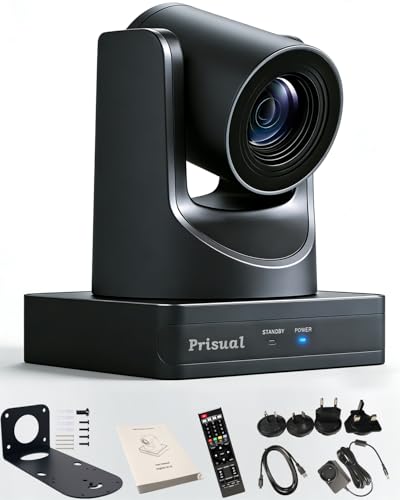
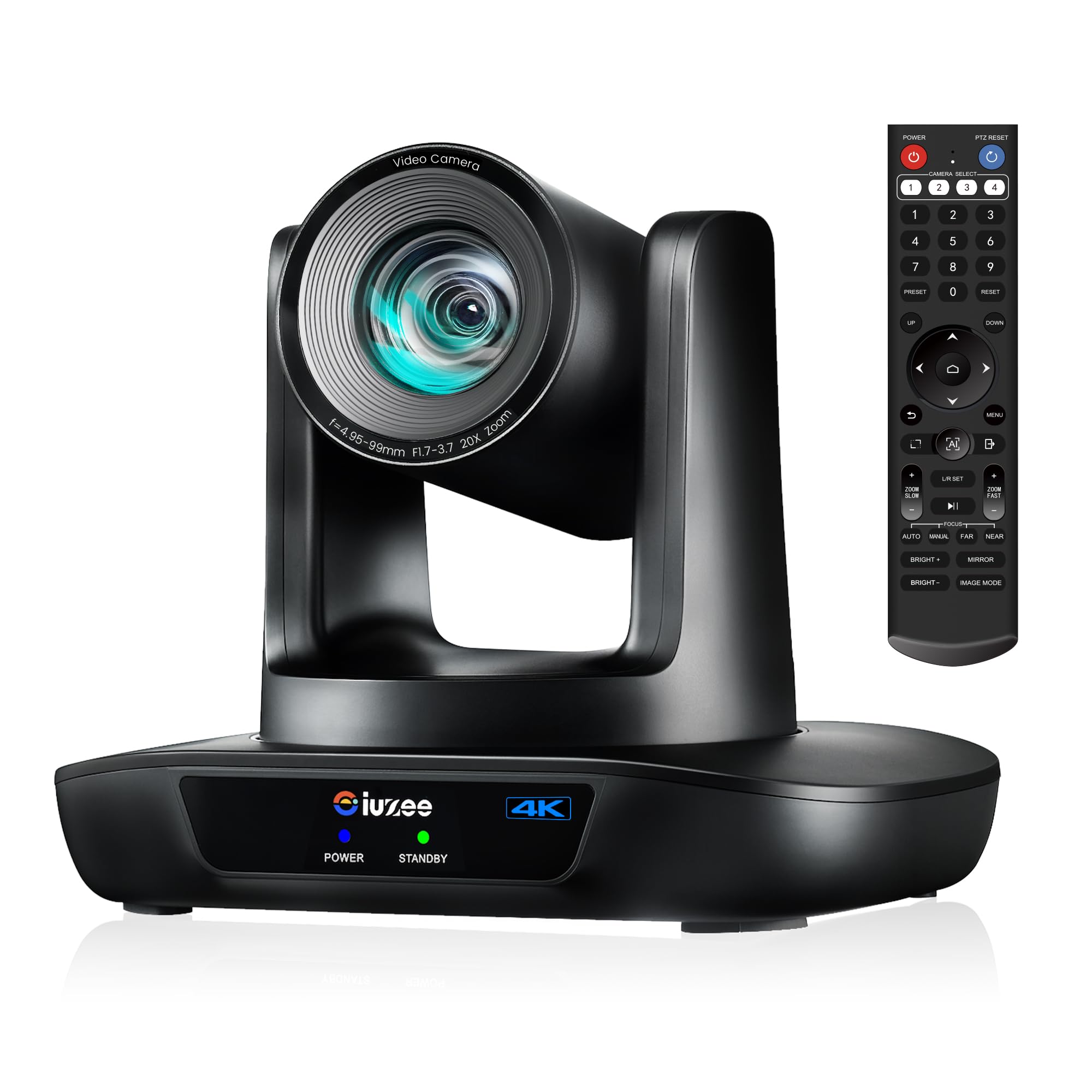
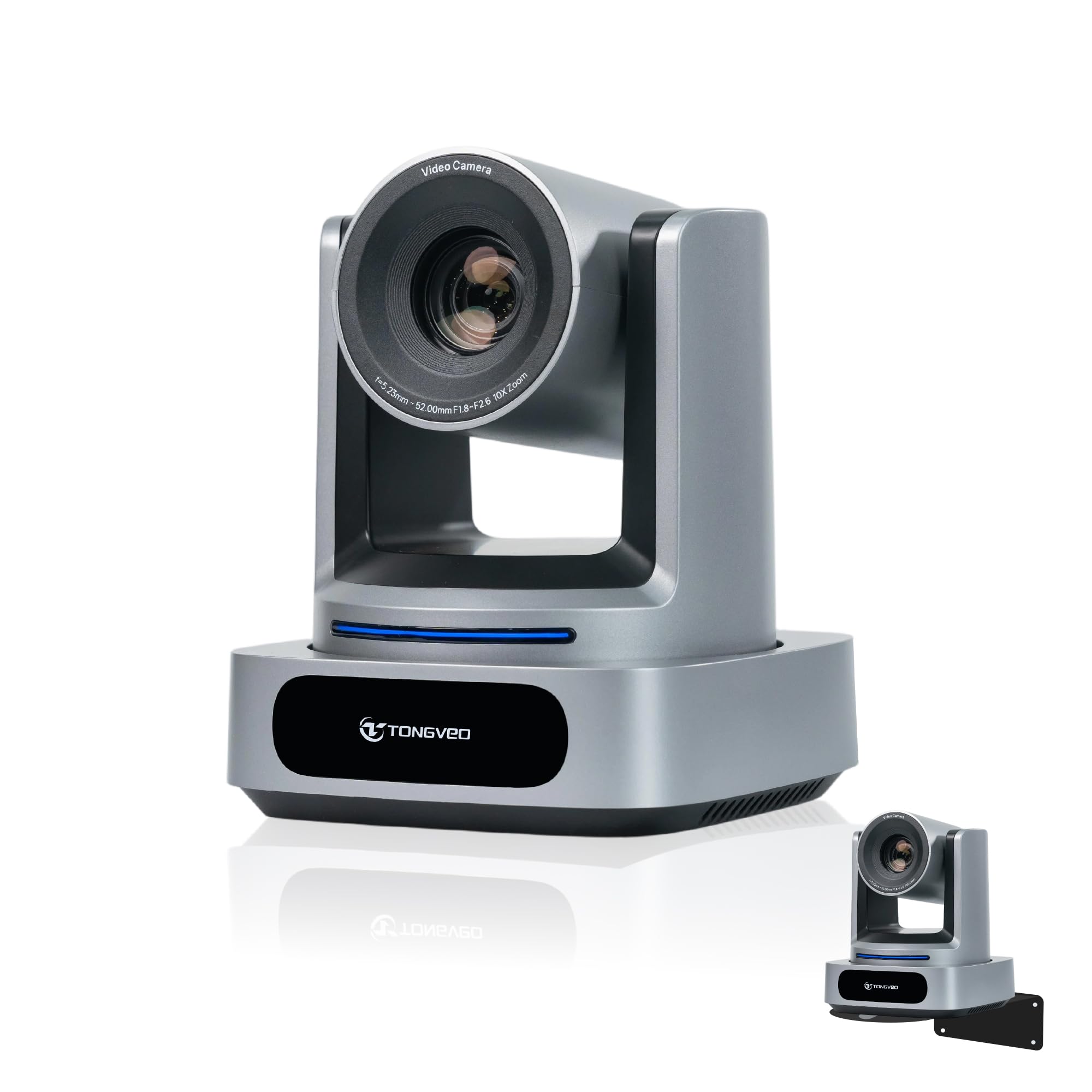
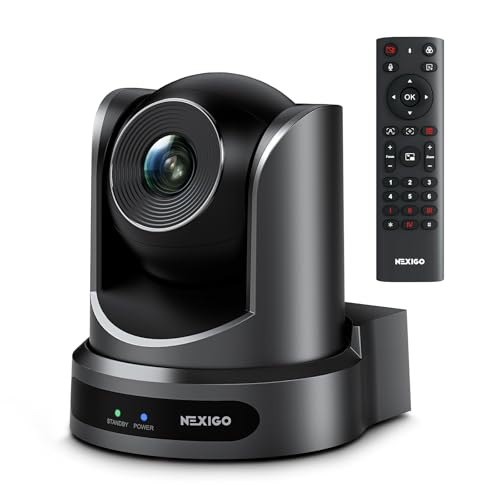
PTZ cameras pan, tilt and zoom from a controller or an app. They mount high at the back or the side and give you several angles from one unit. Models with auto tracking follow a speaker without an operator, and units with power over Ethernet reduce cable clutter along walls and ceilings.
Camcorders
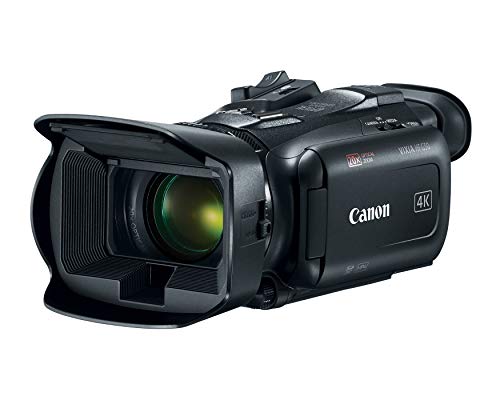
A camcorder offers a strong optical zoom, long battery life and a clean video output, and it can double as a recording camera for weddings and concerts. It needs an operator or a fixed tripod position, and most laptops need a capture device to accept its signal.
Room and Light Considerations
Many sanctuaries have stained glass, spotlights and shadowed corners. Choose a camera that handles dim rooms well and whose automatic exposure does not swing wildly when a bright window sits behind the speaker. If the pulpit is backlit, add a soft light on the front of the stage or use the camera's backlight compensation.
Mounting height matters too. A camera at eye level near the back of the room gives a natural view, while a camera mounted far above the congregation looks down on faces. Plan the mount before you buy so that cable lengths and brackets do not become surprise costs.
Connections and Cabling
- USB: easy for a single camera placed near the computer.
- HDMI: common on camcorders, and most laptops need a capture device to use it.
- Network: useful for PTZ cameras far from the booth, because one cable can carry power and video.
- SDI: a rugged choice for long cable runs, usually found on higher priced units.
Audio Matters More Than You Think
Viewers forgive soft video much faster than muffled sound. The camera will not fix a poor microphone feed, so connect your mixer to the streaming computer and let the camera supply only pictures. Decide this early, because it shapes how the whole system is wired.
Budget Planning
A USB camera or a modest PTZ keeps the first purchase manageable. Add a sturdy tripod or wall mount, spare cables, a power strip and a small light before you spend on a second camera. Most teams get better results from one well placed camera with clear sound than from three cameras and weak audio.
What Different Budgets Buy
At the lowest budgets, a good USB camera with automatic framing gives clear faces and an easy setup. In the middle range you can choose a PTZ camera with a remote, which adds movement and several views from one spot. Higher budgets bring broadcast style PTZ units with network video, camcorders with long zoom lenses and cameras that tolerate hours of continuous use.
Whichever level you choose, leave room in the plan for a mount, cabling and a light. These small items often decide whether the picture looks polished, and they cost far less than a second camera.
A Simple Weekly Routine
A routine matters as much as the camera. Arrive early, power on the camera and the computer, and confirm that the picture, the sound and the internet connection are all live before the first person walks in. Keep a short checklist taped near the booth so that a substitute volunteer can follow it without calling anyone.
Frame the shot once, mark the tripod position with tape and leave it alone. A shot that stays the same every week looks professional, and it spares the operator from guessing where the camera should sit. If you use presets on a PTZ camera, label them by name, such as pulpit, choir and wide view.
Common Mistakes to Avoid
- Buying a camera first and planning the cable route later, which leads to long runs across walkways.
- Pointing the lens toward bright windows, so faces turn dark while the background glows.
- Relying on the built in microphone of the camera, which picks up room echo and hums from air handlers.
- Skipping a power plan, so a camera that runs on a battery dies partway through a long service.
- Choosing the highest resolution without checking that the streaming computer and the upload speed can keep up.
Care and Maintenance
Dust builds up quickly on cameras that live near the ceiling. Wipe the lens with a soft microfiber cloth, never a sleeve, and use a blower to clear dust from vents and ports. Check mounts and cables every few months, since bumps and cleaning crews can loosen them.
Keep firmware up to date, but install updates on a weekday rather than the morning of a service. If a camera has a lens cap or a privacy shutter, remind volunteers to open it during setup, which is a surprisingly common reason for a black screen at the start of a broadcast.
Frequently Asked Questions
Do we need a PTZ camera to start?
No. A fixed camera on a tripod works well when the layout is simple. PTZ becomes valuable when you want several angles or have no free hands to adjust the shot.
What internet speed do we need?
For a 1080p stream, aim for at least 5 to 8 megabits per second of upload speed, and leave extra room for other devices that share the network.
Can volunteers learn the system quickly?
Yes, if you choose a camera with saved presets and a simple controller. Write a one page guide that walks from power on to going live, and keep it next to the equipment.
Should we record the service as well?
Recording a local copy while you stream is wise insurance against a dropped connection. Most streaming software can do both at once, and a spare memory card or drive keeps the copy safe.
Summary
The best cameras for church streaming for a small team are dependable, easy to run and easy to place. Start with a USB camera or a modest PTZ, give audio priority, and add angles only when your volunteers are comfortable with the basics. Use these points each time you weigh best cameras for church streaming for your own situation.