
Best Cameras for Live Streaming Church Service in 2026: A Buyer Checklist
Disclosure: We may earn a commission when you buy through links on this page, at no extra cost to you. As an Amazon Associate I earn from qualifying purchases. Learn more

Compare the best cameras for live streaming church service by optical zoom, low light, clean HDMI output, audio inputs and power for long services.
A church stream fails in predictable ways. The speaker looks tiny from the back row, the picture turns grainy when the lights go down for worship, or the camera stops midway through the sermon. The best cameras for live streaming church service prevent those problems with clean output, real optical zoom and power that lasts the whole morning. Use this checklist as you compare the comparison table below.
Start with your room, not with a brand. Note how far the camera sits from the pulpit, how dim the sanctuary gets during music, and who will run the stream. Those answers point you to the right type, lens reach and controls.



Who Should Buy Which Camera for a Church Stream?
Match the camera to your seating depth, your lighting and the size of your volunteer team.
Small Churches Streaming From the Back Row
You likely have one camera, one operator and a modest budget. A camcorder with strong optical zoom is usually the simplest fit, since it frames the pulpit tightly from the rear wall and runs for hours. Choose one with a microphone input for the sound desk feed, mounted at about head height.
Churches With a Small Volunteer Team
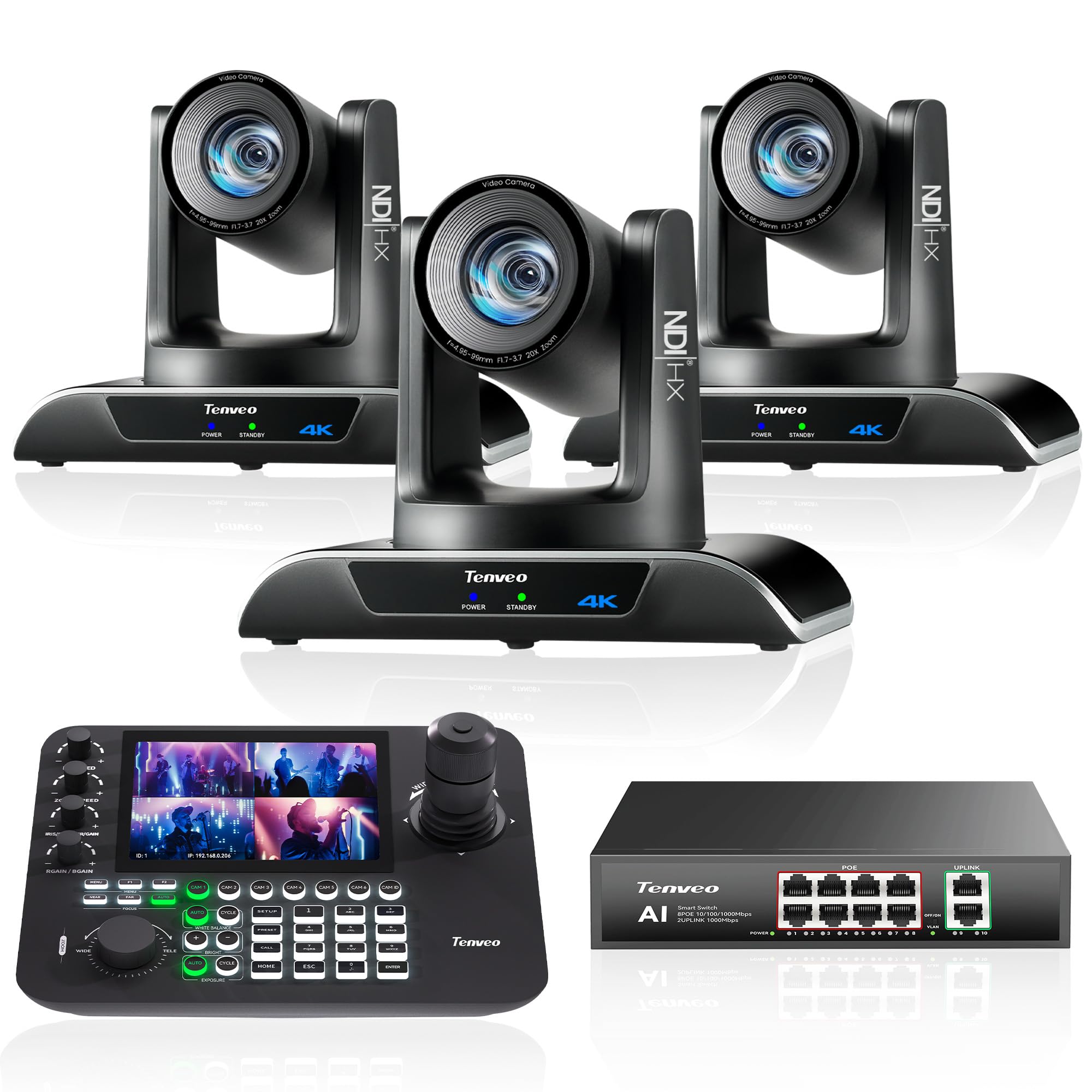
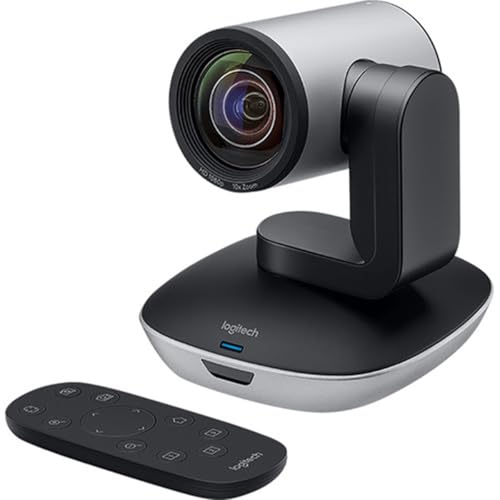
If volunteers rotate each week, consistency matters more than creative control. A PTZ camera with saved preset positions lets any operator frame the pulpit, the choir and a wide room shot at the press of a button. Presets remove guesswork and make training new helpers quick.
Larger Sanctuaries Planning Multiple Angles
A deep room with a stage rewards more than one view. Pair a wide fixed camera with a closer camera for the speaker, and switch between them as the service moves. Matching color across cameras matters here, so choose models with manual white balance and exposure controls that lock.
Key Features to Compare
Score every candidate against the six factors below, in this order. A camera that fails an early factor will frustrate you weekly.
Clean HDMI Output With No Time Limit
Clean output means the HDMI feed carries only the picture, with no menu icons, focus boxes or battery warnings sent to your switcher or encoder. Confirm the camera can stream through HDMI without the recording time limits many stills cameras impose, since a limit near 30 minutes would cut a sermon short. Also check that the output stays on without automatic shutdown.
Optical Zoom and Lens Reach for Your Sanctuary
Distance decides how much zoom you need. A camera 40 to 60 feet from the pulpit needs far more reach than one mounted 15 feet away, and only optical zoom keeps the picture sharp at full reach. Digital zoom simply crops and softens the image. Look for a lens that frames the speaker at chest height from your mounting spot, with reach left over for tighter shots.
Sensor Size and Low Light Performance
Sanctuaries are dim by camera standards, with warm light, dark wood and bright windows in one frame. A larger sensor, such as 1 inch, APS C or full frame, gathers more light and holds detail with less grain than a small sensor when lights drop for worship. Judge low light by how clean the picture stays at the gain your room needs, not by megapixel count.
Audio Inputs for a Sound Desk Feed
Viewers forgive a soft picture sooner than unclear speech. The strongest setup takes audio from your sound desk into the camera or encoder, so the stream carries the microphones your room already uses. Look for a 3.5 mm microphone input at minimum, or XLR inputs on larger camcorders, plus level meters to confirm the feed is not distorting.
Continuous Power for Long Services
Internal batteries suit short clips, not a full morning with a rehearsal, a service and a baptism. Choose a camera that runs on mains power through an adapter or a dummy battery, or one powered over a network cable, as many PTZ models are. Disable any eco mode before the service, since a sleeping camera ends the stream.
Autofocus and Remote Control for Operators
A speaker who walks across the platform drifts out of focus with a fixed manual setting. Reliable autofocus that tracks a face calmly, without pulsing, keeps the shot usable while the operator watches audio and switching. For cameras mounted high or far back, remote control by app, joystick or software matters just as much, since nobody can climb to adjust one mid service.
Camera Types Compared for Church Streaming
Three camera families cover nearly every church setup. When you shortlist the best cameras for live streaming church service, choose the family that fits your room and team first, then compare models inside it.
PTZ Cameras for Fixed Positions
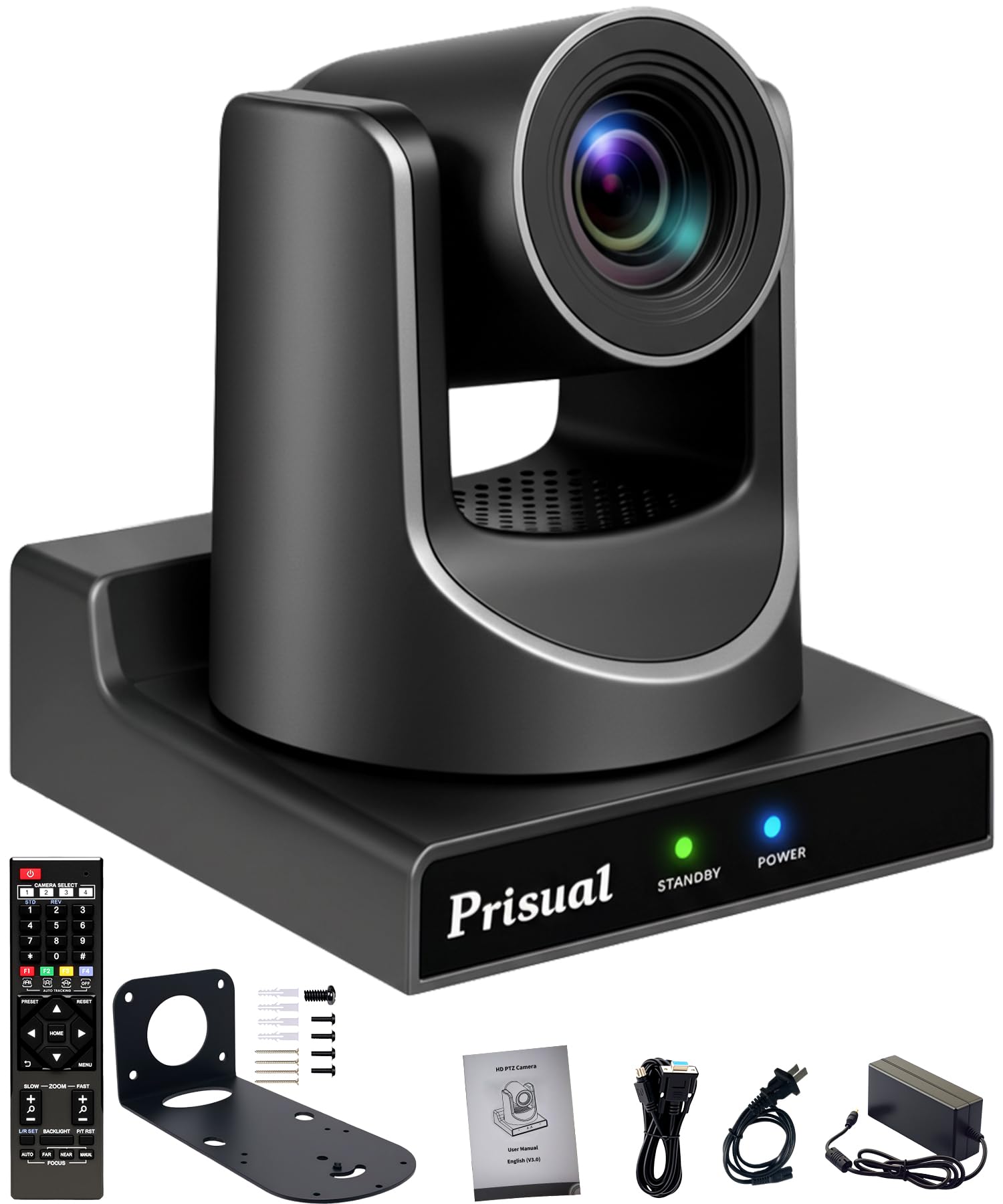
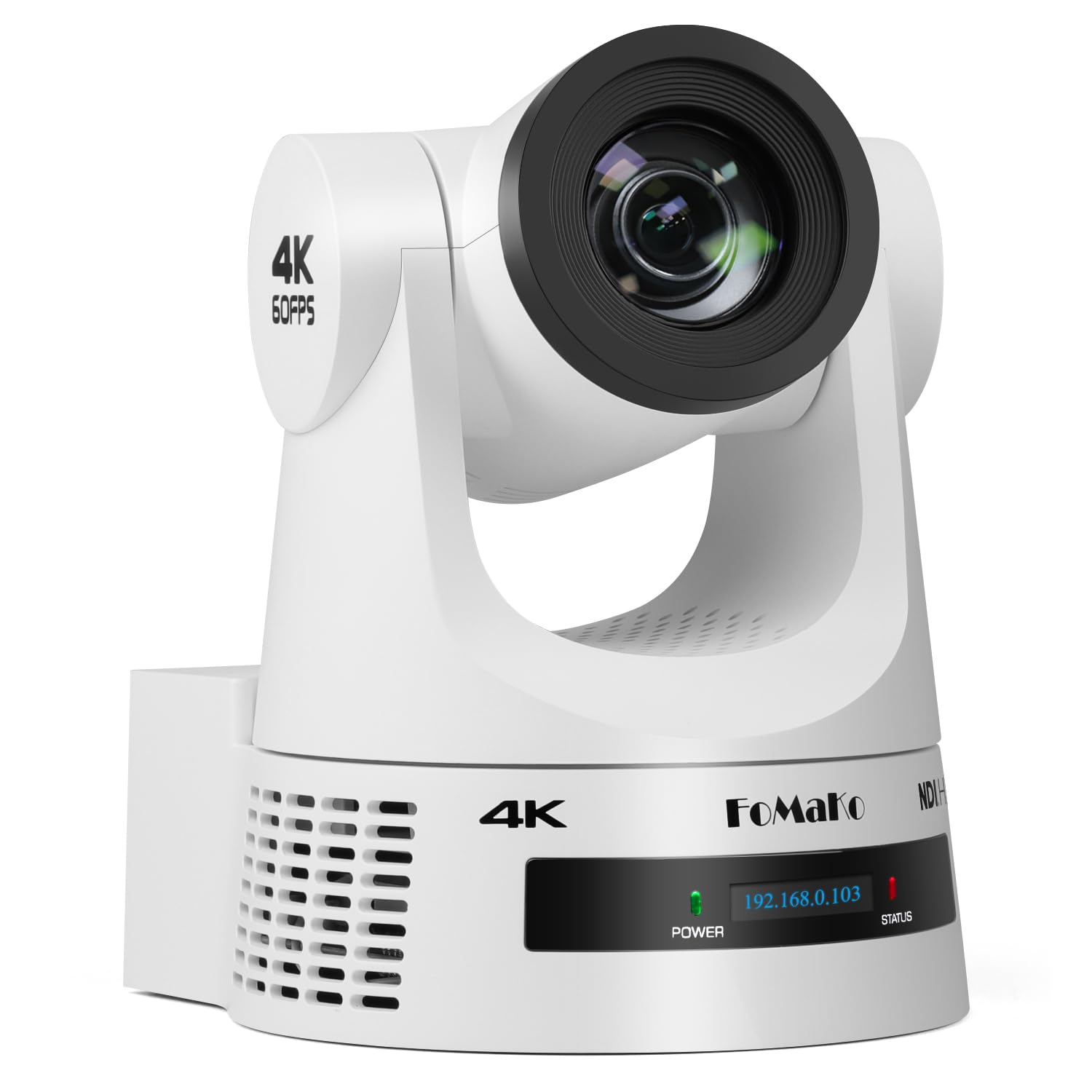
PTZ cameras pan, tilt and zoom under remote control and are built to run all day in one mounted spot. They suit sanctuaries where one operator runs several views from saved presets. Low light quality varies by sensor size, so check that factor closely, because convenience is wasted if evening services look grainy.
Camcorders for Simple Long Running Streams
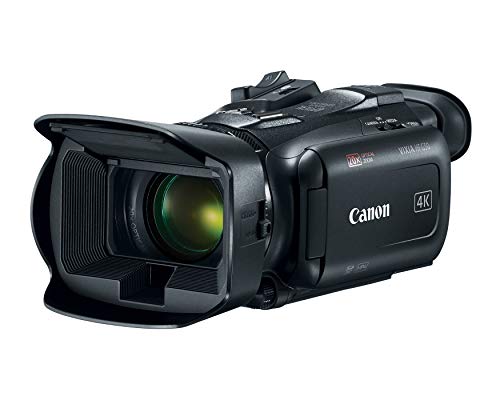
Camcorders combine a long optical zoom, a microphone input and long recording times in one body. They are the easiest type for a single operator to learn, with physical controls and no lens swaps. Most use smaller sensors than mirrorless cameras, so add a little platform light for evening services.
Mirrorless Cameras for Richer Low Light Images
Mirrorless cameras bring the largest sensors and the cleanest picture in dim rooms, and they double for photography during the week. The tradeoffs are real, though. You must confirm clean HDMI output, continuous power and no limit on the output feed, plus a zoom lens with enough reach.
Final Checks Before Buying a Camera for Your Sanctuary
Answer each question with a clear yes before you spend. A single no usually means more parts or a weekly workaround. For general streaming needs beyond a sanctuary, see our guide to the best cameras for live streaming.
- Does the HDMI output stay clean, with no menus or warnings on the feed?
- Can the camera run on mains power for a full morning without sleeping?
- Does the optical zoom frame the speaker well from your mounting spot?
- Can the camera accept a feed from your sound desk?
- Can a new volunteer frame the main shots without training for weeks?
- Does the picture stay clean when sanctuary lights are at service level?
Common Mistakes to Avoid
- Choosing digital zoom instead of optical zoom leaves the speaker soft and blocky from the back row.
- Mounting the only camera too high makes faces look distant and hides eyes under brows and hats.
- Running a long service on an internal battery risks the camera stopping before the closing hymn.
- Using only the camera microphone at the back of the room gives viewers echoing, distant speech.
- Skipping a full rehearsal stream hides output limits and cable faults until the congregation is watching.
- Buying a second camera in a different family makes colors mismatch and switching look jarring.
Care and Maintenance for Streaming Cameras
Clean the front lens element with a proper lens cloth, never a shirt, since grit in fabric can scratch the coating. Blow loose dust off first, then wipe in small circles from the center outward. Keep a spare cloth at the desk, because a fingerprint shows as a glow around lights.
Store a portable camera in a dry, padded bag away from direct sun. Check cables monthly for looseness, since a worn HDMI lead causes dropouts that look like camera faults. Run firmware updates on a weekday, never on a service morning, and keep a written note of your settings. Churches planning extra angles can also read our guide to the best cameras for church streaming.
Cameras for Church Streaming: Your Questions Answered
What features matter most in cameras for live streaming church service?
Clean HDMI output, optical zoom and continuous power matter most, because they decide whether the stream runs at all and whether the speaker fills the frame. After those, weigh low light quality and a sound desk audio feed. Spend first on what prevents a failed stream. A modest camera that runs reliably weekly beats a costly one needing expert handling.
How much optical zoom does a church streaming camera need?
A church streaming camera needs enough optical zoom to frame the speaker at about chest height from its fixed position, often about 12x to 20x in a midsize room. Measure your distance in rows before you shop, and leave spare reach. A phone photo from the mounting spot, cropped to the framing you want, gives a rough sense of the reach required.
Is a smartphone enough for live streaming a church service?
A smartphone can start a church stream, and its picture in good light is respectable. The limits appear over a full service, though. Calls and alerts can interrupt the app, the phone grows warm, its fixed lens cannot zoom optically from the back row, and its battery drains fast. Treat a phone as a backup, and plan a dedicated camera once streaming becomes weekly.
Which camera type is better for low light during evening services?
A mirrorless camera with a large sensor is usually better for low light during evening services, since it holds clean detail at higher gain settings. You can also help any camera by raising platform light slightly and aiming it at faces rather than the back wall. Small lighting changes often beat a costly body upgrade.
Does a church streaming camera need to record while it streams?
Recording while streaming is not required, but a local recording gives you a backup if the internet drops and a clean copy for later posting. Use a card large enough for your longest service, format it in the camera beforehand and keep a spare at the desk. Check that long recordings split into files without gaps.
The Bottom Line
Judge every candidate by clean output, real optical zoom and power that outlasts your longest service, then check low light quality and the sound desk feed. For a closer look at dedicated setups, see our guide to the best live streaming cameras for church.
When the best cameras for live streaming church service match your room, your team can stream with calm confidence each week. Use the product table above to confirm final details before you order.

