Best Car Webcams in 2026: Which Type Is Right for You?
Disclosure: We may earn a commission when you buy through links on this page, at no extra cost to you. As an Amazon Associate I earn from qualifying purchases. Learn more

Compare the best car webcams by type, video quality, night vision and power options, with clear guidance on fit, storage and price for daily driving.
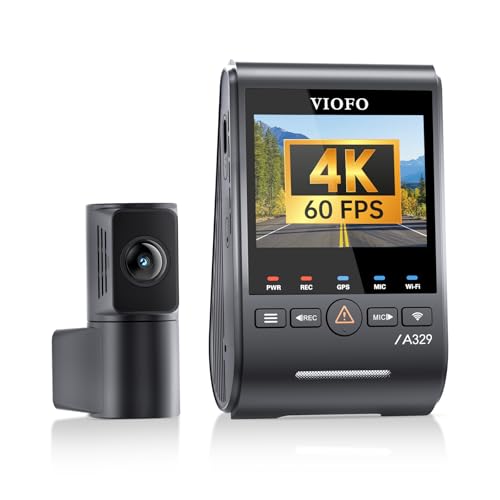
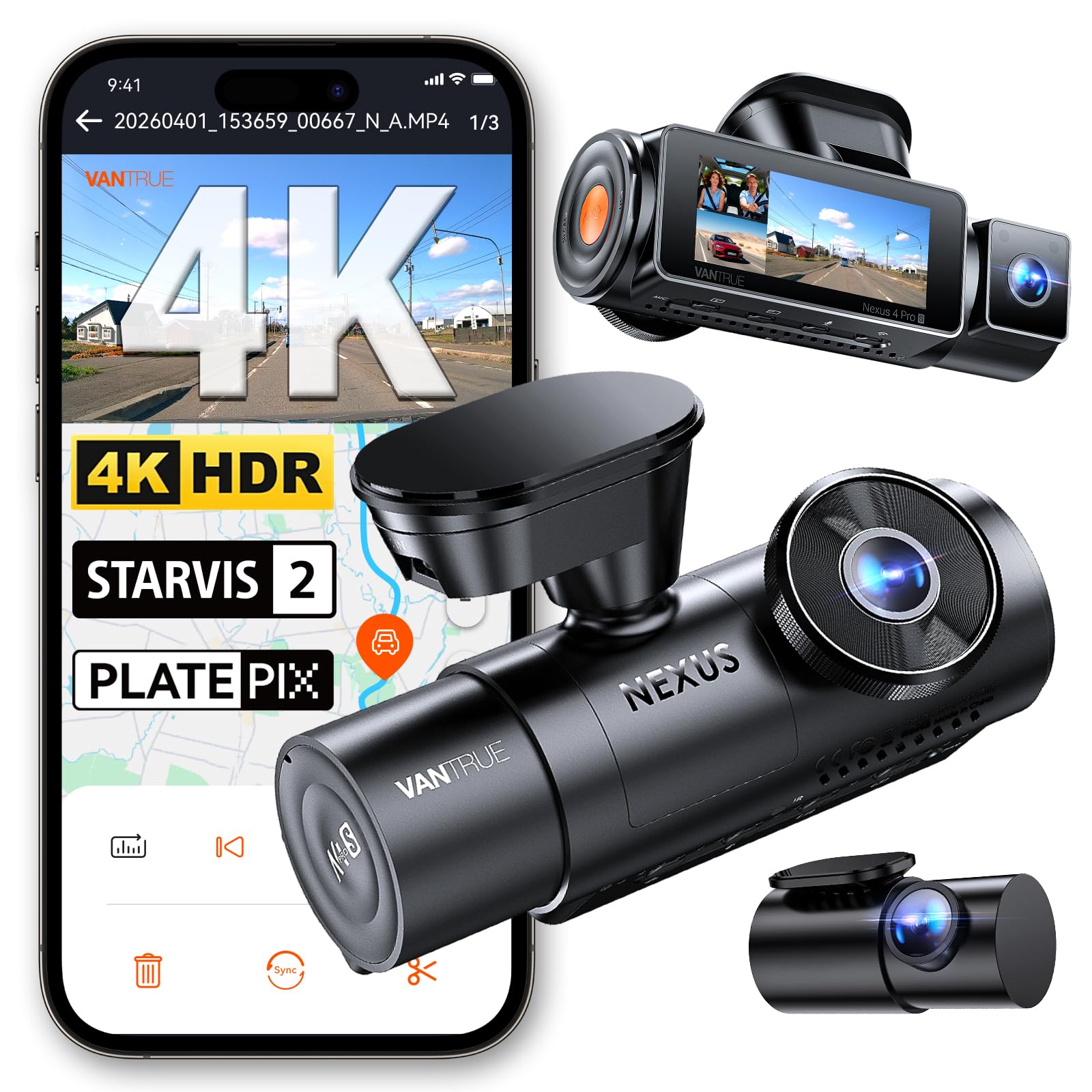
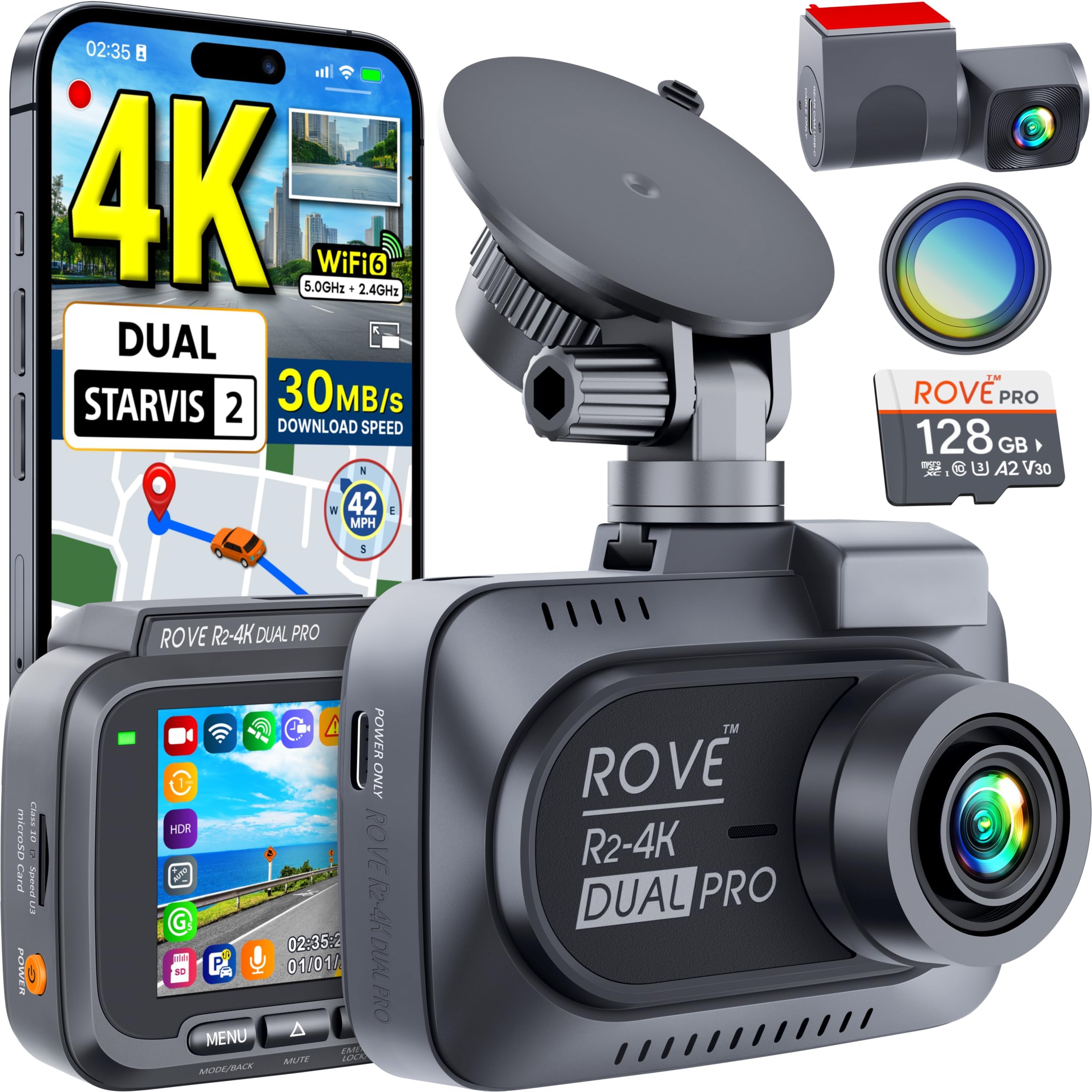
A camera in your car can record the road ahead, watch the cabin, or do both at once. The best car webcams match your driving, your parking, and your budget, not just a high headline resolution. Use the comparison table below to see how the main types differ.
Some drivers only want clear evidence after a crash. Others drive for rideshare work and need a cabin view, or park on the street and want recording while the engine is off. This guide sorts those needs by type first, then by video quality, power, storage, and mounting.

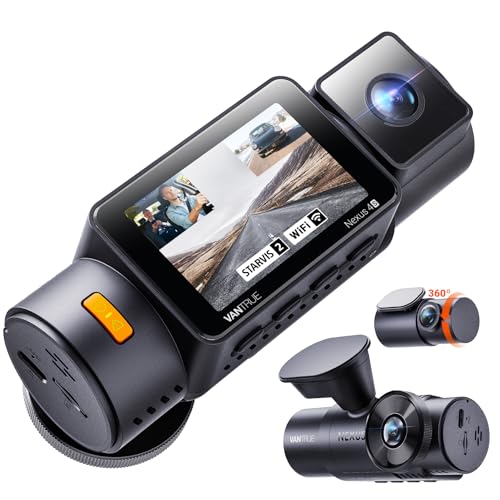
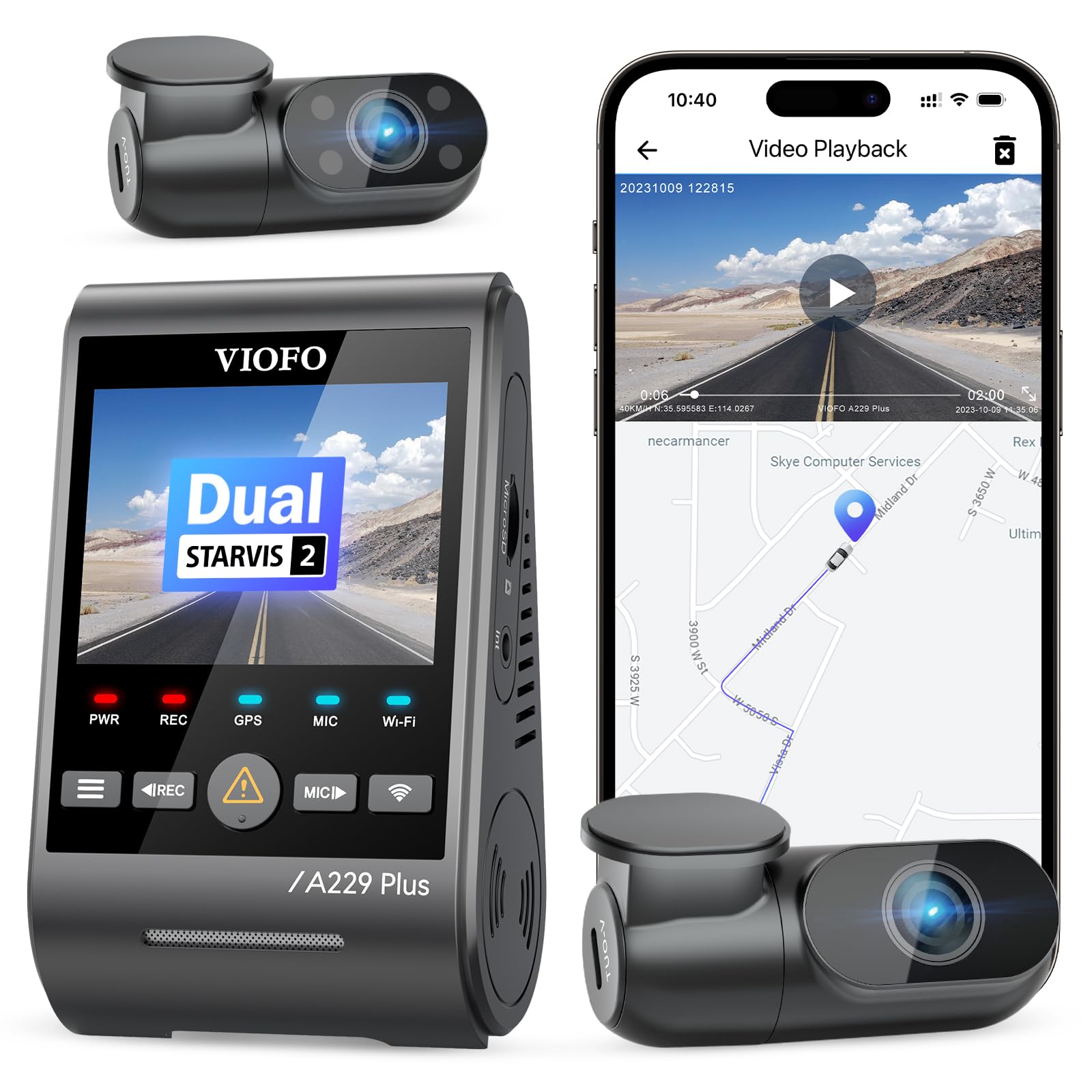
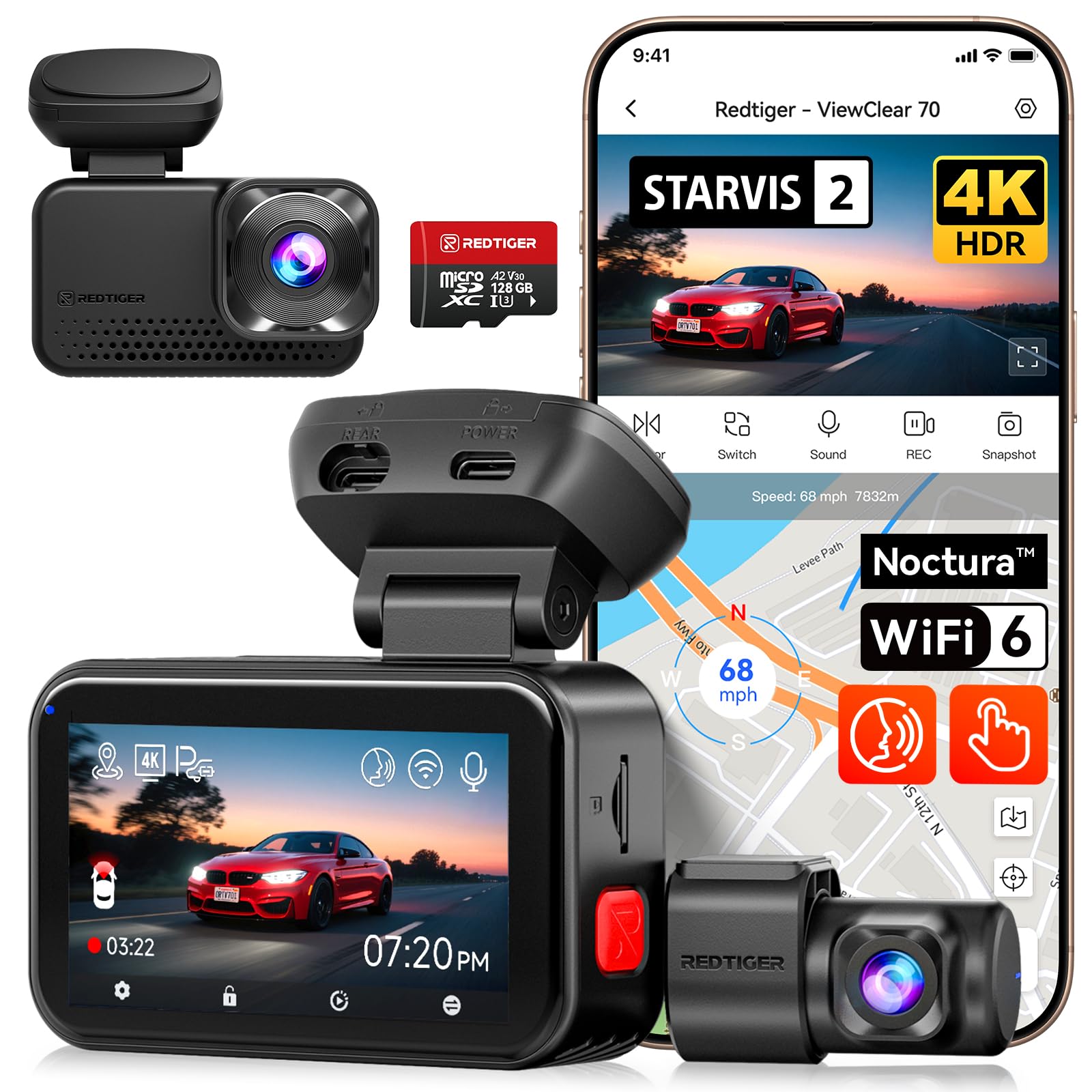

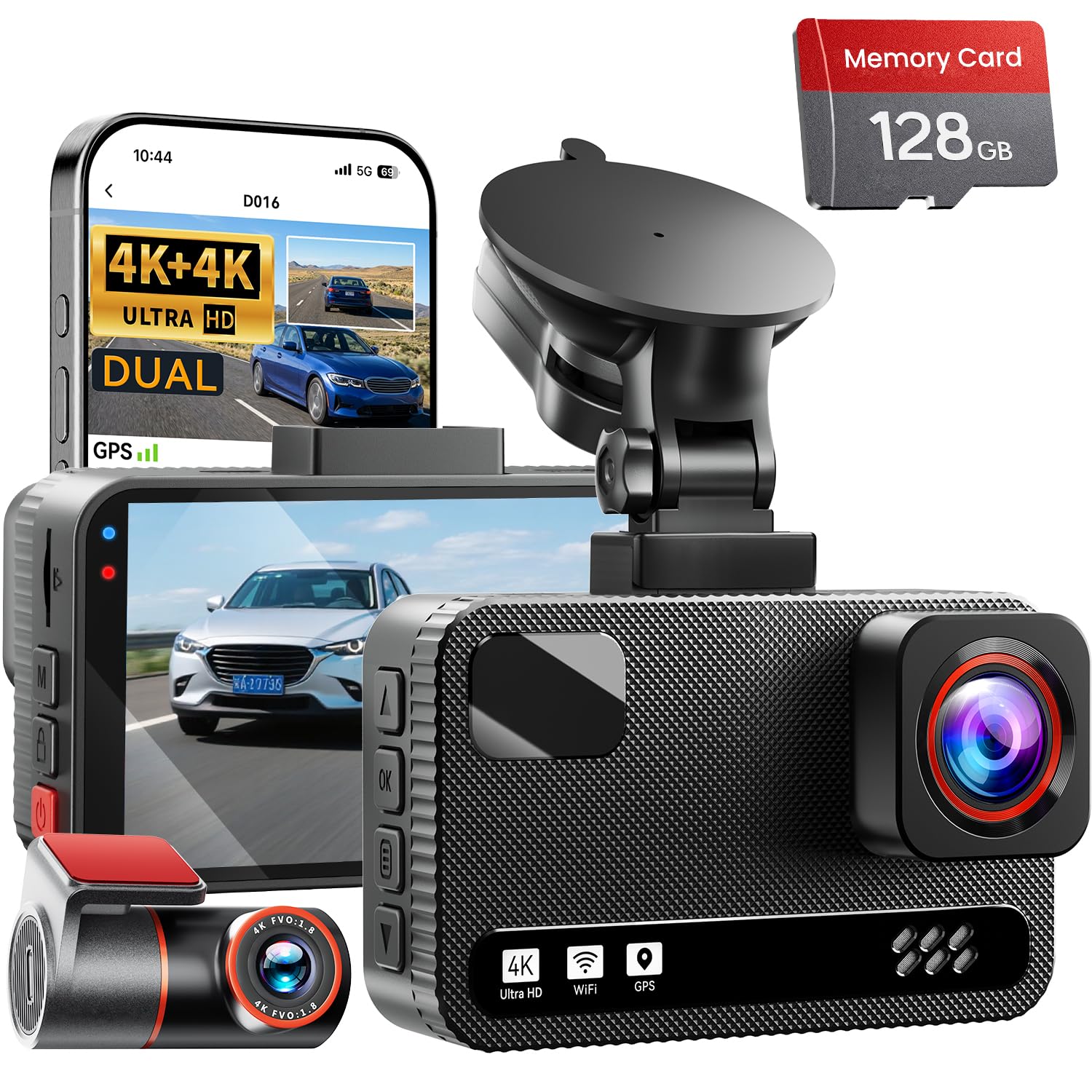
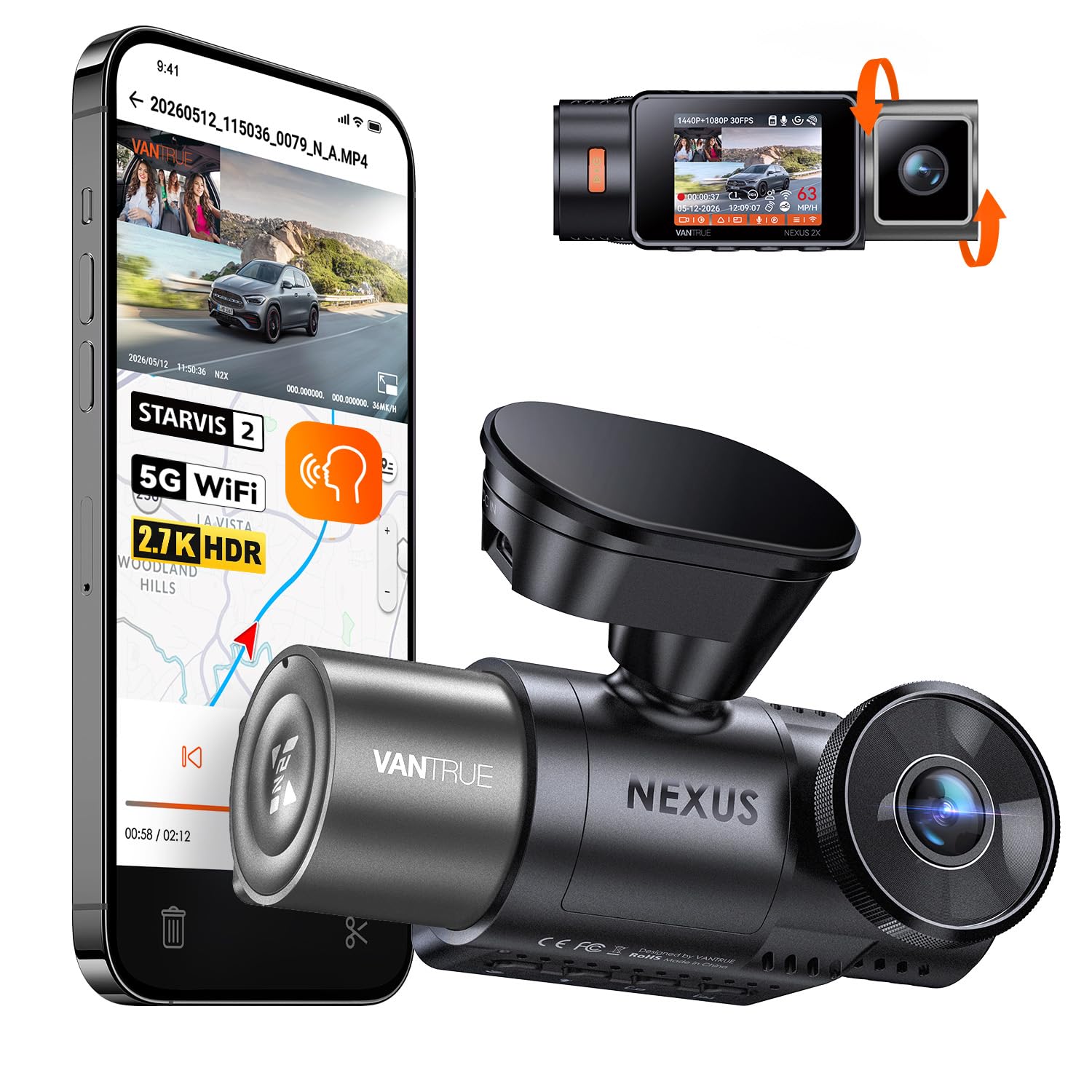
Who Should Buy Which Car Webcam?
Start with the job you need the footage to do. A camera that suits a short commute may miss the cabin view or parked coverage another driver needs.
Daily Commuters Who Want Road Evidence
You drive the same routes each week and mainly want a clear record if another driver cuts you off or a crash happens. Choose a front facing camera with strong daylight detail and a mount that stays put behind the mirror. Skip cabin recording and large screens, because a compact unit with loop recording covers your need for less.
Rideshare Drivers Who Need a Cabin View
You carry passengers who do not know you, so a cabin camera protects you in a fare dispute. Choose a dual view setup that records road and cabin at once, with infrared lights for night fares. Tell passengers that recording is on, and check local consent rules before you save audio. Drivers who mainly record at a desk should see our guide to the best webcam for streaming.
Parents and Frequent Road Trip Drivers
You share the car and want to keep an eye on teen drivers, kids in the back seat, or cargo on long trips. Choose a pair that covers the road and the rear or cabin, with an app view you can check while parked. Simple controls matter, because a system that is hard to review on a trip will rarely get used.
Key Features to Compare
The best car webcams for most drivers balance clear plates in daylight, usable faces at night, and power that fits how the car is parked. Compare the factors below in order, because a sharp sensor cannot fix a weak mount or a full card.
Video Resolution and Field of View
Resolution sets how much detail you can read later. A 1080p camera can capture plates in good light, while 1440p or 4K models hold more detail when traffic moves fast. Field of view matters just as much, with most car cameras covering about 130 to 170 degrees. A wider view catches side streets, but it can make plates look smaller. If you also take desk calls, see our guide to the best quality webcams for that job.
Night Vision and Low Light Handling
Night footage depends on the sensor and on lights inside the car. Look for wide dynamic range handling, which keeps useful detail when headlights meet dark roads and bright signs. Cabin cameras use small infrared lights to record faces after dark without a bright white lamp. Choose stronger night handling if most driving happens after dark, and expect plates to read clearly at shorter distances at night than in daylight.
Channels and Camera Placement
A channel is one camera view that records to its own video stream. A single channel unit watches only the road ahead. A two channel setup adds a cabin or rear camera, and a three channel setup records front, cabin, and rear at once. More views give fuller evidence after an incident, but each added camera adds cable work and uses storage faster.
Power Options and Parking Mode
Most car cameras draw power from a 12 volt outlet or a USB port and stop when you turn the car off. Parking mode keeps watch while you are away, but it needs a hardwire kit or a battery pack and a voltage guard that stops recording before the car battery runs low. If parked coverage matters to you, compare home options in our guide to the best security webcams.
Storage, Loop Recording and File Protection
Car cameras record to a microSD card and use loop recording, which saves new video over the oldest files once the card fills. Most drivers do well with about 64 to 256 gigabytes, and cards rated for constant video writing last longer in this job. An impact sensor or a manual save button locks a key clip so the loop cannot erase it.
Car Webcam Types Compared
Price follows view count and power setup more than brand name. The three types below cover nearly every car.
Front Only Road Cameras
A front only camera mounts on the windshield and records the road ahead. It is the simplest type to install, the easiest to hide behind a mirror, and often costs about $50 to $120. It suits commuters and new drivers who want crash evidence without cabin video.
Front and Rear Camera Pairs
A pair adds a small rear camera that records traffic behind you and impacts at the back of the car. Most pairs cost about $120 to $250, and the rear unit needs a cable run along the headliner to the back glass. This type suits drivers who park on busy streets.
Cabin and Three View Systems
These systems add an inward facing lens for the driver and passengers, and three view versions record front, cabin, and rear at once. Most cost about $130 to $280 and suit rideshare drivers, fleets, and families who share a car. The cabin lens needs a clear view of both front seats.
How to Mount and Set Up a Car Webcam Safely
Mount the main camera high on the windshield, behind or beside the rear view mirror, where it sees the full road and stays out of your sight line. Run cables along the headliner and down a pillar, keeping them clear of airbag paths and door seals. Never handle the camera or change settings while the car moves.
Before your first trip, park in a safe place and review a short clip on the screen or app. Check that the horizon sits level, plates look readable, and the time and date are correct, because wrong stamps weaken the value of a clip. Laws on windshield mounts and on recording audio vary by place, so check your local rules.
Common Mistakes to Avoid
Most car camera problems come from setup choices, not from the camera itself.
- Mounting a car webcam too low blocks part of your view and records more dashboard than road.
- Buying the widest view you can find makes plates look small and can leave key details unreadable.
- Using a cheap memory card that is not rated for constant writing causes gaps and lost clips.
- Leaving parking mode on without a voltage guard drains the car battery and can leave the car unable to start.
- Forgetting to tell passengers about cabin recording breaks trust and can break local consent rules.
- Aiming a cabin camera at only the driver leaves passenger behavior out of frame during a dispute.
Care and Maintenance for Car Webcams
Wipe each lens with a soft dry cloth about once a month, because road film and cabin dust soften detail long before a camera fails. Keep cleaners off the lens coating and press lightly, since hard rubbing can leave fine marks. Check the mount often, and press an adhesive pad down if an edge lifts.
Format the memory card in the camera about every one to two months, because formatting clears small file errors that build up during loop writing. Save any locked clips you still need first, since formatting erases the whole card. Update the camera software through the companion app when a fix is offered.
Frequently Asked Questions
Can a car webcam record while a car is parked overnight?
Yes, a car webcam can record while parked overnight if it has parking mode and a constant power source. The point most buyers miss is the cutoff setting, which stops recording at a voltage you choose. Set the cutoff higher in winter, because a cold battery holds less spare charge.
How large a memory card does a car webcam need for a week of commuting?
A 128 gigabyte card holds roughly a week of commuting for many front only setups. A driver with a one hour round trip each workday records about five hours a week, and loop recording keeps the newest files. Cabin and rear streams cut that span sharply, so step up to 256 gigabytes for three views.
Is a windshield mounted car webcam legal in every state?
No, a windshield mounted car webcam is not treated the same way in every state. Some states limit mounts to a small area behind the mirror or near a corner of the glass, and audio recording follows consent rules of its own. Check the rules where you drive, and use the mute control when a passenger asks you not to save sound.
Does a cabin facing car webcam show a visible glow at night?
Yes, many cabin facing car webcams show a faint red glow from their infrared lights at night. The glow is dim and helps the sensor record faces without a bright lamp, but passengers may notice it on dark roads. A short note at the start of a shared ride avoids surprise.
Can you use a car webcam for video calls while parked?
Yes, you can use some car webcams for video calls while parked if the model works as a USB camera with a laptop or supports a live app view. Park in a safe place and keep the engine state legal for that spot. A laptop battery often runs out first, so plug the laptop in at your stop.
Wrapping Up
Match the camera to the footage you truly need. Front only coverage suits simple crash evidence, pairs add the rear story, and cabin views serve shared and passenger work. Use the product table above to compare views and price.
When you choose best car webcams by type, power, and storage first, you avoid paying for views you will never watch. Set the mount once, test a clip while parked, and let the camera do quiet work on every drive.