
Best Cameras for Stop Motion Videos in 2026: The Buyer Checklist We Use
Disclosure: We may earn a commission when you buy through links on this page, at no extra cost to you. As an Amazon Associate I earn from qualifying purchases. Learn more

Compare cameras for stop motion video projects by manual control, tethering, lens focus, sensor quality and power options before you choose a camera.
Stop motion looks simple from the outside, one still frame at a time, but a tiny shift in brightness or focus can spoil a whole scene. The best cameras for stop motion videos hold every setting steady while you move your subject by hand. Use the comparison table below and judge each model by control, connection and power rather than by megapixels alone.
Start with your set and your subject. A puppet film, a clay scene and a product sequence place different demands on lens focus, screen access and session length. The sections below match those demands to camera types, settings and a simple buying order.
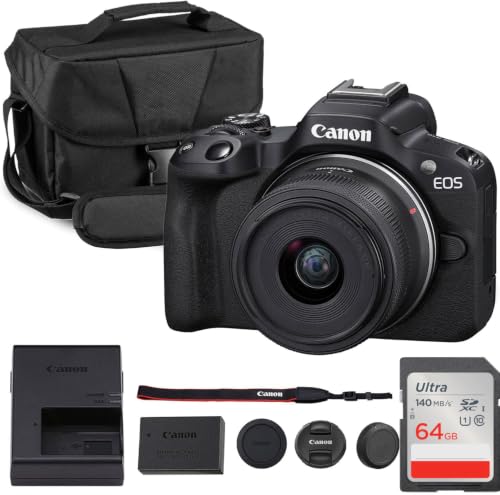


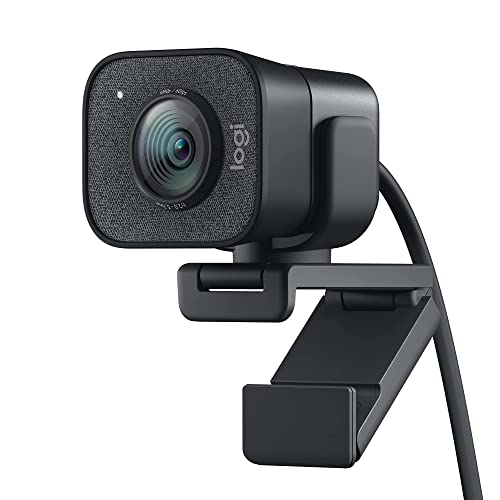
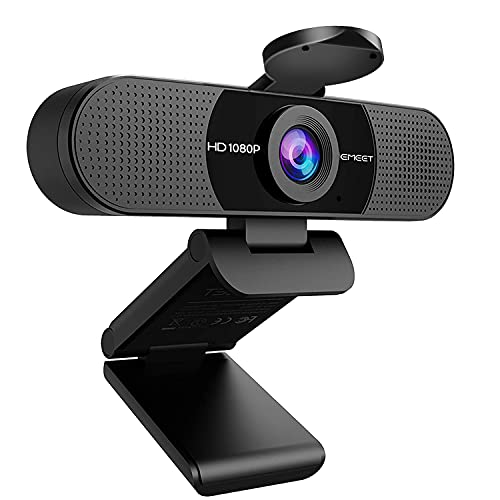
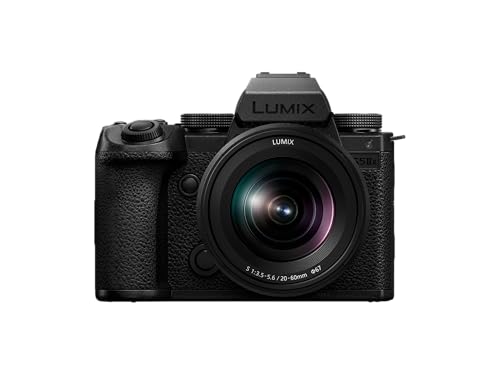

Who Should Buy Which Camera for Stop Motion Work?
Pick by the scene you build most often. Your subject size, set size and shooting pace point to different lenses, screens and power needs.
Puppet and Clay Animators on Small Sets
You shoot close to small figures, often for hours, and your hands stay inside the frame area between shots. Choose a camera with a lens that focuses close, a screen you can angle toward you, and a remote release so you never touch the body. Control matters more than sheer resolution here.
Product and Object Animators at a Table
You animate shoes, tools, food packaging and other objects that change position on a plain surface. Choose strong color accuracy, a lens with little distortion at the edges, and tethering so you can check each frame on a large monitor. A camera that locks white balance keeps a white backdrop the same shade all day.
Students and Classroom Creators Making Short Films
You share gear, shoot in short blocks and learn the craft while you film. Choose a simple camera with clear manual dials, cheap batteries and a menu that new users can learn fast. A fixed lens model suits a first class project, because fewer parts mean fewer settings drift by accident. Low cost matters more than the cleanest files.
Key Features to Compare
Work through these six factors in order. The first two prevent ruined scenes, and the rest shape image quality, cost and comfort. Any honest ranking of the best cameras for stop motion videos should start with these points, not with headline features borrowed from sports or travel shooting.
Full Manual Control That Locks Exposure and White Balance
Manual control means you set aperture, shutter speed, sensitivity and white balance yourself, and the camera keeps those values for every frame. If any of them floats, brightness pulses from frame to frame and the finished clip flickers. Lock autofocus off as well once focus is set, because a hunting focus system can shift the plane of sharpness mid scene.
Tethering and Live View Support for Animation Software
Tethering sends each frame straight to a computer, where animation software shows a live view, stores the shot and lets you compare it with the frames before it. That onion skin view is how you judge tiny movements without guessing. Check that your camera model and your software list each other as supported before you buy, because support varies by brand and by model.
Sensor Size and Clean Image Quality
A larger sensor, such as full frame or APS C, gathers more light and usually gives cleaner files when you raise sensitivity in a dim set. A 1 inch or smaller sensor can still work well under bright, even lamps. Resolution needs are modest, because about 8 megapixels already covers a 4K video frame, so clean files and good color matter more than a huge megapixel count.
Lenses With Reliable Manual Focus and Close Focus
Your lens decides how close you can shoot and how steady focus stays. Look for a focus ring that moves smoothly and stays where you leave it, because loose rings creep between frames. Small sets need close focus, often from a macro style lens, while larger sets suit a mild wide or standard view. On a fixed lens camera, prefer optical zoom over digital zoom, because digital zoom crops the image and lowers detail.
Power Options for Long Shooting Sessions
A busy scene can take hundreds of frames, and opening the camera to swap a battery risks moving it on the tripod. An AC adapter or dummy battery that runs the camera from a wall outlet solves that problem for studio work. If you shoot away from outlets, check how many stills one charge gives and keep a spare pack charged.
Shutter Life, Remote Release and Stable Mounting
Stop motion adds shutter cycles fast, so a model rated for a long shutter life, or one with a fully electronic shutter option, suits heavy use. A remote release, cable or app trigger lets you fire without touching the body and nudging the frame. Turn image stabilization off on a tripod, because a floating stabilized view can drift slightly between frames.
Camera Types Compared for Stop Motion Projects
Interchangeable lens cameras give you the widest lens choice, the best tethering support and room to grow, and they cost the most. Expect about $500 to $1500 for a body and starter lens. If this is your main path, see our guide to the best cameras for stop motion for a closer look at that route.
Compact cameras with a fixed lens cost less, often about $200 to $500, set up fast and suit small sets and classes. Their limits are lens choice and weaker tethering support. For style ideas and project formats, see our guide to the best cameras for stop motion animation, which covers the animation side of the craft.
Phones and webcams cost the least and suit practice pieces and social clips. Their small sensors and limited manual locks show on larger scenes. If one camera must also record normal moving footage, see our guide to the best cameras for video and weigh that dual role before you spend.
Quick Buyer Checklist for a Stop Motion Camera
Answer each question before you order. A no on the first three items usually means you should keep looking.
- Can you lock aperture, shutter speed, sensitivity and white balance in manual mode?
- Does your animation software list this exact camera model as supported for tethering?
- Can the camera run from a wall outlet with an adapter or dummy battery?
- Does the lens focus close enough for your smallest subject and set?
- Can you fire the shutter by remote, cable or app without touching the body?
- Does the still resolution cover your final output, such as a 4K video frame?
- Can you turn autofocus and image stabilization fully off for tripod work?
Common Mistakes to Avoid
Most ruined stop motion scenes trace back to one of these errors.
- Leaving exposure or white balance on auto makes brightness pulse and colors drift across the finished clip.
- Touching the camera to fire each frame nudges the tripod and makes the whole scene jump.
- Buying on megapixels alone leaves you with weak tethering support that your software cannot use.
- Skipping a power plan forces a battery swap mid scene and risks moving the camera body.
- Using digital zoom instead of moving the camera closer crops detail out of every single frame.
- Trusting a vague listing with no shutter rating or warranty terms leaves you guessing about service and lifespan.
Care and Maintenance for a Stop Motion Camera
Clean the lens with a soft lens cloth and a blower, never with your shirt, because grit in fabric can scratch the coating. Keep fingers off the front glass while you adjust lights and figures, and check for smudges before a long run, because a mark repeats in every frame until you clean it.
Store the camera in a dry, padded bag with the lens cap on and the battery removed during long breaks. Keep a spare battery charged. Wipe dust from the mount and tripod plate often, because grit there can tilt the body by a small amount that shows on screen.
FAQ
What features matter most in a camera for stop motion videos?
Locked manual settings matter most, because they stop flicker before it starts. After that, look at tethering support and a power option that lasts a full session. Shoot twenty frames of a still scene, play them back fast, and watch for any brightness change. That quick test tells you more than a listing.
Which sensor size is better for stop motion videos shot in low light?
A full frame sensor is usually better in low light, because it gathers more light and holds cleaner shadow detail. APS C sits close behind and costs less. You can also add light instead of sensor size, because a brighter lamp lets any sensor work at a low sensitivity. Keep lamp position fixed once you start.
What specs matter most for beginners choosing a stop motion camera?
Beginners should look first at clear manual controls, a screen that angles, and simple menus. Those traits shorten the learning curve more than extra resolution does. Start with subjects that sit still on their own, such as blocks or toy cars, before you try soft clay that slumps between frames.
How much should you spend on a first stop motion camera?
A first dedicated camera often costs about $300 to $700, covering solid compact models and entry interchangeable lens bodies. Save part of your budget for a tripod, a remote release and lights, because those items shape your results as much as the body does.
Is a smartphone enough for stop motion videos instead of a dedicated camera?
A smartphone is enough for short clips, class projects and practice, and many apps lock exposure and focus well. Its limits appear on long projects, where small sensors, weaker tethering and battery heat can slow you down. Move to a dedicated camera when your scenes grow longer or you sell your work.
Final Thoughts
Judge every candidate by the same short list. Locked manual control stops flicker, tethering support keeps your movement honest, and a steady power plan protects a long scene. Match the lens to your subject size, mount the camera once, and leave it alone while you animate.
When you compare the best cameras for stop motion videos with that checklist in hand, use the product table above to confirm control, connection and price, then buy the simplest camera that passes every item.


