
Best Cameras for Streaming Live Video: What Actually Matters Before You Buy for 2026
Disclosure: We may earn a commission when you buy through links on this page, at no extra cost to you. As an Amazon Associate I earn from qualifying purchases. Learn more

Use this buying checklist for the best cameras for streaming live video to compare sensors, lenses, autofocus, audio connections, and value before you order.
A camera can record lovely footage and still frustrate you the moment you go live. Streaming adds demands that recording alone never does, so choosing the best cameras for streaming live video starts with a clear checklist rather than a long feature list. You need a clean video output, focus that stays locked on your face, and controls you can reach without stopping the show.
This guide walks through that checklist step by step, from sensor size and lenses to red flags and care. Compare each candidate against the points below, then use the comparison table below to see how your shortlist lines up on price and features.
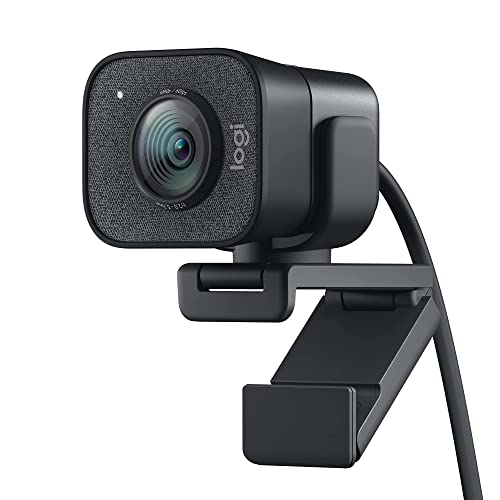

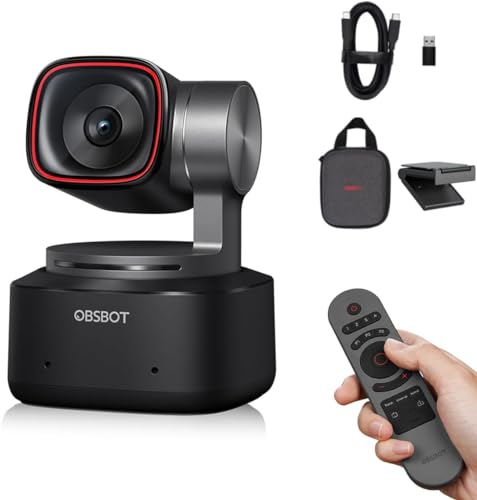
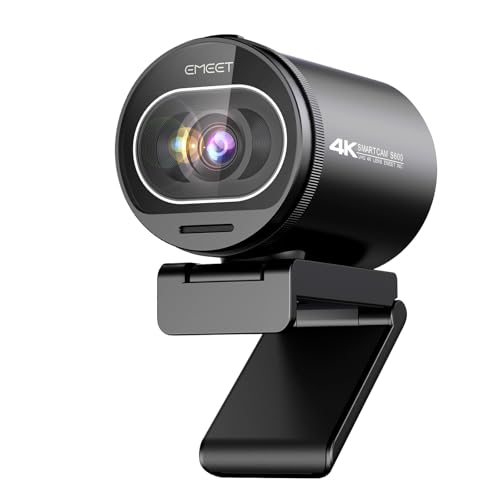


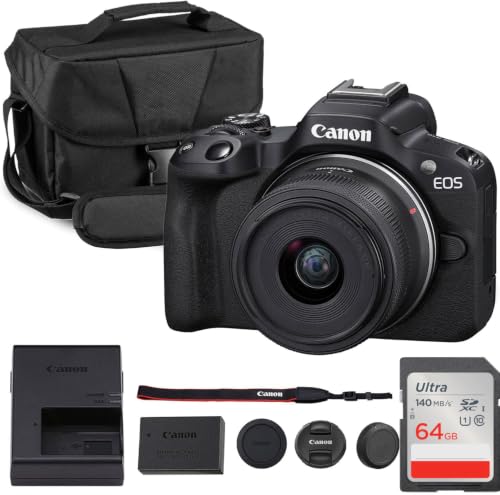
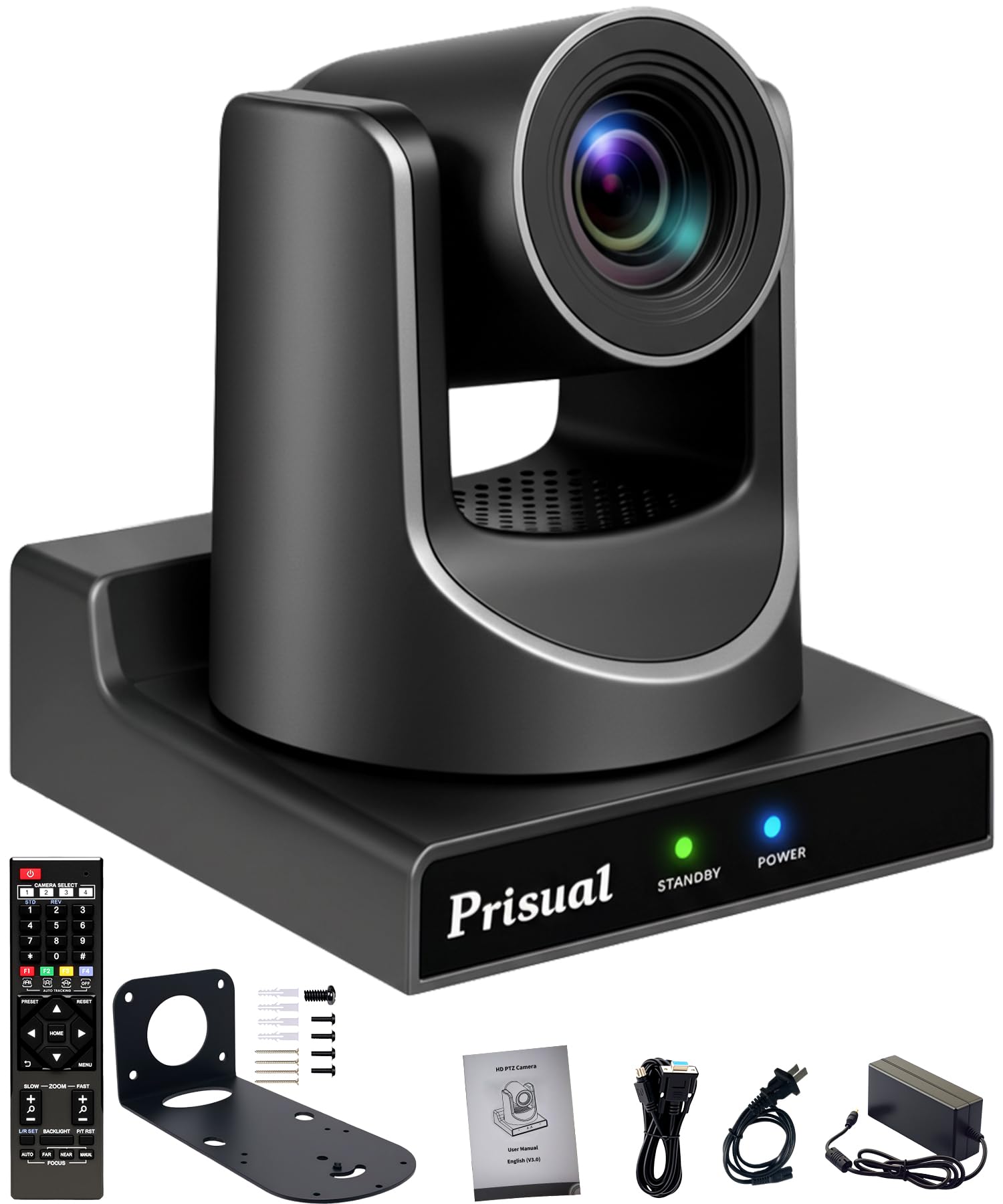

The Buyer Checklist: Key Features to Compare
Work through these six factors in order and you will rule out weak options quickly. A camera that passes all six will serve most streamers well, while a failure on output or heat handling is hard to fix later with accessories.
Features That Matter Most for Live Streaming
Start with the video output your computer or switcher will actually receive. Look for a clean HDMI output that sends video without menu icons or focus boxes burned into the picture, plus a USB option if you want a simple webcam style connection. Confirm the camera can run from wall power for long sessions, because a battery that fades mid stream ends the broadcast. Finally, check heat behavior during long sessions, since some compact bodies limit recording time when they warm up.
Sensor Size and Image Quality
Sensor size shapes your picture more than the megapixel count does. A 1 inch sensor suits a small desk setup and handles typical room light well. APS C and full frame sensors gather more light, blur backgrounds more easily, and hold detail in dim rooms, but they add size and cost. For streaming, resolution beyond what your platform accepts matters little, because services compress your feed anyway. Judge sample footage at your real streaming bitrate rather than trusting headline numbers like 4K video alone.
Lens Choice and Zoom Range
Your lens decides how much of the room viewers see and how large you appear in the frame. A kit zoom covering a wide to moderate range lets you frame a desk, a stage, or a small group without moving the tripod. Optical zoom keeps full quality at every setting, while digital zoom simply crops the picture and softens it. Note the widest aperture as well, since a lens that opens wide helps in dim light. Prime lenses give a fixed view but often deliver a brighter, sharper image for the money.
Size, Weight, and Handling
A camera you stream with daily should be easy to mount, move, and adjust between sessions. Compact mirrorless cameras sit neatly on a desk arm or small tripod and travel well in a padded bag. Larger bodies offer more physical controls and bigger grips, which helps during long events where you adjust settings by feel.
Low Light Performance
Many streams happen in living rooms, classrooms, and halls where the light is far from studio quality. A camera with a wide usable ISO range keeps the picture clean when you raise sensitivity, so faces stay smooth instead of grainy. Pair that with image stabilization if you plan to hold the camera or walk while streaming, because small shakes grow distracting on a live feed. Good autofocus in low light matters just as much, since hunting focus pulls attention away from what you are saying.
Ease of Use for Your Skill Level
Match the controls to your experience so the camera helps instead of slowing you down. Newer streamers benefit from reliable automatic exposure and face tracking autofocus that follows you as you move. More experienced users often want manual control over exposure, white balance, and audio levels, plus custom buttons they can set once and reuse. A companion app that transfers settings or starts the stream from your phone can save time. Whatever you choose, you should be able to go live within a few minutes of sitting down.
Putting the Checklist to Work: Guidance by Budget and Setup
With the product table above in view, sort your shortlist by the kind of streaming you actually do. The right spend depends on your room, your audience, and how often you go live, not on buying the most advanced body available.
Starting Out on a Modest Budget
If you stream from a desk a few times a week, a compact camera with a 1 inch sensor, dependable autofocus, and USB streaming covers the basics for around $300 to $600 once you add a simple mount. Spend first on the camera and a basic light, because better light improves any sensor. Skip extra lenses for now and learn your framing at one comfortable distance. This level also suits classes and meetings where clarity and reliability matter more than a blurred background.
Building a Flexible Midrange Setup
Streamers who publish on a schedule often land on interchangeable lens mirrorless cameras at about $700 to $1,500 with one versatile zoom. This tier adds cleaner low light results, better audio inputs, and room to grow with a second lens later. Budget for a microphone and a sturdy tripod alongside the body, since sound quality shapes how professional a stream feels. Readers comparing formats may also want to see our guide to the best cameras for live streaming for a broader view of camera styles.
Going Premium for Demanding Productions
Full frame bodies and fast lenses, often about $1,800 and up before accessories, earn their cost when you stream in dim venues, shoot wide scenes, or run multicamera productions. You gain the cleanest high ISO picture, the strongest background blur, and the most complete set of ports and controls. Weigh that against heavier gear and a steeper learning curve. For houses of worship weighing similar tradeoffs, see our guide to the best video cameras for live streaming church services and events.
Quick Buyer Checklist
Answer each question for every camera on your shortlist. A no on the first three items should remove that camera from consideration. A camera that passes this screen earns its place on any shortlist of the best cameras for streaming live video.
- Does the camera send a clean HDMI signal with no icons or overlays in the picture?
- Can the camera run from wall power for the full length of your longest stream?
- Does the autofocus track faces smoothly without pulsing or hunting in your room light?
- Does the lens range frame both a close desk shot and a wider group shot?
- Can you connect an external microphone and monitor the audio level on screen?
- Does the body stay within its temperature limits during a two hour trial session at home?
- Can you mount the camera where you need it without blocking ports or the flip screen?
- Does the total cost, including mount, cables, and power supply, fit your budget?
Red Flags to Watch For
Some warning signs show up in listings before you spend anything. Treat the points below as reasons to pause and verify, not as minor quirks.
- The listing boasts huge digital zoom numbers but never states the optical zoom range, so the sharp picture you expect may only exist at the widest setting.
- The maker promises 4K video yet stays silent about clean HDMI output, which can mean menus and icons appear in your live picture.
- Recording limits are buried or missing, so the camera may stop during long sessions because of heat or file rules you never saw.
- The warranty is very short or handled only overseas, leaving you without practical support if the camera fails early.
- Reviews mention repeated overheating or focus drift across many buyers, a pattern that points to a design weakness rather than one bad unit.
Shoppers who mainly need a simple plug in option for calls and casual streams can also see our guide to the best live streaming web cameras, which covers smaller cameras built only for desk use.
How to Make Your Streaming Camera Last Longer
Clean the lens with a soft lens cloth and a blower, never your shirt, because fabric grit can scratch the coating on the objective lens surface. Keep a spare battery charged and rotate it with the main one so neither sits empty for months. Store the camera in a dry, padded bag away from radiators and damp basements, and remove the battery during long storage. Before each stream, glance over cables and mounts for wear, and update the camera firmware when the maker releases a fix, following the instructions on screen carefully.
Your Questions About Streaming Cameras, Answered
What features matter most in a camera for streaming live video?
A clean video output, wall power operation, and face tracking autofocus matter most for live streaming. Add a microphone input, because viewers forgive a soft picture sooner than poor sound. One point many buyers miss is the tally light, the small lamp that shows when you are live. It prevents the awkward mistake of talking before the stream starts or after it ends.
How much should you spend on your first streaming camera?
Most first time streamers do well spending around $300 to $600 on the camera itself. That range buys a clean output, solid autofocus, and dependable performance in normal room light. Keep part of the budget aside for a mount, a cable, and a simple light. You can always move up later, and your first camera often becomes a useful second angle once you upgrade.
Is a smartphone enough for streaming live video instead of a dedicated camera?
A smartphone is enough for casual streams, short sessions, and trying a new channel idea. Its camera is capable and the apps are simple. A dedicated camera pulls ahead for long sessions, though, because it runs on wall power without draining your phone, avoids call interruptions, and accepts external microphones and lenses. If you stream weekly on a schedule, that reliability alone can justify the separate device.
Which type of streaming camera handles low light best?
Full frame mirrorless cameras handle low light best because their large sensors collect more light at each sensitivity setting. APS C models follow close behind and cost less. Whichever you choose, a lens with a wide maximum aperture often improves a dim room picture more than a body upgrade does. Adding even one modest light near your subject usually beats both, so treat lighting as part of the camera decision.
What specs matter most for beginners choosing a streaming camera?
Beginners should weigh autofocus reliability, a flip screen, and simple automatic exposure above raw resolution. These three shape every session, while extra resolution sits unused once the platform compresses your feed. Also confirm the camera works as a USB camera without extra capture hardware if you want the simplest setup. Fewer boxes and cables means fewer things to troubleshoot five minutes before you go live.
What does optical zoom mean on a streaming camera lens?
Optical zoom means the lens changes your framing by moving its glass elements, so the picture keeps full detail at every setting. A 3x optical zoom, for example, moves from a wide room view to a tighter head and shoulders shot without quality loss. Digital zoom only enlarges the middle of the image. When a listing mixes both numbers, compare the optical figure only, and check the framing at the distance you actually sit from the camera.
Final Thoughts
Run every candidate through the same checklist and the decision gets much simpler. Clean output, dependable autofocus, and power that lasts the whole session matter more than headline resolution, and the product table above helps you compare those points side by side. Shoppers still weighing formats can also see our guide to the best streaming video cameras for another angle on the same choice. Pick the best cameras for streaming live video option that fits your room, your subjects, and your budget, and you will stream with confidence from the first session.


