
Best Cameras for Live Streaming Sports Made Simple: A Clear Buying Guide for 2026
Disclosure: We may earn a commission when you buy through links on this page, at no extra cost to you. As an Amazon Associate I earn from qualifying purchases. Learn more

Compare the best cameras for live streaming sports by output, autofocus, zoom reach and run time, with plain English specs and first setup steps.
Streaming a school match or a local league game for the first time looks easy until the feed drops, the far side of the field turns into a blur, or the camera quits in the second half. This guide walks you from the basic terms to a confident shortlist, so you can choose the best cameras for live streaming sports for your venue without guessing. You will learn what a clean output is, why run time matters more than headline resolution, and how much zoom a field sport needs.
Start with the comparison table below for a fast view of the camera classes, then read the sections under it in order.

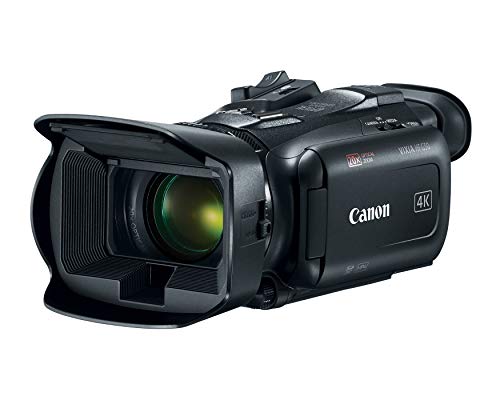


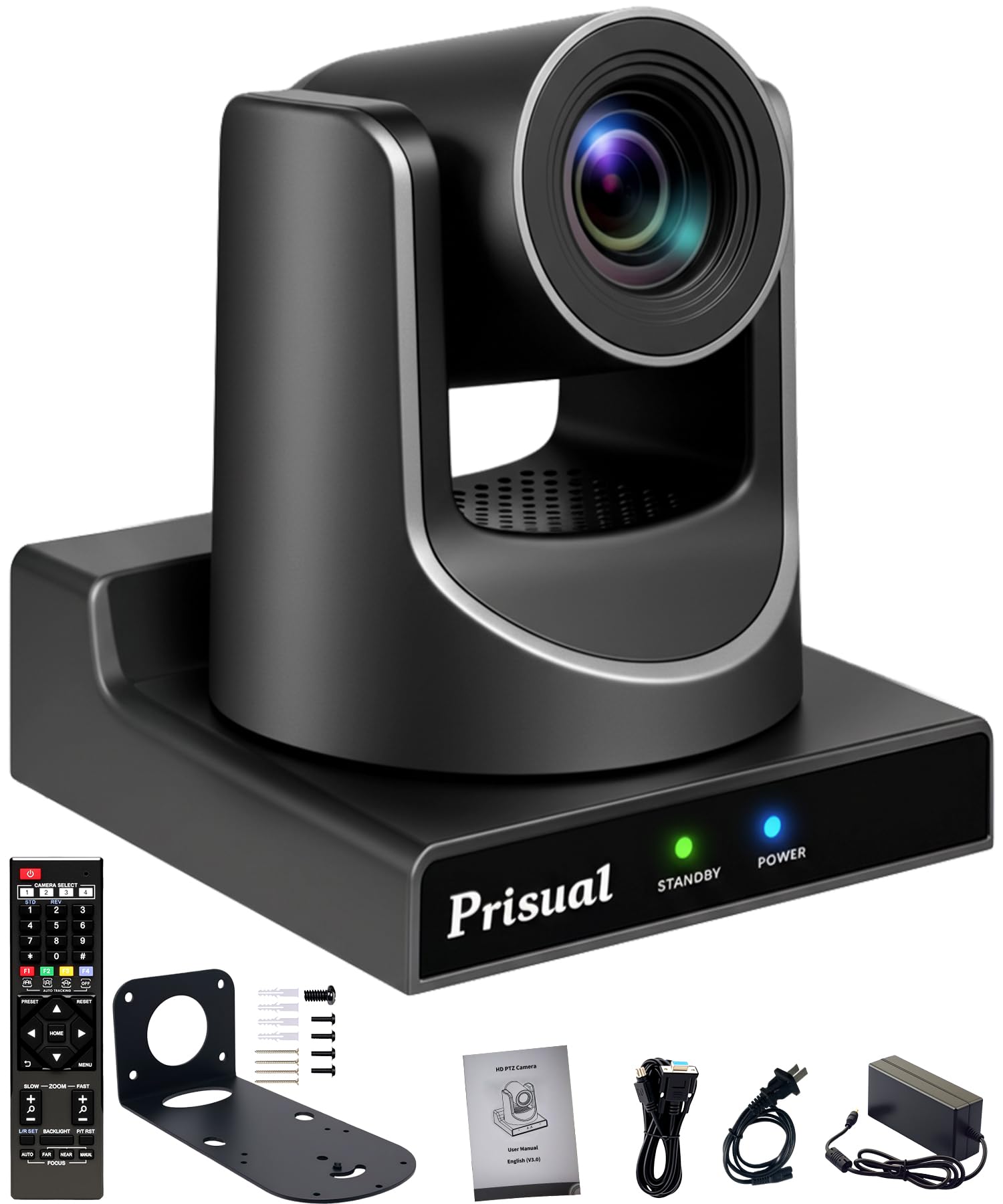
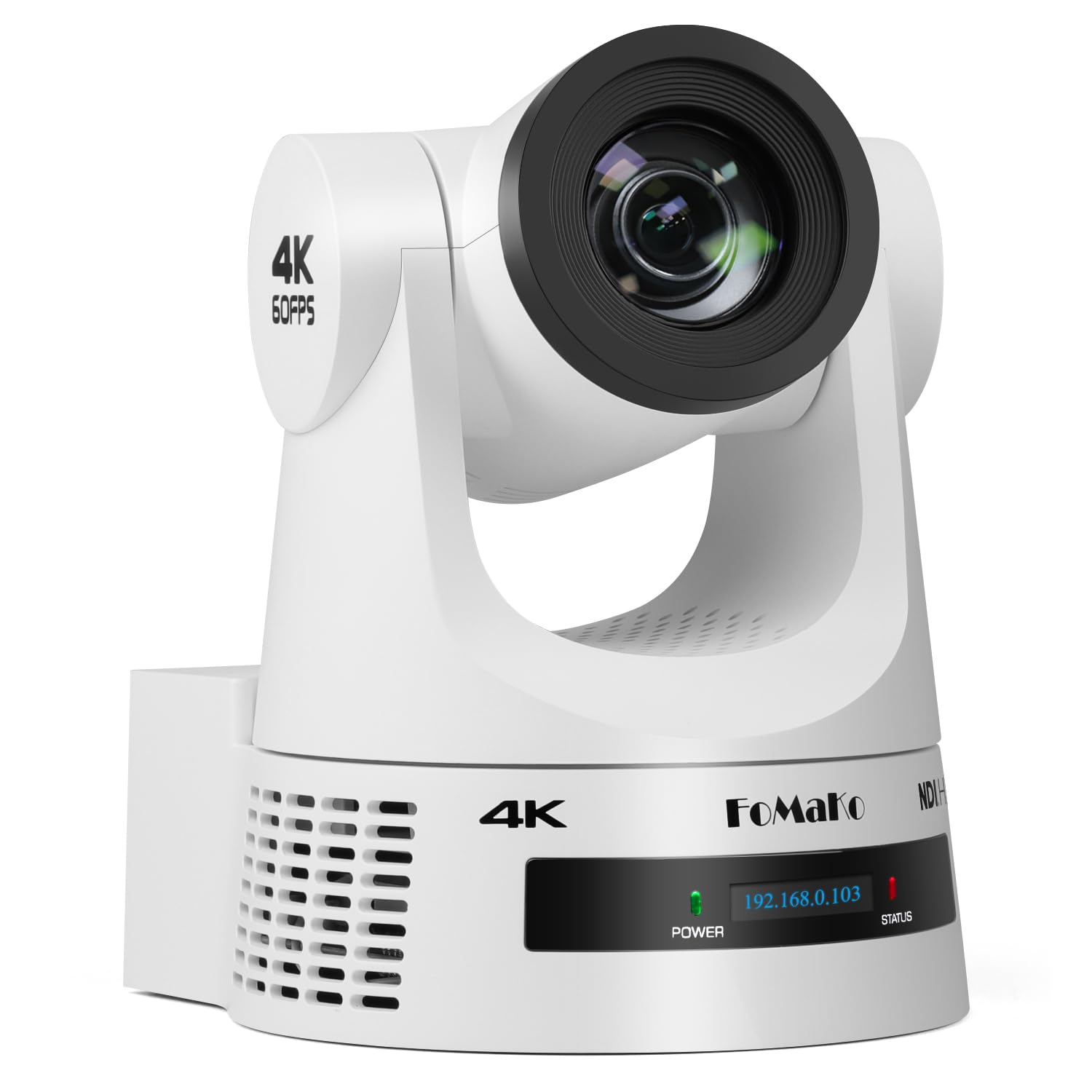


Cameras 101: The Basics
A live streaming setup is a chain with four links. The camera captures the game, a cable or wireless link carries the picture to an encoder, the encoder prepares the feed, and your internet connection sends it to the platform where fans watch. The encoder can live inside the camera, in a laptop, or in a small streaming box. If any link is weak, viewers see the weakness.
Venue shapes the chain as much as budget does. A school gym gives you power outlets and a short throw to the court, while an outdoor field may mean battery power, glare, and a long distance to the far touchline. A fixed hall with the same seat every week is a different problem, closer to the setups in guides to the best live streaming cameras for church, where the camera never travels. A webcam is a different class of tool, built to sit on a monitor and frame one seated person at a desk, and guides to the best live streaming web cameras cover that desk setup rather than a sideline rig.
Key Specs Explained in Plain English
Features That Matter for Live Streaming Sports
Read a live camera by its output first. A clean output means the camera sends a picture with no menus, focus boxes, or battery warnings baked into the signal, and a stable connection means that picture reaches the platform without drops. Those two classes decide whether a stream works at all, before sensor size or lens quality enter the picture. Heat is the second test, because a match runs far longer than a short clip: a body that overheats and shuts down mid match has failed the whole job, so check continuous run behavior and whether the camera can run on wall or USB power.
Sports subjects add a third demand, because play moves fast and changes direction without warning. Autofocus that tracks a runner and frame rates that keep motion smooth serve the stream more than a huge still photo resolution ever will. If you already stream talks or lessons indoors, our guide to the best cameras for live streaming covers the shared ground. A social platform stream is its own class of job, usually one camera and a phone based workflow, and guides to the best cameras for facebook live streaming treat that phone first setup rather than a tripod rig.
Sensor Size and Image Quality
Sensor size is the light bucket inside the camera. Small one inch sensors sit in compact and action style bodies and do fine in bright daylight, APS C sensors in mirrorless bodies gather more light for gyms and evening games, and full frame sensors gather the most at the highest cost and weight. Megapixel counts describe still photos, and a stream sends far fewer pixels per frame than a still, so megapixels tell you little about stream quality. Judge this class by sensor size and lens brightness together.
Low Light Performance
Evening games under floodlights and indoor courts with mixed lighting are where cheap cameras struggle. A larger sensor and a brighter lens keep the image clean when light drops, while a small sensor raises its ISO setting and fills the picture with grain. Look for a lens aperture of f/2.8 or wider at the zoom you will actually use, since many lenses get darker as they zoom in. If most of your schedule is daytime, spend the money on reach instead.
Durability and Weather Sealing
Outdoor sports means rain showers, dust, and the odd knock on the sideline. Weather sealed bodies and lenses carry gaskets at the buttons and seams that shrug off drizzle and dust, while unsealed gear needs a rain cover. Sealing is not the same as waterproof: a sealed camera survives a wet match on a tripod, but it is not built to be submerged. Cold matters too, since batteries lose capacity on freezing mornings, so carry spare warm batteries.
Size, Weight, and Ergonomics
A streaming camera mostly lives on a tripod, so weight matters less than it does for photography you carry all day. What matters instead is how the controls feel in gloves, whether the screen stays readable in bright sun, and how fast you can swap a battery or card between halves. Compact bodies travel easier and set up faster. Larger bodies usually bring better heat handling and more ports, which is the real trade in this class.
Lens and Zoom Range
Reach decides whether the far side of the field fills the frame or shrinks into a wide empty shot. Optical zoom uses the lens itself and keeps full detail, while digital zoom crops the picture and throws detail away, so compare optical numbers only. For full field sports, a long optical reach or a telephoto lens is the honest answer, and the lens will often cost more than the camera. Check the aperture at the long end of the zoom too, because a lens that darkens as it zooms can undo your low light plans.
Rookie Mistakes to Avoid
- Buying for sensor size and ignoring the output, so the stream shows focus boxes and a battery icon to every viewer.
- Testing the setup only indoors, then discovering at the field that your zoom cannot reach the far touchline.
- Trusting venue WiFi as the only connection, with no wired option or hotspot plan when the crowd slows the network.
- Sizing power for short clips instead of a full match, so the camera dies in the second half.
- Paying for digital zoom numbers on the box, then finding the picture falls apart past the optical limit.
Getting Started: Setup and First Use
Set the camera up at home first, where mistakes are cheap. Charge every battery, format the memory card in the camera, and set your output resolution and frame rate to match what your connection can carry. Then run a full test stream to a private page and watch it on a phone, because that is the screen most of your audience will use. The same chain applies when the goal is general online video rather than a match, and our guide to the best cameras for streaming live video walks through the shared steps.
At the venue, arrive early enough to run a speed test from your exact camera position, since upload strength changes from one end of a building to the other. Mount the camera high enough to see over standing spectators, carry a spare battery and a charged power bank, and clean the lens with a lens cloth, not your shirt. Keep a spare card in your pocket so a full card never ends a stream.
Cameras: Your Questions Answered
What features matter most in cameras for live streaming sports?
A clean output and a stable connection matter most, because they decide whether viewers see a clean picture at all. After that, look at continuous run time on external power and autofocus that tracks moving players. One point new streamers often miss is audio: a microphone input lets you add clear commentary or crowd sound from a small external microphone, which lifts a basic stream more than a resolution bump does.
How much zoom do I need to film a full field from the stands?
You need enough optical zoom to make the far touchline fill a useful part of the frame, which for a full size field usually means a long reach lens or a strong optical zoom compact. Position matters as much as the lens: an elevated seat near the halfway line covers both ends with less zoom than a corner seat. Test from your real seat before the season, because stand height changes the answer more than any spec sheet does.
Which camera class handles low light best for evening games?
Mirrorless cameras with APS C or full frame sensors handle low light best, paired with a lens that stays bright at the zoom you use. Floodlit fields look bright to your eyes but are dim to a camera, so the larger sensor keeps noise down when the ISO climbs. A practical extra is exposure lock: stadium lights vary across the field, and locking exposure stops the picture pulsing brighter and darker as play moves.
Is a smartphone enough for live streaming sports?
A smartphone is enough for casual streams to a small audience, and its apps make going live simple. The limits show up in reach, since a phone has no real optical zoom for a full field, and in endurance, because streaming drains the battery and ties up the phone you need for everything else. Treat a phone as a fine starting point, then move to a dedicated camera when the audience becomes regular.
How much should I spend on my first live streaming sports camera?
Most first time buyers land in one of three bands: starter setups run about $300 to $600 and cover school and youth sports from a tripod, while a midrange budget of about $600 to $1,500 buys better low light performance, longer reach, and calmer heat handling. Above that, you are paying for full frame quality and professional lenses. Keep part of any budget for a sturdy tripod and spare batteries, because the camera alone is not the whole stream.
Wrapping Up
Three checks will steer almost every buyer right: a clean output with a connection you have tested at the venue, power and heat handling that lasts a full match, and enough optical reach for your field or court. Match those to your schedule, with indoor and evening sports pushing you toward larger sensors and daytime sports pushing you toward zoom and sealing. The product table above pulls the leading classes together for a side by side view. Choose the best cameras for live streaming sports for the games you actually film, test the full chain before the season starts, and your first stream will feel routine by the second match.

