
Best Cameras for Live Streaming Events in 2026: What Matters Before You Buy
Disclosure: We may earn a commission when you buy through links on this page, at no extra cost to you. As an Amazon Associate I earn from qualifying purchases. Learn more

Compare the best cameras for live streaming events by sensor, autofocus, clean HDMI, audio and long run power, with a checklist for venues of any size.
An event stream allows no second take. A speaker steps away from the podium, stage lights fall, or a battery fades, and viewers at home miss the moment for good. The best cameras for live streaming events hold focus, keep sound clean, and run for hours, and you can judge those points against the comparison table below.
This guide uses a checklist built for real venues rather than studio desks. You will match camera types to conferences, stage shows, and sports, then compare the factors that decide a live picture.





Who Should Buy Which Camera for a Live Event Stream?
Start with the event you stream most often, because room size, light, and subject movement change what a good camera must do.
Conference Organizers and Corporate Teams
You stream talks, panels, and training days where speech and slides must stay clear. Choose clean output, steady autofocus on a seated speaker, and a mic input for the room mixer feed. For a small room with one fixed view, see our guide to the best live streaming web cameras, which can be enough when the speaker sits close.
Concert, Theater, and School Stage Streamers
You face dim halls, colored stage light, and performers who move across a wide stage. Prioritize low light quality, focus that follows a face in motion, and a lens covering both wide stage and closer solo shots. Two modest cameras, one wide and one closer, often serve a school stage better than one costly body.
Sports and Outdoor Event Crews
You follow fast action from a distance, often in wind, glare, or light rain. Reach, fast focus, and weather sealing matter more here than shallow depth of field. If sport is your main use, see our guide to the best cameras for live streaming sports for sideline advice.
Key Features to Compare
Work through these six factors in order. Output and power decide whether the stream runs at all.
Clean HDMI Output and Streaming Connections
Clean HDMI output sends video without focus boxes or menus burned into the picture, and it separates a live camera from a stills camera on video mode. Check the live output resolution and frame rate, not only the recording spec, because some bodies record 4K yet output a lower signal. USB suits a laptop setup, while HDMI into a switcher suits multi camera events. If your audience gathers on one platform, see our guide to the best cameras for facebook live streaming.
Sensor Size and Low Light Quality at Events
Sensor size shapes how clean the picture stays when venue light drops. A 1 inch sensor improves on small webcam sensors in dim halls, APS C adds a further step in shadow detail, and full frame gives the cleanest high ISO picture for dark theaters, at the highest cost. Megapixels matter far less for a 1080p stream than clean shadows do. Judge footage shot at your venue light level, since a bright demo hides noise a candlelit ceremony will reveal.
Autofocus That Follows Moving Speakers and Performers
Continuous autofocus with face and eye detection keeps a walking speaker sharp while you manage sound and the stream chat. Test focus when a second person crosses in front, because some systems jump to the nearer face and leave the speaker soft. Touch tracking helps when you can tap the subject first. For seated panels, a calmer focus setting often looks better, since constant focus hunting distracts more than a brief soft moment.
Lens Choice, Optical Zoom, and Stabilization for Venues
The lens must cover your distance to the stage from the spot where the tripod can stand. Optical zoom lets a camcorder or a zoom lens frame a speaker from the back of a hall without cropping away detail, while a wide lens suits a small room. Image stabilization calms tripod bumps and handheld shots, though a solid tripod matters more. Note the aperture at the long end of the zoom, because many lenses lose light as they zoom in.
Audio Inputs and Monitoring for Live Sound
Viewers forgive a soft picture sooner than echoing or clipped sound, so plan audio before you upgrade the sensor. A 3.5 mm mic input lets you take a feed from a venue mixer or a wireless receiver, and a headphone jack lets you hear problems during the event. Keep a test recording from the exact mixer output you will use, since mixer feeds can arrive far louder than a camera mic signal.
Power, Heat, and Long Run Reliability
Events run longer than most camera batteries. Choose a body that accepts wall power or a dummy battery, and check it can stream for 2 to 4 hours without a heat warning in a warm room. Total the full cost too, including spare batteries, cables, and a capture card, across a camera price range of about $400 to $2,500. Keep spare batteries charged and within reach.
Camera Types for Events Compared, Plus a Quick Buyer Checklist
Shortlisting the best cameras for live streaming events gets easier when you group them by type, because each type trades picture quality, ease, and reach differently. Match the type to your crew size first. For streaming beyond events, see our guide to the best cameras for live streaming.
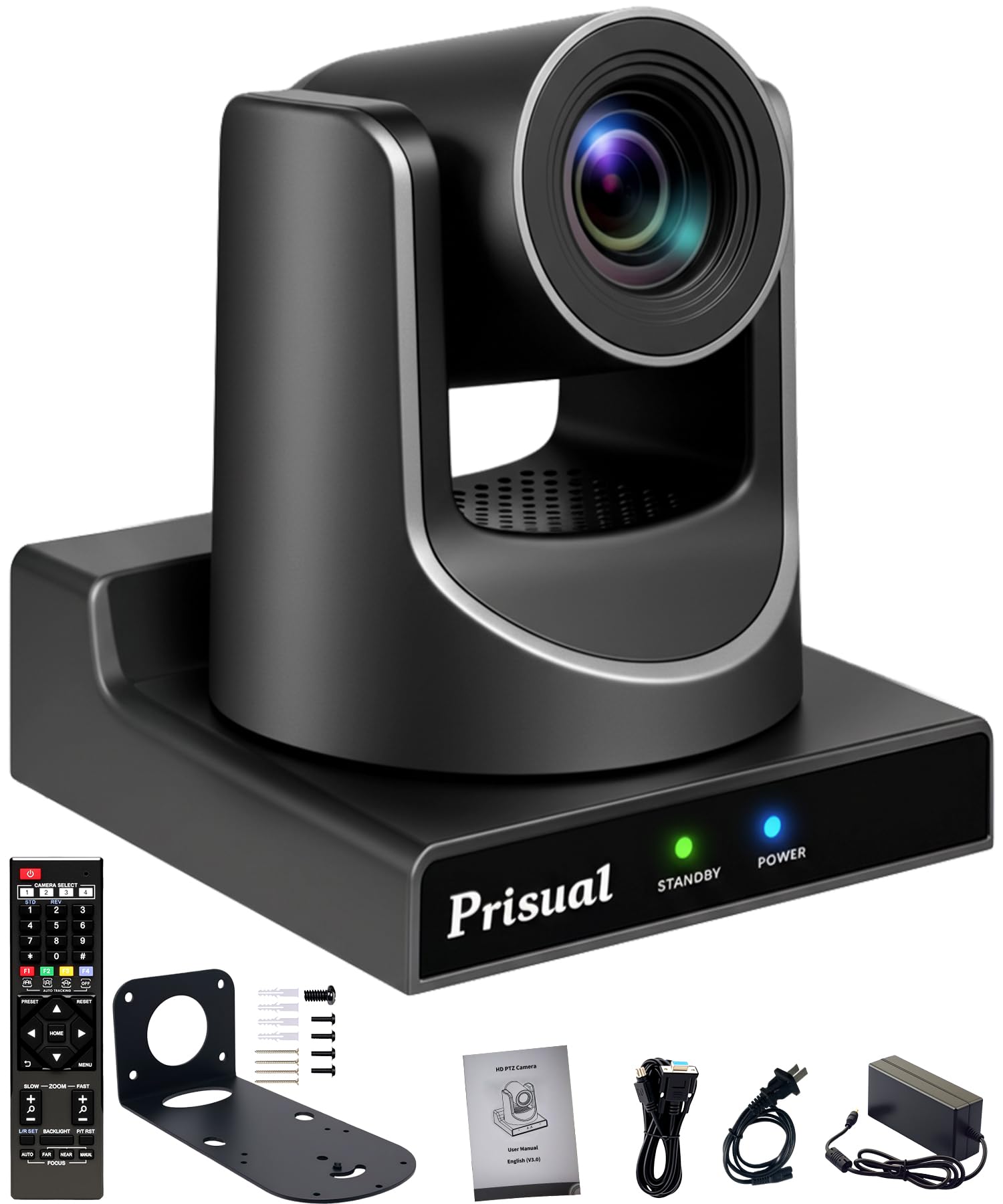
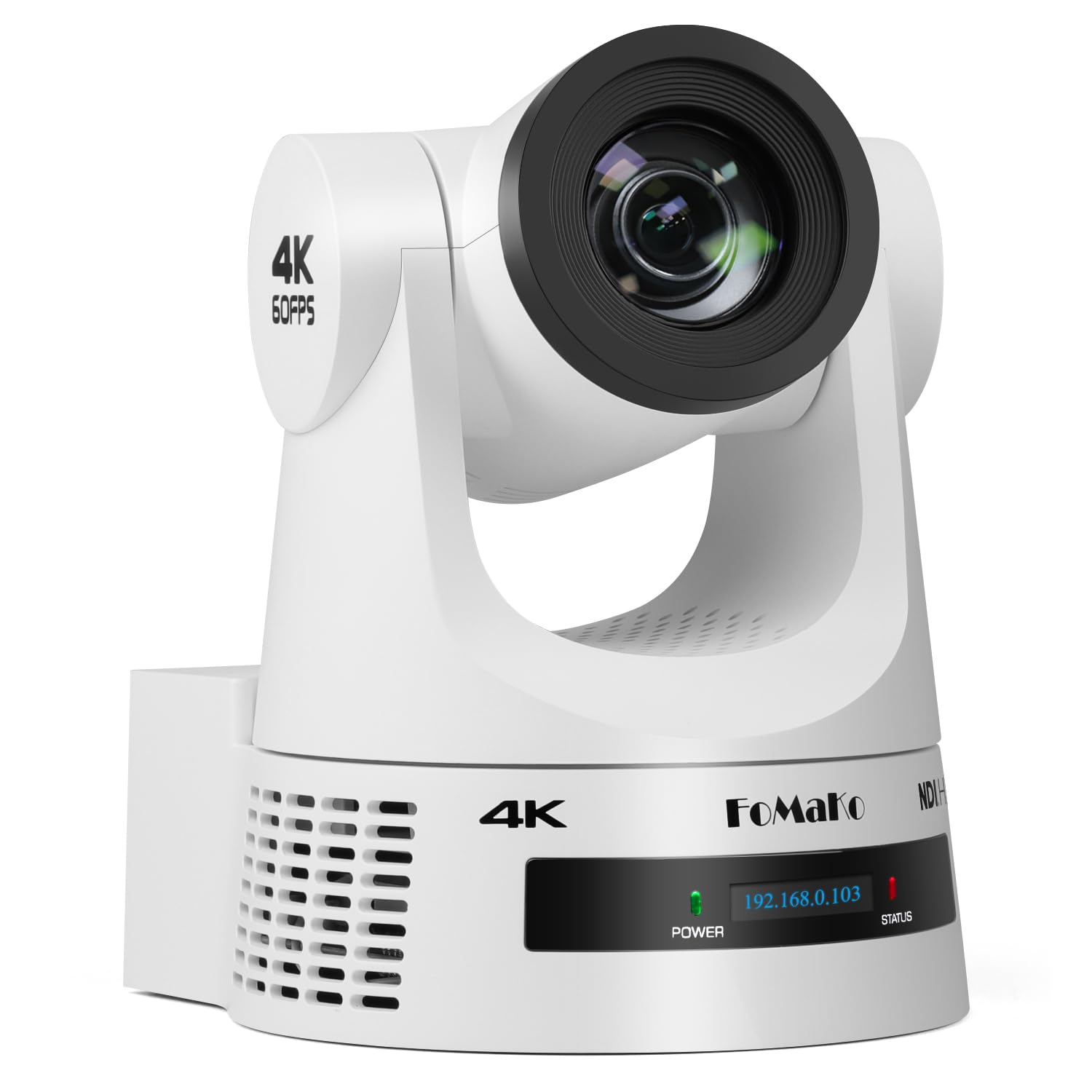
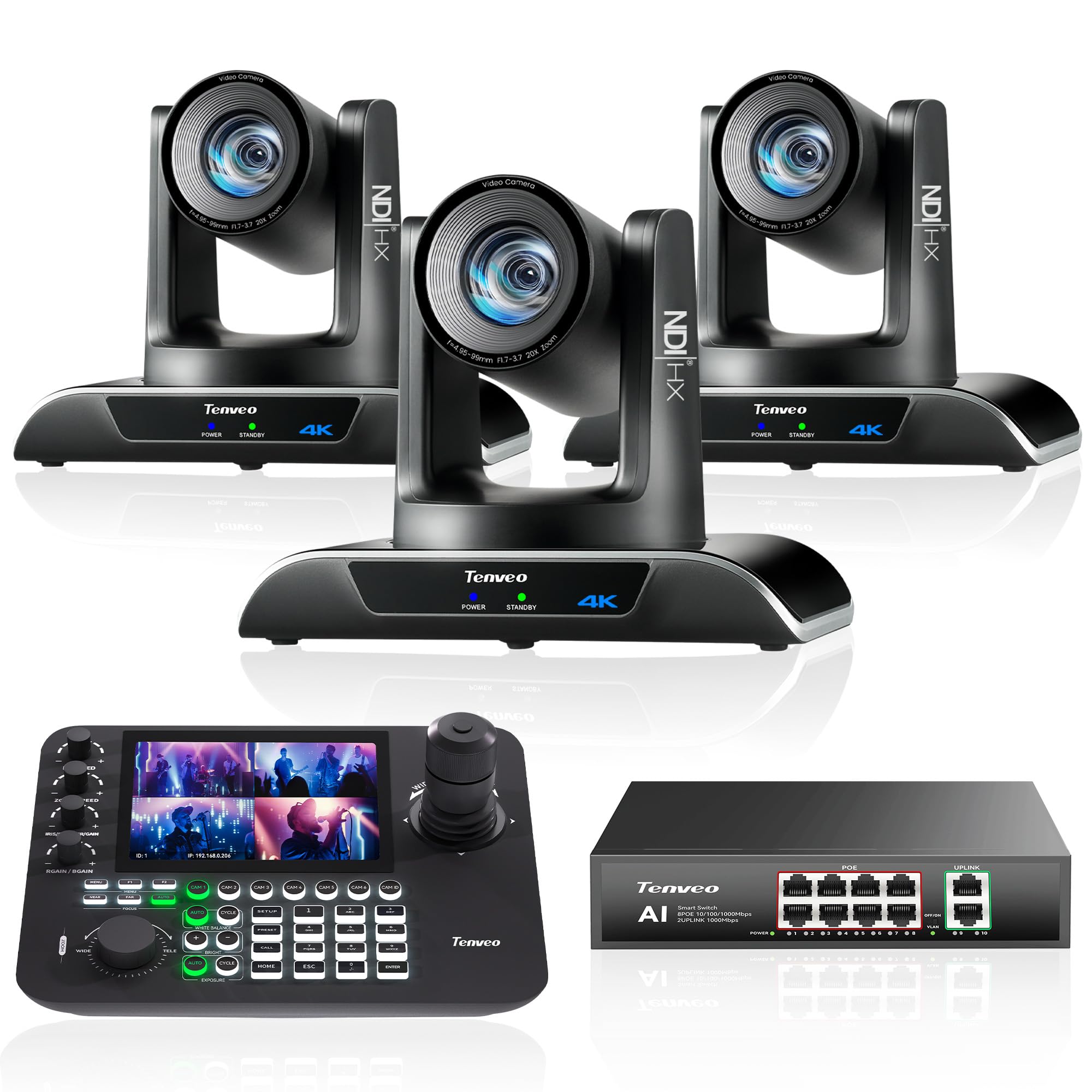
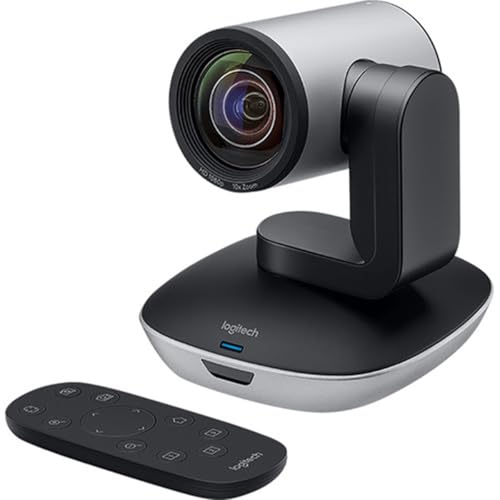
Pan tilt zoom cameras, often called PTZ cameras, mount high and move under remote control, so one operator can cover a stage and a lectern from a desk. They suit halls where the camera must stay out of sight. Their smaller sensors trail other types in very low light, so pair them with decent house lighting.
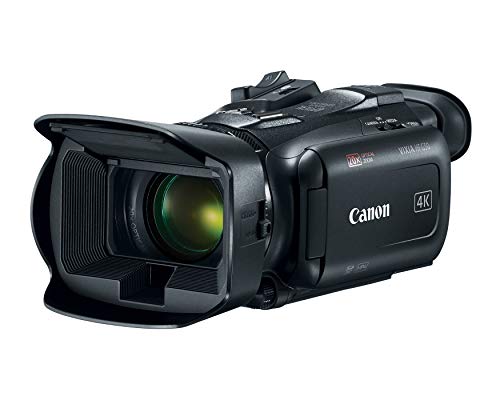
Camcorders pair a built in zoom lens, long battery options, and simple controls a volunteer can learn quickly, and their deep depth of field keeps a stage in focus. Mirrorless cameras give the largest sensors and the best low light picture, plus interchangeable lenses, but they demand more skill and closer attention to heat and power.
- Can it output a clean signal at your stream resolution?
- Can it run on wall power for longer than your longest event?
- Does the lens frame your subject from your real tripod spot?
- Can you take audio from the venue mixer and monitor it on headphones?
- Does autofocus hold a moving speaker without jumping to the audience?
- Have you priced the tripod, cables, and capture gear it still needs?
Common Mistakes to Avoid
Most failed event streams trace back to planning errors, not to a camera that was too cheap.
- Buying for recording specs while ignoring live output limits leaves menus on screen or a weaker stream than planned.
- Trusting one battery for a full day event ends the stream during the final session.
- Placing the only camera at the back with a short lens makes faces tiny and loses viewers fast.
- Feeding the stream with camera mic room sound leaves speech echoing in a large hall.
- Skipping a full length rehearsal hides heat warnings, cable strain, and audio hum until the audience is watching.
How to Make Your Event Camera Last Longer
Clean the lens with a lens cloth and a blower, not your shirt, because grit on fabric scratches coatings over time. Check HDMI ports for wobble before each season, since a loose port can drop the signal mid stream. Carry a spare battery and a spare cable for every critical link, and label them for a fast swap under pressure.
Store the camera in a dry, padded bag with the battery removed, and keep it out of a hot car trunk. Update firmware only on a quiet week, never on event day, and run a short test stream after any update.
FAQ
What features matter most in cameras for live streaming events held indoors?
Clean output, calm autofocus, and a mixer audio feed matter most indoors. One extra indoor point: ceiling lights and LED walls can flicker on camera when the shutter clashes with the local power frequency. Use the flicker reduction control or test shutter speeds during rehearsal, and note the setting that worked for your next visit.
How much should you spend on a first camera for live streaming events?
Most first time event streamers do well at about $400 to $900 for the camera. That level buys clean output and a mic input without paying for a full frame sensor. Keep roughly a third of your budget for the tripod, audio cables, and a capture device, because clear sound on a steady mount beats a costly body on shaky support.
Is a smartphone enough for live streaming an event?
A smartphone is enough for a short, informal event with one fixed view and a quiet room. Its small sensor struggles in dim halls, and calls can interrupt the stream unless you set the phone aside for this job alone. A useful middle step keeps the phone as a second wide view while a dedicated camera carries the main shot and venue audio.
Which camera type suits live streaming a sports event from the sideline?
A camcorder with a long optical zoom usually suits sideline sports best. Its zoom follows play from one end of the field to the other without lens changes, and its deep focus forgives fast movement toward the camera. Add a rain cover and a monopod, because sideline operators shift position often and a tripod slows them at crowded field edges.
What should you test before live streaming an event with a new camera?
Run a private test stream at full event length before the real day. Watch the recording on a phone over mobile data, not only on venue WiFi, because weak upload faults show up there first. Check lip sync between picture and the mixer feed, and fix one fault at a time before you test again.
Wrapping Up
Judge every candidate by the same short list: clean output that runs for hours, a sensor that stays clean in your venue light, focus that follows your subject, a lens that fits your distance, and audio you can monitor. Use the product table above to compare those points side by side.
With that checklist in hand, the best cameras for live streaming events for your crew will stand out quickly. Buy the simplest type that covers your longest and darkest event, rehearse once at full length, and your viewers will remember the occasion rather than the stream.

