
Best Cameras for Facebook Live: Every Type Explained Side by Side for 2026
Disclosure: We may earn a commission when you buy through links on this page, at no extra cost to you. As an Amazon Associate I earn from qualifying purchases. Learn more

Compare camera types side by side, from compacts to mirrorless, and learn what to check so you can choose the best cameras for facebook live with confidence.
Choosing a camera for a live stream feels confusing because phones, compacts, webcams, and mirrorless models all promise great video in different ways. This guide compares each type side by side so you can match the best cameras for facebook live to your room, your subject, and your budget. You will learn what each type does well and which features change how your stream looks and sounds.
Start with the comparison table below, then read the type breakdown that follows. A simple camera used well will beat a complex camera with the wrong lens or weak light.
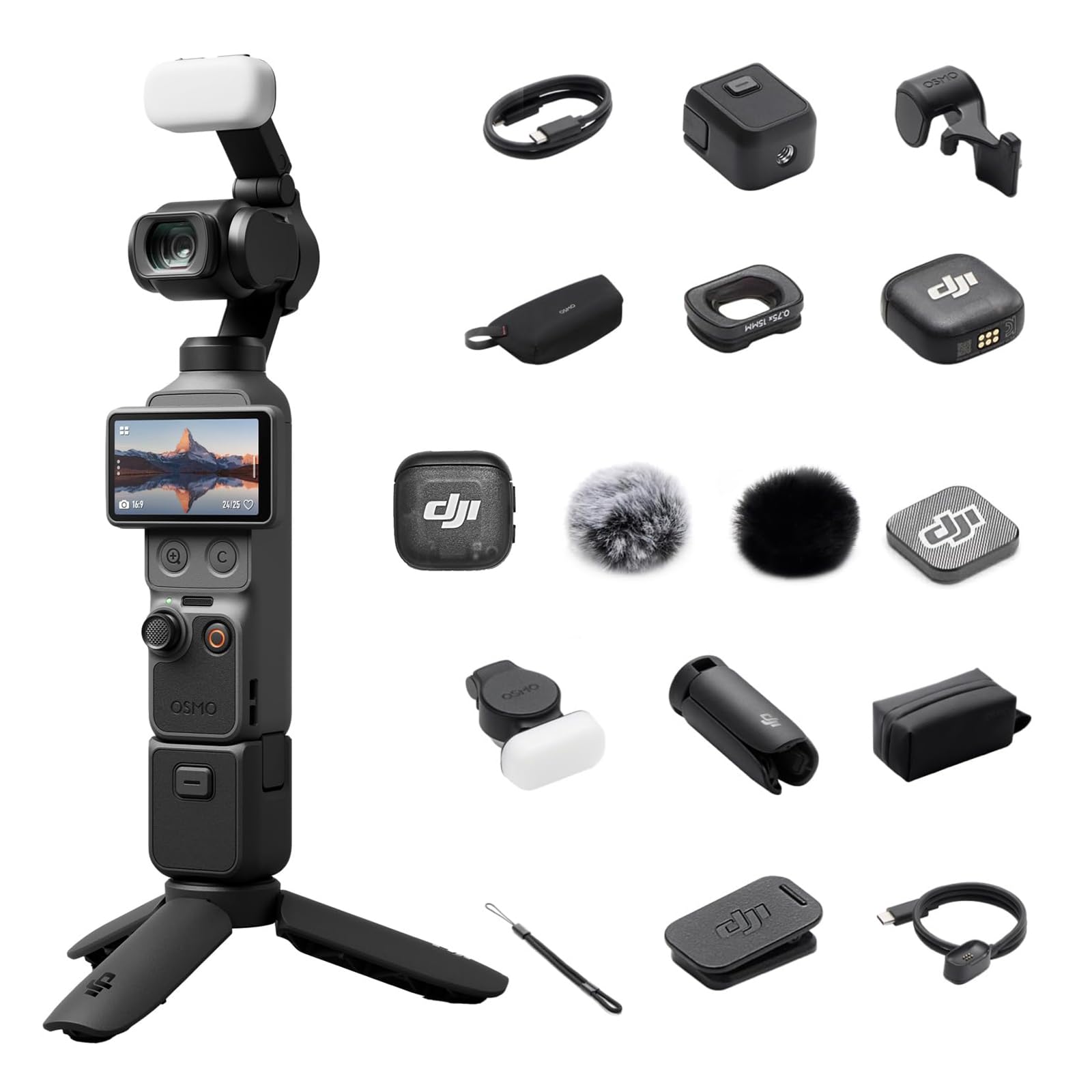
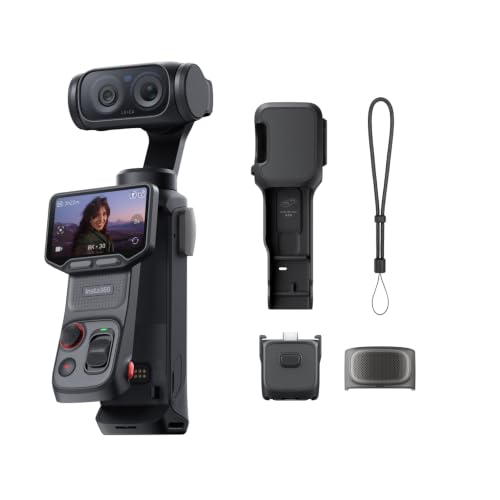
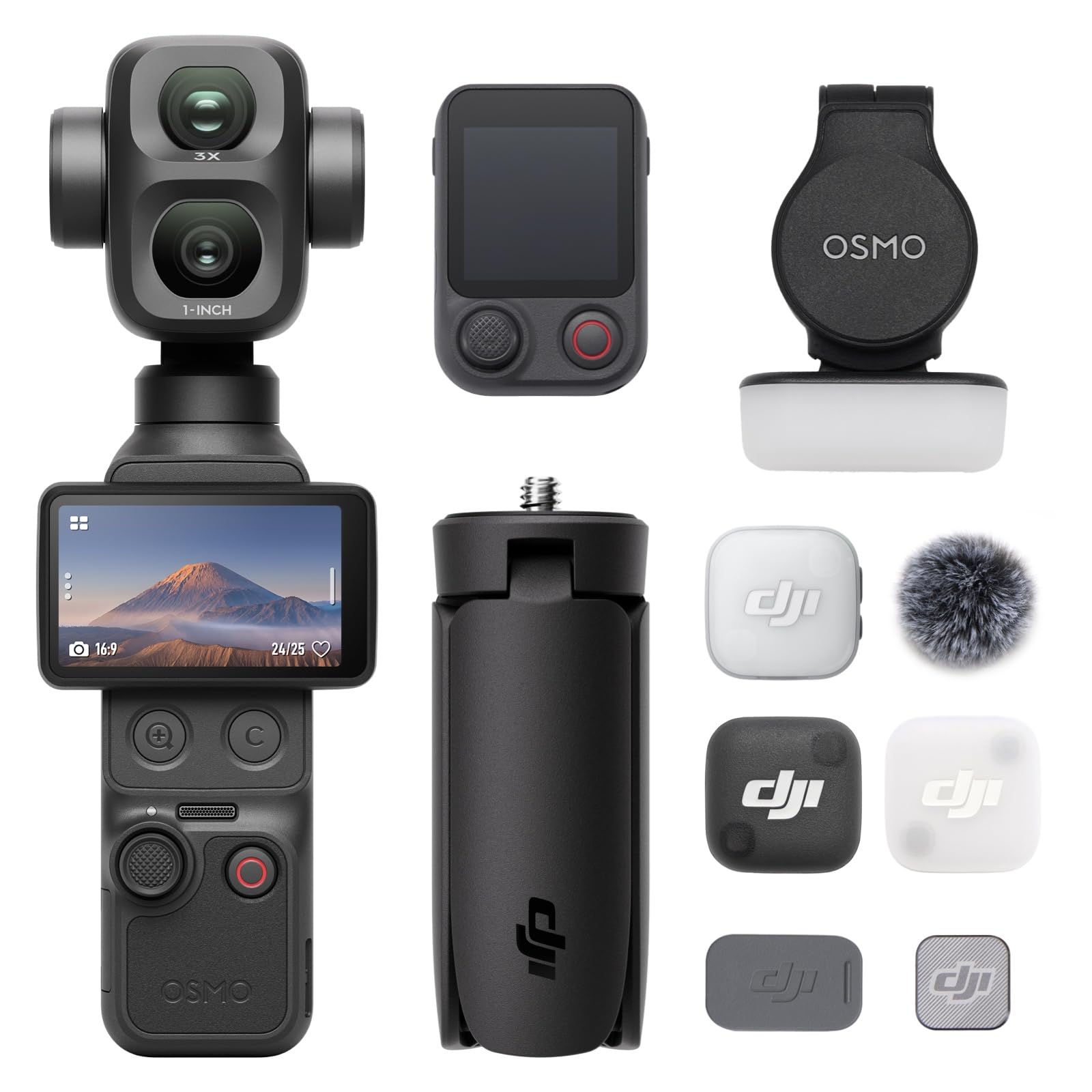


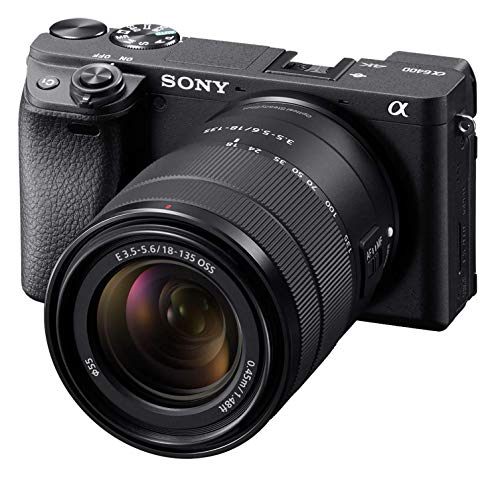

Types of Cameras Compared
Facebook Live compresses your video before viewers see it, so clean focus, stable exposure, and clear audio often matter more than extreme resolution. The main types differ in sensor size, lens choice, and how they connect to a phone or computer.
Point and Shoot Compacts
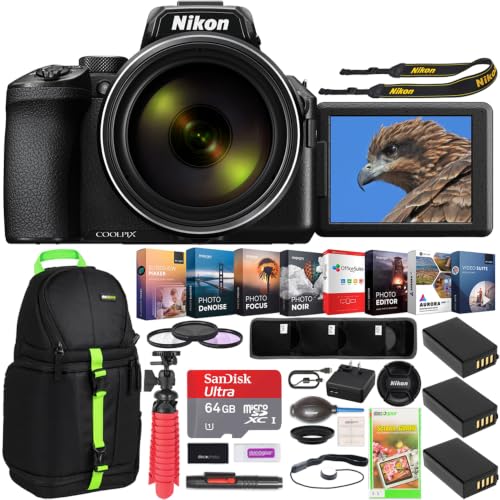
Point and shoot compacts pair a fixed lens with a sensor that is usually larger than a phone sensor, in a body that fits in a jacket pocket. You frame your shot and go live through the maker app, a USB connection, or an HDMI output on higher models. The built in lens covers wide group shots and closer portraits without any swapping.
Compacts suit solo creators, teachers, and small business owners who want a step up from a phone without a bag of lenses. Their limits show up in dim rooms, where smaller sensors add grain, and in long sessions, where small batteries drain quickly.
Vlogging Cameras
Vlogging cameras are compacts or small mirrorless models built around video first design. Most add a screen that flips toward you, strong face and eye autofocus, and image stabilization that smooths hand movements. Many also include a focus mode that shifts focus to an item you hold up, then returns to your face.
These cameras fit sellers who demo products, coaches who move around a room, and creators who film alone and must check framing while live. They cost more than basic compacts, often around $500 to $900, and their short zoom range can feel limiting for stage coverage.
Mirrorless Cameras
Mirrorless cameras use larger sensors and interchangeable lenses, so you choose the lens for the room instead of accepting a fixed one. They deliver the cleanest low light image, the softest background blur, and the most control over color and exposure. Most stream through USB or HDMI into a computer.
Mirrorless models suit churches, studios, and event hosts who stream on a schedule and want a polished look. The trade off is cost and complexity, with body and lens together often about $800 to $2,500. Heat limits on long 4K video sessions also vary by model, so check the stated recording limits carefully.
Webcams and Action Cameras
Webcams are the simplest path to a desk based stream. They clip to a monitor, connect by USB, and work at once with Facebook in a browser, though their small sensors struggle away from good light. Action cameras take the opposite approach, with a wide fixed lens, tough weatherproof bodies, and strong stabilization for outdoor streams.
Choose a webcam for seated talks where convenience beats image polish, and an action camera for farm tours or travel streams where rain and bumps are likely. Both types have limited zoom and modest audio, so an external microphone usually improves either setup more than a higher resolution rating does.
Point and Shoot Compacts vs Mirrorless Cameras: Which Should You Choose?
Compare these two types on five points. For image quality in dim light, mirrorless wins because its larger sensor gathers more light. For speed of setup, the compact wins, since its fixed lens and automatic modes get you live in minutes. For lens flexibility, mirrorless wins, because you can swap lenses. For total cost, the compact wins, because everything you need is in one purchase.
For growth, mirrorless wins, because the same body can improve as your lenses and lighting improve. If you stream casually from home, start compact. If streaming is core to your work, the product table above will help you weigh mirrorless options. For connection and software details, see our guide to the best cameras for facebook live streaming.
How to Choose the Right Camera
Work through the factors below in order. Your room size decides the lens you need, and your session length decides power and heat needs. If you also shoot still photos, see our guide to the best digital cameras.
Features That Matter for Facebook Live
Four features decide most live results. Clean HDMI or reliable USB output lets software receive video without on screen menus or battery icons. Continuous power from a wall adapter keeps a two hour stream from ending early. A microphone input lets you control audio, which viewers notice more than resolution. A flip screen lets a solo host confirm framing without walking behind the camera.
Resolution needs context. Facebook Live caps most streams well below 4K video quality, so 4K video mainly helps you record a sharper local copy. A clean 1080p signal with steady autofocus will look better than a soft 4K feed. For a video first view, see our guide to the best video cameras for facebook live.
Sensor Size and Image Quality
Sensor size sets how much light the camera captures in each frame. Common steps run from small webcam sensors to 1 inch compact sensors, then APS C, then full frame. Each step up improves dim room clarity and gives shallower background blur, while also raising cost and size. Megapixel counts matter far less for live video, because a video frame uses only a small share of the sensor pixels.
Durability and Weather Sealing
Weather sealing uses gaskets around buttons, dials, and the lens mount to slow dust and light rain from entering the body. A weatherproof rating on an action camera goes further and allows full submersion within stated limits. Sealing only works as a system, so a sealed mirrorless body still needs a sealed lens. For indoor streams, sealing is minor and you can spend that money on light or audio instead.
Autofocus and Stabilization
Autofocus for live video must be smooth, quiet, and willing to stay on a face. Eye detection autofocus locks onto a subject eye and holds focus as the person moves, which suits hosts who gesture or walk. Older systems can pulse while they hunt, and that pulsing looks distracting live. Image stabilization helps handheld work, whether it moves the sensor or elements inside the lens. On a tripod, stabilization adds little and can drift, so many hosts turn it off.
Lens and Zoom Range
The objective lens decides what your room looks like on screen. A wide lens around 24 mm equivalent shows a whole desk or market stall, while a lens near 50 mm equivalent flatters a single speaker. Bright lenses carry low f numbers such as f1.8 or f2.8 and gather more light indoors. Optical zoom changes magnification by moving lens elements, so detail stays sharp, unlike digital zoom, which only crops pixels. A modest 3x to 5x optical zoom covers most framing changes.
Picking the Right Cameras for Different Uses
Your use case narrows the type faster than any spec sheet. A seated seller needs a flip screen, eye focus, and a close focusing lens for products on a desk. A worship or school stream needs long session power and a zoom lens for a distant stage. An outdoor host needs sealing and a battery plan. If you stream in several places, compare your needs against the best live cameras.
Best Phone Cameras for Facebook Live: Which Type Works Best
The best phone cameras for facebook live share three traits that matter more than brand. The front camera should record clean 1080p video with reliable face focus, because most solo streams use that lens. The phone needs strong electronic stabilization and a bright screen you can read outdoors. It must also accept continuous power without overheating during your longest stream. A phone wins on speed and loses on zoom reach and call interruptions, so treat it as your starter camera.
For photo posts, our guide to the best cameras for facebook covers that side of the workflow.
Setup and Care Tips
Set the camera at eye level or slightly above, light your face from the front, and run a private test stream before every important session. Lock exposure and white balance once the shot looks right, so the image does not shift each time you move. Keep cables routed behind the tripod, since a pulled HDMI cable can end a stream without warning.
Clean the lens with a lens cloth, not your shirt, because shirt fabric can drag grit across the coating and leave scratches. Carry a spare battery and a spare memory card even for USB streaming, since local backup recordings save a session when the internet drops. Store the camera in a dry, padded bag.
FAQs
What features matter most in cameras for Facebook Live?
Clean video output, continuous power, and a microphone input matter most in cameras for Facebook Live. Those three decide whether your stream runs without interruptions and sounds clear enough to hold attention. A useful extra point is stream key persistence, because some software saves your key between sessions while other tools require a fresh key each time.
How much should you spend on your first camera for Facebook Live?
Most first time buyers should plan on about $300 to $700 for the camera, then reserve funds for light, audio, and a tripod. Spending the whole budget on the body leaves sound and light, the items viewers notice most, underfunded. A practical split puts roughly a fifth of your total toward a microphone and a panel light.
What specs matter most for beginners choosing a camera for Facebook Live?
Beginners should check flip screen design, face detection autofocus, and simple automatic exposure first when choosing a camera for Facebook Live. Those specs decide how easy the camera is to run alone, which matters more at the start than sensor size charts. Also confirm the maker provides a plain language streaming guide or app, because guided setup shortens your first sessions. Avoid models that bury live output settings deep in menus.
Which camera type is better for low light Facebook Live streams?
A mirrorless camera with a bright lens is better for low light Facebook Live streams than any compact or webcam. Its larger sensor and low f number lens gather more light, so faces stay clear without heavy grain. One point not covered above is light placement, so place a soft light close to your subject rather than raising camera gain.
Is a smartphone enough for Facebook Live instead of a dedicated camera?
Yes, a smartphone is enough for Facebook Live if your streams are short, seated, and held in good light. Many creators run successful weekly streams on a phone with a tripod and a plug in microphone. The new point to weigh is notifications, because calls and alerts can pause or overlay your stream. Use the do not disturb mode and keep a charger connected for any session over thirty minutes.
How long can a camera stream on Facebook Live without stopping?
Most cameras can stream for hours on Facebook Live when they run on wall power and stay within their heat limits. Platform session length, internet stability, and camera heat are the three caps you face, and heat usually matters first in 4K modes. Dropping output to 1080p and opening the flip screen away from the body helps heat escape. Test your setup for your full planned length before an event you cannot repeat.
The Bottom Line
Pick your type first, then judge models on clean output, continuous power, autofocus you can trust, and a lens that fits your room. Compacts and vlogging cameras reward solo hosts who value speed, while mirrorless cameras reward scheduled streams that need the cleanest image. Use the product table above to compare options against that list, and you will land on the best cameras for facebook live for the way you actually stream.

